mirror of
https://github.com/alibaba/lowcode-engine.git
synced 2026-06-07 16:08:54 +00:00
Compare commits
586 Commits
v1.1.0-bet
...
main
| Author | SHA1 | Date | |
|---|---|---|---|

|
f6305c2284 | ||
|
|
2892a01d29 | ||
|
|
bd85ca3ca6 | ||
|
|
44beb2a25a | ||
|
|
86d50e0946 | ||
|
|
19eb917259 | ||
|
|
501ad872c4 | ||
|
|
76b2a05049 | ||
|
|
5657d9c084 | ||
|
|
5b46d96df7 | ||
|
|
24393211b4 | ||
|
|
de95b87b1e | ||
|
|
43921cea2d | ||
|
|
557a462b9f | ||
|
|
80bb7102b6 | ||
|
|
ed7befbff0 | ||
|
|
e3a19896d7 | ||
|
|
dfe6878028 | ||
|
|
6e89d4d605 | ||
|
|
739572172a | ||
|
|
b97570f10c | ||
|
|
b29c53901e | ||
|
|
b3880e9a96 | ||
|
|
947c621822 | ||
|
|
dca3448cbf | ||
|
|
0e65f02116 | ||
|
|
cd67a8cea3 | ||
|
|
e6ba79b4d7 | ||
|
|
de738b5d7c | ||
|
|
9b19d8f889 | ||
|
|
4025a7d2e0 | ||
|
|
8f8908c832 | ||
|
|
a8b9b2b5e1 | ||
|
|
84b4c76db2 | ||
|
|
4dd6f7a352 | ||
|
|
7f2b2870aa | ||
|
|
d8406c5bab | ||
|
|
f9fe38e65a | ||
|
|
1943172d65 | ||
|
|
d957be8072 | ||
|
|
e77063636c | ||
|
|
d1a8bacd75 | ||
|
|
adb9f6b090 | ||
|
|
1132a30483 | ||
|
|
34a5a11b49 | ||
|
|
8931d8393d | ||
|
|
844ca783d7 | ||
|
|
6f9359e042 | ||
|
|
ce72fc1b16 | ||
|
|
18642ee923 | ||
|
|
bb5d7ddf82 | ||
|
|
3e7d199a7c | ||
|
|
a7d3996fa2 | ||
|
|
a00c5c9b60 | ||
|
|
3627ae326a | ||
|
|
14728476b6 | ||
|
|
c381b85f0a | ||
|
|
8f0291fc3e | ||
|
|
6ded1a6384 | ||
|
|
6ce381f60a | ||
|
|
6288ab9d60 | ||
|
|
3f369e446d | ||
|
|
1b00c61a32 | ||
|
|
d47c2d2f91 | ||
|
|
31a031ce4e | ||
|
|
ba53d6c690 | ||
|
|
e8aebb9aa3 | ||
|
|
be0456fb39 | ||
|
|
d81eb8d75d | ||
|
|
c24c3d8ae5 | ||
|
|
e1f3a11c41 | ||
|
|
173978ffd4 | ||
|
|
7b85a35b24 | ||
|
|
b2abb67440 | ||
|
|
0d6b2b8bf8 | ||
|
|
8a1345527f | ||
|
|
89e912ba1a | ||
|
|
f7ba053476 | ||
|
|
f483970aef | ||
|
|
73dacadaee | ||
|
|
733229985b | ||
|
|
e79f68611a | ||
|
|
4a502f823c | ||
|
|
2bf3aa70a7 | ||
|
|
594abc4e6c | ||
|
|
16713f4b84 | ||
|
|
711a5f66b9 | ||
|
|
c6e0025256 | ||
|
|
230e63ce55 | ||
|
|
39d030bfc3 | ||
|
|
9394aecc7c | ||
|
|
53078ba5f0 | ||
|
|
5d08b6858d | ||
|
|
729083aa01 | ||
|
|
729b123e46 | ||
|
|
b56a2a9274 | ||
|
|
cdcc8c8a90 | ||
|
|
2349599daa | ||
|
|
613142b2d8 | ||
|
|
08401c76f9 | ||
|
|
ec843543f0 | ||
|
|
ef573d3ad9 | ||
|
|
a567f12473 | ||
|
|
bb50a20ef1 | ||
|
|
9d526ebcd8 | ||
|
|
27bf7babe5 | ||
|
|
c0ddba5543 | ||
|
|
f2d8fca188 | ||
|
|
90add387ac | ||
|
|
f418e5b2c1 | ||
|
|
c3d0ffb62c | ||
|
|
2e604c9910 | ||
|
|
3c3a305c7a | ||
|
|
2ec9bf7cdf | ||
|
|
a25aad4975 | ||
|
|
271aef4fb9 | ||
|
|
07ee7e0355 | ||
|
|
a0975428c4 | ||
|
|
014834a31f | ||
|
|
6932c3bdc7 | ||
|
|
1f214918bb | ||
|
|
3786b3a7ff | ||
|
|
398f069745 | ||
|
|
77aea1bfba | ||
|
|
a87dcaada1 | ||
|
|
28fdf9a37d | ||
|
|
0a50cf5a0d | ||
|
|
70845a1eca | ||
|
|
4d03610fd3 | ||
|
|
ebdcc41461 | ||
|
|
8f5ba69813 | ||
|
|
1a328bd1f6 | ||
|
|
19bf6ad284 | ||
|
|
d703e64ac9 | ||
|
|
d199b44eca | ||
|
|
a8051aefc3 | ||
|
|
b786c8fcaa | ||
|
|
f75b9ae61c | ||
|
|
d41f2c13d2 | ||
|
|
20bf62aed3 | ||
|
|
1c2f195e8b | ||
|
|
c643c0fc4f | ||
|
|
6c7a526521 | ||
|
|
dc1e0f5a49 | ||
|
|
7e80d1f863 | ||
|
|
a3fef9c13d | ||
|
|
029fd1ce67 | ||
|
|
ad044f49ed | ||
|
|
27e914cece | ||
|
|
394b56d0ce | ||
|
|
7c72261fef | ||
|
|
e35c672a50 | ||
|
|
322313cead | ||
|
|
d47df9dc44 | ||
|
|
bf50071cc8 | ||
|
|
396e99aa11 | ||
|
|
3c4bd1d2d0 | ||
|
|
8208dd3a32 | ||
|
|
0f8bc82282 | ||
|
|
8898f1c4a7 | ||
|
|
629eaf84fb | ||
|
|
3f3ad2f5bd | ||
|
|
058e184b21 | ||
|
|
e7884fdb5a | ||
|
|
6cba4bcc20 | ||
|
|
736cb0e965 | ||
|
|
944012ab3f | ||
|
|
b697ea9ad4 | ||
|
|
1020f98756 | ||
|
|
9108e8cfab | ||
|
|
ef6a203a45 | ||
|
|
151748dbab | ||
|
|
621245393f | ||
|
|
938c71fb46 | ||
|
|
04adda02fb | ||
|
|
d64c7d56df | ||
|
|
6320867cad | ||
|
|
3b14a79d1b | ||
|
|
f5c874b4bf | ||
|
|
9f78f8c54a | ||
|
|
de8dab5cb3 | ||
|
|
e3611dcf06 | ||
|
|
97eb477746 | ||
|
|
c65c17f779 | ||
|
|
c5ba2f3ef1 | ||
|
|
95a48e057f | ||
|
|
b3b2a03642 | ||
|
|
055ab68a4b | ||
|
|
11ee97c6da | ||
|
|
0f02080035 | ||
|
|
e7a3ba9e9a | ||
|
|
79b9a6efa5 | ||
|
|
96fe876e33 | ||
|
|
d56ed6bff1 | ||
|
|
7677ad0166 | ||
|
|
a96961f588 | ||
|
|
ca6fe7c335 | ||
|
|
3129445d60 | ||
|
|
30f8066332 | ||
|
|
4684d31717 | ||
|
|
82d82b9d05 | ||
|
|
fc31145f89 | ||
|
|
f50410ae7a | ||
|
|
e3e5123b31 | ||
|
|
5c139181b6 | ||
|
|
4728484e7e | ||
|
|
7a40aff277 | ||
|
|
3658bac27f | ||
|
|
3e75af171d | ||
|
|
cfc22f7ecc | ||
|
|
cf2f5c29bc | ||
|
|
1072ff36fb | ||
|
|
6b14986e8f | ||
|
|
a560830db6 | ||
|
|
24cac48a32 | ||
|
|
4e0b2fae5d | ||
|
|
4507e83d7d | ||
|
|
7ef62308d7 | ||
|
|
34acd70659 | ||
|
|
70df59a2ce | ||
|
|
4677d99127 | ||
|
|
bfdc7a277b | ||
|
|
2c2241ef73 | ||
|
|
f48c49c21f | ||
|
|
1d572ccc0b | ||
|
|
a3b9d6ff48 | ||
|
|
dc0cf5f62c | ||
|
|
857685a3b4 | ||
|
|
e3842b0531 | ||
|
|
bf980c98ea | ||
|
|
0da46fffb7 | ||
|
|
f9898d483c | ||
|
|
379d51d61f | ||
|
|
58628c583b | ||
|
|
547bbf4ddc | ||
|
|
14d294c92c | ||
|
|
b4c20b181f | ||
|
|
5a4e43a7d7 | ||
|
|
899ffa1554 | ||
|
|
9ddda1db9e | ||
|
|
8b5e2b47c6 | ||
|
|
cf3d7a8642 | ||
|
|
15f5675ddd | ||
|
|
4128654347 | ||
|
|
82ecee98c5 | ||
|
|
e1dd8e0c5a | ||
|
|
3b36926c70 | ||
|
|
7b85128ee5 | ||
|
|
494017a095 | ||
|
|
a389ec184c | ||
|
|
67a0c9ebdb | ||
|
|
bc0b94007a | ||
|
|
f7c1f1e716 | ||
|
|
942972c593 | ||
|
|
5738394a2e | ||
|
|
7c8652057f | ||
|
|
abd9ed3adc | ||
|
|
c458b1b2ec | ||
|
|
0eeee1feee | ||
|
|
89b666dab8 | ||
|
|
8117b450ba | ||
|
|
14390f000d | ||
|
|
2bbb4099e3 | ||
|
|
1e3fd1951b | ||
|
|
d08aa67b0a | ||
|
|
561598c7a2 | ||
|
|
d67eab0041 | ||
|
|
288dbd6394 | ||
|
|
e578f82272 | ||
|
|
d267fecc67 | ||
|
|
e875e33dc5 | ||
|
|
02a3361f41 | ||
|
|
16fde64dee | ||
|
|
412cb16628 | ||
|
|
8414425740 | ||
|
|
87a4076427 | ||
|
|
7a1b9802a4 | ||
|
|
aa1bb1c0d7 | ||
|
|
2d98f1c9b5 | ||
|
|
19935cfc93 | ||
|
|
7decc3a8db | ||
|
|
4e24d512d1 | ||
|
|
38dc561b6a | ||
|
|
7d7042f799 | ||
|
|
7b6181719e | ||
|
|
eb3b5709c5 | ||
|
|
5cc4715daf | ||
|
|
11501e836d | ||
|
|
323e85f595 | ||
|
|
cb2e05046f | ||
|
|
a1a50f2570 | ||
|
|
30686a5bb8 | ||
|
|
731dc58649 | ||
|
|
88008a7933 | ||
|
|
b6313c0460 | ||
|
|
48acc2d2e8 | ||
|
|
f81954fda5 | ||
|
|
11b929b42f | ||
|
|
c838dc70eb | ||
|
|
16f5ee71e4 | ||
|
|
9ccf853624 | ||
|
|
3a21709e58 | ||
|
|
343954009e | ||
|
|
0dc8120f80 | ||
|
|
723eb3d4d7 | ||
|
|
7eed0966e9 | ||
|
|
6015c5d1d1 | ||
|
|
182fdae78f | ||
|
|
dc029c252a | ||
|
|
ee0d120bbd | ||
|
|
b50f7e1e62 | ||
|
|
76686370b9 | ||
|
|
33efde964b | ||
|
|
622806f59c | ||
|
|
03495ba9ef | ||
|
|
5feeab5aec | ||
|
|
980957f3ad | ||
|
|
035c213b16 | ||
|
|
d82bcfdf2a | ||
|
|
f10b694c42 | ||
|
|
0e90ea81bb | ||
|
|
9695add27c | ||
|
|
75a4a80935 | ||
|
|
503793fdfc | ||
|
|
ecca076d50 | ||
|
|
2004350c0d | ||
|
|
ea073d7fda | ||
|
|
9d2214e0fc | ||
|
|
878a934511 | ||
|
|
addcdeb9d7 | ||
|
|
c78dd80c28 | ||
|
|
5dcd946dca | ||
|
|
b984ef72d2 | ||
|
|
62288a139f | ||
|
|
ee8717bb97 | ||
|
|
fa5168b4a8 | ||
|
|
be4b16440e | ||
|
|
8b44ed4429 | ||
|
|
059ffe0eaa | ||
|
|
2b3d96ceda | ||
|
|
ee80fb12b8 | ||
|
|
f5438ff1ab | ||
|
|
5ada0a4020 | ||
|
|
48ddc4db59 | ||
|
|
22d2fddc3e | ||
|
|
8ac68b982b | ||
|
|
239bb29de1 | ||
|
|
9947a36d17 | ||
|
|
9410d21de3 | ||
|
|
b695bdaadb | ||
|
|
5b68b860ac | ||
|
|
9a68f0f27c | ||
|
|
57889d5ad0 | ||
|
|
4db1971c3f | ||
|
|
1bb46dcf3b | ||
|
|
ec4a95c9ba | ||
|
|
04f5416050 | ||
|
|
c11bceb2ce | ||
|
|
70120a033a | ||
|
|
9fd28efd0e | ||
|
|
c3d75b27da | ||
|
|
5b1423068e | ||
|
|
ebc137d118 | ||
|
|
358dde43a4 | ||
|
|
c50a0823db | ||
|
|
aab8a3a10e | ||
|
|
4a18f71ebc | ||
|
|
f2e014cdbe | ||
|
|
e964492b89 | ||
|
|
832e2a0aa3 | ||
|
|
9b50bc700e | ||
|
|
dff06e70ac | ||
|
|
82cdafe07e | ||
|
|
aef10fca0d | ||
|
|
2c38c5d9a0 | ||
|
|
5c49044a77 | ||
|
|
016d54bdde | ||
|
|
6160056139 | ||
|
|
f1ff1a0706 | ||
|
|
33fd6bf642 | ||
|
|
3d470cad69 | ||
|
|
c23f16d646 | ||
|
|
4133b2f714 | ||
|
|
217db5a6f1 | ||
|
|
779edf783b | ||
|
|
5df3ed368d | ||
|
|
ed252fa135 | ||
|
|
e1864fdf71 | ||
|
|
4f7a0b984c | ||
|
|
aafd57cae2 | ||
|
|
4bb4296229 | ||
|
|
d64da1e065 | ||
|
|
d0c3c0f13c | ||
|
|
48bc8d7659 | ||
|
|
122f0b30a0 | ||
|
|
579480c56c | ||
|
|
9b519a1984 | ||
|
|
e0ed17a16a | ||
|
|
a0b51d7407 | ||
|
|
caa2009ac0 | ||
|
|
b607b246d6 | ||
|
|
a6e768f8e9 | ||
|
|
505a6401cb | ||
|
|
10511507a5 | ||
|
|
1d7c8f2597 | ||
|
|
1b0e7e288a | ||
|
|
a5f45e9397 | ||
|
|
3d51fe00bf | ||
|
|
298ab0f62f | ||
|
|
3fea312906 | ||
|
|
affdfbbb1c | ||
|
|
8c073c3c95 | ||
|
|
80fc9766b1 | ||
|
|
fc964ec715 | ||
|
|
33289bae9c | ||
|
|
4ddff259f8 | ||
|
|
203568ea2d | ||
|
|
06aaef777d | ||
|
|
ebe21c4d07 | ||
|
|
a645af7e0b | ||
|
|
21f74f0cc1 | ||
|
|
fc7c217f8c | ||
|
|
6d4ca29466 | ||
|
|
12a22de169 | ||
|
|
f6537f536f | ||
|
|
fb3aea4f27 | ||
|
|
ba6bdda6a2 | ||
|
|
0a8f836842 | ||
|
|
598f9e90fe | ||
|
|
ffaf58b5b5 | ||
|
|
64e7093053 | ||
|
|
0181a8ad33 | ||
|
|
faa524e5e0 | ||
|
|
9597b1c376 | ||
|
|
eeb6719a1f | ||
|
|
95a1137b46 | ||
|
|
4d4a8a6d6f | ||
|
|
4433b2ee78 | ||
|
|
41753de24a | ||
|
|
a6ebd5b667 | ||
|
|
a09ef543c5 | ||
|
|
303e445eda | ||
|
|
cb04c10e92 | ||
|
|
608b99eb97 | ||
|
|
108108cf51 | ||
|
|
7c6c758d42 | ||
|
|
9ab2934aac | ||
|
|
531cc9c09d | ||
|
|
c61694581b | ||
|
|
8474644e99 | ||
|
|
a8ab86ebb5 | ||
|
|
53ada7bf10 | ||
|
|
f6800be0e6 | ||
|
|
88961aa640 | ||
|
|
aaedee159d | ||
|
|
76ec15f5b7 | ||
|
|
2d80d11475 | ||
|
|
7bef50762c | ||
|
|
39f455e13f | ||
|
|
5db418efe4 | ||
|
|
676e49ee2c | ||
|
|
29b91846fb | ||
|
|
964833128b | ||
|
|
a2d857b143 | ||
|
|
bb770b8e5a | ||
|
|
9228a2baa7 | ||
|
|
9cec5d833c | ||
|
|
810ef478e5 | ||
|
|
93e9b6ee00 | ||
|
|
d8014c9d1a | ||
|
|
65a040390f | ||
|
|
b3a29913d2 | ||
|
|
33a4192e2c | ||
|
|
1f09b639fb | ||
|
|
319d495d3b | ||
|
|
b319286c48 | ||
|
|
7c16bb1f9c | ||
|
|
7c2ebf3c02 | ||
|
|
16c4c96c66 | ||
|
|
3ddc8f14f8 | ||
|
|
bbe438cf83 | ||
|
|
f3f7703f98 | ||
|
|
6753bf660b | ||
|
|
a4c93c43b9 | ||
|
|
762189cc56 | ||
|
|
f1519b7f5c | ||
|
|
69070441c0 | ||
|
|
12dee7f911 | ||
|
|
18eeff953a | ||
|
|
9d83b8b5b9 | ||
|
|
36d1d3bef1 | ||
|
|
8c82fe8f00 | ||
|
|
becdfecd5a | ||
|
|
0eac230905 | ||
|
|
5448d0d4a9 | ||
|
|
20b34b74a2 | ||
|
|
631b566932 | ||
|
|
2f69837002 | ||
|
|
aa7287842b | ||
|
|
19b997cd5e | ||
|
|
76f5ee4cf8 | ||
|
|
c905aa27c3 | ||
|
|
37e07bb238 | ||
|
|
ac211009b4 | ||
|
|
b629ca55e5 | ||
|
|
bf5fece16b | ||
|
|
f44b5aca89 | ||
|
|
da1450ea1a | ||
|
|
df8a750746 | ||
|
|
62289e5995 | ||
|
|
da7ff59066 | ||
|
|
c3ce042c83 | ||
|
|
0184dcd938 | ||
|
|
3dc402bab1 | ||
|
|
59cb9ef30a | ||
|
|
69ab81a147 | ||
|
|
83562989d5 | ||
|
|
b754e61bf8 | ||
|
|
3019a47f24 | ||
|
|
dbffb30b99 | ||
|
|
f4868b81c8 | ||
|
|
8e3f31f701 | ||
|
|
672e4a5f4c | ||
|
|
574e348c1e | ||
|
|
0e18feeb6e | ||
|
|
a42f538b06 | ||
|
|
810ccbd03e | ||
|
|
5cf395957c | ||
|
|
6482609ac1 | ||
|
|
67a5e724fd | ||
|
|
1b74e71353 | ||
|
|
093eeb9b70 | ||
|
|
20f289fd28 | ||
|
|
be309cba01 | ||
|
|
5c6572e302 | ||
|
|
17a0f72457 | ||
|
|
e6e5ea8a10 | ||
|
|
852977c091 | ||
|
|
0b0015c368 | ||
|
|
8c7f57a120 | ||
|
|
f25babe728 | ||
|
|
4fd3af10c5 | ||
|
|
0d388a3076 | ||
|
|
8537eff893 | ||
|
|
c1299e3143 | ||
|
|
0dc59e86a4 | ||
|
|
1cfb388e30 | ||
|
|
5624202586 | ||
|
|
e5bfc58be8 | ||
|
|
7d526d1e83 | ||
|
|
d3cc39ec9c | ||
|
|
f6771fefac | ||
|
|
ee8a63d8d2 | ||
|
|
fec8805261 | ||
|
|
ea08173af0 | ||
|
|
a37a647ef6 | ||
|
|
d3f533d482 | ||
|
|
76f612b29c | ||
|
|
7ddc155f0a | ||
|
|
c4bfeaa201 | ||
|
|
b07d33e99a | ||
|
|
02b4a5eaa9 | ||
|
|
4ef61183ef | ||
|
|
622b3fd958 | ||
|
|
c45192b698 | ||
|
|
b7d32fe8a1 | ||
|
|
9444752a65 | ||
|
|
8d2fe15a3f | ||
|
|
e415ff6782 | ||
|
|
bc5ec03884 | ||
|
|
f9e6913c20 | ||
|
|
c6d65dbdc1 | ||
|
|
5a1e1bc052 | ||
|
|
dae09e3bcb | ||
|
|
0a2427354b | ||
|
|
1f8d91f85f | ||
|
|
1342481942 | ||
|
|
a1828b1bbc | ||
|
|
37dffae1b8 | ||
|
|
aa1813d09b | ||
|
|
bcdec0989e | ||
|
|
840e70e3d0 | ||
|
|
fadce950f9 | ||
|
|
33ed67ab57 | ||
|
|
56e9f04221 | ||
|
|
163416fcfe |
26
.eslintrc.js
26
.eslintrc.js
@ -15,12 +15,11 @@ module.exports = {
|
||||
'no-prototype-builtins': 1,
|
||||
'no-useless-constructor': 1,
|
||||
'no-empty-function': 1,
|
||||
'@typescript-eslint/member-ordering': 0,
|
||||
'lines-between-class-members': 0,
|
||||
'no-await-in-loop': 0,
|
||||
'no-plusplus': 0,
|
||||
'@typescript-eslint/no-parameter-properties': 0,
|
||||
'@typescript-eslint/no-unused-vars': 1,
|
||||
'no-restricted-exports': ['error'],
|
||||
'no-multi-assign': 1,
|
||||
'no-dupe-class-members': 1,
|
||||
'react/no-deprecated': 1,
|
||||
@ -35,11 +34,26 @@ module.exports = {
|
||||
'@typescript-eslint/indent': 0,
|
||||
'import/no-cycle': 0,
|
||||
'@typescript-eslint/no-shadow': 0,
|
||||
"@typescript-eslint/method-signature-style": 0,
|
||||
"@typescript-eslint/consistent-type-assertions": 0,
|
||||
"@typescript-eslint/no-useless-constructor": 0,
|
||||
'@typescript-eslint/method-signature-style': 0,
|
||||
'@typescript-eslint/consistent-type-assertions': 0,
|
||||
'@typescript-eslint/no-useless-constructor': 0,
|
||||
'@typescript-eslint/dot-notation': 0, // for lint performance
|
||||
'@typescript-eslint/restrict-plus-operands': 0, // for lint performance
|
||||
'no-unexpected-multiline': 1,
|
||||
}
|
||||
'no-multiple-empty-lines': ['error', { max: 1 }],
|
||||
'lines-around-comment': ['error', {
|
||||
beforeBlockComment: true,
|
||||
afterBlockComment: false,
|
||||
afterLineComment: false,
|
||||
allowBlockStart: true,
|
||||
}],
|
||||
'comma-dangle': ['error', 'always-multiline'],
|
||||
'@typescript-eslint/member-ordering': [
|
||||
'error',
|
||||
{ default: ['signature', 'field', 'constructor', 'method'] }
|
||||
],
|
||||
'@typescript-eslint/no-unused-vars': ['error'],
|
||||
'no-redeclare': 0,
|
||||
'@typescript-eslint/no-redeclare': 1,
|
||||
},
|
||||
};
|
||||
|
||||
4
.github/CODEOWNERS
vendored
4
.github/CODEOWNERS
vendored
@ -2,7 +2,7 @@
|
||||
|
||||
# These owners will be the default owners for everything in
|
||||
# the repo. Unless a later match takes precedence
|
||||
* @liujuping @JackLian
|
||||
* @liujuping @1ncounter
|
||||
|
||||
/modules/material-parser @akirakai
|
||||
/modules/code-generator @leoyuan
|
||||
/modules/code-generator @qingniaotonghua
|
||||
|
||||
33
.github/workflows/check base branch.yml
vendored
Normal file
33
.github/workflows/check base branch.yml
vendored
Normal file
@ -0,0 +1,33 @@
|
||||
name: Check Base Branch
|
||||
|
||||
on:
|
||||
pull_request:
|
||||
types: [opened]
|
||||
|
||||
jobs:
|
||||
code-review:
|
||||
name: Check
|
||||
runs-on: ubuntu-latest
|
||||
|
||||
steps:
|
||||
# 判断用户是否有写仓库权限
|
||||
- name: 'Check User Permission'
|
||||
uses: 'lannonbr/repo-permission-check-action@2.0.0'
|
||||
with:
|
||||
permission: 'write'
|
||||
env:
|
||||
GITHUB_TOKEN: ${{ secrets.GITHUB_TOKEN }}
|
||||
|
||||
- name: 'Check base branch name is develop or not'
|
||||
if: github.event.pull_request.base.ref != 'develop' # check the target branch if it's master
|
||||
uses: actions-cool/issues-helper@v2
|
||||
with:
|
||||
actions: 'create-comment'
|
||||
token: ${{ secrets.GITHUB_TOKEN }}
|
||||
issue-number: ${{ github.event.pull_request.number }}
|
||||
body: |
|
||||
感谢你的 PR,根据引擎的 [研发协作流程](https://lowcode-engine.cn/site/docs/participate/flow),请将目标合入分支设置为 **develop**。
|
||||
|
||||
Thanks in advance, according to the [Contribution Guideline](https://lowcode-engine.cn/site/docs/participate/flow), please set the base branch to **develop**.
|
||||
|
||||
@${{ github.event.pull_request.user.login }}
|
||||
22
.github/workflows/cov packages.yml
vendored
22
.github/workflows/cov packages.yml
vendored
@ -71,4 +71,26 @@ jobs:
|
||||
working-directory: packages/react-simulator-renderer
|
||||
test-script: npm test -- --jest-ci --jest-json --jest-coverage --jest-testLocationInResults --jest-outputFile=report.json
|
||||
package-manager: yarn
|
||||
annotations: none
|
||||
|
||||
cov-utils:
|
||||
runs-on: ubuntu-latest
|
||||
# skip fork's PR, otherwise it fails while making a comment
|
||||
if: ${{ github.event.pull_request.head.repo.full_name == 'alibaba/lowcode-engine' }}
|
||||
steps:
|
||||
- name: checkout
|
||||
uses: actions/checkout@v2
|
||||
|
||||
- uses: actions/setup-node@v2
|
||||
with:
|
||||
node-version: '14'
|
||||
|
||||
- name: install
|
||||
run: npm i && npm run setup:skip-build
|
||||
|
||||
- uses: ArtiomTr/jest-coverage-report-action@v2
|
||||
with:
|
||||
working-directory: packages/utils
|
||||
test-script: npm test -- --jest-ci --jest-json --jest-coverage --jest-testLocationInResults --jest-outputFile=report.json
|
||||
package-manager: yarn
|
||||
annotations: none
|
||||
2
.github/workflows/help wanted.yml
vendored
2
.github/workflows/help wanted.yml
vendored
@ -1,4 +1,4 @@
|
||||
name: Issue Reply
|
||||
name: Help Wanted
|
||||
|
||||
on:
|
||||
issues:
|
||||
|
||||
@ -1,4 +1,4 @@
|
||||
name: Issue Reply
|
||||
name: Insufficient Info
|
||||
|
||||
on:
|
||||
issues:
|
||||
|
||||
23
.github/workflows/pr comment by chatgpt.yml
vendored
Normal file
23
.github/workflows/pr comment by chatgpt.yml
vendored
Normal file
@ -0,0 +1,23 @@
|
||||
name: Pull Request Review By ChatGPT
|
||||
|
||||
on:
|
||||
pull_request:
|
||||
types: [opened, synchronize, reopened]
|
||||
|
||||
jobs:
|
||||
code-review:
|
||||
name: Code Review
|
||||
runs-on: ubuntu-latest
|
||||
|
||||
steps:
|
||||
# 判断用户是否有写仓库权限
|
||||
- name: 'Check User Permission'
|
||||
uses: 'lannonbr/repo-permission-check-action@2.0.0'
|
||||
with:
|
||||
permission: 'write'
|
||||
env:
|
||||
GITHUB_TOKEN: ${{ secrets.GITHUB_TOKEN }}
|
||||
|
||||
- uses: opensumi/actions/.github/actions/code-review@main
|
||||
env:
|
||||
OPENAI_API_KEY: ${{ secrets.OPENAI_API_KEY }}
|
||||
34
.github/workflows/pre build.yml
vendored
Normal file
34
.github/workflows/pre build.yml
vendored
Normal file
@ -0,0 +1,34 @@
|
||||
name: Pre Build
|
||||
|
||||
on:
|
||||
push:
|
||||
paths:
|
||||
- 'packages/**'
|
||||
- '!packages/**.md'
|
||||
pull_request:
|
||||
paths:
|
||||
- 'packages/**'
|
||||
- '!packages/**.md'
|
||||
|
||||
jobs:
|
||||
build:
|
||||
runs-on: ubuntu-latest
|
||||
|
||||
steps:
|
||||
- name: Checkout repository
|
||||
uses: actions/checkout@v2
|
||||
|
||||
- name: Install dependencies and setup
|
||||
run: npm install && npm run setup
|
||||
|
||||
- name: Build
|
||||
run: npm run build
|
||||
|
||||
- name: Check build status
|
||||
run: |
|
||||
if [ $? -eq 0 ]; then
|
||||
echo "Build succeeded!"
|
||||
else
|
||||
echo "Build failed!"
|
||||
exit 1
|
||||
fi
|
||||
53
.github/workflows/publish docs.yml
vendored
Normal file
53
.github/workflows/publish docs.yml
vendored
Normal file
@ -0,0 +1,53 @@
|
||||
name: Update and Publish Docs
|
||||
|
||||
on:
|
||||
push:
|
||||
branches:
|
||||
- develop
|
||||
paths:
|
||||
- 'docs/docs/**'
|
||||
workflow_dispatch:
|
||||
|
||||
jobs:
|
||||
publish-docs:
|
||||
runs-on: ubuntu-latest
|
||||
steps:
|
||||
- uses: actions/checkout@v2
|
||||
- name: Setup Node.js
|
||||
uses: actions/setup-node@v2
|
||||
with:
|
||||
ref: 'develop'
|
||||
node-version: '16'
|
||||
registry-url: 'https://registry.npmjs.org'
|
||||
- run: cd docs && npm install
|
||||
- run: |
|
||||
cd docs
|
||||
npm version patch
|
||||
git config --local user.email "action@github.com"
|
||||
git config --local user.name "GitHub Action"
|
||||
git add package.json
|
||||
git commit -m "chore(docs): publish documentation"
|
||||
git push
|
||||
- run: cd docs && npm run build && npm publish
|
||||
env:
|
||||
NODE_AUTH_TOKEN: ${{ secrets.NPM_TOKEN }}
|
||||
- name: Get version
|
||||
id: get_version
|
||||
run: echo "version=$(node -p "require('./docs/package.json').version")" >> $GITHUB_OUTPUT
|
||||
|
||||
comment-pr:
|
||||
needs: publish-docs
|
||||
runs-on: ubuntu-latest
|
||||
steps:
|
||||
- name: Comment on PR
|
||||
if: github.event_name == 'pull_request' && github.event.action == 'closed' && github.event.pull_request.merged == true
|
||||
uses: actions/github-script@v4
|
||||
with:
|
||||
github-token: ${{ secrets.GITHUB_TOKEN }}
|
||||
script: |
|
||||
github.issues.createComment({
|
||||
issue_number: context.issue.number,
|
||||
owner: context.repo.owner,
|
||||
repo: context.repo.repo,
|
||||
body: '🚀 New version has been released: ' + '${{ needs.publish-docs.outputs.version }}'
|
||||
})
|
||||
30
.github/workflows/publish engine beta.yml
vendored
Normal file
30
.github/workflows/publish engine beta.yml
vendored
Normal file
@ -0,0 +1,30 @@
|
||||
name: Publish Engine Beta
|
||||
|
||||
on:
|
||||
push:
|
||||
branches:
|
||||
- 'release/[0-9]+.[0-9]+.[0-9]+-beta'
|
||||
paths:
|
||||
- 'packages/**'
|
||||
|
||||
jobs:
|
||||
publish-engine:
|
||||
runs-on: ubuntu-latest
|
||||
steps:
|
||||
- uses: actions/checkout@v2
|
||||
- name: Setup Node.js
|
||||
uses: actions/setup-node@v2
|
||||
with:
|
||||
node-version: '14'
|
||||
registry-url: 'https://registry.npmjs.org'
|
||||
- run: npm install && npm run setup
|
||||
- run: |
|
||||
npm run build
|
||||
git config --local user.email "action@github.com"
|
||||
git config --local user.name "GitHub Action"
|
||||
- run: npm run pub:prerelease
|
||||
env:
|
||||
NODE_AUTH_TOKEN: ${{ secrets.NPM_TOKEN }}
|
||||
- name: Get version
|
||||
id: get_version
|
||||
run: echo "version=$(node -p "require('./package.json').version")" >> $GITHUB_OUTPUT
|
||||
33
.github/workflows/publish engine.yml
vendored
Normal file
33
.github/workflows/publish engine.yml
vendored
Normal file
@ -0,0 +1,33 @@
|
||||
name: Publish Engine
|
||||
|
||||
on:
|
||||
workflow_dispatch:
|
||||
inputs:
|
||||
publishCommand:
|
||||
description: 'publish command'
|
||||
required: true
|
||||
|
||||
jobs:
|
||||
publish-engine:
|
||||
runs-on: ubuntu-latest
|
||||
if: >-
|
||||
contains(github.ref, 'refs/heads/release/') &&
|
||||
(github.actor == '1ncounter' || github.actor == 'liujuping')
|
||||
steps:
|
||||
- uses: actions/checkout@v2
|
||||
- name: Setup Node.js
|
||||
uses: actions/setup-node@v2
|
||||
with:
|
||||
node-version: '16'
|
||||
registry-url: 'https://registry.npmjs.org'
|
||||
- run: npm install && npm run setup
|
||||
- run: |
|
||||
npm run build
|
||||
git config --local user.email "action@github.com"
|
||||
git config --local user.name "GitHub Action"
|
||||
- run: npm run ${{ github.event.inputs.publishCommand }}
|
||||
env:
|
||||
NODE_AUTH_TOKEN: ${{ secrets.NPM_TOKEN }}
|
||||
- name: Get version
|
||||
id: get_version
|
||||
run: echo "version=$(node -p "require('./package.json').version")" >> $GITHUB_OUTPUT
|
||||
2
.github/workflows/test modules.yml
vendored
2
.github/workflows/test modules.yml
vendored
@ -1,4 +1,4 @@
|
||||
name: lint & test
|
||||
name: Lint & Test (Mods)
|
||||
|
||||
on:
|
||||
push:
|
||||
|
||||
100
.github/workflows/test packages.yml
vendored
100
.github/workflows/test packages.yml
vendored
@ -1,4 +1,4 @@
|
||||
name: lint & test
|
||||
name: Lint & Test (Pkgs)
|
||||
|
||||
on:
|
||||
push:
|
||||
@ -41,4 +41,100 @@ jobs:
|
||||
run: npm i && npm run setup:skip-build
|
||||
|
||||
- name: test
|
||||
run: cd packages/designer && npm test
|
||||
run: cd packages/designer && npm test
|
||||
|
||||
test-editor-skeleton:
|
||||
runs-on: ubuntu-latest
|
||||
steps:
|
||||
- name: checkout
|
||||
uses: actions/checkout@v2
|
||||
|
||||
- uses: actions/setup-node@v2
|
||||
with:
|
||||
node-version: '14'
|
||||
|
||||
- name: install
|
||||
run: npm i && npm run setup:skip-build
|
||||
|
||||
- name: test
|
||||
run: cd packages/editor-skeleton && npm test
|
||||
|
||||
test-renderer-core:
|
||||
runs-on: ubuntu-latest
|
||||
steps:
|
||||
- name: checkout
|
||||
uses: actions/checkout@v2
|
||||
|
||||
- uses: actions/setup-node@v2
|
||||
with:
|
||||
node-version: '14'
|
||||
|
||||
- name: install
|
||||
run: npm i && npm run setup:skip-build
|
||||
|
||||
- name: test
|
||||
run: cd packages/renderer-core && npm test
|
||||
|
||||
test-react-simulator-renderer:
|
||||
runs-on: ubuntu-latest
|
||||
steps:
|
||||
- name: checkout
|
||||
uses: actions/checkout@v2
|
||||
|
||||
- uses: actions/setup-node@v2
|
||||
with:
|
||||
node-version: '14'
|
||||
|
||||
- name: install
|
||||
run: npm i && npm run setup:skip-build
|
||||
|
||||
- name: test
|
||||
run: cd packages/react-simulator-renderer && npm test
|
||||
|
||||
test-utils:
|
||||
runs-on: ubuntu-latest
|
||||
steps:
|
||||
- name: checkout
|
||||
uses: actions/checkout@v2
|
||||
|
||||
- uses: actions/setup-node@v2
|
||||
with:
|
||||
node-version: '14'
|
||||
|
||||
- name: install
|
||||
run: npm i && npm run setup:skip-build
|
||||
|
||||
- name: test
|
||||
run: cd packages/utils && npm test
|
||||
|
||||
test-editor-core:
|
||||
runs-on: ubuntu-latest
|
||||
steps:
|
||||
- name: checkout
|
||||
uses: actions/checkout@v2
|
||||
|
||||
- uses: actions/setup-node@v2
|
||||
with:
|
||||
node-version: '14'
|
||||
|
||||
- name: install
|
||||
run: npm i && npm run setup:skip-build
|
||||
|
||||
- name: test
|
||||
run: cd packages/editor-core && npm test
|
||||
|
||||
test-plugin-command:
|
||||
runs-on: ubuntu-latest
|
||||
steps:
|
||||
- name: checkout
|
||||
uses: actions/checkout@v2
|
||||
|
||||
- uses: actions/setup-node@v2
|
||||
with:
|
||||
node-version: '14'
|
||||
|
||||
- name: install
|
||||
run: npm i && npm run setup:skip-build
|
||||
|
||||
- name: test
|
||||
run: cd packages/plugin-command && npm test
|
||||
2
.gitignore
vendored
2
.gitignore
vendored
@ -108,3 +108,5 @@ typings/
|
||||
# codealike
|
||||
codealike.json
|
||||
.node
|
||||
|
||||
.must.config.js
|
||||
@ -24,5 +24,6 @@
|
||||
- [Ychangqing](https://github.com/Ychangqing)
|
||||
- [yize](https://github.com/yize)
|
||||
- [youluna](https://github.com/youluna)
|
||||
- [ibreathebsb](https://github.com/ibreathebsb)
|
||||
|
||||
如果您贡献过低代码引擎,但是没有看到您的名字,为我们的疏忽感到抱歉。欢迎您通过 PR 补充上自己的名字。
|
||||
|
||||
6
babel.config.js
Normal file
6
babel.config.js
Normal file
@ -0,0 +1,6 @@
|
||||
module.exports = {
|
||||
plugins: [
|
||||
['@babel/plugin-proposal-decorators', { legacy: true }],
|
||||
[require.resolve('@babel/plugin-proposal-class-properties'), { loose: true }],
|
||||
],
|
||||
};
|
||||
@ -39,6 +39,12 @@ module.exports = {
|
||||
position: 'left',
|
||||
label: '文章',
|
||||
},
|
||||
{
|
||||
type: 'doc',
|
||||
docId: 'video/index',
|
||||
position: 'left',
|
||||
label: '视频',
|
||||
},
|
||||
{
|
||||
type: 'doc',
|
||||
docId: 'demoUsage/intro',
|
||||
|
||||
@ -39,7 +39,7 @@ module.exports = {
|
||||
type: 'category',
|
||||
label: '扩展编辑器',
|
||||
collapsed: false,
|
||||
items: getDocsFromDir('guide/expand/editor'),
|
||||
items: getDocsFromDir('guide/expand/editor', [{ dir: 'guide/expand/editor/parts', label: 'Parts·造物' }]),
|
||||
},
|
||||
{
|
||||
type: 'category',
|
||||
@ -64,6 +64,11 @@ module.exports = {
|
||||
href: 'https://github.com/alibaba/lowcode-engine/releases',
|
||||
},
|
||||
...getDocsFromDir('guide/appendix'),
|
||||
{
|
||||
type: 'category',
|
||||
label: '预置设置器详情',
|
||||
items: getDocsFromDir('guide/appendix/setterDetails'),
|
||||
},
|
||||
],
|
||||
},
|
||||
{
|
||||
|
||||
@ -1,6 +1,6 @@
|
||||
---
|
||||
title: cavas - 画布 API
|
||||
sidebar_position: 12
|
||||
title: canvas - 画布 API
|
||||
sidebar_position: 10
|
||||
---
|
||||
|
||||
> **@types** [IPublicApiCanvas](https://github.com/alibaba/lowcode-engine/blob/main/packages/types/src/shell/api/canvas.ts)<br/>
|
||||
@ -17,32 +17,33 @@ sidebar_position: 12
|
||||
|
||||
获取拖拽操作对象的实例
|
||||
|
||||
```typescript
|
||||
/**
|
||||
* 获取拖拽操作对象的实例
|
||||
* get dragon instance, you can use this to obtain draging related abilities and lifecycle hooks
|
||||
* @since v1.1.0
|
||||
*/
|
||||
get dragon(): IPublicModelDragon | null;
|
||||
```
|
||||
关联模型 [IPublicModelDragon](./model/dragon)
|
||||
`@type {IPublicModelDragon | null}`
|
||||
|
||||
|
||||
相关类型:[IPublicModelDragon](https://github.com/alibaba/lowcode-engine/blob/main/packages/types/src/shell/model/dragon.ts)
|
||||
|
||||
### activeTracker
|
||||
|
||||
获取活动追踪器实例
|
||||
|
||||
```typescript
|
||||
/**
|
||||
* 获取活动追踪器实例
|
||||
* get activeTracker instance, which is a singleton running in engine.
|
||||
* it tracks document`s current focusing node/node[], and notify it`s subscribers that when
|
||||
* focusing node/node[] changed.
|
||||
* @since v1.1.0
|
||||
*/
|
||||
get activeTracker(): IPublicModelActiveTracker | null;
|
||||
```
|
||||
`@type {IPublicModelActiveTracker | null}`
|
||||
|
||||
## 方法签名
|
||||
相关类型:[IPublicModelActiveTracker](https://github.com/alibaba/lowcode-engine/blob/main/packages/types/src/shell/model/active-tracker.ts)
|
||||
|
||||
### isInLiveEditing
|
||||
|
||||
是否处于 LiveEditing 状态
|
||||
|
||||
`@type {boolean}`
|
||||
|
||||
### clipboard
|
||||
全局剪贴板实例
|
||||
|
||||
`@type {IPublicModelClipboard}`
|
||||
|
||||
相关类型:[IPublicModelClipboard](https://github.com/alibaba/lowcode-engine/blob/main/packages/types/src/shell/model/clipboard.ts)
|
||||
|
||||
## 方法
|
||||
|
||||
### createLocation
|
||||
创建一个文档插入位置对象,该对象用来描述一个即将插入的节点在文档中的位置
|
||||
@ -61,7 +62,7 @@ createLocation(locationData: IPublicTypeLocationData): IPublicModelDropLocation;
|
||||
```typescript
|
||||
/**
|
||||
* 创建一个滚动控制器 Scroller,赋予一个视图滚动的基本能力,
|
||||
* a Scroller is a controller that gives a view (IPublicModelScrollable) the ability scrolling
|
||||
* a Scroller is a controller that gives a view (IPublicTypeScrollable) the ability scrolling
|
||||
* to some cordination by api scrollTo.
|
||||
*
|
||||
* when a scroller is inited, will need to pass is a scrollable, which has a scrollTarget.
|
||||
@ -69,7 +70,7 @@ createLocation(locationData: IPublicTypeLocationData): IPublicModelDropLocation;
|
||||
* move scrollTarget`s top-left corner to (options.left, options.top) that passed in.
|
||||
* @since v1.1.0
|
||||
*/
|
||||
createScroller(scrollable: IPublicModelScrollable): IPublicModelScroller;
|
||||
createScroller(scrollable: IPublicTypeScrollable): IPublicModelScroller;
|
||||
|
||||
```
|
||||
|
||||
@ -83,4 +84,4 @@ createScroller(scrollable: IPublicModelScrollable): IPublicModelScroller;
|
||||
* @since v1.1.0
|
||||
*/
|
||||
createScrollTarget(shell: HTMLDivElement): IPublicModelScrollTarget;
|
||||
```
|
||||
```
|
||||
|
||||
101
docs/docs/api/command.md
Normal file
101
docs/docs/api/command.md
Normal file
@ -0,0 +1,101 @@
|
||||
---
|
||||
title: command - 指令 API
|
||||
sidebar_position: 10
|
||||
---
|
||||
|
||||
|
||||
|
||||
## 模块概览
|
||||
|
||||
该模块使得与命令系统的交互成为可能,提供了一种全面的方式来处理、执行和管理应用程序中的命令。
|
||||
|
||||
|
||||
|
||||
## 接口
|
||||
|
||||
### IPublicApiCommand
|
||||
|
||||
与命令交互的接口。它提供了注册、注销、执行和管理命令的方法。
|
||||
|
||||
|
||||
|
||||
## 方法
|
||||
|
||||
### registerCommand
|
||||
|
||||
注册一个新命令及其处理函数。
|
||||
|
||||
```
|
||||
typescriptCopy code
|
||||
/**
|
||||
* 注册一个新的命令及其处理程序。
|
||||
* @param command {IPublicTypeCommand} - 要注册的命令。
|
||||
*/
|
||||
registerCommand(command: IPublicTypeCommand): void;
|
||||
```
|
||||
|
||||
### unregisterCommand
|
||||
|
||||
注销一个已存在的命令。
|
||||
|
||||
```
|
||||
typescriptCopy code
|
||||
/**
|
||||
* 注销一个已存在的命令。
|
||||
* @param name {string} - 要注销的命令的名称。
|
||||
*/
|
||||
unregisterCommand(name: string): void;
|
||||
```
|
||||
|
||||
### executeCommand
|
||||
|
||||
根据名称和提供的参数执行命令,确保参数符合命令的定义。
|
||||
|
||||
```
|
||||
typescriptCopy code
|
||||
/**
|
||||
* 根据名称和提供的参数执行命令。
|
||||
* @param name {string} - 要执行的命令的名称。
|
||||
* @param args {IPublicTypeCommandHandlerArgs} - 命令的参数。
|
||||
*/
|
||||
executeCommand(name: string, args?: IPublicTypeCommandHandlerArgs): void;
|
||||
```
|
||||
|
||||
### batchExecuteCommand
|
||||
|
||||
批量执行命令,在所有命令执行后进行重绘,历史记录中只记录一次。
|
||||
|
||||
```
|
||||
typescriptCopy code
|
||||
/**
|
||||
* 批量执行命令,随后进行重绘,历史记录中只记录一次。
|
||||
* @param commands {Array} - 命令对象的数组,包含名称和可选参数。
|
||||
*/
|
||||
batchExecuteCommand(commands: { name: string; args?: IPublicTypeCommandHandlerArgs }[]): void;
|
||||
```
|
||||
|
||||
### listCommands
|
||||
|
||||
列出所有已注册的命令。
|
||||
|
||||
```
|
||||
typescriptCopy code
|
||||
/**
|
||||
* 列出所有已注册的命令。
|
||||
* @returns {IPublicTypeListCommand[]} - 已注册命令的数组。
|
||||
*/
|
||||
listCommands(): IPublicTypeListCommand[];
|
||||
```
|
||||
|
||||
### onCommandError
|
||||
|
||||
为命令执行过程中的错误注册错误处理回调函数。
|
||||
|
||||
```
|
||||
typescriptCopy code
|
||||
/**
|
||||
* 为命令执行过程中的错误注册一个回调函数。
|
||||
* @param callback {(name: string, error: Error) => void} - 错误处理的回调函数。
|
||||
*/
|
||||
onCommandError(callback: (name: string, error: Error) => void): void;
|
||||
```
|
||||
@ -1,6 +1,6 @@
|
||||
---
|
||||
title: common - 通用 API
|
||||
sidebar_position: 11
|
||||
sidebar_position: 10
|
||||
---
|
||||
|
||||
> **@types** [IPublicApiCommon](https://github.com/alibaba/lowcode-engine/blob/main/packages/types/src/shell/api/common.ts)<br/>
|
||||
@ -20,7 +20,7 @@ sidebar_position: 11
|
||||
#### skeletonCabin
|
||||
面板扩展相关,详见下方方法签名
|
||||
|
||||
## 方法签名
|
||||
## 方法
|
||||
### utils
|
||||
#### isNodeSchema
|
||||
是否为合法的 schema 结构
|
||||
@ -82,7 +82,7 @@ executeTransaction(fn: () => void, type: IPublicEnumTransitionType): void;
|
||||
```
|
||||
**@since v1.0.16**
|
||||
|
||||
##### 示例
|
||||
**示例**
|
||||
```typescript
|
||||
import { common } from '@alilc/lowcode-engine';
|
||||
import { IPublicEnumTransitionType } from '@alilc/lowcode-types';
|
||||
@ -95,6 +95,17 @@ common.utils.startTransaction(() => {
|
||||
}, IPublicEnumTransitionType.repaint);
|
||||
```
|
||||
|
||||
#### getConvertedExtraKey
|
||||
|
||||
props key 转化工具
|
||||
|
||||
```typescript
|
||||
getConvertedExtraKey(key: string): string
|
||||
|
||||
```
|
||||
|
||||
**@since v1.0.17**
|
||||
|
||||
#### createIntl
|
||||
i18n 相关工具
|
||||
```typescript
|
||||
@ -121,7 +132,8 @@ createIntl(instance: string | object): {
|
||||
|
||||
**@since v1.0.17**
|
||||
|
||||
##### 示例
|
||||
**示例**
|
||||
|
||||
```typescript
|
||||
import { common } from '@alilc/lowcode-engine';
|
||||
import enUS from './en-US.json';
|
||||
@ -134,6 +146,22 @@ const { intl, getLocale, setLocale } = common.utils.createIntl({
|
||||
|
||||
```
|
||||
|
||||
#### intl
|
||||
|
||||
i18n 转换方法
|
||||
|
||||
```typescript
|
||||
/**
|
||||
* i18n 转换方法
|
||||
*/
|
||||
intl(data: IPublicTypeI18nData | string, params?: object): string;
|
||||
```
|
||||
|
||||
**示例**
|
||||
```
|
||||
const title = common.utils.intl(node.title)
|
||||
```
|
||||
|
||||
### skeletonCabin
|
||||
#### Workbench
|
||||
编辑器框架 View
|
||||
@ -144,4 +172,4 @@ const { intl, getLocale, setLocale } = common.utils.createIntl({
|
||||
* get Workbench Component
|
||||
*/
|
||||
get Workbench(): Component;
|
||||
```
|
||||
```
|
||||
|
||||
210
docs/docs/api/commonUI.md
Normal file
210
docs/docs/api/commonUI.md
Normal file
@ -0,0 +1,210 @@
|
||||
---
|
||||
title: commonUI - UI 组件库
|
||||
sidebar_position: 10
|
||||
---
|
||||
|
||||
## 简介
|
||||
CommonUI API 是一个专为低代码引擎设计的组件 UI 库,使用它开发的插件,可以保证在不同项目和主题切换中能够保持一致性和兼容性。
|
||||
|
||||
## 组件列表
|
||||
|
||||
### Tip
|
||||
|
||||
提示组件
|
||||
|
||||
| 参数 | 说明 | 类型 | 默认值 |
|
||||
|-----------|--------------|---------------------------------------|--------|
|
||||
| className | className | string (optional) | |
|
||||
| children | tip 的内容 | IPublicTypeI18nData \| ReactNode | |
|
||||
| direction | tip 的方向 | 'top' \| 'bottom' \| 'left' \| 'right' | |
|
||||
|
||||
|
||||
### HelpTip
|
||||
|
||||
带 help icon 的提示组件
|
||||
|
||||
| 参数 | 说明 | 类型 | 默认值 |
|
||||
|-----------|--------|-----------------------------------|--------|
|
||||
| help | 描述 | IPublicTypeHelpTipConfig | |
|
||||
| direction | 方向 | IPublicTypeTipConfig['direction'] | 'top' |
|
||||
| size | 方向 | IconProps['size'] | 'small'|
|
||||
|
||||
### Title
|
||||
|
||||
标题组件
|
||||
|
||||
| 参数 | 说明 | 类型 | 默认值 |
|
||||
|-----------|------------|-----------------------------|--------|
|
||||
| title | 标题内容 | IPublicTypeTitleContent | |
|
||||
| className | className | string (optional) | |
|
||||
| onClick | 点击事件 | () => void (optional) | |
|
||||
|
||||
### ContextMenu
|
||||
|
||||
| 参数 | 说明 | 类型 | 默认值 |
|
||||
|--------|----------------------------------------------------|------------------------------------|--------|
|
||||
| menus | 定义上下文菜单的动作数组 | IPublicTypeContextMenuAction[] | |
|
||||
| children | 组件的子元素 | React.ReactElement[] | |
|
||||
|
||||
**IPublicTypeContextMenuAction Interface**
|
||||
|
||||
| 参数 | 说明 | 类型 | 默认值 |
|
||||
|------------|--------------------------------------------------------------|----------------------------------------------------------------------------------------------------------------|----------------------------------------|
|
||||
| name | 动作的唯一标识符<br/>Unique identifier for the action | string | |
|
||||
| title | 显示的标题,可以是字符串或国际化数据<br/>Display title, can be a string or internationalized data | string \| IPublicTypeI18nData (optional) | |
|
||||
| type | 菜单项类型<br/>Menu item type | IPublicEnumContextMenuType (optional) | IPublicEnumContextMenuType.MENU_ITEM |
|
||||
| action | 点击时执行的动作,可选<br/>Action to execute on click, optional | (nodes: IPublicModelNode[]) => void (optional) | |
|
||||
| items | 子菜单项或生成子节点的函数,可选,仅支持两级<br/>Sub-menu items or function to generate child node, optional | Omit<IPublicTypeContextMenuAction, 'items'>[] \| ((nodes: IPublicModelNode[]) => Omit<IPublicTypeContextMenuAction, 'items'>[]) (optional) | |
|
||||
| condition | 显示条件函数<br/>Function to determine display condition | (nodes: IPublicModelNode[]) => boolean (optional) | |
|
||||
| disabled | 禁用条件函数,可选<br/>Function to determine disabled condition, optional | (nodes: IPublicModelNode[]) => boolean (optional) | |
|
||||
|
||||
**ContextMenu 示例**
|
||||
|
||||
```typescript
|
||||
const App = () => {
|
||||
const menuItems: IPublicTypeContextMenuAction[] = [
|
||||
{
|
||||
name: 'a',
|
||||
title: '选项 1',
|
||||
action: () => console.log('选项 1 被点击'),
|
||||
},
|
||||
{
|
||||
name: 'b',
|
||||
title: '选项 2',
|
||||
action: () => console.log('选项 2 被点击'),
|
||||
},
|
||||
];
|
||||
|
||||
const ContextMenu = ctx.commonUI.ContextMenu;
|
||||
|
||||
return (
|
||||
<div>
|
||||
<ContextMenu menus={menuItems}>
|
||||
<div>右键点击这里</div>
|
||||
</ContextMenu>
|
||||
</div>
|
||||
);
|
||||
};
|
||||
|
||||
export default App;
|
||||
```
|
||||
|
||||
**ContextMenu.create 示例**
|
||||
|
||||
```typescript
|
||||
const App = () => {
|
||||
const menuItems: IPublicTypeContextMenuAction[] = [
|
||||
{
|
||||
name: 'a',
|
||||
title: '选项 1',
|
||||
action: () => console.log('选项 1 被点击'),
|
||||
},
|
||||
{
|
||||
name: 'b',
|
||||
title: '选项 2',
|
||||
action: () => console.log('选项 2 被点击'),
|
||||
},
|
||||
];
|
||||
|
||||
const ContextMenu = ctx.commonUI.ContextMenu;
|
||||
|
||||
return (
|
||||
<div>
|
||||
<div onClick={(e) => {
|
||||
ContextMenu.create(menuItems, e);
|
||||
}}>点击这里</div>
|
||||
</div>
|
||||
);
|
||||
};
|
||||
|
||||
export default App;
|
||||
```
|
||||
|
||||
### Balloon
|
||||
|
||||
详细文档: [Balloon Documentation](https://fusion.design/pc/component/balloon)
|
||||
|
||||
### Breadcrumb
|
||||
详细文档: [Breadcrumb Documentation](https://fusion.design/pc/component/breadcrumb)
|
||||
|
||||
### Button
|
||||
详细文档: [Button Documentation](https://fusion.design/pc/component/button)
|
||||
|
||||
### Card
|
||||
详细文档:[Card Documentation](https://fusion.design/pc/component/card)
|
||||
|
||||
### Checkbox
|
||||
详细文档:[Checkbox Documentation](https://fusion.design/pc/component/checkbox)
|
||||
|
||||
### DatePicker
|
||||
详细文档:[DatePicker Documentation](https://fusion.design/pc/component/datepicker)
|
||||
|
||||
### Dialog
|
||||
详细文档:[Dialog Documentation](https://fusion.design/pc/component/dialog)
|
||||
|
||||
### Dropdown
|
||||
详细文档:[Dropdown Documentation](https://fusion.design/pc/component/dropdown)
|
||||
|
||||
### Form
|
||||
详细文档:[Form Documentation](https://fusion.design/pc/component/form)
|
||||
|
||||
### Icon
|
||||
详细文档:[Icon Documentation](https://fusion.design/pc/component/icon)
|
||||
|
||||
引擎默认主题支持的 icon 列表:https://fusion.design/64063/component/icon?themeid=20133
|
||||
|
||||
|
||||
### Input
|
||||
详细文档:[Input Documentation](https://fusion.design/pc/component/input)
|
||||
|
||||
### Loading
|
||||
详细文档:[Loading Documentation](https://fusion.design/pc/component/loading)
|
||||
|
||||
### Message
|
||||
详细文档:[Message Documentation](https://fusion.design/pc/component/message)
|
||||
|
||||
### Overlay
|
||||
详细文档:[Overlay Documentation](https://fusion.design/pc/component/overlay)
|
||||
|
||||
### Pagination
|
||||
详细文档:[Pagination Documentation](https://fusion.design/pc/component/pagination)
|
||||
|
||||
### Radio
|
||||
详细文档:[Radio Documentation](https://fusion.design/pc/component/radio)
|
||||
|
||||
### Search
|
||||
详细文档:[Search Documentation](https://fusion.design/pc/component/search)
|
||||
|
||||
### Select
|
||||
详细文档:[Select Documentation](https://fusion.design/pc/component/select)
|
||||
|
||||
### SplitButton
|
||||
详细文档:[SplitButton Documentation](https://fusion.design/pc/component/splitbutton)
|
||||
|
||||
### Step
|
||||
详细文档:[Step Documentation](https://fusion.design/pc/component/step)
|
||||
|
||||
### Switch
|
||||
详细文档:[Switch Documentation](https://fusion.design/pc/component/switch)
|
||||
|
||||
### Tab
|
||||
详细文档:[Tab Documentation](https://fusion.design/pc/component/tab)
|
||||
|
||||
### Table
|
||||
详细文档:[Table Documentation](https://fusion.design/pc/component/table)
|
||||
|
||||
### Tree
|
||||
详细文档:[Tree Documentation](https://fusion.design/pc/component/tree)
|
||||
|
||||
### TreeSelect
|
||||
详细文档:[TreeSelect Documentation](https://fusion.design/pc/component/treeselect)
|
||||
|
||||
### Upload
|
||||
详细文档:[Upload Documentation](https://fusion.design/pc/component/upload)
|
||||
|
||||
### Divider
|
||||
详细文档:[Divider Documentation](https://fusion.design/pc/component/divider)
|
||||
|
||||
## 说明
|
||||
|
||||
如果需要其他组件,可以提 issue 给我们。
|
||||
@ -1,6 +1,6 @@
|
||||
---
|
||||
title: config - 配置 API
|
||||
sidebar_position: 8
|
||||
sidebar_position: 5
|
||||
---
|
||||
|
||||
> **@types** [IPublicModelEngineConfig](https://github.com/alibaba/lowcode-engine/blob/main/packages/types/src/shell/model/engine-config.ts)<br/>
|
||||
@ -10,7 +10,7 @@ sidebar_position: 8
|
||||
## 模块简介
|
||||
配置模块,负责配置的读、写等操作。
|
||||
|
||||
## 方法签名
|
||||
## 方法
|
||||
### get
|
||||
获取指定 key 的值
|
||||
|
||||
@ -24,7 +24,7 @@ sidebar_position: 8
|
||||
*/
|
||||
get(key: string, defaultValue?: any): any;
|
||||
```
|
||||
#### 示例
|
||||
**示例**
|
||||
```typescript
|
||||
import { config } from '@alilc/lowcode-engine';
|
||||
|
||||
@ -43,7 +43,7 @@ config.get('keyB', { a: 1 });
|
||||
*/
|
||||
set(key: string, value: any): void;
|
||||
```
|
||||
#### 示例
|
||||
**示例**
|
||||
```typescript
|
||||
import { config } from '@alilc/lowcode-engine';
|
||||
|
||||
@ -63,7 +63,7 @@ config.set('keyC', 1);
|
||||
has(key: string): boolean;
|
||||
```
|
||||
|
||||
#### 示例
|
||||
**示例**
|
||||
```typescript
|
||||
import { config } from '@alilc/lowcode-engine';
|
||||
|
||||
@ -81,7 +81,7 @@ config.has('keyD');
|
||||
*/
|
||||
setConfig(config: { [key: string]: any }): void;
|
||||
```
|
||||
#### 示例
|
||||
**示例**
|
||||
```typescript
|
||||
import { config } from '@alilc/lowcode-engine';
|
||||
|
||||
@ -105,6 +105,17 @@ getPreference(): IPublicModelPreference;
|
||||
|
||||
**@since v1.1.0**
|
||||
|
||||
示例
|
||||
|
||||
```javascript
|
||||
import { config } from '@alilc/lowcode-engine';
|
||||
|
||||
const panelName = 'outline-master-pane';
|
||||
|
||||
// 设置大纲树面板钉住,在大纲树下次重新打开时生效
|
||||
config.getPreference().set(`${panelName}-pinned-status-isFloat`, false, 'skeleton')
|
||||
```
|
||||
|
||||
## 事件
|
||||
|
||||
### onceGot
|
||||
@ -123,7 +134,7 @@ getPreference(): IPublicModelPreference;
|
||||
*/
|
||||
onceGot(key: string): Promise<any>;
|
||||
```
|
||||
#### 示例
|
||||
**示例**
|
||||
```typescript
|
||||
import { config } from '@alilc/lowcode-engine';
|
||||
|
||||
@ -149,7 +160,7 @@ const value = await config.onceGot('keyA');
|
||||
*/
|
||||
onGot(key: string, fn: (data: any) => void): () => void;
|
||||
```
|
||||
#### 示例
|
||||
**示例**
|
||||
```typescript
|
||||
import { config } from '@alilc/lowcode-engine';
|
||||
|
||||
|
||||
306
docs/docs/api/configOptions.md
Normal file
306
docs/docs/api/configOptions.md
Normal file
@ -0,0 +1,306 @@
|
||||
---
|
||||
title: config options - 配置列表
|
||||
sidebar_position: 5
|
||||
---
|
||||
|
||||
> **@types** [IPublicTypeEngineOptions](https://github.com/alibaba/lowcode-engine/blob/main/packages/types/src/shell/type/engine-options.ts)<br/>
|
||||
|
||||
## 配置方式
|
||||
|
||||
#### init API
|
||||
|
||||
```javascript
|
||||
import { init } from '@alilc/lowcode-engine';
|
||||
|
||||
init(document.getElementById('engine'), {
|
||||
enableCondition: false,
|
||||
});
|
||||
```
|
||||
|
||||
[**init api**](./init)
|
||||
|
||||
#### config API
|
||||
|
||||
```javascript
|
||||
import { config } from '@alilc/lowcode-engine';
|
||||
|
||||
config.set('enableCondition', false)
|
||||
```
|
||||
|
||||
[**config api**](./config)
|
||||
|
||||
## 配置详情
|
||||
|
||||
> 源码详见 [IPublicTypeEngineOptions](https://github.com/alibaba/lowcode-engine/blob/main/packages/types/src/shell/type/engine-options.ts)
|
||||
|
||||
|
||||
### 画布
|
||||
|
||||
#### locale - 语言
|
||||
|
||||
`@type {string}`、`@default {zh-CN}`
|
||||
|
||||
语言
|
||||
|
||||
#### device - 设备类型
|
||||
|
||||
`@type {string}`
|
||||
|
||||
引擎默认支持的 device 类型有 `default`、`mobile`、`iphonex`、`iphone6`。
|
||||
|
||||
插件 `@alilc/lowcode-plugin-simulator-select` 支持的 device 类型有 `default`、`phone`、`tablet`、`desktop`。
|
||||
|
||||
如果需要自定义的 device 类型,需要补充 device 类型对应的样式,例如 device 为 phone 时,需要补充样式如下:
|
||||
|
||||
```css
|
||||
.lc-simulator-device-phone {
|
||||
top: 16px;
|
||||
bottom: 16px;
|
||||
left: 50%;
|
||||
width: 375px;
|
||||
transform: translateX(-50%);
|
||||
margin: auto;
|
||||
}
|
||||
```
|
||||
|
||||
#### deviceClassName
|
||||
|
||||
`@type {string}`
|
||||
|
||||
指定初始化的 deviceClassName,挂载到画布的顶层节点上
|
||||
|
||||
#### appHelper
|
||||
|
||||
与 react-renderer 的 appHelper 一致,https://lowcode-engine.cn/site/docs/guide/expand/runtime/renderer#apphelper
|
||||
|
||||
|
||||
#### enableCondition
|
||||
|
||||
`@type {boolean}`
|
||||
|
||||
是否开启 condition 的能力,默认在设计器中不管 condition 是啥都正常展示
|
||||
|
||||
#### disableAutoRender
|
||||
|
||||
`@type {boolean}` `@default {false}`
|
||||
|
||||
关闭画布自动渲染,在资产包多重异步加载的场景有效
|
||||
|
||||
#### renderEnv - 渲染器类型
|
||||
|
||||
渲染器类型
|
||||
|
||||
`@type {string}`、`@default {react}`
|
||||
|
||||
#### simulatorUrl
|
||||
|
||||
`@type {string[]}`
|
||||
|
||||
设置 simulator 相关的 url
|
||||
|
||||
#### enableStrictNotFoundMode
|
||||
|
||||
`@type {boolean}` `@default {false}`
|
||||
|
||||
当开启组件未找到严格模式时,渲染模块不会默认给一个容器组件
|
||||
|
||||
### 编排
|
||||
|
||||
#### focusNodeSelector - 指定根组件
|
||||
|
||||
配置指定节点为根组件
|
||||
|
||||
类型定义
|
||||
|
||||
```typescript
|
||||
focusNodeSelector?: (rootNode: IPublicModelNode) => Node;
|
||||
```
|
||||
|
||||
#### supportVariableGlobally - 全局变量配置
|
||||
|
||||
`@type {boolean}` `@default {false}`
|
||||
|
||||
设置所有属性支持变量配置
|
||||
|
||||
开启拖拽组件时,即将被放入的容器是否有视觉反馈
|
||||
|
||||
#### customizeIgnoreSelectors - 点击忽略
|
||||
|
||||
配置画布中,需要屏蔽点击事件的元素,即配置的元素默认点击行为均不生效。
|
||||
|
||||
类型定义:
|
||||
|
||||
```typescript
|
||||
customizeIgnoreSelectors?: (defaultIgnoreSelectors: string[], e: MouseEvent) => string[];
|
||||
```
|
||||
|
||||
默认值:
|
||||
|
||||
```javascript
|
||||
() => {
|
||||
return [
|
||||
'.next-input-group',
|
||||
'.next-checkbox-group',
|
||||
'.next-checkbox-wrapper',
|
||||
'.next-date-picker',
|
||||
'.next-input',
|
||||
'.next-month-picker',
|
||||
'.next-number-picker',
|
||||
'.next-radio-group',
|
||||
'.next-range',
|
||||
'.next-range-picker',
|
||||
'.next-rating',
|
||||
'.next-select',
|
||||
'.next-switch',
|
||||
'.next-time-picker',
|
||||
'.next-upload',
|
||||
'.next-year-picker',
|
||||
'.next-breadcrumb-item',
|
||||
'.next-calendar-header',
|
||||
'.next-calendar-table',
|
||||
'.editor-container', // 富文本组件
|
||||
]
|
||||
}
|
||||
```
|
||||
|
||||
#### enableCanvasLock
|
||||
|
||||
`@type {boolean}` `@default {false}`
|
||||
|
||||
打开画布的锁定操作
|
||||
|
||||
#### enableLockedNodeSetting
|
||||
|
||||
`@type {boolean}` `@default {false}`
|
||||
|
||||
容器锁定后,容器本身是否可以设置属性,仅当画布锁定特性开启时生效
|
||||
|
||||
#### enableMouseEventPropagationInCanvas
|
||||
|
||||
`@type {boolean}` `@default {false}`
|
||||
|
||||
鼠标事件(mouseover、mouseleave、mousemove)在画布中是否允许冒泡,默认不允许。
|
||||
|
||||
#### enableReactiveContainer
|
||||
|
||||
`@type {boolean}` `@default {false}`
|
||||
|
||||
#### enableContextMenu - 开启右键菜单
|
||||
|
||||
`@type {boolean}` `@default {false}`
|
||||
|
||||
是否开启右键菜单
|
||||
|
||||
#### disableDetecting
|
||||
|
||||
`@type {boolean}` `@default {false}`
|
||||
|
||||
关闭拖拽组件时的虚线响应,性能考虑
|
||||
|
||||
|
||||
#### disableDefaultSettingPanel
|
||||
|
||||
`@type {boolean}` `@default {false}`
|
||||
|
||||
禁止默认的设置面板
|
||||
|
||||
#### disableDefaultSetters
|
||||
|
||||
`@type {boolean}` `@default {false}`
|
||||
|
||||
禁止默认的设置器
|
||||
|
||||
#### stayOnTheSameSettingTab
|
||||
|
||||
`@type {boolean}` `@default {false}`
|
||||
|
||||
当选中节点切换时,是否停留在相同的设置 tab 上
|
||||
|
||||
#### hideSettingsTabsWhenOnlyOneItem
|
||||
|
||||
`@type {boolean}` `@default {false}`
|
||||
|
||||
是否在只有一个 item 的时候隐藏设置 tabs
|
||||
|
||||
#### hideComponentAction
|
||||
|
||||
`@type {boolean}` `@default {false}`
|
||||
|
||||
隐藏设计器辅助层
|
||||
|
||||
#### thisRequiredInJSE
|
||||
|
||||
`@type {boolean}` `@default {true}`
|
||||
|
||||
JSExpression 是否只支持使用 this 来访问上下文变量,假如需要兼容原来的 'state.xxx',则设置为 false
|
||||
|
||||
### 应用级设计器
|
||||
|
||||
#### enableWorkspaceMode - 应用级设计模式
|
||||
|
||||
`@type {boolean}` `@default {false}`
|
||||
|
||||
开启应用级设计模式
|
||||
|
||||
#### enableAutoOpenFirstWindow
|
||||
|
||||
`@type {boolean}` `@default {true}`
|
||||
|
||||
应用级设计模式下,自动打开第一个窗口
|
||||
|
||||
#### workspaceEmptyComponent
|
||||
|
||||
应用级设计模式下,当窗口为空时,展示的占位组件
|
||||
|
||||
### 定制组件
|
||||
|
||||
#### faultComponent
|
||||
|
||||
组件渲染错误时的占位组件
|
||||
|
||||
#### notFoundComponent
|
||||
|
||||
组件不存在时的占位组件
|
||||
|
||||
#### loadingComponent - loading 组件
|
||||
|
||||
自定义 loading 组件
|
||||
|
||||
### 插件
|
||||
|
||||
#### defaultSettingPanelProps
|
||||
|
||||
内置设置面板插件的 panelProps
|
||||
|
||||
#### defaultOutlinePaneProps
|
||||
|
||||
内置大纲树面板插件的 panelProps
|
||||
|
||||
### 其他
|
||||
|
||||
#### enableStrictPluginMode
|
||||
|
||||
`@type {boolean}`
|
||||
|
||||
开启严格插件模式,默认值:STRICT_PLUGIN_MODE_DEFAULT , 严格模式下,插件将无法通过 engineOptions 传递自定义配置项
|
||||
|
||||
#### requestHandlersMap
|
||||
|
||||
数据源引擎的请求处理器映射
|
||||
|
||||
#### customPluginTransducer
|
||||
|
||||
插件处理中间件,方便提供插件调试能力
|
||||
|
||||
类型定义
|
||||
|
||||
```typescript
|
||||
customPluginTransducer: async (originPlugin: IPublicTypePlugin, ctx: IPublicModelPluginContext, options): IPublicTypePlugin;
|
||||
```
|
||||
|
||||
#### defaultOutlinePaneProps
|
||||
|
||||
`@type {object}`
|
||||
|
||||
大纲树插件面板默认 props
|
||||
|
||||
@ -1,6 +1,6 @@
|
||||
---
|
||||
title: event - 事件 API
|
||||
sidebar_position: 7
|
||||
sidebar_position: 10
|
||||
---
|
||||
|
||||
> **@types** [IPublicApiEvent](https://github.com/alibaba/lowcode-engine/blob/main/packages/types/src/shell/api/event.ts)<br/>
|
||||
@ -10,7 +10,7 @@ sidebar_position: 7
|
||||
## 模块简介
|
||||
负责事件处理 API,支持自定义监听事件、触发事件。
|
||||
|
||||
## 方法签名
|
||||
## 方法
|
||||
### on
|
||||
监听事件
|
||||
|
||||
@ -25,6 +25,19 @@ on(event: string, listener: (...args: any[]) => void): IPublicTypeDisposable;
|
||||
```
|
||||
相关类型:[IPublicTypeDisposable](https://github.com/alibaba/lowcode-engine/blob/main/packages/types/src/shell/type/disposable.ts)
|
||||
|
||||
### prependListener
|
||||
监听事件,会在其他回调函数之前执行
|
||||
|
||||
```typescript
|
||||
/**
|
||||
* 监听事件,会在其他回调函数之前执行
|
||||
* @param event 事件名称
|
||||
* @param listener 事件回调
|
||||
*/
|
||||
prependListener(event: string, listener: (...args: any[]) => void): IPublicTypeDisposable;
|
||||
```
|
||||
相关类型:[IPublicTypeDisposable](https://github.com/alibaba/lowcode-engine/blob/main/packages/types/src/shell/type/disposable.ts)
|
||||
|
||||
### off
|
||||
取消监听事件
|
||||
|
||||
@ -43,12 +56,13 @@ off(event: string, listener: (...args: any[]) => void): void;
|
||||
|
||||
```typescript
|
||||
/**
|
||||
* 取消监听事件
|
||||
* cancel a monitor from a event
|
||||
* 触发事件
|
||||
* emit a message for a event
|
||||
* @param event 事件名称
|
||||
* @param listener 事件回调
|
||||
* @param args 事件参数
|
||||
* @returns
|
||||
*/
|
||||
off(event: string, listener: (...args: any[]) => void): void;
|
||||
emit(event: string, ...args: any[]): void;
|
||||
```
|
||||
|
||||
## 使用示例
|
||||
|
||||
@ -1,6 +1,6 @@
|
||||
---
|
||||
title: hotkey - 快捷键 API
|
||||
sidebar_position: 5
|
||||
sidebar_position: 10
|
||||
---
|
||||
|
||||
> **@types** [IPublicApiHotkey](https://github.com/alibaba/lowcode-engine/blob/main/packages/types/src/shell/api/hotkey.ts)<br/>
|
||||
@ -9,7 +9,7 @@ sidebar_position: 5
|
||||
## 模块简介
|
||||
绑定快捷键 API,可以自定义项目快捷键使用。
|
||||
|
||||
## 方法签名
|
||||
## 方法
|
||||
### bind
|
||||
绑定快捷键
|
||||
|
||||
|
||||
@ -29,12 +29,17 @@ sidebar_position: 0
|
||||
- node-children 节点孩子
|
||||
- props 属性集
|
||||
- prop 属性
|
||||
- setting-prop-entry 设置属性
|
||||
- setting-field 设置属性
|
||||
- setting-top-entry 设置属性集
|
||||
- component-meta 物料元数据
|
||||
- selection 画布选中
|
||||
- detecting 画布 hover
|
||||
- history 操作历史
|
||||
- window 低代码设计器窗口模型
|
||||
- detecting 画布节点悬停模型
|
||||
- modal-nodes-manager 模态节点管理器模型
|
||||
- plugin-instance 插件实例
|
||||
- drop-location 拖拽放置位置模型
|
||||
|
||||
|
||||
## API 设计约定
|
||||
@ -44,3 +49,7 @@ sidebar_position: 0
|
||||
2. 事件(events)的命名格式为:on[Will|Did]VerbNoun?,参考 [https://code.visualstudio.com/api/references/vscode-api#events](https://code.visualstudio.com/api/references/vscode-api#events)
|
||||
3. 基于 Disposable 模式,对于事件的绑定、快捷键的绑定函数,返回值则是解绑函数
|
||||
4. 对于属性的导出,统一用 .xxx 的 getter 模式,(尽量)不使用 .getXxx()
|
||||
|
||||
## experimental
|
||||
|
||||
说明此模块处于公测阶段, API 可能会发生改变.
|
||||
@ -1,6 +1,6 @@
|
||||
---
|
||||
title: init - 初始化 API
|
||||
sidebar_position: 10
|
||||
sidebar_position: 0
|
||||
---
|
||||
|
||||
> **@since** v1.0.0
|
||||
@ -8,106 +8,16 @@ sidebar_position: 10
|
||||
|
||||
## 模块简介
|
||||
提供 init 等方法
|
||||
## 方法签名
|
||||
#### 1. init
|
||||
## 方法
|
||||
#### init
|
||||
初始化引擎
|
||||
|
||||
**方法定义**
|
||||
```typescript
|
||||
function init(container?: Element, options?: EngineOptions): void
|
||||
function init(container?: Element, options?: IPublicTypeEngineOptions): void
|
||||
```
|
||||
|
||||
**初始化引擎的参数**
|
||||
|
||||
```typescript
|
||||
interface EngineOptions {
|
||||
/**
|
||||
* 指定初始化的 device
|
||||
*/
|
||||
device?: 'default' | 'mobile';
|
||||
/**
|
||||
* 指定初始化的 deviceClassName,挂载到画布的顶层节点上
|
||||
*/
|
||||
deviceClassName?: string;
|
||||
/**
|
||||
* 是否开启 condition 的能力,默认在设计器中不管 condition 是啥都正常展示
|
||||
*/
|
||||
enableCondition?: boolean;
|
||||
/**
|
||||
* 开启拖拽组件时,即将被放入的容器是否有视觉反馈,默认值:false
|
||||
*/
|
||||
enableReactiveContainer?: boolean;
|
||||
/**
|
||||
* 关闭画布自动渲染,在资产包多重异步加载的场景有效,默认值:false
|
||||
*/
|
||||
disableAutoRender?: boolean;
|
||||
/**
|
||||
* 打开画布的锁定操作,默认值:false
|
||||
*/
|
||||
enableCanvasLock?: boolean;
|
||||
/**
|
||||
* 容器锁定后,容器本身是否可以设置属性,仅当画布锁定特性开启时生效,默认值为:false
|
||||
*/
|
||||
enableLockedNodeSetting?: boolean;
|
||||
/**
|
||||
* 开启画布上的鼠标事件的冒泡,默认值:false
|
||||
*/
|
||||
enableMouseEventPropagationInCanvas?: boolean;
|
||||
/**
|
||||
* 关闭拖拽组件时的虚线响应,性能考虑,默认值:false
|
||||
*/
|
||||
disableDetecting?: boolean;
|
||||
/**
|
||||
* 定制画布中点击被忽略的 selectors,默认值:undefined
|
||||
*/
|
||||
customizeIgnoreSelectors?: (defaultIgnoreSelectors: string[]) => string[];
|
||||
/**
|
||||
* 禁止默认的设置面板,默认值:false
|
||||
*/
|
||||
disableDefaultSettingPanel?: boolean;
|
||||
/**
|
||||
* 禁止默认的设置器,默认值:false
|
||||
*/
|
||||
disableDefaultSetters?: boolean;
|
||||
/**
|
||||
* 当选中节点切换时,是否停留在相同的设置 tab 上,默认值:false
|
||||
*/
|
||||
stayOnTheSameSettingTab?: boolean;
|
||||
/**
|
||||
* 自定义 loading 组件
|
||||
*/
|
||||
loadingComponent?: ComponentType;
|
||||
|
||||
/**
|
||||
* @default true
|
||||
* JSExpression 是否只支持使用 this 来访问上下文变量,假如需要兼容原来的 'state.xxx',则设置为 false
|
||||
*/
|
||||
thisRequiredInJSE?: boolean;
|
||||
|
||||
/**
|
||||
* @default false
|
||||
* >= 1.0.14
|
||||
* 当开启组件未找到严格模式时,渲染模块不会默认给一个容器组件
|
||||
*/
|
||||
enableStrictNotFoundMode?: boolean;
|
||||
|
||||
/**
|
||||
* 配置指定节点为根组件
|
||||
* >= 1.0.15
|
||||
*/
|
||||
focusNodeSelector?: (rootNode: Node) => Node;
|
||||
|
||||
/**
|
||||
* 工具类扩展
|
||||
*/
|
||||
appHelper?: {
|
||||
utils?: {};
|
||||
}
|
||||
|
||||
[key: string]: any;
|
||||
}
|
||||
```
|
||||
> 源码详见 [EngineOptions](https://github.com/alibaba/lowcode-engine/blob/main/packages/types/src/engine-config.ts)
|
||||
[**初始化引擎配置参数列表**](./configOptions)
|
||||
|
||||
|
||||
## 使用示例
|
||||
@ -118,7 +28,7 @@ init(document.getElementById('engine'), {
|
||||
enableCondition: false,
|
||||
});
|
||||
```
|
||||
###
|
||||
|
||||
### 默认打开移动端画布
|
||||
```typescript
|
||||
import { init } from '@alilc/lowcode-engine';
|
||||
|
||||
@ -1,6 +1,6 @@
|
||||
---
|
||||
title: logger - 日志 API
|
||||
sidebar_position: 9
|
||||
sidebar_position: 10
|
||||
---
|
||||
|
||||
> **@types** [IPublicApiLogger](https://github.com/alibaba/lowcode-engine/blob/main/packages/types/src/shell/api/logger.ts)<br/>
|
||||
@ -12,7 +12,7 @@ sidebar_position: 9
|
||||
> 注:日志级别可以通过 url query 动态调整,详见下方[查看示例](#查看示例)。<br/>
|
||||
> 参考 [zen-logger](https://web.npm.alibaba-inc.com/package/zen-logger) 实现进行封装
|
||||
|
||||
## 方法签名
|
||||
## 方法
|
||||
|
||||
日志记录方法
|
||||
|
||||
|
||||
@ -1,6 +1,6 @@
|
||||
---
|
||||
title: material - 物料 API
|
||||
sidebar_position: 2
|
||||
sidebar_position: 10
|
||||
---
|
||||
|
||||
> **@types** [IPublicApiMaterial](https://github.com/alibaba/lowcode-engine/blob/main/packages/types/src/shell/api/material.ts)<br/>
|
||||
@ -22,7 +22,7 @@ get componentsMap(): { [key: string]: IPublicTypeNpmInfo | ComponentType<any> |
|
||||
```
|
||||
相关类型:[IPublicTypeNpmInfo](https://github.com/alibaba/lowcode-engine/blob/main/packages/types/src/shell/type/npm-info.ts)
|
||||
|
||||
## 方法签名
|
||||
## 方法
|
||||
|
||||
### 资产包
|
||||
#### setAssets
|
||||
@ -39,7 +39,7 @@ setAssets(assets: IPublicTypeAssetsJson): void;
|
||||
相关类型:[IPublicTypeAssetsJson](https://github.com/alibaba/lowcode-engine/blob/main/packages/types/src/shell/type/assets-json.ts)
|
||||
|
||||
|
||||
##### 示例
|
||||
**示例**
|
||||
直接在项目中引用 npm 包
|
||||
```javascript
|
||||
import { material } from '@alilc/lowcode-engine';
|
||||
@ -85,7 +85,7 @@ getAssets(): IPublicTypeAssetsJson;
|
||||
相关类型:[IPublicTypeAssetsJson](https://github.com/alibaba/lowcode-engine/blob/main/packages/types/src/shell/type/assets-json.ts)
|
||||
|
||||
|
||||
##### 示例
|
||||
**示例**
|
||||
```typescript
|
||||
import { material } from '@alilc/lowcode-engine';
|
||||
|
||||
@ -102,11 +102,11 @@ material.getAssets();
|
||||
* @param incrementalAssets
|
||||
* @returns
|
||||
*/
|
||||
loadIncrementalAssets(incrementalAssets: IPublicTypeAssetsJson): void;
|
||||
loadIncrementalAssets(incrementalAssets: IPublicTypeAssetsJson): Promise<void>;
|
||||
```
|
||||
相关类型:[IPublicTypeAssetsJson](https://github.com/alibaba/lowcode-engine/blob/main/packages/types/src/shell/type/assets-json.ts)
|
||||
|
||||
##### 示例
|
||||
**示例**
|
||||
```typescript
|
||||
import { material } from '@alilc/lowcode-engine';
|
||||
import assets1 from '@alilc/mc-assets-<siteId>/assets.json';
|
||||
@ -116,6 +116,21 @@ material.setAssets(assets1);
|
||||
material.loadIncrementalAssets(assets2);
|
||||
```
|
||||
|
||||
更新特定物料的描述文件
|
||||
|
||||
```typescript
|
||||
import { material } from '@alilc/lowcode-engine';
|
||||
material.loadIncrementalAssets({
|
||||
version: '',
|
||||
components: [
|
||||
{
|
||||
"componentName": 'Button',
|
||||
"props": [{ name: 'new', title: 'new', propType: 'string' }]
|
||||
}
|
||||
],
|
||||
})
|
||||
```
|
||||
|
||||
### 设计器辅助层
|
||||
#### addBuiltinComponentAction
|
||||
在设计器辅助层增加一个扩展 action
|
||||
@ -131,7 +146,7 @@ addBuiltinComponentAction(action: IPublicTypeComponentAction): void;
|
||||
相关类型:[IPublicTypeComponentAction](https://github.com/alibaba/lowcode-engine/blob/main/packages/types/src/shell/type/component-action.ts)
|
||||
|
||||
|
||||
##### 示例
|
||||
**示例**
|
||||
新增设计扩展位,并绑定事件
|
||||
```typescript
|
||||
import { material } from '@alilc/lowcode-engine';
|
||||
@ -171,7 +186,7 @@ removeBuiltinComponentAction(name: string): void;
|
||||
- lock:锁定,不可编辑
|
||||
- unlock:解锁,可编辑
|
||||
|
||||
##### 示例
|
||||
**示例**
|
||||
```typescript
|
||||
import { material } from '@alilc/lowcode-engine';
|
||||
|
||||
@ -207,7 +222,7 @@ modifyBuiltinComponentAction(
|
||||
|
||||
|
||||
|
||||
##### 示例
|
||||
**示例**
|
||||
给原始的 remove 扩展时间添加执行前后的日志
|
||||
```typescript
|
||||
import { material } from '@alilc/lowcode-engine';
|
||||
@ -222,7 +237,90 @@ material.modifyBuiltinComponentAction('remove', (action) => {
|
||||
});
|
||||
```
|
||||
|
||||
### 右键菜单项
|
||||
#### addContextMenuOption
|
||||
|
||||
添加右键菜单项
|
||||
|
||||
```typescript
|
||||
/**
|
||||
* 添加右键菜单项
|
||||
* @param action
|
||||
*/
|
||||
addContextMenuOption(action: IPublicTypeContextMenuAction): void;
|
||||
```
|
||||
|
||||
示例
|
||||
|
||||
```typescript
|
||||
import { IPublicEnumContextMenuType } from '@alilc/lowcode-types';
|
||||
|
||||
material.addContextMenuOption({
|
||||
name: 'parentItem',
|
||||
title: 'Parent Item',
|
||||
condition: (nodes) => true,
|
||||
items: [
|
||||
{
|
||||
name: 'childItem1',
|
||||
title: 'Child Item 1',
|
||||
action: (nodes) => console.log('Child Item 1 clicked', nodes),
|
||||
condition: (nodes) => true
|
||||
},
|
||||
// 分割线
|
||||
{
|
||||
type: IPublicEnumContextMenuType.SEPARATOR
|
||||
name: 'separator.1'
|
||||
}
|
||||
// 更多子菜单项...
|
||||
]
|
||||
});
|
||||
|
||||
```
|
||||
|
||||
#### removeContextMenuOption
|
||||
|
||||
删除特定右键菜单项
|
||||
|
||||
```typescript
|
||||
/**
|
||||
* 删除特定右键菜单项
|
||||
* @param name
|
||||
*/
|
||||
removeContextMenuOption(name: string): void;
|
||||
```
|
||||
|
||||
#### adjustContextMenuLayout
|
||||
|
||||
调整右键菜单项布局,每次调用都会覆盖之前注册的调整函数,只有最后注册的函数会被应用。
|
||||
|
||||
```typescript
|
||||
/**
|
||||
* 调整右键菜单项布局
|
||||
* @param actions
|
||||
*/
|
||||
adjustContextMenuLayout(fn: (actions: IPublicTypeContextMenuItem[]) => IPublicTypeContextMenuItem[]): void;
|
||||
```
|
||||
|
||||
**示例**
|
||||
|
||||
通过 adjustContextMenuLayout 补充分割线
|
||||
|
||||
```typescript
|
||||
material.adjustContextMenuLayout((actions: IPublicTypeContextMenuAction) => {
|
||||
const names = ['a', 'b'];
|
||||
const newActions = [];
|
||||
actions.forEach(d => {
|
||||
newActions.push(d);
|
||||
if (names.include(d.name)) {
|
||||
newActions.push({ type: 'separator' })
|
||||
}
|
||||
});
|
||||
return newActions
|
||||
})
|
||||
```
|
||||
|
||||
### 物料元数据
|
||||
|
||||
#### getComponentMeta
|
||||
获取指定名称的物料元数据
|
||||
|
||||
@ -237,7 +335,7 @@ getComponentMeta(componentName: string): IPublicModelComponentMeta | null;
|
||||
```
|
||||
相关类型:[IPublicModelComponentMeta](https://github.com/alibaba/lowcode-engine/blob/main/packages/types/src/shell/model/component-meta.ts)
|
||||
|
||||
##### 示例
|
||||
**示例**
|
||||
```typescript
|
||||
import { material } from '@alilc/lowcode-engine';
|
||||
|
||||
@ -245,6 +343,7 @@ material.getComponentMeta('Input');
|
||||
```
|
||||
|
||||
#### getComponentMetasMap
|
||||
|
||||
获取所有已注册的物料元数据
|
||||
|
||||
```typescript
|
||||
@ -257,13 +356,22 @@ material.getComponentMeta('Input');
|
||||
```
|
||||
相关类型:[IPublicModelComponentMeta](https://github.com/alibaba/lowcode-engine/blob/main/packages/types/src/shell/model/component-meta.ts)
|
||||
|
||||
##### 示例
|
||||
**示例**
|
||||
```typescript
|
||||
import { material } from '@alilc/lowcode-engine';
|
||||
|
||||
material.getComponentMetasMap();
|
||||
```
|
||||
|
||||
#### refreshComponentMetasMap
|
||||
|
||||
刷新 componentMetasMap,可触发模拟器里的 components 重新构建
|
||||
|
||||
**@since v1.1.7**
|
||||
|
||||
```typescript
|
||||
refreshComponentMetasMap(): void;
|
||||
```
|
||||
|
||||
### 物料元数据管道函数
|
||||
#### registerMetadataTransducer
|
||||
@ -285,7 +393,7 @@ registerMetadataTransducer(
|
||||
): void;
|
||||
```
|
||||
|
||||
##### 示例
|
||||
**示例**
|
||||
给每一个组件的配置添加高级配置面板,其中有一个是否渲染配置项
|
||||
```typescript
|
||||
import { material } from '@alilc/lowcode-engine'
|
||||
@ -330,6 +438,31 @@ function addonCombine(metadata: TransformedComponentMetadata) {
|
||||
material.registerMetadataTransducer(addonCombine, 1, 'parse-func');
|
||||
```
|
||||
|
||||
删除高级 Tab
|
||||
|
||||
```typescript
|
||||
import { material } from '@alilc/lowcode-engine';
|
||||
import { IPublicTypeFieldConfig } from '@alilc/lowcode-types';
|
||||
|
||||
material.registerMetadataTransducer((transducer) => {
|
||||
const combined: IPublicTypeFieldConfig[] = [];
|
||||
|
||||
transducer.configure.combined?.forEach(d => {
|
||||
if (d.name !== '#advanced') {
|
||||
combined.push(d);
|
||||
}
|
||||
});
|
||||
|
||||
return {
|
||||
...transducer,
|
||||
configure: {
|
||||
...transducer.configure,
|
||||
combined,
|
||||
}
|
||||
};
|
||||
}, 111, 'parse-func');
|
||||
```
|
||||
|
||||
#### getRegisteredMetadataTransducers
|
||||
获取所有物料元数据管道函数
|
||||
|
||||
@ -342,7 +475,7 @@ material.registerMetadataTransducer(addonCombine, 1, 'parse-func');
|
||||
getRegisteredMetadataTransducers(): IPublicTypeMetadataTransducer[];
|
||||
```
|
||||
|
||||
##### 示例
|
||||
**示例**
|
||||
```typescript
|
||||
import { material } from '@alilc/lowcode-engine'
|
||||
|
||||
@ -358,9 +491,12 @@ material.getRegisteredMetadataTransducers();
|
||||
* add callback for assets changed event
|
||||
* @param fn
|
||||
*/
|
||||
onChangeAssets(fn: () => void): void;
|
||||
onChangeAssets(fn: () => void): IPublicTypeDisposable;
|
||||
```
|
||||
##### 示例
|
||||
|
||||
相关类型:[IPublicTypeDisposable](https://github.com/alibaba/lowcode-engine/blob/main/packages/types/src/shell/type/disposable.ts)
|
||||
|
||||
**示例**
|
||||
```typescript
|
||||
import { material } from '@alilc/lowcode-engine';
|
||||
|
||||
|
||||
@ -1,6 +1,6 @@
|
||||
{
|
||||
"label": "模型定义 Models",
|
||||
"position": 14,
|
||||
"position": 100,
|
||||
"collapsed": false,
|
||||
"collapsible": true
|
||||
}
|
||||
|
||||
43
docs/docs/api/model/clipboard.md
Normal file
43
docs/docs/api/model/clipboard.md
Normal file
@ -0,0 +1,43 @@
|
||||
---
|
||||
title: Clipboard
|
||||
sidebar_position: 14
|
||||
---
|
||||
|
||||
> **@types** [IPublicModelClipboard](https://github.com/alibaba/lowcode-engine/blob/main/packages/types/src/shell/model/clipboard.ts)<br/>
|
||||
> **@since** v1.1.0
|
||||
|
||||
## 方法
|
||||
|
||||
### setData
|
||||
|
||||
给剪贴板赋值
|
||||
|
||||
```typescript
|
||||
/**
|
||||
* 给剪贴板赋值
|
||||
* set data to clipboard
|
||||
*
|
||||
* @param {*} data
|
||||
* @since v1.1.0
|
||||
*/
|
||||
setData(data: any): void;
|
||||
```
|
||||
|
||||
### waitPasteData
|
||||
|
||||
设置剪贴板数据设置的回调
|
||||
|
||||
```typescript
|
||||
/**
|
||||
* 设置剪贴板数据设置的回调
|
||||
* set callback for clipboard provide paste data
|
||||
*
|
||||
* @param {KeyboardEvent} keyboardEvent
|
||||
* @param {(data: any, clipboardEvent: ClipboardEvent) => void} cb
|
||||
* @since v1.1.0
|
||||
*/
|
||||
waitPasteData(
|
||||
keyboardEvent: KeyboardEvent,
|
||||
cb: (data: any, clipboardEvent: ClipboardEvent) => void,
|
||||
): void;
|
||||
```
|
||||
173
docs/docs/api/model/component-meta.md
Normal file
173
docs/docs/api/model/component-meta.md
Normal file
@ -0,0 +1,173 @@
|
||||
---
|
||||
title: ComponentMeta
|
||||
sidebar_position: 15
|
||||
---
|
||||
|
||||
> **@types** [IPublicModelComponentMeta](https://github.com/alibaba/lowcode-engine/blob/main/packages/types/src/shell/model/component-meta.ts)<br/>
|
||||
> **@since** v1.0.0
|
||||
|
||||
## 基本介绍
|
||||
|
||||
组件元数据信息模型
|
||||
|
||||
## 属性
|
||||
|
||||
### componentName
|
||||
|
||||
组件名
|
||||
|
||||
`@type {string}`
|
||||
|
||||
### isContainer
|
||||
|
||||
是否是「容器型」组件
|
||||
|
||||
`@type {boolean}`
|
||||
|
||||
### isMinimalRenderUnit
|
||||
是否是最小渲染单元
|
||||
|
||||
当组件需要重新渲染时:
|
||||
- 若为最小渲染单元,则只渲染当前组件,
|
||||
- 若不为最小渲染单元,则寻找到上层最近的最小渲染单元进行重新渲染,直至根节点。
|
||||
|
||||
`@type {boolean}`
|
||||
|
||||
### isModal
|
||||
|
||||
是否为「模态框」组件
|
||||
|
||||
`@type {boolean}`
|
||||
|
||||
### configure
|
||||
|
||||
获取用于设置面板显示用的配置
|
||||
|
||||
`@type {IPublicTypeFieldConfig[]}`
|
||||
|
||||
相关类型:[IPublicTypeFieldConfig](https://github.com/alibaba/lowcode-engine/blob/main/packages/types/src/shell/type/field-config.ts)
|
||||
|
||||
### title
|
||||
|
||||
标题
|
||||
|
||||
`@type {string | IPublicTypeI18nData | ReactElement}`
|
||||
|
||||
相关类型:[IPublicTypeI18nData](https://github.com/alibaba/lowcode-engine/blob/main/packages/types/src/shell/type/i18n-data.ts)
|
||||
|
||||
### icon
|
||||
|
||||
图标
|
||||
|
||||
`@type {IPublicTypeIconType}`
|
||||
|
||||
相关类型:[IPublicTypeIconType](https://github.com/alibaba/lowcode-engine/blob/main/packages/types/src/shell/type/icon-type.ts)
|
||||
|
||||
### npm
|
||||
|
||||
组件 npm 信息
|
||||
|
||||
`@type {IPublicTypeNpmInfo}`
|
||||
|
||||
相关类型:[IPublicTypeNpmInfo](https://github.com/alibaba/lowcode-engine/blob/main/packages/types/src/shell/type/npm-info.ts)
|
||||
|
||||
### availableActions
|
||||
|
||||
获取元数据
|
||||
|
||||
`@type {IPublicTypeTransformedComponentMetadata}`
|
||||
|
||||
相关类型:[IPublicTypeTransformedComponentMetadata](https://github.com/alibaba/lowcode-engine/blob/main/packages/types/src/shell/type/transformed-component-metadata.ts)
|
||||
|
||||
### advanced
|
||||
|
||||
组件元数据中高级配置部分
|
||||
|
||||
`@type {IPublicTypeAdvanced}`
|
||||
|
||||
相关类型:[IPublicTypeAdvanced](https://github.com/alibaba/lowcode-engine/blob/main/packages/types/src/shell/type/advanced.ts)
|
||||
|
||||
## 方法
|
||||
|
||||
### setNpm
|
||||
|
||||
设置 npm 信息
|
||||
|
||||
```typescript
|
||||
/**
|
||||
* 设置 npm 信息
|
||||
* set method for npm inforamtion
|
||||
* @param npm
|
||||
*/
|
||||
setNpm(npm: IPublicTypeNpmInfo): void;
|
||||
```
|
||||
|
||||
相关类型:[IPublicTypeNpmInfo](https://github.com/alibaba/lowcode-engine/blob/main/packages/types/src/shell/type/npm-info.ts)
|
||||
|
||||
### getMetadata
|
||||
|
||||
获取元数据
|
||||
|
||||
```typescript
|
||||
/**
|
||||
* 获取元数据
|
||||
* get component metadata
|
||||
*/
|
||||
getMetadata(): IPublicTypeTransformedComponentMetadata;
|
||||
```
|
||||
|
||||
相关类型:[IPublicTypeTransformedComponentMetadata](https://github.com/alibaba/lowcode-engine/blob/main/packages/types/src/shell/type/transformed-component-metadata.ts)
|
||||
|
||||
### checkNestingUp
|
||||
|
||||
检测当前对应节点是否可被放置在父节点中
|
||||
|
||||
```typescript
|
||||
/**
|
||||
* 检测当前对应节点是否可被放置在父节点中
|
||||
* check if the current node could be placed in parent node
|
||||
* @param my 当前节点
|
||||
* @param parent 父节点
|
||||
*/
|
||||
checkNestingUp(my: IPublicModelNode | IPublicTypeNodeData, parent: any): boolean;
|
||||
```
|
||||
|
||||
相关类型:
|
||||
- [IPublicModelNode](https://github.com/alibaba/lowcode-engine/blob/main/packages/types/src/shell/model/node.ts)
|
||||
- [IPublicTypeNodeData](https://github.com/alibaba/lowcode-engine/blob/main/packages/types/src/shell/type/node-data.ts)
|
||||
|
||||
|
||||
### checkNestingDown
|
||||
|
||||
检测目标节点是否可被放置在父节点中
|
||||
|
||||
```typescript
|
||||
/**
|
||||
* 检测目标节点是否可被放置在父节点中
|
||||
* check if the target node(s) could be placed in current node
|
||||
* @param my 当前节点
|
||||
* @param parent 父节点
|
||||
*/
|
||||
checkNestingDown(
|
||||
my: IPublicModelNode | IPublicTypeNodeData,
|
||||
target: IPublicTypeNodeSchema | IPublicModelNode | IPublicTypeNodeSchema[],
|
||||
): boolean;
|
||||
```
|
||||
|
||||
相关类型:
|
||||
- [IPublicModelNode](https://github.com/alibaba/lowcode-engine/blob/main/packages/types/src/shell/model/node.ts)
|
||||
- [IPublicTypeNodeData](https://github.com/alibaba/lowcode-engine/blob/main/packages/types/src/shell/type/node-data.ts)
|
||||
- [IPublicTypeNodeSchema](https://github.com/alibaba/lowcode-engine/blob/main/packages/types/src/shell/type/node-schema.ts)
|
||||
|
||||
|
||||
### refreshMetadata
|
||||
|
||||
刷新元数据,会触发元数据的重新解析和刷新
|
||||
|
||||
```typescript
|
||||
/**
|
||||
* 刷新元数据,会触发元数据的重新解析和刷新
|
||||
* refresh metadata
|
||||
*/
|
||||
refreshMetadata(): void;
|
||||
```
|
||||
@ -9,30 +9,65 @@ sidebar_position: 6
|
||||
|
||||
画布节点悬停模型
|
||||
|
||||
## 方法签名
|
||||
### capture
|
||||
|
||||
capture(id: string)
|
||||
|
||||
hover 指定节点
|
||||
|
||||
### release
|
||||
|
||||
release(id: string)
|
||||
|
||||
hover 离开指定节点
|
||||
|
||||
### leave
|
||||
|
||||
leave()
|
||||
|
||||
清空 hover 态
|
||||
## 属性
|
||||
|
||||
### current
|
||||
|
||||
当前 hover 的节点
|
||||
|
||||
`@type {IPublicModelNode | null}`
|
||||
|
||||
相关类型:[IPublicModelNode](https://github.com/alibaba/lowcode-engine/blob/main/packages/types/src/shell/model/node.ts)
|
||||
|
||||
**@since v1.0.16**
|
||||
|
||||
### enable
|
||||
|
||||
是否启用
|
||||
|
||||
`@type {boolean}`
|
||||
|
||||
|
||||
## 方法
|
||||
### capture
|
||||
|
||||
hover 指定节点
|
||||
|
||||
```typescript
|
||||
/**
|
||||
* hover 指定节点
|
||||
* capture node with nodeId
|
||||
* @param id 节点 id
|
||||
*/
|
||||
capture(id: string): void;
|
||||
```
|
||||
|
||||
### release
|
||||
|
||||
hover 离开指定节点
|
||||
|
||||
```typescript
|
||||
/**
|
||||
* hover 离开指定节点
|
||||
* release node with nodeId
|
||||
* @param id 节点 id
|
||||
*/
|
||||
release(id: string): void;
|
||||
```
|
||||
|
||||
### leave
|
||||
|
||||
清空 hover 态
|
||||
|
||||
```typescript
|
||||
/**
|
||||
* 清空 hover 态
|
||||
* clear all hover state
|
||||
*/
|
||||
leave(): void;
|
||||
```
|
||||
|
||||
## 事件
|
||||
### onDetectingChange
|
||||
hover 节点变化事件
|
||||
|
||||
@ -42,6 +77,11 @@ hover 节点变化事件
|
||||
* set callback which will be called when hovering object changed.
|
||||
* @since v1.1.0
|
||||
*/
|
||||
onDetectingChange(fn: (node: IPublicModelNode) => void): () => void;
|
||||
onDetectingChange(fn: (node: IPublicModelNode | null) => void): IPublicTypeDisposable;
|
||||
```
|
||||
|
||||
相关类型:
|
||||
- [IPublicModelNode](https://github.com/alibaba/lowcode-engine/blob/main/packages/types/src/shell/model/node.ts)
|
||||
- [IPublicTypeDisposable](https://github.com/alibaba/lowcode-engine/blob/main/packages/types/src/shell/type/disposable.ts)
|
||||
|
||||
**@since v1.1.0**
|
||||
@ -9,95 +9,220 @@ sidebar_position: 0
|
||||
|
||||
文档模型
|
||||
|
||||
## 变量
|
||||
## 属性
|
||||
|
||||
### id
|
||||
|
||||
唯一 ID
|
||||
|
||||
`@type {string}`
|
||||
|
||||
### selection
|
||||
|
||||
画布节点选中区模型实例,具体方法参见 [画布节点选中区模型](./selection)
|
||||
画布节点选中区模型实例
|
||||
|
||||
`@type {IPublicModelSelection}`
|
||||
|
||||
相关章节:[节点选中区模型](./selection)
|
||||
|
||||
相关类型:[IPublicModelSelection](https://github.com/alibaba/lowcode-engine/blob/main/packages/types/src/shell/model/selection.ts)
|
||||
|
||||
### detecting
|
||||
|
||||
画布节点 hover 区模型实例,具体方法参见 [画布节点悬停模型](./detecting)
|
||||
画布节点 hover 区模型实例
|
||||
|
||||
`@type {IPublicModelDetecting}`
|
||||
|
||||
相关章节:[画布节点悬停模型](./detecting)
|
||||
|
||||
相关类型:[IPublicModelDetecting](https://github.com/alibaba/lowcode-engine/blob/main/packages/types/src/shell/model/detecting.ts)
|
||||
|
||||
### history
|
||||
|
||||
操作历史模型实例,具体方法参见 [操作历史模型](./history)
|
||||
### canvas
|
||||
操作历史模型实例
|
||||
|
||||
获取当前画布中的一些信息,比如拖拽时的 dropLocation
|
||||
`@type {IPublicModelHistory}`
|
||||
|
||||
相关章节:[操作历史模型](./history)
|
||||
|
||||
相关类型:[IPublicModelHistory](https://github.com/alibaba/lowcode-engine/blob/main/packages/types/src/shell/model/history.ts)
|
||||
|
||||
### project
|
||||
|
||||
获取当前文档模型所属的 project
|
||||
|
||||
`@type {IPublicApiProject}`
|
||||
|
||||
相关类型:[IPublicApiProject](https://github.com/alibaba/lowcode-engine/blob/main/packages/types/src/shell/api/project.ts)
|
||||
|
||||
### root
|
||||
|
||||
获取文档的根节点
|
||||
|
||||
`@type {IPublicModelNode | null}`
|
||||
|
||||
相关类型:[IPublicModelNode](https://github.com/alibaba/lowcode-engine/blob/main/packages/types/src/shell/model/node.ts)
|
||||
|
||||
### nodesMap
|
||||
|
||||
获取文档下所有节点
|
||||
获取文档下所有节点 Map, key 为 nodeId
|
||||
|
||||
`@type {Map<string, IPublicModelNode>} `
|
||||
|
||||
|
||||
相关章节:[节点模型](./node)
|
||||
|
||||
相关类型:[IPublicModelNode](https://github.com/alibaba/lowcode-engine/blob/main/packages/types/src/shell/model/node.ts)
|
||||
|
||||
### modalNodesManager
|
||||
|
||||
参见 [模态节点管理](./modal-nodes-manager)
|
||||
模态节点管理器
|
||||
|
||||
`@type {IPublicModelModalNodesManager | null}`
|
||||
|
||||
相关章节:[模态节点管理](./modal-nodes-manager)
|
||||
|
||||
相关类型:[IPublicModelModalNodesManager](https://github.com/alibaba/lowcode-engine/blob/main/packages/types/src/shell/model/modal-nodes-manager.ts)
|
||||
|
||||
### dropLocation
|
||||
|
||||
文档的 dropLocation
|
||||
|
||||
`@type {IPublicModelDropLocation | null}`
|
||||
|
||||
|
||||
相关类型:[IPublicModelDropLocation](https://github.com/alibaba/lowcode-engine/blob/main/packages/types/src/shell/model/drop-location.ts)
|
||||
|
||||
**@since v1.1.0**
|
||||
|
||||
## 方法签名
|
||||
## 方法
|
||||
### getNodeById
|
||||
|
||||
getNodeById(nodeId: string)
|
||||
|
||||
根据 nodeId 返回 [Node](./node) 实例
|
||||
|
||||
```typescript
|
||||
/**
|
||||
* 根据 nodeId 返回 Node 实例
|
||||
* get node by nodeId
|
||||
* @param nodeId
|
||||
* @returns
|
||||
*/
|
||||
getNodeById(nodeId: string): IPublicModelNode | null;
|
||||
```
|
||||
|
||||
相关类型:[IPublicModelNode](https://github.com/alibaba/lowcode-engine/blob/main/packages/types/src/shell/model/node.ts)
|
||||
|
||||
|
||||
### importSchema
|
||||
|
||||
importSchema(schema: RootSchema)
|
||||
|
||||
导入 schema
|
||||
|
||||
```typescript
|
||||
/**
|
||||
* 导入 schema
|
||||
* import schema data
|
||||
* @param schema
|
||||
*/
|
||||
importSchema(schema: IPublicTypeRootSchema): void;
|
||||
```
|
||||
|
||||
相关类型:[IPublicTypeRootSchema](https://github.com/alibaba/lowcode-engine/blob/main/packages/types/src/shell/type/root-schema.ts)
|
||||
|
||||
|
||||
### exportSchema
|
||||
|
||||
exportSchema(stage: TransformStage = TransformStage.Render)
|
||||
|
||||
导出 schema
|
||||
|
||||
```typescript
|
||||
/**
|
||||
* 导出 schema
|
||||
* export schema
|
||||
* @param stage
|
||||
* @returns
|
||||
*/
|
||||
exportSchema(stage: IPublicEnumTransformStage): IPublicTypeRootSchema | undefined;
|
||||
```
|
||||
|
||||
相关类型:
|
||||
- [IPublicEnumTransformStage](https://github.com/alibaba/lowcode-engine/blob/main/packages/types/src/shell/enum/transform-stage.ts)
|
||||
- [IPublicTypeRootSchema](https://github.com/alibaba/lowcode-engine/blob/main/packages/types/src/shell/type/root-schema.ts)
|
||||
|
||||
### insertNode
|
||||
|
||||
insertNode(
|
||||
parent: Node,
|
||||
thing: Node,
|
||||
at?: number | null | undefined,
|
||||
copy?: boolean | undefined,
|
||||
)
|
||||
|
||||
插入节点
|
||||
|
||||
```typescript
|
||||
/**
|
||||
* 插入节点
|
||||
* insert a node
|
||||
*/
|
||||
insertNode(
|
||||
parent: IPublicModelNode,
|
||||
thing: IPublicModelNode,
|
||||
at?: number | null | undefined,
|
||||
copy?: boolean | undefined
|
||||
): IPublicModelNode | null;
|
||||
```
|
||||
|
||||
相关类型:[IPublicModelNode](https://github.com/alibaba/lowcode-engine/blob/main/packages/types/src/shell/model/node.ts)
|
||||
|
||||
### createNode
|
||||
|
||||
createNode(data: any)
|
||||
|
||||
创建一个节点
|
||||
|
||||
```typescript
|
||||
/**
|
||||
* 创建一个节点
|
||||
* create a node
|
||||
* @param data
|
||||
* @returns
|
||||
*/
|
||||
createNode(data: any): IPublicModelNode | null;
|
||||
```
|
||||
|
||||
相关类型:[IPublicModelNode](https://github.com/alibaba/lowcode-engine/blob/main/packages/types/src/shell/model/node.ts)
|
||||
|
||||
### removeNode
|
||||
|
||||
removeNode(idOrNode: string | Node)
|
||||
|
||||
移除指定节点/节点id
|
||||
|
||||
```typescript
|
||||
/**
|
||||
* 移除指定节点/节点id
|
||||
* remove a node by node instance or nodeId
|
||||
* @param idOrNode
|
||||
*/
|
||||
removeNode(idOrNode: string | IPublicModelNode): void;
|
||||
```
|
||||
|
||||
相关类型:[IPublicModelNode](https://github.com/alibaba/lowcode-engine/blob/main/packages/types/src/shell/model/node.ts)
|
||||
|
||||
### checkNesting
|
||||
检查拖拽放置的目标节点是否可以放置该拖拽对象
|
||||
|
||||
**@since v1.0.16**
|
||||
|
||||
```typescript
|
||||
function checkNesting(dropTarget: Node, dragObject: DragNodeObject | DragNodeDataObject): boolean {}
|
||||
/**
|
||||
* 检查拖拽放置的目标节点是否可以放置该拖拽对象
|
||||
* check if dragOjbect can be put in this dragTarget
|
||||
* @param dropTarget 拖拽放置的目标节点
|
||||
* @param dragObject 拖拽的对象
|
||||
* @returns boolean 是否可以放置
|
||||
* @since v1.0.16
|
||||
*/
|
||||
checkNesting(
|
||||
dropTarget: IPublicModelNode,
|
||||
dragObject: IPublicTypeDragNodeObject | IPublicTypeDragNodeDataObject
|
||||
): boolean;
|
||||
```
|
||||
|
||||
相关类型:
|
||||
- [IPublicModelNode](https://github.com/alibaba/lowcode-engine/blob/main/packages/types/src/shell/model/node.ts)
|
||||
- [IPublicTypeDragNodeObject](https://github.com/alibaba/lowcode-engine/blob/main/packages/types/src/shell/type/drag-node-object.ts)
|
||||
- [IPublicTypeDragNodeDataObject](https://github.com/alibaba/lowcode-engine/blob/main/packages/types/src/shell/type/drag-node-object-data.ts)
|
||||
|
||||
**@since v1.0.16**
|
||||
|
||||
### isDetectingNode
|
||||
检查拖拽放置的目标节点是否可以放置该拖拽对象
|
||||
判断是否当前节点处于被探测状态
|
||||
|
||||
```typescript
|
||||
/**
|
||||
@ -117,55 +242,118 @@ isDetectingNode(node: IPublicModelNode): boolean;
|
||||
## 事件
|
||||
### onAddNode
|
||||
|
||||
onAddNode(fn: (node: Node) => void)
|
||||
|
||||
当前 document 新增节点事件
|
||||
|
||||
```typescript
|
||||
import { project } from '@alilc/lowcode-engine';
|
||||
|
||||
project.currentDocument.onAddNode((node) => {
|
||||
console.log('node', node);
|
||||
})
|
||||
/**
|
||||
* 当前 document 新增节点事件
|
||||
* set callback for event on node is created for a document
|
||||
*/
|
||||
onAddNode(fn: (node: IPublicModelNode) => void): IPublicTypeDisposable;
|
||||
```
|
||||
|
||||
相关类型:
|
||||
- [IPublicModelNode](https://github.com/alibaba/lowcode-engine/blob/main/packages/types/src/shell/model/node.ts)
|
||||
- [IPublicTypeDisposable](https://github.com/alibaba/lowcode-engine/blob/main/packages/types/src/shell/type/disposable.ts)
|
||||
|
||||
### onMountNode
|
||||
|
||||
当前 document 新增节点事件,此时节点已经挂载到 document 上
|
||||
|
||||
```typescript
|
||||
/**
|
||||
* 当前 document 新增节点事件,此时节点已经挂载到 document 上
|
||||
* set callback for event on node is mounted to canvas
|
||||
*/
|
||||
onMountNode(fn: (payload: { node: IPublicModelNode }) => void): IPublicTypeDisposable;
|
||||
```
|
||||
|
||||
相关类型:
|
||||
- [IPublicModelNode](https://github.com/alibaba/lowcode-engine/blob/main/packages/types/src/shell/model/node.ts)
|
||||
- [IPublicTypeDisposable](https://github.com/alibaba/lowcode-engine/blob/main/packages/types/src/shell/type/disposable.ts)
|
||||
|
||||
### onRemoveNode
|
||||
|
||||
onRemoveNode(fn: (node: Node) => void)
|
||||
|
||||
当前 document 删除节点事件
|
||||
|
||||
```typescript
|
||||
/**
|
||||
* 当前 document 删除节点事件
|
||||
* set callback for event on node is removed
|
||||
*/
|
||||
onRemoveNode(fn: (node: IPublicModelNode) => void): IPublicTypeDisposable;
|
||||
```
|
||||
|
||||
相关类型:
|
||||
- [IPublicModelNode](https://github.com/alibaba/lowcode-engine/blob/main/packages/types/src/shell/model/node.ts)
|
||||
- [IPublicTypeDisposable](https://github.com/alibaba/lowcode-engine/blob/main/packages/types/src/shell/type/disposable.ts)
|
||||
|
||||
|
||||
### onChangeDetecting
|
||||
|
||||
onChangeDetecting(fn: (node: Node) => void)
|
||||
|
||||
当前 document 的 hover 变更事件
|
||||
|
||||
```typescript
|
||||
/**
|
||||
* 当前 document 的 hover 变更事件
|
||||
*
|
||||
* set callback for event on detecting changed
|
||||
*/
|
||||
onChangeDetecting(fn: (node: IPublicModelNode) => void): IPublicTypeDisposable;
|
||||
```
|
||||
|
||||
相关类型:
|
||||
- [IPublicModelNode](https://github.com/alibaba/lowcode-engine/blob/main/packages/types/src/shell/model/node.ts)
|
||||
- [IPublicTypeDisposable](https://github.com/alibaba/lowcode-engine/blob/main/packages/types/src/shell/type/disposable.ts)
|
||||
|
||||
### onChangeSelection
|
||||
|
||||
onChangeSelection(fn: (ids: string[]) => void)
|
||||
|
||||
当前 document 的选中变更事件
|
||||
|
||||
```typescript
|
||||
/**
|
||||
* 当前 document 的选中变更事件
|
||||
* set callback for event on selection changed
|
||||
*/
|
||||
onChangeSelection(fn: (ids: string[]) => void): IPublicTypeDisposable;
|
||||
```
|
||||
|
||||
相关类型:[IPublicTypeDisposable](https://github.com/alibaba/lowcode-engine/blob/main/packages/types/src/shell/type/disposable.ts)
|
||||
|
||||
### onChangeNodeVisible
|
||||
|
||||
onChangeNodeVisible(fn: (node: Node, visible: boolean) => void)
|
||||
|
||||
当前 document 的节点显隐状态变更事件
|
||||
|
||||
```typescript
|
||||
/**
|
||||
* 当前 document 的节点显隐状态变更事件
|
||||
* set callback for event on visibility changed for certain node
|
||||
* @param fn
|
||||
*/
|
||||
onChangeNodeVisible(fn: (node: IPublicModelNode, visible: boolean) => void): IPublicTypeDisposable;
|
||||
```
|
||||
|
||||
- 相关类型:[IPublicModelNode](https://github.com/alibaba/lowcode-engine/blob/main/packages/types/src/shell/model/node.ts)
|
||||
- 相关类型:[IPublicTypeDisposable](https://github.com/alibaba/lowcode-engine/blob/main/packages/types/src/shell/type/disposable.ts)
|
||||
|
||||
### onChangeNodeChildren
|
||||
|
||||
onChangeNodeChildren(fn: (info?: IPublicOnChangeOptions) => void)
|
||||
|
||||
当前 document 的节点 children 变更事件
|
||||
|
||||
```typescript
|
||||
onChangeNodeChildren(fn: (info?: IPublicTypeOnChangeOptions) => void): IPublicTypeDisposable;
|
||||
```
|
||||
|
||||
相关类型:[IPublicTypeDisposable](https://github.com/alibaba/lowcode-engine/blob/main/packages/types/src/shell/type/disposable.ts)
|
||||
|
||||
### onChangeNodeProp
|
||||
当前 document 节点属性修改事件
|
||||
|
||||
```typescript
|
||||
onChangeNodeProp(fn: (info: IPublicTypePropChangeOptions) => void)
|
||||
onChangeNodeProp(fn: (info: IPublicTypePropChangeOptions) => void): IPublicTypeDisposable;
|
||||
```
|
||||
|
||||
相关类型:[IPublicTypeDisposable](https://github.com/alibaba/lowcode-engine/blob/main/packages/types/src/shell/type/disposable.ts)
|
||||
|
||||
### onImportSchema
|
||||
当前 document 导入新的 schema 事件
|
||||
```typescript
|
||||
|
||||
@ -18,7 +18,7 @@ import { IPublicModelDragon } from '@alilc/lowcode-types';
|
||||
|
||||
**@since** v1.1.0
|
||||
|
||||
## 变量
|
||||
## 属性
|
||||
|
||||
### dragging
|
||||
|
||||
@ -31,7 +31,7 @@ import { IPublicModelDragon } from '@alilc/lowcode-types';
|
||||
get dragging(): boolean;
|
||||
```
|
||||
|
||||
## 方法签名
|
||||
## 方法
|
||||
|
||||
### onDragstart
|
||||
|
||||
@ -101,7 +101,7 @@ from(shell: Element, boost: (e: MouseEvent) => IPublicTypeDragNodeDataObject | n
|
||||
* @param dragObject 拖拽对象
|
||||
* @param boostEvent 拖拽初始时事件
|
||||
*/
|
||||
boost(dragObject: IPublicTypeDragObject, boostEvent: MouseEvent | DragEvent, fromRglNode?: Node | IPublicModelNode): void;
|
||||
boost(dragObject: IPublicTypeDragObject, boostEvent: MouseEvent | DragEvent, fromRglNode?: IPublicModelNode): void;
|
||||
```
|
||||
|
||||
### addSensor
|
||||
|
||||
54
docs/docs/api/model/drop-location.md
Normal file
54
docs/docs/api/model/drop-location.md
Normal file
@ -0,0 +1,54 @@
|
||||
---
|
||||
title: DropLocation
|
||||
sidebar_position: 13
|
||||
---
|
||||
|
||||
> **@types** [IPublicModelDropLocation](https://github.com/alibaba/lowcode-engine/blob/main/packages/types/src/shell/model/drop-location.ts)<br/>
|
||||
> **@since** v1.1.0
|
||||
|
||||
|
||||
## 基本介绍
|
||||
|
||||
拖拽放置位置模型
|
||||
|
||||
## 属性
|
||||
|
||||
### target
|
||||
|
||||
拖拽放置位置目标
|
||||
|
||||
`@type {IPublicModelNode | null}`
|
||||
|
||||
相关类型:[IPublicModelNode](https://github.com/alibaba/lowcode-engine/blob/main/packages/types/src/shell/model/node.ts)
|
||||
|
||||
### detail
|
||||
|
||||
拖拽放置位置详情
|
||||
|
||||
`@type {IPublicTypeLocationDetail}`
|
||||
|
||||
相关类型:[IPublicTypeLocationDetail](https://github.com/alibaba/lowcode-engine/blob/main/packages/types/src/shell/type/location-detail.ts)
|
||||
|
||||
### event
|
||||
|
||||
拖拽放置位置对应的事件
|
||||
|
||||
`@type {IPublicTypeLocationDetail}`
|
||||
|
||||
相关类型:[IPublicModelLocateEvent](https://github.com/alibaba/lowcode-engine/blob/main/packages/types/src/shell/model/location-event.ts)
|
||||
|
||||
## 方法
|
||||
|
||||
### clone
|
||||
|
||||
获取一份当前对象的克隆
|
||||
|
||||
```typescript
|
||||
/**
|
||||
* 获取一份当前对象的克隆
|
||||
* get a clone object of current dropLocation
|
||||
*/
|
||||
clone(event: IPublicModelLocateEvent): IPublicModelDropLocation;
|
||||
```
|
||||
|
||||
相关类型:[IPublicModelLocateEvent](https://github.com/alibaba/lowcode-engine/blob/main/packages/types/src/shell/model/location-event.ts)
|
||||
21
docs/docs/api/model/editor-view.md
Normal file
21
docs/docs/api/model/editor-view.md
Normal file
@ -0,0 +1,21 @@
|
||||
---
|
||||
title: EditorView
|
||||
sidebar_position: 12
|
||||
---
|
||||
|
||||
> **[@experimental](./#experimental)**<br/>
|
||||
> **@types** [IPublicModelEditorView](https://github.com/alibaba/lowcode-engine/blob/main/packages/types/src/shell/model/editor-view.ts)<br/>
|
||||
> **@since** v1.1.7
|
||||
|
||||
窗口编辑视图
|
||||
|
||||
## 类型定义
|
||||
|
||||
```
|
||||
import { IPublicModelPluginContext } from "./plugin-context";
|
||||
|
||||
export interface IPublicModelEditorView extends IPublicModelPluginContext {};
|
||||
|
||||
```
|
||||
|
||||
相关类型定义: [IPublicModelPluginContext](https://github.com/alibaba/lowcode-engine/blob/main/packages/types/src/shell/model/plugin-context.ts)
|
||||
@ -9,50 +9,116 @@ sidebar_position: 5
|
||||
|
||||
操作历史记录模型
|
||||
|
||||
## 方法签名
|
||||
## 方法
|
||||
### go
|
||||
|
||||
go(cursor: number)
|
||||
|
||||
历史记录跳转到指定位置
|
||||
|
||||
```typescript
|
||||
/**
|
||||
* 历史记录跳转到指定位置
|
||||
* go to a specific history
|
||||
* @param cursor
|
||||
*/
|
||||
go(cursor: number): void;
|
||||
```
|
||||
|
||||
### back
|
||||
|
||||
back()
|
||||
|
||||
历史记录后退
|
||||
|
||||
```typescript
|
||||
/**
|
||||
* 历史记录后退
|
||||
* go backward in history
|
||||
*/
|
||||
back(): void;
|
||||
```
|
||||
|
||||
### forward
|
||||
|
||||
forward()
|
||||
|
||||
历史记录前进
|
||||
|
||||
```typescript
|
||||
/**
|
||||
* 历史记录前进
|
||||
* go forward in history
|
||||
*/
|
||||
forward(): void;
|
||||
```
|
||||
|
||||
### savePoint
|
||||
|
||||
savePoint()
|
||||
|
||||
保存当前状态
|
||||
### isSavePoint
|
||||
|
||||
isSavePoint()
|
||||
```typescript
|
||||
/**
|
||||
* 保存当前状态
|
||||
* do save current change as a record in history
|
||||
*/
|
||||
savePoint(): void;
|
||||
```
|
||||
|
||||
### isSavePoint
|
||||
|
||||
当前是否是「保存点」,即是否有状态变更但未保存
|
||||
|
||||
```typescript
|
||||
/**
|
||||
* 当前是否是「保存点」,即是否有状态变更但未保存
|
||||
* check if there is unsaved change for history
|
||||
*/
|
||||
isSavePoint(): boolean;
|
||||
```
|
||||
|
||||
### getState
|
||||
|
||||
getState()
|
||||
|
||||
获取 state,判断当前是否为「可回退」、「可前进」的状态
|
||||
|
||||
```typescript
|
||||
/**
|
||||
* 获取 state,判断当前是否为「可回退」、「可前进」的状态
|
||||
* get flags in number which indicat current change state
|
||||
*
|
||||
* | 1 | 1 | 1 |
|
||||
* | -------- | -------- | -------- |
|
||||
* | modified | redoable | undoable |
|
||||
* eg:
|
||||
* 7 means : modified && redoable && undoable
|
||||
* 5 means : modified && undoable
|
||||
*/
|
||||
getState(): number;
|
||||
```
|
||||
|
||||
## 事件
|
||||
### onChangeState
|
||||
|
||||
onChangeState(func: () => any)
|
||||
|
||||
监听 state 变更事件
|
||||
|
||||
```typescript
|
||||
/**
|
||||
* 监听 state 变更事件
|
||||
* monitor on stateChange event
|
||||
* @param func
|
||||
*/
|
||||
onChangeState(func: () => any): IPublicTypeDisposable;
|
||||
```
|
||||
|
||||
相关类型:[IPublicTypeDisposable](https://github.com/alibaba/lowcode-engine/blob/main/packages/types/src/shell/type/disposable.ts)
|
||||
|
||||
### onChangeCursor
|
||||
|
||||
onChangeCursor(func: () => any)
|
||||
|
||||
监听历史记录游标位置变更事件
|
||||
|
||||
```typescript
|
||||
/**
|
||||
* 监听历史记录游标位置变更事件
|
||||
* monitor on cursorChange event
|
||||
* @param func
|
||||
*/
|
||||
onChangeCursor(func: () => any): IPublicTypeDisposable;
|
||||
```
|
||||
|
||||
相关类型:[IPublicTypeDisposable](https://github.com/alibaba/lowcode-engine/blob/main/packages/types/src/shell/type/disposable.ts)
|
||||
@ -9,40 +9,86 @@ sidebar_position: 7
|
||||
|
||||
模态节点管理器模型
|
||||
|
||||
## 方法签名
|
||||
## 方法
|
||||
|
||||
### setNodes
|
||||
|
||||
setNodes()
|
||||
|
||||
设置模态节点,触发内部事件
|
||||
|
||||
```typescript
|
||||
/**
|
||||
* 设置模态节点,触发内部事件
|
||||
* set modal nodes, trigger internal events
|
||||
*/
|
||||
setNodes(): void;
|
||||
```
|
||||
|
||||
### getModalNodes
|
||||
|
||||
getModalNodes()
|
||||
|
||||
获取模态节点(们)
|
||||
|
||||
```typescript
|
||||
/**
|
||||
* 获取模态节点(们)
|
||||
* get modal nodes
|
||||
*/
|
||||
getModalNodes(): IPublicModelNode[];
|
||||
```
|
||||
|
||||
相关类型:[IPublicModelNode](https://github.com/alibaba/lowcode-engine/blob/main/packages/types/src/shell/model/node.ts)
|
||||
|
||||
### getVisibleModalNode
|
||||
|
||||
getVisibleModalNode()
|
||||
|
||||
获取当前可见的模态节点
|
||||
|
||||
```typescript
|
||||
/**
|
||||
* 获取当前可见的模态节点
|
||||
* get current visible modal node
|
||||
*/
|
||||
getVisibleModalNode(): IPublicModelNode | null;
|
||||
```
|
||||
|
||||
相关类型:[IPublicModelNode](https://github.com/alibaba/lowcode-engine/blob/main/packages/types/src/shell/model/node.ts)
|
||||
|
||||
### hideModalNodes
|
||||
|
||||
hideModalNodes()
|
||||
|
||||
隐藏模态节点(们)
|
||||
|
||||
```typescript
|
||||
/**
|
||||
* 隐藏模态节点(们)
|
||||
* hide modal nodes
|
||||
*/
|
||||
hideModalNodes(): void;
|
||||
```
|
||||
|
||||
### setVisible
|
||||
|
||||
setVisible(node: Node)
|
||||
|
||||
设置指定节点为可见态
|
||||
|
||||
```typescript
|
||||
/**
|
||||
* 设置指定节点为可见态
|
||||
* set specific model node as visible
|
||||
* @param node IPublicModelNode
|
||||
*/
|
||||
setVisible(node: IPublicModelNode): void;
|
||||
```
|
||||
|
||||
相关类型:[IPublicModelNode](https://github.com/alibaba/lowcode-engine/blob/main/packages/types/src/shell/model/node.ts)
|
||||
|
||||
### setInvisible
|
||||
|
||||
setInvisible(node: Node)
|
||||
|
||||
设置指定节点为不可见态
|
||||
|
||||
```typescript
|
||||
/**
|
||||
* 设置指定节点为不可见态
|
||||
* set specific model node as invisible
|
||||
* @param node IPublicModelNode
|
||||
*/
|
||||
setInvisible(node: IPublicModelNode): void;
|
||||
```
|
||||
|
||||
相关类型:[IPublicModelNode](https://github.com/alibaba/lowcode-engine/blob/main/packages/types/src/shell/model/node.ts)
|
||||
|
||||
@ -8,116 +8,318 @@ sidebar_position: 2
|
||||
## 基本介绍
|
||||
节点孩子模型
|
||||
|
||||
## 变量
|
||||
## 属性
|
||||
### owner
|
||||
|
||||
返回当前 children 实例所属的节点实例
|
||||
|
||||
`@type {IPublicModelNode | null}`
|
||||
|
||||
相关类型:[IPublicModelNode](https://github.com/alibaba/lowcode-engine/blob/main/packages/types/src/shell/model/node.ts)
|
||||
|
||||
### size
|
||||
|
||||
children 内的节点实例数
|
||||
|
||||
### isEmpty
|
||||
`@type {number}`
|
||||
|
||||
|
||||
### isEmptyNode
|
||||
|
||||
是否为空
|
||||
|
||||
## 方法签名
|
||||
`@type {boolean}`
|
||||
|
||||
**@since v1.1.0**
|
||||
> v1.1.0 之前请使用 `isEmpty`
|
||||
|
||||
### notEmptyNode
|
||||
|
||||
是否不为空
|
||||
|
||||
`@type {boolean}`
|
||||
|
||||
**@since v1.1.0**
|
||||
|
||||
## 方法
|
||||
### delete
|
||||
|
||||
delete(node: Node)
|
||||
|
||||
删除指定节点
|
||||
|
||||
```typescript
|
||||
/**
|
||||
* 删除指定节点
|
||||
* delete the node
|
||||
* @param node
|
||||
*/
|
||||
delete(node: IPublicModelNode): boolean;
|
||||
```
|
||||
|
||||
相关类型:[IPublicModelNode](https://github.com/alibaba/lowcode-engine/blob/main/packages/types/src/shell/model/node.ts)
|
||||
|
||||
### insert
|
||||
|
||||
insert(node: Node, at?: number | null)
|
||||
|
||||
插入一个节点
|
||||
|
||||
```typescript
|
||||
/**
|
||||
* 插入一个节点
|
||||
* insert the node
|
||||
* @param node
|
||||
*/
|
||||
insert(node: IPublicModelNode): boolean;
|
||||
```
|
||||
|
||||
相关类型:[IPublicModelNode](https://github.com/alibaba/lowcode-engine/blob/main/packages/types/src/shell/model/node.ts)
|
||||
|
||||
|
||||
### indexOf
|
||||
|
||||
indexOf(node: Node)
|
||||
|
||||
返回指定节点的下标
|
||||
|
||||
```typescript
|
||||
/**
|
||||
* 返回指定节点的下标
|
||||
* get index of node in current children
|
||||
* @param node
|
||||
* @returns
|
||||
*/
|
||||
indexOf(node: IPublicModelNode): number;
|
||||
```
|
||||
|
||||
相关类型:[IPublicModelNode](https://github.com/alibaba/lowcode-engine/blob/main/packages/types/src/shell/model/node.ts)
|
||||
|
||||
### splice
|
||||
|
||||
splice(start: number, deleteCount: number, node?: Node)
|
||||
|
||||
类似数组 splice 操作
|
||||
|
||||
```typescript
|
||||
/**
|
||||
* 类似数组 splice 操作
|
||||
* provide the same function with {Array.prototype.splice}
|
||||
* @param start
|
||||
* @param deleteCount
|
||||
* @param node
|
||||
*/
|
||||
splice(start: number, deleteCount: number, node?: IPublicModelNode): any;
|
||||
```
|
||||
|
||||
相关类型:[IPublicModelNode](https://github.com/alibaba/lowcode-engine/blob/main/packages/types/src/shell/model/node.ts)
|
||||
|
||||
|
||||
### get
|
||||
|
||||
get(index: number)
|
||||
|
||||
返回指定下标的节点
|
||||
|
||||
```typescript
|
||||
/**
|
||||
* 返回指定下标的节点
|
||||
* get node with index
|
||||
* @param index
|
||||
* @returns
|
||||
*/
|
||||
get(index: number): IPublicModelNode | null;
|
||||
```
|
||||
|
||||
相关类型:[IPublicModelNode](https://github.com/alibaba/lowcode-engine/blob/main/packages/types/src/shell/model/node.ts)
|
||||
|
||||
|
||||
### has
|
||||
|
||||
has(node: Node)
|
||||
|
||||
是否包含指定节点
|
||||
|
||||
```typescript
|
||||
/**
|
||||
* 是否包含指定节点
|
||||
* check if node exists in current children
|
||||
* @param node
|
||||
* @returns
|
||||
*/
|
||||
has(node: IPublicModelNode): boolean;
|
||||
```
|
||||
|
||||
相关类型:[IPublicModelNode](https://github.com/alibaba/lowcode-engine/blob/main/packages/types/src/shell/model/node.ts)
|
||||
|
||||
|
||||
### forEach
|
||||
|
||||
forEach(fn: (node: Node, index: number) => void)
|
||||
|
||||
类似数组的 forEach
|
||||
|
||||
```typescript
|
||||
/**
|
||||
* 类似数组的 forEach
|
||||
* provide the same function with {Array.prototype.forEach}
|
||||
* @param fn
|
||||
*/
|
||||
forEach(fn: (node: IPublicModelNode, index: number) => void): void;
|
||||
|
||||
```
|
||||
|
||||
相关类型:[IPublicModelNode](https://github.com/alibaba/lowcode-engine/blob/main/packages/types/src/shell/model/node.ts)
|
||||
|
||||
### reverse
|
||||
|
||||
类似数组的 reverse
|
||||
|
||||
```typescript
|
||||
/**
|
||||
* 类似数组的 reverse
|
||||
* provide the same function with {Array.prototype.reverse}
|
||||
*/
|
||||
reverse(): IPublicModelNode[];
|
||||
|
||||
```
|
||||
|
||||
相关类型:[IPublicModelNode](https://github.com/alibaba/lowcode-engine/blob/main/packages/types/src/shell/model/node.ts)
|
||||
|
||||
|
||||
### map
|
||||
|
||||
map<T\>(fn: (node: Node, index: number) => T[])
|
||||
|
||||
类似数组的 map
|
||||
|
||||
```typescript
|
||||
/**
|
||||
* 类似数组的 map
|
||||
* provide the same function with {Array.prototype.map}
|
||||
* @param fn
|
||||
*/
|
||||
map<T>(fn: (node: IPublicModelNode, index: number) => T[]): any[] | null;
|
||||
```
|
||||
|
||||
相关类型:[IPublicModelNode](https://github.com/alibaba/lowcode-engine/blob/main/packages/types/src/shell/model/node.ts)
|
||||
|
||||
|
||||
### every
|
||||
|
||||
every(fn: (node: Node, index: number) => boolean)
|
||||
|
||||
类似数组的 every
|
||||
|
||||
```typescript
|
||||
/**
|
||||
* 类似数组的 every
|
||||
* provide the same function with {Array.prototype.every}
|
||||
* @param fn
|
||||
*/
|
||||
every(fn: (node: IPublicModelNode, index: number) => boolean): boolean;
|
||||
```
|
||||
|
||||
相关类型:[IPublicModelNode](https://github.com/alibaba/lowcode-engine/blob/main/packages/types/src/shell/model/node.ts)
|
||||
|
||||
|
||||
### some
|
||||
|
||||
some(fn: (node: Node, index: number) => boolean)
|
||||
|
||||
类似数组的 some
|
||||
|
||||
```typescript
|
||||
/**
|
||||
* 类似数组的 some
|
||||
* provide the same function with {Array.prototype.some}
|
||||
* @param fn
|
||||
*/
|
||||
some(fn: (node: IPublicModelNode, index: number) => boolean): boolean;
|
||||
```
|
||||
|
||||
相关类型:[IPublicModelNode](https://github.com/alibaba/lowcode-engine/blob/main/packages/types/src/shell/model/node.ts)
|
||||
|
||||
|
||||
### filter
|
||||
|
||||
filter(fn: (node: Node, index: number) => boolean)
|
||||
|
||||
类似数组的 filter
|
||||
|
||||
```typescript
|
||||
/**
|
||||
* 类似数组的 filter
|
||||
* provide the same function with {Array.prototype.filter}
|
||||
* @param fn
|
||||
*/
|
||||
filter(fn: (node: IPublicModelNode, index: number) => boolean): any;
|
||||
```
|
||||
|
||||
相关类型:[IPublicModelNode](https://github.com/alibaba/lowcode-engine/blob/main/packages/types/src/shell/model/node.ts)
|
||||
|
||||
|
||||
### find
|
||||
|
||||
find(fn: (node: Node, index: number) => boolean)
|
||||
|
||||
类似数组的 find
|
||||
|
||||
```typescript
|
||||
/**
|
||||
* 类似数组的 find
|
||||
* provide the same function with {Array.prototype.find}
|
||||
* @param fn
|
||||
*/
|
||||
find(fn: (node: IPublicModelNode, index: number) => boolean): IPublicModelNode | null;
|
||||
```
|
||||
|
||||
相关类型:[IPublicModelNode](https://github.com/alibaba/lowcode-engine/blob/main/packages/types/src/shell/model/node.ts)
|
||||
|
||||
|
||||
### reduce
|
||||
|
||||
reduce(fn: (acc: any, cur: Node) => any, initialValue: any)
|
||||
|
||||
类似数组的 reduce
|
||||
|
||||
```typescript
|
||||
/**
|
||||
* 类似数组的 reduce
|
||||
* provide the same function with {Array.prototype.reduce}
|
||||
* @param fn
|
||||
*/
|
||||
reduce(fn: (acc: any, cur: IPublicModelNode) => any, initialValue: any): void;
|
||||
```
|
||||
|
||||
相关类型:[IPublicModelNode](https://github.com/alibaba/lowcode-engine/blob/main/packages/types/src/shell/model/node.ts)
|
||||
|
||||
|
||||
### importSchema
|
||||
|
||||
importSchema(data?: NodeData | NodeData[])
|
||||
|
||||
导入 schema
|
||||
|
||||
```typescript
|
||||
/**
|
||||
* 导入 schema
|
||||
* import schema
|
||||
* @param data
|
||||
*/
|
||||
importSchema(data?: IPublicTypeNodeData | IPublicTypeNodeData[]): void;
|
||||
```
|
||||
|
||||
相关类型:[IPublicTypeNodeData](https://github.com/alibaba/lowcode-engine/blob/main/packages/types/src/shell/type/node-data.ts)
|
||||
|
||||
|
||||
### exportSchema
|
||||
|
||||
exportSchema(stage: IPulicEnumTransformStage = IPulicEnumTransformStage.Render)
|
||||
|
||||
导出 schema
|
||||
|
||||
```typescript
|
||||
/**
|
||||
* 导出 schema
|
||||
* export schema
|
||||
* @param stage
|
||||
*/
|
||||
exportSchema(stage: IPublicEnumTransformStage): IPublicTypeNodeSchema;
|
||||
```
|
||||
|
||||
相关类型:
|
||||
- [IPublicEnumTransformStage](https://github.com/alibaba/lowcode-engine/blob/main/packages/types/src/shell/enum/transform-stage.ts)
|
||||
- [IPublicTypeNodeSchema](https://github.com/alibaba/lowcode-engine/blob/main/packages/types/src/shell/type/node-schema.ts)
|
||||
|
||||
|
||||
### mergeChildren
|
||||
|
||||
mergeChildren(
|
||||
remover: (node: Node, idx: number) => boolean,
|
||||
adder: (children: Node[]) => any,
|
||||
sorter: (firstNode: Node, secondNode: Node) => number,
|
||||
)
|
||||
执行新增、删除、排序等操作
|
||||
|
||||
执行新增、删除、排序等操作
|
||||
```typescript
|
||||
/**
|
||||
* 执行新增、删除、排序等操作
|
||||
* excute remove/add/sort operations
|
||||
* @param remover
|
||||
* @param adder
|
||||
* @param sorter
|
||||
*/
|
||||
mergeChildren(
|
||||
remover: (node: IPublicModelNode, idx: number) => boolean,
|
||||
adder: (children: IPublicModelNode[]) => IPublicTypeNodeData[] | null,
|
||||
sorter: (firstNode: IPublicModelNode, secondNode: IPublicModelNode) => number
|
||||
): any;
|
||||
```
|
||||
|
||||
相关类型:
|
||||
- [IPublicModelNode](https://github.com/alibaba/lowcode-engine/blob/main/packages/types/src/shell/model/node.ts)
|
||||
- [IPublicTypeNodeData](https://github.com/alibaba/lowcode-engine/blob/main/packages/types/src/shell/type/node-data.ts)
|
||||
|
||||
@ -9,242 +9,670 @@ sidebar_position: 1
|
||||
|
||||
节点模型
|
||||
|
||||
## 变量
|
||||
## 属性
|
||||
### id
|
||||
|
||||
节点 id
|
||||
|
||||
`@type {string}`
|
||||
|
||||
### title
|
||||
|
||||
节点标题
|
||||
|
||||
### isContainer
|
||||
`@type {string | IPublicTypeI18nData | ReactElement}`
|
||||
|
||||
相关类型:[IPublicTypeI18nData](https://github.com/alibaba/lowcode-engine/blob/main/packages/types/src/shell/type/i18n-data.ts)
|
||||
|
||||
### isContainerNode
|
||||
|
||||
是否为「容器型」节点
|
||||
|
||||
### isRoot
|
||||
`@type {boolean}`
|
||||
|
||||
**@since v1.1.0**
|
||||
> v1.1.0 之前请使用 `isContainer`
|
||||
|
||||
### isRootNode
|
||||
|
||||
是否为根节点
|
||||
|
||||
### isEmpty
|
||||
`@type {boolean}`
|
||||
|
||||
**@since v1.1.0**
|
||||
|
||||
> v1.1.0 之前请使用 `isRoot`
|
||||
|
||||
### isEmptyNode
|
||||
|
||||
是否为空节点(无 children 或者 children 为空)
|
||||
|
||||
### isPage
|
||||
`@type {boolean}`
|
||||
|
||||
**@since v1.1.0**
|
||||
|
||||
> v1.1.0 之前请使用 `isEmpty`
|
||||
|
||||
### isPageNode
|
||||
|
||||
是否为 Page 节点
|
||||
|
||||
### isComponent
|
||||
`@type {boolean}`
|
||||
|
||||
**@since v1.1.0**
|
||||
|
||||
> v1.1.0 之前请使用 `isPage`
|
||||
|
||||
### isComponentNode
|
||||
|
||||
是否为 Component 节点
|
||||
|
||||
### isModal
|
||||
`@type {boolean}`
|
||||
|
||||
**@since v1.1.0**
|
||||
|
||||
> v1.1.0 之前请使用 `isComponent`
|
||||
|
||||
### isModalNode
|
||||
|
||||
是否为「模态框」节点
|
||||
|
||||
### isSlot
|
||||
`@type {boolean}`
|
||||
|
||||
**@since v1.1.0**
|
||||
|
||||
> v1.1.0 之前请使用 `isModal`
|
||||
|
||||
### isSlotNode
|
||||
|
||||
是否为插槽节点
|
||||
|
||||
### isParental
|
||||
`@type {boolean}`
|
||||
|
||||
**@since v1.1.0**
|
||||
|
||||
> v1.1.0 之前请使用 `isSlot`
|
||||
|
||||
### isParentalNode
|
||||
|
||||
是否为父类/分支节点
|
||||
|
||||
### isLeaf
|
||||
`@type {boolean}`
|
||||
|
||||
**@since v1.1.0**
|
||||
|
||||
> v1.1.0 之前请使用 `isParental`
|
||||
|
||||
### isLeafNode
|
||||
|
||||
是否为叶子节点
|
||||
|
||||
`@type {boolean}`
|
||||
|
||||
**@since v1.1.0**
|
||||
|
||||
> v1.1.0 之前请使用 `isLeaf`
|
||||
|
||||
### isLocked
|
||||
|
||||
获取当前节点的锁定状态
|
||||
|
||||
**@since v1.0.16**
|
||||
|
||||
### isRGLContainer
|
||||
### isRGLContainerNode
|
||||
设置为磁贴布局节点,使用方式可参考:[磁贴布局在钉钉宜搭报表设计引擎中的实现](https://mp.weixin.qq.com/s/PSTut5ahAB8nlJ9kBpBaxw)
|
||||
|
||||
**@since v1.0.16**
|
||||
`@type {boolean}`
|
||||
|
||||
**@since v1.1.0**
|
||||
|
||||
> v1.0.16 - v1.1.0 请使用 `isRGLContainer`
|
||||
|
||||
### index
|
||||
|
||||
下标
|
||||
|
||||
`@type {number}`
|
||||
|
||||
### icon
|
||||
|
||||
图标
|
||||
|
||||
`@type {IPublicTypeIconType}`
|
||||
|
||||
相关类型:[IPublicTypeIconType](https://github.com/alibaba/lowcode-engine/blob/main/packages/types/src/shell/type/icon-type.ts)
|
||||
|
||||
### zLevel
|
||||
|
||||
节点所在树的层级深度,根节点深度为 0
|
||||
|
||||
`@type {number}`
|
||||
|
||||
### componentName
|
||||
|
||||
节点 componentName
|
||||
|
||||
`@type {string}`
|
||||
|
||||
### componentMeta
|
||||
|
||||
节点的物料元数据,参见 物料元数据
|
||||
节点的物料元数据
|
||||
|
||||
`@type {IPublicModelComponentMeta | null}`
|
||||
|
||||
相关类型:[IPublicModelComponentMeta](https://github.com/alibaba/lowcode-engine/blob/main/packages/types/src/shell/model/component-meta.ts)
|
||||
|
||||
|
||||
### document
|
||||
|
||||
获取节点所属的[文档模型](./document-model)对象
|
||||
|
||||
`@type {IPublicModelDocumentModel | null}`
|
||||
|
||||
相关类型:[IPublicModelDocumentModel](https://github.com/alibaba/lowcode-engine/blob/main/packages/types/src/shell/model/document-model.ts)
|
||||
|
||||
### prevSibling
|
||||
|
||||
获取当前节点的前一个兄弟节点
|
||||
|
||||
`@type {IPublicModelNode | null}`
|
||||
|
||||
### nextSibling
|
||||
|
||||
获取当前节点的后一个兄弟节点
|
||||
|
||||
`@type {IPublicModelNode | null}`
|
||||
|
||||
### parent
|
||||
|
||||
获取当前节点的父亲节点
|
||||
|
||||
`@type {IPublicModelNode | null}`
|
||||
|
||||
### children
|
||||
|
||||
获取当前节点的孩子节点模型
|
||||
|
||||
`@type {IPublicModelNodeChildren | null}`
|
||||
|
||||
相关类型:[IPublicModelNodeChildren](https://github.com/alibaba/lowcode-engine/blob/main/packages/types/src/shell/model/node-children.ts)
|
||||
|
||||
### slots
|
||||
|
||||
节点上挂载的插槽节点们
|
||||
|
||||
`@type {IPublicModelNode[]}`
|
||||
|
||||
### slotFor
|
||||
|
||||
当前节点为插槽节点时,返回节点对应的属性实例
|
||||
|
||||
`@type {IPublicModelProp | null}`
|
||||
|
||||
相关类型:[IPublicModelProp](https://github.com/alibaba/lowcode-engine/blob/main/packages/types/src/shell/model/prop.ts)
|
||||
|
||||
### props
|
||||
|
||||
返回节点的属性集
|
||||
|
||||
`@type {IPublicModelProps | null}`
|
||||
|
||||
相关类型:[IPublicModelProps](https://github.com/alibaba/lowcode-engine/blob/main/packages/types/src/shell/model/props.ts)
|
||||
|
||||
|
||||
### propsData
|
||||
|
||||
返回节点的属性集值
|
||||
|
||||
## 方法签名
|
||||
### getDOMNode
|
||||
`@type {IPublicTypePropsMap | IPublicTypePropsList | null}`
|
||||
|
||||
getDOMNode()
|
||||
相关类型:
|
||||
- [IPublicTypePropsMap](https://github.com/alibaba/lowcode-engine/blob/main/packages/types/src/shell/type/props-map.ts)
|
||||
- [IPublicTypePropsList](https://github.com/alibaba/lowcode-engine/blob/main/packages/types/src/shell/type/props-list.ts)
|
||||
|
||||
获取节点实例对应的 dom 节点
|
||||
### conditionGroup
|
||||
|
||||
获取条件组
|
||||
|
||||
`@type {IPublicModelExclusiveGroup | null}`
|
||||
|
||||
相关类型:[IPublicModelExclusiveGroup](https://github.com/alibaba/lowcode-engine/blob/main/packages/types/src/shell/model/exclusive-group.ts)
|
||||
|
||||
**@since v1.1.0**
|
||||
|
||||
### schema
|
||||
|
||||
获取符合搭建协议 - 节点 schema 结构
|
||||
|
||||
`@type {IPublicTypeNodeSchema | null}`
|
||||
|
||||
相关类型:[IPublicTypeNodeSchema](https://github.com/alibaba/lowcode-engine/blob/main/packages/types/src/shell/type/node-schema.ts)
|
||||
|
||||
### settingEntry
|
||||
|
||||
获取对应的 setting entry
|
||||
|
||||
`@type {IPublicModelSettingTopEntry}`
|
||||
|
||||
相关章节:[设置器顶层操作对象](./setting-top-entry)
|
||||
|
||||
相关类型:[IPublicModelSettingTopEntry](https://github.com/alibaba/lowcode-engine/blob/main/packages/types/src/shell/model/setting-top-entry.ts)
|
||||
|
||||
### visible
|
||||
当前节点是否可见
|
||||
|
||||
`@type {boolean}`
|
||||
|
||||
**@since v1.1.0**
|
||||
|
||||
## 方法
|
||||
|
||||
### getRect
|
||||
|
||||
getRect()
|
||||
|
||||
返回节点的尺寸、位置信息
|
||||
|
||||
```typescript
|
||||
/**
|
||||
* 返回节点的尺寸、位置信息
|
||||
* get rect information for this node
|
||||
*/
|
||||
getRect(): DOMRect | null;
|
||||
```
|
||||
|
||||
### hasSlots
|
||||
|
||||
hasSlots()
|
||||
|
||||
是否有挂载插槽节点
|
||||
|
||||
```typescript
|
||||
/**
|
||||
* 是否有挂载插槽节点
|
||||
* check if current node has slots
|
||||
*/
|
||||
hasSlots(): boolean;
|
||||
```
|
||||
|
||||
### hasCondition
|
||||
|
||||
hasCondition()
|
||||
|
||||
是否设定了渲染条件
|
||||
|
||||
```typescript
|
||||
/**
|
||||
* 是否设定了渲染条件
|
||||
* check if current node has condition value set
|
||||
*/
|
||||
hasCondition(): boolean;
|
||||
```
|
||||
|
||||
### hasLoop
|
||||
|
||||
hasLoop()
|
||||
|
||||
是否设定了循环数据
|
||||
|
||||
```typescript
|
||||
/**
|
||||
* 是否设定了循环数据
|
||||
* check if loop is set for this node
|
||||
*/
|
||||
hasLoop(): boolean;
|
||||
```
|
||||
|
||||
### getProp
|
||||
|
||||
getProp(path: string): Prop | null
|
||||
|
||||
获取指定 path 的属性模型实例
|
||||
|
||||
```typescript
|
||||
/**
|
||||
* 获取指定 path 的属性模型实例
|
||||
* get prop by path
|
||||
* @param path 属性路径,支持 a / a.b / a.0 等格式
|
||||
*/
|
||||
getProp(path: string, createIfNone: boolean): IPublicModelProp | null;
|
||||
```
|
||||
|
||||
相关类型:[IPublicModelProp](https://github.com/alibaba/lowcode-engine/blob/main/packages/types/src/shell/model/prop.ts)
|
||||
|
||||
### getPropValue
|
||||
|
||||
getPropValue(path: string)
|
||||
|
||||
获取指定 path 的属性模型实例值
|
||||
|
||||
```typescript
|
||||
/**
|
||||
* 获取指定 path 的属性模型实例值
|
||||
* get prop value by path
|
||||
* @param path 属性路径,支持 a / a.b / a.0 等格式
|
||||
*/
|
||||
getPropValue(path: string): any;
|
||||
```
|
||||
|
||||
### getExtraProp
|
||||
|
||||
getExtraProp(path: string): Prop | null
|
||||
|
||||
获取指定 path 的属性模型实例,注:导出时,不同于普通属性,该属性并不挂载在 props 之下,而是与 props 同级
|
||||
|
||||
```typescript
|
||||
/**
|
||||
* 获取指定 path 的属性模型实例,
|
||||
* 注:导出时,不同于普通属性,该属性并不挂载在 props 之下,而是与 props 同级
|
||||
*
|
||||
* get extra prop by path, an extra prop means a prop not exists in the `props`
|
||||
* but as siblint of the `props`
|
||||
* @param path 属性路径,支持 a / a.b / a.0 等格式
|
||||
* @param createIfNone 当没有属性的时候,是否创建一个属性
|
||||
*/
|
||||
getExtraProp(path: string, createIfNone?: boolean): IPublicModelProp | null;
|
||||
```
|
||||
|
||||
相关类型:[IPublicModelProp](https://github.com/alibaba/lowcode-engine/blob/main/packages/types/src/shell/model/prop.ts)
|
||||
|
||||
### getExtraPropValue
|
||||
|
||||
getExtraPropValue(path: string)
|
||||
|
||||
获取指定 path 的属性模型实例,注:导出时,不同于普通属性,该属性并不挂载在 props 之下,而是与 props 同级
|
||||
|
||||
```typescript
|
||||
/**
|
||||
* 获取指定 path 的属性模型实例,
|
||||
* 注:导出时,不同于普通属性,该属性并不挂载在 props 之下,而是与 props 同级
|
||||
*
|
||||
* get extra prop value by path, an extra prop means a prop not exists in the `props`
|
||||
* but as siblint of the `props`
|
||||
* @param path 属性路径,支持 a / a.b / a.0 等格式
|
||||
* @returns
|
||||
*/
|
||||
getExtraPropValue(path: string): any;
|
||||
```
|
||||
|
||||
### setPropValue
|
||||
|
||||
setPropValue(path: string, value: CompositeValue)
|
||||
|
||||
设置指定 path 的属性模型实例值
|
||||
|
||||
### setExtraPropValue
|
||||
```typescript
|
||||
/**
|
||||
* 设置指定 path 的属性模型实例值
|
||||
* set value for prop with path
|
||||
* @param path 属性路径,支持 a / a.b / a.0 等格式
|
||||
* @param value 值
|
||||
*/
|
||||
setPropValue(path: string, value: IPublicTypeCompositeValue): void;
|
||||
```
|
||||
|
||||
setExtraPropValue(path: string, value: CompositeValue)
|
||||
相关类型:[IPublicTypeCompositeValue](https://github.com/alibaba/lowcode-engine/blob/main/packages/types/src/shell/type/composite-value.ts)
|
||||
|
||||
|
||||
### setExtraPropValue
|
||||
|
||||
设置指定 path 的属性模型实例值
|
||||
|
||||
### importSchema
|
||||
```typescript
|
||||
/**
|
||||
* 设置指定 path 的属性模型实例值
|
||||
* set value for extra prop with path
|
||||
* @param path 属性路径,支持 a / a.b / a.0 等格式
|
||||
* @param value 值
|
||||
*/
|
||||
setExtraPropValue(path: string, value: IPublicTypeCompositeValue): void;
|
||||
```
|
||||
|
||||
importSchema(data: NodeSchema)
|
||||
相关类型:[IPublicTypeCompositeValue](https://github.com/alibaba/lowcode-engine/blob/main/packages/types/src/shell/type/composite-value.ts)
|
||||
|
||||
### importSchema
|
||||
|
||||
导入节点数据
|
||||
|
||||
### exportSchema
|
||||
```typescript
|
||||
/**
|
||||
* 导入节点数据
|
||||
* import node schema
|
||||
* @param data
|
||||
*/
|
||||
importSchema(data: IPublicTypeNodeSchema): void;
|
||||
```
|
||||
|
||||
exportSchema(stage: IPublicEnumTransformStage = IPublicEnumTransformStage.Render, options?: any)
|
||||
相关类型:[IPublicTypeNodeSchema](https://github.com/alibaba/lowcode-engine/blob/main/packages/types/src/shell/type/node-schema.ts)
|
||||
|
||||
### exportSchema
|
||||
|
||||
导出节点数据
|
||||
|
||||
### insertBefore
|
||||
```typescript
|
||||
/**
|
||||
* 导出节点数据
|
||||
* export schema from this node
|
||||
* @param stage
|
||||
* @param options
|
||||
*/
|
||||
exportSchema(stage: IPublicEnumTransformStage, options?: any): IPublicTypeNodeSchema;
|
||||
```
|
||||
|
||||
insertBefore(node: Node, ref?: Node | undefined, useMutator?: boolean)
|
||||
相关类型:
|
||||
- [IPublicEnumTransformStage](https://github.com/alibaba/lowcode-engine/blob/main/packages/types/src/shell/enum/transform-stage.ts)
|
||||
- [IPublicTypeNodeSchema](https://github.com/alibaba/lowcode-engine/blob/main/packages/types/src/shell/type/node-schema.ts)
|
||||
|
||||
### insertBefore
|
||||
|
||||
在指定位置之前插入一个节点
|
||||
|
||||
### insertAfter
|
||||
```typescript
|
||||
/**
|
||||
* 在指定位置之前插入一个节点
|
||||
* insert a node befor current node
|
||||
* @param node
|
||||
* @param ref
|
||||
* @param useMutator
|
||||
*/
|
||||
insertBefore(
|
||||
node: IPublicModelNode,
|
||||
ref?: IPublicModelNode | undefined,
|
||||
useMutator?: boolean,
|
||||
): void;
|
||||
```
|
||||
|
||||
insertAfter(node: Node, ref?: Node | undefined, useMutator?: boolean)
|
||||
### insertAfter
|
||||
|
||||
在指定位置之后插入一个节点
|
||||
|
||||
```typescript
|
||||
/**
|
||||
* 在指定位置之后插入一个节点
|
||||
* insert a node after this node
|
||||
* @param node
|
||||
* @param ref
|
||||
* @param useMutator
|
||||
*/
|
||||
insertAfter(
|
||||
node: IPublicModelNode,
|
||||
ref?: IPublicModelNode | undefined,
|
||||
useMutator?: boolean,
|
||||
): void;
|
||||
```
|
||||
|
||||
### replaceChild
|
||||
|
||||
replaceChild(node: Node, data: any)
|
||||
替换指定子节点
|
||||
|
||||
替换指定节点
|
||||
```typescript
|
||||
/**
|
||||
* 替换指定子节点
|
||||
* replace a child node with data provided
|
||||
* @param node 待替换的子节点
|
||||
* @param data 用作替换的节点对象或者节点描述
|
||||
* @returns
|
||||
*/
|
||||
replaceChild(node: IPublicModelNode, data: any): IPublicModelNode | null;
|
||||
```
|
||||
|
||||
### replaceWith
|
||||
|
||||
replaceWith(schema: NodeSchema)
|
||||
|
||||
将当前节点替换成指定节点描述
|
||||
|
||||
```typescript
|
||||
/**
|
||||
* 将当前节点替换成指定节点描述
|
||||
* replace current node with a new node schema
|
||||
* @param schema
|
||||
*/
|
||||
replaceWith(schema: IPublicTypeNodeSchema): any;
|
||||
```
|
||||
|
||||
相关类型:[IPublicTypeNodeSchema](https://github.com/alibaba/lowcode-engine/blob/main/packages/types/src/shell/type/node-schema.ts)
|
||||
|
||||
### select
|
||||
|
||||
select()
|
||||
|
||||
选中当前节点实例
|
||||
|
||||
```typescript
|
||||
/**
|
||||
* 选中当前节点实例
|
||||
* select current node
|
||||
*/
|
||||
select(): void;
|
||||
```
|
||||
|
||||
### hover
|
||||
|
||||
hover(flag = true)
|
||||
|
||||
设置悬停态
|
||||
|
||||
```typescript
|
||||
/**
|
||||
* 设置悬停态
|
||||
* set hover value for current node
|
||||
* @param flag
|
||||
*/
|
||||
hover(flag: boolean): void;
|
||||
```
|
||||
|
||||
### lock
|
||||
设置节点锁定状态
|
||||
|
||||
```typescript
|
||||
function lock(flag?: boolean){}
|
||||
/**
|
||||
* 设置节点锁定状态
|
||||
* set lock value for current node
|
||||
* @param flag
|
||||
* @since v1.0.16
|
||||
*/
|
||||
lock(flag?: boolean): void;
|
||||
```
|
||||
|
||||
**@since v1.0.16**
|
||||
|
||||
### remove
|
||||
|
||||
remove()
|
||||
删除当前节点实例
|
||||
|
||||
删除当前节点实例
|
||||
```typescript
|
||||
/**
|
||||
* 删除当前节点实例
|
||||
* remove current node
|
||||
*/
|
||||
remove(): void;
|
||||
```
|
||||
|
||||
### mergeChildren
|
||||
|
||||
执行新增、删除、排序等操作
|
||||
|
||||
```typescript
|
||||
/**
|
||||
* 执行新增、删除、排序等操作
|
||||
* excute remove/add/sort operations on node`s children
|
||||
*
|
||||
* @since v1.1.0
|
||||
*/
|
||||
mergeChildren(
|
||||
remover: (node: IPublicModelNode, idx: number) => boolean,
|
||||
adder: (children: IPublicModelNode[]) => any,
|
||||
sorter: (firstNode: IPublicModelNode, secondNode: IPublicModelNode) => number
|
||||
): any;
|
||||
```
|
||||
|
||||
**@since v1.1.0**
|
||||
|
||||
### contains
|
||||
|
||||
当前节点是否包含某子节点
|
||||
|
||||
```typescript
|
||||
/**
|
||||
* 当前节点是否包含某子节点
|
||||
* check if current node contains another node as a child
|
||||
* @param node
|
||||
* @since v1.1.0
|
||||
*/
|
||||
contains(node: IPublicModelNode): boolean;
|
||||
```
|
||||
|
||||
**@since v1.1.0**
|
||||
|
||||
### canPerformAction
|
||||
|
||||
是否可执行某 action
|
||||
|
||||
```typescript
|
||||
/**
|
||||
* 是否可执行某 action
|
||||
* check if current node can perform certain aciton with actionName
|
||||
* @param actionName action 名字
|
||||
* @since v1.1.0
|
||||
*/
|
||||
canPerformAction(actionName: string): boolean;
|
||||
```
|
||||
|
||||
**@since v1.1.0**
|
||||
|
||||
### isConditionalVisible
|
||||
|
||||
获取该节点的 ConditionalVisible 值
|
||||
|
||||
```typescript
|
||||
/**
|
||||
* 获取该节点的 ConditionalVisible 值
|
||||
* check if current node ConditionalVisible
|
||||
* @since v1.1.0
|
||||
*/
|
||||
isConditionalVisible(): boolean | undefined;
|
||||
```
|
||||
|
||||
**@since v1.1.0**
|
||||
|
||||
### setConditionalVisible
|
||||
设置该节点的 ConditionalVisible 为 true
|
||||
|
||||
```typescript
|
||||
/**
|
||||
* 设置该节点的 ConditionalVisible 为 true
|
||||
* make this node as conditionalVisible === true
|
||||
* @since v1.1.0
|
||||
*/
|
||||
setConditionalVisible(): void;
|
||||
```
|
||||
|
||||
**@since v1.1.0**
|
||||
|
||||
### getDOMNode
|
||||
获取节点实例对应的 dom 节点
|
||||
|
||||
```typescript
|
||||
/**
|
||||
* 获取节点实例对应的 dom 节点
|
||||
*/
|
||||
getDOMNode(): HTMLElement;
|
||||
|
||||
```
|
||||
|
||||
### getRGL
|
||||
|
||||
获取磁贴相关信息
|
||||
|
||||
```typescript
|
||||
/**
|
||||
* 获取磁贴相关信息
|
||||
*/
|
||||
getRGL(): {
|
||||
isContainerNode: boolean;
|
||||
isEmptyNode: boolean;
|
||||
isRGLContainerNode: boolean;
|
||||
isRGLNode: boolean;
|
||||
isRGL: boolean;
|
||||
rglNode: IPublicModelNode | null;
|
||||
}
|
||||
```
|
||||
40
docs/docs/api/model/plugin-instance.md
Normal file
40
docs/docs/api/model/plugin-instance.md
Normal file
@ -0,0 +1,40 @@
|
||||
---
|
||||
title: PluginInstance
|
||||
sidebar_position: 12
|
||||
---
|
||||
|
||||
> **@types** [IPublicModelPluginInstance](https://github.com/alibaba/lowcode-engine/blob/main/packages/types/src/shell/model/plugin-instance.ts)<br/>
|
||||
> **@since** v1.1.0
|
||||
|
||||
|
||||
## 基本介绍
|
||||
|
||||
插件实例
|
||||
|
||||
## 属性
|
||||
|
||||
### pluginName
|
||||
|
||||
插件名字
|
||||
|
||||
`@type {string}`
|
||||
|
||||
### dep
|
||||
|
||||
插件依赖
|
||||
|
||||
`@type {string[]}`
|
||||
|
||||
### disabled
|
||||
|
||||
插件是否禁用
|
||||
|
||||
`@type {boolean}`
|
||||
|
||||
### meta
|
||||
|
||||
插件 meta 信息
|
||||
|
||||
`@type {IPublicTypePluginMeta}`
|
||||
|
||||
相关类型:[IPublicTypePluginMeta](https://github.com/alibaba/lowcode-engine/blob/main/packages/types/src/shell/type/plugin-meta.ts)
|
||||
@ -9,45 +9,100 @@ sidebar_position: 3
|
||||
|
||||
属性模型
|
||||
|
||||
## 变量
|
||||
## 属性
|
||||
|
||||
### id
|
||||
|
||||
id
|
||||
|
||||
`@type {string}`
|
||||
|
||||
### key
|
||||
|
||||
key 值
|
||||
|
||||
`@type {string | number | undefined}`
|
||||
|
||||
### path
|
||||
|
||||
返回当前 prop 的路径
|
||||
|
||||
`@type {string[]}`
|
||||
|
||||
### node
|
||||
|
||||
返回所属的节点实例
|
||||
|
||||
## 方法签名
|
||||
`@type {IPublicModelNode | null}`
|
||||
|
||||
相关类型:[IPublicModelNode](https://github.com/alibaba/lowcode-engine/blob/main/packages/types/src/shell/model/node.ts)
|
||||
|
||||
### slotNode
|
||||
|
||||
当本 prop 代表一个 Slot 时,返回对应的 slotNode
|
||||
|
||||
`@type {IPublicModelNode | undefined | null}`
|
||||
|
||||
相关类型:[IPublicModelNode](https://github.com/alibaba/lowcode-engine/blob/main/packages/types/src/shell/model/node.ts)
|
||||
|
||||
|
||||
## 方法
|
||||
|
||||
### setValue
|
||||
|
||||
setValue(val: CompositeValue)
|
||||
|
||||
设置值
|
||||
|
||||
```typescript
|
||||
/**
|
||||
* 设置值
|
||||
* set value for this prop
|
||||
* @param val
|
||||
*/
|
||||
setValue(val: IPublicTypeCompositeValue): void;
|
||||
```
|
||||
|
||||
相关类型:[IPublicTypeCompositeValue](https://github.com/alibaba/lowcode-engine/blob/main/packages/types/src/shell/type/composite-value.ts)
|
||||
|
||||
### getValue
|
||||
|
||||
getValue()
|
||||
|
||||
获取值
|
||||
|
||||
```typescript
|
||||
/**
|
||||
* 获取值
|
||||
* get value of this prop
|
||||
*/
|
||||
getValue(): any;
|
||||
```
|
||||
|
||||
### remove
|
||||
|
||||
移除值
|
||||
|
||||
```typescript
|
||||
/**
|
||||
* 移除值
|
||||
* remove value of this prop
|
||||
* @since v1.0.16
|
||||
*/
|
||||
remove(): void;
|
||||
```
|
||||
|
||||
**@since v1.0.16**
|
||||
|
||||
### exportSchema
|
||||
|
||||
exportSchema(stage: IPublicEnumTransformStage = IPublicEnumTransformStage.Render)
|
||||
导出值
|
||||
|
||||
导出值
|
||||
```typescript
|
||||
/**
|
||||
* 导出值
|
||||
* export schema
|
||||
* @param stage
|
||||
*/
|
||||
exportSchema(stage: IPublicEnumTransformStage): IPublicTypeCompositeValue;
|
||||
```
|
||||
|
||||
相关类型:
|
||||
- [IPublicEnumTransformStage](https://github.com/alibaba/lowcode-engine/blob/main/packages/types/src/shell/enum/transform-stage.ts)
|
||||
- [IPublicTypeCompositeValue](https://github.com/alibaba/lowcode-engine/blob/main/packages/types/src/shell/type/composite-value.ts)
|
||||
@ -9,50 +9,152 @@ sidebar_position: 4
|
||||
|
||||
属性集模型
|
||||
|
||||
## 变量
|
||||
## 属性
|
||||
### id
|
||||
|
||||
id
|
||||
|
||||
`@type {string}`
|
||||
|
||||
|
||||
### path
|
||||
|
||||
返回当前 props 的路径
|
||||
|
||||
`@type {string[]}`
|
||||
|
||||
|
||||
### node
|
||||
|
||||
返回当前属性集所属的节点实例
|
||||
|
||||
## 方法签名
|
||||
### getProp
|
||||
`@type {IPublicModelNode | null}`
|
||||
|
||||
getProp(path: string): Prop | null
|
||||
相关类型:[IPublicModelNode](https://github.com/alibaba/lowcode-engine/blob/main/packages/types/src/shell/model/node.ts)
|
||||
|
||||
## 方法
|
||||
### getProp
|
||||
|
||||
获取指定 path 的属性模型实例
|
||||
|
||||
### getPropValue
|
||||
```typescript
|
||||
/**
|
||||
* 获取指定 path 的属性模型实例
|
||||
* get prop by path
|
||||
* @param path 属性路径,支持 a / a.b / a.0 等格式
|
||||
*/
|
||||
getProp(path: string): IPublicModelProp | null;
|
||||
```
|
||||
|
||||
getPropValue(path: string)
|
||||
相关类型:[IPublicModelProp](https://github.com/alibaba/lowcode-engine/blob/main/packages/types/src/shell/model/prop.ts)
|
||||
|
||||
### getPropValue
|
||||
|
||||
获取指定 path 的属性模型实例值
|
||||
|
||||
### getExtraProp
|
||||
```typescript
|
||||
/**
|
||||
* 获取指定 path 的属性模型实例值
|
||||
* get value of prop by path
|
||||
* @param path 属性路径,支持 a / a.b / a.0 等格式
|
||||
*/
|
||||
getPropValue(path: string): any;
|
||||
```
|
||||
|
||||
getExtraProp(path: string): Prop | null
|
||||
### getExtraProp
|
||||
|
||||
获取指定 path 的属性模型实例,注:导出时,不同于普通属性,该属性并不挂载在 props 之下,而是与 props 同级
|
||||
|
||||
### getExtraPropValue
|
||||
```typescript
|
||||
/**
|
||||
* 获取指定 path 的属性模型实例,
|
||||
* 注:导出时,不同于普通属性,该属性并不挂载在 props 之下,而是与 props 同级
|
||||
* get extra prop by path
|
||||
* @param path 属性路径,支持 a / a.b / a.0 等格式
|
||||
*/
|
||||
getExtraProp(path: string): IPublicModelProp | null;
|
||||
```
|
||||
|
||||
getExtraPropValue(path: string)
|
||||
相关类型:[IPublicModelProp](https://github.com/alibaba/lowcode-engine/blob/main/packages/types/src/shell/model/prop.ts)
|
||||
|
||||
### getExtraPropValue
|
||||
|
||||
获取指定 path 的属性模型实例值,注:导出时,不同于普通属性,该属性并不挂载在 props 之下,而是与 props 同级
|
||||
|
||||
### setPropValue
|
||||
```typescript
|
||||
/**
|
||||
* 获取指定 path 的属性模型实例值
|
||||
* 注:导出时,不同于普通属性,该属性并不挂载在 props 之下,而是与 props 同级
|
||||
* get value of extra prop by path
|
||||
* @param path 属性路径,支持 a / a.b / a.0 等格式
|
||||
*/
|
||||
getExtraPropValue(path: string): any;
|
||||
```
|
||||
|
||||
setPropValue(path: string, value: CompositeValue)
|
||||
### setPropValue
|
||||
|
||||
设置指定 path 的属性模型实例值
|
||||
|
||||
```typescript
|
||||
/**
|
||||
* 设置指定 path 的属性模型实例值
|
||||
* set value of prop by path
|
||||
* @param path 属性路径,支持 a / a.b / a.0 等格式
|
||||
* @param value 值
|
||||
*/
|
||||
setPropValue(path: string, value: IPublicTypeCompositeValue): void;
|
||||
```
|
||||
|
||||
相关类型:[IPublicTypeCompositeValue](https://github.com/alibaba/lowcode-engine/blob/main/packages/types/src/shell/type/composite-value.ts)
|
||||
|
||||
### setExtraPropValue
|
||||
|
||||
setExtraPropValue(path: string, value: CompositeValue)
|
||||
设置指定 path 的属性模型实例值
|
||||
|
||||
设置指定 path 的属性模型实例值
|
||||
```typescript
|
||||
/**
|
||||
* 设置指定 path 的属性模型实例值
|
||||
* set value of extra prop by path
|
||||
* @param path 属性路径,支持 a / a.b / a.0 等格式
|
||||
* @param value 值
|
||||
*/
|
||||
setExtraPropValue(path: string, value: IPublicTypeCompositeValue): void;
|
||||
```
|
||||
|
||||
相关类型:[IPublicTypeCompositeValue](https://github.com/alibaba/lowcode-engine/blob/main/packages/types/src/shell/type/composite-value.ts)
|
||||
|
||||
|
||||
### has
|
||||
|
||||
当前 props 是否包含某 prop
|
||||
|
||||
```typescript
|
||||
/**
|
||||
* 当前 props 是否包含某 prop
|
||||
* check if the specified key is existing or not.
|
||||
* @param key
|
||||
* @since v1.1.0
|
||||
*/
|
||||
has(key: string): boolean;
|
||||
```
|
||||
|
||||
**@since v1.1.0**
|
||||
|
||||
### add
|
||||
|
||||
添加一个 prop
|
||||
|
||||
```typescript
|
||||
/**
|
||||
* 添加一个 prop
|
||||
* add a key with given value
|
||||
* @param value
|
||||
* @param key
|
||||
* @since v1.1.0
|
||||
*/
|
||||
add(value: IPublicTypeCompositeValue, key?: string | number | undefined): any;
|
||||
```
|
||||
|
||||
相关类型:[IPublicTypeCompositeValue](https://github.com/alibaba/lowcode-engine/blob/main/packages/types/src/shell/type/composite-value.ts)
|
||||
|
||||
**@since v1.1.0**
|
||||
58
docs/docs/api/model/resource.md
Normal file
58
docs/docs/api/model/resource.md
Normal file
@ -0,0 +1,58 @@
|
||||
---
|
||||
title: Resource
|
||||
sidebar_position: 13
|
||||
---
|
||||
|
||||
> **[@experimental](./#experimental)**<br/>
|
||||
> **@types** [IPublicModelResource](https://github.com/alibaba/lowcode-engine/blob/main/packages/types/src/shell/model/resource.ts)<br/>
|
||||
> **@since** v1.1.0
|
||||
|
||||
## 属性
|
||||
|
||||
### title
|
||||
|
||||
资源标题
|
||||
|
||||
`@type {string}`
|
||||
|
||||
### id
|
||||
|
||||
资源 id
|
||||
|
||||
`@type {string}`
|
||||
|
||||
### name
|
||||
|
||||
资源名字
|
||||
|
||||
`@type {string}`
|
||||
|
||||
### type
|
||||
|
||||
资源类型
|
||||
|
||||
`@type {string}`
|
||||
|
||||
### category
|
||||
|
||||
资源分类
|
||||
|
||||
`@type {string}`
|
||||
|
||||
### icon
|
||||
|
||||
资源 icon
|
||||
|
||||
`@type {ReactElement}`
|
||||
|
||||
### options
|
||||
|
||||
资源配置信息
|
||||
|
||||
`@type {Object}`
|
||||
|
||||
### config
|
||||
|
||||
资源配置信息
|
||||
|
||||
`@type {Object}`
|
||||
@ -9,54 +9,115 @@ sidebar_position: 6
|
||||
|
||||
画布节点选中模型
|
||||
|
||||
## 变量
|
||||
## 属性
|
||||
### selected
|
||||
|
||||
返回选中的节点 id
|
||||
|
||||
## 方法签名
|
||||
### select
|
||||
`@type {string[]}`
|
||||
|
||||
select(id: string)
|
||||
### node
|
||||
返回选中的节点(如多个节点只返回第一个)
|
||||
|
||||
`@type {IPublicModelNode | null}`
|
||||
|
||||
相关类型:[IPublicModelNode](https://github.com/alibaba/lowcode-engine/blob/main/packages/types/src/shell/model/node.ts)
|
||||
|
||||
**@since v1.1.0**
|
||||
|
||||
## 方法
|
||||
### select
|
||||
|
||||
选中指定节点(覆盖方式)
|
||||
|
||||
### selectAll
|
||||
```typescript
|
||||
/**
|
||||
* 选中指定节点(覆盖方式)
|
||||
* select node with id, this will override current selection
|
||||
* @param id
|
||||
*/
|
||||
select(id: string): void;
|
||||
```
|
||||
|
||||
selectAll(ids: string[])
|
||||
### selectAll
|
||||
|
||||
批量选中指定节点们
|
||||
|
||||
### remove
|
||||
```typescript
|
||||
/**
|
||||
* 批量选中指定节点们
|
||||
* select node with ids, this will override current selection
|
||||
*
|
||||
* @param ids
|
||||
*/
|
||||
selectAll(ids: string[]): void;
|
||||
```
|
||||
|
||||
remove(id: string)
|
||||
### remove
|
||||
|
||||
**取消选中**选中的指定节点,不会删除组件
|
||||
|
||||
### clear
|
||||
```typescript
|
||||
/**
|
||||
* 移除选中的指定节点
|
||||
* remove node from selection with node id
|
||||
* @param id
|
||||
*/
|
||||
remove(id: string): void;
|
||||
```
|
||||
|
||||
clear()
|
||||
### clear
|
||||
|
||||
**取消选中**所有选中节点,不会删除组件
|
||||
|
||||
### has
|
||||
```typescript
|
||||
/**
|
||||
* 清除所有选中节点
|
||||
* clear current selection
|
||||
*/
|
||||
clear(): void;
|
||||
```
|
||||
|
||||
has(id: string)
|
||||
### has
|
||||
|
||||
判断是否选中了指定节点
|
||||
|
||||
### add
|
||||
```typescript
|
||||
/**
|
||||
* 判断是否选中了指定节点
|
||||
* check if node with specific id is selected
|
||||
* @param id
|
||||
*/
|
||||
has(id: string): boolean;
|
||||
```
|
||||
|
||||
add(id: string)
|
||||
### add
|
||||
|
||||
选中指定节点(增量方式)
|
||||
|
||||
```typescript
|
||||
/**
|
||||
* 选中指定节点(增量方式)
|
||||
* add node with specific id to selection
|
||||
* @param id
|
||||
*/
|
||||
add(id: string): void;
|
||||
```
|
||||
|
||||
### getNodes
|
||||
|
||||
getNodes()
|
||||
|
||||
获取选中的节点实例
|
||||
|
||||
```typescript
|
||||
/**
|
||||
* 获取选中的节点实例
|
||||
* get selected nodes
|
||||
*/
|
||||
getNodes(): IPublicModelNode[];
|
||||
```
|
||||
|
||||
相关类型:[IPublicModelNode](https://github.com/alibaba/lowcode-engine/blob/main/packages/types/src/shell/model/node.ts)
|
||||
|
||||
### getTopNodes
|
||||
获取选区的顶层节点
|
||||
例如选中的节点为:
|
||||
@ -67,19 +128,34 @@ getNodes()
|
||||
|
||||
getNodes 返回的是 [DivA、ChildrenA、DivB],getTopNodes 返回的是 [DivA、DivB],其中 ChildrenA 由于是二层节点,getTopNodes 不会返回
|
||||
|
||||
```typescript
|
||||
/**
|
||||
* 获取选区的顶层节点
|
||||
* get seleted top nodes
|
||||
* for example:
|
||||
* getNodes() returns [A, subA, B], then
|
||||
* getTopNodes() will return [A, B], subA will be removed
|
||||
* @since v1.0.16
|
||||
*/
|
||||
getTopNodes(includeRoot?: boolean): IPublicModelNode[];
|
||||
```
|
||||
|
||||
**@since v1.0.16**
|
||||
|
||||
## 事件
|
||||
### onSelectionChange
|
||||
|
||||
注册 selection 变化事件回调
|
||||
|
||||
```typescript
|
||||
/**
|
||||
* 注册 selection 变化事件回调
|
||||
* set callback which will be called when selection is changed
|
||||
* @since v1.1.0
|
||||
*/
|
||||
onSelectionChange(fn: (ids: string[]) => void): () => void;
|
||||
* 注册 selection 变化事件回调
|
||||
* set callback which will be called when selection is changed
|
||||
* @since v1.1.0
|
||||
*/
|
||||
onSelectionChange(fn: (ids: string[]) => void): IPublicTypeDisposable;
|
||||
```
|
||||
|
||||
相关类型:[IPublicTypeDisposable](https://github.com/alibaba/lowcode-engine/blob/main/packages/types/src/shell/type/disposable.ts)
|
||||
|
||||
**@since v1.1.0**
|
||||
342
docs/docs/api/model/setting-field.md
Normal file
342
docs/docs/api/model/setting-field.md
Normal file
@ -0,0 +1,342 @@
|
||||
---
|
||||
title: SettingField
|
||||
sidebar_position: 6
|
||||
---
|
||||
> **@types** [IPublicModelSettingField](https://github.com/alibaba/lowcode-engine/blob/main/packages/types/src/shell/model/setting-field.ts)<br/>
|
||||
|
||||
## 基本介绍
|
||||
|
||||
setter 设置器操作对象
|
||||
|
||||
## 属性
|
||||
|
||||
#### isGroup
|
||||
|
||||
获取设置属性的 isGroup
|
||||
|
||||
`@type {boolean}`
|
||||
|
||||
|
||||
#### id
|
||||
|
||||
获取设置属性的 id
|
||||
|
||||
`@type {string}`
|
||||
|
||||
#### name
|
||||
|
||||
获取设置属性的 name
|
||||
|
||||
`@type {string | number | undefined}`
|
||||
|
||||
#### key
|
||||
|
||||
获取设置属性的 key
|
||||
|
||||
`@type {string | number | undefined}`
|
||||
|
||||
#### path
|
||||
|
||||
获取设置属性的 path
|
||||
|
||||
`@type {(string | number)[]}`
|
||||
|
||||
#### title
|
||||
|
||||
获取设置属性的 title
|
||||
|
||||
`@type {string}`
|
||||
|
||||
#### setter
|
||||
|
||||
获取设置属性的 setter
|
||||
|
||||
`@type {IPublicTypeSetterType | null}`
|
||||
|
||||
#### expanded
|
||||
|
||||
获取设置属性的 expanded
|
||||
|
||||
`@type {boolean}`
|
||||
|
||||
#### extraProps
|
||||
|
||||
获取设置属性的 extraProps
|
||||
|
||||
`@type {IPublicTypeFieldExtraProps}`
|
||||
|
||||
#### props
|
||||
|
||||
`@type {IPublicModelSettingTopEntry}`
|
||||
|
||||
相关章节:[设置器顶层操作对象](./setting-top-entry)
|
||||
|
||||
相关类型:[IPublicModelSettingTopEntry](https://github.com/alibaba/lowcode-engine/blob/main/packages/types/src/shell/model/setting-top-entry.ts)
|
||||
|
||||
#### node
|
||||
|
||||
获取设置属性对应的节点实例
|
||||
|
||||
`@type {IPublicModelNode | null}`
|
||||
|
||||
|
||||
#### parent
|
||||
|
||||
获取设置属性的父设置属性
|
||||
|
||||
`@type {IPublicModelSettingTopEntry | IPublicModelSettingField}`
|
||||
|
||||
相关章节:[设置器顶层操作对象](./setting-top-entry)
|
||||
|
||||
相关类型:[IPublicModelSettingTopEntry](https://github.com/alibaba/lowcode-engine/blob/main/packages/types/src/shell/model/setting-top-entry.ts)
|
||||
|
||||
#### top
|
||||
|
||||
获取顶级设置属性
|
||||
|
||||
`@type {IPublicModelSettingTopEntry}`
|
||||
|
||||
相关章节:[设置器顶层操作对象](./setting-top-entry)
|
||||
|
||||
相关类型:[IPublicModelSettingTopEntry](https://github.com/alibaba/lowcode-engine/blob/main/packages/types/src/shell/model/setting-top-entry.ts)
|
||||
|
||||
#### isSettingField
|
||||
|
||||
是否是 SettingField 实例
|
||||
|
||||
`@type {boolean}`
|
||||
|
||||
#### componentMeta
|
||||
|
||||
`@type {IPublicModelComponentMeta}`
|
||||
|
||||
相关类型:[IPublicModelComponentMeta](https://github.com/alibaba/lowcode-engine/blob/main/packages/types/src/shell/model/component-meta.ts)
|
||||
|
||||
#### items
|
||||
|
||||
获取设置属性的 items
|
||||
|
||||
`@type {Array<IPublicModelSettingField | IPublicTypeCustomView>}`
|
||||
|
||||
相关类型:[IPublicTypeCustomView](https://github.com/alibaba/lowcode-engine/blob/main/packages/types/src/shell/type/custom-view.ts)
|
||||
|
||||
## 方法
|
||||
|
||||
#### setKey
|
||||
|
||||
设置 key 值
|
||||
|
||||
```
|
||||
/**
|
||||
* 设置 key 值
|
||||
* @param key
|
||||
*/
|
||||
setKey(key: string | number): void;
|
||||
```
|
||||
|
||||
#### setValue
|
||||
|
||||
设置值
|
||||
|
||||
```
|
||||
/**
|
||||
* 设置值
|
||||
* @param val 值
|
||||
*/
|
||||
setValue(val: IPublicTypeCompositeValue, extraOptions?: IPublicTypeSetValueOptions): void;
|
||||
```
|
||||
|
||||
相关类型:
|
||||
- [IPublicTypeCompositeValue](https://github.com/alibaba/lowcode-engine/blob/main/packages/types/src/shell/type/composite-value.ts)
|
||||
- [IPublicTypeSetValueOptions](https://github.com/alibaba/lowcode-engine/blob/main/packages/types/src/shell/type/set-value-options.ts)
|
||||
|
||||
#### setPropValue
|
||||
|
||||
设置子级属性值
|
||||
|
||||
```
|
||||
/**
|
||||
* 设置子级属性值
|
||||
* @param propName 子属性名
|
||||
* @param value 值
|
||||
*/
|
||||
setPropValue(propName: string | number, value: any): void;
|
||||
```
|
||||
|
||||
#### clearPropValue
|
||||
|
||||
清空指定属性值
|
||||
|
||||
```
|
||||
/**
|
||||
* 清空指定属性值
|
||||
* @param propName
|
||||
*/
|
||||
clearPropValue(propName: string | number): void;
|
||||
```
|
||||
|
||||
#### getDefaultValue
|
||||
|
||||
获取配置的默认值
|
||||
|
||||
```
|
||||
/**
|
||||
* 获取配置的默认值
|
||||
* @returns
|
||||
*/
|
||||
getDefaultValue(): any;
|
||||
```
|
||||
|
||||
#### getValue
|
||||
|
||||
获取值
|
||||
|
||||
```
|
||||
/**
|
||||
* 获取值
|
||||
* @returns
|
||||
*/
|
||||
getValue(): any;
|
||||
```
|
||||
|
||||
#### getPropValue
|
||||
|
||||
获取子级属性值
|
||||
|
||||
```
|
||||
/**
|
||||
* 获取子级属性值
|
||||
* @param propName 子属性名
|
||||
* @returns
|
||||
*/
|
||||
getPropValue(propName: string | number): any;
|
||||
```
|
||||
|
||||
#### getExtraPropValue
|
||||
|
||||
获取顶层附属属性值
|
||||
|
||||
```
|
||||
/**
|
||||
* 获取顶层附属属性值
|
||||
*/
|
||||
getExtraPropValue(propName: string): any;
|
||||
```
|
||||
|
||||
#### setExtraPropValue
|
||||
|
||||
设置顶层附属属性值
|
||||
|
||||
```
|
||||
/**
|
||||
* 设置顶层附属属性值
|
||||
*/
|
||||
setExtraPropValue(propName: string, value: any): void;
|
||||
```
|
||||
|
||||
#### getProps
|
||||
|
||||
获取设置属性集
|
||||
|
||||
```
|
||||
/**
|
||||
* 获取设置属性集
|
||||
* @returns
|
||||
*/
|
||||
getProps(): IPublicModelSettingTopEntry;
|
||||
```
|
||||
|
||||
相关章节:[设置器顶层操作对象](./setting-top-entry)
|
||||
|
||||
相关类型:[IPublicModelSettingTopEntry](https://github.com/alibaba/lowcode-engine/blob/main/packages/types/src/shell/model/setting-top-entry.ts)
|
||||
|
||||
#### isUseVariable
|
||||
|
||||
是否绑定了变量
|
||||
|
||||
```
|
||||
/**
|
||||
* 是否绑定了变量
|
||||
* @returns
|
||||
*/
|
||||
isUseVariable(): boolean;
|
||||
```
|
||||
|
||||
#### setUseVariable
|
||||
|
||||
设置绑定变量
|
||||
|
||||
```
|
||||
/**
|
||||
* 设置绑定变量
|
||||
* @param flag
|
||||
*/
|
||||
setUseVariable(flag: boolean): void;
|
||||
```
|
||||
|
||||
#### createField
|
||||
|
||||
创建一个设置 field 实例
|
||||
|
||||
```
|
||||
/**
|
||||
* 创建一个设置 field 实例
|
||||
* @param config
|
||||
* @returns
|
||||
*/
|
||||
createField(config: IPublicTypeFieldConfig): IPublicModelSettingField;
|
||||
```
|
||||
|
||||
相关类型:[IPublicTypeFieldConfig](https://github.com/alibaba/lowcode-engine/blob/main/packages/types/src/shell/type/field-config.ts)
|
||||
|
||||
#### getMockOrValue
|
||||
|
||||
获取值,当为变量时,返回 mock
|
||||
|
||||
```
|
||||
/**
|
||||
* 获取值,当为变量时,返回 mock
|
||||
* @returns
|
||||
*/
|
||||
getMockOrValue(): any;
|
||||
|
||||
```
|
||||
|
||||
#### purge
|
||||
|
||||
销毁当前 field 实例
|
||||
|
||||
```
|
||||
/**
|
||||
* 销毁当前 field 实例
|
||||
*/
|
||||
purge(): void;
|
||||
```
|
||||
|
||||
#### remove
|
||||
|
||||
移除当前 field 实例
|
||||
|
||||
```
|
||||
/**
|
||||
* 移除当前 field 实例
|
||||
*/
|
||||
remove(): void;
|
||||
```
|
||||
|
||||
## 事件
|
||||
|
||||
#### onEffect
|
||||
|
||||
设置 autorun
|
||||
|
||||
```
|
||||
/**
|
||||
* 设置 autorun
|
||||
* @param action
|
||||
* @returns
|
||||
*/
|
||||
onEffect(action: () => void): IPublicTypeDisposable;
|
||||
```
|
||||
|
||||
相关类型:[IPublicTypeDisposable](https://github.com/alibaba/lowcode-engine/blob/main/packages/types/src/shell/type/disposable.ts)
|
||||
74
docs/docs/api/model/setting-top-entry.md
Normal file
74
docs/docs/api/model/setting-top-entry.md
Normal file
@ -0,0 +1,74 @@
|
||||
---
|
||||
title: SettingTopEntry
|
||||
sidebar_position: 6
|
||||
---
|
||||
> **@types** [IPublicModelSettingTopEntry](https://github.com/alibaba/lowcode-engine/blob/main/packages/types/src/shell/model/setting-top-entry.ts)<br/>
|
||||
|
||||
## 基本介绍
|
||||
|
||||
setter 设置器顶层操作对象
|
||||
|
||||
## 属性
|
||||
|
||||
#### node
|
||||
|
||||
返回所属的节点实例
|
||||
|
||||
`@type {IPublicModelNode | null}`
|
||||
|
||||
## 方法
|
||||
|
||||
#### get
|
||||
|
||||
获取子级属性对象
|
||||
|
||||
```
|
||||
/**
|
||||
* 获取子级属性对象
|
||||
* @param propName
|
||||
* @returns
|
||||
*/
|
||||
get(propName: string | number): IPublicModelSettingField | null;
|
||||
```
|
||||
相关章节:[设置器操作对象](./setting-field)
|
||||
|
||||
相关类型:[IPublicModelSettingField](https://github.com/alibaba/lowcode-engine/blob/main/packages/types/src/shell/model/setting-field.ts)
|
||||
|
||||
|
||||
#### getPropValue
|
||||
|
||||
获取指定 propName 的值
|
||||
|
||||
```
|
||||
/**
|
||||
* 获取指定 propName 的值
|
||||
* @param propName
|
||||
* @returns
|
||||
*/
|
||||
getPropValue(propName: string | number): any;
|
||||
```
|
||||
|
||||
#### setPropValue
|
||||
|
||||
设置指定 propName 的值
|
||||
|
||||
```
|
||||
/**
|
||||
* 设置指定 propName 的值
|
||||
* @param propName
|
||||
* @param value
|
||||
*/
|
||||
setPropValue(propName: string | number, value: any): void;
|
||||
```
|
||||
|
||||
#### clearPropValue
|
||||
|
||||
清除指定 propName 的值
|
||||
|
||||
```
|
||||
/**
|
||||
* 清除指定 propName 的值
|
||||
* @param propName
|
||||
*/
|
||||
clearPropValue(propName: string | number): void;
|
||||
```
|
||||
38
docs/docs/api/model/simulatorRender.md
Normal file
38
docs/docs/api/model/simulatorRender.md
Normal file
@ -0,0 +1,38 @@
|
||||
---
|
||||
title: SimulatorRender
|
||||
sidebar_position: 6
|
||||
---
|
||||
> **@types** [IPublicModelSimulatorRender](https://github.com/alibaba/lowcode-engine/blob/main/packages/types/src/shell/model/simulator-render.ts)<br/>
|
||||
> **@since** v1.0.0
|
||||
|
||||
## 基本介绍
|
||||
|
||||
画布节点选中模型
|
||||
|
||||
## 属性
|
||||
### components
|
||||
|
||||
画布组件列表
|
||||
|
||||
```typescript
|
||||
/**
|
||||
* 画布组件列表
|
||||
*/
|
||||
components: {
|
||||
[key: string]: any;
|
||||
}
|
||||
```
|
||||
|
||||
## 方法
|
||||
|
||||
### rerender
|
||||
|
||||
触发画布重新渲染
|
||||
|
||||
```typescript
|
||||
/**
|
||||
* 触发画布重新渲染
|
||||
*/
|
||||
rerender: () => void;
|
||||
```
|
||||
|
||||
@ -3,6 +3,7 @@ title: Window
|
||||
sidebar_position: 12
|
||||
---
|
||||
|
||||
> **[@experimental](./#experimental)**<br/>
|
||||
> **@types** [IPublicModelWindow](https://github.com/alibaba/lowcode-engine/blob/main/packages/types/src/shell/model/window.ts)<br/>
|
||||
> **@since** v1.1.0
|
||||
|
||||
@ -11,13 +12,96 @@ sidebar_position: 12
|
||||
|
||||
低代码设计器窗口模型
|
||||
|
||||
## 方法签名
|
||||
## 属性
|
||||
|
||||
### importSchema(schema: IPublicTypeNodeSchema)
|
||||
当前窗口导入 schema
|
||||
### id
|
||||
|
||||
### changeViewType(viewName: string)
|
||||
窗口唯一 id
|
||||
|
||||
`@type {string}`
|
||||
|
||||
### title
|
||||
|
||||
窗口标题
|
||||
|
||||
`@type {string}`
|
||||
|
||||
### icon
|
||||
|
||||
`@type {ReactElement}`
|
||||
|
||||
### resource
|
||||
|
||||
窗口对应资源
|
||||
|
||||
`@type {IPublicModelResource}`
|
||||
|
||||
关联模型 [IPublicModelResource](./resource)
|
||||
|
||||
### currentEditorView
|
||||
窗口当前视图
|
||||
|
||||
`@type {IPublicModelEditorView}`
|
||||
|
||||
关联模型 [IPublicModelEditorView](./editor-view)
|
||||
|
||||
**@since v1.1.7**
|
||||
|
||||
### editorViews
|
||||
|
||||
窗口所有视图
|
||||
|
||||
`@type {IPublicModelEditorView[]}`
|
||||
|
||||
关联模型 [IPublicModelEditorView](./editor-view)
|
||||
|
||||
**@since v1.1.7**
|
||||
|
||||
## 方法
|
||||
|
||||
### importSchema
|
||||
当前窗口导入 schema, 会调用当前窗口对应资源的 import 钩子
|
||||
|
||||
```typescript
|
||||
function importSchema(schema: IPublicTypeNodeSchema): void
|
||||
```
|
||||
|
||||
相关类型:[IPublicTypeNodeSchema](https://github.com/alibaba/lowcode-engine/blob/main/packages/types/src/shell/type/node-schema.ts)
|
||||
|
||||
### changeViewType
|
||||
修改当前窗口视图类型
|
||||
|
||||
### async save
|
||||
调用当前窗口视图保存钩子
|
||||
```typescript
|
||||
function changeViewType(viewName: string): void
|
||||
```
|
||||
|
||||
### save
|
||||
当前窗口的保存方法,会调用当前窗口对应资源的 save 钩子
|
||||
|
||||
```typescript
|
||||
function save(): Promise(void)
|
||||
```
|
||||
|
||||
## 事件
|
||||
|
||||
### onChangeViewType
|
||||
|
||||
窗口视图变更事件
|
||||
|
||||
```
|
||||
onChangeViewType(fn: (viewName: string) => void): IPublicTypeDisposable;
|
||||
```
|
||||
|
||||
相关类型:[IPublicTypeDisposable](https://github.com/alibaba/lowcode-engine/blob/main/packages/types/src/shell/type/disposable.ts)
|
||||
|
||||
### onSave
|
||||
|
||||
窗口视图保存事件
|
||||
|
||||
```
|
||||
onSave(fn: () => void): IPublicTypeDisposable;
|
||||
```
|
||||
|
||||
相关类型:[IPublicTypeDisposable](https://github.com/alibaba/lowcode-engine/blob/main/packages/types/src/shell/type/disposable.ts)
|
||||
|
||||
**@since v1.1.7**
|
||||
|
||||
@ -1,6 +1,6 @@
|
||||
---
|
||||
title: plugins - 插件 API
|
||||
sidebar_position: 4
|
||||
sidebar_position: 2
|
||||
---
|
||||
> **@types** [IPublicApiPlugins](https://github.com/alibaba/lowcode-engine/blob/main/packages/types/src/shell/api/plugins.ts)<br/>
|
||||
> **@since** v1.0.0
|
||||
@ -8,7 +8,7 @@ sidebar_position: 4
|
||||
## 模块简介
|
||||
插件管理器,提供编排模块中管理插件的能力。
|
||||
|
||||
## 方法签名
|
||||
## 方法
|
||||
### register
|
||||
注册插件
|
||||
|
||||
@ -118,11 +118,13 @@ import { IPublicModelPluginContext } from '@alilc/lowcode-types';
|
||||
const BuiltinPluginRegistry = (ctx: IPublicModelPluginContext, options: any) => {
|
||||
return {
|
||||
async init() {
|
||||
// 1.0.4 之后的传值方式,通过 register(xxx, options)
|
||||
// 取值通过 options
|
||||
// 直接传值方式:
|
||||
// 通过 register(xxx, options) 传入
|
||||
// 通过 options 取出
|
||||
|
||||
// 1.0.4 之前的传值方式,通过 init(..., preference)
|
||||
// 取值通过 ctx.preference.getValue()
|
||||
// 引擎初始化时也可以设置某插件的全局配置项:
|
||||
// 通过 engine.init(..., preference) 传入
|
||||
// 通过 ctx.preference.getValue() 取出
|
||||
},
|
||||
};
|
||||
}
|
||||
@ -155,14 +157,80 @@ BuiltinPluginRegistry.meta = {
|
||||
},
|
||||
}
|
||||
|
||||
// 从 1.0.4 开始,支持直接在 pluginCreator 的第二个参数 options 获取入参
|
||||
await plugins.register(BuiltinPluginRegistry, { key1: 'abc', key5: 'willNotPassToPlugin' });
|
||||
```
|
||||
|
||||
### get
|
||||
|
||||
获取指定插件
|
||||
|
||||
```typescript
|
||||
/**
|
||||
* 获取指定插件
|
||||
* get plugin instance by name
|
||||
*/
|
||||
get(pluginName: string): IPublicModelPluginInstance | null;
|
||||
```
|
||||
|
||||
关联模型 [IPublicModelPluginInstance](./model/plugin-instance)
|
||||
|
||||
### getAll
|
||||
|
||||
获取所有的插件实例
|
||||
|
||||
```typescript
|
||||
/**
|
||||
* 获取所有的插件实例
|
||||
* get all plugin instances
|
||||
*/
|
||||
getAll(): IPublicModelPluginInstance[];
|
||||
```
|
||||
|
||||
关联模型 [IPublicModelPluginInstance](./model/plugin-instance)
|
||||
|
||||
### has
|
||||
|
||||
判断是否有指定插件
|
||||
|
||||
```typescript
|
||||
/**
|
||||
* 判断是否有指定插件
|
||||
* check if plugin with certain name exists
|
||||
*/
|
||||
has(pluginName: string): boolean;
|
||||
```
|
||||
|
||||
### delete
|
||||
|
||||
删除指定插件
|
||||
|
||||
```typescript
|
||||
/**
|
||||
* 删除指定插件
|
||||
* delete plugin instance by name
|
||||
*/
|
||||
delete(pluginName: string): void;
|
||||
```
|
||||
|
||||
### getPluginPreference
|
||||
|
||||
引擎初始化时可以提供全局配置给到各插件,通过这个方法可以获得本插件对应的配置
|
||||
|
||||
```typescript
|
||||
/**
|
||||
* 引擎初始化时可以提供全局配置给到各插件,通过这个方法可以获得本插件对应的配置
|
||||
* use this to get preference config for this plugin when engine.init() called
|
||||
*/
|
||||
getPluginPreference(
|
||||
pluginName: string,
|
||||
): Record<string, IPublicTypePreferenceValueType> | null | undefined;
|
||||
```
|
||||
|
||||
## 相关类型定义
|
||||
|
||||
- [IPublicModelPluginContext](https://github.com/alibaba/lowcode-engine/blob/main/packages/types/src/shell/model/plugin-context.ts)
|
||||
- [IPublicTypePluginConfig](https://github.com/alibaba/lowcode-engine/blob/main/packages/types/src/shell/type/plugin-config.ts)
|
||||
- [IPublicModelPluginInstance](https://github.com/alibaba/lowcode-engine/blob/main/packages/types/src/shell/model/plugin-instance.ts)
|
||||
|
||||
## 插件元数据工程转化示例
|
||||
your-plugin/package.json
|
||||
@ -181,7 +249,7 @@ your-plugin/package.json
|
||||
}
|
||||
```
|
||||
转换后的结构:
|
||||
```json
|
||||
```typescript
|
||||
const debug = (ctx: IPublicModelPluginContext, options: any) => {
|
||||
return {};
|
||||
}
|
||||
|
||||
@ -1,6 +1,6 @@
|
||||
---
|
||||
title: project - 模型 API
|
||||
sidebar_position: 3
|
||||
sidebar_position: 10
|
||||
---
|
||||
## 模块简介
|
||||
|
||||
@ -69,7 +69,7 @@ get simulatorHost(): IPublicApiSimulatorHost | null;
|
||||
相关类型:[IPublicApiSimulatorHost](https://github.com/alibaba/lowcode-engine/blob/main/packages/types/src/shell/api/simulator-host.ts)
|
||||
|
||||
|
||||
## 方法签名
|
||||
## 方法
|
||||
### openDocument
|
||||
|
||||
打开一个 document
|
||||
@ -182,19 +182,6 @@ importSchema(schema?: IPublicTypeProjectSchema): void;
|
||||
```
|
||||
相关类型:[IPublicTypeProjectSchema](https://github.com/alibaba/lowcode-engine/blob/main/packages/types/src/shell/type/project-schema.ts)
|
||||
|
||||
### getCurrentDocument
|
||||
获取当前的 document
|
||||
|
||||
```typescript
|
||||
/**
|
||||
* 获取当前的 document
|
||||
* get current document
|
||||
* @returns
|
||||
*/
|
||||
getCurrentDocument(): IPublicModelDocumentModel | null;
|
||||
```
|
||||
相关类型:[IPublicModelDocumentModel](https://github.com/alibaba/lowcode-engine/blob/main/packages/types/src/shell/model/document-model.ts)
|
||||
|
||||
### addPropsTransducer
|
||||
增加一个属性的管道处理函数
|
||||
|
||||
@ -214,7 +201,7 @@ addPropsTransducer(
|
||||
- [IPublicTypePropsTransducer](https://github.com/alibaba/lowcode-engine/blob/main/packages/types/src/shell/type/props-transducer.ts)
|
||||
- [IPublicEnumTransformStage](https://github.com/alibaba/lowcode-engine/blob/main/packages/types/src/shell/enum/transform-stage.ts)
|
||||
|
||||
#### 示例
|
||||
**示例**
|
||||
在保存的时候删除每一个组件的 props.hidden
|
||||
```typescript
|
||||
import { project } from '@alilc/lowcode-engine';
|
||||
@ -252,6 +239,35 @@ setI18n(value: object): void;
|
||||
|
||||
**@since v1.0.17**
|
||||
|
||||
### setConfig
|
||||
设置当前项目配置
|
||||
|
||||
```typescript
|
||||
/**
|
||||
* 设置当前项目配置
|
||||
* set config for this project
|
||||
* @param value object
|
||||
* @since v1.1.4
|
||||
*/
|
||||
setConfig(value: IPublicTypeAppConfig): void;
|
||||
setConfig<T extends keyof IPublicTypeAppConfig>(key: T, value: IPublicTypeAppConfig[T]): void;
|
||||
```
|
||||
|
||||
**@since v1.1.4**
|
||||
|
||||
#### 如何扩展项目配置
|
||||
|
||||
```typescript
|
||||
// shims.d.ts
|
||||
declare module '@alilc/lowcode-types' {
|
||||
export interface IPublicTypeAppConfig {
|
||||
customProp: CustomPropType
|
||||
}
|
||||
}
|
||||
|
||||
export {};
|
||||
```
|
||||
|
||||
|
||||
## 事件
|
||||
|
||||
|
||||
@ -1,6 +1,6 @@
|
||||
---
|
||||
title: setters - 设置器 API
|
||||
sidebar_position: 6
|
||||
sidebar_position: 10
|
||||
---
|
||||
> **@types** [IPublicApiSetters](https://github.com/alibaba/lowcode-engine/blob/main/packages/types/src/shell/api/setters.ts)<br/>
|
||||
> **@since** v1.0.0
|
||||
@ -8,7 +8,7 @@ sidebar_position: 6
|
||||
## 模块简介
|
||||
负责注册设置器、管理设置器的 API。注册自定义设置器之后可以在物料中进行使用。
|
||||
|
||||
## 方法签名
|
||||
## 方法
|
||||
### getSetter
|
||||
获取指定 setter
|
||||
|
||||
@ -145,7 +145,7 @@ export default class AltStringSetter extends React.PureComponent<AltStringSetter
|
||||
```typescript
|
||||
import AltStringSetter from './AltStringSetter';
|
||||
import { setters } from '@alilc/lowcode-engine';
|
||||
const { registerSetter } = registerSetter;
|
||||
const { registerSetter } = setters;
|
||||
registerSetter('AltStringSetter', AltStringSetter);
|
||||
```
|
||||
注册之后,我们就可以在物料中使用了,其中核心配置如下:
|
||||
|
||||
@ -1,6 +1,6 @@
|
||||
---
|
||||
title: simulatorHost - 模拟器 API
|
||||
sidebar_position: 3
|
||||
sidebar_position: 10
|
||||
---
|
||||
> **@types** [IPublicApiSimulatorHost](https://github.com/alibaba/lowcode-engine/blob/main/packages/types/src/shell/api/simulator-host.ts)<br/>
|
||||
> **@since** v1.0.0
|
||||
@ -20,7 +20,7 @@ sidebar_position: 3
|
||||
*/
|
||||
set(key: string, value: any): void;
|
||||
```
|
||||
#### 示例
|
||||
**示例**
|
||||
设置若干用于画布渲染的变量,比如画布大小、locale 等。
|
||||
|
||||
以设置画布大小为例:
|
||||
@ -50,11 +50,11 @@ get(key: string): any;
|
||||
```
|
||||
|
||||
### rerender
|
||||
刷新渲染画布
|
||||
触发组件构建,并刷新渲染画布
|
||||
|
||||
```typescript
|
||||
/**
|
||||
* 刷新渲染画布
|
||||
* 触发组件构建,并刷新渲染画布
|
||||
* make simulator render again
|
||||
*/
|
||||
rerender(): void;
|
||||
|
||||
@ -1,6 +1,6 @@
|
||||
---
|
||||
title: skeleton - 面板 API
|
||||
sidebar_position: 1
|
||||
sidebar_position: 10
|
||||
---
|
||||
> **@types** [IPublicApiSkeleton](https://github.com/alibaba/lowcode-engine/blob/main/packages/types/src/shell/api/skeleton.ts)<br/>
|
||||
> **@since** v1.0.0
|
||||
@ -69,6 +69,7 @@ skeleton.add({
|
||||
props: {
|
||||
align: "left",
|
||||
icon: "wenjian",
|
||||
title: '标题', // 图标下方展示的标题
|
||||
description: "JS 面板",
|
||||
},
|
||||
panelProps: {
|
||||
@ -90,7 +91,7 @@ Widget 形式是直接渲染在当前编辑器的对应位置上。如 demo 中
|
||||
接入可以参考代码:
|
||||
|
||||
```javascript
|
||||
import {skeleton} from "@alilc/lowcode-engine";
|
||||
import { skeleton } from "@alilc/lowcode-engine";
|
||||
// 注册 logo 面板
|
||||
skeleton.add({
|
||||
area: "topArea",
|
||||
@ -119,23 +120,20 @@ skeleton.add({
|
||||
area: "leftArea",
|
||||
type: "Dock",
|
||||
name: "opener",
|
||||
content: Opener, // Widget 组件实例
|
||||
contentProps: { // Widget 插件 props
|
||||
xxx: "1",
|
||||
},
|
||||
props: {
|
||||
icon: Icon, // Icon 组件实例
|
||||
align: "bottom",
|
||||
},
|
||||
onClick: function() {
|
||||
// 打开外部链接
|
||||
window.open('https://lowcode-engine.cn');
|
||||
// 显示 widget
|
||||
skeleton.showWidget('xxx');
|
||||
onClick: function () {
|
||||
// 打开外部链接
|
||||
window.open('https://lowcode-engine.cn');
|
||||
// 显示 widget
|
||||
skeleton.showWidget('xxx');
|
||||
}
|
||||
}
|
||||
});
|
||||
```
|
||||
|
||||
## 方法签名
|
||||
## 方法
|
||||
|
||||
### add
|
||||
|
||||
@ -159,7 +157,7 @@ IWidgetBaseConfig 定义如下:
|
||||
| --- | --- | --- |
|
||||
| name | 面板名称 | |
|
||||
| area | 扩展区位置,可选值:'topArea' | 'leftArea' | 'rightArea' | 'toolbar' | 'bottomArea' | 'mainArea' | |
|
||||
| type | 面板类型,可选值:'Widget' | 'PanelDock' | 'Panel' | 详见前文中对**展示类型**的描述 |
|
||||
| type | 面板类型,可选值:'Widget' | 'PanelDock' | 'Panel' | Dock | 详见前文中对**展示类型**的描述 |
|
||||
| content | 面板的实现类/节点,类型是 ReactClass | ReactElement | |
|
||||
| props | 面板属性 | align: 'top' | 'bottom' | 'left' | 'center' | 'right'; // 指定面板 icon 位置区域<br />icon: string | ReactElement; // icon 为字符串时,请确定当前 fusion 主题包中包含该 icon<br />description: string;<br />condition: Function; // 指定当前面板的显影状态 |
|
||||
| contentProps | 面板的实现类/节点的参数 | |
|
||||
@ -181,6 +179,21 @@ IWidgetBaseConfig 定义如下:
|
||||
remove(config: IPublicTypeWidgetBaseConfig): number | undefined;
|
||||
```
|
||||
|
||||
### getPanel
|
||||
|
||||
获取面板实例
|
||||
|
||||
```typescript
|
||||
/**
|
||||
* 获取面板实例
|
||||
* @param name 面板名称
|
||||
*/
|
||||
getPanel(name: string): IPublicModelSkeletonItem | undefined;
|
||||
```
|
||||
|
||||
相关类型:[IPublicModelSkeletonItem](https://github.com/alibaba/lowcode-engine/blob/main/packages/shell/src/model/skeleton-item.ts)
|
||||
|
||||
@since v1.1.10
|
||||
|
||||
### showPanel
|
||||
|
||||
@ -283,6 +296,85 @@ showArea(areaName: string): void;
|
||||
*/
|
||||
hideArea(areaName: string): void;
|
||||
```
|
||||
|
||||
### getAreaItems
|
||||
|
||||
获取某个区域下的所有面板实例
|
||||
|
||||
```typescript
|
||||
/**
|
||||
* 获取某个区域下的所有面板实例
|
||||
* @param areaName IPublicTypeWidgetConfigArea
|
||||
*/
|
||||
getAreaItems(areaName: IPublicTypeWidgetConfigArea): IPublicModelSkeletonItem[] | undefined;
|
||||
```
|
||||
|
||||
相关类型:[IPublicModelSkeletonItem](https://github.com/alibaba/lowcode-engine/blob/main/packages/shell/src/model/skeleton-item.ts)
|
||||
|
||||
|
||||
|
||||
### registerConfigTransducer
|
||||
|
||||
注册一个面板的配置转换器(transducer)。
|
||||
|
||||
```typescript
|
||||
/**
|
||||
* 注册一个面板的配置转换器(transducer)。
|
||||
* Registers a configuration transducer for a panel.
|
||||
* @param {IPublicTypeConfigTransducer} transducer
|
||||
* - 要注册的转换器函数。该函数接受一个配置对象(类型为 IPublicTypeSkeletonConfig)作为输入,并返回修改后的配置对象。
|
||||
* - The transducer function to be registered. This function takes a configuration object
|
||||
*
|
||||
* @param {number} level
|
||||
* - 转换器的优先级。优先级较高的转换器会先执行。
|
||||
* - The priority level of the transducer. Transducers with higher priority levels are executed first.
|
||||
*
|
||||
* @param {string} [id]
|
||||
* - (可选)转换器的唯一标识符。用于在需要时引用或操作特定的转换器。
|
||||
* - (Optional) A unique identifier for the transducer. Used for referencing or manipulating a specific transducer when needed.
|
||||
*/
|
||||
registerConfigTransducer(transducer: IPublicTypeConfigTransducer, level: number, id?: string): void;
|
||||
```
|
||||
|
||||
使用示例
|
||||
|
||||
```typescript
|
||||
import { IPublicModelPluginContext, IPublicTypeSkeletonConfig } from '@alilc/lowcode-types';
|
||||
|
||||
function updatePanelWidth(config: IPublicTypeSkeletonConfig) {
|
||||
if (config.type === 'PanelDock') {
|
||||
return {
|
||||
...config,
|
||||
panelProps: {
|
||||
...(config.panelProps || {}),
|
||||
width: 240,
|
||||
},
|
||||
}
|
||||
}
|
||||
|
||||
return config;
|
||||
}
|
||||
|
||||
const controlPanelWidthPlugin = (ctx: IPublicModelPluginContext) => {
|
||||
const { skeleton } = ctx;
|
||||
(skeleton as any).registerConfigTransducer?.(updatePanelWidth, 1, 'update-panel-width');
|
||||
|
||||
return {
|
||||
init() {},
|
||||
};
|
||||
};
|
||||
|
||||
controlPanelWidthPlugin.pluginName = 'controlPanelWidthPlugin';
|
||||
controlPanelWidthPlugin.meta = {
|
||||
dependencies: [],
|
||||
engines: {
|
||||
lowcodeEngine: '^1.2.3', // 插件需要配合 ^1.0.0 的引擎才可运行
|
||||
},
|
||||
};
|
||||
|
||||
export default controlPanelWidthPlugin;
|
||||
```
|
||||
|
||||
## 事件
|
||||
### onShowPanel
|
||||
|
||||
@ -295,9 +387,11 @@ hideArea(areaName: string): void;
|
||||
* @param listener
|
||||
* @returns
|
||||
*/
|
||||
onShowPanel(listener: (...args: any[]) => void): () => void;
|
||||
onShowPanel(listener: (paneName?: string, panel?: IPublicModelSkeletonItem) => void): IPublicTypeDisposable;
|
||||
```
|
||||
|
||||
相关类型:[IPublicTypeDisposable](https://github.com/alibaba/lowcode-engine/blob/main/packages/types/src/shell/type/disposable.ts)
|
||||
|
||||
### onHidePanel
|
||||
|
||||
监听 Panel 实例隐藏事件
|
||||
@ -309,9 +403,38 @@ onShowPanel(listener: (...args: any[]) => void): () => void;
|
||||
* @param listener
|
||||
* @returns
|
||||
*/
|
||||
onHidePanel(listener: (...args: any[]) => void): () => void;
|
||||
onHidePanel(listener: (paneName?: string, panel?: IPublicModelSkeletonItem) => void): IPublicTypeDisposable;
|
||||
```
|
||||
|
||||
相关类型:[IPublicTypeDisposable](https://github.com/alibaba/lowcode-engine/blob/main/packages/types/src/shell/type/disposable.ts)
|
||||
|
||||
### onDisableWidget
|
||||
|
||||
监听 Widget 实例 Disable 事件
|
||||
|
||||
```typescript
|
||||
/**
|
||||
* 监听 Widget 实例 Disable 事件
|
||||
* @param listener
|
||||
*/
|
||||
onDisableWidget(listener: (paneName?: string, panel?: IPublicModelSkeletonItem) => void): IPublicTypeDisposable;
|
||||
```
|
||||
|
||||
相关类型:[IPublicTypeDisposable](https://github.com/alibaba/lowcode-engine/blob/main/packages/types/src/shell/type/disposable.ts)
|
||||
|
||||
### onEnableWidget
|
||||
|
||||
监听 Widget 实例 Enable 事件
|
||||
|
||||
```typescript
|
||||
/**
|
||||
* 监听 Widget 实例 Enable 事件
|
||||
* @param listener
|
||||
*/
|
||||
onEnableWidget(listener: (paneName?: string, panel?: IPublicModelSkeletonItem) => void): IPublicTypeDisposable;
|
||||
```
|
||||
|
||||
相关类型:[IPublicTypeDisposable](https://github.com/alibaba/lowcode-engine/blob/main/packages/types/src/shell/type/disposable.ts)
|
||||
|
||||
### onShowWidget
|
||||
|
||||
@ -324,9 +447,10 @@ onHidePanel(listener: (...args: any[]) => void): () => void;
|
||||
* @param listener
|
||||
* @returns
|
||||
*/
|
||||
onShowWidget(listener: (...args: any[]) => void): () => void;
|
||||
onShowWidget(listener: (paneName?: string, panel?: IPublicModelSkeletonItem) => void): IPublicTypeDisposable;
|
||||
```
|
||||
|
||||
相关类型:[IPublicTypeDisposable](https://github.com/alibaba/lowcode-engine/blob/main/packages/types/src/shell/type/disposable.ts)
|
||||
|
||||
### onHideWidget
|
||||
|
||||
@ -339,9 +463,11 @@ onShowWidget(listener: (...args: any[]) => void): () => void;
|
||||
* @param listener
|
||||
* @returns
|
||||
*/
|
||||
onHideWidget(listener: (...args: any[]) => void): () => void;
|
||||
onHideWidget(listener: (paneName?: string, panel?: IPublicModelSkeletonItem) => void): IPublicTypeDisposable;
|
||||
```
|
||||
|
||||
相关类型:[IPublicTypeDisposable](https://github.com/alibaba/lowcode-engine/blob/main/packages/types/src/shell/type/disposable.ts)
|
||||
|
||||
## 使用示例
|
||||
|
||||
```typescript
|
||||
@ -413,7 +539,7 @@ skeleton.disableWidget('sourceEditor');
|
||||
import { skeleton } from '@alilc/lowcode-engine';
|
||||
|
||||
skeleton.add({
|
||||
name: 'bottomAreaPanelName',
|
||||
name: 'bottomAreaPanelName',
|
||||
area: 'bottomArea',
|
||||
type: 'Panel',
|
||||
content: () => 'demoText',
|
||||
|
||||
@ -1,12 +1,12 @@
|
||||
---
|
||||
title: workspace - 应用级 API
|
||||
sidebar_position: 12
|
||||
sidebar_position: 10
|
||||
---
|
||||
|
||||
> **[@experimental](./#experimental)**<br/>
|
||||
> **@types** [IPublicApiWorkspace](https://github.com/alibaba/lowcode-engine/blob/main/packages/types/src/shell/api/workspace.ts)<br/>
|
||||
> **@since** v1.1.0
|
||||
|
||||
|
||||
## 模块简介
|
||||
|
||||
通过该模块可以开发应用级低代码设计器。
|
||||
@ -21,14 +21,152 @@ sidebar_position: 12
|
||||
|
||||
当前设计器窗口模型
|
||||
|
||||
```typescript
|
||||
get window(): IPublicModelWindow
|
||||
```
|
||||
|
||||
关联模型 [IPublicModelWindow](./model/window)
|
||||
|
||||
## 方法签名
|
||||
### plugins
|
||||
|
||||
应用级别的插件注册
|
||||
|
||||
```typescript
|
||||
get plugins(): IPublicApiPlugins
|
||||
```
|
||||
|
||||
关联模型 [IPublicApiPlugins](./plugins)
|
||||
|
||||
### skeleton
|
||||
|
||||
应用级别的面板管理
|
||||
|
||||
```typescript
|
||||
get skeleton(): IPublicApiSkeleton
|
||||
```
|
||||
|
||||
关联模型 [IPublicApiSkeleton](./skeleton)
|
||||
|
||||
### windows
|
||||
|
||||
当前设计器的编辑窗口
|
||||
|
||||
```typescript
|
||||
get window(): IPublicModelWindow[]
|
||||
```
|
||||
|
||||
关联模型 [IPublicModelWindow](./model/window)
|
||||
|
||||
### resourceList
|
||||
|
||||
当前设计器的资源列表数据
|
||||
|
||||
```
|
||||
get resourceList(): IPublicModelResource;
|
||||
```
|
||||
|
||||
关联模型 [IPublicModelResource](./model/resource)
|
||||
|
||||
## 方法
|
||||
|
||||
### registerResourceType
|
||||
注册资源
|
||||
|
||||
```typescript
|
||||
/** 注册资源 */
|
||||
registerResourceType(resourceName: string, resourceType: 'editor', options: IPublicResourceOptions): void;
|
||||
registerResourceType(resourceTypeModel: IPublicTypeResourceType): void;
|
||||
```
|
||||
|
||||
相关类型:[IPublicTypeResourceType](https://github.com/alibaba/lowcode-engine/blob/main/packages/types/src/shell/type/resource-type.ts)
|
||||
|
||||
### setResourceList
|
||||
|
||||
设置设计器资源列表数据
|
||||
|
||||
```typescript
|
||||
setResourceList(resourceList: IPublicResourceList) {}
|
||||
```
|
||||
|
||||
相关类型:[IPublicResourceData](https://github.com/alibaba/lowcode-engine/blob/main/packages/types/src/shell/type/resource-list.ts)
|
||||
|
||||
### openEditorWindow
|
||||
|
||||
打开视图窗口
|
||||
|
||||
```typescript
|
||||
/**
|
||||
* 打开视图窗口
|
||||
* @deprecated
|
||||
*/
|
||||
openEditorWindow(resourceName: string, id: string, extra: Object, viewName?: string, sleep?: boolean): Promise<void>;
|
||||
|
||||
/** 打开视图窗口 */
|
||||
openEditorWindow(resource: Resource, sleep?: boolean): Promise<void>;
|
||||
```
|
||||
|
||||
### openEditorWindowById
|
||||
|
||||
通过视图 id 打开窗口
|
||||
|
||||
```typescript
|
||||
openEditorWindowById(id: string): void;
|
||||
```
|
||||
|
||||
### removeEditorWindow
|
||||
|
||||
移除视图窗口
|
||||
|
||||
```typescript
|
||||
/**
|
||||
* 移除视图窗口
|
||||
* @deprecated
|
||||
*/
|
||||
removeEditorWindow(resourceName: string, id: string): void;
|
||||
|
||||
/**
|
||||
* 移除视图窗口
|
||||
*/
|
||||
removeEditorWindow(resource: Resource): void;
|
||||
```
|
||||
|
||||
### removeEditorWindowById
|
||||
|
||||
通过视图 id 移除窗口
|
||||
|
||||
```typescript
|
||||
removeEditorWindowById(id: string): void;
|
||||
```
|
||||
|
||||
## 事件
|
||||
|
||||
### onChangeWindows
|
||||
|
||||
窗口新增/删除的事件
|
||||
|
||||
```typescript
|
||||
function onChangeWindows(fn: () => void): IPublicTypeDisposable;
|
||||
```
|
||||
|
||||
相关类型:[IPublicTypeDisposable](https://github.com/alibaba/lowcode-engine/blob/main/packages/types/src/shell/type/disposable.ts)
|
||||
|
||||
### onChangeActiveWindow
|
||||
|
||||
active 窗口变更事件
|
||||
|
||||
```typescript
|
||||
function onChangeActiveWindow(fn: () => void): IPublicTypeDisposable;
|
||||
```
|
||||
|
||||
相关类型:[IPublicTypeDisposable](https://github.com/alibaba/lowcode-engine/blob/main/packages/types/src/shell/type/disposable.ts)
|
||||
|
||||
|
||||
### onResourceListChange
|
||||
|
||||
设计器资源列表数据变更事件
|
||||
|
||||
```typescript
|
||||
onResourceListChange(fn: (resourceList: IPublicResourceList): void): (): IPublicTypeDisposable;
|
||||
```
|
||||
|
||||
- 相关类型:[IPublicResourceOptions](https://github.com/alibaba/lowcode-engine/blob/main/packages/types/src/shell/type/resource-options.ts)
|
||||
- 相关类型:[IPublicTypeDisposable](https://github.com/alibaba/lowcode-engine/blob/main/packages/types/src/shell/type/disposable.ts)
|
||||
|
||||
@ -1,39 +1,15 @@
|
||||
---
|
||||
title: 低代码引擎相关文章资料
|
||||
---
|
||||
|
||||
## 官方文章
|
||||
|
||||
- [低代码多分支协同开发的建设与实践](https://mp.weixin.qq.com/s/DmwxL67htHfTUP1U966N-Q)
|
||||
- [低代码引擎半岁啦,来跟大家唠唠嗑...](https://segmentfault.com/a/1190000042884409)
|
||||
- [低代码技术在研发团队的应用模式探讨](https://mp.weixin.qq.com/s/Ynk_wjJbmNw7fEG6UtGZbQ)
|
||||
- [关于 LowCode&ProCode 混合研发的思考](https://mp.weixin.qq.com/s/TY3VXjkSmsQoT47xma3wig)
|
||||
- [低代码渲染那些事](https://mp.weixin.qq.com/s/yqYey76qLGYPfDtpGkVFfA)
|
||||
- [阿里低代码引擎和生态建设实战及思考](https://mp.weixin.qq.com/s/MI6MrUKKydtnSdO4xq6jwA)
|
||||
- [磁贴布局在钉钉宜搭报表设计引擎中的实现](https://mp.weixin.qq.com/s/PSTut5ahAB8nlJ9kBpBaxw)
|
||||
- [2B 领域下的低代码探索之路](https://mp.weixin.qq.com/s/HAxrMHLT43dPH488RiEIdw)
|
||||
- [阿里低代码引擎 LowCodeEngine 正式开源!](https://mp.weixin.qq.com/s/T66LghtWLz2Oh048XqaniA)
|
||||
|
||||
## Portal 设计项目实战
|
||||
#### 直播回放
|
||||
[https://www.bilibili.com/video/BV1AS4y1K7DP/](https://www.bilibili.com/video/BV1AS4y1K7DP/)
|
||||
|
||||
#### 示例项目
|
||||
- 前端: [https://github.com/mark-ck/lowcode-portal](https://github.com/mark-ck/lowcode-portal)
|
||||
- 后端: [https://github.com/mark-ck/document-solution-site](https://github.com/mark-ck/document-solution-site)
|
||||
- 组件库:[https://github.com/mark-ck/portal-components](https://github.com/mark-ck/portal-components)
|
||||
|
||||
**注意**
|
||||
1. 前端项目要把代码里请求接口的域名改成本地或者自己的域名;
|
||||
2. 后端项目要把 config.default.js 里的 yuque 和 oss 配置补全;
|
||||
|
||||
#### 视频链接
|
||||
- [阿里低代码引擎项目实战 (1)-引擎 demo 部署到 faas 服务](https://www.bilibili.com/video/BV1B44y1P7GM/)
|
||||
- [【有翻车】阿里低代码引擎项目实战 (2)-保存页面到远端存储](https://www.bilibili.com/video/BV1AS4y1K7DP/)
|
||||
- [阿里巴巴低代码引擎项目实战 (3)-自定义组件接入](https://www.bilibili.com/video/BV1dZ4y1m76S/)
|
||||
- [阿里低代码引擎项目实战 (4)-自定义插件 - 页面管理](https://www.bilibili.com/video/BV17a411i73f/)
|
||||
- [阿里低代码引擎项目实战 (4)-用户登录](https://www.bilibili.com/video/BV1Wu411e7EQ/)
|
||||
- [【有翻车】阿里低代码引擎项目实战 (5)-表单回显](https://www.bilibili.com/video/BV1UY4y1v7D7/)
|
||||
- [阿里低代码引擎项目实战 (6)-自定义插件 - 页面管理 - 后端](https://www.bilibili.com/video/BV1uZ4y1U7Ly/)
|
||||
- [阿里低代码引擎项目实战 (6)-自定义插件 - 页面管理 - 前端](https://www.bilibili.com/video/BV1Yq4y1a74P/)
|
||||
- [阿里低代码引擎项目实战 (7)-自定义插件 - 页面管理 (完结)](https://www.bilibili.com/video/BV13Y4y1e7EV/)
|
||||
# 官方文章
|
||||
- [2023/11/09 UIPaaS | 基于 LowCodeEngine 的低代码平台孵化器](https://mp.weixin.qq.com/s/mKuv3_Wvgt5T3AGErUGBQQ)
|
||||
- [2023/04/04 什么?低代码引擎可以开发应用了](https://mp.weixin.qq.com/s/dwi40gJjGBHW9MVpag5Oxg)
|
||||
- [2023/03/23 低代码引擎 LowCodeEngine 茁壮成长的一年](https://mp.weixin.qq.com/s/DDt4LQLFUBQ2-F5ehZGBKg)
|
||||
- [2023/02/21 基于 LowCodeEngine 的低代码组件体系的建设和实践](https://mp.weixin.qq.com/s/rnvbGHImGt6oJuX2wCtaqw)
|
||||
- [2022/12/21 低代码多分支协同开发的建设与实践](https://mp.weixin.qq.com/s/DmwxL67htHfTUP1U966N-Q)
|
||||
- [2022/11/24 低代码引擎半岁啦,来跟大家唠唠嗑...](https://segmentfault.com/a/1190000042884409)
|
||||
- [2022/10/27 低代码技术在研发团队的应用模式探讨](https://mp.weixin.qq.com/s/Ynk_wjJbmNw7fEG6UtGZbQ)
|
||||
- [2022/08/23 基于 LowCodeEngine 的调试能力建设与实践](https://mp.weixin.qq.com/s/H8KvEOylmzLPgIuuBO0S9w)
|
||||
- [2022/06/23 低代码渲染那些事](https://mp.weixin.qq.com/s/yqYey76qLGYPfDtpGkVFfA)
|
||||
- [2022/06/16 关于 LowCode&ProCode 混合研发的思考](https://mp.weixin.qq.com/s/TY3VXjkSmsQoT47xma3wig)
|
||||
- [2022/04/07 磁贴布局在钉钉宜搭报表设计引擎中的实现](https://mp.weixin.qq.com/s/PSTut5ahAB8nlJ9kBpBaxw)
|
||||
- [2022/03/23 阿里低代码引擎 LowCodeEngine 正式开源!](https://mp.weixin.qq.com/s/T66LghtWLz2Oh048XqaniA)
|
||||
- [2022/01/10 阿里低代码引擎和生态建设实战及思考](https://mp.weixin.qq.com/s/MI6MrUKKydtnSdO4xq6jwA)
|
||||
- [2021/04/14 2B 领域下的低代码探索之路](https://mp.weixin.qq.com/s/HAxrMHLT43dPH488RiEIdw)
|
||||
|
||||
@ -15,3 +15,14 @@ sidebar_position: 0
|
||||
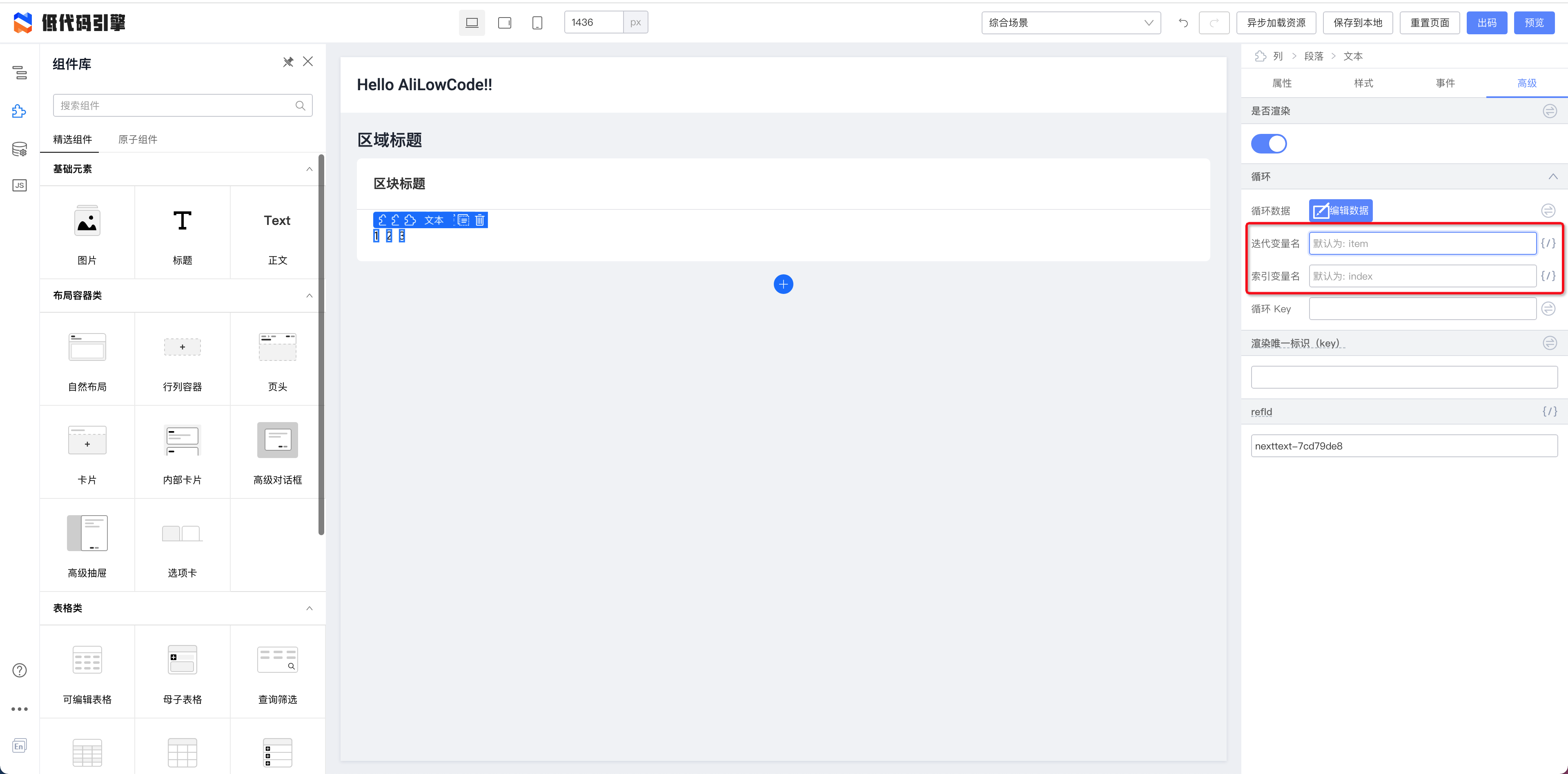
|
||||
|
||||
this.index 是当前循环的索引值。
|
||||
|
||||
3.在事件绑定函数中使用
|
||||
|
||||
在事件绑定函数中使用扩展参数设置
|
||||
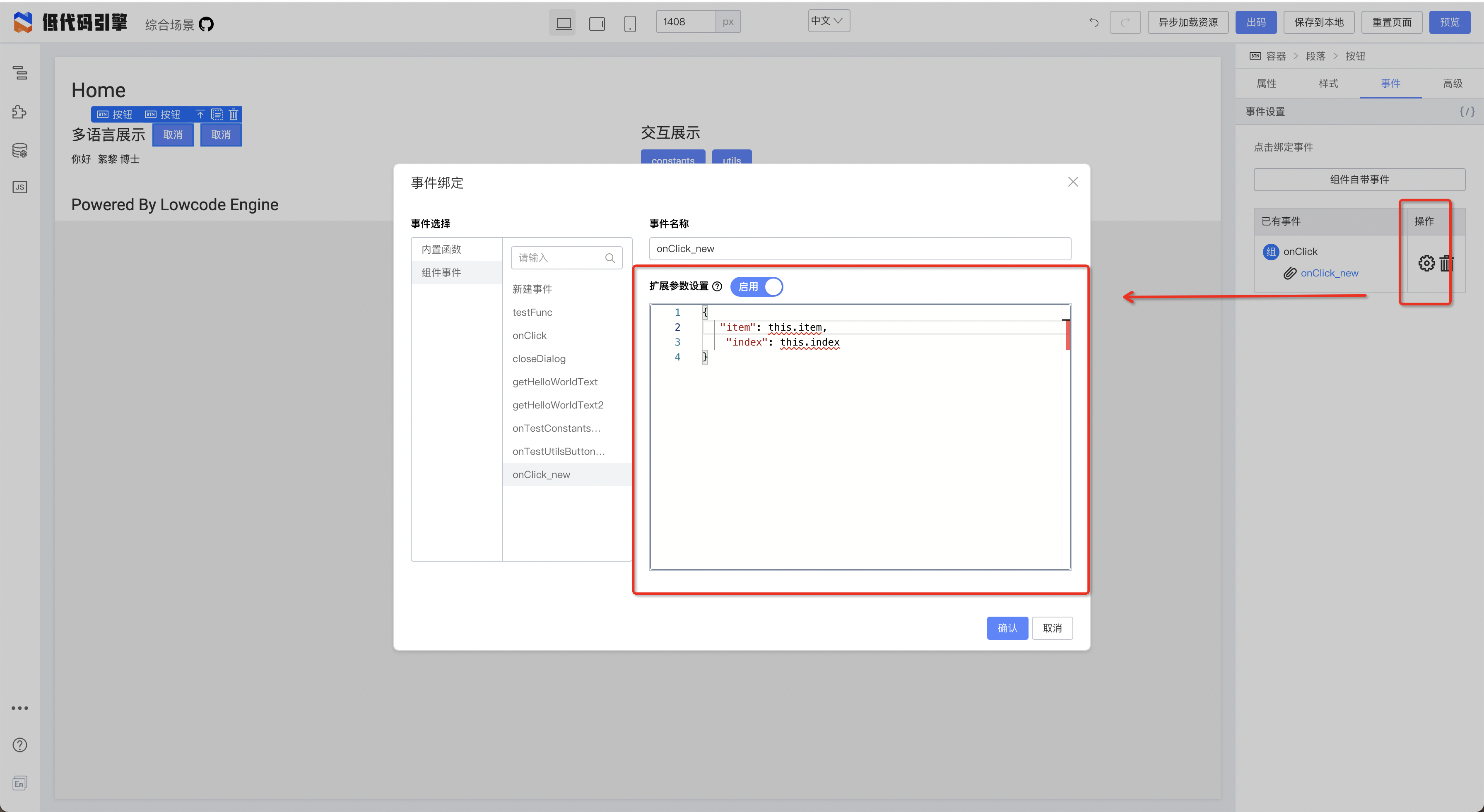
|
||||
|
||||
绑定之后在函数中使用
|
||||
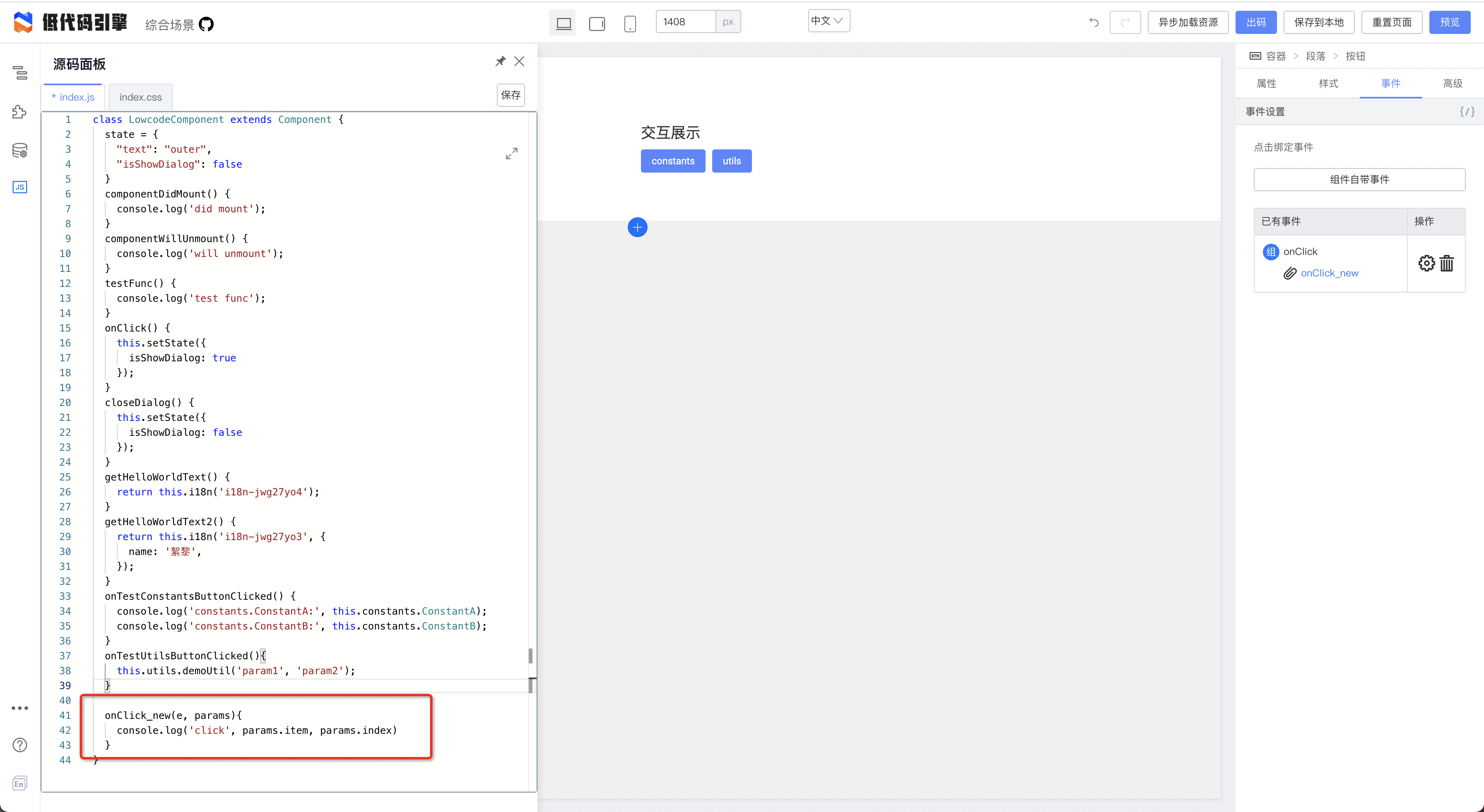
|
||||
|
||||
按钮点击效果
|
||||
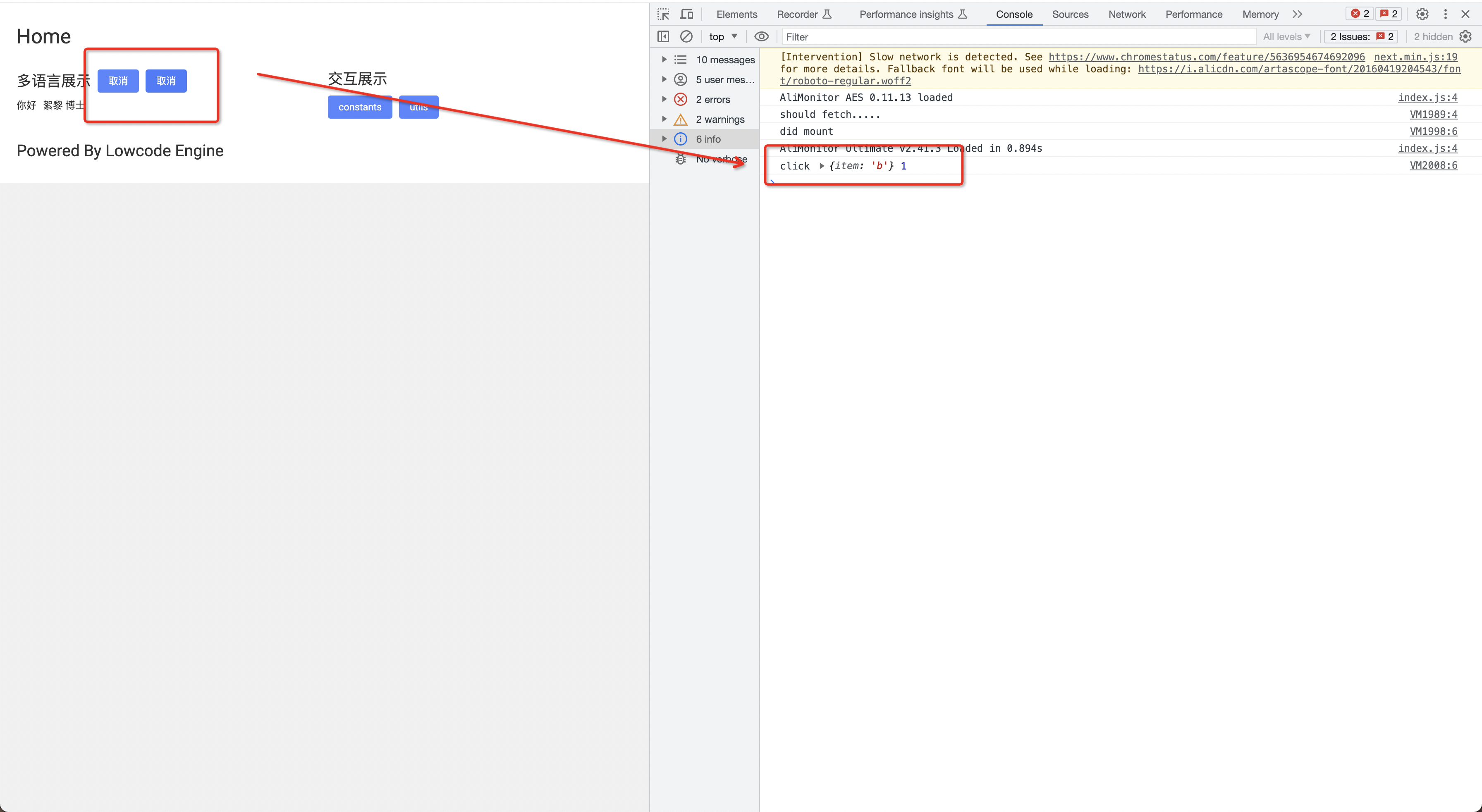
|
||||
|
||||
@ -2,6 +2,8 @@
|
||||
title: 3. 如何通过按钮展示/隐藏弹窗
|
||||
sidebar_position: 1
|
||||
---
|
||||
> 说明:这个方式依赖低代码弹窗组件是否对外保留了相关的 API,不同的物料支持的方式不一样,这里只针对综合场景的弹窗物料。
|
||||
|
||||
## 1.拖拽一个按钮
|
||||
|
||||

|
||||
|
||||
@ -45,16 +45,13 @@ window.Next.Message.success('成功')
|
||||
|
||||
- 读取:每次打开面板时,都会尝试读取 schema 中的 originCode 字段,如果没有,则从 schema 上的字段还原代码;
|
||||
- 写入:在关闭代码编辑面板(主动点击叉或者点击非代码编辑区块的被动关闭都算)时,将自动写入到 schema 中;您也可以在编辑过程中点击“保存”按钮手动保存;
|
||||
| 源码面板中 | schema 中 |
|
||||
|
||||
| 源码面板中 | Schema 中 |
|
||||
| --- | --- |
|
||||
| 本地数据初始值设置:
|
||||
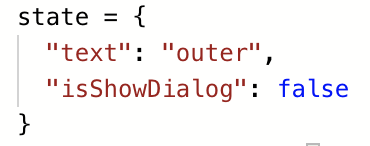 | 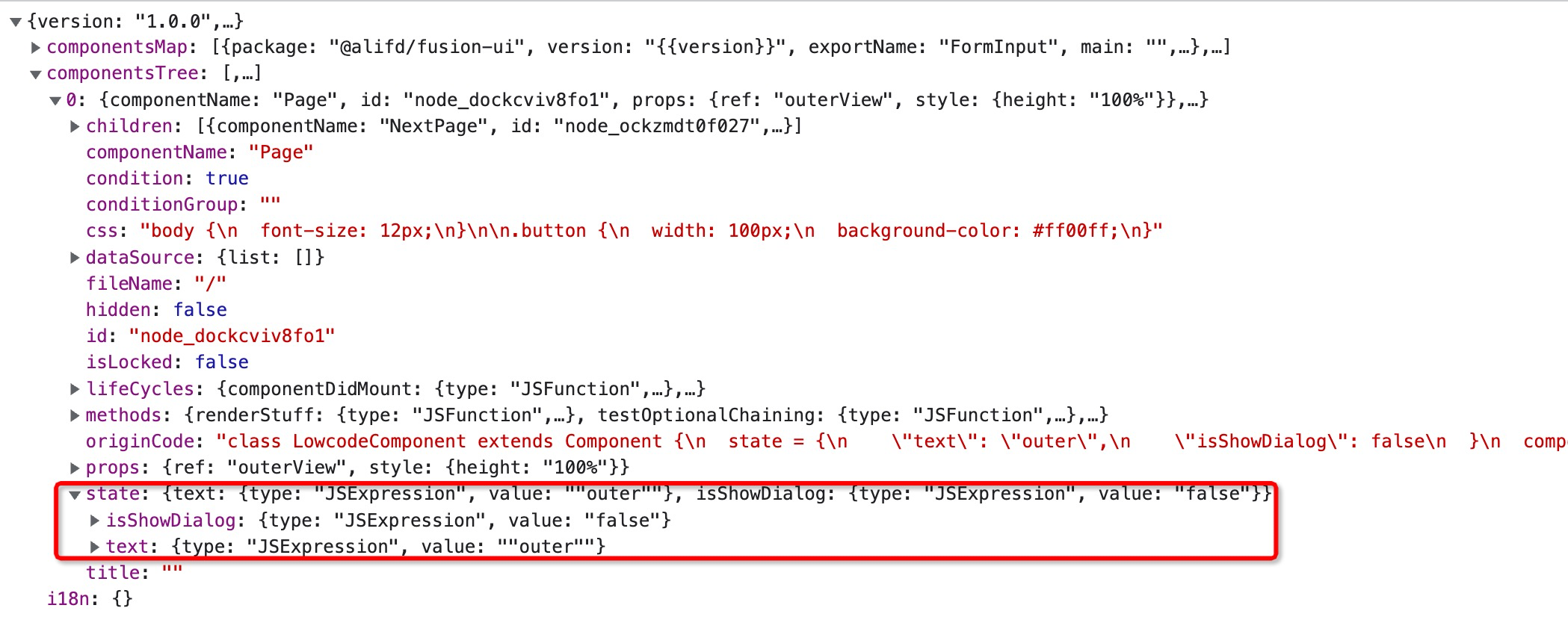 |
|
||||
| 生命周期方法:
|
||||
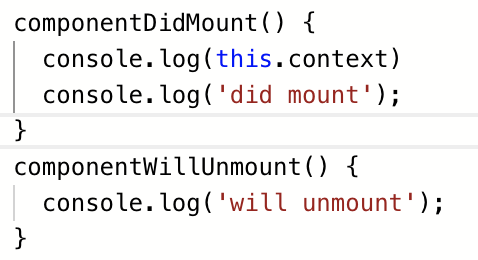 | 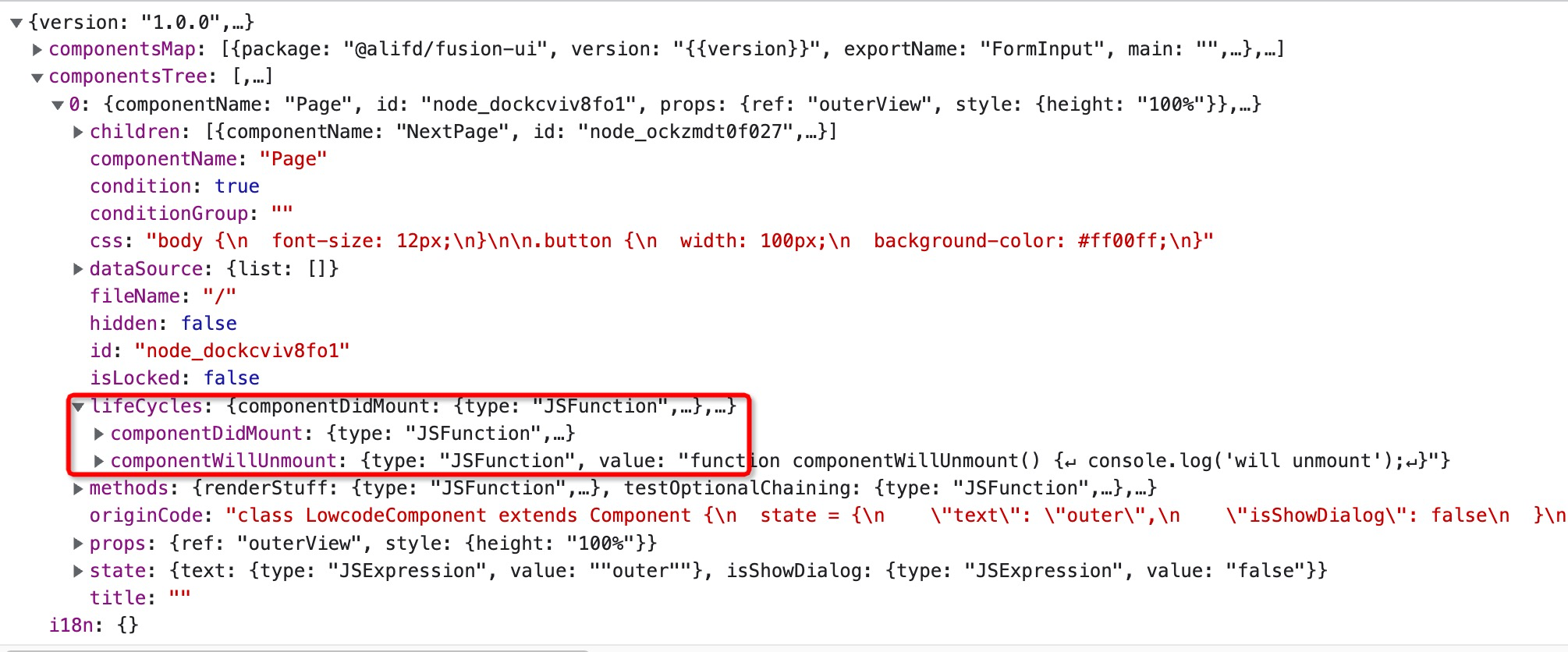 |
|
||||
| 自定义函数:
|
||||
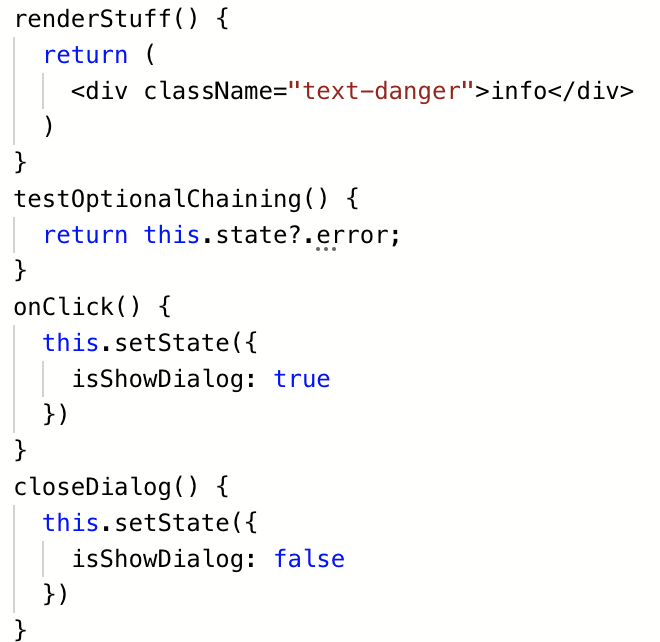 |  |
|
||||
| 编译前全量代码:
|
||||
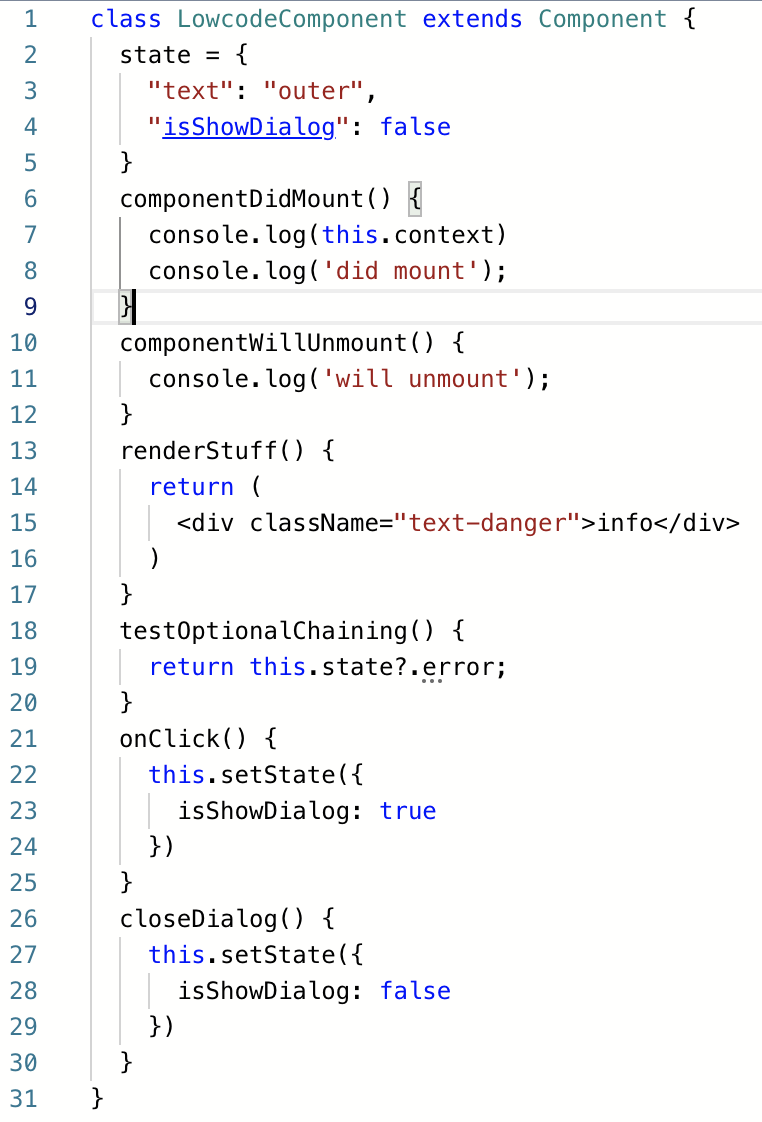 |  |
|
||||
| 本地数据初始值设置: |  |
|
||||
| 生命周期方法: |  |
|
||||
| 自定义函数: |  |
|
||||
| 编译前全量代码: |  |
|
||||
|
||||
|
||||
- 异常处理:如果代码解析失败,它将无法被正常保存到 schema 中,此时编辑器会弹层提示:
|
||||
|
||||
@ -28,6 +28,28 @@ AliLowCodeEngine.project.simulator.renderer.components
|
||||
```
|
||||
看看对应的物料是否存在,如果不存在,排查物料问题。
|
||||
|
||||
如果不正常,查看资产包配置,其中资产包中的 `components` 和 `material.componentsMap` 生成有关系。
|
||||
|
||||
例如,物料配置信息在 @alilc/lowcode-materials 包里面,即需要在 components 中加上下面的代码
|
||||
|
||||
```javascript
|
||||
"components": [{
|
||||
"exportName": "AlilcLowcodeMaterialsMeta",
|
||||
"npm": {
|
||||
"package": "@alilc/lowcode-materials"
|
||||
},
|
||||
"url": "https://alifd.alicdn.com/npm/@alilc/lowcode-materials@1.0.7/build/lowcode/meta.js",
|
||||
"urls": {
|
||||
"default": "https://alifd.alicdn.com/npm/@alilc/lowcode-materials@1.0.7/build/lowcode/meta.js",
|
||||
"design": "https://alifd.alicdn.com/npm/@alilc/lowcode-materials@1.0.7/build/lowcode/meta.design.js"
|
||||
}
|
||||
}]
|
||||
```
|
||||
|
||||
`material.componentsMap` 不存在相关的组件信息,原因有两个:
|
||||
- 没有添加对应的物料到 components 字段中
|
||||
- components 配置不正确,需要查看 url 是否正常加载,查看 exportName 是否配置正确,即 `window.${exportName}` 是否存在。
|
||||
|
||||
2.选中组件,在控制台中输入
|
||||
```json
|
||||
AliLowCodeEngine.project.currentDocument.selection.getNodes()[0].exportSchema('render')
|
||||
|
||||
@ -10,9 +10,28 @@ tags: [FAQ]
|
||||
## 处理方式
|
||||
### 【推荐】升级到 Engine Verison 1.0.11 以上
|
||||
### 新增 save propsReducer
|
||||
通过新增 Save 态的 propsReducer,将 hidden props 去掉。
|
||||
参考:
|
||||
[https://github.com/alibaba/lowcode-demo/blob/main/src/sample-plugins/delete-hidden-transducer/index.ts](https://github.com/alibaba/lowcode-demo/blob/main/src/sample-plugins/delete-hidden-transducer/index.ts)
|
||||
|
||||
通过新增 Save 态的 propsReducer,将 hidden props 去掉。可以参考下面的代码:
|
||||
|
||||
```typescript
|
||||
import { project } from '@alilc/lowcode-engine';
|
||||
import { IPublicEnumTransformStage } from '@alilc/lowcode-types';
|
||||
|
||||
export const deleteHiddenTransducer = (ctx: any) => {
|
||||
return {
|
||||
name: 'deleteHiddenTransducer',
|
||||
async init() {
|
||||
project.addPropsTransducer((props: any): any => {
|
||||
delete props.hidden;
|
||||
return props;
|
||||
}, IPublicEnumTransformStage.Save);
|
||||
},
|
||||
};
|
||||
}
|
||||
|
||||
deleteHiddenTransducer.pluginName = 'deleteHiddenTransducer';
|
||||
|
||||
```
|
||||
|
||||
### 导出 schema 使用 Save 态
|
||||
```typescript
|
||||
|
||||
@ -4,4 +4,4 @@ sidebar_position: 15
|
||||
tags: [FAQ]
|
||||
---
|
||||
你可以通过在线工具「Parts 造物」生产物料描述协议,然后使用到你的项目中去。
|
||||
文档地址:[利用 Parts 造物快速使用 react 组件](/site/docs/guide/expand/editor/partsIntro)
|
||||
文档地址:[利用 Parts 造物快速使用 react 组件](/site/docs/guide/expand/editor/parts/partsIntro)
|
||||
|
||||
31
docs/docs/faq/faq023.md
Normal file
31
docs/docs/faq/faq023.md
Normal file
@ -0,0 +1,31 @@
|
||||
---
|
||||
title: Slot组件渲染报错问题
|
||||
sidebar_position: 23
|
||||
tags: [FAQ]
|
||||
---
|
||||
|
||||
## 问题描述
|
||||
在低代码引擎的页面渲染过程中,可能会遇到一个关于Slot组件的报错,提示“Slot找不到”。实际上,在渲染态时不应使用Slot组件。
|
||||
|
||||
## 问题原因
|
||||
低代码引擎渲染分为两个状态:设计态和渲染态。
|
||||
- **设计态**:为了帮助插槽进行可视化设计,引入了Slot组件。
|
||||
- **渲染态**:在此状态下,不需要使用Slot组件。
|
||||
|
||||
这个问题通常是因为在渲染态错误地使用了设计态的schema。
|
||||
|
||||
## 解决方案
|
||||
1. **区分设计态和渲染态**:通过`project.exportSchema(TransformStage.Save)`的参数来区分。
|
||||
- `TransformStage.Save`代表渲染态的schema,其中不包含Slot组件。
|
||||
- 【默认值】`TransformStage.Render`代表设计态的schema,其中包含Slot组件。
|
||||
2. **使用正确的API和参数**:确保在渲染态使用正确的schema,避免引用设计态的Slot组件。
|
||||
3. **处理脏数据问题**:如果问题是由脏数据导致,清除数据并重新拖拽组件以恢复正常。
|
||||
|
||||
## 注意事项
|
||||
- 确保在代码和配置中正确区分设计态和渲染态。
|
||||
- 如果遇到持续的问题,检查是否有脏数据或配置错误,并进行相应的清理和调整。
|
||||
|
||||
## 相关链接
|
||||
- Issue链接:[Issue #1798](https://github.com/alibaba/lowcode-engine/issues/1798)
|
||||
|
||||
---
|
||||
133
docs/docs/faq/faq024.md
Normal file
133
docs/docs/faq/faq024.md
Normal file
@ -0,0 +1,133 @@
|
||||
---
|
||||
title: workspace 模式常见问题
|
||||
sidebar_position: 23
|
||||
tags: [FAQ]
|
||||
---
|
||||
|
||||
#### 如何判断是否开启了IDE模式?
|
||||
|
||||
- **通过官方API判断**:您可以通过访问 [workspace.isActive](/site/docs/api/workspace#isactive) 来判断当前是否处于IDE模式。这是阿里低代码引擎提供的一个官方API,专门用于确认是否处于集成开发环境。
|
||||
|
||||
|
||||
|
||||
#### 如何使用插件的ctx来做判断在哪个模式下?
|
||||
|
||||
- **插件是否为应用级别**:可以通过 **ctx.isPluginRegisteredInWorkspace** 方法来判断一个插件是否是应用级别的插件。这有助于理解插件在阿里低代码引擎中的作用域和潜在的使用场景。
|
||||
- **插件的注册级别**:您可以使用 **ctx.registerLevel** 属性来判断插件处于哪个级别。插件级别的值包括:
|
||||
- **Default**:默认级别。非 IDE 模式下的值
|
||||
- **Workspace**:应用级别。
|
||||
- **Resource**:资源级别。
|
||||
- **EditorView**:编辑视图级别。 这些级别代表了插件可能的作用域和使用场景,有助于在开发和管理低代码应用时对插件进行更精确的控制和配置。
|
||||
|
||||
|
||||
|
||||
#### 如何在IDE模式下设置资源列表?
|
||||
|
||||
- **设置资源列表API**:在IDE模式下,可以通过访问 [workspace.setResourceList](/site/docs/api/workspace#setresourcelist) 来设置或更新IDE中的资源列表。这确保您在编辑器窗口中打开的资源是最新且可访问的。
|
||||
|
||||
|
||||
|
||||
#### 如何打开视图窗口?
|
||||
|
||||
- **使用推荐的方法**:使用 `openEditorWindow(resource: Resource, sleep?: boolean): Promise<void>;` 来打开视图窗口。这里的 **resource** 参数指的是您要打开的特定资源,可通过 [workspace.resourceList](/site/docs/api/workspace#resourcelist) 获取。
|
||||
- **不推荐使用的过时方法**:有一个过时的方法 `openEditorWindow(resourceName: string, id: string, extra: Object, viewName?: string, sleep?: boolean): Promise<void>;` 也用于打开视图窗口。虽然仍然可用,但官方不推荐使用此方法,并计划在后续版本中废弃,因为它在维护和可扩展性方面存在限制。
|
||||
|
||||
|
||||
|
||||
#### 如何在全局插件中获取视图的上下文?
|
||||
|
||||
- 在阿里低代码引擎的全局插件中获取视图的上下文,可以通过使用 **ProvideViewPluginContext** 函数实现。这个函数来自 **@alilc/lowcode-utils** 库,它使得您的 React 组件能够接收 **pluginContext** 作为 props,进而访问和操作当前视图的状态和属性。
|
||||
|
||||
**步骤**
|
||||
|
||||
**引入依赖**:首先,确保您的插件文件中已经引入了 **ProvideViewPluginContext** 以及其他必要的依赖。
|
||||
|
||||
```
|
||||
import { ProvideViewPluginContext } from '@alilc/lowcode-utils';
|
||||
```
|
||||
|
||||
**定义 React 组件**:创建一个 React 组件,它将使用来自 **ProvideViewPluginContext** 的 **pluginContext**。
|
||||
|
||||
```typescript
|
||||
const MyComponent = (props) => {
|
||||
const { pluginContext } = props;
|
||||
// 组件逻辑
|
||||
return <div>/* 组件内容 */</div>;
|
||||
};
|
||||
```
|
||||
|
||||
**定义全局插件**:定义一个函数,这个函数会在插件被注册时调用。这个函数通常接受一个上下文对象 **ctx**,它提供了对引擎功能的访问。
|
||||
|
||||
```javascript
|
||||
const globalPlugin = (ctx) => {
|
||||
const { skeleton } = ctx;
|
||||
|
||||
skeleton.add({
|
||||
type: 'PanelDock',
|
||||
name: 'datapool',
|
||||
content: ProvideViewPluginContext((props) => {
|
||||
// 组件内容
|
||||
return (
|
||||
<MyComponent {...props} />
|
||||
)
|
||||
}),
|
||||
// 其他配置
|
||||
contentProps: {
|
||||
// 需要提供 pluginContext 作为参数
|
||||
pluginContext: ctx,
|
||||
}
|
||||
});
|
||||
};
|
||||
```
|
||||
|
||||
通过这些步骤,您的全局插件中的 React 组件就能够获取并使用视图的上下文了。这为您在插件中实现更复杂的功能和交互提供了基础。
|
||||
|
||||
|
||||
|
||||
**注意事项**
|
||||
|
||||
- **组件重渲染**:正常情况下,**pluginsContext** 是视图的上下文。当视图切换时,组件会重新渲染。如果需要在组件中处理视图切换导致的重新渲染,可以利用 React 的 **key** 属性。
|
||||
|
||||
**示例代码**
|
||||
|
||||
```typescript
|
||||
ProvideViewPluginContext(props => {
|
||||
return (
|
||||
<DataPoolPane
|
||||
{...props}
|
||||
key={props.pluginContext?.editorWindow?.id}
|
||||
);
|
||||
});
|
||||
```
|
||||
|
||||
通过这种方式,当视图切换时,组件会根据视图的不同进行重新渲染,确保组件状态与当前视图的上下文保持一致。这对于在低代码平台上开发复杂插件和交互功能是非常有用的。
|
||||
|
||||
|
||||
|
||||
#### 如何判断插件是否在 Workspace 模式下注册?
|
||||
|
||||
**使用** **ctx.isPluginRegisteredInWorkspace()** **方法**:
|
||||
|
||||
通过 **ctx.isPluginRegisteredInWorkspace()** 方法,可以判断一个插件是否在 Workspace 级别注册。以下是一个示例代码片段:
|
||||
|
||||
```javascript
|
||||
if (ctx.isPluginRegisteredInWorkspace('pluginName')) {
|
||||
console.log('插件已在 Workspace 模式下注册。');
|
||||
} else {
|
||||
console.log('插件未在 Workspace 模式下注册。');
|
||||
}
|
||||
```
|
||||
|
||||
注意:此方法目前在 beta 版本中,可能会有 TypeScript 提示显示已移除。
|
||||
|
||||
**检查** **ctx.registerLevel** **的值**:
|
||||
|
||||
可以通过比较 **ctx.registerLevel** 的值来判断插件的注册级别。示例代码如下:
|
||||
|
||||
```javascript
|
||||
if (ctx.registerLevel !== IPublicEnumPluginRegisterLevel.Workspace) {
|
||||
console.log('插件未在 Workspace 模式下注册。');
|
||||
} else {
|
||||
console.log('插件已在 Workspace 模式下注册。');
|
||||
}
|
||||
```
|
||||
@ -1,7 +1,47 @@
|
||||
---
|
||||
title: FAQ 概述
|
||||
sidebar_position: 1
|
||||
sidebar_position: -1
|
||||
tags: [FAQ]
|
||||
---
|
||||
|
||||
不定期将社区常见问题及答案维护到此处
|
||||
不定期将社区常见问题及答案维护到此处
|
||||
|
||||
## Demo 使用
|
||||
- [渲染唯一标识(key)](/site/docs/faq/faq002)
|
||||
- [点击事件如何添加参数](/site/docs/faq/faq003)
|
||||
- [如何通过 API 手动调用数据源请求](/site/docs/faq/faq006)
|
||||
|
||||
## 设计器定制
|
||||
- [如何通过 this.utils 使用第三方工具扩展](/site/docs/faq/faq005)
|
||||
- [设置面板中的高级 tab 如何配置](/site/docs/faq/faq007)
|
||||
- [插件面板如何调整位置](/site/docs/faq/faq010)
|
||||
- [workspace 模式常见问题](/site/docs/faq/faq024)
|
||||
|
||||
## 源码和依赖
|
||||
- [某某 npm 包对应的源码在哪里?](/site/docs/faq/faq008)
|
||||
|
||||
## 错误和报错
|
||||
- [物料出现 Component Not Found 相关报错](/site/docs/faq/faq009)
|
||||
- [VERSION_PLACEHOLDER is not defined](/site/docs/faq/faq014)
|
||||
- [Cannot read property 'Icon' of Undefined](/site/docs/faq/faq016)
|
||||
- [windows 下运行低代码引擎源码出现报错](/site/docs/faq/faq019)
|
||||
- [Can't import the named export from non ECMAScript module](/site/docs/faq/faq020)
|
||||
- [Slot组件渲染报错问题](/site/docs/faq/faq023)
|
||||
|
||||
## 物料相关问题
|
||||
- [如何获取物料当前处于编辑态还是渲染态](/site/docs/faq/faq011)
|
||||
- [Procode 物料如何调用数据源方法](/site/docs/faq/faq012)
|
||||
- [已有组件如何快速接入引擎](/site/docs/faq/faq015)
|
||||
- [Modal 类组件 hidden 属性被强制设置 true](/site/docs/faq/faq013)
|
||||
- [最小渲染单元配置](/site/docs/faq/faq004)
|
||||
- [节点无法拖拽到 Page 下](/site/docs/faq/faq022)
|
||||
|
||||
## 其他说明
|
||||
- [vue 画布支持说明](/site/docs/faq/faq017)
|
||||
- [是否可以生成 Vue 页面代码?](/site/docs/faq/faq018)
|
||||
|
||||
## 参与贡献
|
||||
- [提交 PR 时,明明签署过 CLA,仍被提示需要签署](/site/docs/faq/faq021)
|
||||
|
||||
## 相关依赖文档
|
||||
- [build-scripts 的使用文档](/site/docs/faq/faq001)
|
||||
|
||||
@ -12,8 +12,6 @@ sidebar_position: 3
|
||||
| @alilc/lowcode-engine | [https://github.com/alibaba/lowcode-engine](https://github.com/alibaba/lowcode-engine) | packages/engine |
|
||||
| @alilc/lowcode-plugin-designer | [https://github.com/alibaba/lowcode-engine](https://github.com/alibaba/lowcode-engine) | packages/plugin-designer |
|
||||
| @alilc/lowcode-plugin-outline-pane | [https://github.com/alibaba/lowcode-engine](https://github.com/alibaba/lowcode-engine) | packages/plugin-outline-pane |
|
||||
| @alilc/lowcode-rax-renderer | [https://github.com/alibaba/lowcode-engine](https://github.com/alibaba/lowcode-engine) | packages/rax-renderer |
|
||||
| @alilc/lowcode-rax-simulator-renderer | [https://github.com/alibaba/lowcode-engine](https://github.com/alibaba/lowcode-engine) | packages/rax-simulator-renderer |
|
||||
| @alilc/lowcode-react-renderer | [https://github.com/alibaba/lowcode-engine](https://github.com/alibaba/lowcode-engine) | packages/react-renderer |
|
||||
| @alilc/lowcode-react-simulator-renderer | [https://github.com/alibaba/lowcode-engine](https://github.com/alibaba/lowcode-engine) | packages/react-simulator-renderer |
|
||||
| @alilc/lowcode-renderer-core | [https://github.com/alibaba/lowcode-engine](https://github.com/alibaba/lowcode-engine) | packages/renderer-core |
|
||||
@ -44,6 +42,6 @@ sidebar_position: 3
|
||||
| @alifd/fusion-ui | [https://github.com/alibaba/lowcode-materials](https://github.com/alibaba/lowcode-materials) | packages/fusion-ui |
|
||||
| @alilc/lowcode-materials | [https://github.com/alibaba/lowcode-materials](https://github.com/alibaba/lowcode-materials) | packages/fusion-lowcode-materials |
|
||||
| @alilc/antd-lowcode-materials | [https://github.com/alibaba/lowcode-materials](https://github.com/alibaba/lowcode-materials) | packages/antd-lowcode-materials |
|
||||
| | | |
|
||||
| @alifd/layout(原 @alifd/pro-layout 升级后的版本) | [https://github.com/alibaba-fusion/layout](https://github.com/alibaba-fusion/layout) | |
|
||||
| | | |
|
||||
| | | |
|
||||
|
||||
@ -15,15 +15,13 @@ sidebar_position: 2
|
||||
5. ignitor
|
||||
6. plugin-designer
|
||||
7. plugin-outline-pane
|
||||
8. rax-renderer
|
||||
9. rax-simulator-renderer
|
||||
10. react-renderer
|
||||
11. react-simulator-renderer
|
||||
12. renderer-core
|
||||
13. types
|
||||
14. utils
|
||||
15. material-parser
|
||||
16. code-generator
|
||||
8. react-renderer
|
||||
9. react-simulator-renderer
|
||||
10. renderer-core
|
||||
11. types
|
||||
12. utils
|
||||
13. material-parser
|
||||
14. code-generator
|
||||
|
||||
## 2. 引擎官方扩展包
|
||||
包含了常用的设置器(setter)、跟 setter 绑定的插件等
|
||||
|
||||
74
docs/docs/guide/appendix/setterDetails/function.md
Normal file
74
docs/docs/guide/appendix/setterDetails/function.md
Normal file
@ -0,0 +1,74 @@
|
||||
---
|
||||
title: FunctionSetter
|
||||
---
|
||||
## 简介
|
||||
可以将function绑定在物料上
|
||||
|
||||
## 设置器返回
|
||||
|
||||
设置器返回一个Function对象,调用function()运行Function对象得到运行结果。
|
||||
|
||||
如下是一个典型的使用案例:
|
||||
|
||||
```javascript
|
||||
export type TestProps = React.ComponentProps<typeof Test> & {
|
||||
testFunction?: Function | undefined;
|
||||
};
|
||||
|
||||
const getTestData = () => {
|
||||
if(this.props.testFunction === undefined){
|
||||
return undefined;
|
||||
}else{
|
||||
return this.props.testFunction() // 返回testFunction()方法的运行结果;
|
||||
}
|
||||
}
|
||||
```
|
||||
|
||||
|
||||
## 参数设置
|
||||
|
||||
如果需要额外传参,需要将扩展参数设置打开,在代码面板中,编辑参数内容。
|
||||
|
||||
注意:
|
||||
|
||||
- 额外参数必须被包装成一个对象,如参数模板中所示
|
||||
- 可以使用动态变量例如 (this.items,this.state.xxx)
|
||||
```javascript
|
||||
{
|
||||
testKey: this.state.text,
|
||||
}
|
||||
```
|
||||
|
||||
- 该参数是额外参数,会加在原有参数后面,例如在 onClick 中加入扩展传参,最终函数消费的时候应该如下所示
|
||||
```javascript
|
||||
// e 为 onClick 原有函数传参,extParams 为自定义传参
|
||||
onClick(e, extParams) {
|
||||
this.setState({
|
||||
isShowDialog: extParams.isShowDialog,
|
||||
});
|
||||
}
|
||||
```
|
||||
|
||||
## 事件新建函数模板
|
||||
有时候我们创建的函数会有用到一些通用的函数模板,我们可以在物料协议的 meta.ts 中创建一个模板,如下
|
||||
|
||||
```TypeScript
|
||||
{
|
||||
name: 'onChange',
|
||||
title: {
|
||||
label: 'onChange',
|
||||
tip: 'xxxxxxxxxxxxxxxxxxxxxxxxxxxxxxxx',
|
||||
},
|
||||
propType: 'func',
|
||||
setter: [
|
||||
{
|
||||
componentName: 'FunctionSetter',
|
||||
props: {
|
||||
template: 'onTableChange(value,${extParams}){\n\n}',
|
||||
},
|
||||
},
|
||||
],
|
||||
}
|
||||
```
|
||||
|
||||
其中 ${extParams} 为扩展参数占位符,如果用户没有声明扩展参数,会移除对应的参数声明。
|
||||
@ -14,7 +14,7 @@ sidebar_position: 4
|
||||
| DateYearSetter || 日期型 - 年数据设置器 | |
|
||||
| [EventSetter](./setterDetails/event) | function | 事件绑定设置器 |  |
|
||||
| [IconSetter](./setterDetails/icon) | string | 图标设置器 |  |
|
||||
| FunctionSetter | any | 函数型数据设置器 |  |
|
||||
| [FunctionSetter](./setterDetails/function) | function | 函数型数据设置器 |  |
|
||||
| JsonSetter | object | json 型数据设置器 |  |
|
||||
| [MixedSetter](./setterDetails/mixed) | any | 混合型数据设置器 |  |
|
||||
| [NumberSetter](./setterDetails/number) | number | 数值型数据设置器 |  |
|
||||
|
||||
@ -105,8 +105,6 @@ sidebar_position: 0
|
||||
|
||||
### 初始化低代码编辑器
|
||||
|
||||
#### 方法 2.1 使用 init 进行初始化
|
||||
|
||||
正确引入后,我们可以直接通过 window 上的变量进行引用,如 `window.AliLowCodeEngine.init`。您可以直接通过此方式初始化低代码引擎:
|
||||
|
||||
```javascript
|
||||
@ -144,59 +142,5 @@ init 的功能包括但不限于:
|
||||
|
||||
> 本节中的低代码编辑器例子可以在 demo 中找到:[https://github.com/alibaba/lowcode-demo/blob/main/demo-general/src/index.ts](https://github.com/alibaba/lowcode-demo/blob/main/demo-general/src/index.ts)
|
||||
|
||||
|
||||
#### 方法 2.2 使用 skeletonCabin.Workbench 方式初始化
|
||||
|
||||
`init()` 内部会调用 `ReactDOM.render()` 函数,因此这样初始化的内容没有办法与外部的 React 组件进行通信,也就没有办法在一些自定义的 plugin 中获取 redux 上的全局数据等内容。
|
||||
|
||||
因此,这种场景下您可以通过 `skeletonCabin.Workbench` 进行初始化。
|
||||
|
||||
> 注:**不需要**同时使用 2.1 和 2.2 的方法。根据使用场景,当且只当有需要插件和外界进行一定通信时,才需要使用 2.2 提供的方法。
|
||||
|
||||
|
||||
```javascript
|
||||
import React, { useState, useEffect } from 'react';
|
||||
import { project, plugins, common, skeleton } from '@alilc/lowcode-engine';
|
||||
|
||||
// 此处略去若干依赖引用
|
||||
|
||||
async function registerPlugins() {
|
||||
// 此处略去若干插件注册
|
||||
}
|
||||
function EditorView() {
|
||||
/** 插件是否已初始化成功,因为必须要等插件初始化后才能渲染 Workbench */
|
||||
const [hasPluginInited, setHasPluginInited] = useState(false);
|
||||
|
||||
useEffect(() => {
|
||||
plugins.init().then(() => {
|
||||
setHasPluginInited(true);
|
||||
}).catch(err => console.error(err));
|
||||
}, []);
|
||||
|
||||
if (!hasPluginInited) {
|
||||
return null;
|
||||
}
|
||||
const Workbench = common.skeletonCabin.Workbench;
|
||||
return <Workbench />;
|
||||
}
|
||||
|
||||
(async function main() {
|
||||
await registerPlugins();
|
||||
config.setConfig({
|
||||
enableCondition: true,
|
||||
enableCanvasLock: true,
|
||||
supportVariableGlobally: true,
|
||||
requestHandlersMap: {
|
||||
fetch: createFetchHandler()
|
||||
}
|
||||
});
|
||||
|
||||
ReactDOM.render(<EditorView />, document.getElementById('lce-container')!);
|
||||
})();
|
||||
```
|
||||
|
||||
> 本节中的低代码编辑器类似的例子可以在 demo 中找到:[https://github.com/alibaba/lowcode-demo/blob/main/demo-custom-initialization/src/index.tsx](https://github.com/alibaba/lowcode-demo/blob/main/demo-custom-initialization/src/index.tsx)
|
||||
|
||||
|
||||
## 配置低代码编辑器
|
||||
详见[低代码扩展简述](/site/docs/guide/expand/editor/summary)章节。
|
||||
|
||||
@ -313,7 +313,7 @@ simulator-renderer 通过调用 host 的方法,将 schema、components 等参
|
||||
|
||||
- 被拖拽对象 - `DragObject`
|
||||
- 拖拽到的目标位置 - `DropLocation`
|
||||
- 拖拽感应区 - `ISensor`
|
||||
- 拖拽感应区 - `IPublicModelSensor`
|
||||
- 定位事件 - `LocateEvent`
|
||||
|
||||
##### Sensor
|
||||
@ -336,7 +336,7 @@ simulator-renderer 通过调用 host 的方法,将 schema、components 等参
|
||||
1. **画布内拖拽:**此时 sensor 是 simulatorHost,拖拽完成之后,会根据拖拽的位置来完成节点的精确插入。
|
||||
2. **从组件面板拖拽到画布**:此时的 sensor 还是 simulatorHost,因为拖拽结束的目标还是画布。
|
||||
3. **大纲树面板拖拽到画布中**:此时有两个 sensor,一个是大纲树,当我们拖拽到画布区域时,画布区域内的 simulatorHost 开始接管。
|
||||
4. **画布拖拽到画布中**:从画布中开始拖拽时,最新生效的是 simulatorHost,当离开画布到大纲树时,大纲树 sensor 开始接管生效。当拖拽到大纲树的某一个节点下时,大纲树会将大纲树中的信息转化为 schema,然后渲染到画布中。
|
||||
4. **画布拖拽到大纲树中**:从画布中开始拖拽时,最新生效的是 simulatorHost,当离开画布到大纲树时,大纲树 sensor 开始接管生效。当拖拽到大纲树的某一个节点下时,大纲树会将大纲树中的信息转化为 schema,然后渲染到画布中。
|
||||
### 其他
|
||||
|
||||
引擎的编排能力远远不止上述所描述的功能,这里只描述了其核心和关键的功能。在整个引擎的迭代和设计过程中还有很多细节来使我们的引擎更好用、更容易扩展。
|
||||
|
||||
@ -11,7 +11,6 @@ sidebar_position: 4
|
||||
## npm 包与仓库信息
|
||||
|
||||
- React 框架渲染 npm 包:@alilc/lowcode-react-renderer
|
||||
- Rax 框架渲染 npm 包:@alilc/lowcode-rax-renderer
|
||||
- 仓库:[https://github.com/alibaba/lowcode-engine](https://github.com/alibaba/lowcode-engine) 下的
|
||||
- packages/renderer-core
|
||||
- packages/react-renderer
|
||||
@ -22,7 +21,7 @@ sidebar_position: 4
|
||||
|
||||

|
||||
|
||||
- 协议层:基于《低代码引擎搭建协议规范》](/site/docs/specs/lowcode-spec) 产出的 Schema 作为我们的规范协议。
|
||||
- 协议层:基于[《低代码引擎搭建协议规范》](/site/docs/specs/lowcode-spec) 产出的 Schema 作为我们的规范协议。
|
||||
- 能力层:提供组件、区块、页面等渲染所需的核心能力,包括 Props 解析、样式注入、条件渲染等。
|
||||
- 适配层:由于我们使用的运行时框架不是统一的,所以统一使用适配层将不同运行框架的差异部分,通过接口对外,让渲染层注册/适配对应所需的方法。能保障渲染层和能力层直接通过适配层连接起来,能起到独立可扩展的作用。
|
||||
- 渲染层:提供核心的渲染方法,由于不同运行时框架提供的渲染方法是不同的,所以其通过适配层进行注入,只需要提供适配层所需的接口,即可实现渲染。
|
||||
|
||||
@ -32,7 +32,7 @@ sidebar_position: 6
|
||||
|
||||
### SettingTarget 抽象
|
||||
|
||||
如果不是多选,可以直接暴露 `Node` 给到这,但涉及多选编辑的时候,大家的值时通常是不一样的,设置的时候需要批量设置进去,这里主要封装这些逻辑,把多选编辑的复杂性屏蔽掉。
|
||||
如果不是多选,可以直接暴露 `Node` 给到这,但涉及多选编辑的时候,大家的值通常是不一样的,设置的时候需要批量设置进去,这里主要封装这些逻辑,把多选编辑的复杂性屏蔽掉。
|
||||
|
||||
所选节点所构成的**设置对象**抽象如下:
|
||||
|
||||
|
||||
@ -23,7 +23,7 @@ sidebar_position: 1
|
||||
|
||||
对于低代码物料来说,A 平台创建的物料无法使用到 B 平台上,如果想在 B 平台实现同样的物料,需要按照 B 平台的标准搭建一份物料。
|
||||
|
||||
对于 ProCode 物料来说,需要在低代码平台进行消费,是需要进行转换的,包括搭建配置项的生成、物料搭建试图等,可能还需要特殊的描述文件进行描述。由于这一层没有统一,同一份 ProCode 物料每接入一个低代码,可能需要的描述文件格式不同,转换的代码不同,使用的工具也不同。
|
||||
对于 ProCode 物料来说,需要在低代码平台进行消费,是需要进行转换的,包括搭建配置项的生成、物料搭建视图等,可能还需要特殊的描述文件进行描述。由于这一层没有统一,同一份 ProCode 物料每接入一个低代码,可能需要的描述文件格式不同,转换的代码不同,使用的工具也不同。
|
||||
|
||||
### 生态隔离
|
||||
|
||||
@ -58,7 +58,7 @@ sidebar_position: 1
|
||||
|
||||
## 协议的作用
|
||||
|
||||
基于统一的协议,我们完成业务组件、区块、模板等各类物料的标准统一,基于统一的协议,我们完成业务组件、区块、模板等各类物料的标准统一,各类中后台研发系统生产的物料可借助物料中心进行跨系统流通,通过丰富物料生态的共享提升各平台研发系统的效率。同时完成低代码引擎的标准统一以及低代码搭建中台能力的输出,帮助业务方快速孵化本业务域中后台研发系统。
|
||||
基于统一的协议,我们完成业务组件、区块、模板等各类物料的标准统一,各类中后台研发系统生产的物料可借助物料中心进行跨系统流通,通过丰富物料生态的共享提升各平台研发系统的效率。同时完成低代码引擎的标准统一以及低代码搭建中台能力的输出,帮助业务方快速孵化本业务域中后台研发系统。
|
||||
|
||||
### 打破物料孤岛
|
||||
|
||||
|
||||
@ -20,7 +20,7 @@ sidebar_position: 0
|
||||
|
||||
低代码引擎分为 4 大模块,入料 - 编排 - 渲染 - 出码:
|
||||
|
||||
- 入料模块就是将外部的物料,比如海量的 npm 组件,按照《物料描述协议》进行描述。将描述后的数据通过引擎 API 注册后,在编辑器中使用。
|
||||
- 入料模块就是将外部的物料,比如海量的 npm 组件,按照[《低代码引擎物料协议规范》](/site/docs/specs/material-spec)进行描述。将描述后的数据通过引擎 API 注册后,在编辑器中使用。
|
||||
> **注意,这里仅是增加描述,而非重写一套,这样我们能最大程度复用 ProCode 体系已沉淀的组件。**
|
||||
- 编排,本质上来讲,就是**不断在生成符合[《低代码引擎搭建协议规范》](/site/docs/specs/lowcode-spec)的页面描述,将编辑器中的所有物料,进行布局设置、组件 CRUD 操作、以及 JS / CSS 编写/ 逻辑编排 **等,最终转换成页面描述,技术细节后文会展开。
|
||||
- 渲染,顾名思义,就是**将编排生成的页面描述结构渲染成视图的过程**,视图是面向用户的,所以必须处理好内部数据流、生命周期、事件绑定、国际化等。
|
||||
|
||||
@ -1,6 +1,6 @@
|
||||
---
|
||||
title: 低代码生态脚手架 & 调试机制
|
||||
sidebar_position: 7
|
||||
sidebar_position: 10
|
||||
---
|
||||
## 脚手架简述
|
||||
|
||||
|
||||
155
docs/docs/guide/expand/editor/graph.md
Normal file
155
docs/docs/guide/expand/editor/graph.md
Normal file
@ -0,0 +1,155 @@
|
||||
---
|
||||
title: 图编排扩展
|
||||
sidebar_position: 8
|
||||
---
|
||||
## 项目运行
|
||||
### 前置准备
|
||||
1. 参考 https://lowcode-engine.cn/site/docs/guide/quickStart/start
|
||||
2. 参考至Demo下载 https://lowcode-engine.cn/site/docs/guide/quickStart/start#%E4%B8%8B%E8%BD%BD-demo
|
||||
### 选择demo-graph-x6
|
||||
在根目录下执行:
|
||||
```bash
|
||||
cd demo-graph-x6
|
||||
```
|
||||
### 安装依赖
|
||||
在 lowcode-demo/demo-graph-x6目录下执行:
|
||||
```bash
|
||||
npm install
|
||||
```
|
||||
### 启动Demo
|
||||
在 lowcode-demo/demo-graph-x6 目录下执行:
|
||||
```bash
|
||||
npm run start
|
||||
```
|
||||
之后就可以通过 http://localhost:5556/ 来访问我们的 DEMO 了。
|
||||
|
||||
## 认识Demo
|
||||
这里的Demo即通过图编排引擎加入了几个简单的物料而来,已经是可以面向真是用户的产品界面。
|
||||
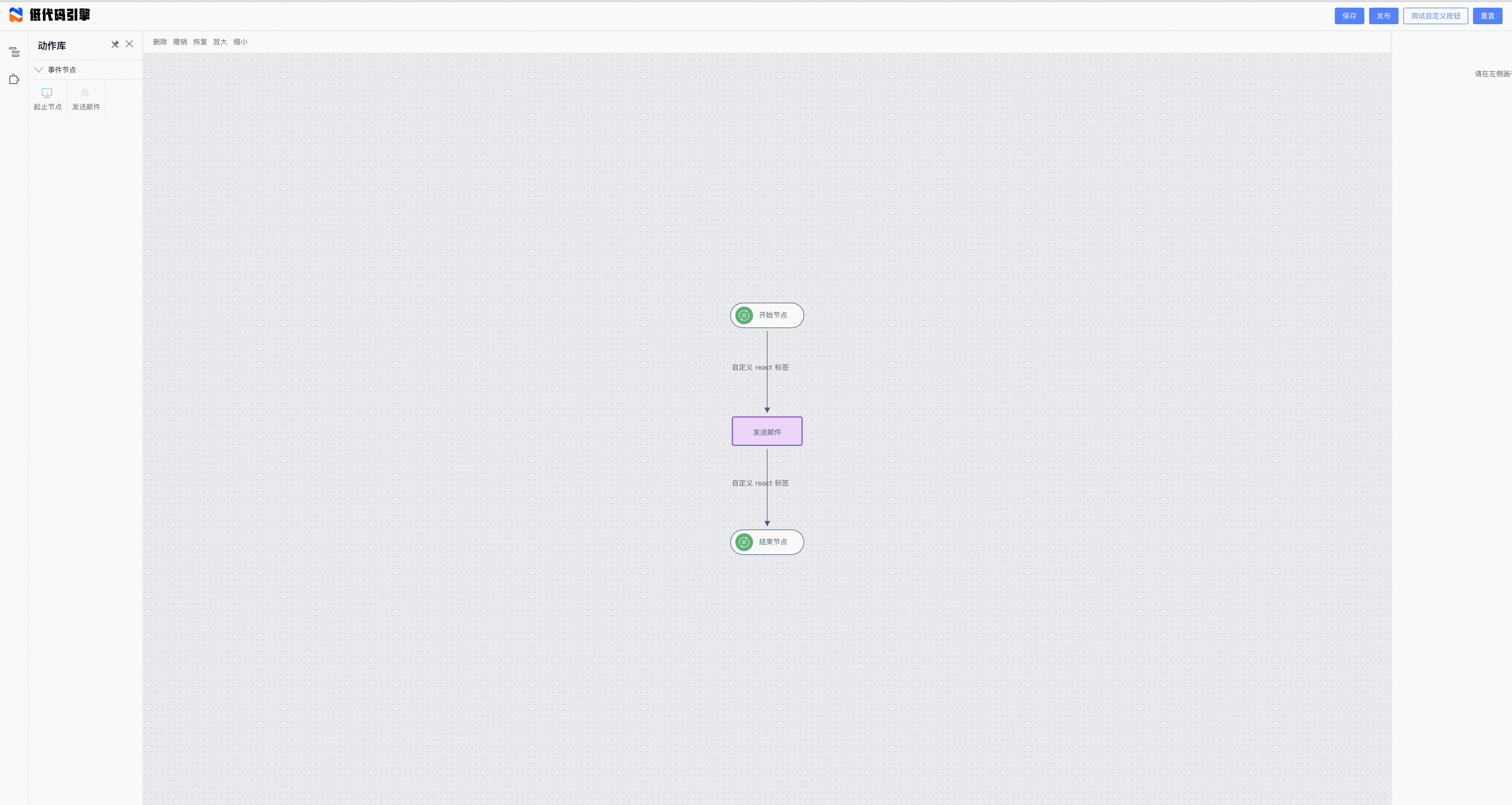
|
||||
### 区域组成
|
||||
#### 顶部:操作区
|
||||
- 右侧:保存到本地、重置页面、自定义按钮
|
||||
#### 顶部:工具区
|
||||
- 左侧:删除、撤销、重做、放大、缩小
|
||||
#### 左侧:面板与操作区
|
||||
- 物料面板:可以查找节点,并在此拖动节点到编辑器画布中
|
||||
#### 中部:可视化页面编辑画布区域
|
||||
- 点击节点/边在右侧面板中能够显示出对应组件的属性配置选项
|
||||
- 拖拽修改节点的排列顺序
|
||||
#### 右侧:组件级别配置
|
||||
- 选中的组件:从页面开始一直到当前选中的节点/边位置,点击对应的名称可以切换到对应的节点上
|
||||
- 选中组件的配置:属性:节点的基础属性值设置
|
||||
|
||||
> 每个区域的组成都可以被替换和自定义来生成开发者需要的业务产品。
|
||||
|
||||
## 目录介绍
|
||||

|
||||
|
||||
- public:与其他demo保持一致,均是lowcode engine所必要依赖
|
||||
- src
|
||||
- plugins::自定义插件,完成了x6的切面回调处理功能
|
||||
- services:mock数据,真实场景中可能为异步获取数据
|
||||
|
||||
## 开发插件
|
||||
```typescript
|
||||
function pluginX6DesignerExtension(ctx: IPublicModelPluginContext) {
|
||||
return {
|
||||
init() {
|
||||
// 获取 x6 designer 内置插件的导出 api
|
||||
const x6Designer = ctx.plugins['plugin-x6-designer'] as IDesigner;
|
||||
|
||||
x6Designer.onNodeRender((model, node) => {
|
||||
// @ts-ignore
|
||||
// 自定义 node 渲染逻辑
|
||||
const { name, title } = model.propsData;
|
||||
node.attr('text/textWrap/text', title || name);
|
||||
});
|
||||
|
||||
x6Designer.onEdgeRender((model, edge) => {
|
||||
// @ts-ignore
|
||||
const { source, target, sourcePortId, targetPortId } = model.propsData;
|
||||
console.log(sourcePortId, targetPortId);
|
||||
requestAnimationFrame(() => {
|
||||
edge.setSource({ cell: source, port: sourcePortId });
|
||||
edge.setTarget({ cell: target, port: targetPortId });
|
||||
});
|
||||
|
||||
// https://x6.antv.vision/zh/docs/tutorial/intermediate/edge-labels x6 标签模块
|
||||
// appendLabel 会触发 onEdgeLabelRender
|
||||
edge.appendLabel({
|
||||
markup: Markup.getForeignObjectMarkup(),
|
||||
attrs: {
|
||||
fo: {
|
||||
width: 120,
|
||||
height: 30,
|
||||
x: -60,
|
||||
y: -15,
|
||||
},
|
||||
},
|
||||
});
|
||||
});
|
||||
|
||||
x6Designer.onEdgeLabelRender((args) => {
|
||||
const { selectors } = args
|
||||
const content = selectors.foContent as HTMLDivElement
|
||||
if (content) {
|
||||
ReactDOM.render(<div>自定义 react 标签</div>, content)
|
||||
}
|
||||
})
|
||||
}
|
||||
}
|
||||
}
|
||||
|
||||
pluginX6DesignerExtension.pluginName = 'plugin-x6-designer-extension';
|
||||
|
||||
export default pluginX6DesignerExtension;
|
||||
```
|
||||
x6Designer为图实例暴露出来的一些接口,可基于此进行一些图的必要插件的封装,整个插件的封装完全follow低代码引擎的插件,详情可参考 https://lowcode-engine.cn/site/docs/guide/expand/editor/pluginWidget
|
||||
|
||||
## 开发物料
|
||||
```bash
|
||||
npm init @alilc/element your-material-demo
|
||||
```
|
||||
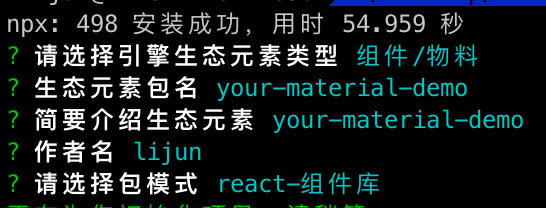
|
||||
|
||||
仓库初始化完成
|
||||

|
||||
|
||||
接下来即可编写物料内容了
|
||||
图物料与低代码的dom场景存在画布的差异,因此暂不支持物料单独调试,须通过项目demo进行物料调试
|
||||
|
||||
### 资产描述
|
||||
```bash
|
||||
npm run lowcode:build
|
||||
```
|
||||
如果物料是个React组件,则在执行上述命令时会自动生成对应的meta.ts,<b>但图物料很多时候并非一个React组件,因此须手动生产meta.ts</b>
|
||||
|
||||
可参考: https://github.com/alibaba/lowcode-materials/blob/main/packages/graph-x6-materials/lowcode/send-email/meta.ts
|
||||
同时会自动生成物料描述文件
|
||||
|
||||
### 物料调试
|
||||
#### 物料侧
|
||||
物料想要支持被项目动态inject调试,须在build.lowcode.js中加入
|
||||
```javascript
|
||||
[
|
||||
'@alilc/build-plugin-alt',
|
||||
{
|
||||
type: 'component',
|
||||
inject: true,
|
||||
library
|
||||
},
|
||||
]
|
||||
```
|
||||
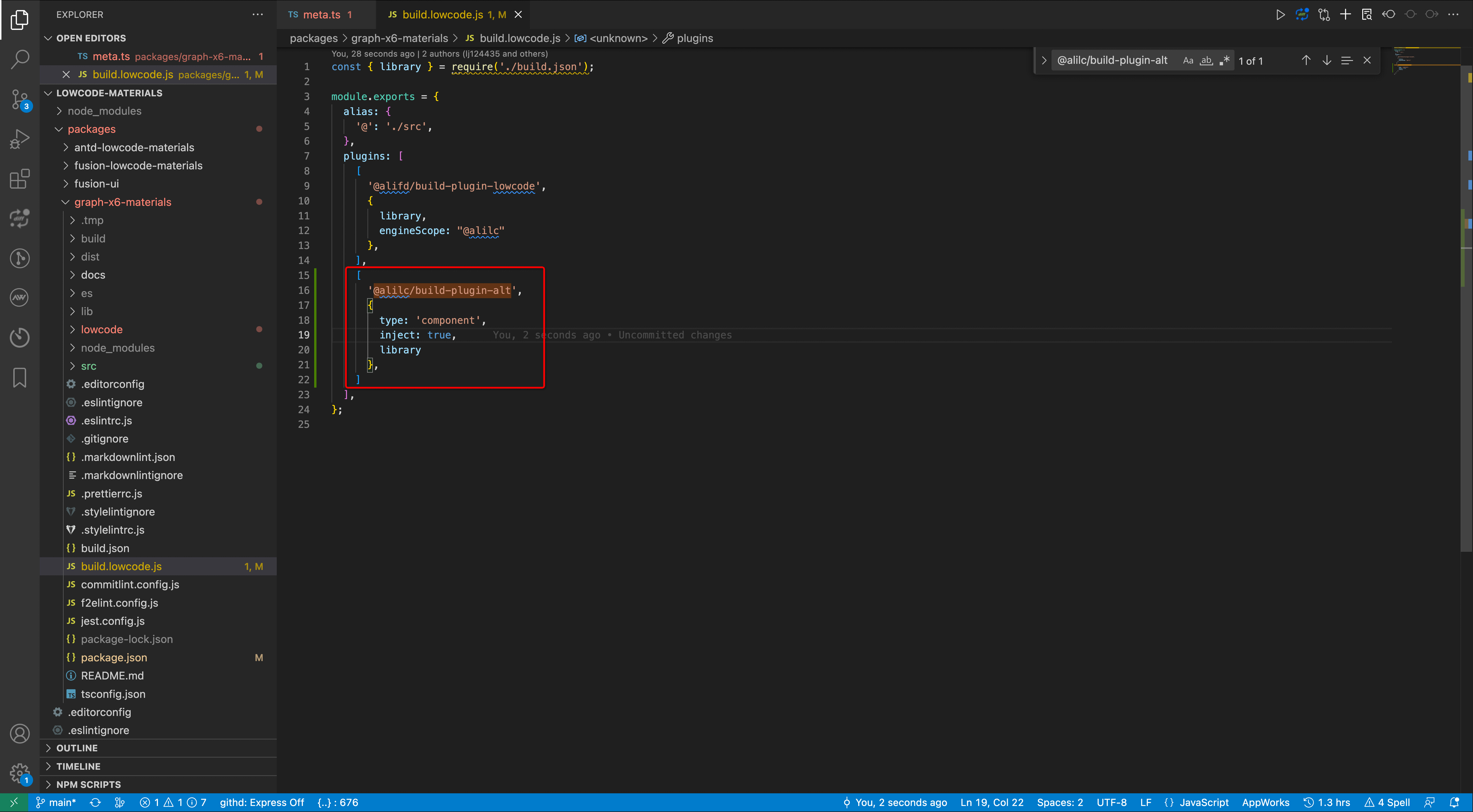
|
||||
|
||||
本地启动
|
||||
```bash
|
||||
npm run lowcode:dev
|
||||
```
|
||||
#### 项目侧
|
||||
通过@alilc/lce-graph-core加载物料的天然支持了debug,因此无须特殊处理。
|
||||
若项目中自行加载,则参考 https://lowcode-engine.cn/site/docs/guide/expand/editor/cli
|
||||
项目访问地址后拼接query "?debug"即可进入物料调试
|
||||
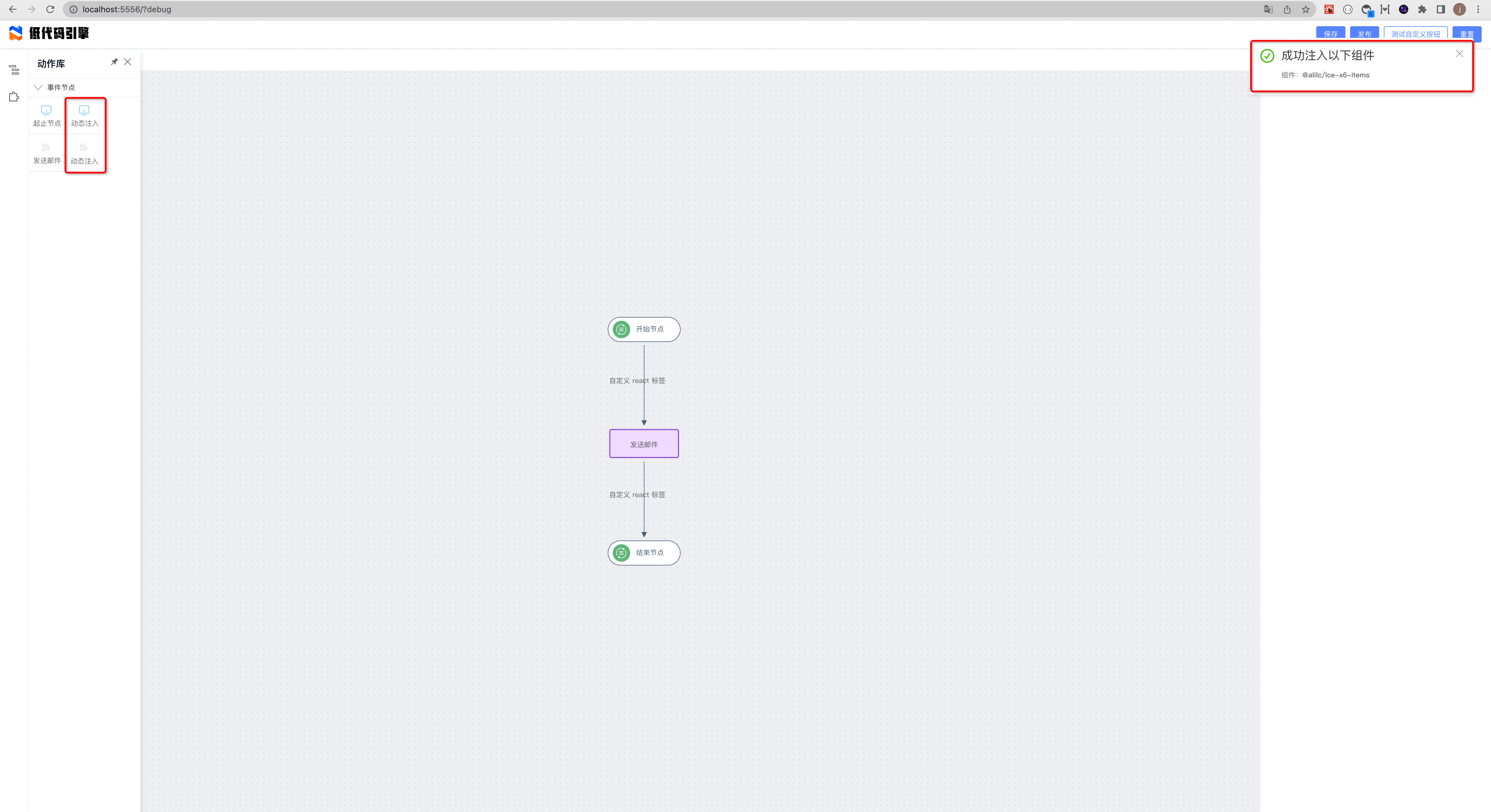
|
||||
|
||||
|
||||
@ -10,7 +10,7 @@ sidebar_position: 2
|
||||
|
||||
## 可视化生成物料描述
|
||||
|
||||
使用 Parts 造物平台:[使用文档](/site/docs/guide/expand/editor/partsIntro)
|
||||
使用 Parts 造物平台:[使用文档](/site/docs/guide/expand/editor/parts/partsIntro)
|
||||
|
||||
## 自动生成物料描述
|
||||
|
||||
@ -460,7 +460,6 @@ import parse from '@alilc/lowcode-material-parser';
|
||||
{
|
||||
name: 'back',
|
||||
title: ' ',
|
||||
virtual: () => true,
|
||||
display: 'plain',
|
||||
setter: BackwardSetter,
|
||||
}
|
||||
|
||||
4
docs/docs/guide/expand/editor/parts/_category_.json
Normal file
4
docs/docs/guide/expand/editor/parts/_category_.json
Normal file
@ -0,0 +1,4 @@
|
||||
{
|
||||
"label": "Parts 造物",
|
||||
"position": 1
|
||||
}
|
||||
18
docs/docs/guide/expand/editor/parts/partsIntro.md
Normal file
18
docs/docs/guide/expand/editor/parts/partsIntro.md
Normal file
@ -0,0 +1,18 @@
|
||||
---
|
||||
title: 介绍
|
||||
sidebar_position: 1
|
||||
---
|
||||
## 介绍
|
||||

|
||||
|
||||
|
||||
「Parts·造物」是基于开源低代码引擎打造的次时代物料研发和集成工具,一方面作为低代码引擎搭建低代码平台的一个样板展示开源生态下的各个组件如何集合在一起形成生产力,另一方面也可以生产低代码平台所需的物料。
|
||||
|
||||
目前「Parts·造物」主要提供两大产品功能:
|
||||
1. React 组件导入低代码引擎:通过在线可视化的「物料描述」配置,任意工具开发的 React 组件都可以快速完成对低代码引擎的适配,导入到低代码引擎项目中进行使用。不必额外开发新的组件。
|
||||
2. 低代码生产组件:通过低代码的形式生产组件,极低上手门槛,提供丰富的原子组件用于组合,完善的调试预览和组件生命周期控制。生产的组件既可以在低代码引擎项目中使用,也可以出码后在普通源码项目中使用。
|
||||
|
||||
|
||||
## 联系我们
|
||||
|
||||
<img src="https://img.alicdn.com/imgextra/i2/O1CN01UF88Xi1jC5SZ6m4wt_!!6000000004511-2-tps-750-967.png" width="300" />
|
||||
267
docs/docs/guide/expand/editor/parts/partsassets.md
Normal file
267
docs/docs/guide/expand/editor/parts/partsassets.md
Normal file
@ -0,0 +1,267 @@
|
||||
---
|
||||
title: 资产包管理
|
||||
sidebar_position: 4
|
||||
---
|
||||
|
||||
## 介绍
|
||||
|
||||
通过前述介绍,相信大家已经了解如何使用「[Parts·造物](https://parts.lowcode-engine.cn/)」来将已有的 React 组件快速接入低代码引擎,以及生产低代码组件。
|
||||
|
||||
大家在使用的过程中,可能会希望构建出来的资产包可以后续随时访问下载,或者希望构建资产包时各个组件的版本等信息可以持久化起来并且能够多人维护。
|
||||
|
||||
通过「[Parts·造物](https://parts.lowcode-engine.cn/)」的 `资产包` 管理功能帮助大家解决这个问题
|
||||
|
||||

|
||||
|
||||
## 新建资产包
|
||||
|
||||
首先,我们在 我的资产包 tab 中点击 `新建资产包`
|
||||

|
||||
|
||||
- 填写资产包名称
|
||||
- 配置资产包管理员,管理员拥有该资产包的所有权限,初始默认为资产包的创建者,还可以添加其他人作为管理员,
|
||||
- 配置资产包描述 (可选)
|
||||
- 点击 `确定`, 即可完成资产包的创建
|
||||
|
||||
接下来需要为资产包添加一个或者多个组件。
|
||||
|
||||
## 添加组件
|
||||
|
||||
第二步:新建完资产包以后,我们就可以为其添加组件了,如果是新建资产包流程,新建完成之后会自动弹出组件配置的弹窗,当然,你可可以通过点击资产包卡片的方式打开组件配置的弹窗。
|
||||

|
||||
|
||||
- 点击弹窗中 `添加组件` 按钮,在弹出的组件选择面板中,选中需要添加的组件并点击 `下一步`。
|
||||
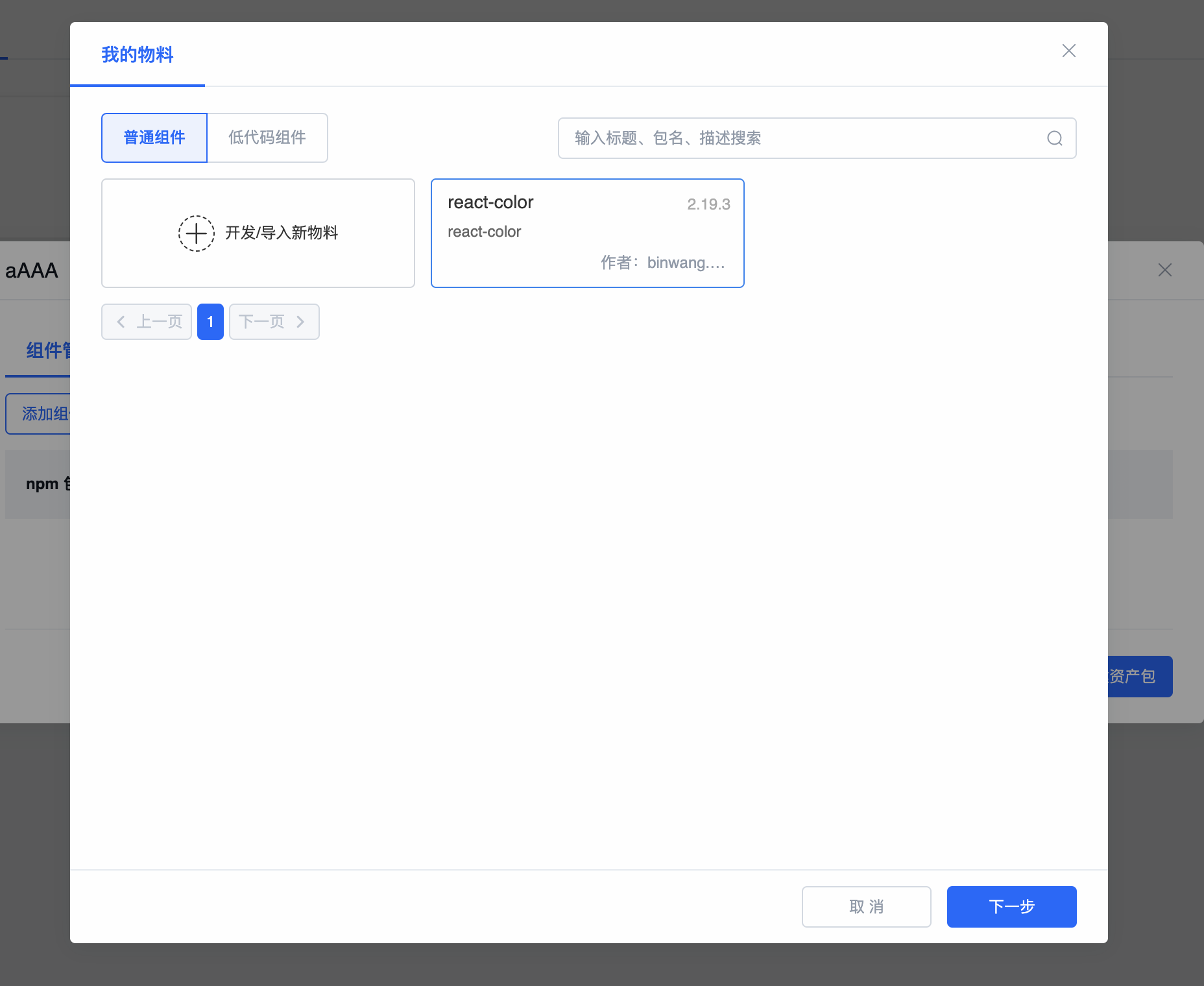
|
||||
- 进入组件版本以及描述协议版本选择界面,选择所需要的正确版本,点击 `安装` 即可完成一个组件的添加。
|
||||
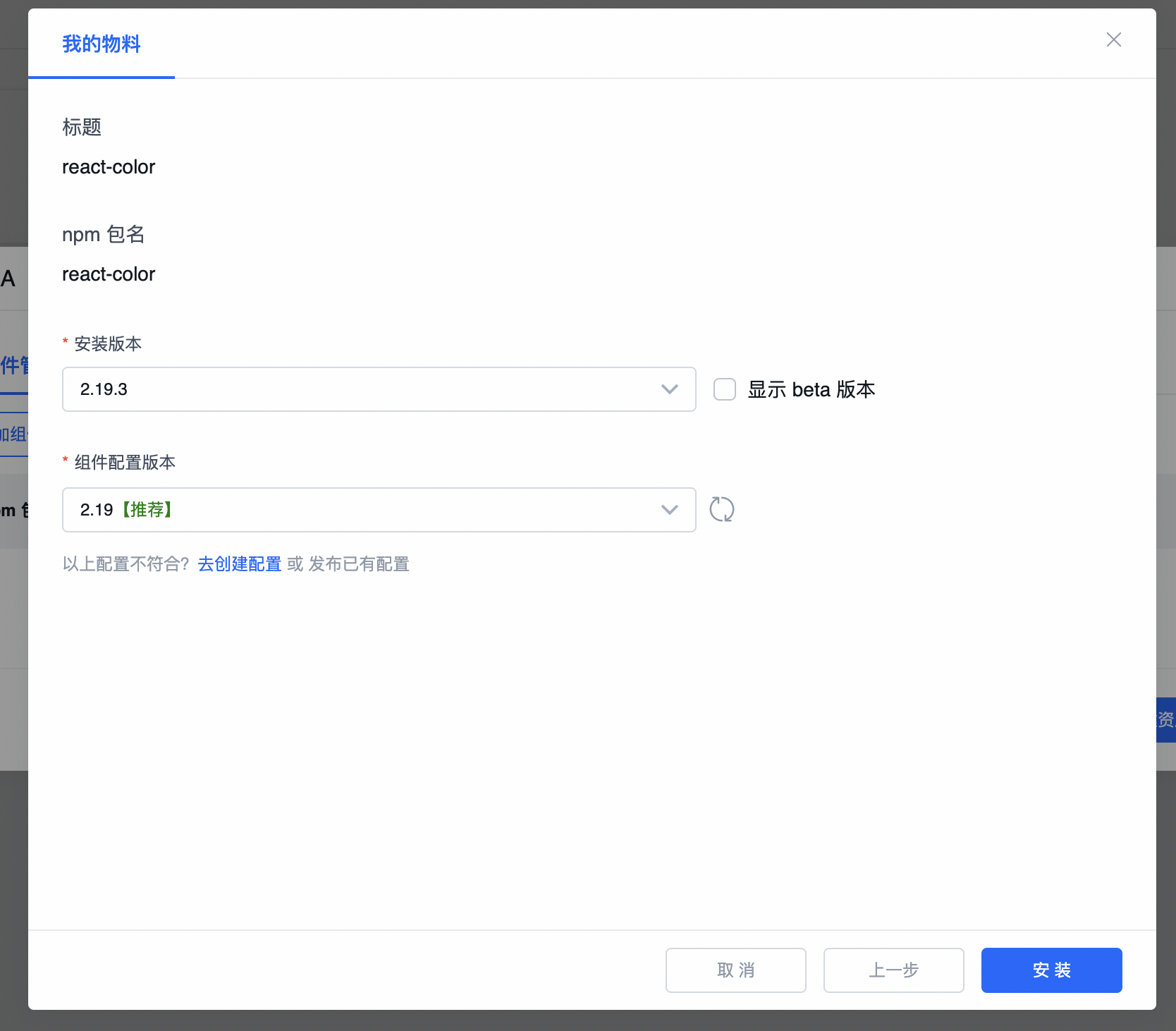
|
||||
|
||||
## 构建资产包
|
||||
|
||||
添加完组件以后就点击 `保存并构建资产包` 进入资产包构建配置弹窗
|
||||

|
||||
|
||||
- `开启缓存` : 可充分利用之前的构建结果缓存来加速资产包的生成,我们会将每个组件的构建结果以 包名和版本号为 key 进行缓存。
|
||||
- `任务描述` : 当前构建任务的一些描述信息。
|
||||
|
||||
点击 `确认` 按钮 会自动跳转到当前资产包的构建历史界面:
|
||||
|
||||
构建历史界面会显示当前资产包所有的构建历史记录,表格状态栏展示了构建的状态:`成功`,`失败`,`正在运行` 三种状态,操作列可以在构建成功时复制或者下载资产包结果
|
||||
|
||||
## 使用资产包
|
||||
你可以在 [lowcode-demo](https://github.com/alibaba/lowcode-demo) 中直接引用,可直接替换 demo 中原来的资产包文件:
|
||||
例如,在 [demo-lowcode-component](https://github.com/alibaba/lowcode-demo/tree/main/demo-lowcode-component) 中,直接用你的资产包文件替换文件[assets.json](https://github.com/alibaba/lowcode-demo/blob/main/demo-lowcode-component/src/services/assets.json),即可快速使用自己的物料了。
|
||||
|
||||
### 在编辑器中使用资产包
|
||||
在使用含有低代码组件的资产包注意 注意引擎版本必须大于等于 `1.1.0-beta.9`。
|
||||
然后直接替换 [lowcode-demo](https://github.com/alibaba/lowcode-demo) demo 中的 `assets.json` 文件即可。
|
||||
|
||||
### 在预览中使用资产包
|
||||
在预览中使用资产包的整体思路是从 `资产包` 中提取并转换出 `ReactRenderer` 渲染所需要的 react 组件列表 (`components` 参数),然后将 `schema` 以及 `components` 传入到 `ReactRenderer` 中进行渲染,需要注意的是,在 `资产包` 的转换过程中,我们也需要将 `低代码组件` 转换成 react 组件,具体逻辑可以参考下 [demo-lowcode-component](https://github.com/alibaba/lowcode-demo/tree/main/demo-lowcode-component) 中 `src/parse-assets.ts` 文件的实现。
|
||||
基于资产包进行预览的整体逻辑如下: [详见](https://github.com/alibaba/lowcode-demo/blob/main/demo-lowcode-component/src/preview.tsx):
|
||||
```ts
|
||||
import ReactDOM from 'react-dom';
|
||||
import React, { useState } from 'react';
|
||||
import { Loading } from '@alifd/next';
|
||||
import ReactRenderer from '@alilc/lowcode-react-renderer';
|
||||
import { createFetchHandler } from '@alilc/lowcode-datasource-fetch-handler';
|
||||
import {
|
||||
getProjectSchemaFromLocalStorage,
|
||||
} from './services/mockService';
|
||||
import assets from './services/assets.json';
|
||||
import { parseAssets } from './parse-assets';
|
||||
|
||||
const getScenarioName = function () {
|
||||
if (location.search) {
|
||||
return new URLSearchParams(location.search.slice(1)).get('scenarioName') || 'index';
|
||||
}
|
||||
return 'index';
|
||||
};
|
||||
|
||||
const SamplePreview = () => {
|
||||
const [data, setData] = useState({});
|
||||
async function init() {
|
||||
const scenarioName = getScenarioName();
|
||||
const projectSchema = getProjectSchemaFromLocalStorage(scenarioName);
|
||||
const { componentsMap: componentsMapArray, componentsTree } = projectSchema;
|
||||
const schema = componentsTree[0];
|
||||
const componentsMap: any = {};
|
||||
componentsMapArray.forEach((component: any) => {
|
||||
componentsMap[component.componentName] = component;
|
||||
});
|
||||
|
||||
// 特别提醒重点注意!!!:从资产包中解析出所有的 react 组件列表
|
||||
const { components } = await parseAssets(assets);
|
||||
|
||||
setData({
|
||||
schema,
|
||||
components,
|
||||
});
|
||||
}
|
||||
|
||||
const { schema, components } = data;
|
||||
|
||||
if (!schema || !components) {
|
||||
init();
|
||||
return <Loading fullScreen />;
|
||||
}
|
||||
|
||||
return (
|
||||
<div className="lowcode-plugin-sample-preview">
|
||||
<ReactRenderer
|
||||
className="lowcode-plugin-sample-preview-content"
|
||||
schema={schema}
|
||||
// // 将 react 组件列表传入 ReactRenderer 进行渲染
|
||||
components={components}
|
||||
appHelper={{
|
||||
requestHandlersMap: {
|
||||
fetch: createFetchHandler(),
|
||||
},
|
||||
}}
|
||||
/>
|
||||
</div>
|
||||
);
|
||||
};
|
||||
|
||||
ReactDOM.render(<SamplePreview />, document.getElementById('ice-container'));
|
||||
```
|
||||
|
||||
从资产包中解析 react 组件列表的逻辑如下,[详见](https://github.com/alibaba/lowcode-demo/blob/main/demo-lowcode-component/src/parse-assets.ts):
|
||||
```ts
|
||||
import { ComponentDescription, ComponentSchema, RemoteComponentDescription } from '@alilc/lowcode-types';
|
||||
import { buildComponents, AssetsJson, AssetLoader } from '@alilc/lowcode-utils';
|
||||
import ReactRenderer from '@alilc/lowcode-react-renderer';
|
||||
import { injectComponents } from '@alilc/lowcode-plugin-inject';
|
||||
import React, { createElement } from 'react';
|
||||
|
||||
export async function parseAssets(assets: AssetsJson) {
|
||||
const { components: rawComponents, packages } = assets;
|
||||
const libraryAsset = [];
|
||||
const libraryMap = {};
|
||||
const packagesMap = {};
|
||||
packages.forEach(pkg => {
|
||||
const { package: _package, library, urls, renderUrls, id } = pkg;
|
||||
if (_package) {
|
||||
libraryMap[id || _package] = library;
|
||||
}
|
||||
packagesMap[id || _package] = pkg;
|
||||
if (renderUrls) {
|
||||
libraryAsset.push(renderUrls);
|
||||
} else if (urls) {
|
||||
libraryAsset.push(urls);
|
||||
}
|
||||
});
|
||||
const assetLoader = new AssetLoader();
|
||||
await assetLoader.load(libraryAsset);
|
||||
let newComponents = rawComponents;
|
||||
if (rawComponents && rawComponents.length) {
|
||||
const componentDescriptions: ComponentDescription[] = [];
|
||||
const remoteComponentDescriptions: RemoteComponentDescription[] = [];
|
||||
rawComponents.forEach((component: any) => {
|
||||
if (!component) {
|
||||
return;
|
||||
}
|
||||
if (component.exportName && component.url) {
|
||||
remoteComponentDescriptions.push(component);
|
||||
} else {
|
||||
componentDescriptions.push(component);
|
||||
}
|
||||
});
|
||||
newComponents = [...componentDescriptions];
|
||||
|
||||
// 如果有远程组件描述协议,则自动加载并补充到资产包中,同时出发 designer.incrementalAssetsReady 通知组件面板更新数据
|
||||
if (remoteComponentDescriptions && remoteComponentDescriptions.length) {
|
||||
await Promise.all(
|
||||
remoteComponentDescriptions.map(async (component: any) => {
|
||||
const { exportName, url, npm } = component;
|
||||
await (new AssetLoader()).load(url);
|
||||
function setAssetsComponent(component: any, extraNpmInfo: any = {}) {
|
||||
const components = component.components;
|
||||
if (Array.isArray(components)) {
|
||||
components.forEach(d => {
|
||||
newComponents = newComponents.concat({
|
||||
npm: {
|
||||
...npm,
|
||||
...extraNpmInfo,
|
||||
},
|
||||
...d,
|
||||
} || []);
|
||||
});
|
||||
return;
|
||||
}
|
||||
newComponents = newComponents.concat({
|
||||
npm: {
|
||||
...npm,
|
||||
...extraNpmInfo,
|
||||
},
|
||||
...component.components,
|
||||
} || []);
|
||||
}
|
||||
|
||||
function setArrayAssets(value: any[], preExportName: string = '', preSubName: string = '') {
|
||||
value.forEach((d: any, i: number) => {
|
||||
const exportName = [preExportName, i.toString()].filter(d => !!d).join('.');
|
||||
const subName = [preSubName, i.toString()].filter(d => !!d).join('.');
|
||||
Array.isArray(d) ? setArrayAssets(d, exportName, subName) : setAssetsComponent(d, {
|
||||
exportName,
|
||||
subName,
|
||||
});
|
||||
});
|
||||
}
|
||||
if (window[exportName]) {
|
||||
if (Array.isArray(window[exportName])) {
|
||||
setArrayAssets(window[exportName] as any);
|
||||
} else {
|
||||
setAssetsComponent(window[exportName] as any);
|
||||
}
|
||||
}
|
||||
return window[exportName];
|
||||
}),
|
||||
);
|
||||
}
|
||||
}
|
||||
const lowcodeComponentsArray = [];
|
||||
const proCodeComponentsMap = newComponents.reduce((acc, cur) => {
|
||||
if ((cur.devMode || '').toLowerCase() === 'lowcode') {
|
||||
lowcodeComponentsArray.push(cur);
|
||||
} else {
|
||||
acc[cur.componentName] = {
|
||||
...(cur.reference || cur.npm),
|
||||
componentName: cur.componentName,
|
||||
};
|
||||
}
|
||||
return acc;
|
||||
}, {})
|
||||
|
||||
function genLowCodeComponentsMap(components) {
|
||||
const lowcodeComponentsMap = {};
|
||||
lowcodeComponentsArray.forEach((lowcode) => {
|
||||
const id = lowcode.reference?.id;
|
||||
const schema = packagesMap[id]?.schema;
|
||||
const comp = genLowcodeComp(schema, {...components, ...lowcodeComponentsMap});
|
||||
lowcodeComponentsMap[lowcode.componentName] = comp;
|
||||
});
|
||||
return lowcodeComponentsMap;
|
||||
}
|
||||
let components = await injectComponents(buildComponents(libraryMap, proCodeComponentsMap));
|
||||
const lowCodeComponents = genLowCodeComponentsMap(components);
|
||||
return {
|
||||
components: { ...components, ...lowCodeComponents }
|
||||
}
|
||||
}
|
||||
|
||||
function genLowcodeComp(schema: ComponentSchema, components: any) {
|
||||
return class LowcodeComp extends React.Component {
|
||||
render(): React.ReactNode {
|
||||
return createElement(ReactRenderer, {
|
||||
...this.props,
|
||||
schema,
|
||||
components,
|
||||
designMode: '',
|
||||
});
|
||||
}
|
||||
};
|
||||
}
|
||||
```
|
||||
## 联系我们
|
||||
|
||||
<img src="https://img.alicdn.com/imgextra/i2/O1CN01UF88Xi1jC5SZ6m4wt_!!6000000004511-2-tps-750-967.png" width="300" />
|
||||
92
docs/docs/guide/expand/editor/parts/partslcc.md
Normal file
92
docs/docs/guide/expand/editor/parts/partslcc.md
Normal file
@ -0,0 +1,92 @@
|
||||
---
|
||||
title: 低代码组件
|
||||
sidebar_position: 2
|
||||
---
|
||||
## 什么是低代码组件
|
||||
我们先了解一下什么是低代码组件,为什么要用低代码组件。
|
||||
|
||||
低代码组件是通过可视化的方式生产的组件,这些组件既可以用于低代码搭建体系,也可以用于 ProCode 开发体系(后续迭代)。
|
||||
|
||||
那么为什么我们要使用低代码的形式来开发组件:
|
||||
* <font color="red"><b>首先</b></font>:<b>轻快</b>,低代码组件只需通过浏览器秒级完成初始化工作,不需要 ProCode 繁重的环境准备;<b>环境一致(低代码环境)</b>,同时能够保证物料的开发环境和真实的运行环境是一致的,不会存在开发和运行环境不一致的问题。
|
||||
* <font color="red"><b>其次</b></font>:<b>通用能力可视化方式抽象,提升研发效能</b>,比如获取远程数据、视图开发、依赖管理、生命周期、事件绑定等功能。
|
||||
|
||||
<font color="red">低代码组件不是用来替代 ProCode 的开发方式</font>,而是让开发者可以从 ProCode 中重复的工作脱离出来,抽象更多业务垂直的能力,从而起到提效的作用。
|
||||
|
||||
## 创建组件
|
||||
|
||||
环境准备:我们可以通过 Parts 提供的通用[低代码组件开发环境](https://parts.lowcode-engine.cn/material#/)开发。
|
||||
|
||||
点击开发新组件 --> 填写组件标题 --> 填写组件名称 --> 点击确定,完成组件创建工作。
|
||||
|
||||

|
||||
|
||||
## 组件开发
|
||||
|
||||
一张图速览低代码组件开发的功能模块,其中大部分功能可以参考[低代码引擎文档](https://lowcode-engine.cn/site/docs/guide/quickStart/intro)。
|
||||
|
||||

|
||||
|
||||
### 依赖管理
|
||||
|
||||
依赖管理用于管理低代码组件本身的依赖(类似于 dependencies)。步骤:点击添加组件 --> 选择安装的组件 --> 保存并构建 (需要等待几分钟构建)。
|
||||
|
||||
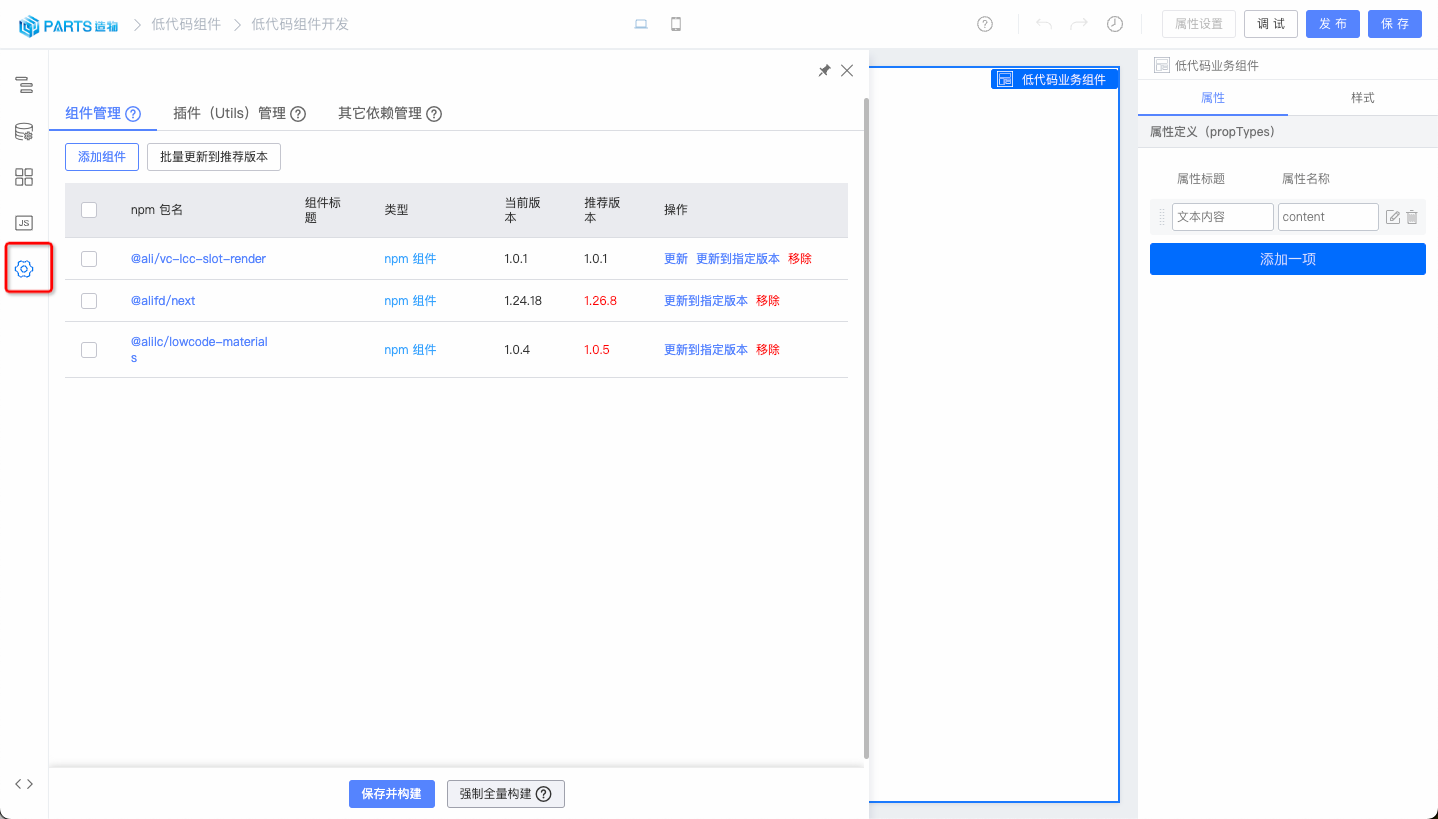
|
||||
|
||||
### 属性定义
|
||||
|
||||
用于定义组件接收外部传入的 propTypes,组件内部可以通过<font color="red">this.props.${属性名称}</font>的方式获取属性值。
|
||||
|
||||
属性定义前建议先阅读 [物料描述详解](https://lowcode-engine.cn/site/docs/guide/expand/editor/metaSpec)、[预置设置器](https://lowcode-engine.cn/site/docs/guide/appendix/setters)。
|
||||
|
||||
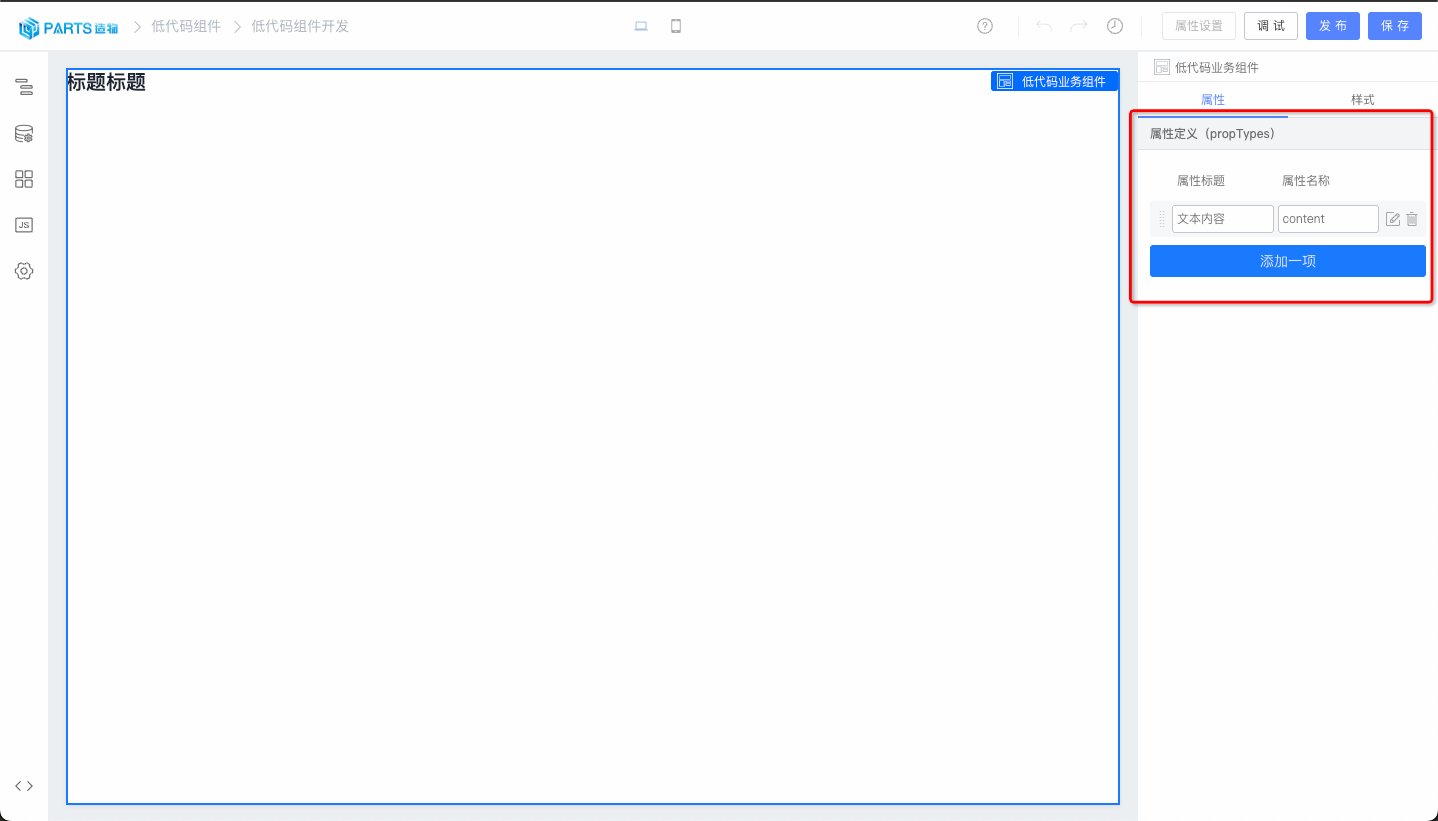
|
||||
|
||||

|
||||
|
||||
### 生命周期
|
||||
|
||||
低代码组件的开发支持 componentDidMount、componentDidUpdate、componentDidCatch、componentWillUnmount 几个生命周期
|
||||
|
||||

|
||||
|
||||
### 组件调试
|
||||
|
||||
我们提供了一套线上实时调试的方案,只需点击右上角的调试按钮,就能自动创建一个低代码应用,在这个应用中可以实时调试当前的低代码组件。
|
||||
|
||||

|
||||
|
||||
在低代码应用中使用,组件面板 --> 低代码组件,找到对应的低代码组件拖入画布即可。
|
||||
|
||||

|
||||
|
||||
### 组件发布
|
||||
|
||||
同时我们提供了组件发布的功能,用于组件版本管理,点击右上角的发布按钮即可发布组件
|
||||
|
||||

|
||||
|
||||
## 组件使用
|
||||
|
||||
组件的消费是通过资产包来管理的,详情请参考 [资产包管理](./partsassets)。
|
||||
|
||||
## 组件导出
|
||||
|
||||
开发好的低代码组件可以导出成为 React 组件,脱离低代码引擎独立使用。同时导出功能也为您的组件留出一份备份,您可以放心使用本产品的服务,而不用担心万一出现的不能服务的场景。
|
||||
|
||||
在物料列表页面,低代码组件会有一个导出的动作。
|
||||
|
||||
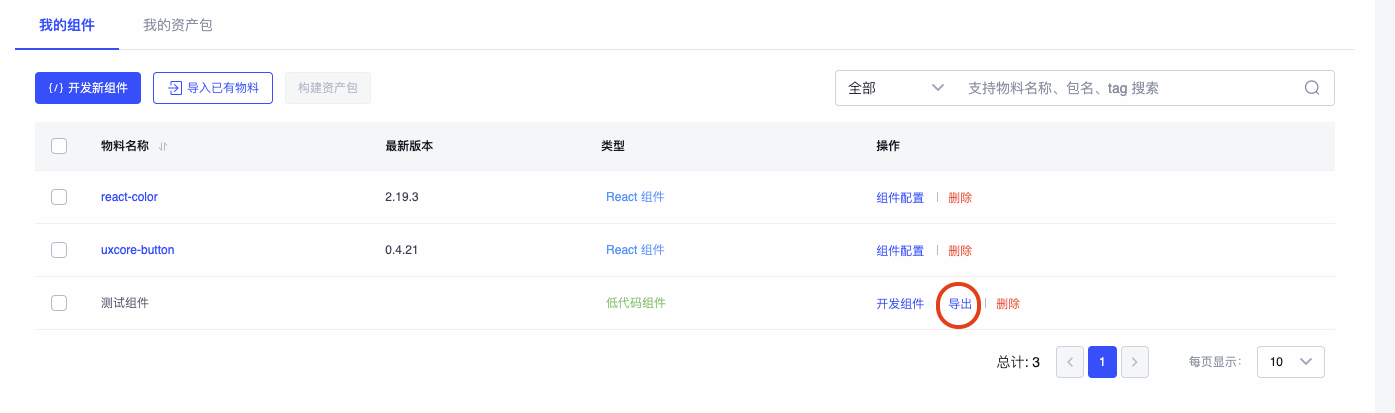
|
||||
|
||||
点击导出后,就会开启导出低代码组件的过程。这个过程持续 10s+,导出完成后会为您自动下载对应的 zip 包。
|
||||
|
||||

|
||||
|
||||
zip 包解压后可以看到一个完整的组件脚手架工程,您可以在这个工程里继续开发调试,或者发布到合适的 npm 源中。
|
||||
|
||||

|
||||
|
||||
注意:目前导出功能暂不支持 低代码组件嵌套。
|
||||
|
||||
## 联系我们
|
||||
|
||||
<img src="https://img.alicdn.com/imgextra/i2/O1CN01UF88Xi1jC5SZ6m4wt_!!6000000004511-2-tps-750-967.png" width="300" />
|
||||
@ -1,5 +1,5 @@
|
||||
---
|
||||
title: 利用 Parts 造物快速使用 react 组件
|
||||
title: React 组件导入
|
||||
sidebar_position: 3
|
||||
---
|
||||
## 介绍
|
||||
@ -50,8 +50,6 @@ sidebar_position: 3
|
||||
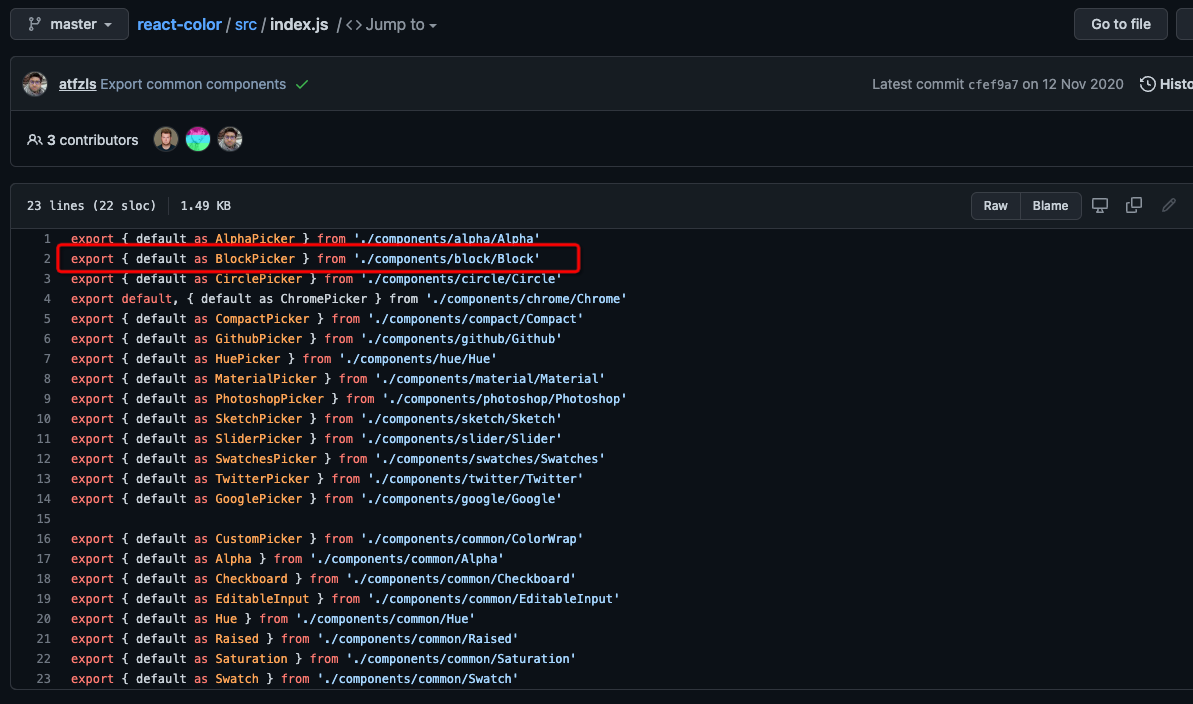
|
||||
#### 给组件增加物料描述
|
||||
|
||||
选中刚刚新增的 BlockPicker 组件,然后给它增加描述:
|
||||
|
||||
- 打开左侧 Setter 面板
|
||||
- 按照组件的属性拖入需要 Setter 类型(如图中组件的 width 属性,拖入数字 Setter)
|
||||
- 各种 Setter 的介绍可以参看这篇文档:[预置设置器列表](/site/docs/guide/appendix/setters)
|
||||
@ -102,31 +100,22 @@ sidebar_position: 3
|
||||
- 点击确定发布完成
|
||||
|
||||
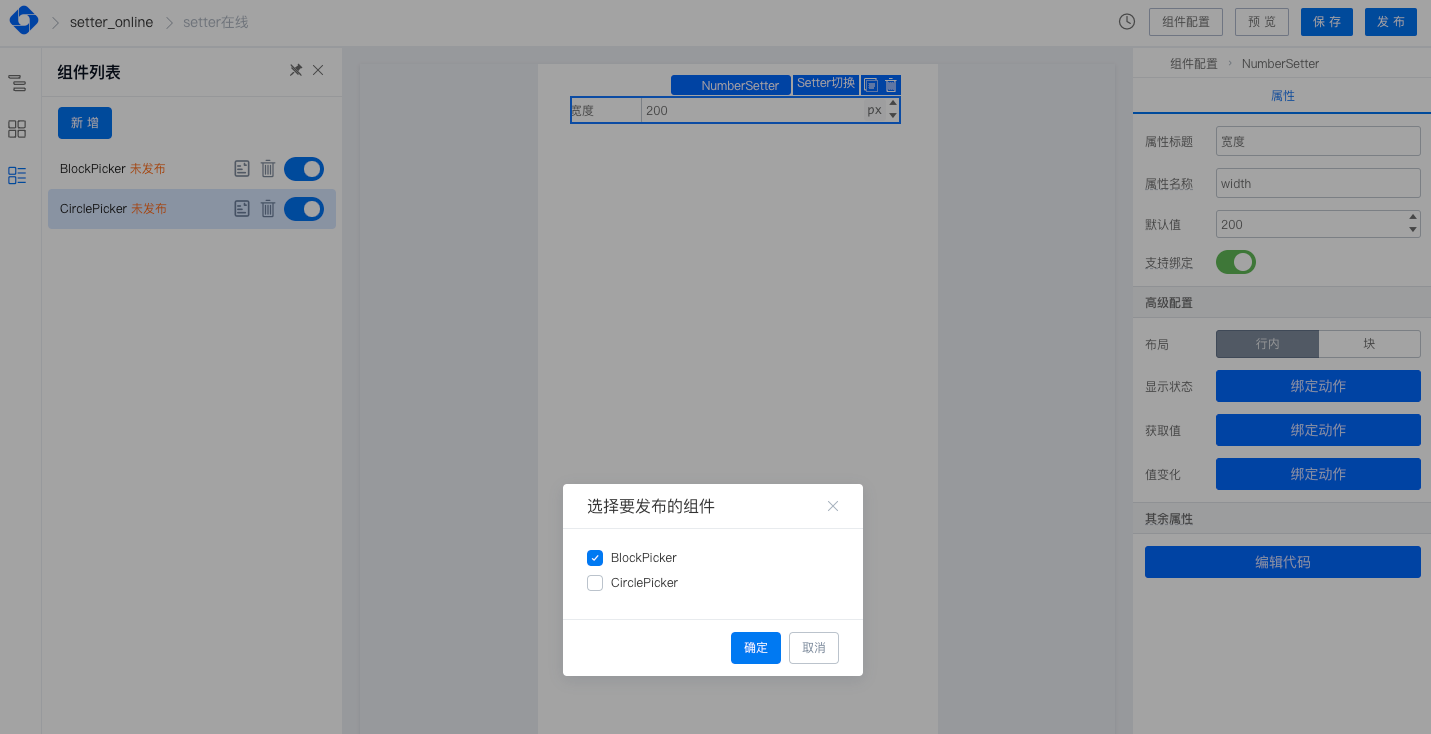
|
||||
|
||||
## 资产包构建
|
||||
|
||||
## 资产包
|
||||
第三步:物料描述发布完成后,接下来我们就需要构建出可用的资产包用于低代码应用中。
|
||||
|
||||
#### 资产包构建
|
||||
有两种方式可以构建资产包:
|
||||
- 一种是通过 [`我的资产包`] 资产包管理模块进行整个资产包生命周期的管理,当然也包括资产包的构建,可参考 [资产包管理](./partsassets)
|
||||
- 一种是通过 [`我的物料`] 组件物料管理模块的 `资产包构建` 进行构建, 具体操作如下:
|
||||
|
||||
- 选择需要构建的组件
|
||||
- 点击构建资产包按钮
|
||||
- 选择刚刚的物料描述配置
|
||||
- 开始构建,构建完成后你将得到一份 json 文件(里面包含了物料描述和 umd 包),就可以到项目中使用了
|
||||
|
||||
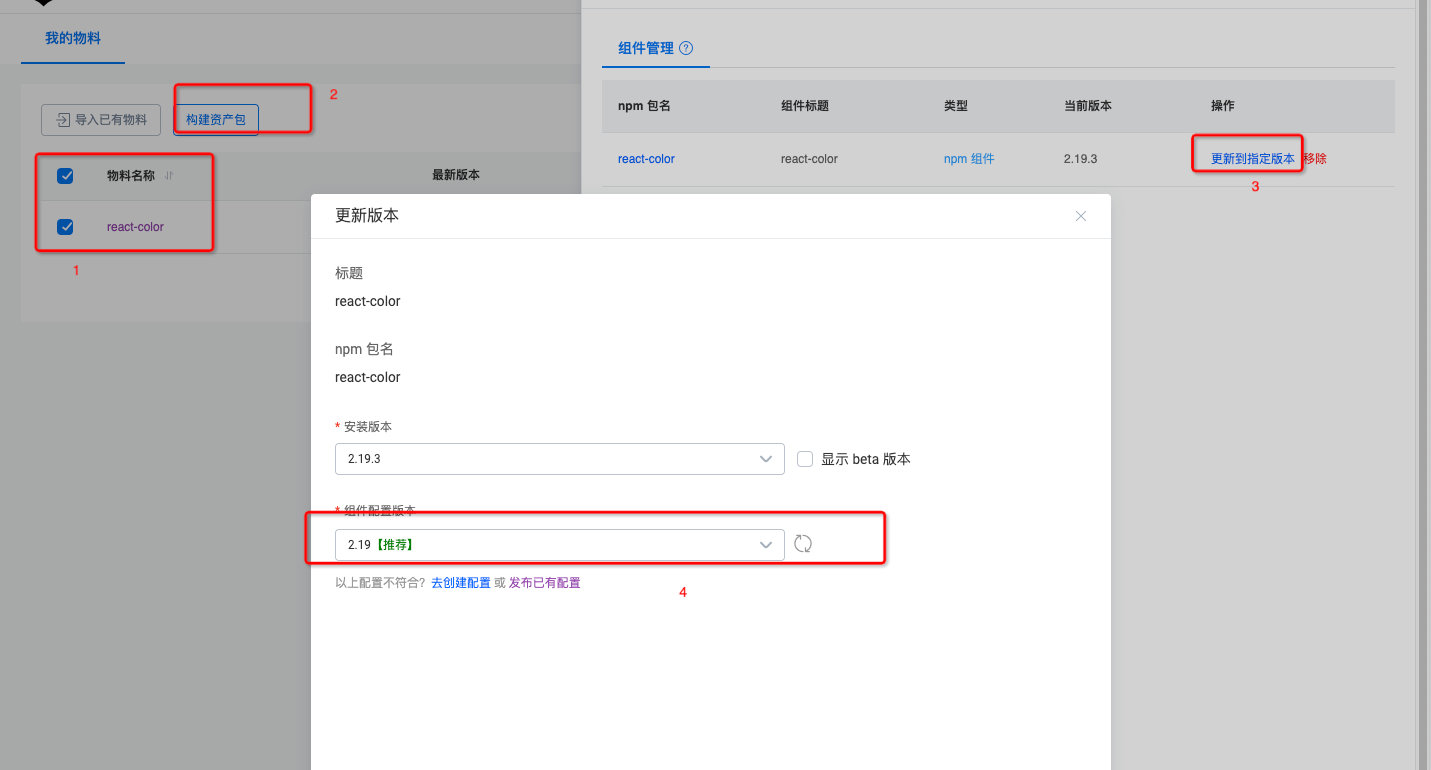
|
||||
- 选择需要构建的组件
|
||||
- 点击构建资产包按钮
|
||||
- 选择刚刚的物料描述配置
|
||||
- 开始构建,构建完成后你将得到一份 json 文件(里面包含了物料描述和 umd 包),就可以到项目中使用了
|
||||
|
||||
#### 资产包使用
|
||||
详情请参考 [资产包管理](./partsassets#使用资产包)
|
||||
|
||||
**方式一、在 **[**lowcode-demo**](https://github.com/alibaba/lowcode-demo)**中直接引用,可直接替换 demo 中原来的资产包文件:**
|
||||
## 联系我们
|
||||
|
||||
例如,在 basic-fusion demo 中,直接用你的资产包文件替换文件[assets.json](https://github.com/alibaba/lowcode-demo/blob/main/demo-basic-fusion/src/services/assets.json),即可快速使用自己的物料了。
|
||||
|
||||
**方式二、将新的资产包内容和现有的资产包内容融合:**
|
||||
|
||||
将上面构建完成的资产包与你项目中的[assets.json 文件](https://github.com/alibaba/lowcode-demo/blob/main/demo-basic-fusion/src/services/assets.json)合并,主要合并 packages 和 components。
|
||||
|
||||
- packages 中是构建好的 umd 包;
|
||||
- components 中是上面配置好的[物料描述](https://lowcode-engine.cn/material),你也可以在基础上二次加工;
|
||||
|
||||

|
||||
<img src="https://img.alicdn.com/imgextra/i2/O1CN01UF88Xi1jC5SZ6m4wt_!!6000000004511-2-tps-750-967.png" width="300" />
|
||||
@ -2,7 +2,9 @@
|
||||
title: 插件扩展 - 编排扩展
|
||||
sidebar_position: 6
|
||||
---
|
||||
|
||||
## 场景一:扩展选中节点操作项
|
||||
|
||||
### 增加节点操作项
|
||||
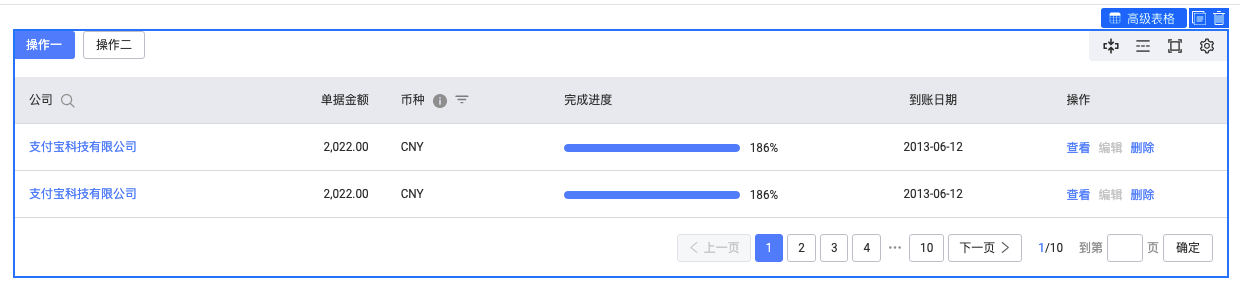
|
||||
|
||||
@ -10,28 +12,27 @@ sidebar_position: 6
|
||||
|
||||
```typescript
|
||||
import { plugins } from '@alilc/lowcode-engine';
|
||||
import { IPublicModelPluginContext } from '@alilc/lowcode-types';
|
||||
import { IPublicModelPluginContext, IPublicModelNode } from '@alilc/lowcode-types';
|
||||
import { Icon, Message } from '@alifd/next';
|
||||
|
||||
const addHelloAction = (ctx: IPublicModelPluginContext) => {
|
||||
return {
|
||||
async init() {
|
||||
const { addBuiltinComponentAction } = ctx.material;
|
||||
addBuiltinComponentAction({
|
||||
ctx.material.addBuiltinComponentAction({
|
||||
name: 'hello',
|
||||
content: {
|
||||
icon: <Icon type="atm" />,
|
||||
title: 'hello',
|
||||
action(node: Node) {
|
||||
action(node: IPublicModelNode) {
|
||||
Message.show('Welcome to Low-Code engine');
|
||||
},
|
||||
},
|
||||
condition: (node: Node) => {
|
||||
condition: (node: IPublicModelNode) => {
|
||||
return node.componentMeta.componentName === 'NextTable';
|
||||
},
|
||||
important: true,
|
||||
});
|
||||
}
|
||||
},
|
||||
};
|
||||
};
|
||||
addHelloAction.pluginName = 'addHelloAction';
|
||||
@ -52,8 +53,7 @@ import { IPublicModelPluginContext } from '@alilc/lowcode-types';
|
||||
const removeCopyAction = (ctx: IPublicModelPluginContext) => {
|
||||
return {
|
||||
async init() {
|
||||
const { removeBuiltinComponentAction } = ctx.material;
|
||||
removeBuiltinComponentAction('copy');
|
||||
ctx.material.removeBuiltinComponentAction('copy');
|
||||
}
|
||||
}
|
||||
};
|
||||
@ -68,6 +68,7 @@ await plugins.register(removeCopyAction);
|
||||
具体 API 参考:[API 文档](/site/docs/api/material#removebuiltincomponentaction)
|
||||
|
||||
## 实际案例
|
||||
|
||||
### 区块管理
|
||||
|
||||
- 仓库地址:[https://github.com/alibaba/lowcode-plugins](https://github.com/alibaba/lowcode-plugins)
|
||||
|
||||
@ -2,6 +2,7 @@
|
||||
title: 插件扩展 - 面板扩展
|
||||
sidebar_position: 5
|
||||
---
|
||||
|
||||
## 插件简述
|
||||
|
||||
插件功能赋予低代码引擎更高的灵活性,低代码引擎的生态提供了一些官方的插件,但是无法满足所有人的需求,所以提供了强大的插件定制功能。
|
||||
@ -23,7 +24,7 @@ import { IPublicModelPluginContext } from '@alilc/lowcode-types';
|
||||
const pluginA = (ctx: IPublicModelPluginContext, options: any) => {
|
||||
return {
|
||||
init() {
|
||||
console.log(options.key);
|
||||
console.log(options.key);
|
||||
// 往引擎增加面板
|
||||
ctx.skeleton.add({
|
||||
// area 配置见下方说明
|
||||
@ -36,9 +37,9 @@ const pluginA = (ctx: IPublicModelPluginContext, options: any) => {
|
||||
},
|
||||
destroy() {
|
||||
console.log('我被销毁了~');
|
||||
}
|
||||
}
|
||||
}
|
||||
},
|
||||
};
|
||||
};
|
||||
|
||||
pluginA.pluginName = 'pluginA';
|
||||
|
||||
@ -56,6 +57,7 @@ plugins.register(pluginA, { key: 'test' });
|
||||
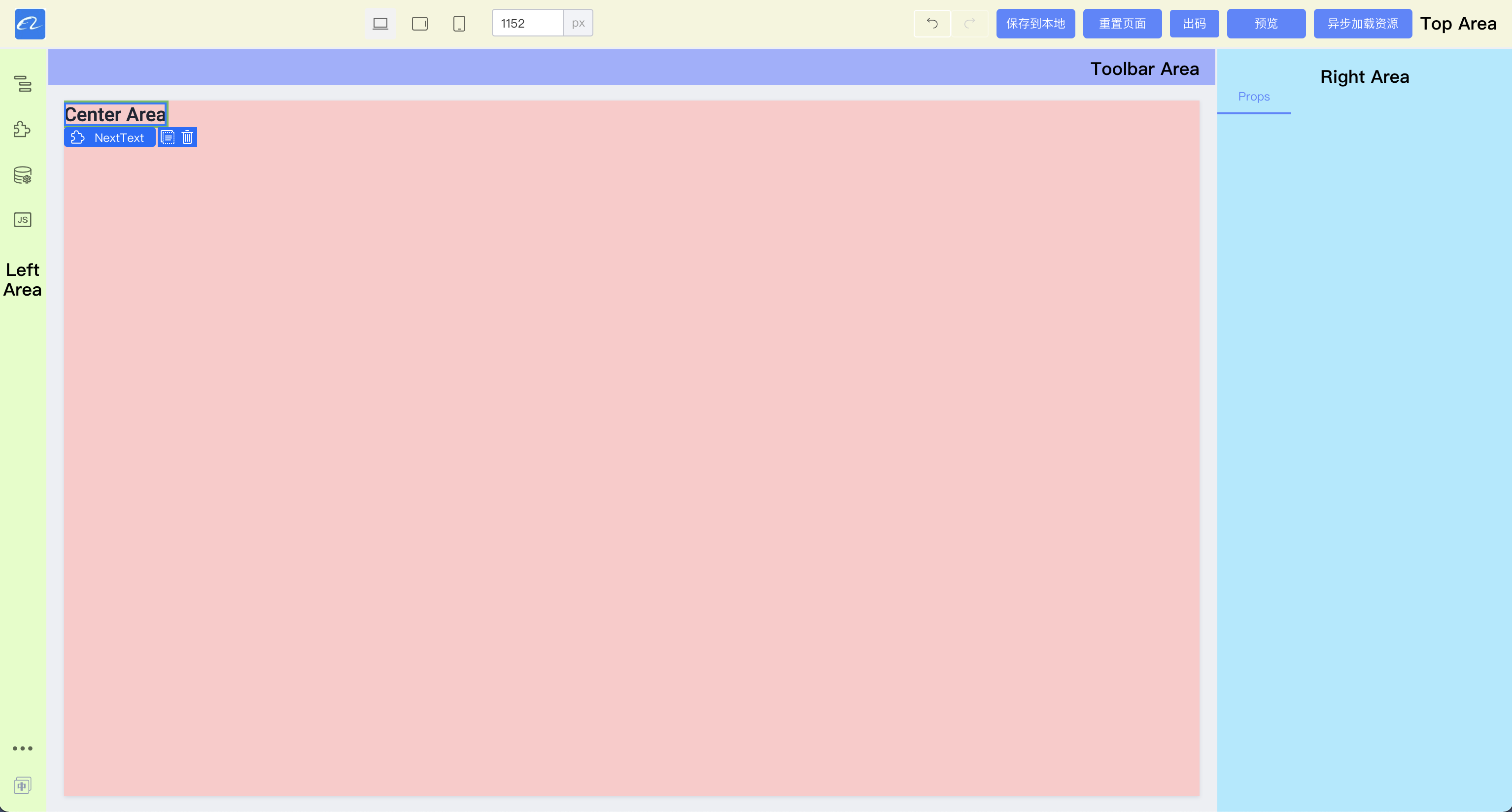
|
||||
|
||||
### 展示区域 area
|
||||
|
||||
#### topArea
|
||||
|
||||
展示在设计器的顶部区域,常见的相关区域的插件主要是:、
|
||||
@ -76,6 +78,7 @@ plugins.register(pluginA, { key: 'test' });
|
||||
4. JS 等代码面板。
|
||||
|
||||
可以发现,这个区域的面板大多数操作时是不需要同时并存的,且交互比较复杂的,需要一个更整块的区域来进行操作。
|
||||
|
||||
#### centerArea
|
||||
|
||||
画布区域,由于画布大多数是展示作用,所以一般扩展的种类比较少。常见的扩展有:
|
||||
@ -106,12 +109,12 @@ PanelDock 是以面板的形式展示在设计器的左侧区域的。其中主
|
||||
接入可以参考代码
|
||||
|
||||
```javascript
|
||||
import { skeleton } from "@alilc/lowcode-engine";
|
||||
import { skeleton } from '@alilc/lowcode-engine';
|
||||
|
||||
skeleton.add({
|
||||
area: "leftArea", // 插件区域
|
||||
type: "PanelDock", // 插件类型,弹出面板
|
||||
name: "sourceEditor",
|
||||
area: 'leftArea', // 插件区域
|
||||
type: 'PanelDock', // 插件类型,弹出面板
|
||||
name: 'sourceEditor',
|
||||
content: SourceEditor, // 插件组件实例
|
||||
props: {
|
||||
align: "left",
|
||||
@ -139,12 +142,12 @@ Widget 形式是直接渲染在当前编辑器的对应位置上。如 demo 中
|
||||
接入可以参考代码:
|
||||
|
||||
```javascript
|
||||
import {skeleton} from "@alilc/lowcode-engine";
|
||||
import { skeleton } from '@alilc/lowcode-engine';
|
||||
// 注册 logo 面板
|
||||
skeleton.add({
|
||||
area: "topArea",
|
||||
type: "Widget",
|
||||
name: "logo",
|
||||
area: 'topArea',
|
||||
type: 'Widget',
|
||||
name: 'logo',
|
||||
content: Logo, // Widget 组件实例
|
||||
contentProps: { // Widget 插件 props
|
||||
logo:
|
||||
@ -152,7 +155,7 @@ skeleton.add({
|
||||
href: "/",
|
||||
},
|
||||
props: {
|
||||
align: "left",
|
||||
align: 'left',
|
||||
width: 100,
|
||||
},
|
||||
});
|
||||
@ -163,24 +166,21 @@ skeleton.add({
|
||||
一个图标的表现形式,可以用于语言切换、跳转到外部链接、打开一个 widget 等场景。
|
||||
|
||||
```javascript
|
||||
import { skeleton } from "@alilc/lowcode-engine";
|
||||
import { skeleton } from '@alilc/lowcode-engine';
|
||||
|
||||
skeleton.add({
|
||||
area: 'leftArea',
|
||||
type: 'Dock',
|
||||
name: 'opener',
|
||||
content: Opener, // Widget 组件实例
|
||||
contentProps: { // Widget 插件 props
|
||||
xxx: '1',
|
||||
},
|
||||
props: {
|
||||
icon: Icon, // Icon 组件实例
|
||||
align: 'bottom',
|
||||
},
|
||||
onClick: function() {
|
||||
// 打开外部链接
|
||||
window.open('https://lowcode-engine.cn');
|
||||
// 显示 widget
|
||||
skeleton.showWidget('xxx');
|
||||
onClick: function () {
|
||||
// 打开外部链接
|
||||
window.open('https://lowcode-engine.cn');
|
||||
// 显示 widget
|
||||
skeleton.showWidget('xxx');
|
||||
}
|
||||
}
|
||||
});
|
||||
```
|
||||
@ -211,4 +211,4 @@ skeleton.add({
|
||||
- [阿里巴巴低代码引擎项目实战 (11)-区块管理 - ICON 优化](https://www.bilibili.com/video/BV1zr4y1H7Km/)
|
||||
- [阿里巴巴低代码引擎项目实战 (11)-区块管理 - 自动截图](https://www.bilibili.com/video/BV1GZ4y117VH/)
|
||||
- [阿里巴巴低代码引擎项目实战 (11)-区块管理 - 样式优化](https://www.bilibili.com/video/BV1Pi4y1S7ZT/)
|
||||
- [阿里低代码引擎项目实战 (12)-区块管理 (完结)-给引擎插件提个 PR](https://www.bilibili.com/video/BV1hB4y1277o/)
|
||||
- [阿里低代码引擎项目实战 (12)-区块管理 (完结)-给引擎插件提个 PR](https://www.bilibili.com/video/BV1hB4y1277o/)
|
||||
|
||||
@ -1,6 +1,6 @@
|
||||
---
|
||||
title: 设置器扩展
|
||||
sidebar_position: 4
|
||||
sidebar_position: 7
|
||||
---
|
||||
## 设置器简述
|
||||
|
||||
|
||||
157
docs/docs/guide/expand/editor/theme.md
Normal file
157
docs/docs/guide/expand/editor/theme.md
Normal file
@ -0,0 +1,157 @@
|
||||
---
|
||||
title: 主题色扩展
|
||||
sidebar_position: 9
|
||||
---
|
||||
|
||||
## 简介
|
||||
|
||||
主题色扩展允许用户定制多样的设计器主题,增加界面的个性化和品牌识别度。
|
||||
|
||||
## 设计器主题色定制
|
||||
|
||||
在 CSS 的根级别定义主题色变量可以确保这些变量在整个应用中都可用。例如:
|
||||
|
||||
```css
|
||||
:root {
|
||||
--color-brand: rgba(0, 108, 255, 1); /* 主品牌色 */
|
||||
--color-brand-light: rgba(25, 122, 255, 1); /* 浅色品牌色 */
|
||||
--color-brand-dark: rgba(0, 96, 229, 1); /* 深色品牌色 */
|
||||
}
|
||||
|
||||
```
|
||||
|
||||
将样式文件引入到你的设计器中,定义的 CSS 变量就可以改变设计器的主题色了。
|
||||
|
||||
### 主题色变量
|
||||
|
||||
以下是低代码引擎设计器支持的主题色变量列表,以及它们的用途说明:
|
||||
|
||||
#### 品牌相关颜色
|
||||
|
||||
- `--color-brand`: 主品牌色
|
||||
- `--color-brand-light`: 浅色品牌色
|
||||
- `--color-brand-dark`: 深色品牌色
|
||||
|
||||
#### Icon 相关颜色
|
||||
|
||||
- `--color-icon-normal`: 默认状态
|
||||
- `--color-icon-light`: icon light 状态
|
||||
- `--color-icon-hover`: 鼠标悬停状态
|
||||
- `--color-icon-active`: 激活状态
|
||||
- `--color-icon-reverse`: 反色状态
|
||||
- `--color-icon-disabled`: 禁用状态
|
||||
- `--color-icon-pane`: 面板颜色
|
||||
|
||||
#### 线条和文本颜色
|
||||
|
||||
- `--color-line-normal`: 线条颜色
|
||||
- `--color-line-darken`: 线条颜色(darken)
|
||||
- `--color-title`: 标题颜色
|
||||
- `--color-text`: 文字颜色
|
||||
- `--color-text-dark`: 文字颜色(dark)
|
||||
- `--color-text-light`: 文字颜色(light)
|
||||
- `--color-text-reverse`: 反色情况下,文字颜色
|
||||
- `--color-text-disabled`: 禁用态文字颜色
|
||||
|
||||
#### 菜单颜色
|
||||
- `--color-context-menu-text`: 菜单项颜色
|
||||
- `--color-context-menu-text-hover`: 菜单项 hover 颜色
|
||||
- `--color-context-menu-text-disabled`: 菜单项 disabled 颜色
|
||||
|
||||
#### 字段和边框颜色
|
||||
|
||||
- `--color-field-label`: field 标签颜色
|
||||
- `--color-field-text`: field 文本颜色
|
||||
- `--color-field-placeholder`: field placeholder 颜色
|
||||
- `--color-field-border`: field 边框颜色
|
||||
- `--color-field-border-hover`: hover 态下,field 边框颜色
|
||||
- `--color-field-border-active`: active 态下,field 边框颜色
|
||||
- `--color-field-background`: field 背景色
|
||||
|
||||
#### 状态颜色
|
||||
|
||||
- `--color-success`: success 颜色
|
||||
- `--colo-success-dark`: success 颜色(dark)
|
||||
- `--color-success-light`: success 颜色(light)
|
||||
- `--color-warning`: warning 颜色
|
||||
- `--color-warning-dark`: warning 颜色(dark)
|
||||
- `--color-warning-light`: warning 颜色(light)
|
||||
- `--color-information`: information 颜色
|
||||
- `--color-information-dark`: information 颜色(dark)
|
||||
- `--color-information-light`: information 颜色(light)
|
||||
- `--color-error`: error 颜色
|
||||
- `--color-error-dark`: error 颜色(dark)
|
||||
- `--color-error-light`: error 颜色(light)
|
||||
- `--color-purple`: purple 颜色
|
||||
- `--color-brown`: brown 颜色
|
||||
|
||||
#### 区块背景色
|
||||
|
||||
- `--color-block-background-normal`: 区块背景色
|
||||
- `--color-block-background-light`: 区块背景色(light)。
|
||||
- `--color-block-background-shallow`: 区块背景色 shallow
|
||||
- `--color-block-background-dark`: 区块背景色(dark)
|
||||
- `--color-block-background-disabled`: 区块背景色(disabled)
|
||||
- `--color-block-background-active`: 区块背景色(active)
|
||||
- `--color-block-background-active-light`: 区块背景色(active light)
|
||||
- `--color-block-background-warning`: 区块背景色(warning)
|
||||
- `--color-block-background-error`: 区块背景色(error)
|
||||
- `--color-block-background-success`: 区块背景色(success)
|
||||
- `--color-block-background-deep-dark`: 区块背景色(deep-dark),作用于多个组件同时拖拽的背景色。
|
||||
|
||||
#### 引擎相关颜色
|
||||
|
||||
- `--color-canvas-detecting-background`: 画布组件 hover 时遮罩背景色。
|
||||
|
||||
#### 其他区域背景色
|
||||
|
||||
- `--color-layer-mask-background`: 拖拽元素时,元素原来位置的遮罩背景色
|
||||
- `--color-layer-tooltip-background`: tooltip 背景色
|
||||
- `--color-pane-background`: 面板背景色
|
||||
- `--color-background`: 设计器主要背景色
|
||||
- `--color-top-area-background`: topArea 背景色,优先级大于 `--color-pane-background`
|
||||
- `--color-left-area-background`: leftArea 背景色,优先级大于 `--color-pane-background`
|
||||
- `--color-toolbar-background`: toolbar 背景色,优先级大于 `--color-pane-background`
|
||||
- `--color-workspace-left-area-background`: 应用级 leftArea 背景色,优先级大于 `--color-pane-background`
|
||||
- `--color-workspace-top-area-background`: 应用级 topArea 背景色,优先级大于 `--color-pane-background`
|
||||
- `--color-workspace-sub-top-area-background`: 应用级二级 topArea 背景色,优先级大于 `--color-pane-background`
|
||||
|
||||
#### 其他变量
|
||||
|
||||
- `--workspace-sub-top-area-height`: 应用级二级 topArea 高度
|
||||
- `--top-area-height`: 顶部区域的高度
|
||||
- `--workspace-sub-top-area-margin`: 应用级二级 topArea margin
|
||||
- `--workspace-sub-top-area-padding`: 应用级二级 topArea padding
|
||||
- `--workspace-left-area-width`: 应用级 leftArea width
|
||||
- `--left-area-width`: leftArea width
|
||||
- `--simulator-top-distance`: simulator 距离容器顶部的距离
|
||||
- `--simulator-bottom-distance`: simulator 距离容器底部的距离
|
||||
- `--simulator-left-distance`: simulator 距离容器左边的距离
|
||||
- `--simulator-right-distance`: simulator 距离容器右边的距离
|
||||
- `--toolbar-padding`: toolbar 的 padding
|
||||
- `--toolbar-height`: toolbar 的高度
|
||||
- `--pane-title-height`: 面板标题高度
|
||||
- `--pane-title-font-size`: 面板标题字体大小
|
||||
- `--pane-title-padding`: 面板标题边距
|
||||
- `--context-menu-item-height`: 右键菜单项高度
|
||||
|
||||
|
||||
|
||||
### 低代码引擎生态主题色定制
|
||||
|
||||
插件、物料、设置器等生态为了支持主题色需要对样式进行改造,需要对生态中的样式升级为 css 变量。例如:
|
||||
|
||||
```css
|
||||
/* before */
|
||||
background: #006cff;
|
||||
|
||||
/* after */
|
||||
background: var(--color-brand, #006cff);
|
||||
|
||||
```
|
||||
|
||||
这里 `var(--color-brand, #默认色)` 表示使用 `--color-brand` 变量,如果该变量未定义,则使用默认颜色(#默认色)。
|
||||
|
||||
### fusion 物料进行主题色扩展
|
||||
|
||||
如果使用了 fusion 组件时,可以通过 [fusion 平台](https://fusion.design/) 进行主题色定制。在平台上,您可以选择不同的主题颜色,并直接应用于您的 fusion 组件,这样可以无缝地集成到您的应用设计中。
|
||||
@ -23,9 +23,9 @@ sidebar_position: 1
|
||||
## 如何使用
|
||||
### 1) 通过命令行快速体验
|
||||
|
||||
欢迎使用命令行工具快速体验:`npx @alilc/lowcode-code-generator -i example-schema.json -o generated -s icejs`
|
||||
欢迎使用命令行工具快速体验:`npx @alilc/lowcode-code-generator -i example-schema.json -o generated -s icejs3`
|
||||
|
||||
--其中 example-schema.json 可以从[这里下载](https://unpkg.com/@alilc/lowcode-code-generator@beta/example-schema.json)
|
||||
--其中 example-schema.json 可以从[这里下载](https://alifd.alicdn.com/npm/@alilc/lowcode-code-generator@latest/example-schema.json)
|
||||
|
||||
### 2) 通过设计器插件快速体验
|
||||
|
||||
@ -112,7 +112,7 @@ await CodeGenerator.init();
|
||||
|
||||
```javascript
|
||||
const result = await CodeGenerator.generateCode({
|
||||
solution: 'icejs', // 出码方案 (目前内置有 icejs 和 rax )
|
||||
solution: 'icejs', // 出码方案 (目前内置有 icejs、icejs3 和 rax )
|
||||
schema, // 编排搭建出来的 schema
|
||||
});
|
||||
|
||||
@ -124,6 +124,7 @@ console.log(result); // 出码结果 (默认是递归结构描述的,可以传
|
||||
### 5)自定义出码
|
||||
前端框架灵活多变,默认内置的出码方案很难满足所有人的需求,好在此代码生成器支持非常灵活的插件机制 -- 内置功能大多都是通过插件完成的(在 `src/plugins`下),比如:
|
||||
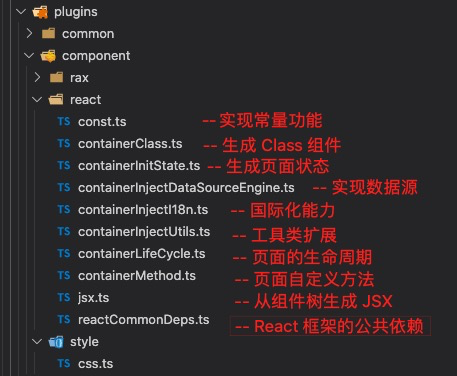
|
||||
|
||||
所以您可以通过添加自己的插件或替换掉默认内置的插件来实现您的自定义功能。
|
||||
为了方便自定义出码方案,出码模块还提供自定义出码方案的脚手架功能,即执行下面脚本即可生成一个自定义出码方案:
|
||||
```shell
|
||||
|
||||
@ -40,7 +40,6 @@ ReactDOM.render((
|
||||
), document.getElementById('root'));
|
||||
```
|
||||
|
||||
- rax-renderer:npm 包替换为 @alilc/lowcode-rax-renderer
|
||||
####
|
||||
### 项目使用示例
|
||||
> [设计器 demo](https://lowcode-engine.cn/demo/demo-general/index.html)
|
||||
|
||||
@ -1,6 +1,6 @@
|
||||
---
|
||||
title: 试用低代码引擎 Demo
|
||||
sidebar_position: 1
|
||||
sidebar_position: 2
|
||||
---
|
||||
## 访问地址
|
||||
|
||||
|
||||
@ -1,6 +1,6 @@
|
||||
---
|
||||
title: 简介
|
||||
sidebar_position: 0
|
||||
sidebar_position: 1
|
||||
---
|
||||
|
||||
# 阿里低代码引擎简介
|
||||
@ -46,3 +46,18 @@ sidebar_position: 0
|
||||
**低代码设计器研发框架**
|
||||
|
||||
低代码引擎的核心是设计器,通过扩展、周边生态等可以产出各式各样的设计器。它不是一套可以适合所有人的低代码平台,而是帮助低代码平台的开发者,快速生产低代码平台的工具。
|
||||
|
||||
## 寻找适合您的低代码解决方案
|
||||
|
||||
帮助用户根据个人或企业需求选择合适的低代码产品。
|
||||
|
||||
| 特性/产品 | 低代码引擎 | Lab平台 | UIPaaS |
|
||||
|-----------------|-----------------------------------------|-----------------------------------------|--------------------------------------------|
|
||||
| **适用用户** | 前端开发者 | 需要快速搭建应用/页面的用户 | 企业用户,需要大规模部署低代码解决方案的组织 |
|
||||
| **产品特点** | 设计器研发框架,适合定制开发 | 低代码平台, 可视化操作界面,易于上手 | 低代码平台孵化器,企业级功能 |
|
||||
| **使用场景** | 定制和开发低代码平台的设计器部分 | 通过可视化, 快速开发应用或页面 | 帮助具有一定规模软件研发团队的的企业低成本定制低代码平台 |
|
||||
| **产品关系** | 开源产品 | 基于UIPaaS技术实现, 展示了UIPaaS的部分能力 | 提供完整的低代码平台解决方案,商业产品 |
|
||||
| **收费情况** | 免费 | 可免费使用(有额度限制),不提供私有化部署售卖 | 仅提供私有化部署售卖 |
|
||||
| **官方网站** | [低代码引擎官网](https://lowcode-engine.cn/) | [Lab平台官网](https://lab.lowcode-engine.cn/) | [UIPaaS官网](https://uipaas.net/) |
|
||||
|
||||
*注:请根据您的具体需求和条件选择合适的产品。如需更详细的信息,请访问各产品的官方网站。*
|
||||
|
||||
@ -1,69 +1,94 @@
|
||||
---
|
||||
sidebar_position: 2
|
||||
sidebar_position: 3
|
||||
title: 快速开始
|
||||
---
|
||||
|
||||
## 前置知识
|
||||
|
||||
我们假定你已经对 HTML 和 JavaScript 都比较熟悉了。即便你之前使用其他编程语言,你也可以跟上这篇教程的。除此之外,我们假定你也已经熟悉了一些编程的概念,例如,函数、对象、数组,以及 class 的一些内容。
|
||||
|
||||
如果你想回顾一下 JavaScript,你可以阅读[这篇教程](https://developer.mozilla.org/zh-CN/docs/Web/JavaScript/A_re-introduction_to_JavaScript)。注意,我们也用到了一些 ES6(较新的 JavaScript 版本)的特性。在这篇教程里,我们主要使用了[箭头函数(arrow functions)](https://developer.mozilla.org/zh-CN/docs/Web/JavaScript/Reference/Functions/Arrow_functions)、[class](https://developer.mozilla.org/zh-CN/docs/Web/JavaScript/Reference/Classes)、[let](https://developer.mozilla.org/zh-CN/docs/Web/JavaScript/Reference/Statements/let) 语句和 [const](https://developer.mozilla.org/zh-CN/docs/Web/JavaScript/Reference/Statements/const) 语句。你可以使用 [Babel REPL](https://babeljs.io/repl/#?presets=react&code_lz=MYewdgzgLgBApgGzgWzmWBeGAeAFgRgD4AJRBEAGhgHcQAnBAEwEJsB6AwgbgChRJY_KAEMAlmDh0YWRiGABXVOgB0AczhQAokiVQAQgE8AkowAUAcjogQUcwEpeAJTjDgUACIB5ALLK6aRklTRBQ0KCohMQk6Bx4gA) 在线预览 ES6 的编译结果。
|
||||
|
||||
## 环境准备
|
||||
### WSL(Window 电脑)
|
||||
|
||||
### WSL(Windows 电脑)
|
||||
|
||||
Window 环境需要使用 WSL 在 windows 下进行低代码引擎相关的开发。安装教程 ➡️ [WSL 安装教程](https://docs.microsoft.com/zh-cn/windows/wsl/install)。<br />**对于 Window 环境来说,之后所有需要执行命令的操作都是在 WSL 终端执行的。**
|
||||
|
||||
### Node
|
||||
|
||||
node 版本推荐 16.18.0。
|
||||
|
||||
#### 查看 Node 版本
|
||||
|
||||
|
||||
|
||||
#### 通过 n 来管理 node 版本
|
||||
|
||||
可以安装 [n](https://www.npmjs.com/package/n) 来管理和变更 node 版本。
|
||||
|
||||
##### 安装 n
|
||||
|
||||
```bash
|
||||
npm install -g n
|
||||
```
|
||||
|
||||
##### 变更 node 版本
|
||||
|
||||
```bash
|
||||
n 14.17.0
|
||||
```
|
||||
|
||||
### React
|
||||
|
||||
低代码引擎的扩展能力都是基于 React 来研发的,在继续阅读之前最好有一定的 React 基础,React 学习教程 ➡️ [React 快速开始教程](https://zh-hans.reactjs.org/docs/getting-started.html)。
|
||||
|
||||
### 下载 Demo
|
||||
可以前往 github(https://github.com/alibaba/lowcode-demo)将 DEMO 下载到本地。
|
||||
|
||||
可以前往 github(<https://github.com/alibaba/lowcode-demo>)将 DEMO 下载到本地。
|
||||
|
||||
#### git clone
|
||||
|
||||
##### HTTPS
|
||||
|
||||
需要使用到 git 工具
|
||||
|
||||
```bash
|
||||
git clone https://github.com/alibaba/lowcode-demo.git
|
||||
```
|
||||
|
||||
##### SSH
|
||||
|
||||
需要配置 SSH key,如果没有配置可以
|
||||
|
||||
```bash
|
||||
git clone git@github.com:alibaba/lowcode-demo.git
|
||||
```
|
||||
|
||||
#### 下载 Zip 包
|
||||
|
||||
|
||||
|
||||
### 选择一个 demo 项目
|
||||
在 以 `demo-general` 为例:
|
||||
|
||||
在 以 `demo-general` 为例:
|
||||
|
||||
```bash
|
||||
cd demo-general
|
||||
```
|
||||
|
||||
### 安装依赖
|
||||
|
||||
在 `lowcode-demo/demo-general` 目录下执行:
|
||||
|
||||
```bash
|
||||
npm install
|
||||
```
|
||||
|
||||
### 启动 demo
|
||||
|
||||
在 `lowcode-demo/demo-general` 目录下执行:
|
||||
|
||||
```bash
|
||||
npm run start
|
||||
```
|
||||
@ -71,6 +96,7 @@ npm run start
|
||||
之后就可以通过 [http://localhost:5556/](http://localhost:5556/) 来访问我们的 DEMO 了。
|
||||
|
||||
## 认识 Demo
|
||||
|
||||
我们的 Demo 是一个**低代码平台的设计器**。它是一个低代码平台中最重要的一环,用户可以在这里通过拖拽、配置、写代码等等来完成一个页面的开发。由于用户的人群不同、场景不同、诉求不同等等,这个页面的功能就会有所差异。
|
||||
|
||||
这里记住**设计器**这个词,它描述的就是下面的这个页面,后面我们会经常看到它。
|
||||
@ -95,6 +121,7 @@ Demo 根据**不同的设计器所需要的物料不同**,分为了下面的 8
|
||||

|
||||
|
||||
### 目录介绍
|
||||
|
||||
仓库下每个 demo-xxx-xxx 目录都是一个可独立运行的 demo 工程,分别对应到刚刚介绍的场景。
|
||||
|
||||

|
||||
@ -104,11 +131,12 @@ Demo 根据**不同的设计器所需要的物料不同**,分为了下面的 8
|
||||
|
||||
|
||||
介绍下其中主要的内容
|
||||
- 设计器入口文件 `source/index.ts` 这个文件做了下述几个事情:
|
||||
|
||||
- 设计器入口文件 `src/index.ts` 这个文件做了下述几个事情:
|
||||
- 通过 plugins.register 注册各种插件,包括官方插件 (已发布 npm 包形式的插件) 和 `plugins` 目录下内置的示例插件
|
||||
- 通过 init 初始化低代码设计器
|
||||
- plugins 目录,存放的都是示例插件,方便用户从中看到一个插件是如何实现的
|
||||
- services 目录,模拟数据请求、提供默认 schema、默认资产包等,此目录下内容在真是项目中应替换成真是的与服务端交互的服务。
|
||||
- services 目录,模拟数据请求、提供默认 schema、默认资产包等,此目录下内容在真实项目中应替换成真实的与服务端交互的服务。
|
||||
- 预览页面入口文件 `preview.tsx`
|
||||
|
||||
剩下的各位看官可以通过源码来进一步了解。
|
||||
@ -118,11 +146,15 @@ Demo 根据**不同的设计器所需要的物料不同**,分为了下面的 8
|
||||
|
||||
|
||||
接下来我们就根据我们自己的诉求通过对设计器进行扩展,改动成我们需要的设计器功能。
|
||||
|
||||
## 开发一个插件
|
||||
|
||||
### 方式 1:在 DEMO 中直接新增插件
|
||||
|
||||

|
||||
|
||||
可以在 demo/sample-plugins 直接新增插件,这里我新增的插件目录是 plugin-demo。并且新增了 index.tsx 文件,将下面的代码粘贴到 index.tsx 中。
|
||||
|
||||
```javascript
|
||||
import * as React from 'react';
|
||||
import { IPublicModelPluginContext } from '@alilc/lowcode-types';
|
||||
@ -136,7 +168,7 @@ const LowcodePluginPluginDemo = (ctx: IPublicModelPluginContext) => {
|
||||
func: () => {
|
||||
console.log('方法也是一样');
|
||||
},
|
||||
}
|
||||
};
|
||||
},
|
||||
// 插件的初始化函数,在引擎初始化之后会立刻调用
|
||||
init() {
|
||||
@ -170,7 +202,7 @@ LowcodePluginPluginDemo.meta = {
|
||||
engines: {
|
||||
lowcodeEngine: '^1.0.0', // 插件需要配合 ^1.0.0 的引擎才可运行
|
||||
},
|
||||
}
|
||||
};
|
||||
|
||||
export default LowcodePluginPluginDemo;
|
||||
```
|
||||
@ -182,8 +214,11 @@ export default LowcodePluginPluginDemo;
|
||||
这样在我们的设计器中就新增了一个 Demo 面板。
|
||||
|
||||

|
||||
|
||||
### 方式 2:在新的仓库下开发插件
|
||||
|
||||
初始化
|
||||
|
||||
```bash
|
||||
npm init @alilc/element your-plugin-name
|
||||
```
|
||||
@ -201,11 +236,13 @@ npm init @alilc/element your-plugin-name
|
||||

|
||||
|
||||
在插件项目下安装依赖
|
||||
|
||||
```bash
|
||||
npm install
|
||||
```
|
||||
|
||||
启动项目
|
||||
|
||||
```bash
|
||||
npm run start
|
||||
```
|
||||
@ -220,9 +257,10 @@ npm run start
|
||||
|
||||

|
||||
|
||||
|
||||
## 开发一个自定义物料
|
||||
|
||||
### 初始化物料
|
||||
|
||||
```bash
|
||||
npm init @alilc/element your-material-demo
|
||||
```
|
||||
@ -240,11 +278,15 @@ npm init @alilc/element your-material-demo
|
||||

|
||||
|
||||
### 启动并调试物料
|
||||
|
||||
#### 安装依赖
|
||||
|
||||
```bash
|
||||
npm i
|
||||
```
|
||||
|
||||
#### 启动
|
||||
|
||||
```bash
|
||||
npm run lowcode:dev
|
||||
```
|
||||
@ -252,7 +294,9 @@ npm run lowcode:dev
|
||||
我们就可以通过 [http://localhost:3333/](http://localhost:3333/) 看到我们的研发的物料了。
|
||||
|
||||
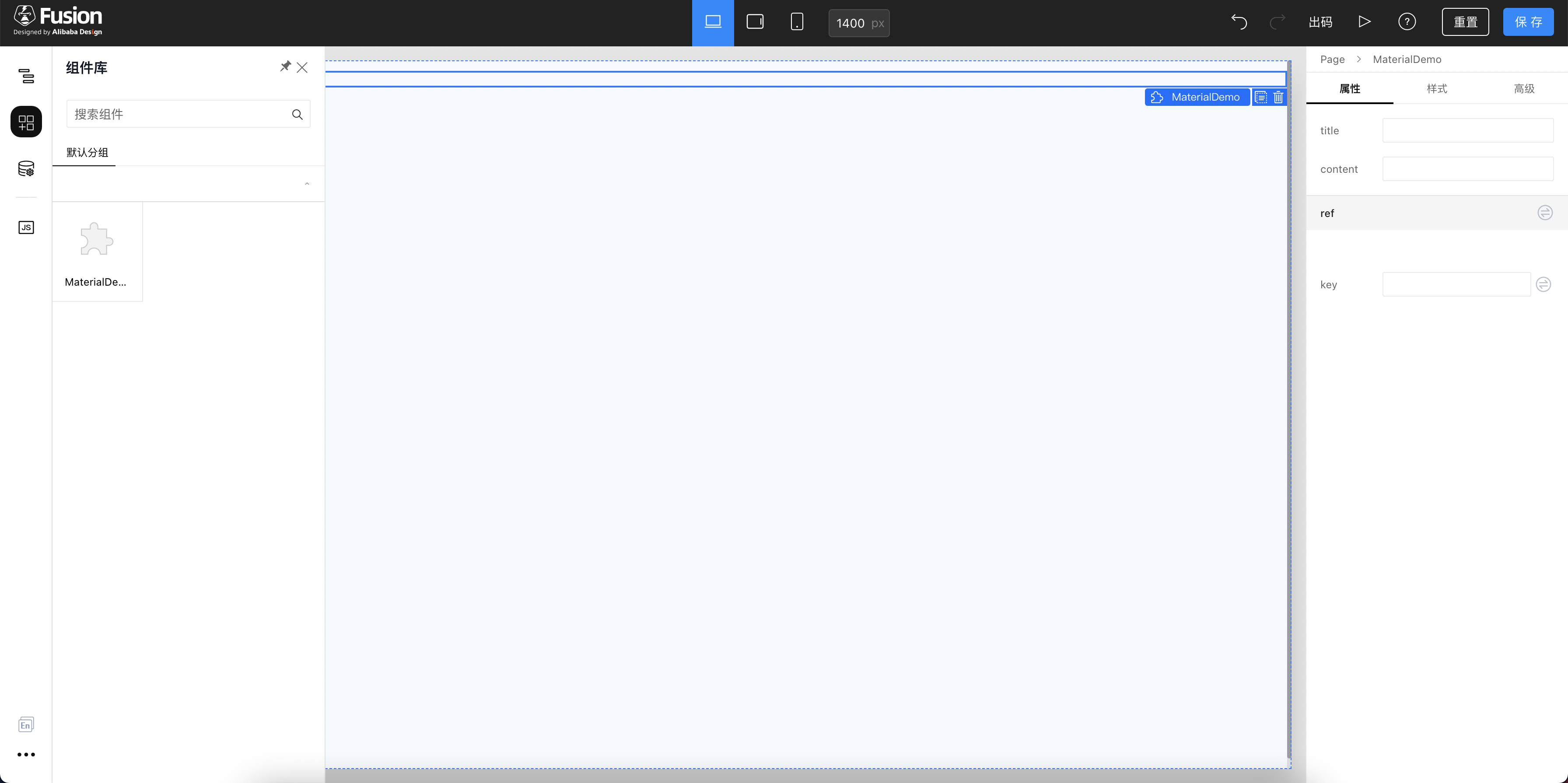
|
||||
|
||||
#### 在 Demo 中调试
|
||||
|
||||
```bash
|
||||
npm i @alilc/build-plugin-alt
|
||||
```
|
||||
@ -262,6 +306,7 @@ npm i @alilc/build-plugin-alt
|
||||

|
||||
|
||||
如图,新增如下代码
|
||||
|
||||
```javascript
|
||||
[
|
||||
'@alilc/build-plugin-alt',
|
||||
@ -281,12 +326,15 @@ npm i @alilc/build-plugin-alt
|
||||
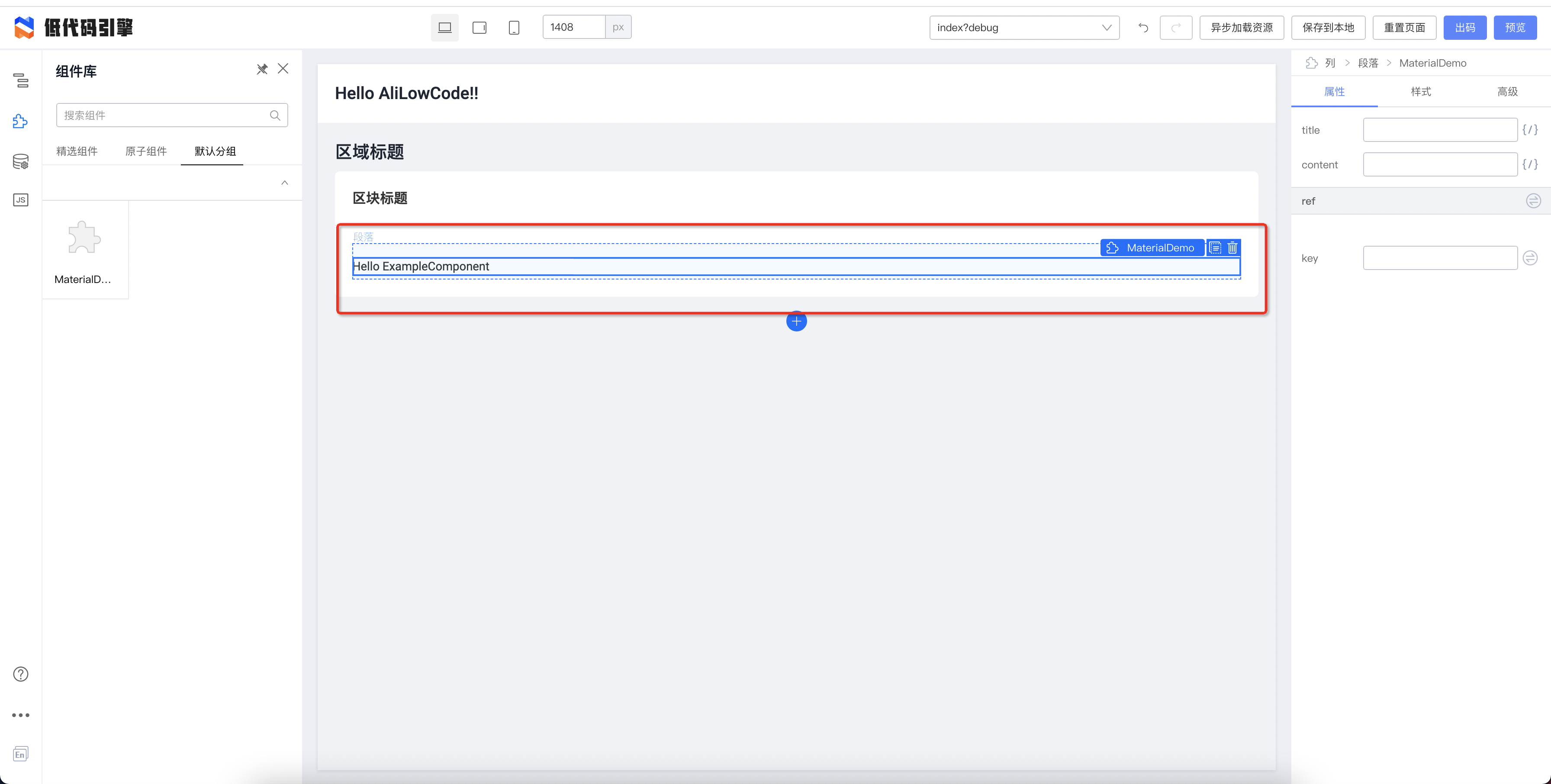
|
||||
|
||||
### 发布
|
||||
|
||||
首先进行构建
|
||||
|
||||
```bash
|
||||
npm run lowcode:build
|
||||
```
|
||||
|
||||
发布组件
|
||||
|
||||
```bash
|
||||
npm publish
|
||||
```
|
||||
@ -344,6 +392,7 @@ npm publish
|
||||
```
|
||||
|
||||
### 使用
|
||||
|
||||
我们将刚刚发布的组件的 assets-prod.json 的内容放到 demo 的 src/universal/assets.json 中。
|
||||
|
||||
> 最好放到最后,防止因为资源加载顺序问题导致出现报错。
|
||||
@ -356,5 +405,7 @@ npm publish
|
||||
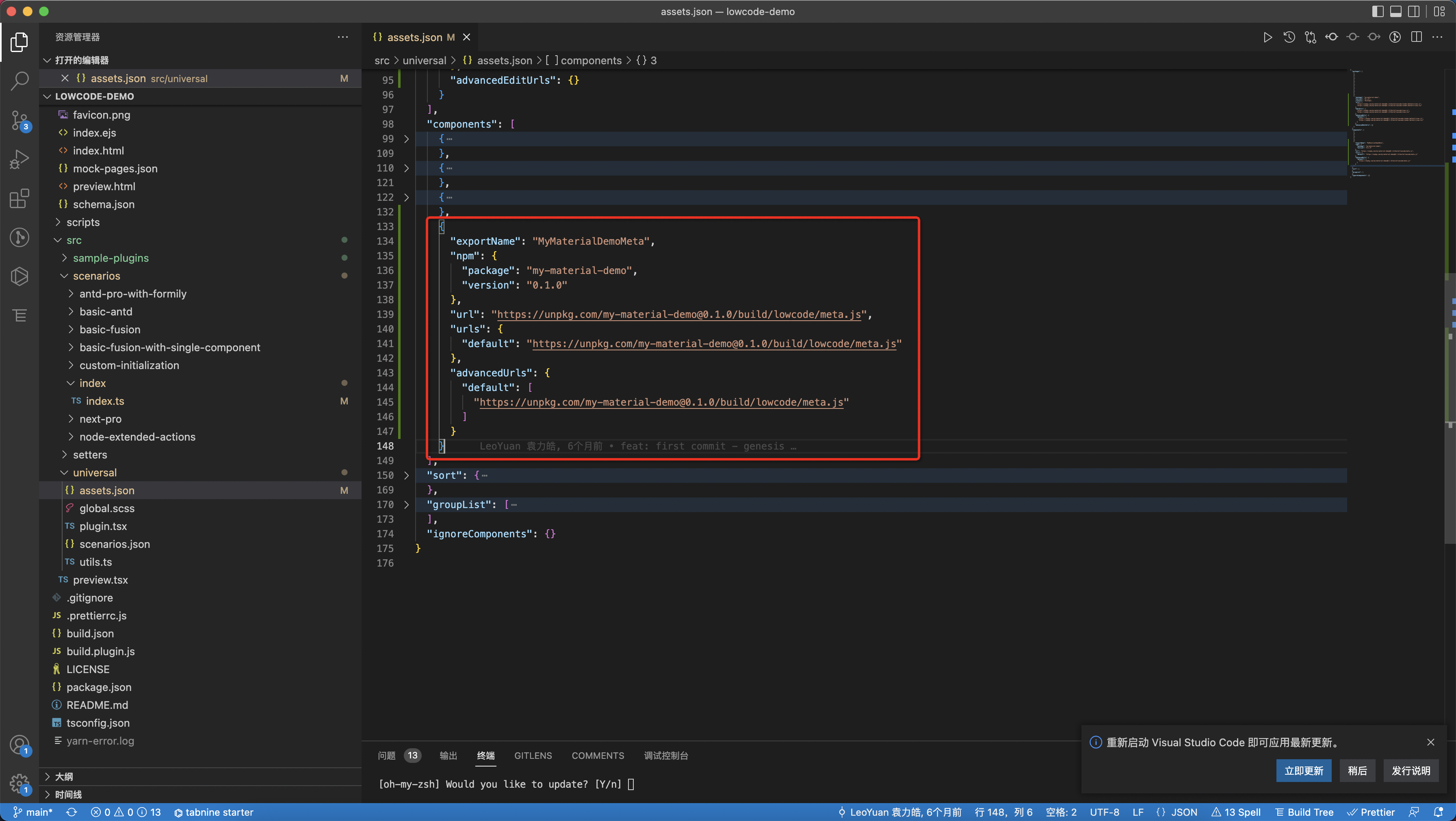
|
||||
|
||||
这时候再启动 DEMO 项目,就会有新的低代码物料了。接下来就按照你们的需求,继续扩展物料吧。
|
||||
|
||||
## 总结
|
||||
|
||||
这里只是简单的介绍了一些低代码引擎的基础能力,带大家简单的对低代码 DEMO 进行扩展,定制一些新的功能。低代码引擎的能力还有很多很多,可以继续去探索更多的功能。
|
||||
|
||||
@ -1,88 +0,0 @@
|
||||
---
|
||||
title: 工程化配置
|
||||
sidebar_position: 3
|
||||
---
|
||||
目前引擎体系共包含 2 个 js 文件 (配套 2 个 css),即:
|
||||
|
||||
|
||||
```html
|
||||
<!-- 低代码引擎的页面框架样式 -->
|
||||
<link rel="stylesheet" href="https://uipaas-assets.com/prod/npm/@alilc/lowcode-engine/1.0.18/dist/css/engine-core.css" />
|
||||
<!-- 低代码引擎官方扩展的样式 -->
|
||||
<link rel="stylesheet" href="https://uipaas-assets.com/prod/npm/@alilc/lowcode-engine-ext/1.0.5/dist/css/engine-ext.css" />
|
||||
|
||||
<!-- 低代码引擎的主包 -->
|
||||
<script crossorigin="anonymous" src="https://uipaas-assets.com/prod/npm/@alilc/lowcode-engine/1.0.18/dist/js/engine-core.js"></script>
|
||||
<!-- 低代码引擎官方扩展的主包 -->
|
||||
<script crossorigin="anonymous" src="https://uipaas-assets.com/prod/npm/@alilc/lowcode-engine-ext/1.0.5/dist/js/engine-ext.js"></script>
|
||||
```
|
||||
|
||||
> 注,这里的版本号是示例,请尽量选用最新版
|
||||
|
||||
工程化配置我们进行了统一,具体如下:
|
||||
```shell
|
||||
{
|
||||
"entry": {
|
||||
...
|
||||
},
|
||||
"library": "...",
|
||||
"libraryTarget": "umd",
|
||||
"externals": {
|
||||
"react": "var window.React",
|
||||
"react-dom": "var window.ReactDOM",
|
||||
"prop-types": "var window.PropTypes",
|
||||
"@alilc/lowcode-engine": "var window.AliLowCodeEngine",
|
||||
"@alilc/lowcode-engine-ext": "var window.AliLowCodeEngineExt",
|
||||
"moment": "var moment",
|
||||
"lodash": "var _",
|
||||
"@alifd/next": "var Next"
|
||||
},
|
||||
"polyfill": false,
|
||||
"outputDir": "dist",
|
||||
"vendor": false,
|
||||
"ignoreHtmlTemplate": true,
|
||||
"sourceMap": true,
|
||||
"plugins": [
|
||||
"build-plugin-react-app",
|
||||
["build-plugin-fusion", {
|
||||
}],
|
||||
["build-plugin-moment-locales", {
|
||||
"locales": ["zh-CN"]
|
||||
}],
|
||||
"./build.plugin.js"
|
||||
]
|
||||
}
|
||||
|
||||
```
|
||||
总结一下,有 2 点:
|
||||
|
||||
1. **都不包含 polyfill,**需要应用级别单独引入 polyfill,推荐动态 polyfill
|
||||
2. **都不包含 lodash / moment / next**
|
||||
|
||||
|
||||
#### 前置依赖资源:
|
||||
```html
|
||||
<link rel="stylesheet" href="//alifd.alicdn.com/npm/@alifd/next/1.20.25/next.min.css">
|
||||
|
||||
<script src="//polyfill.alicdn.com/s/polyfill.min.js?features=default,es2017,es6,fetch,RegeneratorRuntime"></script>
|
||||
<script src="//alifd.alicdn.com/npm/@alifd/next/1.20.25/next.min.js"></script>
|
||||
<script src="//g.alicdn.com/platform/c/lodash/4.6.1/lodash.min.js"></script>
|
||||
<script src="//g.alicdn.com/mylib/moment/2.24.0/min/moment.min.js"></script>
|
||||
```
|
||||
|
||||
|
||||
#### 所有资源:
|
||||
```html
|
||||
<link rel="stylesheet" href="//alifd.alicdn.com/npm/@alifd/next/1.20.25/next.min.css">
|
||||
<link rel="stylesheet" href="//uipaas-assets.com/prod/npm/@alilc/lowcode-engine/1.0.18/dist/css/engine-core.css"/>
|
||||
<link rel="stylesheet" href="//uipaas-assets.com/prod/npm/@alilc/lowcode-engine/1.0.5/dist/css/engine-ext.css"/>
|
||||
|
||||
<script src="//polyfill.alicdn.com/s/polyfill.min.js?features=default,es2017,es6,fetch,RegeneratorRuntime"></script>
|
||||
<script src="//alifd.alicdn.com/npm/@alifd/next/1.20.25/next.min.js"></script>
|
||||
<script src="//g.alicdn.com/platform/c/lodash/4.6.1/lodash.min.js"></script>
|
||||
<script src="//g.alicdn.com/mylib/moment/2.24.0/min/moment.min.js"></script>
|
||||
<!-- engine-core 引擎的 core,负责引擎的基础模块 -->
|
||||
<script crossorigin="anonymous" src="//uipaas-assets.com/prod/npm/@alilc/lowcode-engine/1.0.18/dist/js/engine-core.js"></script>
|
||||
<!-- engine-ext 引擎的扩展包,负责收拢内置 setters / plugins,方便迭代 -->
|
||||
<script crossorigin="anonymous" src="//uipaas-assets.com/prod/npm/@alilc/lowcode-engine/1.0.5/dist/js/engine-ext.js"></script>
|
||||
```
|
||||
@ -1,25 +0,0 @@
|
||||
---
|
||||
title: 参与文档贡献
|
||||
sidebar_position: 3
|
||||
---
|
||||
|
||||
## 基本原则
|
||||
|
||||
### 维护方式
|
||||
|
||||
- 官方文档通过 github 管理文档源,官网文档与[主仓库 develop 分支](https://github.com/alibaba/lowcode-engine/tree/develop/docs)保持同步。
|
||||
- 点击每篇文档下发的 `编辑此页` 可直接定位到 github 中位置。
|
||||
- 欢迎 PR,文档 PR 也会作为贡献者贡献,会用于贡献度统计。
|
||||
- **文档同步到官方网站由官方人员进行操作**,如有需要可以通过 issue 或 贡献者群与相关人员沟通。
|
||||
- 为了提供更好的阅读和使用体验,文档中的图片文件会定期转换成可信的 CDN 地址。
|
||||
|
||||
### PR 提交注意事项
|
||||
|
||||
- 指向 develop 分支。
|
||||
- 涉及到图片的,需附在文档同级的 img 目录下,通过相对地址引用。
|
||||
|
||||
### 文档格式
|
||||
|
||||
本项目文档参考[文档编写指南](https://github.com/sparanoid/chinese-copywriting-guidelines)。
|
||||
|
||||
使用 vscode 进行编辑的朋友可以安装 vscode 插件 [huacnlee.autocorrect](https://github.com/huacnlee/autocorrect) 辅助文档 lint。
|
||||
@ -1,31 +1,118 @@
|
||||
---
|
||||
title: 贡献者指南
|
||||
title: 参与贡献
|
||||
sidebar_position: 0
|
||||
---
|
||||
### 首个 Pull Request
|
||||
在写第一个 Pull Request?你可以从这一系列视频中学习怎么做:
|
||||
[How to Contribute to an Open Source Project on GitHub](https://egghead.io/courses/how-to-contribute-to-an-open-source-project-on-github)
|
||||
|
||||
### 环境准备
|
||||
|
||||
开发 LowcodeEngine 需要 Node.js 16+。
|
||||
|
||||
推荐使用 nvm 管理 Node.js,避免权限问题的同时,还能够随时切换当前使用的 Node.js 的版本。
|
||||
|
||||
### 贡献低代码引擎
|
||||
|
||||
#### clone 项目
|
||||
|
||||
```
|
||||
git clone git@github.com:alibaba/lowcode-engine.git
|
||||
cd lowcode-engine
|
||||
```
|
||||
|
||||
#### 安装依赖并构建
|
||||
|
||||
```
|
||||
npm install && npm run setup
|
||||
```
|
||||
|
||||
#### 调试环境配置
|
||||
|
||||
本质上是将 demo 页面引入的几个 js/css 代理到 engine 项目,可以使用趁手的代理工具,这里推荐 [XSwitch](https://chrome.google.com/webstore/detail/xswitch/idkjhjggpffolpidfkikidcokdkdaogg?hl=en-US)。
|
||||
|
||||
本地开发代理规则如下:
|
||||
```json
|
||||
{
|
||||
"proxy": [
|
||||
[
|
||||
"https://uipaas-assets.com/prod/npm/@alilc/lowcode-engine/(.*)/dist/js/engine-core.js",
|
||||
"http://localhost:5555/js/AliLowCodeEngine.js"
|
||||
],
|
||||
[
|
||||
"https://uipaas-assets.com/prod/npm/@alilc/lowcode-engine/(.*)/dist/css/engine-core.css",
|
||||
"http://localhost:5555/css/AliLowCodeEngine.css"
|
||||
],
|
||||
[
|
||||
"https?://uipaas-assets.com/prod/npm/@alilc/lowcode-engine/(.*)/dist/js/react-simulator-renderer.js",
|
||||
"http://localhost:5555/js/ReactSimulatorRenderer.js"
|
||||
],
|
||||
[
|
||||
"https?://uipaas-assets.com/prod/npm/@alilc/lowcode-engine/(.*)/dist/css/react-simulator-renderer.css",
|
||||
"http://localhost:5555/css/ReactSimulatorRenderer.css"
|
||||
]
|
||||
]
|
||||
}
|
||||
```
|
||||
|
||||
#### 开发
|
||||
|
||||
```
|
||||
npm start
|
||||
```
|
||||
|
||||
选择一个环境进行调试,例如[低代码引擎在线 DEMO](https://lowcode-engine.cn/demo/demo-general/index.html)
|
||||
|
||||
开启代理之后,就可以进行开发调试了。
|
||||
|
||||
|
||||
### 贡献低代码引擎文档
|
||||
|
||||
#### 开发文档
|
||||
|
||||
在 lowcode-engine 目录下执行下面命令
|
||||
```
|
||||
cd docs
|
||||
|
||||
npm start
|
||||
```
|
||||
|
||||
#### 维护方式
|
||||
- 官方文档通过 github 管理文档源,官网文档与[主仓库 develop 分支](https://github.com/alibaba/lowcode-engine/tree/develop/docs)保持同步。
|
||||
- 点击每篇文档下发的 `编辑此页` 可直接定位到 github 中位置。
|
||||
- 欢迎 PR,文档 PR 也会作为贡献者贡献,会用于贡献度统计。
|
||||
- **文档同步到官方网站由官方人员进行操作**,如有需要可以通过 issue 或 贡献者群与相关人员沟通。
|
||||
- 为了提供更好的阅读和使用体验,文档中的图片文件会定期转换成可信的 CDN 地址。
|
||||
|
||||
#### 文档格式
|
||||
|
||||
本项目文档参考[文档编写指南](https://github.com/sparanoid/chinese-copywriting-guidelines)。
|
||||
|
||||
使用 vscode 进行编辑的朋友可以安装 vscode 插件 [huacnlee.autocorrect](https://github.com/huacnlee/autocorrect) 辅助文档 lint。
|
||||
|
||||
|
||||
### 贡献低代码引擎生态
|
||||
|
||||
相关源码详见[NPM 包对应源码位置汇总](/site/docs/guide/appendix/npms)
|
||||
|
||||
开发调试方式详见[低代码生态脚手架 & 调试机制](/site/docs/guide/expand/editor/cli)
|
||||
|
||||
### 发布
|
||||
|
||||
PR 被合并之后,我们会尽快发布相关的正式版本或者 beta 版本。
|
||||
|
||||
### 加入 Contributor 群
|
||||
提交过 Bugfix 或 Feature 类 PR 的同学,如果有兴趣一起参与维护 LowcodeEngine,我们提供了一个核心贡献者交流群。
|
||||
|
||||
1. 可以通过[填写问卷](https://survey.taobao.com/apps/zhiliao/4YEtu9gHF)的方式,参与到其中。
|
||||
2. 填写问卷后加微信号 `wxidvlalalalal` (注明 github id)我们会拉你到群里。
|
||||
|
||||
如果你不知道可以贡献什么,可以到源码里搜 TODO 或 FIXME 找找。
|
||||
|
||||
为了使你能够快速上手和熟悉贡献流程,我们这里有个列表 [good first issues](https://github.com/alibaba/lowcode-engine/issues?q=is:open+is:issue+label:%22good+first+issue%22),里面有相对没那么笼统的漏洞,从这开始是个不错的选择。
|
||||
|
||||
如果你想解决一个 issue,请确定检查了该 issue 下的评论以防有人正在处理它。如果目前没人在处理该 issue,那么请留下评论去表明你想处理该 issue 以便其他人不会意外重复你的工作。
|
||||
### PR 提交注意事项
|
||||
|
||||
如果有人留言表明要处理该 issue 但是超过两周没有跟进,你可以接手工作,不过也应该留言说明。
|
||||
|
||||
### 提交 Pull Request
|
||||
核心团队时刻关注 pull requests,我们会先评审你的 pull request,之后可能会合并,可能会要求再次更改,也可能会关闭该 pull request 并对此作出解释。我们会尽力全程更新和反馈。
|
||||
|
||||
**提交 pull request 前**,请确保完成以下步骤:
|
||||
|
||||
1. Fork [此仓库](https://github.com/alibaba/lowcode-engine),从 main 创建分支。
|
||||
2. 在仓库根目录下执行 yarn。
|
||||
3. 如果你修复了 bug 或者添加了代码,而这些内容需要测试,请添加测试!
|
||||
4. 确保通过测试套件(yarn test)。
|
||||
5. 请签订贡献者许可证协议(Contributor License Agreement)。
|
||||
> 如已签署 CLA 仍被提示需要签署,[解决办法](/site/docs/faq/faq021)
|
||||
|
||||
### 核心贡献者交流
|
||||
如果你想长期参与到项目维护中,我们提供了一个核心贡献者交流群。
|
||||
|
||||
1. 可以通过[填写问卷](https://survey.taobao.com/apps/zhiliao/4YEtu9gHF)的方式,参与到其中。
|
||||
2. 填写问卷后加微信号 `wxidvlalalalal` 说明一下。
|
||||
- lowcode-engine 仓库建议从 develop 创建分支,PR 指向 develop 分支。
|
||||
- 其他仓库从 main 分支创建分支,PR 指向 main 分支
|
||||
- 如果你修复了 bug 或者添加了代码,而这些内容需要测试,请添加测试!
|
||||
- 确保通过测试套件(yarn test)。
|
||||
- 请签订贡献者许可证协议(Contributor License Agreement)。
|
||||
> 如已签署 CLA 仍被提示需要签署,[解决办法](/site/docs/faq/faq021)
|
||||
55
docs/docs/participate/meet.md
Normal file
55
docs/docs/participate/meet.md
Normal file
@ -0,0 +1,55 @@
|
||||
---
|
||||
title: 开源社区例会
|
||||
sidebar_position: 0
|
||||
---
|
||||
|
||||
## **简介**
|
||||
|
||||
低代码引擎开源社区致力于共同推动低代码技术的发展和创新。本社区汇集了低代码技术领域的开发者、技术专家和行业观察者,通过定期的例会来交流思想、分享经验、讨论新技术,并探索低代码技术的未来发展方向。
|
||||
|
||||
## 参与要求
|
||||
|
||||
为了确保例会的质量和效果,我们建议以下人员参加:
|
||||
|
||||
- **已参与低代码引擎贡献的成员**:那些对低代码引擎有实际贡献的社区成员。
|
||||
- **参考贡献指南**:可查阅[贡献指南](https://lowcode-engine.cn/site/docs/participate/)获取更多信息。
|
||||
- **提供过优秀建议的成员**:那些在过去为低代码引擎提供过有价值建议的成员。
|
||||
|
||||
## **时间周期**
|
||||
|
||||
- **周期性**:月例会
|
||||
|
||||
### **特别说明**
|
||||
|
||||
- 例会周期可根据成员反馈进行调整。如果讨论的议题较多,可增加例会频率;若议题较少,单次例会可能取消。若多次取消,可能会暂停例会。
|
||||
|
||||
## **例会流程**
|
||||
|
||||
### **准备阶段**
|
||||
|
||||
- **定期确定议题**:会前一周确定下一次会议的议题。
|
||||
- **分发会议通知**:提前发送会议时间、议程和参与方式。
|
||||
|
||||
### **会议阶段**
|
||||
|
||||
- **开场和介绍**:简短开场和自我介绍,特别是新成员加入时。
|
||||
- **议题讨论**:按照议程进行议题讨论,每个议题分配一定时间,并留足够时间供讨论和提问。
|
||||
- **记录要点和决定**:记录讨论要点、决策和任何行动事项。
|
||||
|
||||
### **后续阶段**
|
||||
|
||||
- **分享会议纪要**:会后将会议纪要和行动计划分发给所有成员。
|
||||
- **执行和跟进**:根据会议中的讨论和决策执行相关任务,并在下次会议中进行跟进汇报。
|
||||
|
||||
## **开源例会议题**
|
||||
|
||||
开源例会议题包括但不限于:
|
||||
|
||||
- **共建低代码行业发展**:探讨通过开源社区合作加速低代码行业发展。
|
||||
- **改进建议和反馈收集**:讨论社区成员对低代码引擎的使用体验和改进建议。
|
||||
- **前端技术与低代码的结合**:针对前端开发者,讨论将前端技术与低代码引擎结合的方式。
|
||||
- **低代码业务场景和经验分享**:邀请社区成员分享低代码引擎的实际应用经验。
|
||||
- **低代码技术原理介绍**:深入理解低代码引擎的技术原理和实现方式。
|
||||
- **低代码引擎的最新进展**:分享低代码引擎的最新进展,包括新版本发布和新功能实现等。
|
||||
- **低代码技术的未来展望**:讨论低代码技术的未来发展方向。
|
||||
- **最新低代码平台功能和趋势分析**:分享和讨论当前低代码平台的新功能、趋势和发展方向。
|
||||
@ -1,64 +0,0 @@
|
||||
---
|
||||
title: 调试环境配置
|
||||
sidebar_position: 1
|
||||
---
|
||||
低代码引擎的核心仓库是不包含任何物料、插件、setter 的,它本身用于生成低代码引擎的主包。
|
||||
|
||||
如果您需要对低代码的主包进行开发和调试,需要用到本文里介绍的知识。
|
||||
|
||||
如果您需要对低代码编辑器进行定制,您可能只需要 clone [lowcode-demo 项目](https://github.com/alibaba/lowcode-demo)并进行修改,参考“[配置低代码扩展点](/site/docs/guide/expand/editor/summary)”章节。
|
||||
|
||||
> 前置条件:
|
||||
> node 推荐使用 16.18.0(14.x 也可以)
|
||||
|
||||
### 1. 拉取代码,启动项目
|
||||
```bash
|
||||
git clone git@github.com:alibaba/lowcode-engine.git
|
||||
cd lowcode-engine
|
||||
npm install && npm run setup
|
||||
npm start
|
||||
|
||||
|
||||
git clone git@github.com:alibaba/lowcode-demo.git
|
||||
cd lowcode-demo
|
||||
npm install && npm start
|
||||
```
|
||||
|
||||
### 2. 配置资源代理
|
||||
本质上是将 demo 页面引入的几个 js/css 代理到 engine 项目,可以使用趁手的代理工具,这里推荐 [XSwitch](https://chrome.google.com/webstore/detail/xswitch/idkjhjggpffolpidfkikidcokdkdaogg?hl=en-US)。
|
||||
|
||||
本地开发代理规则如下:
|
||||
```json
|
||||
{
|
||||
"proxy": [
|
||||
[
|
||||
"https://uipaas-assets.com/prod/npm/@alilc/lowcode-engine/(.*)/dist/js/engine-core.js",
|
||||
"http://localhost:5555/js/engine-core.js"
|
||||
],
|
||||
[
|
||||
"https://uipaas-assets.com/prod/npm/@alilc/lowcode-engine/(.*)/dist/css/engine-core.css",
|
||||
"http://localhost:5555/css/engine-core.css"
|
||||
],
|
||||
[
|
||||
"https?://uipaas-assets.com/prod/npm/@alilc/lowcode-engine/(.*)/dist/js/react-simulator-renderer.js",
|
||||
"http://localhost:5555/js/react-simulator-renderer.js"
|
||||
],
|
||||
[
|
||||
"https?://uipaas-assets.com/prod/npm/@alilc/lowcode-engine/(.*)/dist/css/react-simulator-renderer.css",
|
||||
"http://localhost:5555/css/react-simulator-renderer.css"
|
||||
],
|
||||
[
|
||||
"https?://uipaas-assets.com/prod/npm/@alilc/lowcode-engine/(.*)/dist/js/rax-simulator-renderer.js",
|
||||
"http://localhost:5555/js/rax-simulator-renderer.js"
|
||||
],
|
||||
[
|
||||
"https?://uipaas-assets.com/prod/npm/@alilc/lowcode-engine/(.*)/dist/css/rax-simulator-renderer.css",
|
||||
"http://localhost:5555/css/rax-simulator-renderer.css"
|
||||
],
|
||||
]
|
||||
}
|
||||
```
|
||||
|
||||
### 3. 本地调试物料/插件/设置器
|
||||
|
||||
详见[低代码生态脚手架 & 调试机制](/site/docs/guide/expand/editor/cli)
|
||||
@ -2,8 +2,6 @@
|
||||
title: 《低代码引擎资产包协议规范》
|
||||
sidebar_position: 2
|
||||
---
|
||||
# 《低代码引擎资产包协议规范》
|
||||
|
||||
## 1 介绍
|
||||
|
||||
### 1.1 本协议规范涉及的问题域
|
||||
|
||||
Some files were not shown because too many files have changed in this diff Show More
Loading…
x
Reference in New Issue
Block a user