mirror of
https://github.com/alibaba/lowcode-engine.git
synced 2026-06-10 09:22:22 +00:00
Compare commits
34 Commits
main
...
v1.0.17-be
| Author | SHA1 | Date | |
|---|---|---|---|

|
3a9cb1d890 | ||
|
|
d0832f3698 | ||
|
|
a2bb61a35f | ||
|
|
ada747092f | ||
|
|
bf027611da | ||
|
|
fe2e9cdd96 | ||
|
|
4839fb6bc8 | ||
|
|
b157aa5372 | ||
|
|
84d26b443b | ||
|
|
a24418d846 | ||
|
|
dcd14e3272 | ||
|
|
05269806fb | ||
|
|
6b1b9cf4b2 | ||
|
|
0e5290b63e | ||
|
|
7d50d93fcb | ||
|
|
84491fde22 | ||
|
|
8f4cb19278 | ||
|
|
8fe8aaa300 | ||
|
|
0a60dfe2bd | ||
|
|
48e8a72700 | ||
|
|
f30ccf509a | ||
|
|
d207d92053 | ||
|
|
1e54fefd7e | ||
|
|
7456e78ad8 | ||
|
|
ab817312ff | ||
|
|
9a3b57d40f | ||
|
|
2139f9e2b8 | ||
|
|
4462e3d3a0 | ||
|
|
dd9b2e3132 | ||
|
|
a06b6bc1f9 | ||
|
|
855c641eca | ||
|
|
a6934e1085 | ||
|
|
81f1dbfe1f | ||
|
|
d81d310f9e |
27
.eslintrc.js
27
.eslintrc.js
@ -15,11 +15,12 @@ module.exports = {
|
||||
'no-prototype-builtins': 1,
|
||||
'no-useless-constructor': 1,
|
||||
'no-empty-function': 1,
|
||||
'@typescript-eslint/member-ordering': 0,
|
||||
'lines-between-class-members': 0,
|
||||
'no-await-in-loop': 0,
|
||||
'no-plusplus': 0,
|
||||
'@typescript-eslint/no-parameter-properties': 0,
|
||||
'no-restricted-exports': ['error'],
|
||||
'@typescript-eslint/no-unused-vars': 1,
|
||||
'no-multi-assign': 1,
|
||||
'no-dupe-class-members': 1,
|
||||
'react/no-deprecated': 1,
|
||||
@ -34,26 +35,10 @@ module.exports = {
|
||||
'@typescript-eslint/indent': 0,
|
||||
'import/no-cycle': 0,
|
||||
'@typescript-eslint/no-shadow': 0,
|
||||
'@typescript-eslint/method-signature-style': 0,
|
||||
'@typescript-eslint/consistent-type-assertions': 0,
|
||||
'@typescript-eslint/no-useless-constructor': 0,
|
||||
"@typescript-eslint/method-signature-style": 0,
|
||||
"@typescript-eslint/consistent-type-assertions": 0,
|
||||
"@typescript-eslint/no-useless-constructor": 0,
|
||||
'@typescript-eslint/dot-notation': 0, // for lint performance
|
||||
'@typescript-eslint/restrict-plus-operands': 0, // for lint performance
|
||||
'no-unexpected-multiline': 1,
|
||||
'no-multiple-empty-lines': ['error', { max: 1 }],
|
||||
'lines-around-comment': ['error', {
|
||||
beforeBlockComment: true,
|
||||
afterBlockComment: false,
|
||||
afterLineComment: false,
|
||||
allowBlockStart: true,
|
||||
}],
|
||||
'comma-dangle': ['error', 'always-multiline'],
|
||||
'@typescript-eslint/member-ordering': [
|
||||
'error',
|
||||
{ default: ['signature', 'field', 'constructor', 'method'] }
|
||||
],
|
||||
'@typescript-eslint/no-unused-vars': ['error'],
|
||||
'no-redeclare': 0,
|
||||
'@typescript-eslint/no-redeclare': 1,
|
||||
},
|
||||
}
|
||||
};
|
||||
|
||||
10
.github/CODEOWNERS
vendored
10
.github/CODEOWNERS
vendored
@ -2,7 +2,13 @@
|
||||
|
||||
# These owners will be the default owners for everything in
|
||||
# the repo. Unless a later match takes precedence
|
||||
* @liujuping @1ncounter
|
||||
* @leoyuan @JackLian
|
||||
|
||||
/modules/material-parser @akirakai
|
||||
/modules/code-generator @qingniaotonghua
|
||||
/modules/code-generator @Clarence-pan
|
||||
|
||||
/packages/renderer-core/ @liujuping
|
||||
/packages/react-renderer/ @liujuping
|
||||
/packages/react-simulator-renderer/ @liujuping
|
||||
/packages/rax-renderer/ @liujuping
|
||||
/packages/rax-simulator-renderer/ @liujuping
|
||||
2
.github/ISSUE_TEMPLATE/bug-report.md
vendored
2
.github/ISSUE_TEMPLATE/bug-report.md
vendored
@ -1,6 +1,6 @@
|
||||
---
|
||||
name: Bug report / 提交 bug
|
||||
about: Create a report to help us improve / 提交一个好的 issue 帮助我们优化引擎,[引擎的 issue 说明](https://lowcode-engine.cn/site/community/issue)
|
||||
about: Create a report to help us improve / 提交一个好的 issue 帮助我们优化引擎,[引擎的 issue 说明](https://www.yuque.com/lce/doc/yvlxhs)
|
||||
title: ''
|
||||
labels: ''
|
||||
assignees: ''
|
||||
|
||||
33
.github/workflows/check base branch.yml
vendored
33
.github/workflows/check base branch.yml
vendored
@ -1,33 +0,0 @@
|
||||
name: Check Base Branch
|
||||
|
||||
on:
|
||||
pull_request:
|
||||
types: [opened]
|
||||
|
||||
jobs:
|
||||
code-review:
|
||||
name: Check
|
||||
runs-on: ubuntu-latest
|
||||
|
||||
steps:
|
||||
# 判断用户是否有写仓库权限
|
||||
- name: 'Check User Permission'
|
||||
uses: 'lannonbr/repo-permission-check-action@2.0.0'
|
||||
with:
|
||||
permission: 'write'
|
||||
env:
|
||||
GITHUB_TOKEN: ${{ secrets.GITHUB_TOKEN }}
|
||||
|
||||
- name: 'Check base branch name is develop or not'
|
||||
if: github.event.pull_request.base.ref != 'develop' # check the target branch if it's master
|
||||
uses: actions-cool/issues-helper@v2
|
||||
with:
|
||||
actions: 'create-comment'
|
||||
token: ${{ secrets.GITHUB_TOKEN }}
|
||||
issue-number: ${{ github.event.pull_request.number }}
|
||||
body: |
|
||||
感谢你的 PR,根据引擎的 [研发协作流程](https://lowcode-engine.cn/site/docs/participate/flow),请将目标合入分支设置为 **develop**。
|
||||
|
||||
Thanks in advance, according to the [Contribution Guideline](https://lowcode-engine.cn/site/docs/participate/flow), please set the base branch to **develop**.
|
||||
|
||||
@${{ github.event.pull_request.user.login }}
|
||||
22
.github/workflows/cov packages.yml
vendored
22
.github/workflows/cov packages.yml
vendored
@ -71,26 +71,4 @@ jobs:
|
||||
working-directory: packages/react-simulator-renderer
|
||||
test-script: npm test -- --jest-ci --jest-json --jest-coverage --jest-testLocationInResults --jest-outputFile=report.json
|
||||
package-manager: yarn
|
||||
annotations: none
|
||||
|
||||
cov-utils:
|
||||
runs-on: ubuntu-latest
|
||||
# skip fork's PR, otherwise it fails while making a comment
|
||||
if: ${{ github.event.pull_request.head.repo.full_name == 'alibaba/lowcode-engine' }}
|
||||
steps:
|
||||
- name: checkout
|
||||
uses: actions/checkout@v2
|
||||
|
||||
- uses: actions/setup-node@v2
|
||||
with:
|
||||
node-version: '14'
|
||||
|
||||
- name: install
|
||||
run: npm i && npm run setup:skip-build
|
||||
|
||||
- uses: ArtiomTr/jest-coverage-report-action@v2
|
||||
with:
|
||||
working-directory: packages/utils
|
||||
test-script: npm test -- --jest-ci --jest-json --jest-coverage --jest-testLocationInResults --jest-outputFile=report.json
|
||||
package-manager: yarn
|
||||
annotations: none
|
||||
2
.github/workflows/help wanted.yml
vendored
2
.github/workflows/help wanted.yml
vendored
@ -1,4 +1,4 @@
|
||||
name: Help Wanted
|
||||
name: Issue Reply
|
||||
|
||||
on:
|
||||
issues:
|
||||
|
||||
@ -1,4 +1,4 @@
|
||||
name: Insufficient Info
|
||||
name: Issue Reply
|
||||
|
||||
on:
|
||||
issues:
|
||||
@ -16,4 +16,4 @@ jobs:
|
||||
token: ${{ secrets.GITHUB_TOKEN }}
|
||||
issue-number: ${{ github.event.issue.number }}
|
||||
body: |
|
||||
你好 @${{ github.event.issue.user.login }},由于缺乏必要的信息(如 bug 重现步骤、引擎版本信息 等),无法定位问题,请按照 [issue bug 模板](https://github.com/alibaba/lowcode-engine/blob/main/.github/ISSUE_TEMPLATE/bug-report.md) 补全信息,也可以通过阅读 [引擎的 issue 说明](https://lowcode-engine.cn/site/community/issue) 了解什么类型的 issue 可以获得更好、更快的支持。
|
||||
你好 @${{ github.event.issue.user.login }},由于缺乏必要的信息(如 bug 重现步骤、引擎版本信息 等),无法定位问题,请按照 [issue bug 模板](https://github.com/alibaba/lowcode-engine/blob/main/.github/ISSUE_TEMPLATE/bug-report.md) 补全信息,也可以通过阅读[引擎的 issue 说明](https://www.yuque.com/lce/doc/yvlxhs) 了解什么类型的 issue 可以获得更好、更快的支持。
|
||||
|
||||
23
.github/workflows/pr comment by chatgpt.yml
vendored
23
.github/workflows/pr comment by chatgpt.yml
vendored
@ -1,23 +0,0 @@
|
||||
name: Pull Request Review By ChatGPT
|
||||
|
||||
on:
|
||||
pull_request:
|
||||
types: [opened, synchronize, reopened]
|
||||
|
||||
jobs:
|
||||
code-review:
|
||||
name: Code Review
|
||||
runs-on: ubuntu-latest
|
||||
|
||||
steps:
|
||||
# 判断用户是否有写仓库权限
|
||||
- name: 'Check User Permission'
|
||||
uses: 'lannonbr/repo-permission-check-action@2.0.0'
|
||||
with:
|
||||
permission: 'write'
|
||||
env:
|
||||
GITHUB_TOKEN: ${{ secrets.GITHUB_TOKEN }}
|
||||
|
||||
- uses: opensumi/actions/.github/actions/code-review@main
|
||||
env:
|
||||
OPENAI_API_KEY: ${{ secrets.OPENAI_API_KEY }}
|
||||
34
.github/workflows/pre build.yml
vendored
34
.github/workflows/pre build.yml
vendored
@ -1,34 +0,0 @@
|
||||
name: Pre Build
|
||||
|
||||
on:
|
||||
push:
|
||||
paths:
|
||||
- 'packages/**'
|
||||
- '!packages/**.md'
|
||||
pull_request:
|
||||
paths:
|
||||
- 'packages/**'
|
||||
- '!packages/**.md'
|
||||
|
||||
jobs:
|
||||
build:
|
||||
runs-on: ubuntu-latest
|
||||
|
||||
steps:
|
||||
- name: Checkout repository
|
||||
uses: actions/checkout@v2
|
||||
|
||||
- name: Install dependencies and setup
|
||||
run: npm install && npm run setup
|
||||
|
||||
- name: Build
|
||||
run: npm run build
|
||||
|
||||
- name: Check build status
|
||||
run: |
|
||||
if [ $? -eq 0 ]; then
|
||||
echo "Build succeeded!"
|
||||
else
|
||||
echo "Build failed!"
|
||||
exit 1
|
||||
fi
|
||||
53
.github/workflows/publish docs.yml
vendored
53
.github/workflows/publish docs.yml
vendored
@ -1,53 +0,0 @@
|
||||
name: Update and Publish Docs
|
||||
|
||||
on:
|
||||
push:
|
||||
branches:
|
||||
- develop
|
||||
paths:
|
||||
- 'docs/docs/**'
|
||||
workflow_dispatch:
|
||||
|
||||
jobs:
|
||||
publish-docs:
|
||||
runs-on: ubuntu-latest
|
||||
steps:
|
||||
- uses: actions/checkout@v2
|
||||
- name: Setup Node.js
|
||||
uses: actions/setup-node@v2
|
||||
with:
|
||||
ref: 'develop'
|
||||
node-version: '16'
|
||||
registry-url: 'https://registry.npmjs.org'
|
||||
- run: cd docs && npm install
|
||||
- run: |
|
||||
cd docs
|
||||
npm version patch
|
||||
git config --local user.email "action@github.com"
|
||||
git config --local user.name "GitHub Action"
|
||||
git add package.json
|
||||
git commit -m "chore(docs): publish documentation"
|
||||
git push
|
||||
- run: cd docs && npm run build && npm publish
|
||||
env:
|
||||
NODE_AUTH_TOKEN: ${{ secrets.NPM_TOKEN }}
|
||||
- name: Get version
|
||||
id: get_version
|
||||
run: echo "version=$(node -p "require('./docs/package.json').version")" >> $GITHUB_OUTPUT
|
||||
|
||||
comment-pr:
|
||||
needs: publish-docs
|
||||
runs-on: ubuntu-latest
|
||||
steps:
|
||||
- name: Comment on PR
|
||||
if: github.event_name == 'pull_request' && github.event.action == 'closed' && github.event.pull_request.merged == true
|
||||
uses: actions/github-script@v4
|
||||
with:
|
||||
github-token: ${{ secrets.GITHUB_TOKEN }}
|
||||
script: |
|
||||
github.issues.createComment({
|
||||
issue_number: context.issue.number,
|
||||
owner: context.repo.owner,
|
||||
repo: context.repo.repo,
|
||||
body: '🚀 New version has been released: ' + '${{ needs.publish-docs.outputs.version }}'
|
||||
})
|
||||
30
.github/workflows/publish engine beta.yml
vendored
30
.github/workflows/publish engine beta.yml
vendored
@ -1,30 +0,0 @@
|
||||
name: Publish Engine Beta
|
||||
|
||||
on:
|
||||
push:
|
||||
branches:
|
||||
- 'release/[0-9]+.[0-9]+.[0-9]+-beta'
|
||||
paths:
|
||||
- 'packages/**'
|
||||
|
||||
jobs:
|
||||
publish-engine:
|
||||
runs-on: ubuntu-latest
|
||||
steps:
|
||||
- uses: actions/checkout@v2
|
||||
- name: Setup Node.js
|
||||
uses: actions/setup-node@v2
|
||||
with:
|
||||
node-version: '14'
|
||||
registry-url: 'https://registry.npmjs.org'
|
||||
- run: npm install && npm run setup
|
||||
- run: |
|
||||
npm run build
|
||||
git config --local user.email "action@github.com"
|
||||
git config --local user.name "GitHub Action"
|
||||
- run: npm run pub:prerelease
|
||||
env:
|
||||
NODE_AUTH_TOKEN: ${{ secrets.NPM_TOKEN }}
|
||||
- name: Get version
|
||||
id: get_version
|
||||
run: echo "version=$(node -p "require('./package.json').version")" >> $GITHUB_OUTPUT
|
||||
33
.github/workflows/publish engine.yml
vendored
33
.github/workflows/publish engine.yml
vendored
@ -1,33 +0,0 @@
|
||||
name: Publish Engine
|
||||
|
||||
on:
|
||||
workflow_dispatch:
|
||||
inputs:
|
||||
publishCommand:
|
||||
description: 'publish command'
|
||||
required: true
|
||||
|
||||
jobs:
|
||||
publish-engine:
|
||||
runs-on: ubuntu-latest
|
||||
if: >-
|
||||
contains(github.ref, 'refs/heads/release/') &&
|
||||
(github.actor == '1ncounter' || github.actor == 'liujuping')
|
||||
steps:
|
||||
- uses: actions/checkout@v2
|
||||
- name: Setup Node.js
|
||||
uses: actions/setup-node@v2
|
||||
with:
|
||||
node-version: '16'
|
||||
registry-url: 'https://registry.npmjs.org'
|
||||
- run: npm install && npm run setup
|
||||
- run: |
|
||||
npm run build
|
||||
git config --local user.email "action@github.com"
|
||||
git config --local user.name "GitHub Action"
|
||||
- run: npm run ${{ github.event.inputs.publishCommand }}
|
||||
env:
|
||||
NODE_AUTH_TOKEN: ${{ secrets.NPM_TOKEN }}
|
||||
- name: Get version
|
||||
id: get_version
|
||||
run: echo "version=$(node -p "require('./package.json').version")" >> $GITHUB_OUTPUT
|
||||
2
.github/workflows/test modules.yml
vendored
2
.github/workflows/test modules.yml
vendored
@ -1,4 +1,4 @@
|
||||
name: Lint & Test (Mods)
|
||||
name: lint & test
|
||||
|
||||
on:
|
||||
push:
|
||||
|
||||
100
.github/workflows/test packages.yml
vendored
100
.github/workflows/test packages.yml
vendored
@ -1,4 +1,4 @@
|
||||
name: Lint & Test (Pkgs)
|
||||
name: lint & test
|
||||
|
||||
on:
|
||||
push:
|
||||
@ -41,100 +41,4 @@ jobs:
|
||||
run: npm i && npm run setup:skip-build
|
||||
|
||||
- name: test
|
||||
run: cd packages/designer && npm test
|
||||
|
||||
test-editor-skeleton:
|
||||
runs-on: ubuntu-latest
|
||||
steps:
|
||||
- name: checkout
|
||||
uses: actions/checkout@v2
|
||||
|
||||
- uses: actions/setup-node@v2
|
||||
with:
|
||||
node-version: '14'
|
||||
|
||||
- name: install
|
||||
run: npm i && npm run setup:skip-build
|
||||
|
||||
- name: test
|
||||
run: cd packages/editor-skeleton && npm test
|
||||
|
||||
test-renderer-core:
|
||||
runs-on: ubuntu-latest
|
||||
steps:
|
||||
- name: checkout
|
||||
uses: actions/checkout@v2
|
||||
|
||||
- uses: actions/setup-node@v2
|
||||
with:
|
||||
node-version: '14'
|
||||
|
||||
- name: install
|
||||
run: npm i && npm run setup:skip-build
|
||||
|
||||
- name: test
|
||||
run: cd packages/renderer-core && npm test
|
||||
|
||||
test-react-simulator-renderer:
|
||||
runs-on: ubuntu-latest
|
||||
steps:
|
||||
- name: checkout
|
||||
uses: actions/checkout@v2
|
||||
|
||||
- uses: actions/setup-node@v2
|
||||
with:
|
||||
node-version: '14'
|
||||
|
||||
- name: install
|
||||
run: npm i && npm run setup:skip-build
|
||||
|
||||
- name: test
|
||||
run: cd packages/react-simulator-renderer && npm test
|
||||
|
||||
test-utils:
|
||||
runs-on: ubuntu-latest
|
||||
steps:
|
||||
- name: checkout
|
||||
uses: actions/checkout@v2
|
||||
|
||||
- uses: actions/setup-node@v2
|
||||
with:
|
||||
node-version: '14'
|
||||
|
||||
- name: install
|
||||
run: npm i && npm run setup:skip-build
|
||||
|
||||
- name: test
|
||||
run: cd packages/utils && npm test
|
||||
|
||||
test-editor-core:
|
||||
runs-on: ubuntu-latest
|
||||
steps:
|
||||
- name: checkout
|
||||
uses: actions/checkout@v2
|
||||
|
||||
- uses: actions/setup-node@v2
|
||||
with:
|
||||
node-version: '14'
|
||||
|
||||
- name: install
|
||||
run: npm i && npm run setup:skip-build
|
||||
|
||||
- name: test
|
||||
run: cd packages/editor-core && npm test
|
||||
|
||||
test-plugin-command:
|
||||
runs-on: ubuntu-latest
|
||||
steps:
|
||||
- name: checkout
|
||||
uses: actions/checkout@v2
|
||||
|
||||
- uses: actions/setup-node@v2
|
||||
with:
|
||||
node-version: '14'
|
||||
|
||||
- name: install
|
||||
run: npm i && npm run setup:skip-build
|
||||
|
||||
- name: test
|
||||
run: cd packages/plugin-command && npm test
|
||||
run: cd packages/designer && npm test
|
||||
3
.gitignore
vendored
3
.gitignore
vendored
@ -8,7 +8,6 @@ packages/*/output/
|
||||
packages/demo/
|
||||
package-lock.json
|
||||
yarn.lock
|
||||
pnpm-lock.yaml
|
||||
deploy-space/packages
|
||||
deploy-space/.env
|
||||
|
||||
@ -108,5 +107,3 @@ typings/
|
||||
# codealike
|
||||
codealike.json
|
||||
.node
|
||||
|
||||
.must.config.js
|
||||
@ -24,6 +24,5 @@
|
||||
- [Ychangqing](https://github.com/Ychangqing)
|
||||
- [yize](https://github.com/yize)
|
||||
- [youluna](https://github.com/youluna)
|
||||
- [ibreathebsb](https://github.com/ibreathebsb)
|
||||
|
||||
如果您贡献过低代码引擎,但是没有看到您的名字,为我们的疏忽感到抱歉。欢迎您通过 PR 补充上自己的名字。
|
||||
|
||||
@ -1,6 +0,0 @@
|
||||
module.exports = {
|
||||
plugins: [
|
||||
['@babel/plugin-proposal-decorators', { legacy: true }],
|
||||
[require.resolve('@babel/plugin-proposal-class-properties'), { loose: true }],
|
||||
],
|
||||
};
|
||||
@ -27,8 +27,8 @@ $ yarn build
|
||||
1. npm run build
|
||||
2. npm publish # 记得改下版本号,比如 1.0.1
|
||||
|
||||
# 发布完后执行 tnpm syncOss 同步到 uipaas CDN
|
||||
3. tnpm syncOss
|
||||
# 发布完后执行 tnpm sync
|
||||
3. tnpm sync
|
||||
|
||||
4. 更新 diamond 版本 1.0.1
|
||||
5. lowcode-engine.cn 站点生效
|
||||
@ -37,9 +37,10 @@ $ yarn build
|
||||
|
||||
## 功能
|
||||
- [x] 支持本地离线搜搜
|
||||
- [x] 版本化文档管理
|
||||
- [x] 版本化文档管理
|
||||
- [x] 离线静态部署
|
||||
- [x] 主题(fork 宜搭开发者中心)
|
||||
|
||||
## 使用文档
|
||||
https://docusaurus.io/zh-CN/docs/docs-introduction
|
||||
|
||||
|
||||
@ -1,6 +1,5 @@
|
||||
---
|
||||
title: 编码规约
|
||||
sidebar_position: 5
|
||||
---
|
||||
|
||||
编码规约
|
||||
@ -27,7 +26,7 @@ sidebar_position: 5
|
||||
- 不要在全局命名空间内定义类型/值
|
||||
- 共享的类型应该在 `types.ts` 里定义
|
||||
- 在一个文件里,类型定义应该出现在顶部
|
||||
- interface 和 type 很类似,原则上能用 interface 实现,就用 interface , 如果不能才用 type
|
||||
- interface 和 type 很类似,原则上能用 interface 实现,就用 interface , 如果不能才用 type
|
||||
|
||||
### 注释
|
||||
|
||||
@ -33,7 +33,7 @@ sidebar_position: 2
|
||||
### 不同优先级的示例
|
||||
#### 【支持快】通过线上 Demo 地址 + 控制台输入 API 可复现。
|
||||
**示例**
|
||||

|
||||
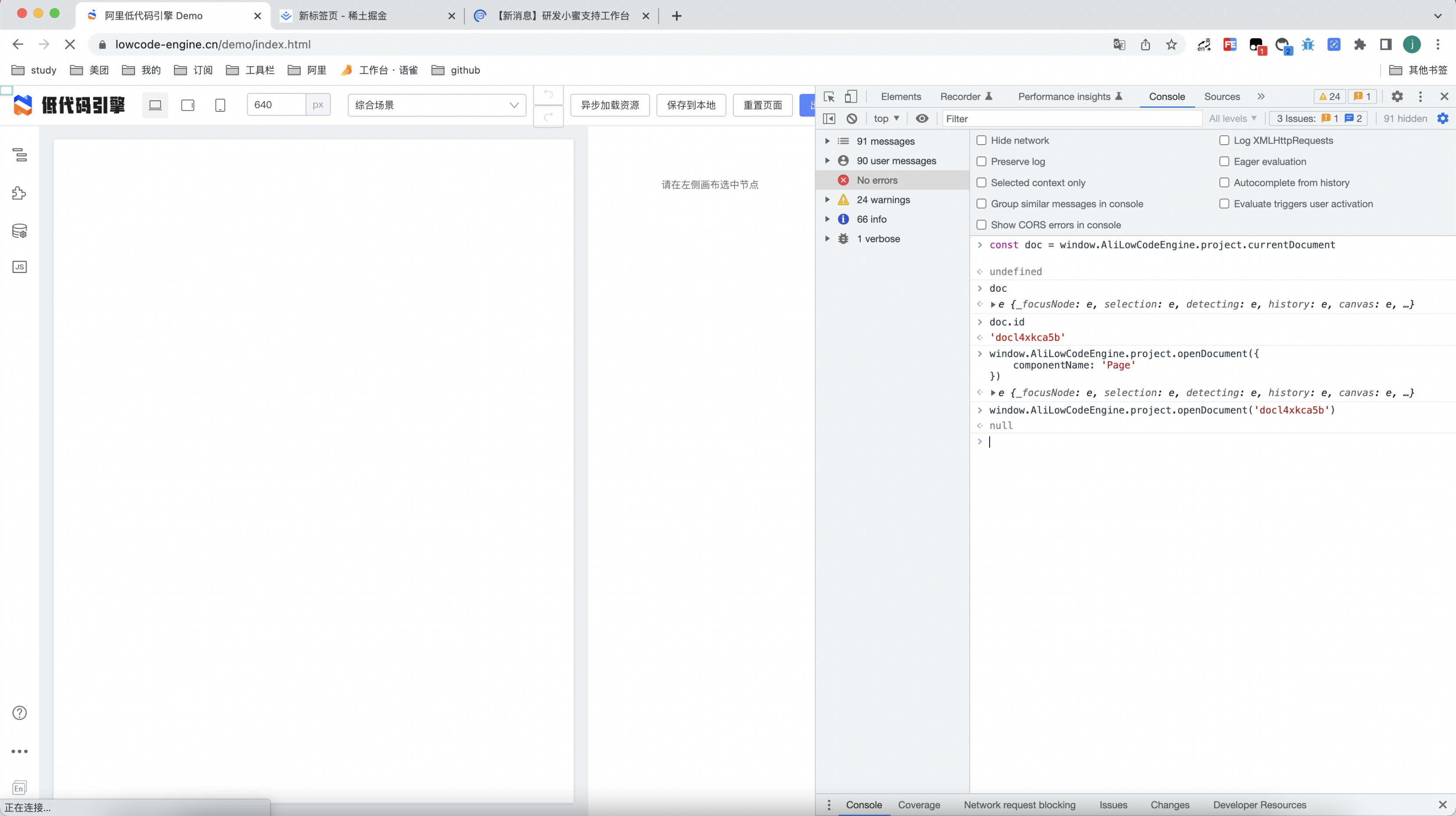
|
||||
复现步骤:
|
||||
|
||||
- 打开线上 demo
|
||||
@ -65,18 +65,18 @@ window.AliLowCodeEngine.project.openDocument('docl4xkca5b')
|
||||
|
||||
期望:
|
||||
|
||||
- 页面中的 xxx 部分和预期不符合,期望的效果是 xxx
|
||||
- 页面中的xxx部分和预期不符合,期望的效果是 xxx
|
||||
|
||||
#### 【支持稍慢】通过线上 demo + 完整操作步骤可复现
|
||||
**示例**
|
||||
1.使用 antd 组件
|
||||
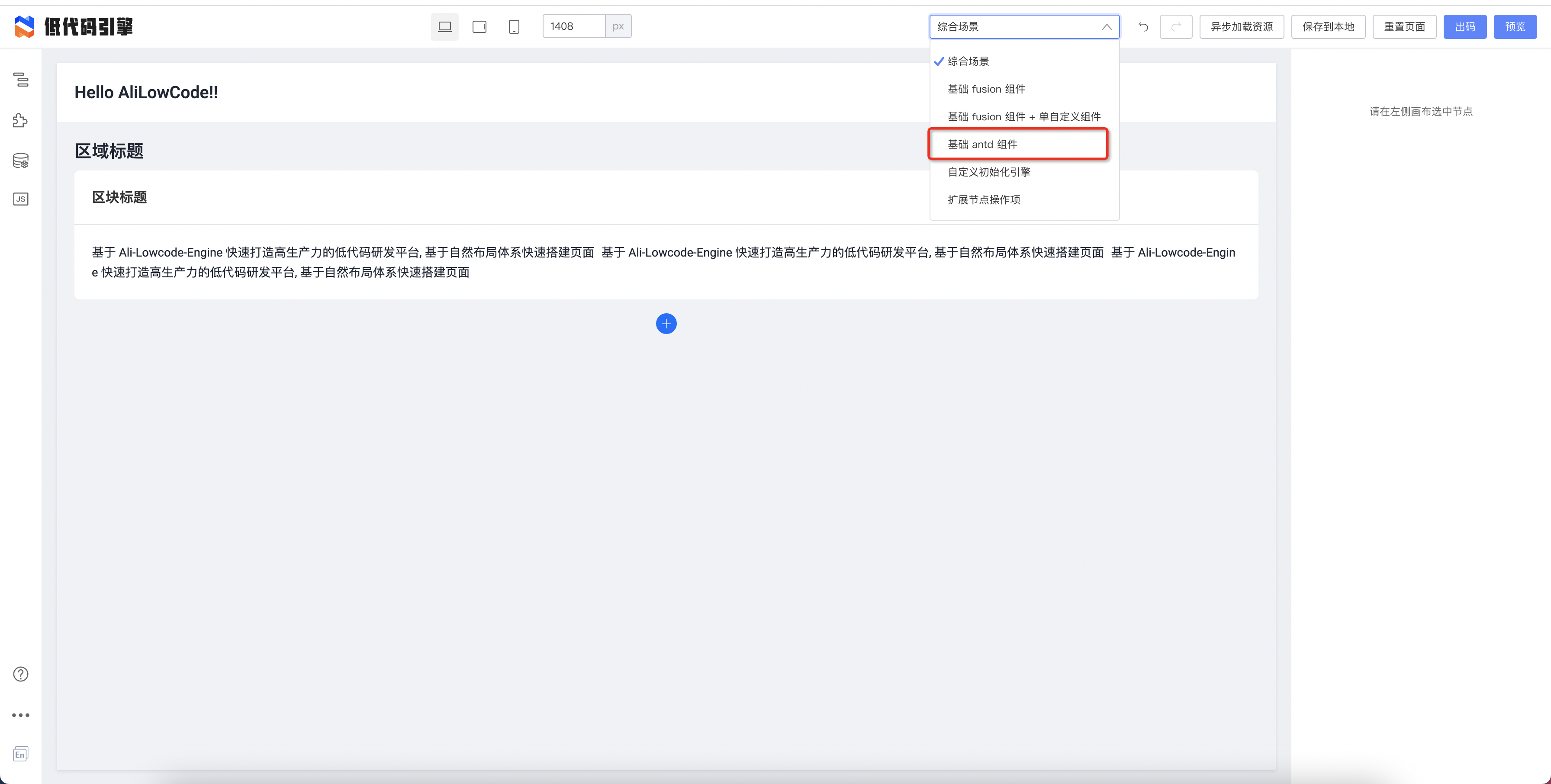
|
||||
|
||||
|
||||
2.拖拽这个组件
|
||||
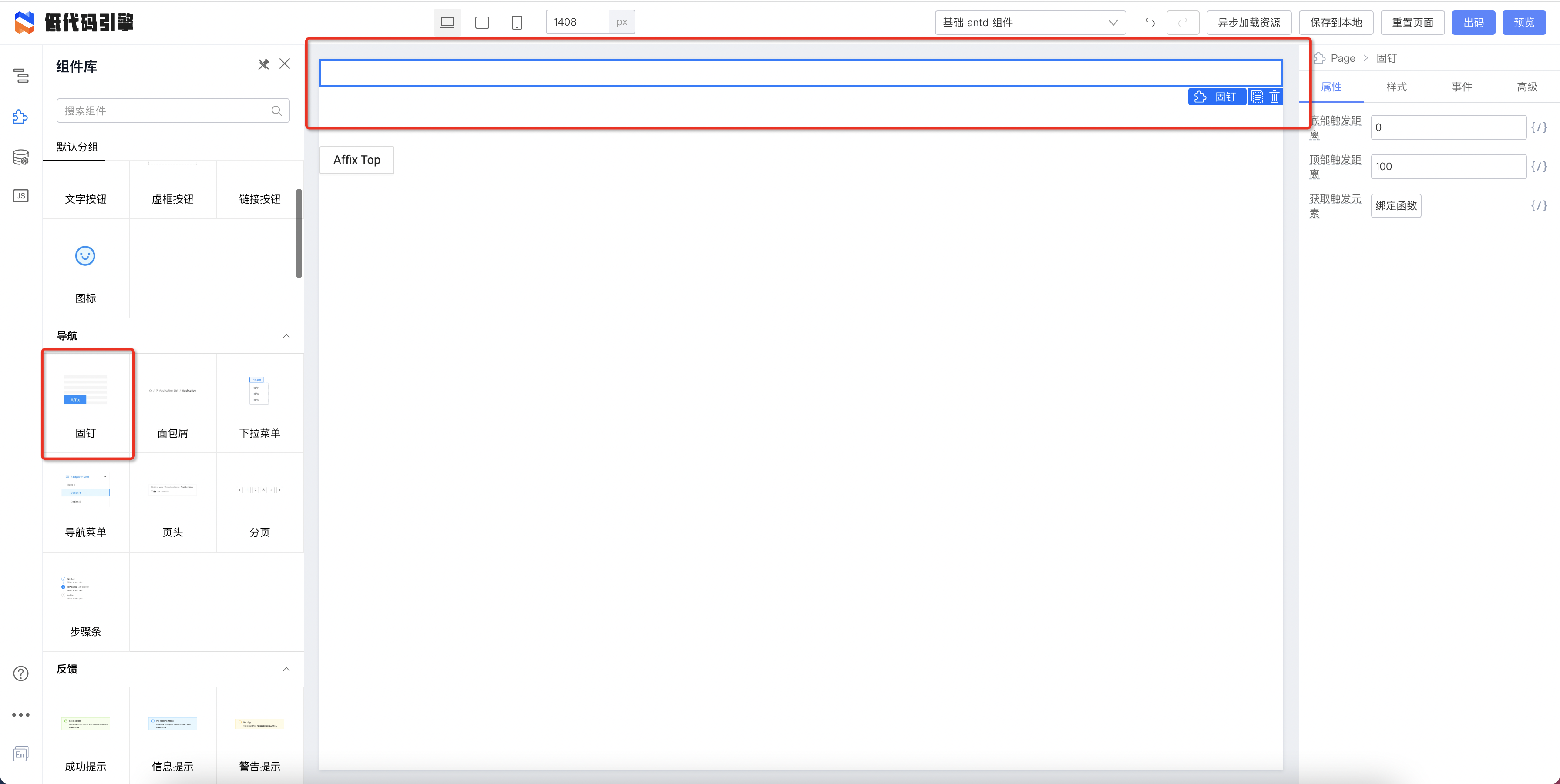
|
||||
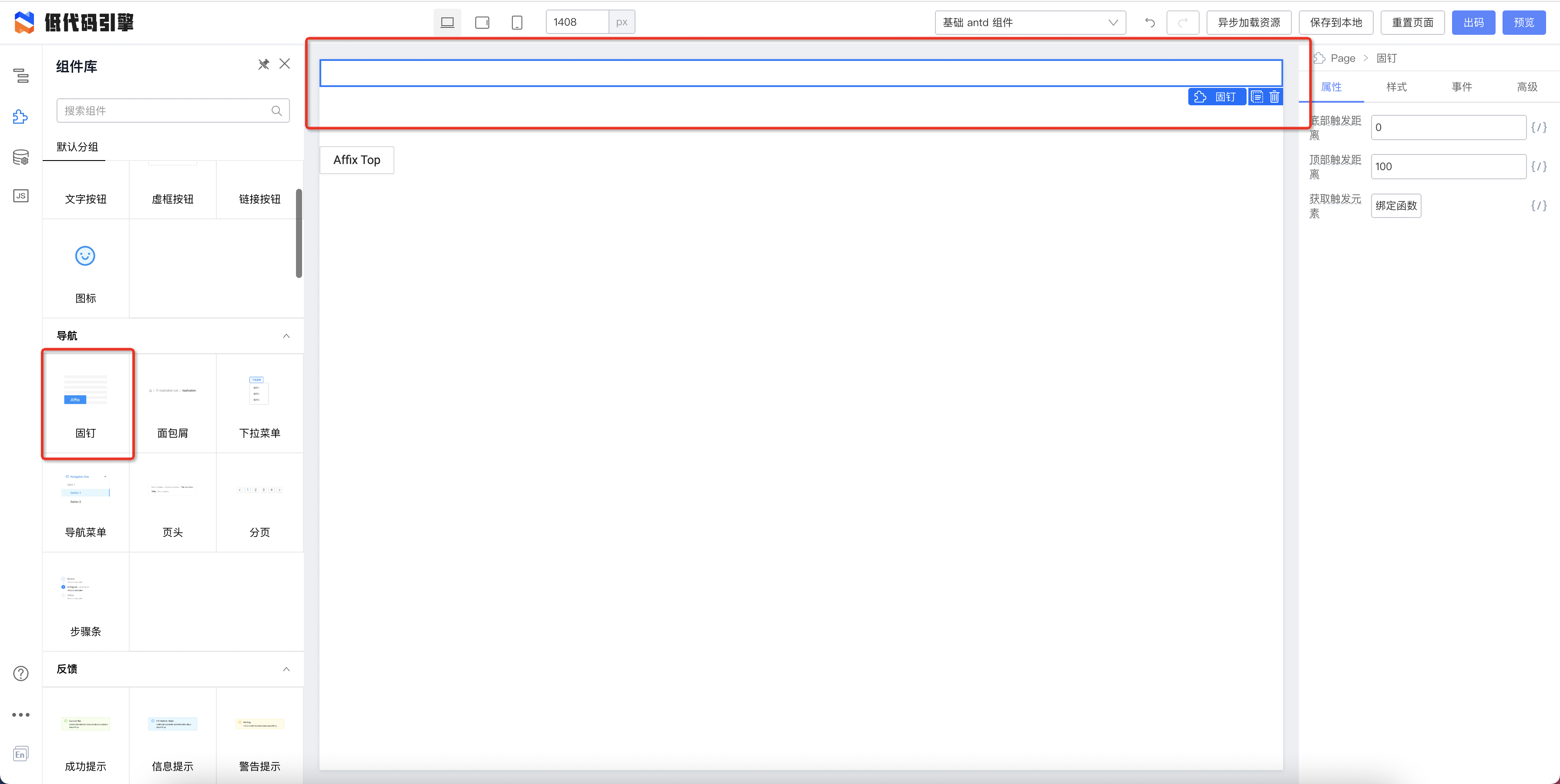
|
||||
|
||||
3.配置该属性值为 100
|
||||

|
||||
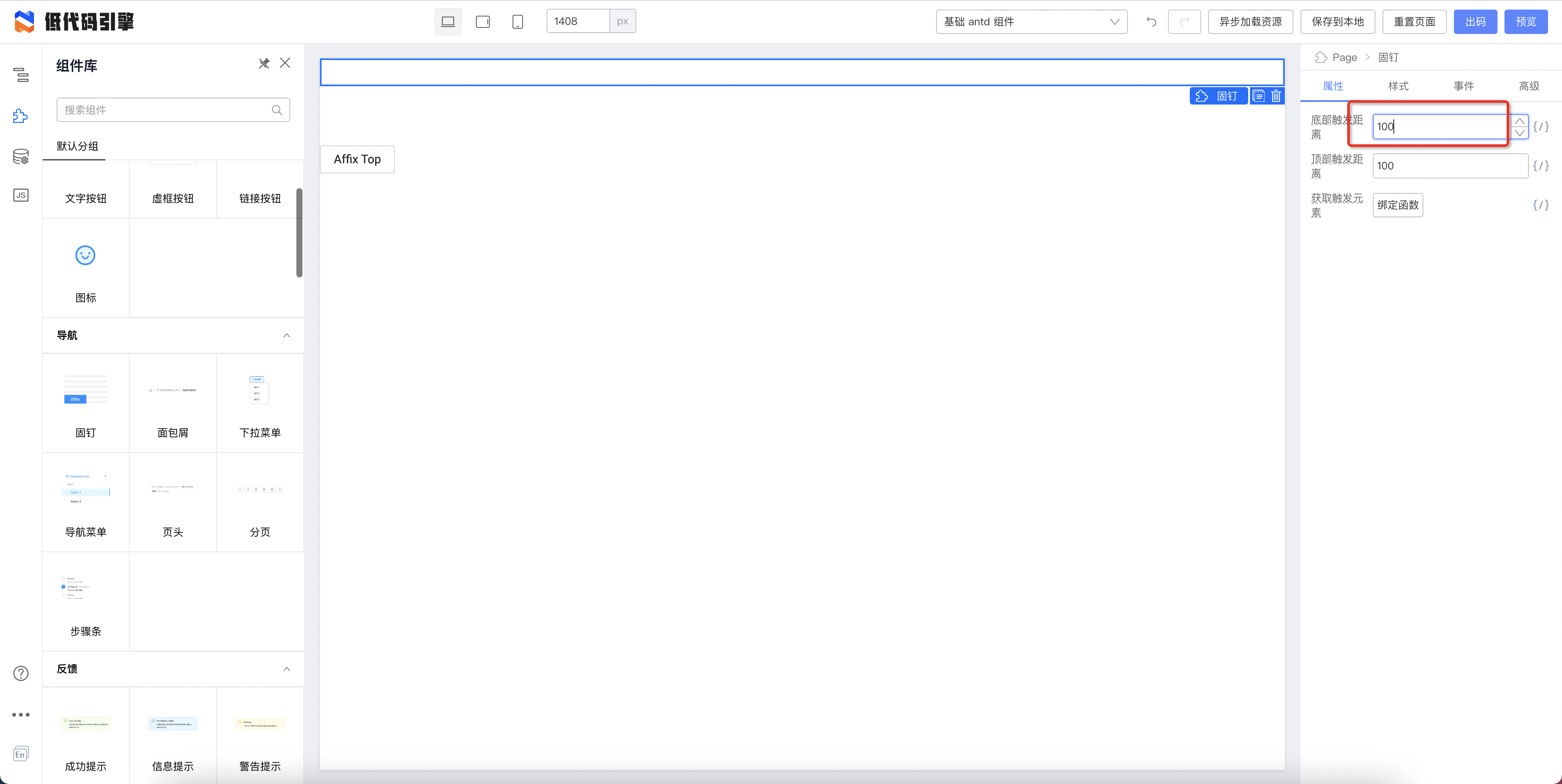
|
||||
|
||||
期望效果:
|
||||
|
||||
@ -84,26 +84,26 @@ window.AliLowCodeEngine.project.openDocument('docl4xkca5b')
|
||||
|
||||
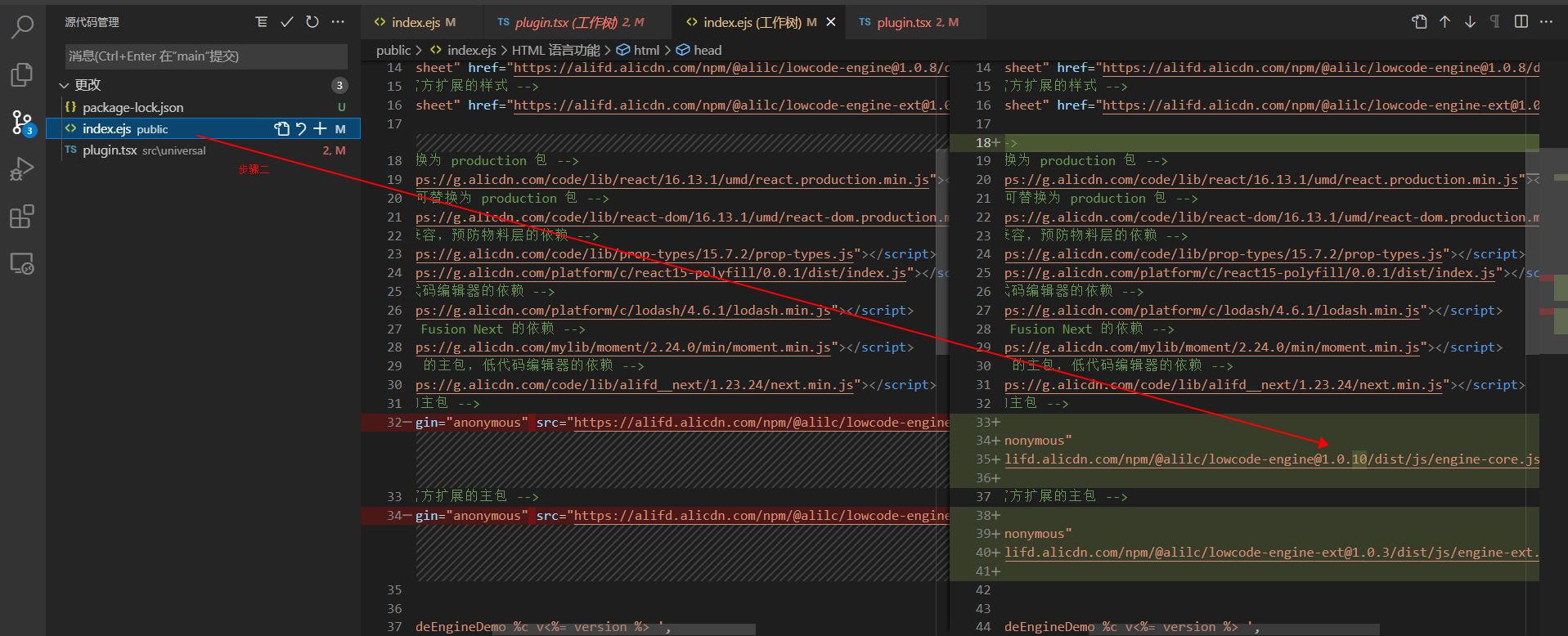
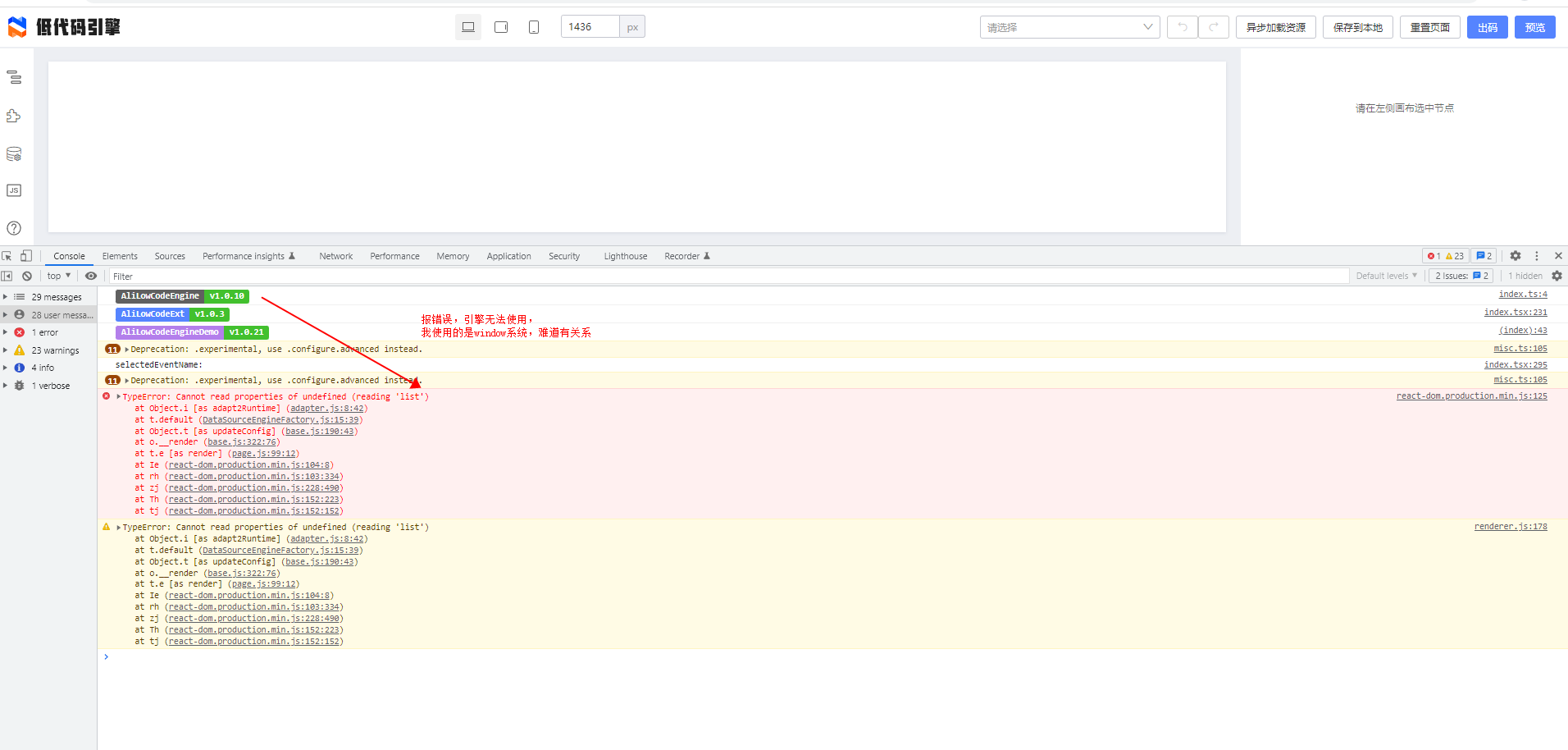
#### 【支持稍慢】通过线上 demo + 变更代码可复现,并清楚的说明变更代码的位置和内容
|
||||
**示例**
|
||||

|
||||
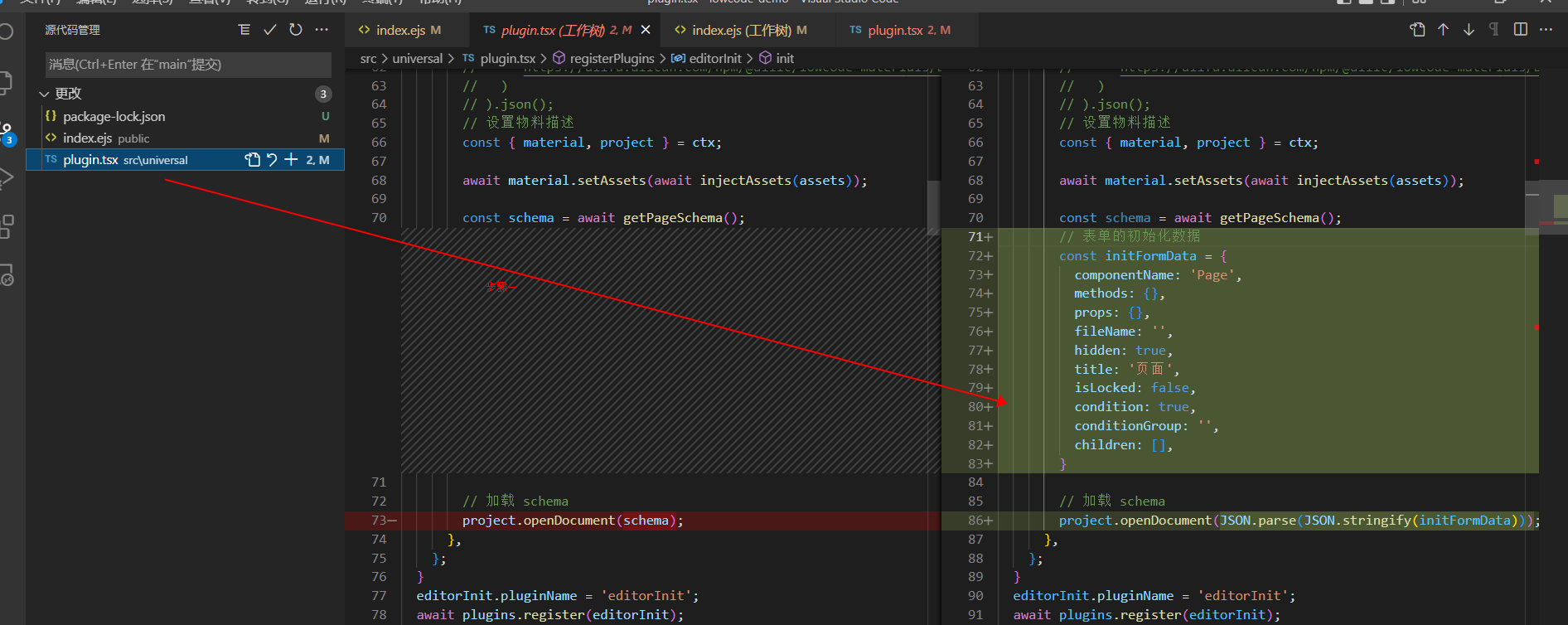
|
||||
|
||||
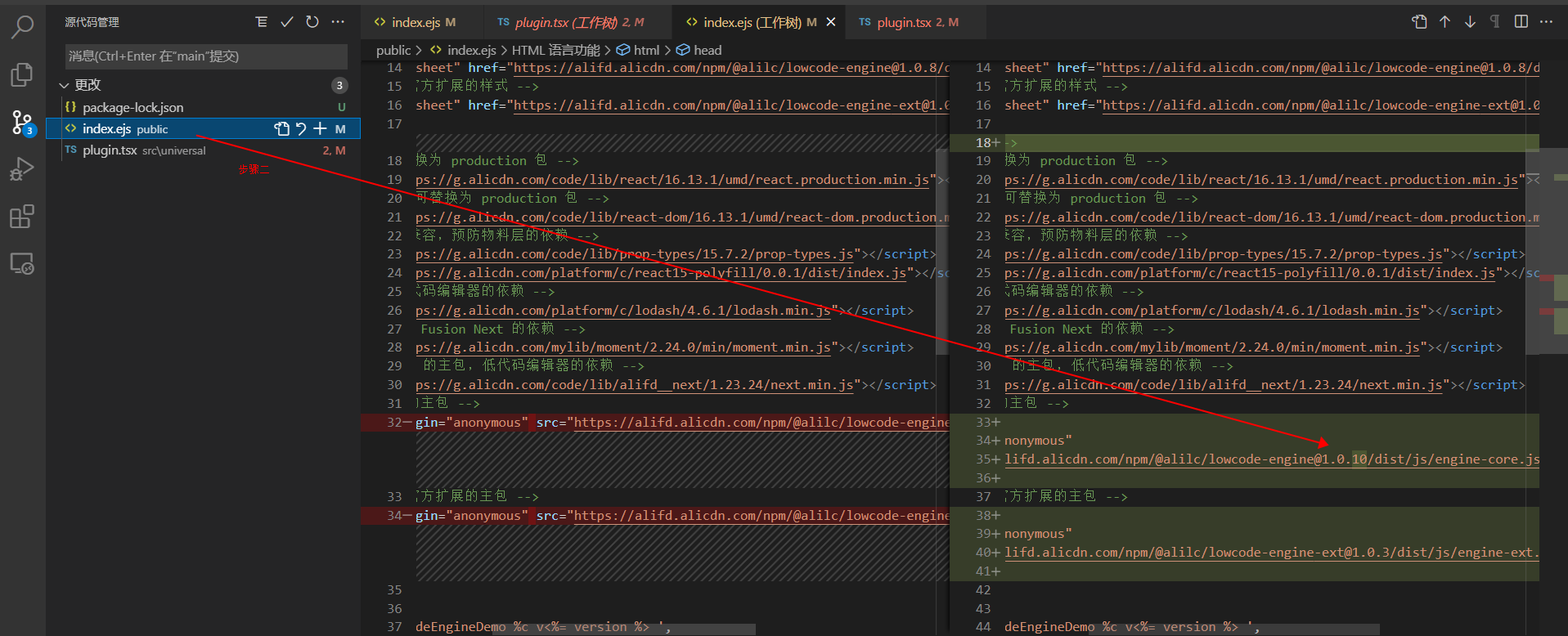
|
||||
|
||||
|
||||

|
||||

|
||||
|
||||

|
||||
|
||||
|
||||
#### 【支持慢】有完整的项目地址,下载下来可直接安装依赖并启动复现的
|
||||
由于完整的项目中有很多冗余的信息,这部分排查起来十分耗时且困难。不推荐使用改方式。
|
||||
|
||||
#### 【不保证提供支持】其他
|
||||
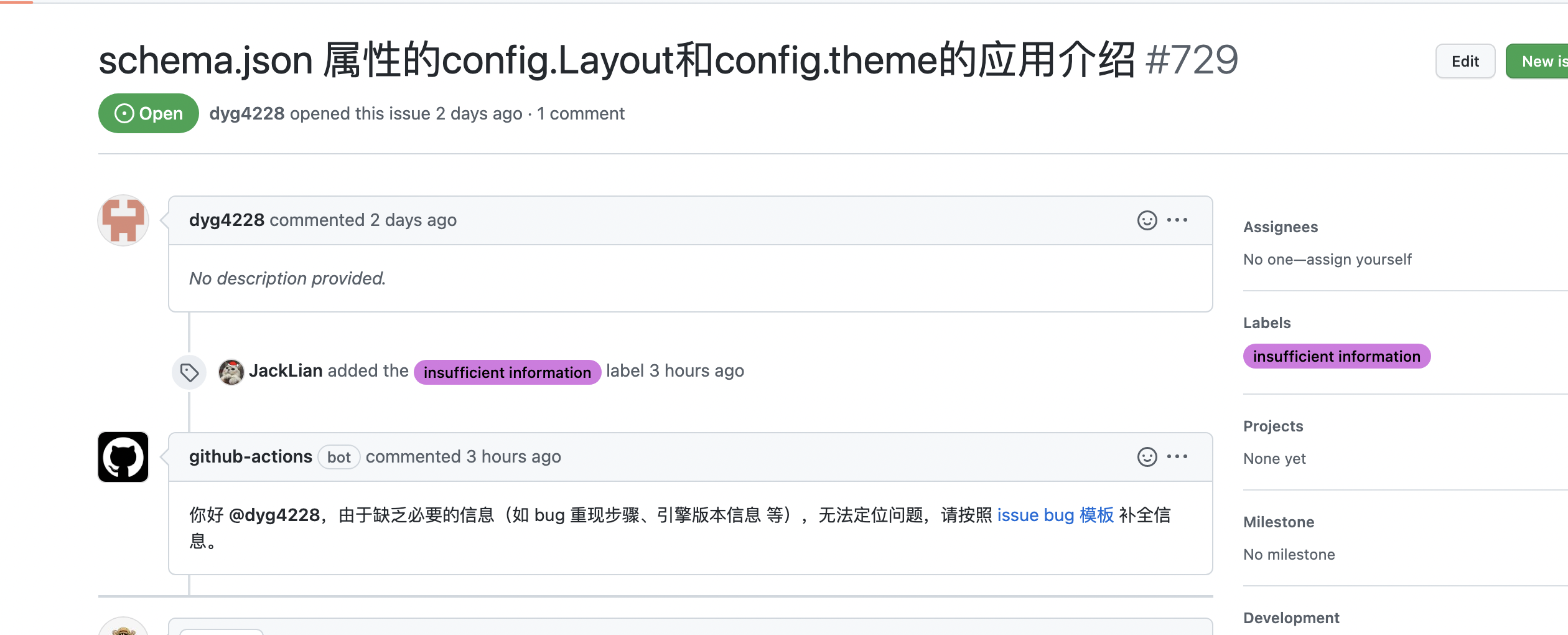
##### 只有标题没有复现步骤
|
||||

|
||||
|
||||
|
||||
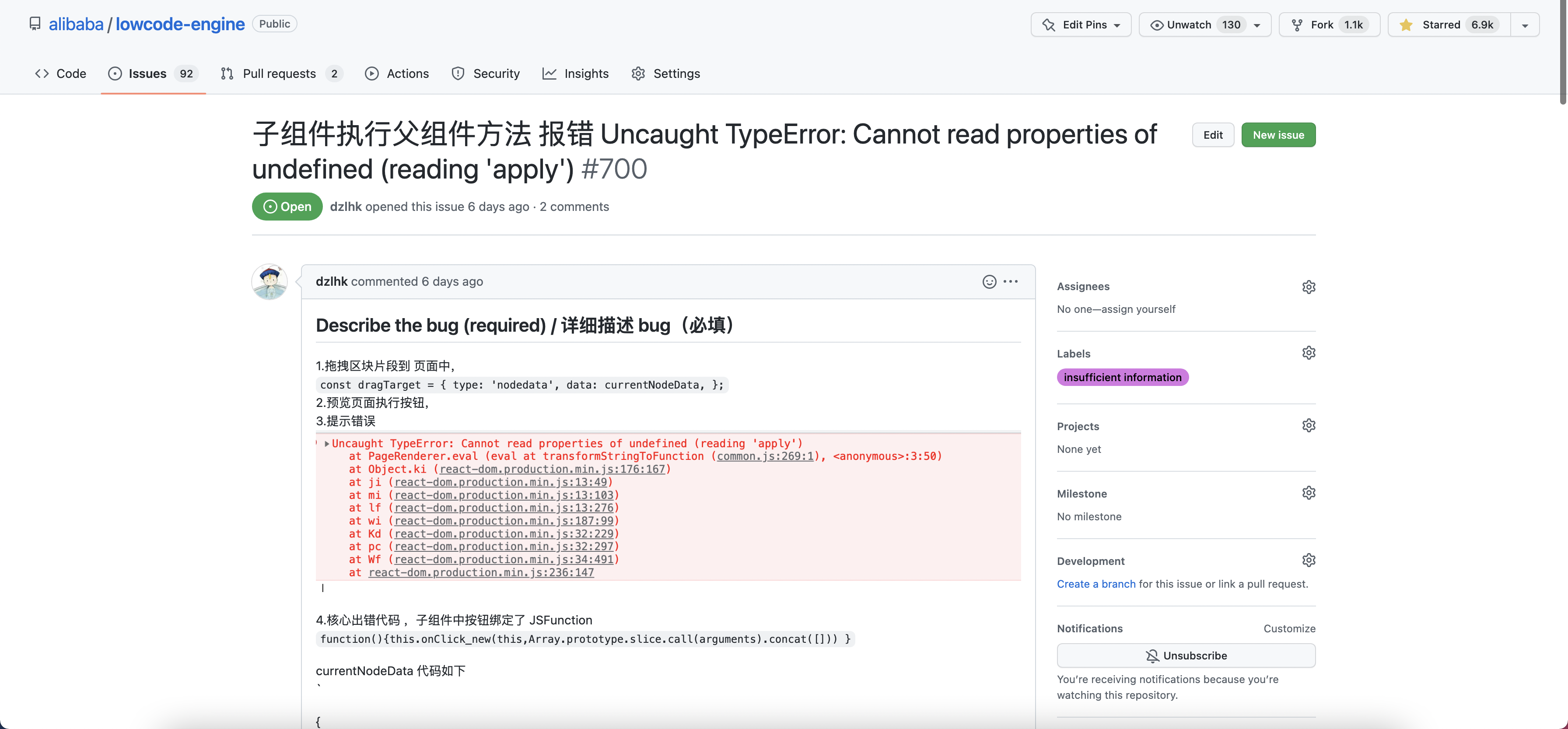
##### 复现步骤不清晰
|
||||

|
||||
|
||||
|
||||
##### 和引擎无关的
|
||||
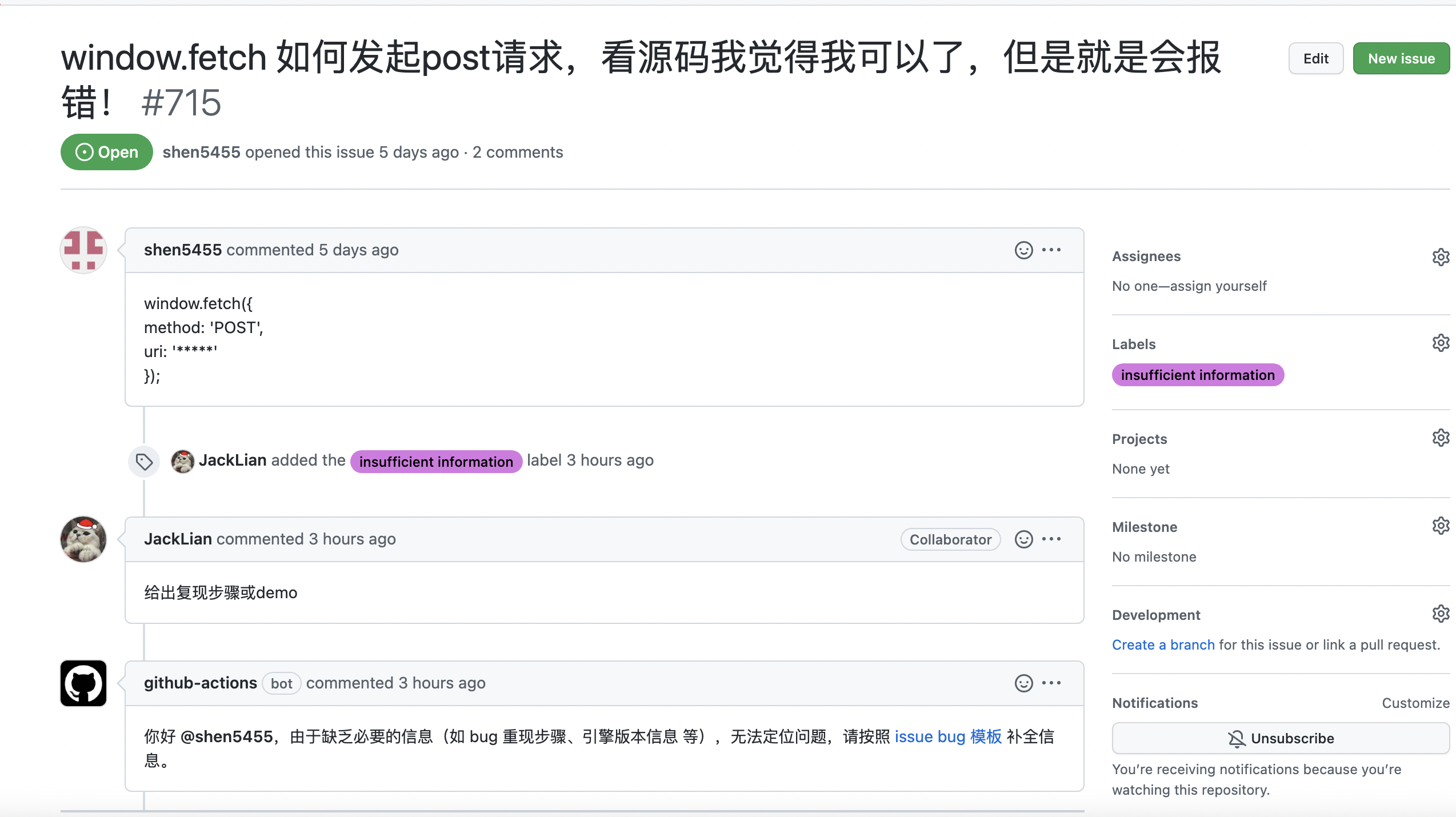
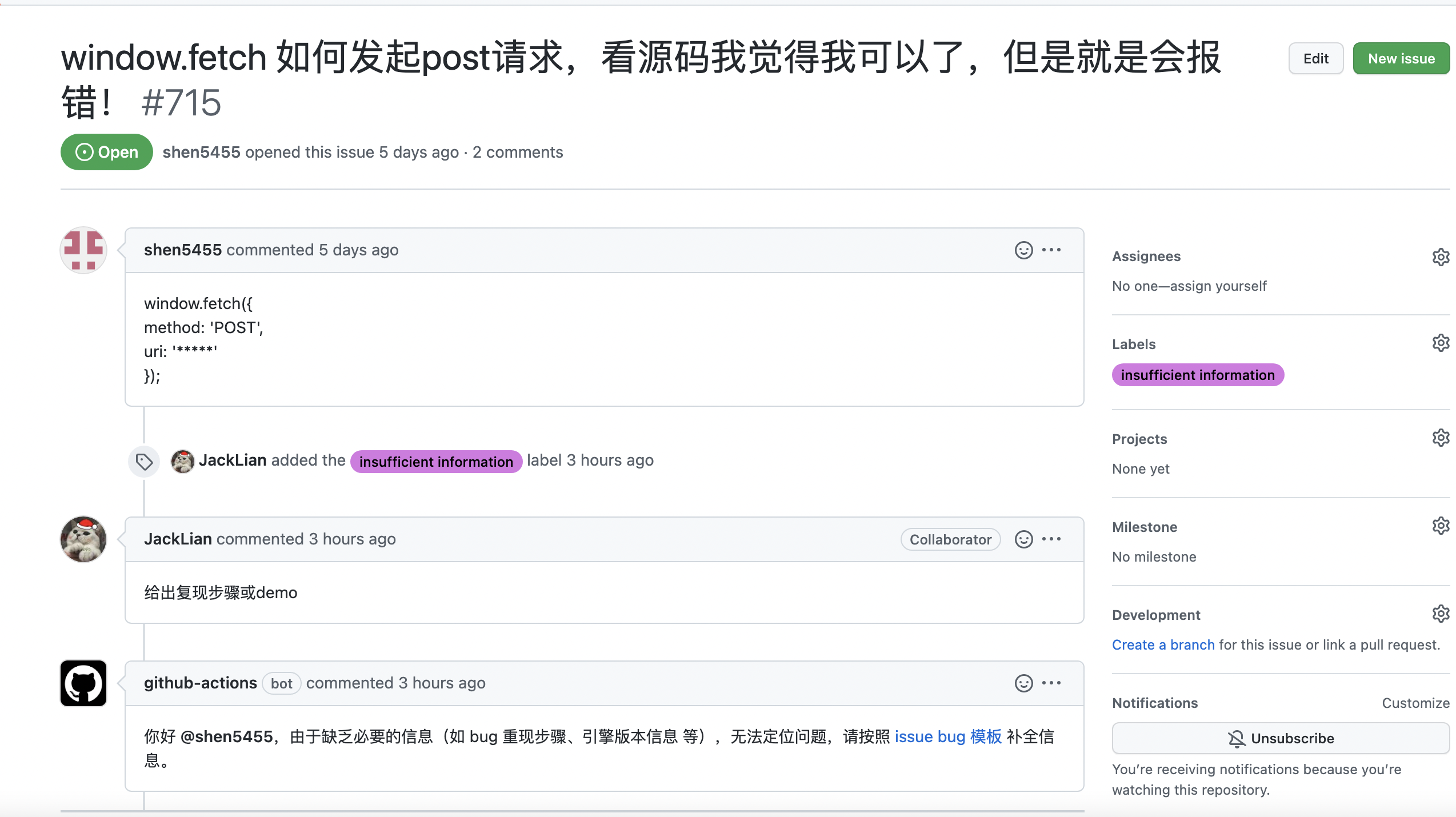
|
||||
|
||||
|
||||
|
||||
|
||||
|
||||
@ -21,36 +21,40 @@ module.exports = {
|
||||
position: 'left',
|
||||
label: 'API',
|
||||
},
|
||||
{
|
||||
type: 'doc',
|
||||
docId: 'specs/lowcode-spec',
|
||||
position: 'left',
|
||||
label: '协议',
|
||||
},
|
||||
{
|
||||
type: 'doc',
|
||||
docId: 'faq/index',
|
||||
position: 'left',
|
||||
label: 'FAQ',
|
||||
},
|
||||
{
|
||||
type: 'doc',
|
||||
docId: 'participate/index',
|
||||
position: 'left',
|
||||
label: '参与贡献',
|
||||
},
|
||||
{
|
||||
type: 'doc',
|
||||
docId: 'article/index',
|
||||
position: 'left',
|
||||
label: '文章',
|
||||
},
|
||||
{
|
||||
type: 'doc',
|
||||
docId: 'video/index',
|
||||
position: 'left',
|
||||
label: '视频',
|
||||
},
|
||||
{
|
||||
type: 'doc',
|
||||
docId: 'demoUsage/intro',
|
||||
position: 'left',
|
||||
label: 'Demo 使用文档',
|
||||
},
|
||||
{
|
||||
position: 'left',
|
||||
href: 'https://developer.aliyun.com/ebook/7507',
|
||||
label: '技术白皮书',
|
||||
},
|
||||
{
|
||||
position: 'left',
|
||||
href: 'https://github.com/alibaba/lowcode-engine/releases',
|
||||
label: '更新日志',
|
||||
},
|
||||
{
|
||||
to: '/community/issue',
|
||||
position: 'left',
|
||||
@ -70,12 +74,6 @@ module.exports = {
|
||||
className: 'header-github-link',
|
||||
'aria-label': 'GitHub repository',
|
||||
},
|
||||
{
|
||||
type: 'doc',
|
||||
docId: 'participate/index',
|
||||
position: 'right',
|
||||
label: '参与贡献',
|
||||
},
|
||||
{
|
||||
type: 'search',
|
||||
position: 'right',
|
||||
|
||||
@ -22,61 +22,10 @@ module.exports = {
|
||||
* 根据当前目录自动生成导航配置
|
||||
*/
|
||||
guide: [
|
||||
[
|
||||
{
|
||||
type: 'category',
|
||||
label: '入门',
|
||||
collapsed: false,
|
||||
items: getDocsFromDir('guide/quickStart'),
|
||||
},
|
||||
{
|
||||
type: 'category',
|
||||
label: '创建编辑器',
|
||||
collapsed: false,
|
||||
items: getDocsFromDir('guide/create'),
|
||||
},
|
||||
{
|
||||
type: 'category',
|
||||
label: '扩展编辑器',
|
||||
collapsed: false,
|
||||
items: getDocsFromDir('guide/expand/editor', [{ dir: 'guide/expand/editor/parts', label: 'Parts·造物' }]),
|
||||
},
|
||||
{
|
||||
type: 'category',
|
||||
label: '扩展运行时',
|
||||
collapsed: false,
|
||||
items: getDocsFromDir('guide/expand/runtime'),
|
||||
},
|
||||
{
|
||||
type: 'category',
|
||||
label: '设计原理',
|
||||
collapsed: false,
|
||||
items: getDocsFromDir('guide/design'),
|
||||
},
|
||||
{
|
||||
type: 'category',
|
||||
label: '附录',
|
||||
collapsed: false,
|
||||
items: [
|
||||
{
|
||||
type: 'link',
|
||||
label: '更新日志',
|
||||
href: 'https://github.com/alibaba/lowcode-engine/releases',
|
||||
},
|
||||
...getDocsFromDir('guide/appendix'),
|
||||
{
|
||||
type: 'category',
|
||||
label: '预置设置器详情',
|
||||
items: getDocsFromDir('guide/appendix/setterDetails'),
|
||||
},
|
||||
],
|
||||
},
|
||||
{
|
||||
type: 'link',
|
||||
label: '技术白皮书',
|
||||
href: 'https://developer.aliyun.com/ebook/7507',
|
||||
},
|
||||
],
|
||||
{
|
||||
type: 'autogenerated',
|
||||
dirName: 'guide', // '.' 即当前的文档文件夹
|
||||
},
|
||||
],
|
||||
api: [
|
||||
{
|
||||
@ -84,12 +33,6 @@ module.exports = {
|
||||
dirName: 'api',
|
||||
},
|
||||
],
|
||||
specs: [
|
||||
{
|
||||
type: 'autogenerated',
|
||||
dirName: 'specs',
|
||||
},
|
||||
],
|
||||
faq: [
|
||||
{
|
||||
type: 'autogenerated',
|
||||
@ -108,4 +51,5 @@ module.exports = {
|
||||
dirName: 'demoUsage',
|
||||
},
|
||||
],
|
||||
// api: getDocsFromDir('api'),
|
||||
};
|
||||
|
||||
@ -1,87 +0,0 @@
|
||||
---
|
||||
title: canvas - 画布 API
|
||||
sidebar_position: 10
|
||||
---
|
||||
|
||||
> **@types** [IPublicApiCanvas](https://github.com/alibaba/lowcode-engine/blob/main/packages/types/src/shell/api/canvas.ts)<br/>
|
||||
> **@since** v1.1.0
|
||||
|
||||
|
||||
## 模块简介
|
||||
|
||||
通过该模块可以触达对画布拖拽相关的一些能力。
|
||||
|
||||
## 变量
|
||||
|
||||
### dragon
|
||||
|
||||
获取拖拽操作对象的实例
|
||||
|
||||
`@type {IPublicModelDragon | null}`
|
||||
|
||||
|
||||
相关类型:[IPublicModelDragon](https://github.com/alibaba/lowcode-engine/blob/main/packages/types/src/shell/model/dragon.ts)
|
||||
|
||||
### activeTracker
|
||||
|
||||
获取活动追踪器实例
|
||||
|
||||
`@type {IPublicModelActiveTracker | null}`
|
||||
|
||||
相关类型:[IPublicModelActiveTracker](https://github.com/alibaba/lowcode-engine/blob/main/packages/types/src/shell/model/active-tracker.ts)
|
||||
|
||||
### isInLiveEditing
|
||||
|
||||
是否处于 LiveEditing 状态
|
||||
|
||||
`@type {boolean}`
|
||||
|
||||
### clipboard
|
||||
全局剪贴板实例
|
||||
|
||||
`@type {IPublicModelClipboard}`
|
||||
|
||||
相关类型:[IPublicModelClipboard](https://github.com/alibaba/lowcode-engine/blob/main/packages/types/src/shell/model/clipboard.ts)
|
||||
|
||||
## 方法
|
||||
|
||||
### createLocation
|
||||
创建一个文档插入位置对象,该对象用来描述一个即将插入的节点在文档中的位置
|
||||
|
||||
```typescript
|
||||
/**
|
||||
* 创建一个文档插入位置对象,该对象用来描述一个即将插入的节点在文档中的位置
|
||||
* create a drop location for document, drop location describes a location in document
|
||||
* @since v1.1.0
|
||||
*/
|
||||
createLocation(locationData: IPublicTypeLocationData): IPublicModelDropLocation;
|
||||
```
|
||||
|
||||
### createScroller
|
||||
创建一个滚动控制器 Scroller,赋予一个视图滚动的基本能力,
|
||||
```typescript
|
||||
/**
|
||||
* 创建一个滚动控制器 Scroller,赋予一个视图滚动的基本能力,
|
||||
* a Scroller is a controller that gives a view (IPublicTypeScrollable) the ability scrolling
|
||||
* to some cordination by api scrollTo.
|
||||
*
|
||||
* when a scroller is inited, will need to pass is a scrollable, which has a scrollTarget.
|
||||
* and when scrollTo(options: { left?: number; top?: number }) is called, scroller will
|
||||
* move scrollTarget`s top-left corner to (options.left, options.top) that passed in.
|
||||
* @since v1.1.0
|
||||
*/
|
||||
createScroller(scrollable: IPublicTypeScrollable): IPublicModelScroller;
|
||||
|
||||
```
|
||||
|
||||
### createScrollTarget
|
||||
创建一个 ScrollTarget,与 Scroller 一起发挥作用,详见 [createScroller](#createscroller) 中的描述
|
||||
|
||||
```typescript
|
||||
/**
|
||||
* 创建一个 ScrollTarget,与 Scroller 一起发挥作用,详见 createScroller 中的描述
|
||||
* this works with Scroller, refer to createScroller`s description
|
||||
* @since v1.1.0
|
||||
*/
|
||||
createScrollTarget(shell: HTMLDivElement): IPublicModelScrollTarget;
|
||||
```
|
||||
@ -1,101 +0,0 @@
|
||||
---
|
||||
title: command - 指令 API
|
||||
sidebar_position: 10
|
||||
---
|
||||
|
||||
|
||||
|
||||
## 模块概览
|
||||
|
||||
该模块使得与命令系统的交互成为可能,提供了一种全面的方式来处理、执行和管理应用程序中的命令。
|
||||
|
||||
|
||||
|
||||
## 接口
|
||||
|
||||
### IPublicApiCommand
|
||||
|
||||
与命令交互的接口。它提供了注册、注销、执行和管理命令的方法。
|
||||
|
||||
|
||||
|
||||
## 方法
|
||||
|
||||
### registerCommand
|
||||
|
||||
注册一个新命令及其处理函数。
|
||||
|
||||
```
|
||||
typescriptCopy code
|
||||
/**
|
||||
* 注册一个新的命令及其处理程序。
|
||||
* @param command {IPublicTypeCommand} - 要注册的命令。
|
||||
*/
|
||||
registerCommand(command: IPublicTypeCommand): void;
|
||||
```
|
||||
|
||||
### unregisterCommand
|
||||
|
||||
注销一个已存在的命令。
|
||||
|
||||
```
|
||||
typescriptCopy code
|
||||
/**
|
||||
* 注销一个已存在的命令。
|
||||
* @param name {string} - 要注销的命令的名称。
|
||||
*/
|
||||
unregisterCommand(name: string): void;
|
||||
```
|
||||
|
||||
### executeCommand
|
||||
|
||||
根据名称和提供的参数执行命令,确保参数符合命令的定义。
|
||||
|
||||
```
|
||||
typescriptCopy code
|
||||
/**
|
||||
* 根据名称和提供的参数执行命令。
|
||||
* @param name {string} - 要执行的命令的名称。
|
||||
* @param args {IPublicTypeCommandHandlerArgs} - 命令的参数。
|
||||
*/
|
||||
executeCommand(name: string, args?: IPublicTypeCommandHandlerArgs): void;
|
||||
```
|
||||
|
||||
### batchExecuteCommand
|
||||
|
||||
批量执行命令,在所有命令执行后进行重绘,历史记录中只记录一次。
|
||||
|
||||
```
|
||||
typescriptCopy code
|
||||
/**
|
||||
* 批量执行命令,随后进行重绘,历史记录中只记录一次。
|
||||
* @param commands {Array} - 命令对象的数组,包含名称和可选参数。
|
||||
*/
|
||||
batchExecuteCommand(commands: { name: string; args?: IPublicTypeCommandHandlerArgs }[]): void;
|
||||
```
|
||||
|
||||
### listCommands
|
||||
|
||||
列出所有已注册的命令。
|
||||
|
||||
```
|
||||
typescriptCopy code
|
||||
/**
|
||||
* 列出所有已注册的命令。
|
||||
* @returns {IPublicTypeListCommand[]} - 已注册命令的数组。
|
||||
*/
|
||||
listCommands(): IPublicTypeListCommand[];
|
||||
```
|
||||
|
||||
### onCommandError
|
||||
|
||||
为命令执行过程中的错误注册错误处理回调函数。
|
||||
|
||||
```
|
||||
typescriptCopy code
|
||||
/**
|
||||
* 为命令执行过程中的错误注册一个回调函数。
|
||||
* @param callback {(name: string, error: Error) => void} - 错误处理的回调函数。
|
||||
*/
|
||||
onCommandError(callback: (name: string, error: Error) => void): void;
|
||||
```
|
||||
@ -1,175 +1,57 @@
|
||||
---
|
||||
title: common - 通用 API
|
||||
sidebar_position: 10
|
||||
sidebar_position: 11
|
||||
---
|
||||
|
||||
> **@types** [IPublicApiCommon](https://github.com/alibaba/lowcode-engine/blob/main/packages/types/src/shell/api/common.ts)<br/>
|
||||
> **@since** v1.0.0
|
||||
|
||||
|
||||
## 模块简介
|
||||
通用模块里包含除了几大核心模块 API 之外的所有 API,比如通用 utils、面板扩展相关 等。
|
||||
# 模块简介
|
||||
通用模块里包含除了 9 大核心模块 API 之外的所有 API,比如通用 utils、面板扩展相关 等。
|
||||
> 高能预警:之所以叫 skeletonCabin / designerCabin 跟兼容上一个版本的引擎有关系。若有必要,后面将用更有意义的命名空间来组织这些 API。
|
||||
|
||||
## 变量
|
||||
#### utils
|
||||
# 变量(variables)
|
||||
### utils
|
||||
通用 utils,详见下方方法签名
|
||||
|
||||
相关类型:[IPublicApiCommonUtils](https://github.com/alibaba/lowcode-engine/blob/main/packages/types/src/shell/api/common.ts)
|
||||
### designerCabin
|
||||
设计器扩展相关,详见下方方法签名
|
||||
|
||||
#### skeletonCabin
|
||||
### skeletonCabin
|
||||
面板扩展相关,详见下方方法签名
|
||||
|
||||
## 方法
|
||||
### utils
|
||||
#### isNodeSchema
|
||||
# 方法签名(functions)
|
||||
## utils
|
||||
### isNodeSchema
|
||||
是否为合法的 schema 结构
|
||||
|
||||
```typscript
|
||||
/**
|
||||
* 是否为合法的 schema 结构
|
||||
* check if data is valid NodeSchema
|
||||
*
|
||||
* @param {*} data
|
||||
* @returns {boolean}
|
||||
*/
|
||||
isNodeSchema(data: any): boolean;
|
||||
```
|
||||
|
||||
#### isFormEvent
|
||||
### isFormEvent
|
||||
是否为表单事件类型
|
||||
|
||||
```typescript
|
||||
/**
|
||||
* 是否为表单事件类型
|
||||
* check if e is a form event
|
||||
* @param {(KeyboardEvent | MouseEvent)} e
|
||||
* @returns {boolean}
|
||||
*/
|
||||
isFormEvent(e: KeyboardEvent | MouseEvent): boolean;
|
||||
```
|
||||
|
||||
#### getNodeSchemaById
|
||||
### getNodeSchemaById
|
||||
从 schema 结构中查找指定 id 节点
|
||||
```typescript
|
||||
/**
|
||||
* 从 schema 结构中查找指定 id 节点
|
||||
* get node schema from a larger schema with node id
|
||||
* @param {IPublicTypeNodeSchema} schema
|
||||
* @param {string} nodeId
|
||||
* @returns {(IPublicTypeNodeSchema | undefined)}
|
||||
*/
|
||||
getNodeSchemaById(
|
||||
schema: IPublicTypeNodeSchema,
|
||||
nodeId: string,
|
||||
): IPublicTypeNodeSchema | undefined;
|
||||
```
|
||||
相关类型:[IPublicTypeNodeSchema](https://github.com/alibaba/lowcode-engine/blob/main/packages/types/src/shell/type/node-schema.ts)
|
||||
|
||||
#### executeTransaction
|
||||
### executeTransaction
|
||||
批处理事务,用于优化特定场景的性能
|
||||
|
||||
```typescript
|
||||
/**
|
||||
* 批处理事务,用于优化特定场景的性能
|
||||
* excute something in a transaction for performence
|
||||
*
|
||||
* @param {() => void} fn
|
||||
* @param {IPublicEnumTransitionType} type
|
||||
* @since v1.0.16
|
||||
*/
|
||||
executeTransaction(fn: () => void, type: IPublicEnumTransitionType): void;
|
||||
```
|
||||
**@since v1.0.16**
|
||||
|
||||
**示例**
|
||||
*引擎版本 >= 1.0.16
|
||||
```typescript
|
||||
import { common } from '@alilc/lowcode-engine';
|
||||
import { IPublicEnumTransitionType } from '@alilc/lowcode-types';
|
||||
import { TransitionType } from '@alilc/lowcode-types';
|
||||
|
||||
common.utils.startTransaction(() => {
|
||||
node1.setProps();
|
||||
node2.setProps();
|
||||
node3.setProps();
|
||||
// ...
|
||||
}, IPublicEnumTransitionType.repaint);
|
||||
}, TransitionType.repaint);
|
||||
```
|
||||
|
||||
#### getConvertedExtraKey
|
||||
## designerCabin
|
||||
### isSettingField
|
||||
是否是 SettingField 实例
|
||||
|
||||
props key 转化工具
|
||||
|
||||
```typescript
|
||||
getConvertedExtraKey(key: string): string
|
||||
|
||||
```
|
||||
|
||||
**@since v1.0.17**
|
||||
|
||||
#### createIntl
|
||||
i18n 相关工具
|
||||
```typescript
|
||||
/**
|
||||
* i18n 相关工具
|
||||
* i18n tools
|
||||
*
|
||||
* @param {(string | object)} instance
|
||||
* @returns {{
|
||||
* intlNode(id: string, params?: object): ReactNode;
|
||||
* intl(id: string, params?: object): string;
|
||||
* getLocale(): string;
|
||||
* setLocale(locale: string): void;
|
||||
* }}
|
||||
* @since v1.0.17
|
||||
*/
|
||||
createIntl(instance: string | object): {
|
||||
intlNode(id: string, params?: object): ReactNode;
|
||||
intl(id: string, params?: object): string;
|
||||
getLocale(): string;
|
||||
setLocale(locale: string): void;
|
||||
};
|
||||
```
|
||||
|
||||
**@since v1.0.17**
|
||||
|
||||
**示例**
|
||||
|
||||
```typescript
|
||||
import { common } from '@alilc/lowcode-engine';
|
||||
import enUS from './en-US.json';
|
||||
import zhCN from './zh-CN.json';
|
||||
|
||||
const { intl, getLocale, setLocale } = common.utils.createIntl({
|
||||
'en-US': enUS,
|
||||
'zh-CN': zhCN,
|
||||
});
|
||||
|
||||
```
|
||||
|
||||
#### intl
|
||||
|
||||
i18n 转换方法
|
||||
|
||||
```typescript
|
||||
/**
|
||||
* i18n 转换方法
|
||||
*/
|
||||
intl(data: IPublicTypeI18nData | string, params?: object): string;
|
||||
```
|
||||
|
||||
**示例**
|
||||
```
|
||||
const title = common.utils.intl(node.title)
|
||||
```
|
||||
|
||||
### skeletonCabin
|
||||
#### Workbench
|
||||
### TransformStage
|
||||
转换类型枚举对象,包含 init / upgrade / render 等类型,参考 [TransformStage](https://github.com/alibaba/lowcode-engine/blob/4f4ac5115d18357a7399632860808f6cffc33fad/packages/types/src/transform-stage.ts#L1)
|
||||
##
|
||||
## skeletonCabin
|
||||
### Workbench
|
||||
编辑器框架 View
|
||||
|
||||
```typescript
|
||||
/**
|
||||
* 编辑器框架 View
|
||||
* get Workbench Component
|
||||
*/
|
||||
get Workbench(): Component;
|
||||
```
|
||||
# 事件(events)
|
||||
无
|
||||
|
||||
@ -1,210 +0,0 @@
|
||||
---
|
||||
title: commonUI - UI 组件库
|
||||
sidebar_position: 10
|
||||
---
|
||||
|
||||
## 简介
|
||||
CommonUI API 是一个专为低代码引擎设计的组件 UI 库,使用它开发的插件,可以保证在不同项目和主题切换中能够保持一致性和兼容性。
|
||||
|
||||
## 组件列表
|
||||
|
||||
### Tip
|
||||
|
||||
提示组件
|
||||
|
||||
| 参数 | 说明 | 类型 | 默认值 |
|
||||
|-----------|--------------|---------------------------------------|--------|
|
||||
| className | className | string (optional) | |
|
||||
| children | tip 的内容 | IPublicTypeI18nData \| ReactNode | |
|
||||
| direction | tip 的方向 | 'top' \| 'bottom' \| 'left' \| 'right' | |
|
||||
|
||||
|
||||
### HelpTip
|
||||
|
||||
带 help icon 的提示组件
|
||||
|
||||
| 参数 | 说明 | 类型 | 默认值 |
|
||||
|-----------|--------|-----------------------------------|--------|
|
||||
| help | 描述 | IPublicTypeHelpTipConfig | |
|
||||
| direction | 方向 | IPublicTypeTipConfig['direction'] | 'top' |
|
||||
| size | 方向 | IconProps['size'] | 'small'|
|
||||
|
||||
### Title
|
||||
|
||||
标题组件
|
||||
|
||||
| 参数 | 说明 | 类型 | 默认值 |
|
||||
|-----------|------------|-----------------------------|--------|
|
||||
| title | 标题内容 | IPublicTypeTitleContent | |
|
||||
| className | className | string (optional) | |
|
||||
| onClick | 点击事件 | () => void (optional) | |
|
||||
|
||||
### ContextMenu
|
||||
|
||||
| 参数 | 说明 | 类型 | 默认值 |
|
||||
|--------|----------------------------------------------------|------------------------------------|--------|
|
||||
| menus | 定义上下文菜单的动作数组 | IPublicTypeContextMenuAction[] | |
|
||||
| children | 组件的子元素 | React.ReactElement[] | |
|
||||
|
||||
**IPublicTypeContextMenuAction Interface**
|
||||
|
||||
| 参数 | 说明 | 类型 | 默认值 |
|
||||
|------------|--------------------------------------------------------------|----------------------------------------------------------------------------------------------------------------|----------------------------------------|
|
||||
| name | 动作的唯一标识符<br/>Unique identifier for the action | string | |
|
||||
| title | 显示的标题,可以是字符串或国际化数据<br/>Display title, can be a string or internationalized data | string \| IPublicTypeI18nData (optional) | |
|
||||
| type | 菜单项类型<br/>Menu item type | IPublicEnumContextMenuType (optional) | IPublicEnumContextMenuType.MENU_ITEM |
|
||||
| action | 点击时执行的动作,可选<br/>Action to execute on click, optional | (nodes: IPublicModelNode[]) => void (optional) | |
|
||||
| items | 子菜单项或生成子节点的函数,可选,仅支持两级<br/>Sub-menu items or function to generate child node, optional | Omit<IPublicTypeContextMenuAction, 'items'>[] \| ((nodes: IPublicModelNode[]) => Omit<IPublicTypeContextMenuAction, 'items'>[]) (optional) | |
|
||||
| condition | 显示条件函数<br/>Function to determine display condition | (nodes: IPublicModelNode[]) => boolean (optional) | |
|
||||
| disabled | 禁用条件函数,可选<br/>Function to determine disabled condition, optional | (nodes: IPublicModelNode[]) => boolean (optional) | |
|
||||
|
||||
**ContextMenu 示例**
|
||||
|
||||
```typescript
|
||||
const App = () => {
|
||||
const menuItems: IPublicTypeContextMenuAction[] = [
|
||||
{
|
||||
name: 'a',
|
||||
title: '选项 1',
|
||||
action: () => console.log('选项 1 被点击'),
|
||||
},
|
||||
{
|
||||
name: 'b',
|
||||
title: '选项 2',
|
||||
action: () => console.log('选项 2 被点击'),
|
||||
},
|
||||
];
|
||||
|
||||
const ContextMenu = ctx.commonUI.ContextMenu;
|
||||
|
||||
return (
|
||||
<div>
|
||||
<ContextMenu menus={menuItems}>
|
||||
<div>右键点击这里</div>
|
||||
</ContextMenu>
|
||||
</div>
|
||||
);
|
||||
};
|
||||
|
||||
export default App;
|
||||
```
|
||||
|
||||
**ContextMenu.create 示例**
|
||||
|
||||
```typescript
|
||||
const App = () => {
|
||||
const menuItems: IPublicTypeContextMenuAction[] = [
|
||||
{
|
||||
name: 'a',
|
||||
title: '选项 1',
|
||||
action: () => console.log('选项 1 被点击'),
|
||||
},
|
||||
{
|
||||
name: 'b',
|
||||
title: '选项 2',
|
||||
action: () => console.log('选项 2 被点击'),
|
||||
},
|
||||
];
|
||||
|
||||
const ContextMenu = ctx.commonUI.ContextMenu;
|
||||
|
||||
return (
|
||||
<div>
|
||||
<div onClick={(e) => {
|
||||
ContextMenu.create(menuItems, e);
|
||||
}}>点击这里</div>
|
||||
</div>
|
||||
);
|
||||
};
|
||||
|
||||
export default App;
|
||||
```
|
||||
|
||||
### Balloon
|
||||
|
||||
详细文档: [Balloon Documentation](https://fusion.design/pc/component/balloon)
|
||||
|
||||
### Breadcrumb
|
||||
详细文档: [Breadcrumb Documentation](https://fusion.design/pc/component/breadcrumb)
|
||||
|
||||
### Button
|
||||
详细文档: [Button Documentation](https://fusion.design/pc/component/button)
|
||||
|
||||
### Card
|
||||
详细文档:[Card Documentation](https://fusion.design/pc/component/card)
|
||||
|
||||
### Checkbox
|
||||
详细文档:[Checkbox Documentation](https://fusion.design/pc/component/checkbox)
|
||||
|
||||
### DatePicker
|
||||
详细文档:[DatePicker Documentation](https://fusion.design/pc/component/datepicker)
|
||||
|
||||
### Dialog
|
||||
详细文档:[Dialog Documentation](https://fusion.design/pc/component/dialog)
|
||||
|
||||
### Dropdown
|
||||
详细文档:[Dropdown Documentation](https://fusion.design/pc/component/dropdown)
|
||||
|
||||
### Form
|
||||
详细文档:[Form Documentation](https://fusion.design/pc/component/form)
|
||||
|
||||
### Icon
|
||||
详细文档:[Icon Documentation](https://fusion.design/pc/component/icon)
|
||||
|
||||
引擎默认主题支持的 icon 列表:https://fusion.design/64063/component/icon?themeid=20133
|
||||
|
||||
|
||||
### Input
|
||||
详细文档:[Input Documentation](https://fusion.design/pc/component/input)
|
||||
|
||||
### Loading
|
||||
详细文档:[Loading Documentation](https://fusion.design/pc/component/loading)
|
||||
|
||||
### Message
|
||||
详细文档:[Message Documentation](https://fusion.design/pc/component/message)
|
||||
|
||||
### Overlay
|
||||
详细文档:[Overlay Documentation](https://fusion.design/pc/component/overlay)
|
||||
|
||||
### Pagination
|
||||
详细文档:[Pagination Documentation](https://fusion.design/pc/component/pagination)
|
||||
|
||||
### Radio
|
||||
详细文档:[Radio Documentation](https://fusion.design/pc/component/radio)
|
||||
|
||||
### Search
|
||||
详细文档:[Search Documentation](https://fusion.design/pc/component/search)
|
||||
|
||||
### Select
|
||||
详细文档:[Select Documentation](https://fusion.design/pc/component/select)
|
||||
|
||||
### SplitButton
|
||||
详细文档:[SplitButton Documentation](https://fusion.design/pc/component/splitbutton)
|
||||
|
||||
### Step
|
||||
详细文档:[Step Documentation](https://fusion.design/pc/component/step)
|
||||
|
||||
### Switch
|
||||
详细文档:[Switch Documentation](https://fusion.design/pc/component/switch)
|
||||
|
||||
### Tab
|
||||
详细文档:[Tab Documentation](https://fusion.design/pc/component/tab)
|
||||
|
||||
### Table
|
||||
详细文档:[Table Documentation](https://fusion.design/pc/component/table)
|
||||
|
||||
### Tree
|
||||
详细文档:[Tree Documentation](https://fusion.design/pc/component/tree)
|
||||
|
||||
### TreeSelect
|
||||
详细文档:[TreeSelect Documentation](https://fusion.design/pc/component/treeselect)
|
||||
|
||||
### Upload
|
||||
详细文档:[Upload Documentation](https://fusion.design/pc/component/upload)
|
||||
|
||||
### Divider
|
||||
详细文档:[Divider Documentation](https://fusion.design/pc/component/divider)
|
||||
|
||||
## 说明
|
||||
|
||||
如果需要其他组件,可以提 issue 给我们。
|
||||
@ -1,30 +1,22 @@
|
||||
---
|
||||
title: config - 配置 API
|
||||
sidebar_position: 5
|
||||
sidebar_position: 8
|
||||
---
|
||||
|
||||
> **@types** [IPublicModelEngineConfig](https://github.com/alibaba/lowcode-engine/blob/main/packages/types/src/shell/model/engine-config.ts)<br/>
|
||||
> **@since** v1.0.0
|
||||
|
||||
|
||||
## 模块简介
|
||||
配置模块,负责配置的读、写等操作。
|
||||
|
||||
## 方法
|
||||
##
|
||||
## 变量(variables)
|
||||
无
|
||||
##
|
||||
## 方法签名(functions)
|
||||
### get
|
||||
获取指定 key 的值
|
||||
|
||||
**类型定义**
|
||||
```typescript
|
||||
/**
|
||||
* 获取指定 key 的值
|
||||
* get value by key
|
||||
* @param key
|
||||
* @param defaultValue
|
||||
* @returns
|
||||
*/
|
||||
get(key: string, defaultValue?: any): any;
|
||||
function get(key: string, defaultValue?: any): any
|
||||
```
|
||||
**示例**
|
||||
**调用示例**
|
||||
```typescript
|
||||
import { config } from '@alilc/lowcode-engine';
|
||||
|
||||
@ -34,16 +26,11 @@ config.get('keyB', { a: 1 });
|
||||
### set
|
||||
设置指定 key 的值
|
||||
|
||||
**类型定义**
|
||||
```typescript
|
||||
/**
|
||||
* 设置指定 key 的值
|
||||
* set value for certain key
|
||||
* @param key
|
||||
* @param value
|
||||
*/
|
||||
set(key: string, value: any): void;
|
||||
function set(key: string, value: any)
|
||||
```
|
||||
**示例**
|
||||
**调用示例**
|
||||
```typescript
|
||||
import { config } from '@alilc/lowcode-engine';
|
||||
|
||||
@ -53,88 +40,40 @@ config.set('keyC', 1);
|
||||
### has
|
||||
判断指定 key 是否有值
|
||||
|
||||
**类型定义**
|
||||
```typescript
|
||||
/**
|
||||
* 判断指定 key 是否有值
|
||||
* check if config has certain key configed
|
||||
* @param key
|
||||
* @returns
|
||||
*/
|
||||
has(key: string): boolean;
|
||||
function has(key: string): boolean
|
||||
```
|
||||
|
||||
**示例**
|
||||
**调用示例**
|
||||
```typescript
|
||||
import { config } from '@alilc/lowcode-engine';
|
||||
|
||||
config.has('keyD');
|
||||
```
|
||||
|
||||
###
|
||||
### setConfig
|
||||
批量设值,set 的对象版本
|
||||
|
||||
**类型定义**
|
||||
```typescript
|
||||
/**
|
||||
* 批量设值,set 的对象版本
|
||||
* set multiple config key-values
|
||||
* @param config
|
||||
*/
|
||||
setConfig(config: { [key: string]: any }): void;
|
||||
function setConfig(config: { [key: string]: any })
|
||||
```
|
||||
**示例**
|
||||
**调用示例**
|
||||
```typescript
|
||||
import { config } from '@alilc/lowcode-engine';
|
||||
|
||||
config.setConfig({ keyA: false, keyB: 2 });
|
||||
```
|
||||
|
||||
### getPreference
|
||||
获取全局 Preference 管理器,用于管理全局浏览器侧用户 Preference,如 Panel 是否钉住
|
||||
|
||||
```typescript
|
||||
/**
|
||||
* 获取全局 Preference, 用于管理全局浏览器侧用户 Preference,如 Panel 是否钉住
|
||||
* get global user preference manager, which can be use to store
|
||||
* user`s preference in user localstorage, such as a panel is pinned or not.
|
||||
* @returns {IPublicModelPreference}
|
||||
* @since v1.1.0
|
||||
*/
|
||||
getPreference(): IPublicModelPreference;
|
||||
```
|
||||
相关类型:[IPublicModelPreference](https://github.com/alibaba/lowcode-engine/blob/main/packages/types/src/shell/model/preference.ts)
|
||||
|
||||
**@since v1.1.0**
|
||||
|
||||
示例
|
||||
|
||||
```javascript
|
||||
import { config } from '@alilc/lowcode-engine';
|
||||
|
||||
const panelName = 'outline-master-pane';
|
||||
|
||||
// 设置大纲树面板钉住,在大纲树下次重新打开时生效
|
||||
config.getPreference().set(`${panelName}-pinned-status-isFloat`, false, 'skeleton')
|
||||
```
|
||||
|
||||
## 事件
|
||||
|
||||
### onceGot
|
||||
获取指定 key 的值,若此时还未赋值,则等待,若已有值,则直接返回值
|
||||
注:此函数返回 Promise 实例
|
||||
|
||||
|
||||
**类型定义**
|
||||
```typescript
|
||||
/**
|
||||
* 获取指定 key 的值,若此时还未赋值,则等待,若已有值,则直接返回值
|
||||
* 注:此函数返回 Promise 实例,只会执行(fullfill)一次
|
||||
* wait until value of certain key is set, will only be
|
||||
* triggered once.
|
||||
* @param key
|
||||
* @returns
|
||||
*/
|
||||
onceGot(key: string): Promise<any>;
|
||||
function onceGot(key: string): Promise<any>
|
||||
```
|
||||
**示例**
|
||||
**调用示例**
|
||||
```typescript
|
||||
import { config } from '@alilc/lowcode-engine';
|
||||
|
||||
@ -149,18 +88,11 @@ const value = await config.onceGot('keyA');
|
||||
### onGot
|
||||
获取指定 key 的值,函数回调模式,若多次被赋值,回调会被多次调用
|
||||
|
||||
**类型定义**
|
||||
```typescript
|
||||
/**
|
||||
* 获取指定 key 的值,函数回调模式,若多次被赋值,回调会被多次调用
|
||||
* set callback for event of value set for some key
|
||||
* this will be called each time the value is set
|
||||
* @param key
|
||||
* @param fn
|
||||
* @returns
|
||||
*/
|
||||
onGot(key: string, fn: (data: any) => void): () => void;
|
||||
function onGot(key: string, fn: (data: any) => void): () => void
|
||||
```
|
||||
**示例**
|
||||
**调用示例**
|
||||
```typescript
|
||||
import { config } from '@alilc/lowcode-engine';
|
||||
|
||||
@ -170,4 +102,6 @@ config.onGot('keyA', (value) => {
|
||||
|
||||
const.set('keyA', 1); // 'The value of keyA is 1'
|
||||
const.set('keyA', 2); // 'The value of keyA is 2'
|
||||
```
|
||||
```
|
||||
## 事件(events)
|
||||
无
|
||||
|
||||
@ -1,306 +0,0 @@
|
||||
---
|
||||
title: config options - 配置列表
|
||||
sidebar_position: 5
|
||||
---
|
||||
|
||||
> **@types** [IPublicTypeEngineOptions](https://github.com/alibaba/lowcode-engine/blob/main/packages/types/src/shell/type/engine-options.ts)<br/>
|
||||
|
||||
## 配置方式
|
||||
|
||||
#### init API
|
||||
|
||||
```javascript
|
||||
import { init } from '@alilc/lowcode-engine';
|
||||
|
||||
init(document.getElementById('engine'), {
|
||||
enableCondition: false,
|
||||
});
|
||||
```
|
||||
|
||||
[**init api**](./init)
|
||||
|
||||
#### config API
|
||||
|
||||
```javascript
|
||||
import { config } from '@alilc/lowcode-engine';
|
||||
|
||||
config.set('enableCondition', false)
|
||||
```
|
||||
|
||||
[**config api**](./config)
|
||||
|
||||
## 配置详情
|
||||
|
||||
> 源码详见 [IPublicTypeEngineOptions](https://github.com/alibaba/lowcode-engine/blob/main/packages/types/src/shell/type/engine-options.ts)
|
||||
|
||||
|
||||
### 画布
|
||||
|
||||
#### locale - 语言
|
||||
|
||||
`@type {string}`、`@default {zh-CN}`
|
||||
|
||||
语言
|
||||
|
||||
#### device - 设备类型
|
||||
|
||||
`@type {string}`
|
||||
|
||||
引擎默认支持的 device 类型有 `default`、`mobile`、`iphonex`、`iphone6`。
|
||||
|
||||
插件 `@alilc/lowcode-plugin-simulator-select` 支持的 device 类型有 `default`、`phone`、`tablet`、`desktop`。
|
||||
|
||||
如果需要自定义的 device 类型,需要补充 device 类型对应的样式,例如 device 为 phone 时,需要补充样式如下:
|
||||
|
||||
```css
|
||||
.lc-simulator-device-phone {
|
||||
top: 16px;
|
||||
bottom: 16px;
|
||||
left: 50%;
|
||||
width: 375px;
|
||||
transform: translateX(-50%);
|
||||
margin: auto;
|
||||
}
|
||||
```
|
||||
|
||||
#### deviceClassName
|
||||
|
||||
`@type {string}`
|
||||
|
||||
指定初始化的 deviceClassName,挂载到画布的顶层节点上
|
||||
|
||||
#### appHelper
|
||||
|
||||
与 react-renderer 的 appHelper 一致,https://lowcode-engine.cn/site/docs/guide/expand/runtime/renderer#apphelper
|
||||
|
||||
|
||||
#### enableCondition
|
||||
|
||||
`@type {boolean}`
|
||||
|
||||
是否开启 condition 的能力,默认在设计器中不管 condition 是啥都正常展示
|
||||
|
||||
#### disableAutoRender
|
||||
|
||||
`@type {boolean}` `@default {false}`
|
||||
|
||||
关闭画布自动渲染,在资产包多重异步加载的场景有效
|
||||
|
||||
#### renderEnv - 渲染器类型
|
||||
|
||||
渲染器类型
|
||||
|
||||
`@type {string}`、`@default {react}`
|
||||
|
||||
#### simulatorUrl
|
||||
|
||||
`@type {string[]}`
|
||||
|
||||
设置 simulator 相关的 url
|
||||
|
||||
#### enableStrictNotFoundMode
|
||||
|
||||
`@type {boolean}` `@default {false}`
|
||||
|
||||
当开启组件未找到严格模式时,渲染模块不会默认给一个容器组件
|
||||
|
||||
### 编排
|
||||
|
||||
#### focusNodeSelector - 指定根组件
|
||||
|
||||
配置指定节点为根组件
|
||||
|
||||
类型定义
|
||||
|
||||
```typescript
|
||||
focusNodeSelector?: (rootNode: IPublicModelNode) => Node;
|
||||
```
|
||||
|
||||
#### supportVariableGlobally - 全局变量配置
|
||||
|
||||
`@type {boolean}` `@default {false}`
|
||||
|
||||
设置所有属性支持变量配置
|
||||
|
||||
开启拖拽组件时,即将被放入的容器是否有视觉反馈
|
||||
|
||||
#### customizeIgnoreSelectors - 点击忽略
|
||||
|
||||
配置画布中,需要屏蔽点击事件的元素,即配置的元素默认点击行为均不生效。
|
||||
|
||||
类型定义:
|
||||
|
||||
```typescript
|
||||
customizeIgnoreSelectors?: (defaultIgnoreSelectors: string[], e: MouseEvent) => string[];
|
||||
```
|
||||
|
||||
默认值:
|
||||
|
||||
```javascript
|
||||
() => {
|
||||
return [
|
||||
'.next-input-group',
|
||||
'.next-checkbox-group',
|
||||
'.next-checkbox-wrapper',
|
||||
'.next-date-picker',
|
||||
'.next-input',
|
||||
'.next-month-picker',
|
||||
'.next-number-picker',
|
||||
'.next-radio-group',
|
||||
'.next-range',
|
||||
'.next-range-picker',
|
||||
'.next-rating',
|
||||
'.next-select',
|
||||
'.next-switch',
|
||||
'.next-time-picker',
|
||||
'.next-upload',
|
||||
'.next-year-picker',
|
||||
'.next-breadcrumb-item',
|
||||
'.next-calendar-header',
|
||||
'.next-calendar-table',
|
||||
'.editor-container', // 富文本组件
|
||||
]
|
||||
}
|
||||
```
|
||||
|
||||
#### enableCanvasLock
|
||||
|
||||
`@type {boolean}` `@default {false}`
|
||||
|
||||
打开画布的锁定操作
|
||||
|
||||
#### enableLockedNodeSetting
|
||||
|
||||
`@type {boolean}` `@default {false}`
|
||||
|
||||
容器锁定后,容器本身是否可以设置属性,仅当画布锁定特性开启时生效
|
||||
|
||||
#### enableMouseEventPropagationInCanvas
|
||||
|
||||
`@type {boolean}` `@default {false}`
|
||||
|
||||
鼠标事件(mouseover、mouseleave、mousemove)在画布中是否允许冒泡,默认不允许。
|
||||
|
||||
#### enableReactiveContainer
|
||||
|
||||
`@type {boolean}` `@default {false}`
|
||||
|
||||
#### enableContextMenu - 开启右键菜单
|
||||
|
||||
`@type {boolean}` `@default {false}`
|
||||
|
||||
是否开启右键菜单
|
||||
|
||||
#### disableDetecting
|
||||
|
||||
`@type {boolean}` `@default {false}`
|
||||
|
||||
关闭拖拽组件时的虚线响应,性能考虑
|
||||
|
||||
|
||||
#### disableDefaultSettingPanel
|
||||
|
||||
`@type {boolean}` `@default {false}`
|
||||
|
||||
禁止默认的设置面板
|
||||
|
||||
#### disableDefaultSetters
|
||||
|
||||
`@type {boolean}` `@default {false}`
|
||||
|
||||
禁止默认的设置器
|
||||
|
||||
#### stayOnTheSameSettingTab
|
||||
|
||||
`@type {boolean}` `@default {false}`
|
||||
|
||||
当选中节点切换时,是否停留在相同的设置 tab 上
|
||||
|
||||
#### hideSettingsTabsWhenOnlyOneItem
|
||||
|
||||
`@type {boolean}` `@default {false}`
|
||||
|
||||
是否在只有一个 item 的时候隐藏设置 tabs
|
||||
|
||||
#### hideComponentAction
|
||||
|
||||
`@type {boolean}` `@default {false}`
|
||||
|
||||
隐藏设计器辅助层
|
||||
|
||||
#### thisRequiredInJSE
|
||||
|
||||
`@type {boolean}` `@default {true}`
|
||||
|
||||
JSExpression 是否只支持使用 this 来访问上下文变量,假如需要兼容原来的 'state.xxx',则设置为 false
|
||||
|
||||
### 应用级设计器
|
||||
|
||||
#### enableWorkspaceMode - 应用级设计模式
|
||||
|
||||
`@type {boolean}` `@default {false}`
|
||||
|
||||
开启应用级设计模式
|
||||
|
||||
#### enableAutoOpenFirstWindow
|
||||
|
||||
`@type {boolean}` `@default {true}`
|
||||
|
||||
应用级设计模式下,自动打开第一个窗口
|
||||
|
||||
#### workspaceEmptyComponent
|
||||
|
||||
应用级设计模式下,当窗口为空时,展示的占位组件
|
||||
|
||||
### 定制组件
|
||||
|
||||
#### faultComponent
|
||||
|
||||
组件渲染错误时的占位组件
|
||||
|
||||
#### notFoundComponent
|
||||
|
||||
组件不存在时的占位组件
|
||||
|
||||
#### loadingComponent - loading 组件
|
||||
|
||||
自定义 loading 组件
|
||||
|
||||
### 插件
|
||||
|
||||
#### defaultSettingPanelProps
|
||||
|
||||
内置设置面板插件的 panelProps
|
||||
|
||||
#### defaultOutlinePaneProps
|
||||
|
||||
内置大纲树面板插件的 panelProps
|
||||
|
||||
### 其他
|
||||
|
||||
#### enableStrictPluginMode
|
||||
|
||||
`@type {boolean}`
|
||||
|
||||
开启严格插件模式,默认值:STRICT_PLUGIN_MODE_DEFAULT , 严格模式下,插件将无法通过 engineOptions 传递自定义配置项
|
||||
|
||||
#### requestHandlersMap
|
||||
|
||||
数据源引擎的请求处理器映射
|
||||
|
||||
#### customPluginTransducer
|
||||
|
||||
插件处理中间件,方便提供插件调试能力
|
||||
|
||||
类型定义
|
||||
|
||||
```typescript
|
||||
customPluginTransducer: async (originPlugin: IPublicTypePlugin, ctx: IPublicModelPluginContext, options): IPublicTypePlugin;
|
||||
```
|
||||
|
||||
#### defaultOutlinePaneProps
|
||||
|
||||
`@type {object}`
|
||||
|
||||
大纲树插件面板默认 props
|
||||
|
||||
@ -1,11 +1,10 @@
|
||||
---
|
||||
title: demo 使用相关 API
|
||||
sidebar_position: 2
|
||||
title: DataSource - 数据源 API
|
||||
sidebar_position: 12
|
||||
---
|
||||
## 数据源相关
|
||||
### 请求数据源
|
||||
```javascript
|
||||
// 请求 userList(userList 在数据源面板中定义)
|
||||
// 请求userList (userList在数据源面板中定义)
|
||||
|
||||
this.dataSourceMap['userList'].load({
|
||||
data: {}
|
||||
@ -23,7 +22,7 @@ const { userList } = this.state;
|
||||
// 获取数据源面板中定义的值
|
||||
const { user } = this.state;
|
||||
|
||||
// 修改 state 值
|
||||
// 修改state值
|
||||
this.setState({
|
||||
user: {}
|
||||
});
|
||||
@ -1,78 +1,42 @@
|
||||
---
|
||||
title: event - 事件 API
|
||||
sidebar_position: 10
|
||||
sidebar_position: 7
|
||||
---
|
||||
|
||||
> **@types** [IPublicApiEvent](https://github.com/alibaba/lowcode-engine/blob/main/packages/types/src/shell/api/event.ts)<br/>
|
||||
> **@since** v1.0.0
|
||||
|
||||
|
||||
## 模块简介
|
||||
负责事件处理 API,支持自定义监听事件、触发事件。
|
||||
|
||||
## 方法
|
||||
## 方法签名(functions)
|
||||
### on
|
||||
监听事件
|
||||
|
||||
**类型定义**
|
||||
```typescript
|
||||
/**
|
||||
* 监听事件
|
||||
* add monitor to a event
|
||||
* @param event 事件名称
|
||||
* @param listener 事件回调
|
||||
*/
|
||||
on(event: string, listener: (...args: any[]) => void): IPublicTypeDisposable;
|
||||
function on(event: string, listener: (...args: unknown[]) => void): void;
|
||||
```
|
||||
相关类型:[IPublicTypeDisposable](https://github.com/alibaba/lowcode-engine/blob/main/packages/types/src/shell/type/disposable.ts)
|
||||
|
||||
### prependListener
|
||||
监听事件,会在其他回调函数之前执行
|
||||
|
||||
```typescript
|
||||
/**
|
||||
* 监听事件,会在其他回调函数之前执行
|
||||
* @param event 事件名称
|
||||
* @param listener 事件回调
|
||||
*/
|
||||
prependListener(event: string, listener: (...args: any[]) => void): IPublicTypeDisposable;
|
||||
```
|
||||
相关类型:[IPublicTypeDisposable](https://github.com/alibaba/lowcode-engine/blob/main/packages/types/src/shell/type/disposable.ts)
|
||||
|
||||
### off
|
||||
取消监听事件
|
||||
|
||||
**类型定义**
|
||||
```typescript
|
||||
/**
|
||||
* 取消监听事件
|
||||
* cancel a monitor from a event
|
||||
* @param event 事件名称
|
||||
* @param listener 事件回调
|
||||
*/
|
||||
off(event: string, listener: (...args: any[]) => void): void;
|
||||
function off(event: string, listener: (...args: unknown[]) => void): void;
|
||||
```
|
||||
|
||||
### emit
|
||||
触发事件
|
||||
|
||||
**类型定义**
|
||||
|
||||
```typescript
|
||||
/**
|
||||
* 触发事件
|
||||
* emit a message for a event
|
||||
* @param event 事件名称
|
||||
* @param args 事件参数
|
||||
* @returns
|
||||
*/
|
||||
emit(event: string, ...args: any[]): void;
|
||||
function emit(event: string, ...args: unknown[]): void;
|
||||
```
|
||||
|
||||
## 使用示例
|
||||
### 事件触发和监听
|
||||
|
||||
```typescript
|
||||
const eventName = 'eventName';
|
||||
|
||||
// 事件监听
|
||||
// 插件中发出的事件,默认以 `common` 为前缀,监听时需要注意下
|
||||
event.on(`common:${eventName}`);
|
||||
|
||||
// 触发事件
|
||||
@ -110,7 +74,7 @@ import { event } from '@alilc/lowcode-engine';
|
||||
class SetterB extends React.Component {
|
||||
bindFunction = () => {
|
||||
const { field, value } = this.props;
|
||||
// 这里展示的和插件进行通信,事件规则是插件名 + 方法
|
||||
// 这里展示的和插件进行通信, 事件规则是插件名 + 方法
|
||||
event.emit('eventBindDialog.openDialog', field.name, this.emitEventName);
|
||||
}
|
||||
}
|
||||
|
||||
@ -1,37 +1,30 @@
|
||||
---
|
||||
title: hotkey - 快捷键 API
|
||||
sidebar_position: 10
|
||||
sidebar_position: 5
|
||||
---
|
||||
|
||||
> **@types** [IPublicApiHotkey](https://github.com/alibaba/lowcode-engine/blob/main/packages/types/src/shell/api/hotkey.ts)<br/>
|
||||
> **@since** v1.0.0
|
||||
|
||||
## 模块简介
|
||||
绑定快捷键 API,可以自定义项目快捷键使用。
|
||||
|
||||
## 方法
|
||||
## 方法签名(functions)
|
||||
### bind
|
||||
绑定快捷键
|
||||
|
||||
**类型定义**
|
||||
```typescript
|
||||
/**
|
||||
* 绑定快捷键
|
||||
* bind hotkey/hotkeys,
|
||||
* @param combos 快捷键,格式如:['command + s'] 、['ctrl + shift + s'] 等
|
||||
* @param callback 回调函数
|
||||
* @param action
|
||||
* @returns
|
||||
*/
|
||||
bind(
|
||||
combos: string[] | string,
|
||||
callback: IPublicTypeHotkeyCallback,
|
||||
action?: string,
|
||||
): IPublicTypeDisposable;
|
||||
function bind(
|
||||
combos: string[] | string,
|
||||
callback: (e: KeyboardEvent, combo?: string) => any | false,
|
||||
action?: string
|
||||
): () => void;
|
||||
```
|
||||
相关 types
|
||||
- [IPublicTypeHotkeyCallback](https://github.com/alibaba/lowcode-engine/blob/main/packages/types/src/shell/type/hotkey-callback.ts)
|
||||
- [IPublicTypeDisposable](https://github.com/alibaba/lowcode-engine/blob/main/packages/types/src/shell/type/disposable.ts)
|
||||
|
||||
**示例**
|
||||
```typescript
|
||||
hotkey.bind('command+s', (e) => {
|
||||
e.preventDefault();
|
||||
// command+s 快捷键按下时需要执行的逻辑
|
||||
});
|
||||
```
|
||||
|
||||
## 使用示例
|
||||
### 基础示例
|
||||
@ -60,7 +53,7 @@ function saveSchema(schema) {
|
||||
// 保存 schema 相关操作
|
||||
}
|
||||
|
||||
const saveSampleHotKey = (ctx: IPublicModelPluginContext) => {
|
||||
const saveSampleHotKey = (ctx: ILowCodePluginContext) => {
|
||||
return {
|
||||
name: 'saveSample',
|
||||
async init() {
|
||||
|
||||
@ -3,53 +3,14 @@ title: API 总览
|
||||
sidebar_position: 0
|
||||
---
|
||||
|
||||
引擎提供的公开 API 分为`命名空间`和`模型`两类,其中`命名空间`用于聚合一大类的 API,`模型`为各 API 涉及到的对象模型。
|
||||
引擎直接提供 9 大类 API,以及若干间接的 API,具体如下图:
|
||||
|
||||
## 命名空间
|
||||
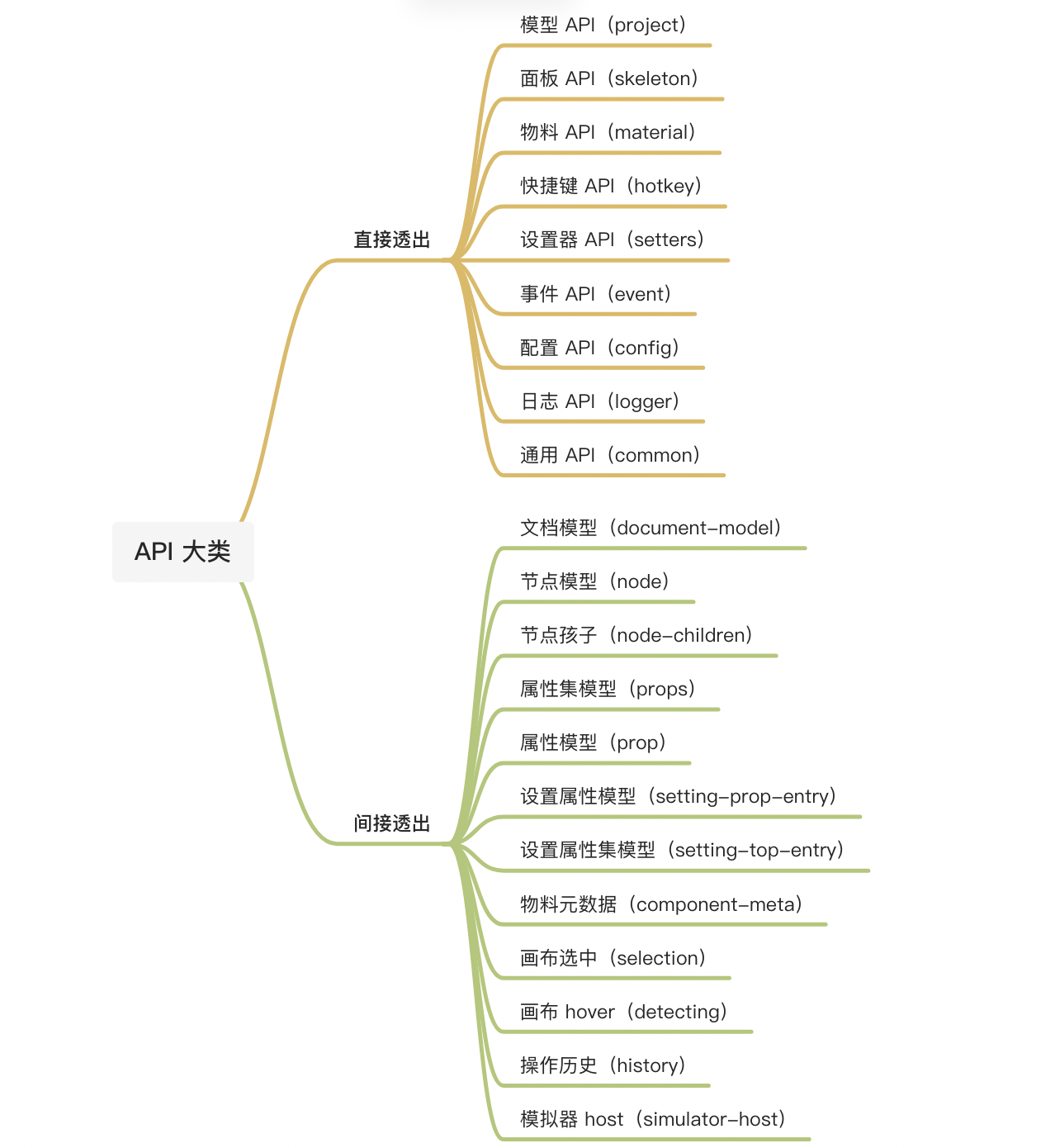
|
||||
|
||||
引擎直接提供以下几大类 API
|
||||
|
||||
- skeleton 面板 API
|
||||
- material 物料 API
|
||||
- project 模型 API
|
||||
- simulator-host 模拟器 API
|
||||
- hotkey 快捷键 API
|
||||
- setters 设置器 API
|
||||
- event 事件 API
|
||||
- config 配置 API
|
||||
- common 通用 API
|
||||
- logger 日志 API
|
||||
- init 初始化 API
|
||||
|
||||
## 模型
|
||||
以下模型通过前面的 API 以返回值等形式间接透出。
|
||||
|
||||
- document-model 文档
|
||||
- node 节点
|
||||
- node-children 节点孩子
|
||||
- props 属性集
|
||||
- prop 属性
|
||||
- setting-field 设置属性
|
||||
- setting-top-entry 设置属性集
|
||||
- component-meta 物料元数据
|
||||
- selection 画布选中
|
||||
- detecting 画布 hover
|
||||
- history 操作历史
|
||||
- window 低代码设计器窗口模型
|
||||
- detecting 画布节点悬停模型
|
||||
- modal-nodes-manager 模态节点管理器模型
|
||||
- plugin-instance 插件实例
|
||||
- drop-location 拖拽放置位置模型
|
||||
|
||||
|
||||
## API 设计约定
|
||||
### API 设计约定
|
||||
一些 API 设计约定:
|
||||
|
||||
1. 所有 API 命名空间都按照 variables / functions / events 来组织
|
||||
2. 事件(events)的命名格式为:on[Will|Did]VerbNoun?,参考 [https://code.visualstudio.com/api/references/vscode-api#events](https://code.visualstudio.com/api/references/vscode-api#events)
|
||||
3. 基于 Disposable 模式,对于事件的绑定、快捷键的绑定函数,返回值则是解绑函数
|
||||
4. 对于属性的导出,统一用 .xxx 的 getter 模式,(尽量)不使用 .getXxx()
|
||||
|
||||
## experimental
|
||||
|
||||
说明此模块处于公测阶段, API 可能会发生改变.
|
||||
@ -1,25 +1,107 @@
|
||||
---
|
||||
title: init - 初始化 API
|
||||
sidebar_position: 0
|
||||
sidebar_position: 10
|
||||
---
|
||||
|
||||
> **@since** v1.0.0
|
||||
|
||||
|
||||
## 模块简介
|
||||
提供 init 等方法
|
||||
## 方法
|
||||
#### init
|
||||
## 方法签名
|
||||
#### 1. init
|
||||
初始化引擎
|
||||
|
||||
**方法定义**
|
||||
```typescript
|
||||
function init(container?: Element, options?: IPublicTypeEngineOptions): void
|
||||
function init(container?: Element, options?: EngineOptions): void
|
||||
```
|
||||
|
||||
[**初始化引擎配置参数列表**](./configOptions)
|
||||
**初始化引擎的参数**
|
||||
```typescript
|
||||
interface EngineOptions {
|
||||
/**
|
||||
* 指定初始化的 device
|
||||
*/
|
||||
device?: 'default' | 'mobile';
|
||||
/**
|
||||
* 指定初始化的 deviceClassName,挂载到画布的顶层节点上
|
||||
*/
|
||||
deviceClassName?: string;
|
||||
/**
|
||||
* 是否开启 condition 的能力,默认在设计器中不管 condition 是啥都正常展示
|
||||
*/
|
||||
enableCondition?: boolean;
|
||||
/**
|
||||
* 开启拖拽组件时,即将被放入的容器是否有视觉反馈,默认值:false
|
||||
*/
|
||||
enableReactiveContainer?: boolean;
|
||||
/**
|
||||
* 关闭画布自动渲染,在资产包多重异步加载的场景有效,默认值:false
|
||||
*/
|
||||
disableAutoRender?: boolean;
|
||||
/**
|
||||
* 打开画布的锁定操作,默认值:false
|
||||
*/
|
||||
enableCanvasLock?: boolean;
|
||||
/**
|
||||
* 容器锁定后,容器本身是否可以设置属性,仅当画布锁定特性开启时生效, 默认值为:false
|
||||
*/
|
||||
enableLockedNodeSetting?: boolean;
|
||||
/**
|
||||
* 开启画布上的鼠标事件的冒泡,默认值:false
|
||||
*/
|
||||
enableMouseEventPropagationInCanvas?: boolean;
|
||||
/**
|
||||
* 关闭拖拽组件时的虚线响应,性能考虑,默认值:false
|
||||
*/
|
||||
disableDetecting?: boolean;
|
||||
/**
|
||||
* 定制画布中点击被忽略的 selectors,默认值:undefined
|
||||
*/
|
||||
customizeIgnoreSelectors?: (defaultIgnoreSelectors: string[]) => string[];
|
||||
/**
|
||||
* 禁止默认的设置面板,默认值:false
|
||||
*/
|
||||
disableDefaultSettingPanel?: boolean;
|
||||
/**
|
||||
* 禁止默认的设置器,默认值:false
|
||||
*/
|
||||
disableDefaultSetters?: boolean;
|
||||
/**
|
||||
* 当选中节点切换时,是否停留在相同的设置 tab 上,默认值:false
|
||||
*/
|
||||
stayOnTheSameSettingTab?: boolean;
|
||||
/**
|
||||
* 自定义 loading 组件
|
||||
*/
|
||||
loadingComponent?: ComponentType;
|
||||
|
||||
/**
|
||||
* @default true
|
||||
* JSExpression 是否只支持使用 this 来访问上下文变量,假如需要兼容原来的 'state.xxx',则设置为 false
|
||||
*/
|
||||
thisRequiredInJSE?: boolean;
|
||||
|
||||
/**
|
||||
* @default false
|
||||
* >= 1.0.14
|
||||
* 当开启组件未找到严格模式时,渲染模块不会默认给一个容器组件
|
||||
*/
|
||||
enableStrictNotFoundMode?: boolean;
|
||||
|
||||
/**
|
||||
* 配置指定节点为根组件
|
||||
* >= 1.0.15
|
||||
*/
|
||||
focusNodeSelector?: (rootNode: Node) => Node;
|
||||
|
||||
/**
|
||||
* 工具类扩展
|
||||
*/
|
||||
appHelper?: {
|
||||
utils?: {};
|
||||
}
|
||||
|
||||
[key: string]: any;
|
||||
}
|
||||
```
|
||||
## 使用示例
|
||||
```typescript
|
||||
import { init } from '@alilc/lowcode-engine';
|
||||
@ -28,7 +110,7 @@ init(document.getElementById('engine'), {
|
||||
enableCondition: false,
|
||||
});
|
||||
```
|
||||
|
||||
###
|
||||
### 默认打开移动端画布
|
||||
```typescript
|
||||
import { init } from '@alilc/lowcode-engine';
|
||||
@ -53,4 +135,4 @@ init({
|
||||
```
|
||||
|
||||
在引擎中即可这样使用。
|
||||

|
||||
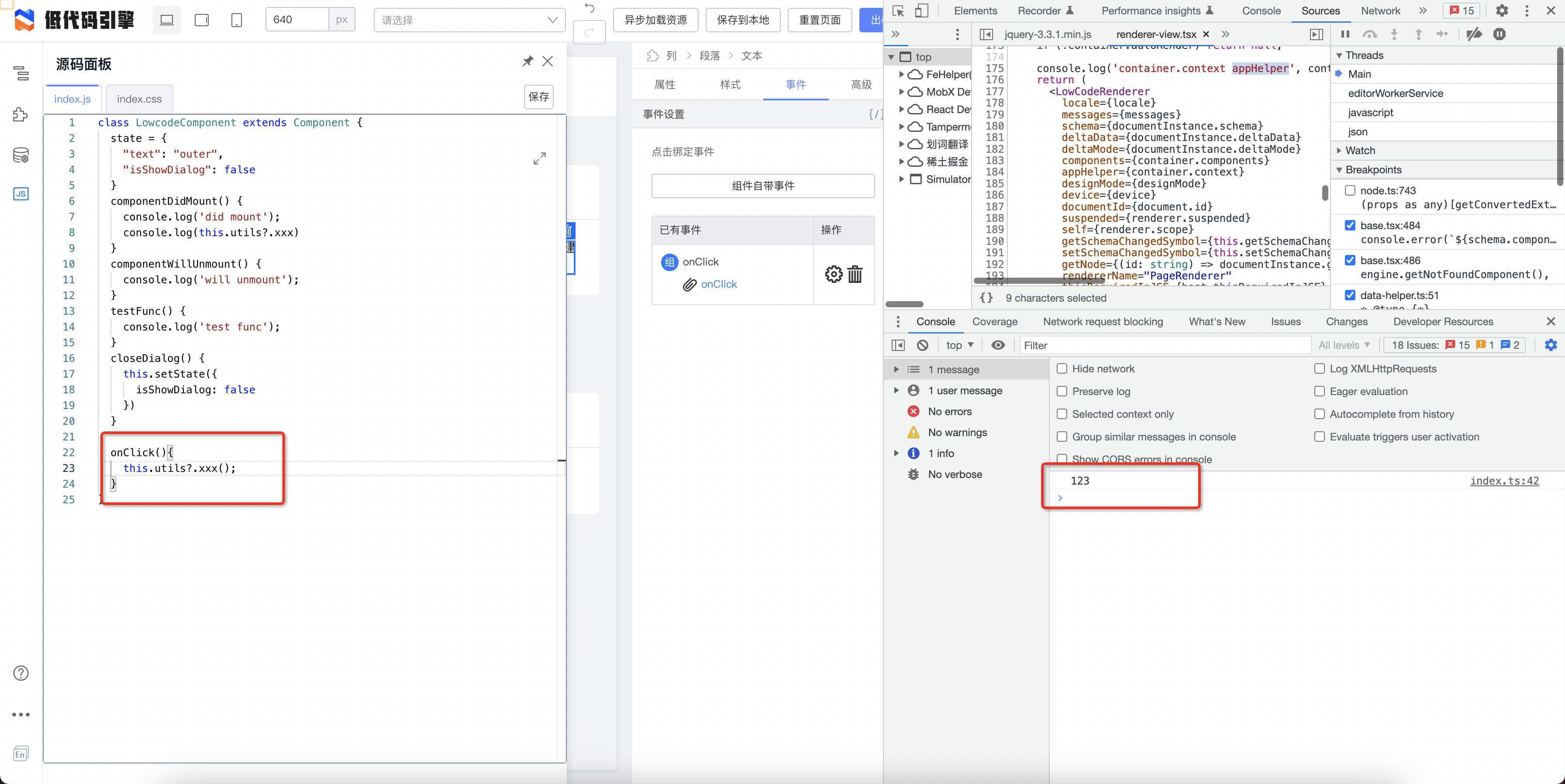
|
||||
|
||||
@ -1,80 +1,49 @@
|
||||
---
|
||||
title: logger - 日志 API
|
||||
sidebar_position: 10
|
||||
sidebar_position: 9
|
||||
---
|
||||
|
||||
> **@types** [IPublicApiLogger](https://github.com/alibaba/lowcode-engine/blob/main/packages/types/src/shell/api/logger.ts)<br/>
|
||||
> **@since** v1.0.0
|
||||
|
||||
|
||||
## 模块简介
|
||||
引擎日志模块,可以按照 **日志级别 **和** 业务类型 **两个维度来定制日志。
|
||||
> 注:日志级别可以通过 url query 动态调整,详见下方[查看示例](#查看示例)。<br/>
|
||||
> 参考 [zen-logger](https://web.npm.alibaba-inc.com/package/zen-logger) 实现进行封装
|
||||
|
||||
## 方法
|
||||
引擎日志模块,可以按照 **日志级别 **和** 业务类型 **两个维度来定制日志,基于 [zen-logger](https://web.npm.alibaba-inc.com/package/zen-logger) 封装。
|
||||
> 注:日志级别可以通过 url query 动态调整,详见下方使用示例。
|
||||
|
||||
## 变量(variables)
|
||||
无
|
||||
## 方法签名(functions)
|
||||
### log / warn / error / info / debug
|
||||
日志记录方法
|
||||
|
||||
**类型定义**
|
||||
```typescript
|
||||
/**
|
||||
* debug info
|
||||
*/
|
||||
debug(...args: any | any[]): void;
|
||||
|
||||
/**
|
||||
* normal info output
|
||||
*/
|
||||
info(...args: any | any[]): void;
|
||||
|
||||
/**
|
||||
* warning info output
|
||||
*/
|
||||
warn(...args: any | any[]): void;
|
||||
|
||||
/**
|
||||
* error info output
|
||||
*/
|
||||
error(...args: any | any[]): void;
|
||||
|
||||
/**
|
||||
* log info output
|
||||
*/
|
||||
log(...args: any | any[]): void;
|
||||
function log(args: any[]): void
|
||||
function warn(args: any[]): void
|
||||
function error(args: any[]): void
|
||||
function info(args: any[]): void
|
||||
function debug(args: any[]): void
|
||||
```
|
||||
|
||||
## 输出示例
|
||||
|
||||
**调用示例**
|
||||
```typescript
|
||||
import { Logger } from '@alilc/lowcode-utils';
|
||||
const logger = new Logger({ level: 'warn', bizName: 'myPlugin:moduleA' });
|
||||
import { logger } from '@alilc/lowcode-engine';
|
||||
|
||||
logger.log('Awesome Low-Code Engine');
|
||||
```
|
||||
## 事件(events)
|
||||
无
|
||||
|
||||
## 查看示例
|
||||
## 使用示例
|
||||
```typescript
|
||||
import { logger } from '@alilc/lowcode-engine';
|
||||
|
||||
开启查看方式:
|
||||
// 内部实现:logger = getLogger({ level: 'warn', bizName: 'designer:pluginManager' })
|
||||
|
||||
- 方式 1:所有 logger 创建时会有默认输出的 level, 默认为 warn , 即只展示 warn , error
|
||||
- 方式 2:url 上追加 __logConf__进行开启,示例如下
|
||||
|
||||
```
|
||||
https://lowcode-engine.cn/demo/demo-general/index.html?__logConf__=warn
|
||||
// 开启所有 bizName的 warn 和 error
|
||||
|
||||
https://lowcode-engine.cn/demo/demo-general/index.html?__logConf__=debug
|
||||
// 开启所有 bizName的 debug, log, info, warn 和 error
|
||||
|
||||
https://lowcode-engine.cn/demo/demo-general/index.html?__logConf__=log
|
||||
// 开启所有 bizName的 log, info, warn 和 error
|
||||
|
||||
https://lowcode-engine.cn/demo/demo-general/index.html?__logConf__=warn|*
|
||||
// 同 __logConf__=warn
|
||||
|
||||
https://lowcode-engine.cn/demo/demo-general/index.html?__logConf__=warn|bizName
|
||||
// 开启 bizName 的 debug, log, info, warn 和 error
|
||||
|
||||
https://lowcode-engine.cn/demo/demo-general/index.html?__logConf__=warn|partOfBizName
|
||||
// 开启 bizName like '%partOfBizName%' 的 debug, log, info, warn 和 error
|
||||
// 若在url query中增加 `__logConf__` 可改变打印日志级别和限定业务类型日志
|
||||
// 默认:__logConf__=warn:*
|
||||
logger.log('log'); // 不输出
|
||||
logger.warn('warn'); // 输出
|
||||
logger.error('error'); // 输出
|
||||
|
||||
// 比如:__logConf__=log:designer:pluginManager
|
||||
logger.log('log'); // 输出
|
||||
logger.warn('warn'); // 输出
|
||||
logger.error('error'); // 输出
|
||||
|
||||
```
|
||||
|
||||
@ -1,43 +1,23 @@
|
||||
---
|
||||
title: material - 物料 API
|
||||
sidebar_position: 10
|
||||
sidebar_position: 2
|
||||
---
|
||||
|
||||
> **@types** [IPublicApiMaterial](https://github.com/alibaba/lowcode-engine/blob/main/packages/types/src/shell/api/material.ts)<br/>
|
||||
> **@since** v1.0.0
|
||||
|
||||
|
||||
## 模块简介
|
||||
# 模块简介
|
||||
负责物料相关的 API,包括资产包、设计器辅助层、物料元数据和物料元数据管道函数。
|
||||
|
||||
## 变量
|
||||
### componentsMap
|
||||
# 变量(variables)
|
||||
## componentsMap
|
||||
获取组件 map 结构
|
||||
|
||||
# 方法签名(functions)
|
||||
## 资产包
|
||||
### setAssets
|
||||
设置「[资产包](https://www.yuque.com/lce/doc/vgcyf1)」结构
|
||||
|
||||
**类型定义**
|
||||
```typescript
|
||||
/**
|
||||
* 获取组件 map 结构
|
||||
* get map of components
|
||||
*/
|
||||
get componentsMap(): { [key: string]: IPublicTypeNpmInfo | ComponentType<any> | object } ;
|
||||
function setAssets(assets: AssetsJson): void;
|
||||
```
|
||||
相关类型:[IPublicTypeNpmInfo](https://github.com/alibaba/lowcode-engine/blob/main/packages/types/src/shell/type/npm-info.ts)
|
||||
|
||||
## 方法
|
||||
|
||||
### 资产包
|
||||
#### setAssets
|
||||
设置「[资产包](/site/docs/specs/lowcode-spec#2-协议结构)」结构
|
||||
|
||||
```typescript
|
||||
/**
|
||||
* 设置「资产包」结构
|
||||
* set data for Assets
|
||||
* @returns void
|
||||
*/
|
||||
setAssets(assets: IPublicTypeAssetsJson): void;
|
||||
```
|
||||
相关类型:[IPublicTypeAssetsJson](https://github.com/alibaba/lowcode-engine/blob/main/packages/types/src/shell/type/assets-json.ts)
|
||||
|
||||
|
||||
**示例**
|
||||
直接在项目中引用 npm 包
|
||||
@ -48,41 +28,34 @@ import assets from '@alilc/mc-assets-<siteId>/assets.json';
|
||||
material.setAssets(assets);
|
||||
```
|
||||
|
||||
通过接口动态引入资产包
|
||||
通过物料中心接口动态引入资产包
|
||||
```typescript
|
||||
import { material, plugins } from '@alilc/lowcode-engine';
|
||||
import { IPublicModelPluginContext } from '@alilc/lowcode-types';
|
||||
import { ILowCodePluginContext, material, plugins } from '@alilc/lowcode-engine'
|
||||
|
||||
// 动态加载 assets
|
||||
plugins.register((ctx: IPublicModelPluginContext) => {
|
||||
plugins.register((ctx: ILowCodePluginContext) => {
|
||||
return {
|
||||
name: 'ext-assets',
|
||||
async init() {
|
||||
try {
|
||||
// 将下述链接替换为您的物料描述地址即可。
|
||||
const res = await window.fetch('https://fusion.alicdn.com/assets/default@0.1.95/assets.json');
|
||||
const assets = await res.text();
|
||||
material.setAssets(assets);
|
||||
// 将下述链接替换为您的物料即可。无论是通过 utils 从物料中心引入,还是通过其他途径如直接引入物料描述
|
||||
const res = await window.fetch('https://fusion.alicdn.com/assets/default@0.1.95/assets.json')
|
||||
const assets = await res.text()
|
||||
material.setAssets(assets)
|
||||
} catch (err) {
|
||||
console.error(err);
|
||||
};
|
||||
console.error(err)
|
||||
}
|
||||
},
|
||||
};
|
||||
}).catch(err => console.error(err));
|
||||
}
|
||||
}).catch(err => console.error(err))
|
||||
```
|
||||
|
||||
#### getAssets
|
||||
### getAssets
|
||||
获取「资产包」结构
|
||||
|
||||
**类型定义**
|
||||
```typescript
|
||||
/**
|
||||
* 获取「资产包」结构
|
||||
* get AssetsJson data
|
||||
* @returns IPublicTypeAssetsJson
|
||||
*/
|
||||
getAssets(): IPublicTypeAssetsJson;
|
||||
function getAssets(): AssetsJson;
|
||||
```
|
||||
相关类型:[IPublicTypeAssetsJson](https://github.com/alibaba/lowcode-engine/blob/main/packages/types/src/shell/type/assets-json.ts)
|
||||
|
||||
|
||||
**示例**
|
||||
@ -92,19 +65,14 @@ import { material } from '@alilc/lowcode-engine';
|
||||
material.getAssets();
|
||||
```
|
||||
|
||||
#### loadIncrementalAssets
|
||||
### loadIncrementalAssets
|
||||
加载增量的「资产包」结构,该增量包会与原有的合并
|
||||
|
||||
**类型定义**
|
||||
```typescript
|
||||
/**
|
||||
* 加载增量的「资产包」结构,该增量包会与原有的合并
|
||||
* load Assets incrementally, and will merge this with exiting assets
|
||||
* @param incrementalAssets
|
||||
* @returns
|
||||
*/
|
||||
loadIncrementalAssets(incrementalAssets: IPublicTypeAssetsJson): Promise<void>;
|
||||
function loadIncrementalAssets(incrementalAssets: AssetsJson): void;
|
||||
```
|
||||
相关类型:[IPublicTypeAssetsJson](https://github.com/alibaba/lowcode-engine/blob/main/packages/types/src/shell/type/assets-json.ts)
|
||||
说明:**该增量包会与原有的合并**
|
||||
|
||||
**示例**
|
||||
```typescript
|
||||
@ -115,35 +83,54 @@ import assets2 from '@alilc/mc-assets-<siteId>/assets.json';
|
||||
material.setAssets(assets1);
|
||||
material.loadIncrementalAssets(assets2);
|
||||
```
|
||||
|
||||
更新特定物料的描述文件
|
||||
|
||||
```typescript
|
||||
import { material } from '@alilc/lowcode-engine';
|
||||
material.loadIncrementalAssets({
|
||||
version: '',
|
||||
components: [
|
||||
{
|
||||
"componentName": 'Button',
|
||||
"props": [{ name: 'new', title: 'new', propType: 'string' }]
|
||||
}
|
||||
],
|
||||
})
|
||||
```
|
||||
|
||||
### 设计器辅助层
|
||||
#### addBuiltinComponentAction
|
||||
## 设计器辅助层
|
||||
### addBuiltinComponentAction
|
||||
在设计器辅助层增加一个扩展 action
|
||||
|
||||
**类型定义**
|
||||
```typescript
|
||||
/**
|
||||
* 在设计器辅助层增加一个扩展 action
|
||||
* add an action button in canvas context menu area
|
||||
* @param action
|
||||
*/
|
||||
addBuiltinComponentAction(action: IPublicTypeComponentAction): void;
|
||||
function addBuiltinComponentAction(action: ComponentAction): void;
|
||||
|
||||
export interface ComponentAction {
|
||||
/**
|
||||
* behaviorName
|
||||
*/
|
||||
name: string;
|
||||
/**
|
||||
* 菜单名称
|
||||
*/
|
||||
content: string | ReactNode | ActionContentObject;
|
||||
/**
|
||||
* 子集
|
||||
*/
|
||||
items?: ComponentAction[];
|
||||
/**
|
||||
* 显示与否
|
||||
* always: 无法禁用
|
||||
*/
|
||||
condition?: boolean | ((currentNode: any) => boolean) | 'always';
|
||||
/**
|
||||
* 显示在工具条上
|
||||
*/
|
||||
important?: boolean;
|
||||
}
|
||||
|
||||
export interface ActionContentObject {
|
||||
/**
|
||||
* 图标
|
||||
*/
|
||||
icon?: IconType;
|
||||
/**
|
||||
* 描述
|
||||
*/
|
||||
title?: TipContent;
|
||||
/**
|
||||
* 执行动作
|
||||
*/
|
||||
action?: (currentNode: any) => void;
|
||||
}
|
||||
|
||||
export type IconType = string | ReactElement | ComponentType<any> | IconConfig;
|
||||
```
|
||||
相关类型:[IPublicTypeComponentAction](https://github.com/alibaba/lowcode-engine/blob/main/packages/types/src/shell/type/component-action.ts)
|
||||
|
||||
|
||||
**示例**
|
||||
@ -164,28 +151,15 @@ material.addBuiltinComponentAction({
|
||||
condition: true,
|
||||
});
|
||||
```
|
||||
|
||||
|
||||
|
||||
#### removeBuiltinComponentAction
|
||||
### removeBuiltinComponentAction
|
||||
移除设计器辅助层的指定 action
|
||||
|
||||
**类型定义**
|
||||
```typescript
|
||||
/**
|
||||
* 移除设计器辅助层的指定 action
|
||||
* remove a builtin action button from canvas context menu area
|
||||
* @param name
|
||||
*/
|
||||
removeBuiltinComponentAction(name: string): void;
|
||||
function removeBuiltinComponentAction(name: string): void;
|
||||
```
|
||||
|
||||
##### 内置设计器辅助 name
|
||||
|
||||
- remove:删除
|
||||
- hide:隐藏
|
||||
- copy:复制
|
||||
- lock:锁定,不可编辑
|
||||
- unlock:解锁,可编辑
|
||||
|
||||
**示例**
|
||||
```typescript
|
||||
import { material } from '@alilc/lowcode-engine';
|
||||
@ -194,25 +168,16 @@ material.removeBuiltinComponentAction('myIconName');
|
||||
```
|
||||
|
||||
|
||||
#### modifyBuiltinComponentAction
|
||||
### modifyBuiltinComponentAction
|
||||
修改已有的设计器辅助层的指定 action
|
||||
|
||||
**类型定义**
|
||||
```typescript
|
||||
/**
|
||||
* 修改已有的设计器辅助层的指定 action
|
||||
* modify a builtin action button in canvas context menu area
|
||||
* @param actionName
|
||||
* @param handle
|
||||
*/
|
||||
modifyBuiltinComponentAction(
|
||||
actionName: string,
|
||||
handle: (action: IPublicTypeComponentAction) => void,
|
||||
): void;
|
||||
function modifyBuiltinComponentAction(
|
||||
actionName: string,
|
||||
handle: (action: ComponentAction) => void
|
||||
): void;
|
||||
```
|
||||
相关类型:[IPublicTypeComponentAction](https://github.com/alibaba/lowcode-engine/blob/main/packages/types/src/shell/type/component-action.ts)
|
||||
|
||||
|
||||
##### 内置设计器辅助 name
|
||||
**内置设计器辅助 name**
|
||||
|
||||
- remove:删除
|
||||
- hide:隐藏
|
||||
@ -236,104 +201,14 @@ material.modifyBuiltinComponentAction('remove', (action) => {
|
||||
}
|
||||
});
|
||||
```
|
||||
|
||||
### 右键菜单项
|
||||
#### addContextMenuOption
|
||||
|
||||
添加右键菜单项
|
||||
|
||||
```typescript
|
||||
/**
|
||||
* 添加右键菜单项
|
||||
* @param action
|
||||
*/
|
||||
addContextMenuOption(action: IPublicTypeContextMenuAction): void;
|
||||
```
|
||||
|
||||
示例
|
||||
|
||||
```typescript
|
||||
import { IPublicEnumContextMenuType } from '@alilc/lowcode-types';
|
||||
|
||||
material.addContextMenuOption({
|
||||
name: 'parentItem',
|
||||
title: 'Parent Item',
|
||||
condition: (nodes) => true,
|
||||
items: [
|
||||
{
|
||||
name: 'childItem1',
|
||||
title: 'Child Item 1',
|
||||
action: (nodes) => console.log('Child Item 1 clicked', nodes),
|
||||
condition: (nodes) => true
|
||||
},
|
||||
// 分割线
|
||||
{
|
||||
type: IPublicEnumContextMenuType.SEPARATOR
|
||||
name: 'separator.1'
|
||||
}
|
||||
// 更多子菜单项...
|
||||
]
|
||||
});
|
||||
|
||||
```
|
||||
|
||||
#### removeContextMenuOption
|
||||
|
||||
删除特定右键菜单项
|
||||
|
||||
```typescript
|
||||
/**
|
||||
* 删除特定右键菜单项
|
||||
* @param name
|
||||
*/
|
||||
removeContextMenuOption(name: string): void;
|
||||
```
|
||||
|
||||
#### adjustContextMenuLayout
|
||||
|
||||
调整右键菜单项布局,每次调用都会覆盖之前注册的调整函数,只有最后注册的函数会被应用。
|
||||
|
||||
```typescript
|
||||
/**
|
||||
* 调整右键菜单项布局
|
||||
* @param actions
|
||||
*/
|
||||
adjustContextMenuLayout(fn: (actions: IPublicTypeContextMenuItem[]) => IPublicTypeContextMenuItem[]): void;
|
||||
```
|
||||
|
||||
**示例**
|
||||
|
||||
通过 adjustContextMenuLayout 补充分割线
|
||||
|
||||
```typescript
|
||||
material.adjustContextMenuLayout((actions: IPublicTypeContextMenuAction) => {
|
||||
const names = ['a', 'b'];
|
||||
const newActions = [];
|
||||
actions.forEach(d => {
|
||||
newActions.push(d);
|
||||
if (names.include(d.name)) {
|
||||
newActions.push({ type: 'separator' })
|
||||
}
|
||||
});
|
||||
return newActions
|
||||
})
|
||||
```
|
||||
|
||||
### 物料元数据
|
||||
|
||||
#### getComponentMeta
|
||||
###
|
||||
## 物料元数据
|
||||
### getComponentMeta
|
||||
获取指定名称的物料元数据
|
||||
|
||||
**类型定义**
|
||||
```typescript
|
||||
/**
|
||||
* 获取指定名称的物料元数据
|
||||
* get component meta by component name
|
||||
* @param componentName
|
||||
* @returns
|
||||
*/
|
||||
getComponentMeta(componentName: string): IPublicModelComponentMeta | null;
|
||||
function getComponentMeta(componentName: string): ComponentMeta;
|
||||
```
|
||||
相关类型:[IPublicModelComponentMeta](https://github.com/alibaba/lowcode-engine/blob/main/packages/types/src/shell/model/component-meta.ts)
|
||||
|
||||
**示例**
|
||||
```typescript
|
||||
@ -342,19 +217,12 @@ import { material } from '@alilc/lowcode-engine';
|
||||
material.getComponentMeta('Input');
|
||||
```
|
||||
|
||||
#### getComponentMetasMap
|
||||
|
||||
### getComponentMetasMap
|
||||
获取所有已注册的物料元数据
|
||||
|
||||
**类型定义**
|
||||
```typescript
|
||||
/**
|
||||
* 获取所有已注册的物料元数据
|
||||
* get map of all component metas
|
||||
* @returns
|
||||
*/
|
||||
getComponentMetasMap(): Map<string, IPublicModelComponentMeta>;
|
||||
function getComponentMetasMap(): new Map<string, ComponentMeta>;
|
||||
```
|
||||
相关类型:[IPublicModelComponentMeta](https://github.com/alibaba/lowcode-engine/blob/main/packages/types/src/shell/model/component-meta.ts)
|
||||
|
||||
**示例**
|
||||
```typescript
|
||||
@ -363,33 +231,16 @@ import { material } from '@alilc/lowcode-engine';
|
||||
material.getComponentMetasMap();
|
||||
```
|
||||
|
||||
#### refreshComponentMetasMap
|
||||
|
||||
刷新 componentMetasMap,可触发模拟器里的 components 重新构建
|
||||
|
||||
**@since v1.1.7**
|
||||
|
||||
```typescript
|
||||
refreshComponentMetasMap(): void;
|
||||
```
|
||||
|
||||
### 物料元数据管道函数
|
||||
#### registerMetadataTransducer
|
||||
## 物料元数据管道函数
|
||||
### registerMetadataTransducer
|
||||
注册物料元数据管道函数,在物料信息初始化时执行。
|
||||
|
||||
**类型定义**
|
||||
```typescript
|
||||
/**
|
||||
* 注册物料元数据管道函数,在物料信息初始化时执行。
|
||||
* register transducer to process component meta, which will be
|
||||
* excuted during component meta`s initialization
|
||||
* @param transducer
|
||||
* @param level
|
||||
* @param id
|
||||
*/
|
||||
registerMetadataTransducer(
|
||||
transducer: IPublicTypeMetadataTransducer,
|
||||
level?: number,
|
||||
id?: string | undefined
|
||||
function registerMetadataTransducer(
|
||||
transducer: MetadataTransducer, // 管道函数
|
||||
level?: number, // 优先级
|
||||
id?: string | undefined, // id
|
||||
): void;
|
||||
```
|
||||
|
||||
@ -438,64 +289,27 @@ function addonCombine(metadata: TransformedComponentMetadata) {
|
||||
material.registerMetadataTransducer(addonCombine, 1, 'parse-func');
|
||||
```
|
||||
|
||||
删除高级 Tab
|
||||
|
||||
```typescript
|
||||
import { material } from '@alilc/lowcode-engine';
|
||||
import { IPublicTypeFieldConfig } from '@alilc/lowcode-types';
|
||||
|
||||
material.registerMetadataTransducer((transducer) => {
|
||||
const combined: IPublicTypeFieldConfig[] = [];
|
||||
|
||||
transducer.configure.combined?.forEach(d => {
|
||||
if (d.name !== '#advanced') {
|
||||
combined.push(d);
|
||||
}
|
||||
});
|
||||
|
||||
return {
|
||||
...transducer,
|
||||
configure: {
|
||||
...transducer.configure,
|
||||
combined,
|
||||
}
|
||||
};
|
||||
}, 111, 'parse-func');
|
||||
```
|
||||
|
||||
#### getRegisteredMetadataTransducers
|
||||
### getRegisteredMetadataTransducers
|
||||
获取所有物料元数据管道函数
|
||||
|
||||
**类型定义**
|
||||
```typescript
|
||||
/**
|
||||
* 获取所有物料元数据管道函数
|
||||
* get all registered metadata transducers
|
||||
* @returns {IPublicTypeMetadataTransducer[]}
|
||||
*/
|
||||
getRegisteredMetadataTransducers(): IPublicTypeMetadataTransducer[];
|
||||
function getRegisteredMetadataTransducers(): MetadataTransducer[];
|
||||
```
|
||||
|
||||
**示例**
|
||||
```typescript
|
||||
import { material } from '@alilc/lowcode-engine'
|
||||
|
||||
material.getRegisteredMetadataTransducers();
|
||||
material.getRegisteredMetadataTransducers('parse-func');
|
||||
```
|
||||
## 事件
|
||||
##
|
||||
# 事件(Event)
|
||||
### onChangeAssets
|
||||
监听 assets 变化的事件
|
||||
|
||||
**类型定义**
|
||||
```typescript
|
||||
/**
|
||||
* 监听 assets 变化的事件
|
||||
* add callback for assets changed event
|
||||
* @param fn
|
||||
*/
|
||||
onChangeAssets(fn: () => void): IPublicTypeDisposable;
|
||||
function onChangeAssets(fn: () => void): void;
|
||||
```
|
||||
|
||||
相关类型:[IPublicTypeDisposable](https://github.com/alibaba/lowcode-engine/blob/main/packages/types/src/shell/type/disposable.ts)
|
||||
|
||||
**示例**
|
||||
```typescript
|
||||
import { material } from '@alilc/lowcode-engine';
|
||||
|
||||
@ -1,6 +0,0 @@
|
||||
{
|
||||
"label": "模型定义 Models",
|
||||
"position": 100,
|
||||
"collapsed": false,
|
||||
"collapsible": true
|
||||
}
|
||||
@ -1,43 +0,0 @@
|
||||
---
|
||||
title: Clipboard
|
||||
sidebar_position: 14
|
||||
---
|
||||
|
||||
> **@types** [IPublicModelClipboard](https://github.com/alibaba/lowcode-engine/blob/main/packages/types/src/shell/model/clipboard.ts)<br/>
|
||||
> **@since** v1.1.0
|
||||
|
||||
## 方法
|
||||
|
||||
### setData
|
||||
|
||||
给剪贴板赋值
|
||||
|
||||
```typescript
|
||||
/**
|
||||
* 给剪贴板赋值
|
||||
* set data to clipboard
|
||||
*
|
||||
* @param {*} data
|
||||
* @since v1.1.0
|
||||
*/
|
||||
setData(data: any): void;
|
||||
```
|
||||
|
||||
### waitPasteData
|
||||
|
||||
设置剪贴板数据设置的回调
|
||||
|
||||
```typescript
|
||||
/**
|
||||
* 设置剪贴板数据设置的回调
|
||||
* set callback for clipboard provide paste data
|
||||
*
|
||||
* @param {KeyboardEvent} keyboardEvent
|
||||
* @param {(data: any, clipboardEvent: ClipboardEvent) => void} cb
|
||||
* @since v1.1.0
|
||||
*/
|
||||
waitPasteData(
|
||||
keyboardEvent: KeyboardEvent,
|
||||
cb: (data: any, clipboardEvent: ClipboardEvent) => void,
|
||||
): void;
|
||||
```
|
||||
@ -1,173 +0,0 @@
|
||||
---
|
||||
title: ComponentMeta
|
||||
sidebar_position: 15
|
||||
---
|
||||
|
||||
> **@types** [IPublicModelComponentMeta](https://github.com/alibaba/lowcode-engine/blob/main/packages/types/src/shell/model/component-meta.ts)<br/>
|
||||
> **@since** v1.0.0
|
||||
|
||||
## 基本介绍
|
||||
|
||||
组件元数据信息模型
|
||||
|
||||
## 属性
|
||||
|
||||
### componentName
|
||||
|
||||
组件名
|
||||
|
||||
`@type {string}`
|
||||
|
||||
### isContainer
|
||||
|
||||
是否是「容器型」组件
|
||||
|
||||
`@type {boolean}`
|
||||
|
||||
### isMinimalRenderUnit
|
||||
是否是最小渲染单元
|
||||
|
||||
当组件需要重新渲染时:
|
||||
- 若为最小渲染单元,则只渲染当前组件,
|
||||
- 若不为最小渲染单元,则寻找到上层最近的最小渲染单元进行重新渲染,直至根节点。
|
||||
|
||||
`@type {boolean}`
|
||||
|
||||
### isModal
|
||||
|
||||
是否为「模态框」组件
|
||||
|
||||
`@type {boolean}`
|
||||
|
||||
### configure
|
||||
|
||||
获取用于设置面板显示用的配置
|
||||
|
||||
`@type {IPublicTypeFieldConfig[]}`
|
||||
|
||||
相关类型:[IPublicTypeFieldConfig](https://github.com/alibaba/lowcode-engine/blob/main/packages/types/src/shell/type/field-config.ts)
|
||||
|
||||
### title
|
||||
|
||||
标题
|
||||
|
||||
`@type {string | IPublicTypeI18nData | ReactElement}`
|
||||
|
||||
相关类型:[IPublicTypeI18nData](https://github.com/alibaba/lowcode-engine/blob/main/packages/types/src/shell/type/i18n-data.ts)
|
||||
|
||||
### icon
|
||||
|
||||
图标
|
||||
|
||||
`@type {IPublicTypeIconType}`
|
||||
|
||||
相关类型:[IPublicTypeIconType](https://github.com/alibaba/lowcode-engine/blob/main/packages/types/src/shell/type/icon-type.ts)
|
||||
|
||||
### npm
|
||||
|
||||
组件 npm 信息
|
||||
|
||||
`@type {IPublicTypeNpmInfo}`
|
||||
|
||||
相关类型:[IPublicTypeNpmInfo](https://github.com/alibaba/lowcode-engine/blob/main/packages/types/src/shell/type/npm-info.ts)
|
||||
|
||||
### availableActions
|
||||
|
||||
获取元数据
|
||||
|
||||
`@type {IPublicTypeTransformedComponentMetadata}`
|
||||
|
||||
相关类型:[IPublicTypeTransformedComponentMetadata](https://github.com/alibaba/lowcode-engine/blob/main/packages/types/src/shell/type/transformed-component-metadata.ts)
|
||||
|
||||
### advanced
|
||||
|
||||
组件元数据中高级配置部分
|
||||
|
||||
`@type {IPublicTypeAdvanced}`
|
||||
|
||||
相关类型:[IPublicTypeAdvanced](https://github.com/alibaba/lowcode-engine/blob/main/packages/types/src/shell/type/advanced.ts)
|
||||
|
||||
## 方法
|
||||
|
||||
### setNpm
|
||||
|
||||
设置 npm 信息
|
||||
|
||||
```typescript
|
||||
/**
|
||||
* 设置 npm 信息
|
||||
* set method for npm inforamtion
|
||||
* @param npm
|
||||
*/
|
||||
setNpm(npm: IPublicTypeNpmInfo): void;
|
||||
```
|
||||
|
||||
相关类型:[IPublicTypeNpmInfo](https://github.com/alibaba/lowcode-engine/blob/main/packages/types/src/shell/type/npm-info.ts)
|
||||
|
||||
### getMetadata
|
||||
|
||||
获取元数据
|
||||
|
||||
```typescript
|
||||
/**
|
||||
* 获取元数据
|
||||
* get component metadata
|
||||
*/
|
||||
getMetadata(): IPublicTypeTransformedComponentMetadata;
|
||||
```
|
||||
|
||||
相关类型:[IPublicTypeTransformedComponentMetadata](https://github.com/alibaba/lowcode-engine/blob/main/packages/types/src/shell/type/transformed-component-metadata.ts)
|
||||
|
||||
### checkNestingUp
|
||||
|
||||
检测当前对应节点是否可被放置在父节点中
|
||||
|
||||
```typescript
|
||||
/**
|
||||
* 检测当前对应节点是否可被放置在父节点中
|
||||
* check if the current node could be placed in parent node
|
||||
* @param my 当前节点
|
||||
* @param parent 父节点
|
||||
*/
|
||||
checkNestingUp(my: IPublicModelNode | IPublicTypeNodeData, parent: any): boolean;
|
||||
```
|
||||
|
||||
相关类型:
|
||||
- [IPublicModelNode](https://github.com/alibaba/lowcode-engine/blob/main/packages/types/src/shell/model/node.ts)
|
||||
- [IPublicTypeNodeData](https://github.com/alibaba/lowcode-engine/blob/main/packages/types/src/shell/type/node-data.ts)
|
||||
|
||||
|
||||
### checkNestingDown
|
||||
|
||||
检测目标节点是否可被放置在父节点中
|
||||
|
||||
```typescript
|
||||
/**
|
||||
* 检测目标节点是否可被放置在父节点中
|
||||
* check if the target node(s) could be placed in current node
|
||||
* @param my 当前节点
|
||||
* @param parent 父节点
|
||||
*/
|
||||
checkNestingDown(
|
||||
my: IPublicModelNode | IPublicTypeNodeData,
|
||||
target: IPublicTypeNodeSchema | IPublicModelNode | IPublicTypeNodeSchema[],
|
||||
): boolean;
|
||||
```
|
||||
|
||||
相关类型:
|
||||
- [IPublicModelNode](https://github.com/alibaba/lowcode-engine/blob/main/packages/types/src/shell/model/node.ts)
|
||||
- [IPublicTypeNodeData](https://github.com/alibaba/lowcode-engine/blob/main/packages/types/src/shell/type/node-data.ts)
|
||||
- [IPublicTypeNodeSchema](https://github.com/alibaba/lowcode-engine/blob/main/packages/types/src/shell/type/node-schema.ts)
|
||||
|
||||
|
||||
### refreshMetadata
|
||||
|
||||
刷新元数据,会触发元数据的重新解析和刷新
|
||||
|
||||
```typescript
|
||||
/**
|
||||
* 刷新元数据,会触发元数据的重新解析和刷新
|
||||
* refresh metadata
|
||||
*/
|
||||
refreshMetadata(): void;
|
||||
```
|
||||
@ -1,87 +0,0 @@
|
||||
---
|
||||
title: Detecting
|
||||
sidebar_position: 6
|
||||
---
|
||||
> **@types** [IPublicModelDetecting](https://github.com/alibaba/lowcode-engine/blob/main/packages/types/src/shell/model/detecting.ts)<br/>
|
||||
> **@since** v1.0.0
|
||||
|
||||
## 基本介绍
|
||||
|
||||
画布节点悬停模型
|
||||
|
||||
## 属性
|
||||
|
||||
### current
|
||||
|
||||
当前 hover 的节点
|
||||
|
||||
`@type {IPublicModelNode | null}`
|
||||
|
||||
相关类型:[IPublicModelNode](https://github.com/alibaba/lowcode-engine/blob/main/packages/types/src/shell/model/node.ts)
|
||||
|
||||
**@since v1.0.16**
|
||||
|
||||
### enable
|
||||
|
||||
是否启用
|
||||
|
||||
`@type {boolean}`
|
||||
|
||||
|
||||
## 方法
|
||||
### capture
|
||||
|
||||
hover 指定节点
|
||||
|
||||
```typescript
|
||||
/**
|
||||
* hover 指定节点
|
||||
* capture node with nodeId
|
||||
* @param id 节点 id
|
||||
*/
|
||||
capture(id: string): void;
|
||||
```
|
||||
|
||||
### release
|
||||
|
||||
hover 离开指定节点
|
||||
|
||||
```typescript
|
||||
/**
|
||||
* hover 离开指定节点
|
||||
* release node with nodeId
|
||||
* @param id 节点 id
|
||||
*/
|
||||
release(id: string): void;
|
||||
```
|
||||
|
||||
### leave
|
||||
|
||||
清空 hover 态
|
||||
|
||||
```typescript
|
||||
/**
|
||||
* 清空 hover 态
|
||||
* clear all hover state
|
||||
*/
|
||||
leave(): void;
|
||||
```
|
||||
|
||||
## 事件
|
||||
### onDetectingChange
|
||||
hover 节点变化事件
|
||||
|
||||
```typescript
|
||||
/**
|
||||
* hover 节点变化事件
|
||||
* set callback which will be called when hovering object changed.
|
||||
* @since v1.1.0
|
||||
*/
|
||||
onDetectingChange(fn: (node: IPublicModelNode | null) => void): IPublicTypeDisposable;
|
||||
```
|
||||
|
||||
相关类型:
|
||||
- [IPublicModelNode](https://github.com/alibaba/lowcode-engine/blob/main/packages/types/src/shell/model/node.ts)
|
||||
- [IPublicTypeDisposable](https://github.com/alibaba/lowcode-engine/blob/main/packages/types/src/shell/type/disposable.ts)
|
||||
|
||||
**@since v1.1.0**
|
||||
@ -1,408 +0,0 @@
|
||||
---
|
||||
title: DocumentModel
|
||||
sidebar_position: 0
|
||||
---
|
||||
> **@types** [IPublicModelDocumentModel](https://github.com/alibaba/lowcode-engine/blob/main/packages/types/src/shell/model/document-model.ts)<br/>
|
||||
> **@since** v1.0.0
|
||||
|
||||
## 基本介绍
|
||||
|
||||
文档模型
|
||||
|
||||
## 属性
|
||||
|
||||
### id
|
||||
|
||||
唯一 ID
|
||||
|
||||
`@type {string}`
|
||||
|
||||
### selection
|
||||
|
||||
画布节点选中区模型实例
|
||||
|
||||
`@type {IPublicModelSelection}`
|
||||
|
||||
相关章节:[节点选中区模型](./selection)
|
||||
|
||||
相关类型:[IPublicModelSelection](https://github.com/alibaba/lowcode-engine/blob/main/packages/types/src/shell/model/selection.ts)
|
||||
|
||||
### detecting
|
||||
|
||||
画布节点 hover 区模型实例
|
||||
|
||||
`@type {IPublicModelDetecting}`
|
||||
|
||||
相关章节:[画布节点悬停模型](./detecting)
|
||||
|
||||
相关类型:[IPublicModelDetecting](https://github.com/alibaba/lowcode-engine/blob/main/packages/types/src/shell/model/detecting.ts)
|
||||
|
||||
### history
|
||||
|
||||
操作历史模型实例
|
||||
|
||||
`@type {IPublicModelHistory}`
|
||||
|
||||
相关章节:[操作历史模型](./history)
|
||||
|
||||
相关类型:[IPublicModelHistory](https://github.com/alibaba/lowcode-engine/blob/main/packages/types/src/shell/model/history.ts)
|
||||
|
||||
### project
|
||||
|
||||
获取当前文档模型所属的 project
|
||||
|
||||
`@type {IPublicApiProject}`
|
||||
|
||||
相关类型:[IPublicApiProject](https://github.com/alibaba/lowcode-engine/blob/main/packages/types/src/shell/api/project.ts)
|
||||
|
||||
### root
|
||||
|
||||
获取文档的根节点
|
||||
|
||||
`@type {IPublicModelNode | null}`
|
||||
|
||||
相关类型:[IPublicModelNode](https://github.com/alibaba/lowcode-engine/blob/main/packages/types/src/shell/model/node.ts)
|
||||
|
||||
### nodesMap
|
||||
|
||||
获取文档下所有节点 Map, key 为 nodeId
|
||||
|
||||
`@type {Map<string, IPublicModelNode>} `
|
||||
|
||||
|
||||
相关章节:[节点模型](./node)
|
||||
|
||||
相关类型:[IPublicModelNode](https://github.com/alibaba/lowcode-engine/blob/main/packages/types/src/shell/model/node.ts)
|
||||
|
||||
### modalNodesManager
|
||||
|
||||
模态节点管理器
|
||||
|
||||
`@type {IPublicModelModalNodesManager | null}`
|
||||
|
||||
相关章节:[模态节点管理](./modal-nodes-manager)
|
||||
|
||||
相关类型:[IPublicModelModalNodesManager](https://github.com/alibaba/lowcode-engine/blob/main/packages/types/src/shell/model/modal-nodes-manager.ts)
|
||||
|
||||
### dropLocation
|
||||
|
||||
文档的 dropLocation
|
||||
|
||||
`@type {IPublicModelDropLocation | null}`
|
||||
|
||||
|
||||
相关类型:[IPublicModelDropLocation](https://github.com/alibaba/lowcode-engine/blob/main/packages/types/src/shell/model/drop-location.ts)
|
||||
|
||||
**@since v1.1.0**
|
||||
|
||||
## 方法
|
||||
### getNodeById
|
||||
|
||||
根据 nodeId 返回 [Node](./node) 实例
|
||||
|
||||
```typescript
|
||||
/**
|
||||
* 根据 nodeId 返回 Node 实例
|
||||
* get node by nodeId
|
||||
* @param nodeId
|
||||
* @returns
|
||||
*/
|
||||
getNodeById(nodeId: string): IPublicModelNode | null;
|
||||
```
|
||||
|
||||
相关类型:[IPublicModelNode](https://github.com/alibaba/lowcode-engine/blob/main/packages/types/src/shell/model/node.ts)
|
||||
|
||||
|
||||
### importSchema
|
||||
|
||||
导入 schema
|
||||
|
||||
```typescript
|
||||
/**
|
||||
* 导入 schema
|
||||
* import schema data
|
||||
* @param schema
|
||||
*/
|
||||
importSchema(schema: IPublicTypeRootSchema): void;
|
||||
```
|
||||
|
||||
相关类型:[IPublicTypeRootSchema](https://github.com/alibaba/lowcode-engine/blob/main/packages/types/src/shell/type/root-schema.ts)
|
||||
|
||||
|
||||
### exportSchema
|
||||
导出 schema
|
||||
|
||||
```typescript
|
||||
/**
|
||||
* 导出 schema
|
||||
* export schema
|
||||
* @param stage
|
||||
* @returns
|
||||
*/
|
||||
exportSchema(stage: IPublicEnumTransformStage): IPublicTypeRootSchema | undefined;
|
||||
```
|
||||
|
||||
相关类型:
|
||||
- [IPublicEnumTransformStage](https://github.com/alibaba/lowcode-engine/blob/main/packages/types/src/shell/enum/transform-stage.ts)
|
||||
- [IPublicTypeRootSchema](https://github.com/alibaba/lowcode-engine/blob/main/packages/types/src/shell/type/root-schema.ts)
|
||||
|
||||
### insertNode
|
||||
|
||||
插入节点
|
||||
|
||||
```typescript
|
||||
/**
|
||||
* 插入节点
|
||||
* insert a node
|
||||
*/
|
||||
insertNode(
|
||||
parent: IPublicModelNode,
|
||||
thing: IPublicModelNode,
|
||||
at?: number | null | undefined,
|
||||
copy?: boolean | undefined
|
||||
): IPublicModelNode | null;
|
||||
```
|
||||
|
||||
相关类型:[IPublicModelNode](https://github.com/alibaba/lowcode-engine/blob/main/packages/types/src/shell/model/node.ts)
|
||||
|
||||
### createNode
|
||||
|
||||
创建一个节点
|
||||
|
||||
```typescript
|
||||
/**
|
||||
* 创建一个节点
|
||||
* create a node
|
||||
* @param data
|
||||
* @returns
|
||||
*/
|
||||
createNode(data: any): IPublicModelNode | null;
|
||||
```
|
||||
|
||||
相关类型:[IPublicModelNode](https://github.com/alibaba/lowcode-engine/blob/main/packages/types/src/shell/model/node.ts)
|
||||
|
||||
### removeNode
|
||||
|
||||
移除指定节点/节点id
|
||||
|
||||
```typescript
|
||||
/**
|
||||
* 移除指定节点/节点id
|
||||
* remove a node by node instance or nodeId
|
||||
* @param idOrNode
|
||||
*/
|
||||
removeNode(idOrNode: string | IPublicModelNode): void;
|
||||
```
|
||||
|
||||
相关类型:[IPublicModelNode](https://github.com/alibaba/lowcode-engine/blob/main/packages/types/src/shell/model/node.ts)
|
||||
|
||||
### checkNesting
|
||||
检查拖拽放置的目标节点是否可以放置该拖拽对象
|
||||
|
||||
```typescript
|
||||
/**
|
||||
* 检查拖拽放置的目标节点是否可以放置该拖拽对象
|
||||
* check if dragOjbect can be put in this dragTarget
|
||||
* @param dropTarget 拖拽放置的目标节点
|
||||
* @param dragObject 拖拽的对象
|
||||
* @returns boolean 是否可以放置
|
||||
* @since v1.0.16
|
||||
*/
|
||||
checkNesting(
|
||||
dropTarget: IPublicModelNode,
|
||||
dragObject: IPublicTypeDragNodeObject | IPublicTypeDragNodeDataObject
|
||||
): boolean;
|
||||
```
|
||||
|
||||
相关类型:
|
||||
- [IPublicModelNode](https://github.com/alibaba/lowcode-engine/blob/main/packages/types/src/shell/model/node.ts)
|
||||
- [IPublicTypeDragNodeObject](https://github.com/alibaba/lowcode-engine/blob/main/packages/types/src/shell/type/drag-node-object.ts)
|
||||
- [IPublicTypeDragNodeDataObject](https://github.com/alibaba/lowcode-engine/blob/main/packages/types/src/shell/type/drag-node-object-data.ts)
|
||||
|
||||
**@since v1.0.16**
|
||||
|
||||
### isDetectingNode
|
||||
判断是否当前节点处于被探测状态
|
||||
|
||||
```typescript
|
||||
/**
|
||||
* 判断是否当前节点处于被探测状态
|
||||
* check is node being detected
|
||||
* @param node
|
||||
* @since v1.1.0
|
||||
*/
|
||||
isDetectingNode(node: IPublicModelNode): boolean;
|
||||
```
|
||||
相关类型:[IPublicModelNode](https://github.com/alibaba/lowcode-engine/blob/main/packages/types/src/shell/model/node.ts)
|
||||
|
||||
|
||||
**@since v1.1.0**
|
||||
|
||||
|
||||
## 事件
|
||||
### onAddNode
|
||||
|
||||
当前 document 新增节点事件
|
||||
|
||||
```typescript
|
||||
/**
|
||||
* 当前 document 新增节点事件
|
||||
* set callback for event on node is created for a document
|
||||
*/
|
||||
onAddNode(fn: (node: IPublicModelNode) => void): IPublicTypeDisposable;
|
||||
```
|
||||
|
||||
相关类型:
|
||||
- [IPublicModelNode](https://github.com/alibaba/lowcode-engine/blob/main/packages/types/src/shell/model/node.ts)
|
||||
- [IPublicTypeDisposable](https://github.com/alibaba/lowcode-engine/blob/main/packages/types/src/shell/type/disposable.ts)
|
||||
|
||||
### onMountNode
|
||||
|
||||
当前 document 新增节点事件,此时节点已经挂载到 document 上
|
||||
|
||||
```typescript
|
||||
/**
|
||||
* 当前 document 新增节点事件,此时节点已经挂载到 document 上
|
||||
* set callback for event on node is mounted to canvas
|
||||
*/
|
||||
onMountNode(fn: (payload: { node: IPublicModelNode }) => void): IPublicTypeDisposable;
|
||||
```
|
||||
|
||||
相关类型:
|
||||
- [IPublicModelNode](https://github.com/alibaba/lowcode-engine/blob/main/packages/types/src/shell/model/node.ts)
|
||||
- [IPublicTypeDisposable](https://github.com/alibaba/lowcode-engine/blob/main/packages/types/src/shell/type/disposable.ts)
|
||||
|
||||
### onRemoveNode
|
||||
当前 document 删除节点事件
|
||||
|
||||
```typescript
|
||||
/**
|
||||
* 当前 document 删除节点事件
|
||||
* set callback for event on node is removed
|
||||
*/
|
||||
onRemoveNode(fn: (node: IPublicModelNode) => void): IPublicTypeDisposable;
|
||||
```
|
||||
|
||||
相关类型:
|
||||
- [IPublicModelNode](https://github.com/alibaba/lowcode-engine/blob/main/packages/types/src/shell/model/node.ts)
|
||||
- [IPublicTypeDisposable](https://github.com/alibaba/lowcode-engine/blob/main/packages/types/src/shell/type/disposable.ts)
|
||||
|
||||
|
||||
### onChangeDetecting
|
||||
|
||||
当前 document 的 hover 变更事件
|
||||
|
||||
```typescript
|
||||
/**
|
||||
* 当前 document 的 hover 变更事件
|
||||
*
|
||||
* set callback for event on detecting changed
|
||||
*/
|
||||
onChangeDetecting(fn: (node: IPublicModelNode) => void): IPublicTypeDisposable;
|
||||
```
|
||||
|
||||
相关类型:
|
||||
- [IPublicModelNode](https://github.com/alibaba/lowcode-engine/blob/main/packages/types/src/shell/model/node.ts)
|
||||
- [IPublicTypeDisposable](https://github.com/alibaba/lowcode-engine/blob/main/packages/types/src/shell/type/disposable.ts)
|
||||
|
||||
### onChangeSelection
|
||||
|
||||
当前 document 的选中变更事件
|
||||
|
||||
```typescript
|
||||
/**
|
||||
* 当前 document 的选中变更事件
|
||||
* set callback for event on selection changed
|
||||
*/
|
||||
onChangeSelection(fn: (ids: string[]) => void): IPublicTypeDisposable;
|
||||
```
|
||||
|
||||
相关类型:[IPublicTypeDisposable](https://github.com/alibaba/lowcode-engine/blob/main/packages/types/src/shell/type/disposable.ts)
|
||||
|
||||
### onChangeNodeVisible
|
||||
|
||||
当前 document 的节点显隐状态变更事件
|
||||
|
||||
```typescript
|
||||
/**
|
||||
* 当前 document 的节点显隐状态变更事件
|
||||
* set callback for event on visibility changed for certain node
|
||||
* @param fn
|
||||
*/
|
||||
onChangeNodeVisible(fn: (node: IPublicModelNode, visible: boolean) => void): IPublicTypeDisposable;
|
||||
```
|
||||
|
||||
- 相关类型:[IPublicModelNode](https://github.com/alibaba/lowcode-engine/blob/main/packages/types/src/shell/model/node.ts)
|
||||
- 相关类型:[IPublicTypeDisposable](https://github.com/alibaba/lowcode-engine/blob/main/packages/types/src/shell/type/disposable.ts)
|
||||
|
||||
### onChangeNodeChildren
|
||||
|
||||
当前 document 的节点 children 变更事件
|
||||
|
||||
```typescript
|
||||
onChangeNodeChildren(fn: (info?: IPublicTypeOnChangeOptions) => void): IPublicTypeDisposable;
|
||||
```
|
||||
|
||||
相关类型:[IPublicTypeDisposable](https://github.com/alibaba/lowcode-engine/blob/main/packages/types/src/shell/type/disposable.ts)
|
||||
|
||||
### onChangeNodeProp
|
||||
当前 document 节点属性修改事件
|
||||
|
||||
```typescript
|
||||
onChangeNodeProp(fn: (info: IPublicTypePropChangeOptions) => void): IPublicTypeDisposable;
|
||||
```
|
||||
|
||||
相关类型:[IPublicTypeDisposable](https://github.com/alibaba/lowcode-engine/blob/main/packages/types/src/shell/type/disposable.ts)
|
||||
|
||||
### onImportSchema
|
||||
当前 document 导入新的 schema 事件
|
||||
```typescript
|
||||
/**
|
||||
* import schema event
|
||||
* @param fn
|
||||
* @since v1.0.15
|
||||
*/
|
||||
onImportSchema(fn: (schema: IPublicTypeRootSchema) => void): IPublicTypeDisposable;
|
||||
```
|
||||
相关类型:
|
||||
- [IPublicTypeDisposable](https://github.com/alibaba/lowcode-engine/blob/main/packages/types/src/shell/type/disposable.ts)
|
||||
- [IPublicTypeRootSchema](https://github.com/alibaba/lowcode-engine/blob/main/packages/types/src/shell/type/root-schema.ts)
|
||||
|
||||
**@since v1.0.15**
|
||||
|
||||
### onFocusNodeChanged
|
||||
设置聚焦节点变化的回调
|
||||
|
||||
```typescript
|
||||
/**
|
||||
* 设置聚焦节点变化的回调
|
||||
* triggered focused node is set mannually from plugin
|
||||
* @param fn
|
||||
* @since v1.1.0
|
||||
*/
|
||||
onFocusNodeChanged(
|
||||
fn: (doc: IPublicModelDocumentModel, focusNode: IPublicModelNode) => void,
|
||||
): IPublicTypeDisposable;
|
||||
```
|
||||
相关类型:
|
||||
- [IPublicTypeDisposable](https://github.com/alibaba/lowcode-engine/blob/main/packages/types/src/shell/type/disposable.ts)
|
||||
- [IPublicModelNode](https://github.com/alibaba/lowcode-engine/blob/main/packages/types/src/shell/model/node.ts)
|
||||
|
||||
**@since v1.1.0**
|
||||
|
||||
### onDropLocationChanged
|
||||
设置 DropLocation 变化的回调
|
||||
|
||||
```typescript
|
||||
/**
|
||||
* 设置 DropLocation 变化的回调
|
||||
* triggered when drop location changed
|
||||
* @param fn
|
||||
* @since v1.1.0
|
||||
*/
|
||||
onDropLocationChanged(fn: (doc: IPublicModelDocumentModel) => void): IPublicTypeDisposable;
|
||||
```
|
||||
|
||||
相关类型:[IPublicTypeDisposable](https://github.com/alibaba/lowcode-engine/blob/main/packages/types/src/shell/type/disposable.ts)
|
||||
|
||||
**@since v1.1.0**
|
||||
@ -1,129 +0,0 @@
|
||||
---
|
||||
title: Dragon
|
||||
sidebar_position: 99
|
||||
---
|
||||
> **@types** [IPublicModelDragon](https://github.com/alibaba/lowcode-engine/blob/main/packages/types/src/shell/model/dragon.ts)<br/>
|
||||
> **@since** v1.0.0
|
||||
|
||||
## 基本介绍
|
||||
|
||||
拖拽对象
|
||||
|
||||
### 对应接口
|
||||
```typescript
|
||||
import { IPublicModelDragon } from '@alilc/lowcode-types';
|
||||
```
|
||||
|
||||
### 支持版本
|
||||
|
||||
**@since** v1.1.0
|
||||
|
||||
## 属性
|
||||
|
||||
### dragging
|
||||
|
||||
是否正在拖动
|
||||
|
||||
```typescript
|
||||
/**
|
||||
* is dragging or not
|
||||
*/
|
||||
get dragging(): boolean;
|
||||
```
|
||||
|
||||
## 方法
|
||||
|
||||
### onDragstart
|
||||
|
||||
绑定 dragstart 事件
|
||||
|
||||
```typescript
|
||||
/**
|
||||
* 绑定 dragstart 事件
|
||||
* bind a callback function which will be called on dragging start
|
||||
* @param func
|
||||
* @returns
|
||||
*/
|
||||
onDragstart(func: (e: IPublicModelLocateEvent) => any): () => void;
|
||||
```
|
||||
|
||||
### onDrag
|
||||
|
||||
绑定 drag 事件
|
||||
```typescript
|
||||
/**
|
||||
* 绑定 drag 事件
|
||||
* bind a callback function which will be called on dragging
|
||||
* @param func
|
||||
* @returns
|
||||
*/
|
||||
onDrag(func: (e: IPublicModelLocateEvent) => any): () => void;
|
||||
```
|
||||
|
||||
### onDragend
|
||||
|
||||
绑定 dragend 事件
|
||||
|
||||
```typescript
|
||||
/**
|
||||
* 绑定 dragend 事件
|
||||
* bind a callback function which will be called on dragging end
|
||||
* @param func
|
||||
* @returns
|
||||
*/
|
||||
onDragend(func: (o: { dragObject: IPublicModelDragObject; copy?: boolean }) => any): () => void;
|
||||
```
|
||||
|
||||
### from
|
||||
|
||||
设置拖拽监听的区域 shell,以及自定义拖拽转换函数 boost
|
||||
|
||||
```typescript
|
||||
/**
|
||||
* 设置拖拽监听的区域 shell,以及自定义拖拽转换函数 boost
|
||||
* set a html element as shell to dragon as monitoring target, and
|
||||
* set boost function which is used to transform a MouseEvent to type
|
||||
* IPublicTypeDragNodeDataObject.
|
||||
* @param shell 拖拽监听的区域
|
||||
* @param boost 拖拽转换函数
|
||||
*/
|
||||
from(shell: Element, boost: (e: MouseEvent) => IPublicTypeDragNodeDataObject | null): any;
|
||||
```
|
||||
|
||||
### boost
|
||||
|
||||
发射拖拽对象
|
||||
```typescript
|
||||
/**
|
||||
* 发射拖拽对象
|
||||
* boost your dragObject for dragging(flying)
|
||||
*
|
||||
* @param dragObject 拖拽对象
|
||||
* @param boostEvent 拖拽初始时事件
|
||||
*/
|
||||
boost(dragObject: IPublicTypeDragObject, boostEvent: MouseEvent | DragEvent, fromRglNode?: IPublicModelNode): void;
|
||||
```
|
||||
|
||||
### addSensor
|
||||
|
||||
添加投放感应区
|
||||
|
||||
```typescript
|
||||
/**
|
||||
* 添加投放感应区
|
||||
* add sensor area
|
||||
*/
|
||||
addSensor(sensor: any): void;
|
||||
```
|
||||
|
||||
### removeSensor
|
||||
|
||||
移除投放感应
|
||||
|
||||
```typescript
|
||||
/**
|
||||
* 移除投放感应
|
||||
* remove sensor area
|
||||
*/
|
||||
removeSensor(sensor: any): void;
|
||||
```
|
||||
@ -1,54 +0,0 @@
|
||||
---
|
||||
title: DropLocation
|
||||
sidebar_position: 13
|
||||
---
|
||||
|
||||
> **@types** [IPublicModelDropLocation](https://github.com/alibaba/lowcode-engine/blob/main/packages/types/src/shell/model/drop-location.ts)<br/>
|
||||
> **@since** v1.1.0
|
||||
|
||||
|
||||
## 基本介绍
|
||||
|
||||
拖拽放置位置模型
|
||||
|
||||
## 属性
|
||||
|
||||
### target
|
||||
|
||||
拖拽放置位置目标
|
||||
|
||||
`@type {IPublicModelNode | null}`
|
||||
|
||||
相关类型:[IPublicModelNode](https://github.com/alibaba/lowcode-engine/blob/main/packages/types/src/shell/model/node.ts)
|
||||
|
||||
### detail
|
||||
|
||||
拖拽放置位置详情
|
||||
|
||||
`@type {IPublicTypeLocationDetail}`
|
||||
|
||||
相关类型:[IPublicTypeLocationDetail](https://github.com/alibaba/lowcode-engine/blob/main/packages/types/src/shell/type/location-detail.ts)
|
||||
|
||||
### event
|
||||
|
||||
拖拽放置位置对应的事件
|
||||
|
||||
`@type {IPublicTypeLocationDetail}`
|
||||
|
||||
相关类型:[IPublicModelLocateEvent](https://github.com/alibaba/lowcode-engine/blob/main/packages/types/src/shell/model/location-event.ts)
|
||||
|
||||
## 方法
|
||||
|
||||
### clone
|
||||
|
||||
获取一份当前对象的克隆
|
||||
|
||||
```typescript
|
||||
/**
|
||||
* 获取一份当前对象的克隆
|
||||
* get a clone object of current dropLocation
|
||||
*/
|
||||
clone(event: IPublicModelLocateEvent): IPublicModelDropLocation;
|
||||
```
|
||||
|
||||
相关类型:[IPublicModelLocateEvent](https://github.com/alibaba/lowcode-engine/blob/main/packages/types/src/shell/model/location-event.ts)
|
||||
@ -1,21 +0,0 @@
|
||||
---
|
||||
title: EditorView
|
||||
sidebar_position: 12
|
||||
---
|
||||
|
||||
> **[@experimental](./#experimental)**<br/>
|
||||
> **@types** [IPublicModelEditorView](https://github.com/alibaba/lowcode-engine/blob/main/packages/types/src/shell/model/editor-view.ts)<br/>
|
||||
> **@since** v1.1.7
|
||||
|
||||
窗口编辑视图
|
||||
|
||||
## 类型定义
|
||||
|
||||
```
|
||||
import { IPublicModelPluginContext } from "./plugin-context";
|
||||
|
||||
export interface IPublicModelEditorView extends IPublicModelPluginContext {};
|
||||
|
||||
```
|
||||
|
||||
相关类型定义: [IPublicModelPluginContext](https://github.com/alibaba/lowcode-engine/blob/main/packages/types/src/shell/model/plugin-context.ts)
|
||||
@ -1,124 +0,0 @@
|
||||
---
|
||||
title: History
|
||||
sidebar_position: 5
|
||||
---
|
||||
> **@types** [IPublicModelHistory](https://github.com/alibaba/lowcode-engine/blob/main/packages/types/src/shell/model/history.ts)<br/>
|
||||
> **@since** v1.0.0
|
||||
|
||||
## 基本介绍
|
||||
|
||||
操作历史记录模型
|
||||
|
||||
## 方法
|
||||
### go
|
||||
|
||||
历史记录跳转到指定位置
|
||||
|
||||
```typescript
|
||||
/**
|
||||
* 历史记录跳转到指定位置
|
||||
* go to a specific history
|
||||
* @param cursor
|
||||
*/
|
||||
go(cursor: number): void;
|
||||
```
|
||||
|
||||
### back
|
||||
|
||||
历史记录后退
|
||||
|
||||
```typescript
|
||||
/**
|
||||
* 历史记录后退
|
||||
* go backward in history
|
||||
*/
|
||||
back(): void;
|
||||
```
|
||||
|
||||
### forward
|
||||
|
||||
forward()
|
||||
|
||||
历史记录前进
|
||||
|
||||
```typescript
|
||||
/**
|
||||
* 历史记录前进
|
||||
* go forward in history
|
||||
*/
|
||||
forward(): void;
|
||||
```
|
||||
|
||||
### savePoint
|
||||
|
||||
保存当前状态
|
||||
|
||||
```typescript
|
||||
/**
|
||||
* 保存当前状态
|
||||
* do save current change as a record in history
|
||||
*/
|
||||
savePoint(): void;
|
||||
```
|
||||
|
||||
### isSavePoint
|
||||
|
||||
当前是否是「保存点」,即是否有状态变更但未保存
|
||||
|
||||
```typescript
|
||||
/**
|
||||
* 当前是否是「保存点」,即是否有状态变更但未保存
|
||||
* check if there is unsaved change for history
|
||||
*/
|
||||
isSavePoint(): boolean;
|
||||
```
|
||||
|
||||
### getState
|
||||
|
||||
获取 state,判断当前是否为「可回退」、「可前进」的状态
|
||||
|
||||
```typescript
|
||||
/**
|
||||
* 获取 state,判断当前是否为「可回退」、「可前进」的状态
|
||||
* get flags in number which indicat current change state
|
||||
*
|
||||
* | 1 | 1 | 1 |
|
||||
* | -------- | -------- | -------- |
|
||||
* | modified | redoable | undoable |
|
||||
* eg:
|
||||
* 7 means : modified && redoable && undoable
|
||||
* 5 means : modified && undoable
|
||||
*/
|
||||
getState(): number;
|
||||
```
|
||||
|
||||
## 事件
|
||||
### onChangeState
|
||||
|
||||
监听 state 变更事件
|
||||
|
||||
```typescript
|
||||
/**
|
||||
* 监听 state 变更事件
|
||||
* monitor on stateChange event
|
||||
* @param func
|
||||
*/
|
||||
onChangeState(func: () => any): IPublicTypeDisposable;
|
||||
```
|
||||
|
||||
相关类型:[IPublicTypeDisposable](https://github.com/alibaba/lowcode-engine/blob/main/packages/types/src/shell/type/disposable.ts)
|
||||
|
||||
### onChangeCursor
|
||||
|
||||
监听历史记录游标位置变更事件
|
||||
|
||||
```typescript
|
||||
/**
|
||||
* 监听历史记录游标位置变更事件
|
||||
* monitor on cursorChange event
|
||||
* @param func
|
||||
*/
|
||||
onChangeCursor(func: () => any): IPublicTypeDisposable;
|
||||
```
|
||||
|
||||
相关类型:[IPublicTypeDisposable](https://github.com/alibaba/lowcode-engine/blob/main/packages/types/src/shell/type/disposable.ts)
|
||||
@ -1,94 +0,0 @@
|
||||
---
|
||||
title: ModalNodesManager
|
||||
sidebar_position: 7
|
||||
---
|
||||
> **@types** [IPublicModelModalNodesManager](https://github.com/alibaba/lowcode-engine/blob/main/packages/types/src/shell/model/modal-nodes-manager.ts)<br/>
|
||||
> **@since** v1.0.0
|
||||
|
||||
## 基本介绍
|
||||
|
||||
模态节点管理器模型
|
||||
|
||||
## 方法
|
||||
|
||||
### setNodes
|
||||
|
||||
设置模态节点,触发内部事件
|
||||
|
||||
```typescript
|
||||
/**
|
||||
* 设置模态节点,触发内部事件
|
||||
* set modal nodes, trigger internal events
|
||||
*/
|
||||
setNodes(): void;
|
||||
```
|
||||
|
||||
### getModalNodes
|
||||
|
||||
获取模态节点(们)
|
||||
|
||||
```typescript
|
||||
/**
|
||||
* 获取模态节点(们)
|
||||
* get modal nodes
|
||||
*/
|
||||
getModalNodes(): IPublicModelNode[];
|
||||
```
|
||||
|
||||
相关类型:[IPublicModelNode](https://github.com/alibaba/lowcode-engine/blob/main/packages/types/src/shell/model/node.ts)
|
||||
|
||||
### getVisibleModalNode
|
||||
|
||||
获取当前可见的模态节点
|
||||
|
||||
```typescript
|
||||
/**
|
||||
* 获取当前可见的模态节点
|
||||
* get current visible modal node
|
||||
*/
|
||||
getVisibleModalNode(): IPublicModelNode | null;
|
||||
```
|
||||
|
||||
相关类型:[IPublicModelNode](https://github.com/alibaba/lowcode-engine/blob/main/packages/types/src/shell/model/node.ts)
|
||||
|
||||
### hideModalNodes
|
||||
|
||||
隐藏模态节点(们)
|
||||
|
||||
```typescript
|
||||
/**
|
||||
* 隐藏模态节点(们)
|
||||
* hide modal nodes
|
||||
*/
|
||||
hideModalNodes(): void;
|
||||
```
|
||||
|
||||
### setVisible
|
||||
|
||||
设置指定节点为可见态
|
||||
|
||||
```typescript
|
||||
/**
|
||||
* 设置指定节点为可见态
|
||||
* set specific model node as visible
|
||||
* @param node IPublicModelNode
|
||||
*/
|
||||
setVisible(node: IPublicModelNode): void;
|
||||
```
|
||||
|
||||
相关类型:[IPublicModelNode](https://github.com/alibaba/lowcode-engine/blob/main/packages/types/src/shell/model/node.ts)
|
||||
|
||||
### setInvisible
|
||||
|
||||
设置指定节点为不可见态
|
||||
|
||||
```typescript
|
||||
/**
|
||||
* 设置指定节点为不可见态
|
||||
* set specific model node as invisible
|
||||
* @param node IPublicModelNode
|
||||
*/
|
||||
setInvisible(node: IPublicModelNode): void;
|
||||
```
|
||||
|
||||
相关类型:[IPublicModelNode](https://github.com/alibaba/lowcode-engine/blob/main/packages/types/src/shell/model/node.ts)
|
||||
@ -1,325 +0,0 @@
|
||||
---
|
||||
title: NodeChildren
|
||||
sidebar_position: 2
|
||||
---
|
||||
> **@types** [IPublicModelNodeChildren](https://github.com/alibaba/lowcode-engine/blob/main/packages/types/src/shell/model/node-children.ts)<br/>
|
||||
> **@since** v1.0.0
|
||||
|
||||
## 基本介绍
|
||||
节点孩子模型
|
||||
|
||||
## 属性
|
||||
### owner
|
||||
|
||||
返回当前 children 实例所属的节点实例
|
||||
|
||||
`@type {IPublicModelNode | null}`
|
||||
|
||||
相关类型:[IPublicModelNode](https://github.com/alibaba/lowcode-engine/blob/main/packages/types/src/shell/model/node.ts)
|
||||
|
||||
### size
|
||||
|
||||
children 内的节点实例数
|
||||
|
||||
`@type {number}`
|
||||
|
||||
|
||||
### isEmptyNode
|
||||
|
||||
是否为空
|
||||
|
||||
`@type {boolean}`
|
||||
|
||||
**@since v1.1.0**
|
||||
> v1.1.0 之前请使用 `isEmpty`
|
||||
|
||||
### notEmptyNode
|
||||
|
||||
是否不为空
|
||||
|
||||
`@type {boolean}`
|
||||
|
||||
**@since v1.1.0**
|
||||
|
||||
## 方法
|
||||
### delete
|
||||
删除指定节点
|
||||
|
||||
```typescript
|
||||
/**
|
||||
* 删除指定节点
|
||||
* delete the node
|
||||
* @param node
|
||||
*/
|
||||
delete(node: IPublicModelNode): boolean;
|
||||
```
|
||||
|
||||
相关类型:[IPublicModelNode](https://github.com/alibaba/lowcode-engine/blob/main/packages/types/src/shell/model/node.ts)
|
||||
|
||||
### insert
|
||||
|
||||
插入一个节点
|
||||
|
||||
```typescript
|
||||
/**
|
||||
* 插入一个节点
|
||||
* insert the node
|
||||
* @param node
|
||||
*/
|
||||
insert(node: IPublicModelNode): boolean;
|
||||
```
|
||||
|
||||
相关类型:[IPublicModelNode](https://github.com/alibaba/lowcode-engine/blob/main/packages/types/src/shell/model/node.ts)
|
||||
|
||||
|
||||
### indexOf
|
||||
|
||||
返回指定节点的下标
|
||||
|
||||
```typescript
|
||||
/**
|
||||
* 返回指定节点的下标
|
||||
* get index of node in current children
|
||||
* @param node
|
||||
* @returns
|
||||
*/
|
||||
indexOf(node: IPublicModelNode): number;
|
||||
```
|
||||
|
||||
相关类型:[IPublicModelNode](https://github.com/alibaba/lowcode-engine/blob/main/packages/types/src/shell/model/node.ts)
|
||||
|
||||
### splice
|
||||
|
||||
类似数组 splice 操作
|
||||
|
||||
```typescript
|
||||
/**
|
||||
* 类似数组 splice 操作
|
||||
* provide the same function with {Array.prototype.splice}
|
||||
* @param start
|
||||
* @param deleteCount
|
||||
* @param node
|
||||
*/
|
||||
splice(start: number, deleteCount: number, node?: IPublicModelNode): any;
|
||||
```
|
||||
|
||||
相关类型:[IPublicModelNode](https://github.com/alibaba/lowcode-engine/blob/main/packages/types/src/shell/model/node.ts)
|
||||
|
||||
|
||||
### get
|
||||
|
||||
返回指定下标的节点
|
||||
|
||||
```typescript
|
||||
/**
|
||||
* 返回指定下标的节点
|
||||
* get node with index
|
||||
* @param index
|
||||
* @returns
|
||||
*/
|
||||
get(index: number): IPublicModelNode | null;
|
||||
```
|
||||
|
||||
相关类型:[IPublicModelNode](https://github.com/alibaba/lowcode-engine/blob/main/packages/types/src/shell/model/node.ts)
|
||||
|
||||
|
||||
### has
|
||||
|
||||
是否包含指定节点
|
||||
|
||||
```typescript
|
||||
/**
|
||||
* 是否包含指定节点
|
||||
* check if node exists in current children
|
||||
* @param node
|
||||
* @returns
|
||||
*/
|
||||
has(node: IPublicModelNode): boolean;
|
||||
```
|
||||
|
||||
相关类型:[IPublicModelNode](https://github.com/alibaba/lowcode-engine/blob/main/packages/types/src/shell/model/node.ts)
|
||||
|
||||
|
||||
### forEach
|
||||
|
||||
类似数组的 forEach
|
||||
|
||||
```typescript
|
||||
/**
|
||||
* 类似数组的 forEach
|
||||
* provide the same function with {Array.prototype.forEach}
|
||||
* @param fn
|
||||
*/
|
||||
forEach(fn: (node: IPublicModelNode, index: number) => void): void;
|
||||
|
||||
```
|
||||
|
||||
相关类型:[IPublicModelNode](https://github.com/alibaba/lowcode-engine/blob/main/packages/types/src/shell/model/node.ts)
|
||||
|
||||
### reverse
|
||||
|
||||
类似数组的 reverse
|
||||
|
||||
```typescript
|
||||
/**
|
||||
* 类似数组的 reverse
|
||||
* provide the same function with {Array.prototype.reverse}
|
||||
*/
|
||||
reverse(): IPublicModelNode[];
|
||||
|
||||
```
|
||||
|
||||
相关类型:[IPublicModelNode](https://github.com/alibaba/lowcode-engine/blob/main/packages/types/src/shell/model/node.ts)
|
||||
|
||||
|
||||
### map
|
||||
|
||||
类似数组的 map
|
||||
|
||||
```typescript
|
||||
/**
|
||||
* 类似数组的 map
|
||||
* provide the same function with {Array.prototype.map}
|
||||
* @param fn
|
||||
*/
|
||||
map<T>(fn: (node: IPublicModelNode, index: number) => T[]): any[] | null;
|
||||
```
|
||||
|
||||
相关类型:[IPublicModelNode](https://github.com/alibaba/lowcode-engine/blob/main/packages/types/src/shell/model/node.ts)
|
||||
|
||||
|
||||
### every
|
||||
|
||||
类似数组的 every
|
||||
|
||||
```typescript
|
||||
/**
|
||||
* 类似数组的 every
|
||||
* provide the same function with {Array.prototype.every}
|
||||
* @param fn
|
||||
*/
|
||||
every(fn: (node: IPublicModelNode, index: number) => boolean): boolean;
|
||||
```
|
||||
|
||||
相关类型:[IPublicModelNode](https://github.com/alibaba/lowcode-engine/blob/main/packages/types/src/shell/model/node.ts)
|
||||
|
||||
|
||||
### some
|
||||
|
||||
类似数组的 some
|
||||
|
||||
```typescript
|
||||
/**
|
||||
* 类似数组的 some
|
||||
* provide the same function with {Array.prototype.some}
|
||||
* @param fn
|
||||
*/
|
||||
some(fn: (node: IPublicModelNode, index: number) => boolean): boolean;
|
||||
```
|
||||
|
||||
相关类型:[IPublicModelNode](https://github.com/alibaba/lowcode-engine/blob/main/packages/types/src/shell/model/node.ts)
|
||||
|
||||
|
||||
### filter
|
||||
|
||||
类似数组的 filter
|
||||
|
||||
```typescript
|
||||
/**
|
||||
* 类似数组的 filter
|
||||
* provide the same function with {Array.prototype.filter}
|
||||
* @param fn
|
||||
*/
|
||||
filter(fn: (node: IPublicModelNode, index: number) => boolean): any;
|
||||
```
|
||||
|
||||
相关类型:[IPublicModelNode](https://github.com/alibaba/lowcode-engine/blob/main/packages/types/src/shell/model/node.ts)
|
||||
|
||||
|
||||
### find
|
||||
|
||||
类似数组的 find
|
||||
|
||||
```typescript
|
||||
/**
|
||||
* 类似数组的 find
|
||||
* provide the same function with {Array.prototype.find}
|
||||
* @param fn
|
||||
*/
|
||||
find(fn: (node: IPublicModelNode, index: number) => boolean): IPublicModelNode | null;
|
||||
```
|
||||
|
||||
相关类型:[IPublicModelNode](https://github.com/alibaba/lowcode-engine/blob/main/packages/types/src/shell/model/node.ts)
|
||||
|
||||
|
||||
### reduce
|
||||
|
||||
类似数组的 reduce
|
||||
|
||||
```typescript
|
||||
/**
|
||||
* 类似数组的 reduce
|
||||
* provide the same function with {Array.prototype.reduce}
|
||||
* @param fn
|
||||
*/
|
||||
reduce(fn: (acc: any, cur: IPublicModelNode) => any, initialValue: any): void;
|
||||
```
|
||||
|
||||
相关类型:[IPublicModelNode](https://github.com/alibaba/lowcode-engine/blob/main/packages/types/src/shell/model/node.ts)
|
||||
|
||||
|
||||
### importSchema
|
||||
|
||||
导入 schema
|
||||
|
||||
```typescript
|
||||
/**
|
||||
* 导入 schema
|
||||
* import schema
|
||||
* @param data
|
||||
*/
|
||||
importSchema(data?: IPublicTypeNodeData | IPublicTypeNodeData[]): void;
|
||||
```
|
||||
|
||||
相关类型:[IPublicTypeNodeData](https://github.com/alibaba/lowcode-engine/blob/main/packages/types/src/shell/type/node-data.ts)
|
||||
|
||||
|
||||
### exportSchema
|
||||
导出 schema
|
||||
|
||||
```typescript
|
||||
/**
|
||||
* 导出 schema
|
||||
* export schema
|
||||
* @param stage
|
||||
*/
|
||||
exportSchema(stage: IPublicEnumTransformStage): IPublicTypeNodeSchema;
|
||||
```
|
||||
|
||||
相关类型:
|
||||
- [IPublicEnumTransformStage](https://github.com/alibaba/lowcode-engine/blob/main/packages/types/src/shell/enum/transform-stage.ts)
|
||||
- [IPublicTypeNodeSchema](https://github.com/alibaba/lowcode-engine/blob/main/packages/types/src/shell/type/node-schema.ts)
|
||||
|
||||
|
||||
### mergeChildren
|
||||
|
||||
执行新增、删除、排序等操作
|
||||
|
||||
```typescript
|
||||
/**
|
||||
* 执行新增、删除、排序等操作
|
||||
* excute remove/add/sort operations
|
||||
* @param remover
|
||||
* @param adder
|
||||
* @param sorter
|
||||
*/
|
||||
mergeChildren(
|
||||
remover: (node: IPublicModelNode, idx: number) => boolean,
|
||||
adder: (children: IPublicModelNode[]) => IPublicTypeNodeData[] | null,
|
||||
sorter: (firstNode: IPublicModelNode, secondNode: IPublicModelNode) => number
|
||||
): any;
|
||||
```
|
||||
|
||||
相关类型:
|
||||
- [IPublicModelNode](https://github.com/alibaba/lowcode-engine/blob/main/packages/types/src/shell/model/node.ts)
|
||||
- [IPublicTypeNodeData](https://github.com/alibaba/lowcode-engine/blob/main/packages/types/src/shell/type/node-data.ts)
|
||||
@ -1,678 +0,0 @@
|
||||
---
|
||||
title: Node
|
||||
sidebar_position: 1
|
||||
---
|
||||
> **@types** [IPublicModelNode](https://github.com/alibaba/lowcode-engine/blob/main/packages/types/src/shell/model/node.ts)<br/>
|
||||
> **@since** v1.0.0
|
||||
|
||||
## 基本介绍
|
||||
|
||||
节点模型
|
||||
|
||||
## 属性
|
||||
### id
|
||||
|
||||
节点 id
|
||||
|
||||
`@type {string}`
|
||||
|
||||
### title
|
||||
|
||||
节点标题
|
||||
|
||||
`@type {string | IPublicTypeI18nData | ReactElement}`
|
||||
|
||||
相关类型:[IPublicTypeI18nData](https://github.com/alibaba/lowcode-engine/blob/main/packages/types/src/shell/type/i18n-data.ts)
|
||||
|
||||
### isContainerNode
|
||||
|
||||
是否为「容器型」节点
|
||||
|
||||
`@type {boolean}`
|
||||
|
||||
**@since v1.1.0**
|
||||
> v1.1.0 之前请使用 `isContainer`
|
||||
|
||||
### isRootNode
|
||||
|
||||
是否为根节点
|
||||
|
||||
`@type {boolean}`
|
||||
|
||||
**@since v1.1.0**
|
||||
|
||||
> v1.1.0 之前请使用 `isRoot`
|
||||
|
||||
### isEmptyNode
|
||||
|
||||
是否为空节点(无 children 或者 children 为空)
|
||||
|
||||
`@type {boolean}`
|
||||
|
||||
**@since v1.1.0**
|
||||
|
||||
> v1.1.0 之前请使用 `isEmpty`
|
||||
|
||||
### isPageNode
|
||||
|
||||
是否为 Page 节点
|
||||
|
||||
`@type {boolean}`
|
||||
|
||||
**@since v1.1.0**
|
||||
|
||||
> v1.1.0 之前请使用 `isPage`
|
||||
|
||||
### isComponentNode
|
||||
|
||||
是否为 Component 节点
|
||||
|
||||
`@type {boolean}`
|
||||
|
||||
**@since v1.1.0**
|
||||
|
||||
> v1.1.0 之前请使用 `isComponent`
|
||||
|
||||
### isModalNode
|
||||
|
||||
是否为「模态框」节点
|
||||
|
||||
`@type {boolean}`
|
||||
|
||||
**@since v1.1.0**
|
||||
|
||||
> v1.1.0 之前请使用 `isModal`
|
||||
|
||||
### isSlotNode
|
||||
|
||||
是否为插槽节点
|
||||
|
||||
`@type {boolean}`
|
||||
|
||||
**@since v1.1.0**
|
||||
|
||||
> v1.1.0 之前请使用 `isSlot`
|
||||
|
||||
### isParentalNode
|
||||
|
||||
是否为父类/分支节点
|
||||
|
||||
`@type {boolean}`
|
||||
|
||||
**@since v1.1.0**
|
||||
|
||||
> v1.1.0 之前请使用 `isParental`
|
||||
|
||||
### isLeafNode
|
||||
|
||||
是否为叶子节点
|
||||
|
||||
`@type {boolean}`
|
||||
|
||||
**@since v1.1.0**
|
||||
|
||||
> v1.1.0 之前请使用 `isLeaf`
|
||||
|
||||
### isLocked
|
||||
|
||||
获取当前节点的锁定状态
|
||||
|
||||
**@since v1.0.16**
|
||||
|
||||
### isRGLContainerNode
|
||||
设置为磁贴布局节点,使用方式可参考:[磁贴布局在钉钉宜搭报表设计引擎中的实现](https://mp.weixin.qq.com/s/PSTut5ahAB8nlJ9kBpBaxw)
|
||||
|
||||
`@type {boolean}`
|
||||
|
||||
**@since v1.1.0**
|
||||
|
||||
> v1.0.16 - v1.1.0 请使用 `isRGLContainer`
|
||||
|
||||
### index
|
||||
|
||||
下标
|
||||
|
||||
`@type {number}`
|
||||
|
||||
### icon
|
||||
|
||||
图标
|
||||
|
||||
`@type {IPublicTypeIconType}`
|
||||
|
||||
相关类型:[IPublicTypeIconType](https://github.com/alibaba/lowcode-engine/blob/main/packages/types/src/shell/type/icon-type.ts)
|
||||
|
||||
### zLevel
|
||||
|
||||
节点所在树的层级深度,根节点深度为 0
|
||||
|
||||
`@type {number}`
|
||||
|
||||
### componentName
|
||||
|
||||
节点 componentName
|
||||
|
||||
`@type {string}`
|
||||
|
||||
### componentMeta
|
||||
|
||||
节点的物料元数据
|
||||
|
||||
`@type {IPublicModelComponentMeta | null}`
|
||||
|
||||
相关类型:[IPublicModelComponentMeta](https://github.com/alibaba/lowcode-engine/blob/main/packages/types/src/shell/model/component-meta.ts)
|
||||
|
||||
|
||||
### document
|
||||
|
||||
获取节点所属的[文档模型](./document-model)对象
|
||||
|
||||
`@type {IPublicModelDocumentModel | null}`
|
||||
|
||||
相关类型:[IPublicModelDocumentModel](https://github.com/alibaba/lowcode-engine/blob/main/packages/types/src/shell/model/document-model.ts)
|
||||
|
||||
### prevSibling
|
||||
|
||||
获取当前节点的前一个兄弟节点
|
||||
|
||||
`@type {IPublicModelNode | null}`
|
||||
|
||||
### nextSibling
|
||||
|
||||
获取当前节点的后一个兄弟节点
|
||||
|
||||
`@type {IPublicModelNode | null}`
|
||||
|
||||
### parent
|
||||
|
||||
获取当前节点的父亲节点
|
||||
|
||||
`@type {IPublicModelNode | null}`
|
||||
|
||||
### children
|
||||
|
||||
获取当前节点的孩子节点模型
|
||||
|
||||
`@type {IPublicModelNodeChildren | null}`
|
||||
|
||||
相关类型:[IPublicModelNodeChildren](https://github.com/alibaba/lowcode-engine/blob/main/packages/types/src/shell/model/node-children.ts)
|
||||
|
||||
### slots
|
||||
|
||||
节点上挂载的插槽节点们
|
||||
|
||||
`@type {IPublicModelNode[]}`
|
||||
|
||||
### slotFor
|
||||
|
||||
当前节点为插槽节点时,返回节点对应的属性实例
|
||||
|
||||
`@type {IPublicModelProp | null}`
|
||||
|
||||
相关类型:[IPublicModelProp](https://github.com/alibaba/lowcode-engine/blob/main/packages/types/src/shell/model/prop.ts)
|
||||
|
||||
### props
|
||||
|
||||
返回节点的属性集
|
||||
|
||||
`@type {IPublicModelProps | null}`
|
||||
|
||||
相关类型:[IPublicModelProps](https://github.com/alibaba/lowcode-engine/blob/main/packages/types/src/shell/model/props.ts)
|
||||
|
||||
|
||||
### propsData
|
||||
|
||||
返回节点的属性集值
|
||||
|
||||
`@type {IPublicTypePropsMap | IPublicTypePropsList | null}`
|
||||
|
||||
相关类型:
|
||||
- [IPublicTypePropsMap](https://github.com/alibaba/lowcode-engine/blob/main/packages/types/src/shell/type/props-map.ts)
|
||||
- [IPublicTypePropsList](https://github.com/alibaba/lowcode-engine/blob/main/packages/types/src/shell/type/props-list.ts)
|
||||
|
||||
### conditionGroup
|
||||
|
||||
获取条件组
|
||||
|
||||
`@type {IPublicModelExclusiveGroup | null}`
|
||||
|
||||
相关类型:[IPublicModelExclusiveGroup](https://github.com/alibaba/lowcode-engine/blob/main/packages/types/src/shell/model/exclusive-group.ts)
|
||||
|
||||
**@since v1.1.0**
|
||||
|
||||
### schema
|
||||
|
||||
获取符合搭建协议 - 节点 schema 结构
|
||||
|
||||
`@type {IPublicTypeNodeSchema | null}`
|
||||
|
||||
相关类型:[IPublicTypeNodeSchema](https://github.com/alibaba/lowcode-engine/blob/main/packages/types/src/shell/type/node-schema.ts)
|
||||
|
||||
### settingEntry
|
||||
|
||||
获取对应的 setting entry
|
||||
|
||||
`@type {IPublicModelSettingTopEntry}`
|
||||
|
||||
相关章节:[设置器顶层操作对象](./setting-top-entry)
|
||||
|
||||
相关类型:[IPublicModelSettingTopEntry](https://github.com/alibaba/lowcode-engine/blob/main/packages/types/src/shell/model/setting-top-entry.ts)
|
||||
|
||||
### visible
|
||||
当前节点是否可见
|
||||
|
||||
`@type {boolean}`
|
||||
|
||||
**@since v1.1.0**
|
||||
|
||||
## 方法
|
||||
|
||||
### getRect
|
||||
|
||||
返回节点的尺寸、位置信息
|
||||
|
||||
```typescript
|
||||
/**
|
||||
* 返回节点的尺寸、位置信息
|
||||
* get rect information for this node
|
||||
*/
|
||||
getRect(): DOMRect | null;
|
||||
```
|
||||
|
||||
### hasSlots
|
||||
|
||||
是否有挂载插槽节点
|
||||
|
||||
```typescript
|
||||
/**
|
||||
* 是否有挂载插槽节点
|
||||
* check if current node has slots
|
||||
*/
|
||||
hasSlots(): boolean;
|
||||
```
|
||||
|
||||
### hasCondition
|
||||
|
||||
是否设定了渲染条件
|
||||
|
||||
```typescript
|
||||
/**
|
||||
* 是否设定了渲染条件
|
||||
* check if current node has condition value set
|
||||
*/
|
||||
hasCondition(): boolean;
|
||||
```
|
||||
|
||||
### hasLoop
|
||||
|
||||
是否设定了循环数据
|
||||
|
||||
```typescript
|
||||
/**
|
||||
* 是否设定了循环数据
|
||||
* check if loop is set for this node
|
||||
*/
|
||||
hasLoop(): boolean;
|
||||
```
|
||||
|
||||
### getProp
|
||||
|
||||
获取指定 path 的属性模型实例
|
||||
|
||||
```typescript
|
||||
/**
|
||||
* 获取指定 path 的属性模型实例
|
||||
* get prop by path
|
||||
* @param path 属性路径,支持 a / a.b / a.0 等格式
|
||||
*/
|
||||
getProp(path: string, createIfNone: boolean): IPublicModelProp | null;
|
||||
```
|
||||
|
||||
相关类型:[IPublicModelProp](https://github.com/alibaba/lowcode-engine/blob/main/packages/types/src/shell/model/prop.ts)
|
||||
|
||||
### getPropValue
|
||||
|
||||
获取指定 path 的属性模型实例值
|
||||
|
||||
```typescript
|
||||
/**
|
||||
* 获取指定 path 的属性模型实例值
|
||||
* get prop value by path
|
||||
* @param path 属性路径,支持 a / a.b / a.0 等格式
|
||||
*/
|
||||
getPropValue(path: string): any;
|
||||
```
|
||||
|
||||
### getExtraProp
|
||||
|
||||
获取指定 path 的属性模型实例,注:导出时,不同于普通属性,该属性并不挂载在 props 之下,而是与 props 同级
|
||||
|
||||
```typescript
|
||||
/**
|
||||
* 获取指定 path 的属性模型实例,
|
||||
* 注:导出时,不同于普通属性,该属性并不挂载在 props 之下,而是与 props 同级
|
||||
*
|
||||
* get extra prop by path, an extra prop means a prop not exists in the `props`
|
||||
* but as siblint of the `props`
|
||||
* @param path 属性路径,支持 a / a.b / a.0 等格式
|
||||
* @param createIfNone 当没有属性的时候,是否创建一个属性
|
||||
*/
|
||||
getExtraProp(path: string, createIfNone?: boolean): IPublicModelProp | null;
|
||||
```
|
||||
|
||||
相关类型:[IPublicModelProp](https://github.com/alibaba/lowcode-engine/blob/main/packages/types/src/shell/model/prop.ts)
|
||||
|
||||
### getExtraPropValue
|
||||
|
||||
获取指定 path 的属性模型实例,注:导出时,不同于普通属性,该属性并不挂载在 props 之下,而是与 props 同级
|
||||
|
||||
```typescript
|
||||
/**
|
||||
* 获取指定 path 的属性模型实例,
|
||||
* 注:导出时,不同于普通属性,该属性并不挂载在 props 之下,而是与 props 同级
|
||||
*
|
||||
* get extra prop value by path, an extra prop means a prop not exists in the `props`
|
||||
* but as siblint of the `props`
|
||||
* @param path 属性路径,支持 a / a.b / a.0 等格式
|
||||
* @returns
|
||||
*/
|
||||
getExtraPropValue(path: string): any;
|
||||
```
|
||||
|
||||
### setPropValue
|
||||
|
||||
setPropValue(path: string, value: CompositeValue)
|
||||
|
||||
设置指定 path 的属性模型实例值
|
||||
|
||||
```typescript
|
||||
/**
|
||||
* 设置指定 path 的属性模型实例值
|
||||
* set value for prop with path
|
||||
* @param path 属性路径,支持 a / a.b / a.0 等格式
|
||||
* @param value 值
|
||||
*/
|
||||
setPropValue(path: string, value: IPublicTypeCompositeValue): void;
|
||||
```
|
||||
|
||||
相关类型:[IPublicTypeCompositeValue](https://github.com/alibaba/lowcode-engine/blob/main/packages/types/src/shell/type/composite-value.ts)
|
||||
|
||||
|
||||
### setExtraPropValue
|
||||
|
||||
设置指定 path 的属性模型实例值
|
||||
|
||||
```typescript
|
||||
/**
|
||||
* 设置指定 path 的属性模型实例值
|
||||
* set value for extra prop with path
|
||||
* @param path 属性路径,支持 a / a.b / a.0 等格式
|
||||
* @param value 值
|
||||
*/
|
||||
setExtraPropValue(path: string, value: IPublicTypeCompositeValue): void;
|
||||
```
|
||||
|
||||
相关类型:[IPublicTypeCompositeValue](https://github.com/alibaba/lowcode-engine/blob/main/packages/types/src/shell/type/composite-value.ts)
|
||||
|
||||
### importSchema
|
||||
|
||||
导入节点数据
|
||||
|
||||
```typescript
|
||||
/**
|
||||
* 导入节点数据
|
||||
* import node schema
|
||||
* @param data
|
||||
*/
|
||||
importSchema(data: IPublicTypeNodeSchema): void;
|
||||
```
|
||||
|
||||
相关类型:[IPublicTypeNodeSchema](https://github.com/alibaba/lowcode-engine/blob/main/packages/types/src/shell/type/node-schema.ts)
|
||||
|
||||
### exportSchema
|
||||
|
||||
导出节点数据
|
||||
|
||||
```typescript
|
||||
/**
|
||||
* 导出节点数据
|
||||
* export schema from this node
|
||||
* @param stage
|
||||
* @param options
|
||||
*/
|
||||
exportSchema(stage: IPublicEnumTransformStage, options?: any): IPublicTypeNodeSchema;
|
||||
```
|
||||
|
||||
相关类型:
|
||||
- [IPublicEnumTransformStage](https://github.com/alibaba/lowcode-engine/blob/main/packages/types/src/shell/enum/transform-stage.ts)
|
||||
- [IPublicTypeNodeSchema](https://github.com/alibaba/lowcode-engine/blob/main/packages/types/src/shell/type/node-schema.ts)
|
||||
|
||||
### insertBefore
|
||||
|
||||
在指定位置之前插入一个节点
|
||||
|
||||
```typescript
|
||||
/**
|
||||
* 在指定位置之前插入一个节点
|
||||
* insert a node befor current node
|
||||
* @param node
|
||||
* @param ref
|
||||
* @param useMutator
|
||||
*/
|
||||
insertBefore(
|
||||
node: IPublicModelNode,
|
||||
ref?: IPublicModelNode | undefined,
|
||||
useMutator?: boolean,
|
||||
): void;
|
||||
```
|
||||
|
||||
### insertAfter
|
||||
|
||||
在指定位置之后插入一个节点
|
||||
|
||||
```typescript
|
||||
/**
|
||||
* 在指定位置之后插入一个节点
|
||||
* insert a node after this node
|
||||
* @param node
|
||||
* @param ref
|
||||
* @param useMutator
|
||||
*/
|
||||
insertAfter(
|
||||
node: IPublicModelNode,
|
||||
ref?: IPublicModelNode | undefined,
|
||||
useMutator?: boolean,
|
||||
): void;
|
||||
```
|
||||
|
||||
### replaceChild
|
||||
|
||||
替换指定子节点
|
||||
|
||||
```typescript
|
||||
/**
|
||||
* 替换指定子节点
|
||||
* replace a child node with data provided
|
||||
* @param node 待替换的子节点
|
||||
* @param data 用作替换的节点对象或者节点描述
|
||||
* @returns
|
||||
*/
|
||||
replaceChild(node: IPublicModelNode, data: any): IPublicModelNode | null;
|
||||
```
|
||||
|
||||
### replaceWith
|
||||
|
||||
将当前节点替换成指定节点描述
|
||||
|
||||
```typescript
|
||||
/**
|
||||
* 将当前节点替换成指定节点描述
|
||||
* replace current node with a new node schema
|
||||
* @param schema
|
||||
*/
|
||||
replaceWith(schema: IPublicTypeNodeSchema): any;
|
||||
```
|
||||
|
||||
相关类型:[IPublicTypeNodeSchema](https://github.com/alibaba/lowcode-engine/blob/main/packages/types/src/shell/type/node-schema.ts)
|
||||
|
||||
### select
|
||||
|
||||
选中当前节点实例
|
||||
|
||||
```typescript
|
||||
/**
|
||||
* 选中当前节点实例
|
||||
* select current node
|
||||
*/
|
||||
select(): void;
|
||||
```
|
||||
|
||||
### hover
|
||||
|
||||
设置悬停态
|
||||
|
||||
```typescript
|
||||
/**
|
||||
* 设置悬停态
|
||||
* set hover value for current node
|
||||
* @param flag
|
||||
*/
|
||||
hover(flag: boolean): void;
|
||||
```
|
||||
|
||||
### lock
|
||||
设置节点锁定状态
|
||||
|
||||
```typescript
|
||||
/**
|
||||
* 设置节点锁定状态
|
||||
* set lock value for current node
|
||||
* @param flag
|
||||
* @since v1.0.16
|
||||
*/
|
||||
lock(flag?: boolean): void;
|
||||
```
|
||||
|
||||
**@since v1.0.16**
|
||||
|
||||
### remove
|
||||
|
||||
删除当前节点实例
|
||||
|
||||
```typescript
|
||||
/**
|
||||
* 删除当前节点实例
|
||||
* remove current node
|
||||
*/
|
||||
remove(): void;
|
||||
```
|
||||
|
||||
### mergeChildren
|
||||
|
||||
执行新增、删除、排序等操作
|
||||
|
||||
```typescript
|
||||
/**
|
||||
* 执行新增、删除、排序等操作
|
||||
* excute remove/add/sort operations on node`s children
|
||||
*
|
||||
* @since v1.1.0
|
||||
*/
|
||||
mergeChildren(
|
||||
remover: (node: IPublicModelNode, idx: number) => boolean,
|
||||
adder: (children: IPublicModelNode[]) => any,
|
||||
sorter: (firstNode: IPublicModelNode, secondNode: IPublicModelNode) => number
|
||||
): any;
|
||||
```
|
||||
|
||||
**@since v1.1.0**
|
||||
|
||||
### contains
|
||||
|
||||
当前节点是否包含某子节点
|
||||
|
||||
```typescript
|
||||
/**
|
||||
* 当前节点是否包含某子节点
|
||||
* check if current node contains another node as a child
|
||||
* @param node
|
||||
* @since v1.1.0
|
||||
*/
|
||||
contains(node: IPublicModelNode): boolean;
|
||||
```
|
||||
|
||||
**@since v1.1.0**
|
||||
|
||||
### canPerformAction
|
||||
|
||||
是否可执行某 action
|
||||
|
||||
```typescript
|
||||
/**
|
||||
* 是否可执行某 action
|
||||
* check if current node can perform certain aciton with actionName
|
||||
* @param actionName action 名字
|
||||
* @since v1.1.0
|
||||
*/
|
||||
canPerformAction(actionName: string): boolean;
|
||||
```
|
||||
|
||||
**@since v1.1.0**
|
||||
|
||||
### isConditionalVisible
|
||||
|
||||
获取该节点的 ConditionalVisible 值
|
||||
|
||||
```typescript
|
||||
/**
|
||||
* 获取该节点的 ConditionalVisible 值
|
||||
* check if current node ConditionalVisible
|
||||
* @since v1.1.0
|
||||
*/
|
||||
isConditionalVisible(): boolean | undefined;
|
||||
```
|
||||
|
||||
**@since v1.1.0**
|
||||
|
||||
### setConditionalVisible
|
||||
设置该节点的 ConditionalVisible 为 true
|
||||
|
||||
```typescript
|
||||
/**
|
||||
* 设置该节点的 ConditionalVisible 为 true
|
||||
* make this node as conditionalVisible === true
|
||||
* @since v1.1.0
|
||||
*/
|
||||
setConditionalVisible(): void;
|
||||
```
|
||||
|
||||
**@since v1.1.0**
|
||||
|
||||
### getDOMNode
|
||||
获取节点实例对应的 dom 节点
|
||||
|
||||
```typescript
|
||||
/**
|
||||
* 获取节点实例对应的 dom 节点
|
||||
*/
|
||||
getDOMNode(): HTMLElement;
|
||||
|
||||
```
|
||||
|
||||
### getRGL
|
||||
|
||||
获取磁贴相关信息
|
||||
|
||||
```typescript
|
||||
/**
|
||||
* 获取磁贴相关信息
|
||||
*/
|
||||
getRGL(): {
|
||||
isContainerNode: boolean;
|
||||
isEmptyNode: boolean;
|
||||
isRGLContainerNode: boolean;
|
||||
isRGLNode: boolean;
|
||||
isRGL: boolean;
|
||||
rglNode: IPublicModelNode | null;
|
||||
}
|
||||
```
|
||||
@ -1,40 +0,0 @@
|
||||
---
|
||||
title: PluginInstance
|
||||
sidebar_position: 12
|
||||
---
|
||||
|
||||
> **@types** [IPublicModelPluginInstance](https://github.com/alibaba/lowcode-engine/blob/main/packages/types/src/shell/model/plugin-instance.ts)<br/>
|
||||
> **@since** v1.1.0
|
||||
|
||||
|
||||
## 基本介绍
|
||||
|
||||
插件实例
|
||||
|
||||
## 属性
|
||||
|
||||
### pluginName
|
||||
|
||||
插件名字
|
||||
|
||||
`@type {string}`
|
||||
|
||||
### dep
|
||||
|
||||
插件依赖
|
||||
|
||||
`@type {string[]}`
|
||||
|
||||
### disabled
|
||||
|
||||
插件是否禁用
|
||||
|
||||
`@type {boolean}`
|
||||
|
||||
### meta
|
||||
|
||||
插件 meta 信息
|
||||
|
||||
`@type {IPublicTypePluginMeta}`
|
||||
|
||||
相关类型:[IPublicTypePluginMeta](https://github.com/alibaba/lowcode-engine/blob/main/packages/types/src/shell/type/plugin-meta.ts)
|
||||
@ -1,108 +0,0 @@
|
||||
---
|
||||
title: Prop
|
||||
sidebar_position: 3
|
||||
---
|
||||
> **@types** [IPublicModelProp](https://github.com/alibaba/lowcode-engine/blob/main/packages/types/src/shell/model/prop.ts)<br/>
|
||||
> **@since** v1.0.0
|
||||
|
||||
## 基本介绍
|
||||
|
||||
属性模型
|
||||
|
||||
## 属性
|
||||
|
||||
### id
|
||||
|
||||
id
|
||||
|
||||
`@type {string}`
|
||||
|
||||
### key
|
||||
|
||||
key 值
|
||||
|
||||
`@type {string | number | undefined}`
|
||||
|
||||
### path
|
||||
|
||||
返回当前 prop 的路径
|
||||
|
||||
`@type {string[]}`
|
||||
|
||||
### node
|
||||
|
||||
返回所属的节点实例
|
||||
|
||||
`@type {IPublicModelNode | null}`
|
||||
|
||||
相关类型:[IPublicModelNode](https://github.com/alibaba/lowcode-engine/blob/main/packages/types/src/shell/model/node.ts)
|
||||
|
||||
### slotNode
|
||||
|
||||
当本 prop 代表一个 Slot 时,返回对应的 slotNode
|
||||
|
||||
`@type {IPublicModelNode | undefined | null}`
|
||||
|
||||
相关类型:[IPublicModelNode](https://github.com/alibaba/lowcode-engine/blob/main/packages/types/src/shell/model/node.ts)
|
||||
|
||||
|
||||
## 方法
|
||||
|
||||
### setValue
|
||||
|
||||
设置值
|
||||
|
||||
```typescript
|
||||
/**
|
||||
* 设置值
|
||||
* set value for this prop
|
||||
* @param val
|
||||
*/
|
||||
setValue(val: IPublicTypeCompositeValue): void;
|
||||
```
|
||||
|
||||
相关类型:[IPublicTypeCompositeValue](https://github.com/alibaba/lowcode-engine/blob/main/packages/types/src/shell/type/composite-value.ts)
|
||||
|
||||
### getValue
|
||||
|
||||
获取值
|
||||
|
||||
```typescript
|
||||
/**
|
||||
* 获取值
|
||||
* get value of this prop
|
||||
*/
|
||||
getValue(): any;
|
||||
```
|
||||
|
||||
### remove
|
||||
|
||||
移除值
|
||||
|
||||
```typescript
|
||||
/**
|
||||
* 移除值
|
||||
* remove value of this prop
|
||||
* @since v1.0.16
|
||||
*/
|
||||
remove(): void;
|
||||
```
|
||||
|
||||
**@since v1.0.16**
|
||||
|
||||
### exportSchema
|
||||
|
||||
导出值
|
||||
|
||||
```typescript
|
||||
/**
|
||||
* 导出值
|
||||
* export schema
|
||||
* @param stage
|
||||
*/
|
||||
exportSchema(stage: IPublicEnumTransformStage): IPublicTypeCompositeValue;
|
||||
```
|
||||
|
||||
相关类型:
|
||||
- [IPublicEnumTransformStage](https://github.com/alibaba/lowcode-engine/blob/main/packages/types/src/shell/enum/transform-stage.ts)
|
||||
- [IPublicTypeCompositeValue](https://github.com/alibaba/lowcode-engine/blob/main/packages/types/src/shell/type/composite-value.ts)
|
||||
@ -1,160 +0,0 @@
|
||||
---
|
||||
title: Props
|
||||
sidebar_position: 4
|
||||
---
|
||||
> **@types** [IPublicModelProps](https://github.com/alibaba/lowcode-engine/blob/main/packages/types/src/shell/model/props.ts)<br/>
|
||||
> **@since** v1.0.0
|
||||
|
||||
## 基本介绍
|
||||
|
||||
属性集模型
|
||||
|
||||
## 属性
|
||||
### id
|
||||
|
||||
id
|
||||
|
||||
`@type {string}`
|
||||
|
||||
|
||||
### path
|
||||
|
||||
返回当前 props 的路径
|
||||
|
||||
`@type {string[]}`
|
||||
|
||||
|
||||
### node
|
||||
|
||||
返回当前属性集所属的节点实例
|
||||
|
||||
`@type {IPublicModelNode | null}`
|
||||
|
||||
相关类型:[IPublicModelNode](https://github.com/alibaba/lowcode-engine/blob/main/packages/types/src/shell/model/node.ts)
|
||||
|
||||
## 方法
|
||||
### getProp
|
||||
|
||||
获取指定 path 的属性模型实例
|
||||
|
||||
```typescript
|
||||
/**
|
||||
* 获取指定 path 的属性模型实例
|
||||
* get prop by path
|
||||
* @param path 属性路径,支持 a / a.b / a.0 等格式
|
||||
*/
|
||||
getProp(path: string): IPublicModelProp | null;
|
||||
```
|
||||
|
||||
相关类型:[IPublicModelProp](https://github.com/alibaba/lowcode-engine/blob/main/packages/types/src/shell/model/prop.ts)
|
||||
|
||||
### getPropValue
|
||||
|
||||
获取指定 path 的属性模型实例值
|
||||
|
||||
```typescript
|
||||
/**
|
||||
* 获取指定 path 的属性模型实例值
|
||||
* get value of prop by path
|
||||
* @param path 属性路径,支持 a / a.b / a.0 等格式
|
||||
*/
|
||||
getPropValue(path: string): any;
|
||||
```
|
||||
|
||||
### getExtraProp
|
||||
|
||||
获取指定 path 的属性模型实例,注:导出时,不同于普通属性,该属性并不挂载在 props 之下,而是与 props 同级
|
||||
|
||||
```typescript
|
||||
/**
|
||||
* 获取指定 path 的属性模型实例,
|
||||
* 注:导出时,不同于普通属性,该属性并不挂载在 props 之下,而是与 props 同级
|
||||
* get extra prop by path
|
||||
* @param path 属性路径,支持 a / a.b / a.0 等格式
|
||||
*/
|
||||
getExtraProp(path: string): IPublicModelProp | null;
|
||||
```
|
||||
|
||||
相关类型:[IPublicModelProp](https://github.com/alibaba/lowcode-engine/blob/main/packages/types/src/shell/model/prop.ts)
|
||||
|
||||
### getExtraPropValue
|
||||
|
||||
获取指定 path 的属性模型实例值,注:导出时,不同于普通属性,该属性并不挂载在 props 之下,而是与 props 同级
|
||||
|
||||
```typescript
|
||||
/**
|
||||
* 获取指定 path 的属性模型实例值
|
||||
* 注:导出时,不同于普通属性,该属性并不挂载在 props 之下,而是与 props 同级
|
||||
* get value of extra prop by path
|
||||
* @param path 属性路径,支持 a / a.b / a.0 等格式
|
||||
*/
|
||||
getExtraPropValue(path: string): any;
|
||||
```
|
||||
|
||||
### setPropValue
|
||||
|
||||
设置指定 path 的属性模型实例值
|
||||
|
||||
```typescript
|
||||
/**
|
||||
* 设置指定 path 的属性模型实例值
|
||||
* set value of prop by path
|
||||
* @param path 属性路径,支持 a / a.b / a.0 等格式
|
||||
* @param value 值
|
||||
*/
|
||||
setPropValue(path: string, value: IPublicTypeCompositeValue): void;
|
||||
```
|
||||
|
||||
相关类型:[IPublicTypeCompositeValue](https://github.com/alibaba/lowcode-engine/blob/main/packages/types/src/shell/type/composite-value.ts)
|
||||
|
||||
### setExtraPropValue
|
||||
|
||||
设置指定 path 的属性模型实例值
|
||||
|
||||
```typescript
|
||||
/**
|
||||
* 设置指定 path 的属性模型实例值
|
||||
* set value of extra prop by path
|
||||
* @param path 属性路径,支持 a / a.b / a.0 等格式
|
||||
* @param value 值
|
||||
*/
|
||||
setExtraPropValue(path: string, value: IPublicTypeCompositeValue): void;
|
||||
```
|
||||
|
||||
相关类型:[IPublicTypeCompositeValue](https://github.com/alibaba/lowcode-engine/blob/main/packages/types/src/shell/type/composite-value.ts)
|
||||
|
||||
|
||||
### has
|
||||
|
||||
当前 props 是否包含某 prop
|
||||
|
||||
```typescript
|
||||
/**
|
||||
* 当前 props 是否包含某 prop
|
||||
* check if the specified key is existing or not.
|
||||
* @param key
|
||||
* @since v1.1.0
|
||||
*/
|
||||
has(key: string): boolean;
|
||||
```
|
||||
|
||||
**@since v1.1.0**
|
||||
|
||||
### add
|
||||
|
||||
添加一个 prop
|
||||
|
||||
```typescript
|
||||
/**
|
||||
* 添加一个 prop
|
||||
* add a key with given value
|
||||
* @param value
|
||||
* @param key
|
||||
* @since v1.1.0
|
||||
*/
|
||||
add(value: IPublicTypeCompositeValue, key?: string | number | undefined): any;
|
||||
```
|
||||
|
||||
相关类型:[IPublicTypeCompositeValue](https://github.com/alibaba/lowcode-engine/blob/main/packages/types/src/shell/type/composite-value.ts)
|
||||
|
||||
**@since v1.1.0**
|
||||
@ -1,58 +0,0 @@
|
||||
---
|
||||
title: Resource
|
||||
sidebar_position: 13
|
||||
---
|
||||
|
||||
> **[@experimental](./#experimental)**<br/>
|
||||
> **@types** [IPublicModelResource](https://github.com/alibaba/lowcode-engine/blob/main/packages/types/src/shell/model/resource.ts)<br/>
|
||||
> **@since** v1.1.0
|
||||
|
||||
## 属性
|
||||
|
||||
### title
|
||||
|
||||
资源标题
|
||||
|
||||
`@type {string}`
|
||||
|
||||
### id
|
||||
|
||||
资源 id
|
||||
|
||||
`@type {string}`
|
||||
|
||||
### name
|
||||
|
||||
资源名字
|
||||
|
||||
`@type {string}`
|
||||
|
||||
### type
|
||||
|
||||
资源类型
|
||||
|
||||
`@type {string}`
|
||||
|
||||
### category
|
||||
|
||||
资源分类
|
||||
|
||||
`@type {string}`
|
||||
|
||||
### icon
|
||||
|
||||
资源 icon
|
||||
|
||||
`@type {ReactElement}`
|
||||
|
||||
### options
|
||||
|
||||
资源配置信息
|
||||
|
||||
`@type {Object}`
|
||||
|
||||
### config
|
||||
|
||||
资源配置信息
|
||||
|
||||
`@type {Object}`
|
||||
@ -1,161 +0,0 @@
|
||||
---
|
||||
title: Selection
|
||||
sidebar_position: 6
|
||||
---
|
||||
> **@types** [IPublicModelSelection](https://github.com/alibaba/lowcode-engine/blob/main/packages/types/src/shell/model/selection.ts)<br/>
|
||||
> **@since** v1.0.0
|
||||
|
||||
## 基本介绍
|
||||
|
||||
画布节点选中模型
|
||||
|
||||
## 属性
|
||||
### selected
|
||||
|
||||
返回选中的节点 id
|
||||
|
||||
`@type {string[]}`
|
||||
|
||||
### node
|
||||
返回选中的节点(如多个节点只返回第一个)
|
||||
|
||||
`@type {IPublicModelNode | null}`
|
||||
|
||||
相关类型:[IPublicModelNode](https://github.com/alibaba/lowcode-engine/blob/main/packages/types/src/shell/model/node.ts)
|
||||
|
||||
**@since v1.1.0**
|
||||
|
||||
## 方法
|
||||
### select
|
||||
|
||||
选中指定节点(覆盖方式)
|
||||
|
||||
```typescript
|
||||
/**
|
||||
* 选中指定节点(覆盖方式)
|
||||
* select node with id, this will override current selection
|
||||
* @param id
|
||||
*/
|
||||
select(id: string): void;
|
||||
```
|
||||
|
||||
### selectAll
|
||||
|
||||
批量选中指定节点们
|
||||
|
||||
```typescript
|
||||
/**
|
||||
* 批量选中指定节点们
|
||||
* select node with ids, this will override current selection
|
||||
*
|
||||
* @param ids
|
||||
*/
|
||||
selectAll(ids: string[]): void;
|
||||
```
|
||||
|
||||
### remove
|
||||
|
||||
**取消选中**选中的指定节点,不会删除组件
|
||||
|
||||
```typescript
|
||||
/**
|
||||
* 移除选中的指定节点
|
||||
* remove node from selection with node id
|
||||
* @param id
|
||||
*/
|
||||
remove(id: string): void;
|
||||
```
|
||||
|
||||
### clear
|
||||
|
||||
**取消选中**所有选中节点,不会删除组件
|
||||
|
||||
```typescript
|
||||
/**
|
||||
* 清除所有选中节点
|
||||
* clear current selection
|
||||
*/
|
||||
clear(): void;
|
||||
```
|
||||
|
||||
### has
|
||||
|
||||
判断是否选中了指定节点
|
||||
|
||||
```typescript
|
||||
/**
|
||||
* 判断是否选中了指定节点
|
||||
* check if node with specific id is selected
|
||||
* @param id
|
||||
*/
|
||||
has(id: string): boolean;
|
||||
```
|
||||
|
||||
### add
|
||||
|
||||
选中指定节点(增量方式)
|
||||
|
||||
```typescript
|
||||
/**
|
||||
* 选中指定节点(增量方式)
|
||||
* add node with specific id to selection
|
||||
* @param id
|
||||
*/
|
||||
add(id: string): void;
|
||||
```
|
||||
|
||||
### getNodes
|
||||
|
||||
获取选中的节点实例
|
||||
|
||||
```typescript
|
||||
/**
|
||||
* 获取选中的节点实例
|
||||
* get selected nodes
|
||||
*/
|
||||
getNodes(): IPublicModelNode[];
|
||||
```
|
||||
|
||||
相关类型:[IPublicModelNode](https://github.com/alibaba/lowcode-engine/blob/main/packages/types/src/shell/model/node.ts)
|
||||
|
||||
### getTopNodes
|
||||
获取选区的顶层节点
|
||||
例如选中的节点为:
|
||||
|
||||
- DivA
|
||||
- ChildrenA
|
||||
- DivB
|
||||
|
||||
getNodes 返回的是 [DivA、ChildrenA、DivB],getTopNodes 返回的是 [DivA、DivB],其中 ChildrenA 由于是二层节点,getTopNodes 不会返回
|
||||
|
||||
```typescript
|
||||
/**
|
||||
* 获取选区的顶层节点
|
||||
* get seleted top nodes
|
||||
* for example:
|
||||
* getNodes() returns [A, subA, B], then
|
||||
* getTopNodes() will return [A, B], subA will be removed
|
||||
* @since v1.0.16
|
||||
*/
|
||||
getTopNodes(includeRoot?: boolean): IPublicModelNode[];
|
||||
```
|
||||
|
||||
**@since v1.0.16**
|
||||
|
||||
## 事件
|
||||
### onSelectionChange
|
||||
|
||||
注册 selection 变化事件回调
|
||||
|
||||
```typescript
|
||||
/**
|
||||
* 注册 selection 变化事件回调
|
||||
* set callback which will be called when selection is changed
|
||||
* @since v1.1.0
|
||||
*/
|
||||
onSelectionChange(fn: (ids: string[]) => void): IPublicTypeDisposable;
|
||||
```
|
||||
|
||||
相关类型:[IPublicTypeDisposable](https://github.com/alibaba/lowcode-engine/blob/main/packages/types/src/shell/type/disposable.ts)
|
||||
|
||||
**@since v1.1.0**
|
||||
@ -1,342 +0,0 @@
|
||||
---
|
||||
title: SettingField
|
||||
sidebar_position: 6
|
||||
---
|
||||
> **@types** [IPublicModelSettingField](https://github.com/alibaba/lowcode-engine/blob/main/packages/types/src/shell/model/setting-field.ts)<br/>
|
||||
|
||||
## 基本介绍
|
||||
|
||||
setter 设置器操作对象
|
||||
|
||||
## 属性
|
||||
|
||||
#### isGroup
|
||||
|
||||
获取设置属性的 isGroup
|
||||
|
||||
`@type {boolean}`
|
||||
|
||||
|
||||
#### id
|
||||
|
||||
获取设置属性的 id
|
||||
|
||||
`@type {string}`
|
||||
|
||||
#### name
|
||||
|
||||
获取设置属性的 name
|
||||
|
||||
`@type {string | number | undefined}`
|
||||
|
||||
#### key
|
||||
|
||||
获取设置属性的 key
|
||||
|
||||
`@type {string | number | undefined}`
|
||||
|
||||
#### path
|
||||
|
||||
获取设置属性的 path
|
||||
|
||||
`@type {(string | number)[]}`
|
||||
|
||||
#### title
|
||||
|
||||
获取设置属性的 title
|
||||
|
||||
`@type {string}`
|
||||
|
||||
#### setter
|
||||
|
||||
获取设置属性的 setter
|
||||
|
||||
`@type {IPublicTypeSetterType | null}`
|
||||
|
||||
#### expanded
|
||||
|
||||
获取设置属性的 expanded
|
||||
|
||||
`@type {boolean}`
|
||||
|
||||
#### extraProps
|
||||
|
||||
获取设置属性的 extraProps
|
||||
|
||||
`@type {IPublicTypeFieldExtraProps}`
|
||||
|
||||
#### props
|
||||
|
||||
`@type {IPublicModelSettingTopEntry}`
|
||||
|
||||
相关章节:[设置器顶层操作对象](./setting-top-entry)
|
||||
|
||||
相关类型:[IPublicModelSettingTopEntry](https://github.com/alibaba/lowcode-engine/blob/main/packages/types/src/shell/model/setting-top-entry.ts)
|
||||
|
||||
#### node
|
||||
|
||||
获取设置属性对应的节点实例
|
||||
|
||||
`@type {IPublicModelNode | null}`
|
||||
|
||||
|
||||
#### parent
|
||||
|
||||
获取设置属性的父设置属性
|
||||
|
||||
`@type {IPublicModelSettingTopEntry | IPublicModelSettingField}`
|
||||
|
||||
相关章节:[设置器顶层操作对象](./setting-top-entry)
|
||||
|
||||
相关类型:[IPublicModelSettingTopEntry](https://github.com/alibaba/lowcode-engine/blob/main/packages/types/src/shell/model/setting-top-entry.ts)
|
||||
|
||||
#### top
|
||||
|
||||
获取顶级设置属性
|
||||
|
||||
`@type {IPublicModelSettingTopEntry}`
|
||||
|
||||
相关章节:[设置器顶层操作对象](./setting-top-entry)
|
||||
|
||||
相关类型:[IPublicModelSettingTopEntry](https://github.com/alibaba/lowcode-engine/blob/main/packages/types/src/shell/model/setting-top-entry.ts)
|
||||
|
||||
#### isSettingField
|
||||
|
||||
是否是 SettingField 实例
|
||||
|
||||
`@type {boolean}`
|
||||
|
||||
#### componentMeta
|
||||
|
||||
`@type {IPublicModelComponentMeta}`
|
||||
|
||||
相关类型:[IPublicModelComponentMeta](https://github.com/alibaba/lowcode-engine/blob/main/packages/types/src/shell/model/component-meta.ts)
|
||||
|
||||
#### items
|
||||
|
||||
获取设置属性的 items
|
||||
|
||||
`@type {Array<IPublicModelSettingField | IPublicTypeCustomView>}`
|
||||
|
||||
相关类型:[IPublicTypeCustomView](https://github.com/alibaba/lowcode-engine/blob/main/packages/types/src/shell/type/custom-view.ts)
|
||||
|
||||
## 方法
|
||||
|
||||
#### setKey
|
||||
|
||||
设置 key 值
|
||||
|
||||
```
|
||||
/**
|
||||
* 设置 key 值
|
||||
* @param key
|
||||
*/
|
||||
setKey(key: string | number): void;
|
||||
```
|
||||
|
||||
#### setValue
|
||||
|
||||
设置值
|
||||
|
||||
```
|
||||
/**
|
||||
* 设置值
|
||||
* @param val 值
|
||||
*/
|
||||
setValue(val: IPublicTypeCompositeValue, extraOptions?: IPublicTypeSetValueOptions): void;
|
||||
```
|
||||
|
||||
相关类型:
|
||||
- [IPublicTypeCompositeValue](https://github.com/alibaba/lowcode-engine/blob/main/packages/types/src/shell/type/composite-value.ts)
|
||||
- [IPublicTypeSetValueOptions](https://github.com/alibaba/lowcode-engine/blob/main/packages/types/src/shell/type/set-value-options.ts)
|
||||
|
||||
#### setPropValue
|
||||
|
||||
设置子级属性值
|
||||
|
||||
```
|
||||
/**
|
||||
* 设置子级属性值
|
||||
* @param propName 子属性名
|
||||
* @param value 值
|
||||
*/
|
||||
setPropValue(propName: string | number, value: any): void;
|
||||
```
|
||||
|
||||
#### clearPropValue
|
||||
|
||||
清空指定属性值
|
||||
|
||||
```
|
||||
/**
|
||||
* 清空指定属性值
|
||||
* @param propName
|
||||
*/
|
||||
clearPropValue(propName: string | number): void;
|
||||
```
|
||||
|
||||
#### getDefaultValue
|
||||
|
||||
获取配置的默认值
|
||||
|
||||
```
|
||||
/**
|
||||
* 获取配置的默认值
|
||||
* @returns
|
||||
*/
|
||||
getDefaultValue(): any;
|
||||
```
|
||||
|
||||
#### getValue
|
||||
|
||||
获取值
|
||||
|
||||
```
|
||||
/**
|
||||
* 获取值
|
||||
* @returns
|
||||
*/
|
||||
getValue(): any;
|
||||
```
|
||||
|
||||
#### getPropValue
|
||||
|
||||
获取子级属性值
|
||||
|
||||
```
|
||||
/**
|
||||
* 获取子级属性值
|
||||
* @param propName 子属性名
|
||||
* @returns
|
||||
*/
|
||||
getPropValue(propName: string | number): any;
|
||||
```
|
||||
|
||||
#### getExtraPropValue
|
||||
|
||||
获取顶层附属属性值
|
||||
|
||||
```
|
||||
/**
|
||||
* 获取顶层附属属性值
|
||||
*/
|
||||
getExtraPropValue(propName: string): any;
|
||||
```
|
||||
|
||||
#### setExtraPropValue
|
||||
|
||||
设置顶层附属属性值
|
||||
|
||||
```
|
||||
/**
|
||||
* 设置顶层附属属性值
|
||||
*/
|
||||
setExtraPropValue(propName: string, value: any): void;
|
||||
```
|
||||
|
||||
#### getProps
|
||||
|
||||
获取设置属性集
|
||||
|
||||
```
|
||||
/**
|
||||
* 获取设置属性集
|
||||
* @returns
|
||||
*/
|
||||
getProps(): IPublicModelSettingTopEntry;
|
||||
```
|
||||
|
||||
相关章节:[设置器顶层操作对象](./setting-top-entry)
|
||||
|
||||
相关类型:[IPublicModelSettingTopEntry](https://github.com/alibaba/lowcode-engine/blob/main/packages/types/src/shell/model/setting-top-entry.ts)
|
||||
|
||||
#### isUseVariable
|
||||
|
||||
是否绑定了变量
|
||||
|
||||
```
|
||||
/**
|
||||
* 是否绑定了变量
|
||||
* @returns
|
||||
*/
|
||||
isUseVariable(): boolean;
|
||||
```
|
||||
|
||||
#### setUseVariable
|
||||
|
||||
设置绑定变量
|
||||
|
||||
```
|
||||
/**
|
||||
* 设置绑定变量
|
||||
* @param flag
|
||||
*/
|
||||
setUseVariable(flag: boolean): void;
|
||||
```
|
||||
|
||||
#### createField
|
||||
|
||||
创建一个设置 field 实例
|
||||
|
||||
```
|
||||
/**
|
||||
* 创建一个设置 field 实例
|
||||
* @param config
|
||||
* @returns
|
||||
*/
|
||||
createField(config: IPublicTypeFieldConfig): IPublicModelSettingField;
|
||||
```
|
||||
|
||||
相关类型:[IPublicTypeFieldConfig](https://github.com/alibaba/lowcode-engine/blob/main/packages/types/src/shell/type/field-config.ts)
|
||||
|
||||
#### getMockOrValue
|
||||
|
||||
获取值,当为变量时,返回 mock
|
||||
|
||||
```
|
||||
/**
|
||||
* 获取值,当为变量时,返回 mock
|
||||
* @returns
|
||||
*/
|
||||
getMockOrValue(): any;
|
||||
|
||||
```
|
||||
|
||||
#### purge
|
||||
|
||||
销毁当前 field 实例
|
||||
|
||||
```
|
||||
/**
|
||||
* 销毁当前 field 实例
|
||||
*/
|
||||
purge(): void;
|
||||
```
|
||||
|
||||
#### remove
|
||||
|
||||
移除当前 field 实例
|
||||
|
||||
```
|
||||
/**
|
||||
* 移除当前 field 实例
|
||||
*/
|
||||
remove(): void;
|
||||
```
|
||||
|
||||
## 事件
|
||||
|
||||
#### onEffect
|
||||
|
||||
设置 autorun
|
||||
|
||||
```
|
||||
/**
|
||||
* 设置 autorun
|
||||
* @param action
|
||||
* @returns
|
||||
*/
|
||||
onEffect(action: () => void): IPublicTypeDisposable;
|
||||
```
|
||||
|
||||
相关类型:[IPublicTypeDisposable](https://github.com/alibaba/lowcode-engine/blob/main/packages/types/src/shell/type/disposable.ts)
|
||||
@ -1,74 +0,0 @@
|
||||
---
|
||||
title: SettingTopEntry
|
||||
sidebar_position: 6
|
||||
---
|
||||
> **@types** [IPublicModelSettingTopEntry](https://github.com/alibaba/lowcode-engine/blob/main/packages/types/src/shell/model/setting-top-entry.ts)<br/>
|
||||
|
||||
## 基本介绍
|
||||
|
||||
setter 设置器顶层操作对象
|
||||
|
||||
## 属性
|
||||
|
||||
#### node
|
||||
|
||||
返回所属的节点实例
|
||||
|
||||
`@type {IPublicModelNode | null}`
|
||||
|
||||
## 方法
|
||||
|
||||
#### get
|
||||
|
||||
获取子级属性对象
|
||||
|
||||
```
|
||||
/**
|
||||
* 获取子级属性对象
|
||||
* @param propName
|
||||
* @returns
|
||||
*/
|
||||
get(propName: string | number): IPublicModelSettingField | null;
|
||||
```
|
||||
相关章节:[设置器操作对象](./setting-field)
|
||||
|
||||
相关类型:[IPublicModelSettingField](https://github.com/alibaba/lowcode-engine/blob/main/packages/types/src/shell/model/setting-field.ts)
|
||||
|
||||
|
||||
#### getPropValue
|
||||
|
||||
获取指定 propName 的值
|
||||
|
||||
```
|
||||
/**
|
||||
* 获取指定 propName 的值
|
||||
* @param propName
|
||||
* @returns
|
||||
*/
|
||||
getPropValue(propName: string | number): any;
|
||||
```
|
||||
|
||||
#### setPropValue
|
||||
|
||||
设置指定 propName 的值
|
||||
|
||||
```
|
||||
/**
|
||||
* 设置指定 propName 的值
|
||||
* @param propName
|
||||
* @param value
|
||||
*/
|
||||
setPropValue(propName: string | number, value: any): void;
|
||||
```
|
||||
|
||||
#### clearPropValue
|
||||
|
||||
清除指定 propName 的值
|
||||
|
||||
```
|
||||
/**
|
||||
* 清除指定 propName 的值
|
||||
* @param propName
|
||||
*/
|
||||
clearPropValue(propName: string | number): void;
|
||||
```
|
||||
@ -1,38 +0,0 @@
|
||||
---
|
||||
title: SimulatorRender
|
||||
sidebar_position: 6
|
||||
---
|
||||
> **@types** [IPublicModelSimulatorRender](https://github.com/alibaba/lowcode-engine/blob/main/packages/types/src/shell/model/simulator-render.ts)<br/>
|
||||
> **@since** v1.0.0
|
||||
|
||||
## 基本介绍
|
||||
|
||||
画布节点选中模型
|
||||
|
||||
## 属性
|
||||
### components
|
||||
|
||||
画布组件列表
|
||||
|
||||
```typescript
|
||||
/**
|
||||
* 画布组件列表
|
||||
*/
|
||||
components: {
|
||||
[key: string]: any;
|
||||
}
|
||||
```
|
||||
|
||||
## 方法
|
||||
|
||||
### rerender
|
||||
|
||||
触发画布重新渲染
|
||||
|
||||
```typescript
|
||||
/**
|
||||
* 触发画布重新渲染
|
||||
*/
|
||||
rerender: () => void;
|
||||
```
|
||||
|
||||
@ -1,107 +0,0 @@
|
||||
---
|
||||
title: Window
|
||||
sidebar_position: 12
|
||||
---
|
||||
|
||||
> **[@experimental](./#experimental)**<br/>
|
||||
> **@types** [IPublicModelWindow](https://github.com/alibaba/lowcode-engine/blob/main/packages/types/src/shell/model/window.ts)<br/>
|
||||
> **@since** v1.1.0
|
||||
|
||||
|
||||
## 基本介绍
|
||||
|
||||
低代码设计器窗口模型
|
||||
|
||||
## 属性
|
||||
|
||||
### id
|
||||
|
||||
窗口唯一 id
|
||||
|
||||
`@type {string}`
|
||||
|
||||
### title
|
||||
|
||||
窗口标题
|
||||
|
||||
`@type {string}`
|
||||
|
||||
### icon
|
||||
|
||||
`@type {ReactElement}`
|
||||
|
||||
### resource
|
||||
|
||||
窗口对应资源
|
||||
|
||||
`@type {IPublicModelResource}`
|
||||
|
||||
关联模型 [IPublicModelResource](./resource)
|
||||
|
||||
### currentEditorView
|
||||
窗口当前视图
|
||||
|
||||
`@type {IPublicModelEditorView}`
|
||||
|
||||
关联模型 [IPublicModelEditorView](./editor-view)
|
||||
|
||||
**@since v1.1.7**
|
||||
|
||||
### editorViews
|
||||
|
||||
窗口所有视图
|
||||
|
||||
`@type {IPublicModelEditorView[]}`
|
||||
|
||||
关联模型 [IPublicModelEditorView](./editor-view)
|
||||
|
||||
**@since v1.1.7**
|
||||
|
||||
## 方法
|
||||
|
||||
### importSchema
|
||||
当前窗口导入 schema, 会调用当前窗口对应资源的 import 钩子
|
||||
|
||||
```typescript
|
||||
function importSchema(schema: IPublicTypeNodeSchema): void
|
||||
```
|
||||
|
||||
相关类型:[IPublicTypeNodeSchema](https://github.com/alibaba/lowcode-engine/blob/main/packages/types/src/shell/type/node-schema.ts)
|
||||
|
||||
### changeViewType
|
||||
修改当前窗口视图类型
|
||||
|
||||
```typescript
|
||||
function changeViewType(viewName: string): void
|
||||
```
|
||||
|
||||
### save
|
||||
当前窗口的保存方法,会调用当前窗口对应资源的 save 钩子
|
||||
|
||||
```typescript
|
||||
function save(): Promise(void)
|
||||
```
|
||||
|
||||
## 事件
|
||||
|
||||
### onChangeViewType
|
||||
|
||||
窗口视图变更事件
|
||||
|
||||
```
|
||||
onChangeViewType(fn: (viewName: string) => void): IPublicTypeDisposable;
|
||||
```
|
||||
|
||||
相关类型:[IPublicTypeDisposable](https://github.com/alibaba/lowcode-engine/blob/main/packages/types/src/shell/type/disposable.ts)
|
||||
|
||||
### onSave
|
||||
|
||||
窗口视图保存事件
|
||||
|
||||
```
|
||||
onSave(fn: () => void): IPublicTypeDisposable;
|
||||
```
|
||||
|
||||
相关类型:[IPublicTypeDisposable](https://github.com/alibaba/lowcode-engine/blob/main/packages/types/src/shell/type/disposable.ts)
|
||||
|
||||
**@since v1.1.7**
|
||||
@ -1,36 +1,33 @@
|
||||
---
|
||||
title: plugins - 插件 API
|
||||
sidebar_position: 2
|
||||
sidebar_position: 4
|
||||
---
|
||||
> **@types** [IPublicApiPlugins](https://github.com/alibaba/lowcode-engine/blob/main/packages/types/src/shell/api/plugins.ts)<br/>
|
||||
> **@since** v1.0.0
|
||||
|
||||
## 模块简介
|
||||
插件管理器,提供编排模块中管理插件的能力。
|
||||
|
||||
## 方法
|
||||
## 变量(variables)
|
||||
无
|
||||
## 方法签名(functions)
|
||||
### register
|
||||
注册插件
|
||||
|
||||
#### 类型定义
|
||||
```typescript
|
||||
async function register(
|
||||
plugin: IPublicTypePlugin,
|
||||
options?: IPublicTypePluginRegisterOptions,
|
||||
pluginConfigCreator: (ctx: ILowCodePluginContext) => ILowCodePluginConfig,
|
||||
options?: ILowCodeRegisterOptions,
|
||||
): Promise<void>
|
||||
```
|
||||
相关 types:
|
||||
- [IPublicTypePlugin](https://github.com/alibaba/lowcode-engine/blob/main/packages/types/src/shell/type/plugin.ts)
|
||||
- [IPublicTypePluginRegisterOptions](https://github.com/alibaba/lowcode-engine/blob/main/packages/types/src/shell/type/plugin-register-options.ts)
|
||||
pluginConfigCreator 是一个 ILowCodePluginConfig 生成函数,ILowCodePluginConfig 中包含了该插件的 init / destroy 等钩子函数,以及 exports 函数用于返回插件对外暴露的值。
|
||||
|
||||
其中第一个参数 plugin 通过低代码工具链的插件脚手架生成编写模板,开发者可以参考[这个章节](/site/docs/guide/expand/editor/cli)进行创建
|
||||
另外,pluginConfigCreator 还必须挂载 pluginName 字段,全局确保唯一,否则 register 时会报错,可以选择性挂载 meta 字段,用于描述插件的元数据信息,比如兼容的引擎版本、支持的参数配置、依赖插件声明等。
|
||||
> 注:pluginConfigCreator 挂载 pluginName / meta 可以通过低代码工具链的插件脚手架生成,写如 package.json 后将会自动注入到代码中,具体见 [插件元数据工程化示例](#RO9YY)
|
||||
|
||||
|
||||
#### 简单示例
|
||||
```typescript
|
||||
import { plugins } from '@alilc/lowcode-engine';
|
||||
import { IPublicModelPluginContext } from '@alilc/lowcode-types';
|
||||
|
||||
const builtinPluginRegistry = (ctx: IPublicModelPluginContext) => {
|
||||
const builtinPluginRegistry = (ctx: ILowCodePluginContext) => {
|
||||
return {
|
||||
async init() {
|
||||
const { skeleton } = ctx;
|
||||
@ -61,75 +58,70 @@ await plugins.register(builtinPluginRegistry);
|
||||
#### 使用 exports 示例
|
||||
```typescript
|
||||
import { plugins } from '@alilc/lowcode-engine';
|
||||
import { IPublicModelPluginContext } from '@alilc/lowcode-types';
|
||||
|
||||
const PluginA = (ctx: IPublicModelPluginContext) => {
|
||||
const pluginA = (ctx: ILowCodePluginContext) => {
|
||||
return {
|
||||
async init() {},
|
||||
exports() { return { x: 1, } },
|
||||
};
|
||||
}
|
||||
PluginA.pluginName = 'PluginA';
|
||||
pluginA.pluginName = 'pluginA';
|
||||
|
||||
const PluginB = (ctx: IPublicModelPluginContext) => {
|
||||
const pluginB = (ctx: ILowCodePluginContext) => {
|
||||
return {
|
||||
async init() {
|
||||
// 获取 pluginA 的导出值
|
||||
console.log(ctx.plugins.PluginA.x); // => 1
|
||||
console.log(ctx.plugins.pluginA.x); // => 1
|
||||
},
|
||||
};
|
||||
}
|
||||
PluginA.pluginName = 'pluginA';
|
||||
PluginB.pluginName = 'PluginB';
|
||||
PluginB.meta = {
|
||||
dependencies: ['PluginA'],
|
||||
pluginA.pluginName = 'pluginA';
|
||||
pluginB.pluginName = 'pluginB';
|
||||
pluginB.meta = {
|
||||
dependencies: ['pluginA'],
|
||||
}
|
||||
await plugins.register(PluginA);
|
||||
await plugins.register(PluginB);
|
||||
await plugins.register(pluginA);
|
||||
await plugins.register(pluginB);
|
||||
```
|
||||
> 注:ctx 是在插件中获取引擎 API 的唯一渠道,具体定义参见 [IPublicModelPluginContext](https://github.com/alibaba/lowcode-engine/blob/main/packages/types/src/shell/model/plugin-context.ts)
|
||||
|
||||
> 注:ctx 是在插件 creator 中获取引擎 API 的上下文,具体定义参见 [ILowCodePluginContext](#qEhTb)
|
||||
|
||||
####
|
||||
#### 设置兼容引擎版本示例
|
||||
```typescript
|
||||
import { plugins } from '@alilc/lowcode-engine';
|
||||
import { IPublicModelPluginContext } from '@alilc/lowcode-types';
|
||||
|
||||
const BuiltinPluginRegistry = (ctx: IPublicModelPluginContext) => {
|
||||
const builtinPluginRegistry = (ctx: ILowCodePluginContext) => {
|
||||
return {
|
||||
async init() {
|
||||
...
|
||||
},
|
||||
};
|
||||
}
|
||||
BuiltinPluginRegistry.pluginName = 'BuiltinPluginRegistry';
|
||||
BuiltinPluginRegistry.meta = {
|
||||
builtinPluginRegistry.pluginName = 'builtinPluginRegistry';
|
||||
builtinPluginRegistry.meta = {
|
||||
engines: {
|
||||
lowcodeEngine: '^1.0.0', // 插件需要配合 ^1.0.0 的引擎才可运行
|
||||
},
|
||||
}
|
||||
await plugins.register(BuiltinPluginRegistry);
|
||||
await plugins.register(builtinPluginRegistry);
|
||||
```
|
||||
#### 设置插件参数版本示例
|
||||
```typescript
|
||||
import { plugins } from '@alilc/lowcode-engine';
|
||||
import { IPublicModelPluginContext } from '@alilc/lowcode-types';
|
||||
|
||||
const BuiltinPluginRegistry = (ctx: IPublicModelPluginContext, options: any) => {
|
||||
const builtinPluginRegistry = (ctx: ILowCodePluginContext, options: any) => {
|
||||
return {
|
||||
async init() {
|
||||
// 直接传值方式:
|
||||
// 通过 register(xxx, options) 传入
|
||||
// 通过 options 取出
|
||||
// 1.0.4 之后的传值方式,通过 register(xxx, options)
|
||||
// 取值通过 options
|
||||
|
||||
// 引擎初始化时也可以设置某插件的全局配置项:
|
||||
// 通过 engine.init(..., preference) 传入
|
||||
// 通过 ctx.preference.getValue() 取出
|
||||
// 1.0.4 之前的传值方式,通过 init(..., preference)
|
||||
// 取值通过 ctx.preference.getValue()
|
||||
},
|
||||
};
|
||||
}
|
||||
BuiltinPluginRegistry.pluginName = 'BuiltinPluginRegistry';
|
||||
BuiltinPluginRegistry.meta = {
|
||||
builtinPluginRegistry.pluginName = 'builtinPluginRegistry';
|
||||
builtinPluginRegistry.meta = {
|
||||
preferenceDeclaration: {
|
||||
title: 'pluginA 的参数定义',
|
||||
properties: [
|
||||
@ -157,81 +149,101 @@ BuiltinPluginRegistry.meta = {
|
||||
},
|
||||
}
|
||||
|
||||
await plugins.register(BuiltinPluginRegistry, { key1: 'abc', key5: 'willNotPassToPlugin' });
|
||||
// 从 1.0.4 开始,支持直接在 pluginCreator 的第二个参数 options 获取入参
|
||||
await plugins.register(builtinPluginRegistry, { key1: 'abc', key5: 'willNotPassToPlugin' });
|
||||
|
||||
// 1.0.4 之前,通过 preference 来传递 / 获取值
|
||||
const preference = new Map();
|
||||
preference.set('builtinPluginRegistry', {
|
||||
key1: 'abc',
|
||||
key5: 'willNotPassToPlugin', // 因为 key5 不在插件声明可接受的参数里
|
||||
});
|
||||
|
||||
init(document.getElementById('lce'), engineOptions, preference);
|
||||
|
||||
```
|
||||
|
||||
### get
|
||||
获取插件实例
|
||||
|
||||
获取指定插件
|
||||
|
||||
**类型定义**
|
||||
```typescript
|
||||
/**
|
||||
* 获取指定插件
|
||||
* get plugin instance by name
|
||||
*/
|
||||
get(pluginName: string): IPublicModelPluginInstance | null;
|
||||
function get(pluginName: string): ILowCodePlugin | undefined
|
||||
```
|
||||
**调用示例**
|
||||
```typescript
|
||||
import { plugins } from '@alilc/lowcode-engine';
|
||||
|
||||
关联模型 [IPublicModelPluginInstance](./model/plugin-instance)
|
||||
|
||||
plugins.get(builtinPluginRegistry);
|
||||
```
|
||||
###
|
||||
### getAll
|
||||
获取所有插件实例
|
||||
|
||||
获取所有的插件实例
|
||||
|
||||
**类型定义**
|
||||
```typescript
|
||||
/**
|
||||
* 获取所有的插件实例
|
||||
* get all plugin instances
|
||||
*/
|
||||
getAll(): IPublicModelPluginInstance[];
|
||||
function getAll(): ILowCodePlugin[]
|
||||
```
|
||||
**调用示例**
|
||||
```typescript
|
||||
import { plugins } from '@alilc/lowcode-engine';
|
||||
|
||||
关联模型 [IPublicModelPluginInstance](./model/plugin-instance)
|
||||
|
||||
plugins.getAll();
|
||||
```
|
||||
###
|
||||
### has
|
||||
|
||||
判断是否有指定插件
|
||||
|
||||
判断是否已经加载了指定插件
|
||||
**类型定义**
|
||||
```typescript
|
||||
/**
|
||||
* 判断是否有指定插件
|
||||
* check if plugin with certain name exists
|
||||
*/
|
||||
has(pluginName: string): boolean;
|
||||
function has(pluginName: string): boolean
|
||||
```
|
||||
**调用示例**
|
||||
```typescript
|
||||
import { plugins } from '@alilc/lowcode-engine';
|
||||
|
||||
plugins.has('builtinPluginRegistry');
|
||||
```
|
||||
### delete
|
||||
|
||||
删除指定插件
|
||||
|
||||
**类型定义**
|
||||
```typescript
|
||||
/**
|
||||
* 删除指定插件
|
||||
* delete plugin instance by name
|
||||
*/
|
||||
delete(pluginName: string): void;
|
||||
async function delete(pluginName: string): Promise<boolean>
|
||||
```
|
||||
|
||||
### getPluginPreference
|
||||
|
||||
引擎初始化时可以提供全局配置给到各插件,通过这个方法可以获得本插件对应的配置
|
||||
|
||||
**调用示例**
|
||||
```typescript
|
||||
/**
|
||||
* 引擎初始化时可以提供全局配置给到各插件,通过这个方法可以获得本插件对应的配置
|
||||
* use this to get preference config for this plugin when engine.init() called
|
||||
*/
|
||||
getPluginPreference(
|
||||
pluginName: string,
|
||||
): Record<string, IPublicTypePreferenceValueType> | null | undefined;
|
||||
import { plugins } from '@alilc/lowcode-engine';
|
||||
|
||||
plugins.delete('builtinPluginRegistry');
|
||||
```
|
||||
##
|
||||
## 事件(events)
|
||||
无
|
||||
## 相关模块
|
||||
### ILowCodePluginContext
|
||||
**类型定义**
|
||||
```typescript
|
||||
export interface ILowCodePluginContext {
|
||||
skeleton: Skeleton; // 参考面板 API
|
||||
hotkey: Hotkey; // 参考快捷键 API
|
||||
logger: Logger; // 参考日志 API
|
||||
plugins: ILowCodePluginManager; // 参考插件 API
|
||||
setters: Setters; // 参考设置器 API
|
||||
config: EngineConfig; // 参考配置 API
|
||||
material: Material; // 参考物料 API
|
||||
event: Event; // 参考事件 API
|
||||
project: Project; // 参考模型 API
|
||||
preference: IPluginPreferenceMananger;
|
||||
}
|
||||
```
|
||||
### ILowCodePluginConfig
|
||||
**类型定义**
|
||||
```typescript
|
||||
export interface ILowCodePluginConfig {
|
||||
init?(): void;
|
||||
destroy?(): void;
|
||||
exports?(): any;
|
||||
}
|
||||
```
|
||||
|
||||
## 相关类型定义
|
||||
|
||||
- [IPublicModelPluginContext](https://github.com/alibaba/lowcode-engine/blob/main/packages/types/src/shell/model/plugin-context.ts)
|
||||
- [IPublicTypePluginConfig](https://github.com/alibaba/lowcode-engine/blob/main/packages/types/src/shell/type/plugin-config.ts)
|
||||
- [IPublicModelPluginInstance](https://github.com/alibaba/lowcode-engine/blob/main/packages/types/src/shell/model/plugin-instance.ts)
|
||||
|
||||
## 插件元数据工程转化示例
|
||||
your-plugin/package.json
|
||||
```json
|
||||
@ -249,8 +261,8 @@ your-plugin/package.json
|
||||
}
|
||||
```
|
||||
转换后的结构:
|
||||
```typescript
|
||||
const debug = (ctx: IPublicModelPluginContext, options: any) => {
|
||||
```json
|
||||
const debug = (ctx: ILowCodePluginContext, options: any) => {
|
||||
return {};
|
||||
}
|
||||
|
||||
@ -262,3 +274,8 @@ debug.meta = {
|
||||
preferenceDeclaration: { ... }
|
||||
};
|
||||
```
|
||||
###
|
||||
|
||||
## 使用示例
|
||||
|
||||
更多示例参考:[https://github.com/alibaba/lowcode-demo/blob/058450edb584d92be6cb665b1f3a9646ba464ffa/src/universal/plugin.tsx#L36](https://github.com/alibaba/lowcode-demo/blob/058450edb584d92be6cb665b1f3a9646ba464ffa/src/universal/plugin.tsx#L36)
|
||||
|
||||
File diff suppressed because it is too large
Load Diff
@ -1,73 +1,45 @@
|
||||
---
|
||||
title: setters - 设置器 API
|
||||
sidebar_position: 10
|
||||
sidebar_position: 6
|
||||
---
|
||||
> **@types** [IPublicApiSetters](https://github.com/alibaba/lowcode-engine/blob/main/packages/types/src/shell/api/setters.ts)<br/>
|
||||
> **@since** v1.0.0
|
||||
|
||||
## 模块简介
|
||||
负责注册设置器、管理设置器的 API。注册自定义设置器之后可以在物料中进行使用。
|
||||
|
||||
## 方法
|
||||
## 方法签名(functions)
|
||||
### getSetter
|
||||
获取指定 setter
|
||||
|
||||
**类型定义**
|
||||
```typescript
|
||||
/**
|
||||
* 获取指定 setter
|
||||
* get setter by type
|
||||
* @param type
|
||||
* @returns
|
||||
*/
|
||||
getSetter(type: string): IPublicTypeRegisteredSetter | null;
|
||||
function getSetter(type: string): RegisteredSetter;
|
||||
```
|
||||
相关类型:[IPublicTypeRegisteredSetter](https://github.com/alibaba/lowcode-engine/blob/main/packages/types/src/shell/type/registerd-setter.ts)
|
||||
|
||||
### getSettersMap
|
||||
获取已注册的所有 settersMap
|
||||
|
||||
**类型定义**
|
||||
```typescript
|
||||
/**
|
||||
* 获取已注册的所有 settersMap
|
||||
* get map of all registered setters
|
||||
* @returns
|
||||
*/
|
||||
getSettersMap(): Map<string, IPublicTypeRegisteredSetter & {
|
||||
type: string;
|
||||
}>;
|
||||
function getSettersMap(): Map<string, RegisteredSetter>
|
||||
```
|
||||
|
||||
相关类型:[IPublicTypeRegisteredSetter](https://github.com/alibaba/lowcode-engine/blob/main/packages/types/src/shell/type/registerd-setter.ts)
|
||||
|
||||
### registerSetter
|
||||
注册一个 setter
|
||||
|
||||
**类型定义**
|
||||
```typescript
|
||||
/**
|
||||
* 注册一个 setter
|
||||
* register a setter
|
||||
* @param typeOrMaps
|
||||
* @param setter
|
||||
* @returns
|
||||
*/
|
||||
registerSetter(
|
||||
typeOrMaps: string | { [key: string]: IPublicTypeCustomView | IPublicTypeRegisteredSetter },
|
||||
setter?: IPublicTypeCustomView | IPublicTypeRegisteredSetter | undefined
|
||||
function registerSetter(
|
||||
typeOrMaps: string | { [key: string]: CustomView | RegisteredSetter },
|
||||
setter?: CustomView | RegisteredSetter | undefined,
|
||||
): void;
|
||||
```
|
||||
|
||||
相关类型:
|
||||
- [IPublicTypeRegisteredSetter](https://github.com/alibaba/lowcode-engine/blob/main/packages/types/src/shell/type/registerd-setter.ts)
|
||||
- [IPublicTypeCustomView](https://github.com/alibaba/lowcode-engine/blob/main/packages/types/src/shell/type/custom-view.ts)
|
||||
|
||||
## 使用示例
|
||||
### 注册官方内置 Setter 到设计器中
|
||||
```typescript
|
||||
import { setters, skeleton } from '@alilc/lowcode-engine';
|
||||
import { setterMap, pluginMap } from '@alilc/lowcode-engine-ext';
|
||||
import { IPublicModelPluginContext } from '@alilc/lowcode-types';
|
||||
|
||||
const SetterRegistry = (ctx: IPublicModelPluginContext) => {
|
||||
const setterRegistry = (ctx: ILowCodePluginContext) => {
|
||||
return {
|
||||
name: 'ext-setters-registry',
|
||||
async init() {
|
||||
@ -95,8 +67,8 @@ const SetterRegistry = (ctx: IPublicModelPluginContext) => {
|
||||
};
|
||||
}
|
||||
|
||||
SetterRegistry.pluginName = 'SetterRegistry';
|
||||
await plugins.register(SetterRegistry);
|
||||
setterRegistry.pluginName = 'setterRegistry';
|
||||
await plugins.register(setterRegistry);
|
||||
```
|
||||
|
||||
### 开发自定义 Setter
|
||||
@ -111,7 +83,7 @@ interface AltStringSetterProps {
|
||||
value: string;
|
||||
// 默认值
|
||||
initialValue: string;
|
||||
// setter 唯一输出
|
||||
// setter唯一输出
|
||||
onChange: (val: string) => void;
|
||||
// AltStringSetter 特殊配置
|
||||
placeholder: string;
|
||||
@ -139,13 +111,181 @@ export default class AltStringSetter extends React.PureComponent<AltStringSetter
|
||||
}
|
||||
}
|
||||
```
|
||||
|
||||
开发完毕之后,注册 AltStringSetter 到设计器中:
|
||||
|
||||
```typescript
|
||||
import AltStringSetter from './AltStringSetter';
|
||||
import { setters } from '@alilc/lowcode-engine';
|
||||
const { registerSetter } = setters;
|
||||
const registerSetter = window.AliLowCodeEngine.setters.registerSetter;
|
||||
registerSetter('AltStringSetter', AltStringSetter);
|
||||
```
|
||||
注册之后,我们就可以在物料中使用了,其中核心配置如下:
|
||||
```typescript
|
||||
{
|
||||
"props": {
|
||||
"isExtends": true,
|
||||
"override": [
|
||||
{
|
||||
"name": "type",
|
||||
"setter": "AltStringSetter"
|
||||
}
|
||||
]
|
||||
}
|
||||
}
|
||||
```
|
||||
完整配置如下:
|
||||
```typescript
|
||||
{
|
||||
"componentName": "Message",
|
||||
"title": "Message",
|
||||
"props": [
|
||||
{
|
||||
"name": "title",
|
||||
"propType": "string",
|
||||
"description": "标题",
|
||||
"defaultValue": "标题"
|
||||
},
|
||||
{
|
||||
"name": "type",
|
||||
"propType": {
|
||||
"type": "oneOf",
|
||||
"value": [
|
||||
"success",
|
||||
"warning",
|
||||
"error",
|
||||
"notice",
|
||||
"help",
|
||||
"loading"
|
||||
]
|
||||
},
|
||||
"description": "反馈类型",
|
||||
"defaultValue": "success"
|
||||
}
|
||||
],
|
||||
"configure": {
|
||||
"props": {
|
||||
"isExtends": true,
|
||||
"override": [
|
||||
{
|
||||
"name": "type",
|
||||
"setter": "AltStringSetter"
|
||||
}
|
||||
]
|
||||
}
|
||||
}
|
||||
}
|
||||
```
|
||||
## 模块简介
|
||||
负责注册设置器、管理设置器的 API。注册自定义设置器之后可以在物料中进行使用。
|
||||
|
||||
## 方法签名(functions)
|
||||
### getSetter
|
||||
获取指定 setter
|
||||
|
||||
**类型定义**
|
||||
```typescript
|
||||
function getSetter(type: string): RegisteredSetter;
|
||||
```
|
||||
|
||||
### getSettersMap
|
||||
获取已注册的所有 settersMap
|
||||
|
||||
**类型定义**
|
||||
```typescript
|
||||
function getSettersMap(): Map<string, RegisteredSetter>
|
||||
```
|
||||
|
||||
### registerSetter
|
||||
注册一个 setter
|
||||
|
||||
**类型定义**
|
||||
```typescript
|
||||
function registerSetter(
|
||||
typeOrMaps: string | { [key: string]: CustomView | RegisteredSetter },
|
||||
setter?: CustomView | RegisteredSetter | undefined,
|
||||
): void;
|
||||
```
|
||||
|
||||
## 使用示例
|
||||
### 注册官方内置 Setter 到设计器中
|
||||
```typescript
|
||||
import { setters, skeleton } from '@alilc/lowcode-engine';
|
||||
import { setterMap, pluginMap } from '@alilc/lowcode-engine-ext';
|
||||
|
||||
const setterRegistry = (ctx: ILowCodePluginContext) => {
|
||||
return {
|
||||
name: 'ext-setters-registry',
|
||||
async init() {
|
||||
// 注册 setterMap
|
||||
setters.registerSetter(setterMap);
|
||||
// 注册插件
|
||||
// 注册事件绑定面板
|
||||
skeleton.add({
|
||||
area: 'centerArea',
|
||||
type: 'Widget',
|
||||
content: pluginMap.EventBindDialog,
|
||||
name: 'eventBindDialog',
|
||||
props: {},
|
||||
});
|
||||
|
||||
// 注册变量绑定面板
|
||||
skeleton.add({
|
||||
area: 'centerArea',
|
||||
type: 'Widget',
|
||||
content: pluginMap.VariableBindDialog,
|
||||
name: 'variableBindDialog',
|
||||
props: {},
|
||||
});
|
||||
},
|
||||
};
|
||||
}
|
||||
|
||||
setterRegistry.pluginName = 'setterRegistry';
|
||||
await plugins.register(setterRegistry);
|
||||
```
|
||||
|
||||
### 开发自定义 Setter
|
||||
AltStringSetter 代码如下:
|
||||
```typescript
|
||||
import * as React from "react";
|
||||
import { Input } from "@alifd/next";
|
||||
|
||||
import "./index.scss";
|
||||
interface AltStringSetterProps {
|
||||
// 当前值
|
||||
value: string;
|
||||
// 默认值
|
||||
initialValue: string;
|
||||
// setter唯一输出
|
||||
onChange: (val: string) => void;
|
||||
// AltStringSetter 特殊配置
|
||||
placeholder: string;
|
||||
}
|
||||
export default class AltStringSetter extends React.PureComponent<AltStringSetterProps> {
|
||||
componentDidMount() {
|
||||
const { onChange, value, defaultValue } = this.props;
|
||||
if (value == undefined && defaultValue) {
|
||||
onChange(defaultValue);
|
||||
}
|
||||
}
|
||||
|
||||
// 声明 Setter 的 title
|
||||
static displayName = 'AltStringSetter';
|
||||
|
||||
render() {
|
||||
const { onChange, value, placeholder } = this.props;
|
||||
return (
|
||||
<Input
|
||||
value={value}
|
||||
placeholder={placeholder || ""}
|
||||
onChange={(val: any) => onChange(val)}
|
||||
></Input>
|
||||
);
|
||||
}
|
||||
}
|
||||
```
|
||||
开发完毕之后,注册 AltStringSetter 到设计器中:
|
||||
```typescript
|
||||
import AltStringSetter from './AltStringSetter';
|
||||
const registerSetter = window.AliLowCodeEngine.setters.registerSetter;
|
||||
registerSetter('AltStringSetter', AltStringSetter);
|
||||
```
|
||||
注册之后,我们就可以在物料中使用了,其中核心配置如下:
|
||||
|
||||
@ -1,26 +1,12 @@
|
||||
---
|
||||
title: simulatorHost - 模拟器 API
|
||||
sidebar_position: 10
|
||||
sidebar_position: 3
|
||||
---
|
||||
> **@types** [IPublicApiSimulatorHost](https://github.com/alibaba/lowcode-engine/blob/main/packages/types/src/shell/api/simulator-host.ts)<br/>
|
||||
> **@since** v1.0.0
|
||||
|
||||
## 模块简介
|
||||
# 模块简介
|
||||
负责模拟器相关的 API,包括画布尺寸、语言等。
|
||||
|
||||
## 方法
|
||||
### set
|
||||
设置 host 配置值
|
||||
```typescript
|
||||
/**
|
||||
* 设置若干用于画布渲染的变量,比如画布大小、locale 等。
|
||||
* set config for simulator host, eg. device locale and so on.
|
||||
* @param key
|
||||
* @param value
|
||||
*/
|
||||
set(key: string, value: any): void;
|
||||
```
|
||||
**示例**
|
||||
# 方法(functions)
|
||||
## set
|
||||
设置若干用于画布渲染的变量,比如画布大小、locale 等。
|
||||
|
||||
以设置画布大小为例:
|
||||
@ -35,41 +21,11 @@ project.simulatorHost.set('deviceClassName', 'my-canvas-class');
|
||||
project.simulatorHost.set('deviceStyle', { canvas: { width: '300px', backgroundColor: 'red' }, viewport: { width: '280px' } });
|
||||
```
|
||||
|
||||
### get
|
||||
## get
|
||||
获取模拟器中设置的变量,比如画布大小、locale 等。
|
||||
|
||||
```typescript
|
||||
/**
|
||||
* 获取模拟器中设置的变量,比如画布大小、locale 等。
|
||||
* set config value by key
|
||||
* @param key
|
||||
* @returns
|
||||
*/
|
||||
get(key: string): any;
|
||||
|
||||
project.simulatorHost.get('device');
|
||||
```
|
||||
|
||||
### rerender
|
||||
触发组件构建,并刷新渲染画布
|
||||
|
||||
```typescript
|
||||
/**
|
||||
* 触发组件构建,并刷新渲染画布
|
||||
* make simulator render again
|
||||
*/
|
||||
rerender(): void;
|
||||
```
|
||||
|
||||
### scrollToNode
|
||||
滚动到指定节点
|
||||
|
||||
```typescript
|
||||
/**
|
||||
* 滚动到指定节点
|
||||
* scroll to specific node
|
||||
* @param node
|
||||
* @since v1.1.0
|
||||
*/
|
||||
scrollToNode(node: IPublicModelNode): void;
|
||||
```
|
||||
**@since v1.1.0**
|
||||
## rerender
|
||||
刷新渲染画布
|
||||
|
||||
@ -1,63 +1,25 @@
|
||||
---
|
||||
title: skeleton - 面板 API
|
||||
sidebar_position: 10
|
||||
sidebar_position: 1
|
||||
---
|
||||
> **@types** [IPublicApiSkeleton](https://github.com/alibaba/lowcode-engine/blob/main/packages/types/src/shell/api/skeleton.ts)<br/>
|
||||
> **@since** v1.0.0
|
||||
|
||||
|
||||
## 模块简介
|
||||
面板 API 提供了面板扩展和管理的能力,如下图蓝色内容都是扩展出来的。
|
||||
|
||||
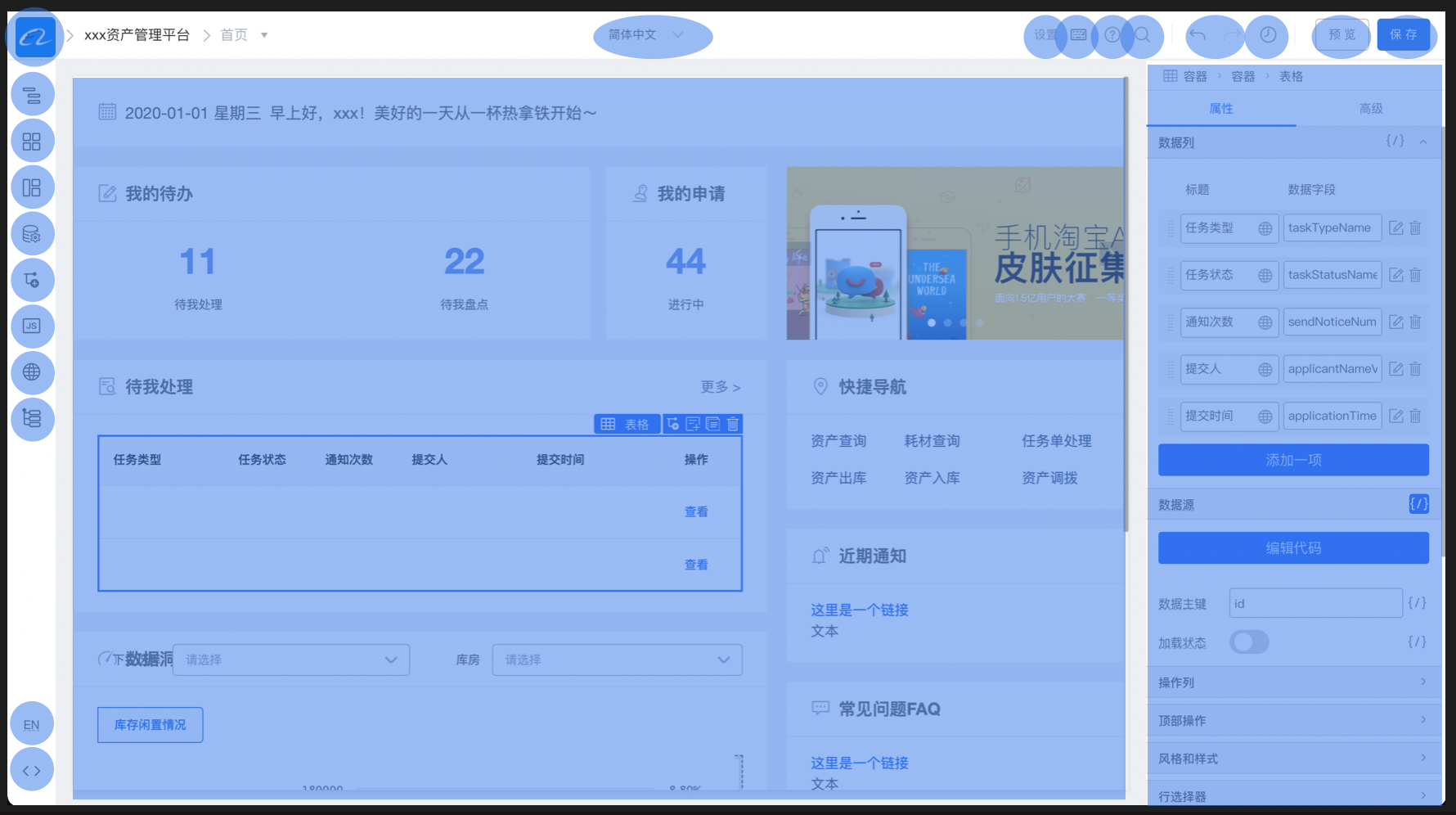
|
||||
|
||||
页面上可以扩展的区域共 5 个,具体如下:
|
||||
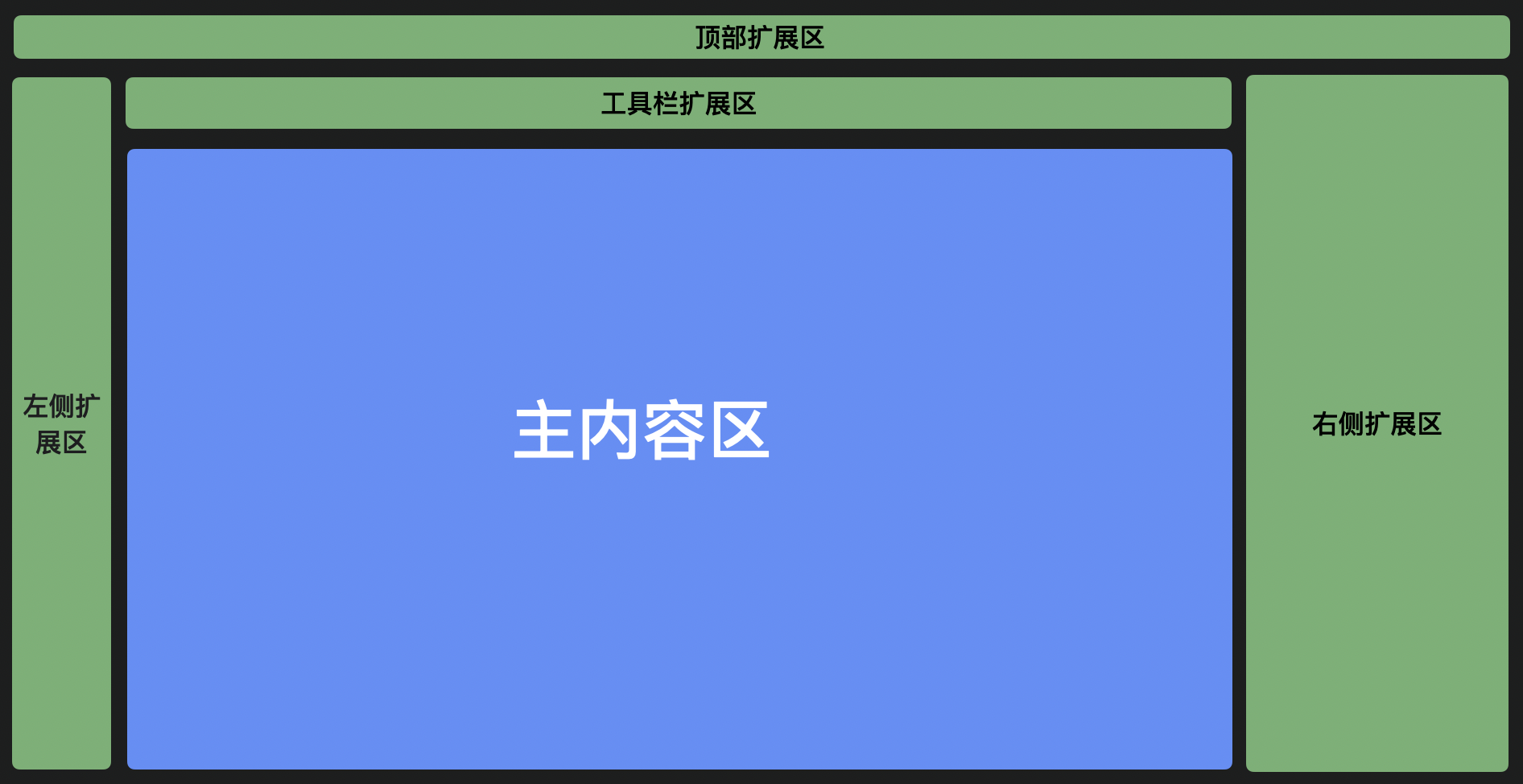
|
||||
面板 API 提供了面板扩展和管理的能力,如下图蓝色内容都是扩展出来的。<br />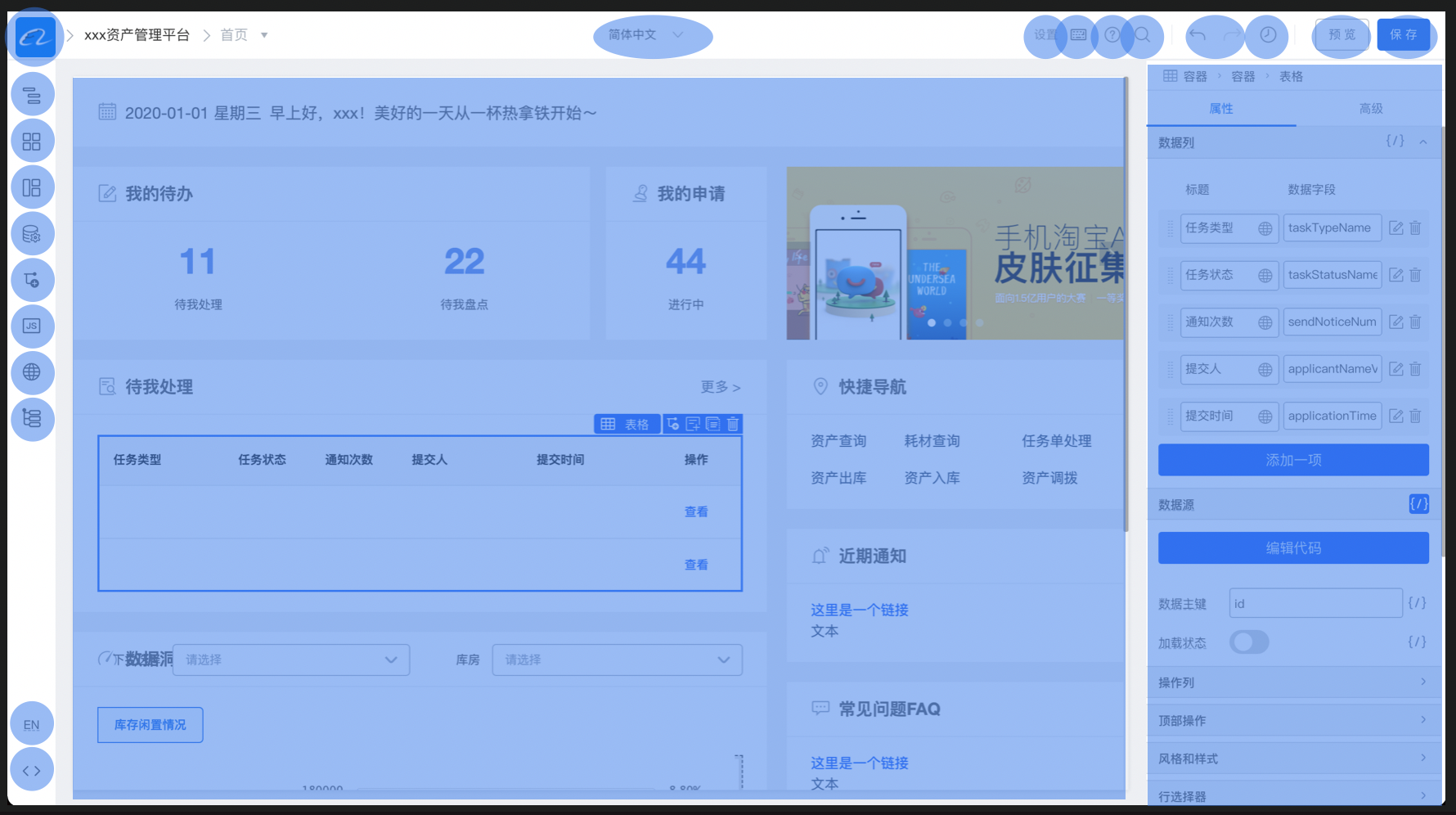<br />页面上可以扩展的区域共 5 个,具体如下:<br />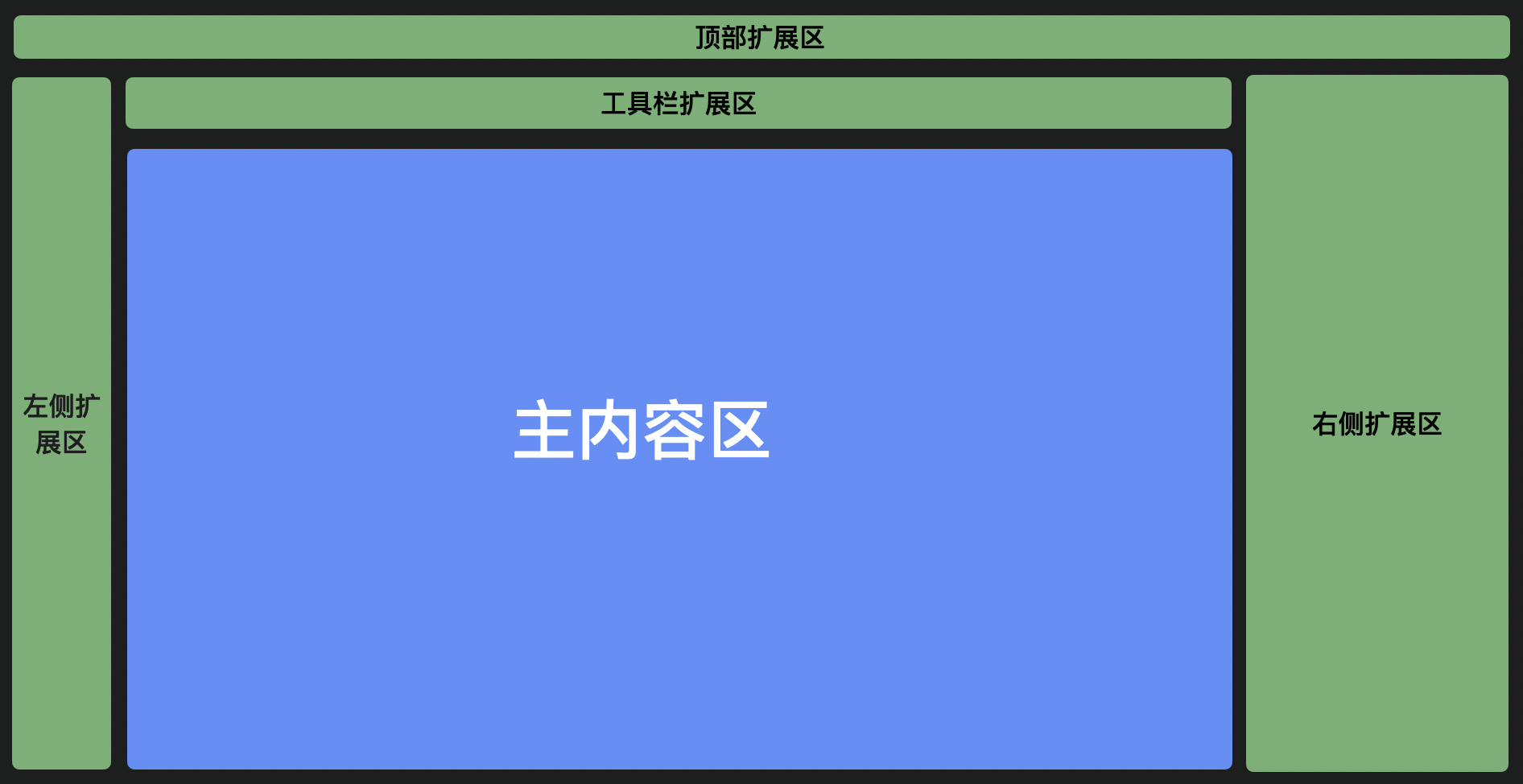
|
||||
### 基本概念
|
||||
#### 扩展区域位置 (area)
|
||||
#### 扩展区域位置(area)
|
||||
##### topArea
|
||||
|
||||
展示在设计器的顶部区域,常见的相关区域的插件主要是:
|
||||
1. 注册设计器 Logo;
|
||||
2. 设计器操作回退和撤销按钮;
|
||||
3. 全局操作按钮,例如:保存、预览等;
|
||||
展示在设计器的顶部区域,常见的相关区域的插件主要是:<br />1)注册设计器 Logo;<br />2)设计器操作回退和撤销按钮;<br />3)全局操作按钮,例如:保存、预览等;
|
||||
##### leftArea
|
||||
|
||||
左侧区域的展示形式大多数是 Icon 和对应的面板,通过点击 Icon 可以展示对应的面板并隐藏其他的面板。
|
||||
|
||||
该区域相关插件的主要有:
|
||||
1. 大纲树展示,展示该设计器设计页面的大纲。
|
||||
2. 组件库,展示注册到设计器中的组件,点击之后,可以从组件库面板中拖拽到设计器的画布中。
|
||||
3. 数据源面板
|
||||
4. JS 等代码面板。
|
||||
|
||||
可以发现,这个区域的面板大多数操作时是不需要同时并存的,且交互比较复杂的,需要一个更整块的区域来进行操作。
|
||||
|
||||
左侧区域的展示形式大多数是 Icon 和对应的面板,通过点击 Icon 可以展示对应的面板并隐藏其他的面板。<br />该区域相关插件的主要有:<br />1)大纲树展示,展示该设计器设计页面的大纲。<br />2)组件库,展示注册到设计器中的组件,点击之后,可以从组件库面板中拖拽到设计器的画布中。<br />3)数据源面板<br />4)JS 等代码面板。<br />可以发现,这个区域的面板大多数操作时是不需要同时并存的,且交互比较复杂的,需要一个更整块的区域来进行操作。
|
||||
##### centerArea
|
||||
|
||||
画布区域,由于画布大多数是展示作用,所以一般扩展的种类比较少。常见的扩展有:
|
||||
1. 画布大小修改
|
||||
2. 物料选中扩展区域修改
|
||||
画布区域,由于画布大多数是展示作用,所以一般扩展的种类比较少。常见的扩展有:<br />1)画布大小修改<br />2)物料选中扩展区域修改
|
||||
##### rightArea
|
||||
|
||||
右侧区域,常用于组件的配置。常见的扩展有:统一处理组件的配置项,例如统一删除某一个配置项,统一添加某一个配置项的。
|
||||
##### toolbar
|
||||
|
||||
跟 topArea 类似,按需放置面板插件~
|
||||
#### 展示类型 (type)
|
||||
|
||||
展示类型用于区分插件在设计器内可操作的几种不同界面类型。主要的几种类型为 PanelDock、Widget、Dock,另有 Panel 类型目前不推荐使用。
|
||||
#### 展示类型(type)
|
||||
展示类型用于区分插件在设计器内可操作的几种不同界面类型。主要的几种类型为PanelDock、Widget、Dock,另有Panel类型目前不推荐使用。
|
||||
##### PanelDock
|
||||
|
||||
PanelDock 是以面板的形式展示在设计器的左侧区域的。其中主要有两个部分组成,一个是图标,一个是面板。当点击图标时可以控制面板的显示和隐藏。
|
||||
|
||||
下图是组件库插件的展示效果。
|
||||
|
||||
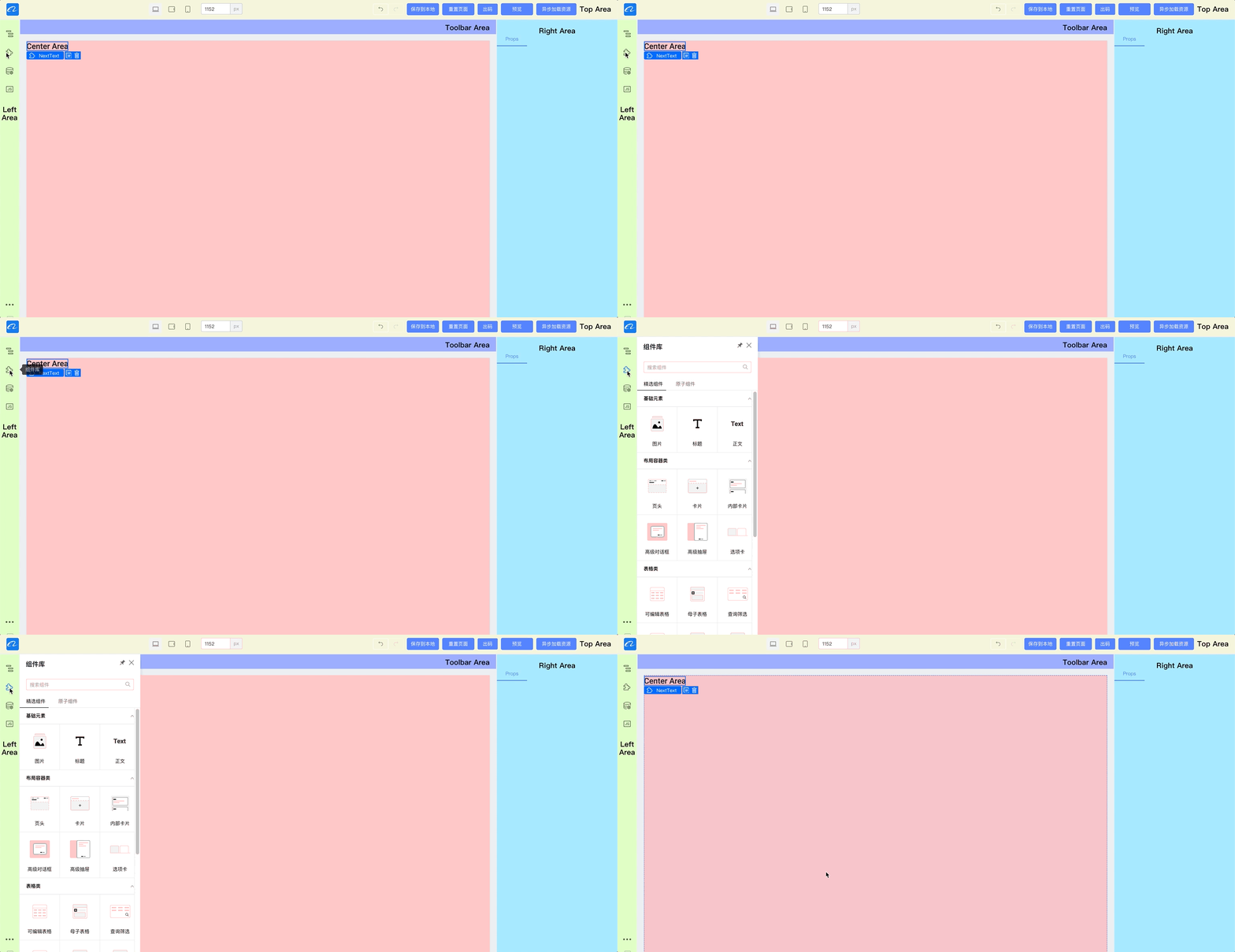
|
||||
|
||||
其中右上角可以进行固定,可以对弹出的宽度做设定
|
||||
|
||||
接入可以参考代码
|
||||
PanelDock 是以面板的形式展示在设计器的左侧区域的。其中主要有两个部分组成,一个是图标,一个是面板。当点击图标时可以控制面板的显示和隐藏。<br />下图是组件库插件的展示效果。<br />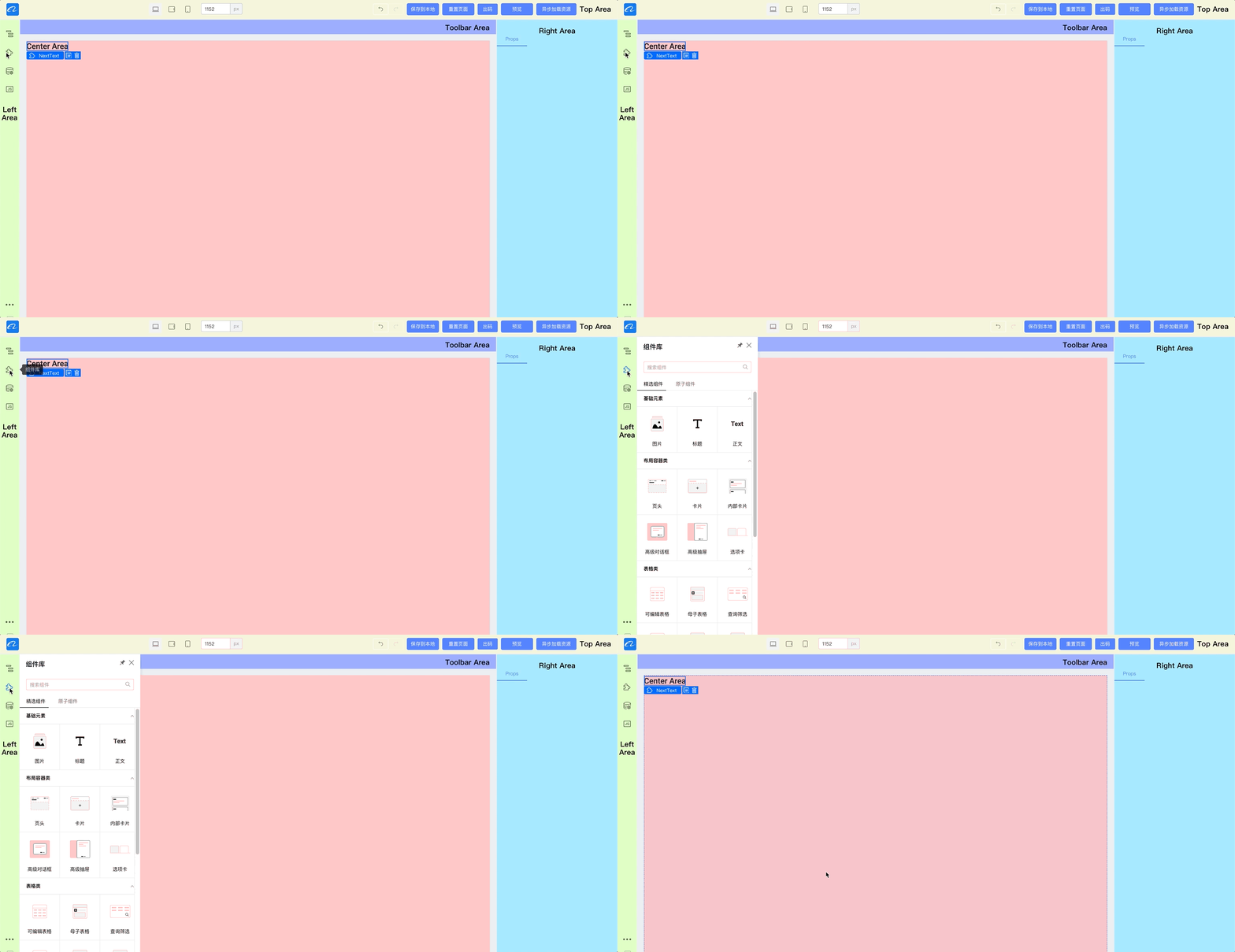<br />其中右上角可以进行固定,可以对弹出的宽度做设定<br />接入可以参考代码
|
||||
```javascript
|
||||
import { skeleton } from "@alilc/lowcode-engine";
|
||||
|
||||
@ -69,8 +31,7 @@ skeleton.add({
|
||||
props: {
|
||||
align: "left",
|
||||
icon: "wenjian",
|
||||
title: '标题', // 图标下方展示的标题
|
||||
description: "JS 面板",
|
||||
description: "JS面板",
|
||||
},
|
||||
panelProps: {
|
||||
floatable: true, // 是否可浮动
|
||||
@ -78,27 +39,22 @@ skeleton.add({
|
||||
hideTitleBar: false,
|
||||
maxHeight: 800,
|
||||
maxWidth: 1200,
|
||||
title: "JS 面板",
|
||||
title: "JS面板",
|
||||
width: 600,
|
||||
},
|
||||
});
|
||||
```
|
||||
##### Widget
|
||||
Widget 形式是直接渲染在当前编辑器的对应位置上。如 demo 中在设计器顶部的所有组件都是这种展现形式。
|
||||
|
||||

|
||||
|
||||
接入可以参考代码:
|
||||
|
||||
Widget 形式是直接渲染在当前编辑器的对应位置上。如 demo 中在设计器顶部的所有组件都是这种展现形式。<br /><br />接入可以参考代码:
|
||||
```javascript
|
||||
import { skeleton } from "@alilc/lowcode-engine";
|
||||
import {skeleton} from "@alilc/lowcode-engine";
|
||||
// 注册 logo 面板
|
||||
skeleton.add({
|
||||
area: "topArea",
|
||||
type: "Widget",
|
||||
name: "logo",
|
||||
content: Logo, // Widget 组件实例
|
||||
contentProps: { // Widget 插件 props
|
||||
content: Logo, // Widget 组件实例
|
||||
contentProps: { // Widget 插件props
|
||||
logo:
|
||||
"https://img.alicdn.com/tfs/TB1_SocGkT2gK0jSZFkXXcIQFXa-66-66.png",
|
||||
href: "/",
|
||||
@ -110,9 +66,7 @@ skeleton.add({
|
||||
});
|
||||
```
|
||||
##### Dock
|
||||
|
||||
一个图标的表现形式,可以用于语言切换、跳转到外部链接、打开一个 widget 等场景。
|
||||
|
||||
一个图标的表现形式,可以用于语言切换、跳转到外部链接、打开一个 widget 等场景
|
||||
```javascript
|
||||
import { skeleton } from "@alilc/lowcode-engine";
|
||||
|
||||
@ -120,36 +74,33 @@ skeleton.add({
|
||||
area: "leftArea",
|
||||
type: "Dock",
|
||||
name: "opener",
|
||||
content: Opener, // Widget 组件实例
|
||||
contentProps: { // Widget 插件props
|
||||
xxx: "1",
|
||||
},
|
||||
props: {
|
||||
icon: Icon, // Icon 组件实例
|
||||
align: "bottom",
|
||||
onClick: function () {
|
||||
// 打开外部链接
|
||||
window.open('https://lowcode-engine.cn');
|
||||
// 显示 widget
|
||||
skeleton.showWidget('xxx');
|
||||
}
|
||||
},
|
||||
onClick: function() {
|
||||
// 打开外部链接
|
||||
window.open('https://lowcode-engine.cn');
|
||||
// 显示 widget
|
||||
skeleton.showWidget('xxx');
|
||||
}
|
||||
});
|
||||
```
|
||||
|
||||
## 方法
|
||||
|
||||
### add
|
||||
|
||||
往指定扩展区加入一块面板
|
||||
|
||||
```typescript
|
||||
/**
|
||||
* 增加一个面板实例
|
||||
* add a new panel
|
||||
* @param config
|
||||
* @param extraConfig
|
||||
* @returns
|
||||
*/
|
||||
add(config: IPublicTypeWidgetBaseConfig, extraConfig?: Record<string, any>): any;
|
||||
#### <br />
|
||||
## 变量(variables)
|
||||
无
|
||||
## 方法签名(functions)
|
||||
### 1. add
|
||||
```tsx
|
||||
add(config: IWidgetBaseConfig & {
|
||||
area?: string;
|
||||
}, extraConfig?: object): IWidget | Panel;
|
||||
```
|
||||
|
||||
往指定扩展区加入一块面板
|
||||
|
||||
IWidgetBaseConfig 定义如下:
|
||||
|
||||
@ -157,7 +108,7 @@ IWidgetBaseConfig 定义如下:
|
||||
| --- | --- | --- |
|
||||
| name | 面板名称 | |
|
||||
| area | 扩展区位置,可选值:'topArea' | 'leftArea' | 'rightArea' | 'toolbar' | 'bottomArea' | 'mainArea' | |
|
||||
| type | 面板类型,可选值:'Widget' | 'PanelDock' | 'Panel' | Dock | 详见前文中对**展示类型**的描述 |
|
||||
| type | 面板类型,可选值:'Widget' | 'PanelDock' | 'Panel' | 详见前文中对**展示类型**的描述 |
|
||||
| content | 面板的实现类/节点,类型是 ReactClass | ReactElement | |
|
||||
| props | 面板属性 | align: 'top' | 'bottom' | 'left' | 'center' | 'right'; // 指定面板 icon 位置区域<br />icon: string | ReactElement; // icon 为字符串时,请确定当前 fusion 主题包中包含该 icon<br />description: string;<br />condition: Function; // 指定当前面板的显影状态 |
|
||||
| contentProps | 面板的实现类/节点的参数 | |
|
||||
@ -165,311 +116,71 @@ IWidgetBaseConfig 定义如下:
|
||||
| index | 面板的位置,不传默认按插件注册顺序 | |
|
||||
|
||||
|
||||
### remove
|
||||
|
||||
|
||||
### 2. remove
|
||||
|
||||
remove(config: IWidgetBaseConfig)
|
||||
|
||||
移除一个面板实例
|
||||
|
||||
```typescript
|
||||
/**
|
||||
* 移除一个面板实例
|
||||
* remove a panel
|
||||
* @param config
|
||||
* @returns
|
||||
*/
|
||||
remove(config: IPublicTypeWidgetBaseConfig): number | undefined;
|
||||
```
|
||||
### 3. showPanel
|
||||
|
||||
### getPanel
|
||||
|
||||
获取面板实例
|
||||
|
||||
```typescript
|
||||
/**
|
||||
* 获取面板实例
|
||||
* @param name 面板名称
|
||||
*/
|
||||
getPanel(name: string): IPublicModelSkeletonItem | undefined;
|
||||
```
|
||||
|
||||
相关类型:[IPublicModelSkeletonItem](https://github.com/alibaba/lowcode-engine/blob/main/packages/shell/src/model/skeleton-item.ts)
|
||||
|
||||
@since v1.1.10
|
||||
|
||||
### showPanel
|
||||
showPanel(name: string)
|
||||
|
||||
展示指定 Panel 实例
|
||||
|
||||
```typescript
|
||||
/**
|
||||
* 展示指定 Panel 实例
|
||||
* show panel by name
|
||||
* @param name
|
||||
*/
|
||||
showPanel(name: string): void;
|
||||
```
|
||||
### 4. hidePanel
|
||||
|
||||
### hidePanel
|
||||
隐藏面板
|
||||
hidePanel(name: string)
|
||||
|
||||
```typescript
|
||||
/**
|
||||
* 隐藏面板
|
||||
* hide panel by name
|
||||
* @param name
|
||||
*/
|
||||
hidePanel(name: string): void;
|
||||
```
|
||||
### 5. showWidget
|
||||
|
||||
### showWidget
|
||||
showWidget(name: string)
|
||||
|
||||
展示指定 Widget 实例
|
||||
|
||||
```typescript
|
||||
/**
|
||||
* 展示指定 Widget 实例
|
||||
* show widget by name
|
||||
* @param name
|
||||
*/
|
||||
showWidget(name: string): void;
|
||||
```
|
||||
### 6. hideWidget
|
||||
|
||||
### enableWidget
|
||||
将 widget 启用。
|
||||
```typescript
|
||||
/**
|
||||
* 将 widget 启用
|
||||
* enable widget
|
||||
* @param name
|
||||
*/
|
||||
enableWidget(name: string): void;
|
||||
```
|
||||
|
||||
### hideWidget
|
||||
hideWidget(name: string)
|
||||
|
||||
隐藏指定 widget 实例。
|
||||
|
||||
```typescript
|
||||
/**
|
||||
* 隐藏指定 widget 实例
|
||||
* hide widget by name
|
||||
* @param name
|
||||
*/
|
||||
hideWidget(name: string): void;
|
||||
```
|
||||
### 7. enableWidget
|
||||
|
||||
### disableWidget
|
||||
enableWidget(name: string)
|
||||
|
||||
将 widget 禁用掉,禁用后,所有鼠标事件都会被禁止掉。
|
||||
将 widget 启用。<br />注:该函数将会触发全局事件 'skeleton.widget.enable'
|
||||
|
||||
适用场景:在该面板还在进行初始化构造时,可以先禁止掉,防止用户点击报错,待初始化完成,重新启用。
|
||||
### 8. disableWidget
|
||||
|
||||
```typescript
|
||||
/**
|
||||
* 将 widget 禁用掉,禁用后,所有鼠标事件都会被禁止掉。
|
||||
* disable widget,and make it not responding any click event.
|
||||
* @param name
|
||||
*/
|
||||
disableWidget(name: string): void;
|
||||
```
|
||||
disableWidget(name: string)
|
||||
|
||||
### showArea
|
||||
显示某个 Area
|
||||
将 widget 禁用掉,禁用后,所有鼠标事件都会被禁止掉。<br />适用场景:在该面板还在进行初始化构造时,可以先禁止掉,防止用户点击报错,待初始化完成,重新启用。
|
||||
|
||||
```typescript
|
||||
/**
|
||||
* 显示某个 Area
|
||||
* show area
|
||||
* @param areaName name of area
|
||||
*/
|
||||
showArea(areaName: string): void;
|
||||
```
|
||||
## 事件(events)
|
||||
### 1. onShowPanel
|
||||
|
||||
|
||||
### hideArea
|
||||
隐藏某个 Area
|
||||
|
||||
```typescript
|
||||
/**
|
||||
* 隐藏某个 Area
|
||||
* hide area
|
||||
* @param areaName name of area
|
||||
*/
|
||||
hideArea(areaName: string): void;
|
||||
```
|
||||
|
||||
### getAreaItems
|
||||
|
||||
获取某个区域下的所有面板实例
|
||||
|
||||
```typescript
|
||||
/**
|
||||
* 获取某个区域下的所有面板实例
|
||||
* @param areaName IPublicTypeWidgetConfigArea
|
||||
*/
|
||||
getAreaItems(areaName: IPublicTypeWidgetConfigArea): IPublicModelSkeletonItem[] | undefined;
|
||||
```
|
||||
|
||||
相关类型:[IPublicModelSkeletonItem](https://github.com/alibaba/lowcode-engine/blob/main/packages/shell/src/model/skeleton-item.ts)
|
||||
|
||||
|
||||
|
||||
### registerConfigTransducer
|
||||
|
||||
注册一个面板的配置转换器(transducer)。
|
||||
|
||||
```typescript
|
||||
/**
|
||||
* 注册一个面板的配置转换器(transducer)。
|
||||
* Registers a configuration transducer for a panel.
|
||||
* @param {IPublicTypeConfigTransducer} transducer
|
||||
* - 要注册的转换器函数。该函数接受一个配置对象(类型为 IPublicTypeSkeletonConfig)作为输入,并返回修改后的配置对象。
|
||||
* - The transducer function to be registered. This function takes a configuration object
|
||||
*
|
||||
* @param {number} level
|
||||
* - 转换器的优先级。优先级较高的转换器会先执行。
|
||||
* - The priority level of the transducer. Transducers with higher priority levels are executed first.
|
||||
*
|
||||
* @param {string} [id]
|
||||
* - (可选)转换器的唯一标识符。用于在需要时引用或操作特定的转换器。
|
||||
* - (Optional) A unique identifier for the transducer. Used for referencing or manipulating a specific transducer when needed.
|
||||
*/
|
||||
registerConfigTransducer(transducer: IPublicTypeConfigTransducer, level: number, id?: string): void;
|
||||
```
|
||||
|
||||
使用示例
|
||||
|
||||
```typescript
|
||||
import { IPublicModelPluginContext, IPublicTypeSkeletonConfig } from '@alilc/lowcode-types';
|
||||
|
||||
function updatePanelWidth(config: IPublicTypeSkeletonConfig) {
|
||||
if (config.type === 'PanelDock') {
|
||||
return {
|
||||
...config,
|
||||
panelProps: {
|
||||
...(config.panelProps || {}),
|
||||
width: 240,
|
||||
},
|
||||
}
|
||||
}
|
||||
|
||||
return config;
|
||||
}
|
||||
|
||||
const controlPanelWidthPlugin = (ctx: IPublicModelPluginContext) => {
|
||||
const { skeleton } = ctx;
|
||||
(skeleton as any).registerConfigTransducer?.(updatePanelWidth, 1, 'update-panel-width');
|
||||
|
||||
return {
|
||||
init() {},
|
||||
};
|
||||
};
|
||||
|
||||
controlPanelWidthPlugin.pluginName = 'controlPanelWidthPlugin';
|
||||
controlPanelWidthPlugin.meta = {
|
||||
dependencies: [],
|
||||
engines: {
|
||||
lowcodeEngine: '^1.2.3', // 插件需要配合 ^1.0.0 的引擎才可运行
|
||||
},
|
||||
};
|
||||
|
||||
export default controlPanelWidthPlugin;
|
||||
```
|
||||
|
||||
## 事件
|
||||
### onShowPanel
|
||||
onShowPanel(listener: (...args: unknown[]) => void)
|
||||
|
||||
监听 Panel 实例显示事件
|
||||
|
||||
```typescript
|
||||
/**
|
||||
* 监听 panel 显示事件
|
||||
* set callback for panel shown event
|
||||
* @param listener
|
||||
* @returns
|
||||
*/
|
||||
onShowPanel(listener: (paneName?: string, panel?: IPublicModelSkeletonItem) => void): IPublicTypeDisposable;
|
||||
```
|
||||
|
||||
相关类型:[IPublicTypeDisposable](https://github.com/alibaba/lowcode-engine/blob/main/packages/types/src/shell/type/disposable.ts)
|
||||
|
||||
### onHidePanel
|
||||
### 2. onHidePanel
|
||||
<br />onHidePanel(listener: (...args: unknown[]) => void)
|
||||
|
||||
监听 Panel 实例隐藏事件
|
||||
|
||||
```typescript
|
||||
/**
|
||||
* 监听 Panel 实例隐藏事件
|
||||
* set callback for panel hidden event
|
||||
* @param listener
|
||||
* @returns
|
||||
*/
|
||||
onHidePanel(listener: (paneName?: string, panel?: IPublicModelSkeletonItem) => void): IPublicTypeDisposable;
|
||||
```
|
||||
### 3. onShowWidget
|
||||
|
||||
相关类型:[IPublicTypeDisposable](https://github.com/alibaba/lowcode-engine/blob/main/packages/types/src/shell/type/disposable.ts)
|
||||
|
||||
### onDisableWidget
|
||||
|
||||
监听 Widget 实例 Disable 事件
|
||||
|
||||
```typescript
|
||||
/**
|
||||
* 监听 Widget 实例 Disable 事件
|
||||
* @param listener
|
||||
*/
|
||||
onDisableWidget(listener: (paneName?: string, panel?: IPublicModelSkeletonItem) => void): IPublicTypeDisposable;
|
||||
```
|
||||
|
||||
相关类型:[IPublicTypeDisposable](https://github.com/alibaba/lowcode-engine/blob/main/packages/types/src/shell/type/disposable.ts)
|
||||
|
||||
### onEnableWidget
|
||||
|
||||
监听 Widget 实例 Enable 事件
|
||||
|
||||
```typescript
|
||||
/**
|
||||
* 监听 Widget 实例 Enable 事件
|
||||
* @param listener
|
||||
*/
|
||||
onEnableWidget(listener: (paneName?: string, panel?: IPublicModelSkeletonItem) => void): IPublicTypeDisposable;
|
||||
```
|
||||
|
||||
相关类型:[IPublicTypeDisposable](https://github.com/alibaba/lowcode-engine/blob/main/packages/types/src/shell/type/disposable.ts)
|
||||
|
||||
### onShowWidget
|
||||
onShowWidget(listener: (...args: unknown[]) => void)
|
||||
|
||||
监听 Widget 实例显示事件
|
||||
|
||||
```typescript
|
||||
/**
|
||||
* 监听 Widget 显示事件
|
||||
* set callback for widget shown event
|
||||
* @param listener
|
||||
* @returns
|
||||
*/
|
||||
onShowWidget(listener: (paneName?: string, panel?: IPublicModelSkeletonItem) => void): IPublicTypeDisposable;
|
||||
```
|
||||
|
||||
相关类型:[IPublicTypeDisposable](https://github.com/alibaba/lowcode-engine/blob/main/packages/types/src/shell/type/disposable.ts)
|
||||
|
||||
### onHideWidget
|
||||
### 4. onHideWidget
|
||||
<br />onHideWidget(listener: (...args: unknown[]) => void)
|
||||
|
||||
监听 Widget 实例隐藏事件
|
||||
|
||||
```typescript
|
||||
/**
|
||||
* 监听 Widget 隐藏事件
|
||||
* set callback for widget hidden event
|
||||
* @param listener
|
||||
* @returns
|
||||
*/
|
||||
onHideWidget(listener: (paneName?: string, panel?: IPublicModelSkeletonItem) => void): IPublicTypeDisposable;
|
||||
```
|
||||
|
||||
相关类型:[IPublicTypeDisposable](https://github.com/alibaba/lowcode-engine/blob/main/packages/types/src/shell/type/disposable.ts)
|
||||
|
||||
## 使用示例
|
||||
|
||||
```typescript
|
||||
import { skeleton } from '@alilc/lowcode-engine';
|
||||
|
||||
@ -488,7 +199,7 @@ skeleton.add({
|
||||
props: {
|
||||
align: 'top',
|
||||
icon: 'wenjian',
|
||||
description: 'JS 面板',
|
||||
description: 'JS面板',
|
||||
},
|
||||
panelProps: {
|
||||
floatable: true,
|
||||
@ -497,7 +208,7 @@ skeleton.add({
|
||||
hideTitleBar: false,
|
||||
maxHeight: 800,
|
||||
maxWidth: 1200,
|
||||
title: 'JS 面板',
|
||||
title: 'JS面板',
|
||||
width: 600,
|
||||
},
|
||||
content: SourceEditor,
|
||||
@ -539,7 +250,7 @@ skeleton.disableWidget('sourceEditor');
|
||||
import { skeleton } from '@alilc/lowcode-engine';
|
||||
|
||||
skeleton.add({
|
||||
name: 'bottomAreaPanelName',
|
||||
name: 'bottomAreaPanelName',
|
||||
area: 'bottomArea',
|
||||
type: 'Panel',
|
||||
content: () => 'demoText',
|
||||
|
||||
@ -1,172 +0,0 @@
|
||||
---
|
||||
title: workspace - 应用级 API
|
||||
sidebar_position: 10
|
||||
---
|
||||
|
||||
> **[@experimental](./#experimental)**<br/>
|
||||
> **@types** [IPublicApiWorkspace](https://github.com/alibaba/lowcode-engine/blob/main/packages/types/src/shell/api/workspace.ts)<br/>
|
||||
> **@since** v1.1.0
|
||||
|
||||
## 模块简介
|
||||
|
||||
通过该模块可以开发应用级低代码设计器。
|
||||
|
||||
## 变量
|
||||
|
||||
### isActive
|
||||
|
||||
是否启用 workspace 模式
|
||||
|
||||
### window
|
||||
|
||||
当前设计器窗口模型
|
||||
|
||||
```typescript
|
||||
get window(): IPublicModelWindow
|
||||
```
|
||||
|
||||
关联模型 [IPublicModelWindow](./model/window)
|
||||
|
||||
### plugins
|
||||
|
||||
应用级别的插件注册
|
||||
|
||||
```typescript
|
||||
get plugins(): IPublicApiPlugins
|
||||
```
|
||||
|
||||
关联模型 [IPublicApiPlugins](./plugins)
|
||||
|
||||
### skeleton
|
||||
|
||||
应用级别的面板管理
|
||||
|
||||
```typescript
|
||||
get skeleton(): IPublicApiSkeleton
|
||||
```
|
||||
|
||||
关联模型 [IPublicApiSkeleton](./skeleton)
|
||||
|
||||
### windows
|
||||
|
||||
当前设计器的编辑窗口
|
||||
|
||||
```typescript
|
||||
get window(): IPublicModelWindow[]
|
||||
```
|
||||
|
||||
关联模型 [IPublicModelWindow](./model/window)
|
||||
|
||||
### resourceList
|
||||
|
||||
当前设计器的资源列表数据
|
||||
|
||||
```
|
||||
get resourceList(): IPublicModelResource;
|
||||
```
|
||||
|
||||
关联模型 [IPublicModelResource](./model/resource)
|
||||
|
||||
## 方法
|
||||
|
||||
### registerResourceType
|
||||
注册资源
|
||||
|
||||
```typescript
|
||||
/** 注册资源 */
|
||||
registerResourceType(resourceTypeModel: IPublicTypeResourceType): void;
|
||||
```
|
||||
|
||||
相关类型:[IPublicTypeResourceType](https://github.com/alibaba/lowcode-engine/blob/main/packages/types/src/shell/type/resource-type.ts)
|
||||
|
||||
### setResourceList
|
||||
|
||||
设置设计器资源列表数据
|
||||
|
||||
```typescript
|
||||
setResourceList(resourceList: IPublicResourceList) {}
|
||||
```
|
||||
|
||||
相关类型:[IPublicResourceData](https://github.com/alibaba/lowcode-engine/blob/main/packages/types/src/shell/type/resource-list.ts)
|
||||
|
||||
### openEditorWindow
|
||||
|
||||
打开视图窗口
|
||||
|
||||
```typescript
|
||||
/**
|
||||
* 打开视图窗口
|
||||
* @deprecated
|
||||
*/
|
||||
openEditorWindow(resourceName: string, id: string, extra: Object, viewName?: string, sleep?: boolean): Promise<void>;
|
||||
|
||||
/** 打开视图窗口 */
|
||||
openEditorWindow(resource: Resource, sleep?: boolean): Promise<void>;
|
||||
```
|
||||
|
||||
### openEditorWindowById
|
||||
|
||||
通过视图 id 打开窗口
|
||||
|
||||
```typescript
|
||||
openEditorWindowById(id: string): void;
|
||||
```
|
||||
|
||||
### removeEditorWindow
|
||||
|
||||
移除视图窗口
|
||||
|
||||
```typescript
|
||||
/**
|
||||
* 移除视图窗口
|
||||
* @deprecated
|
||||
*/
|
||||
removeEditorWindow(resourceName: string, id: string): void;
|
||||
|
||||
/**
|
||||
* 移除视图窗口
|
||||
*/
|
||||
removeEditorWindow(resource: Resource): void;
|
||||
```
|
||||
|
||||
### removeEditorWindowById
|
||||
|
||||
通过视图 id 移除窗口
|
||||
|
||||
```typescript
|
||||
removeEditorWindowById(id: string): void;
|
||||
```
|
||||
|
||||
## 事件
|
||||
|
||||
### onChangeWindows
|
||||
|
||||
窗口新增/删除的事件
|
||||
|
||||
```typescript
|
||||
function onChangeWindows(fn: () => void): IPublicTypeDisposable;
|
||||
```
|
||||
|
||||
相关类型:[IPublicTypeDisposable](https://github.com/alibaba/lowcode-engine/blob/main/packages/types/src/shell/type/disposable.ts)
|
||||
|
||||
### onChangeActiveWindow
|
||||
|
||||
active 窗口变更事件
|
||||
|
||||
```typescript
|
||||
function onChangeActiveWindow(fn: () => void): IPublicTypeDisposable;
|
||||
```
|
||||
|
||||
相关类型:[IPublicTypeDisposable](https://github.com/alibaba/lowcode-engine/blob/main/packages/types/src/shell/type/disposable.ts)
|
||||
|
||||
|
||||
### onResourceListChange
|
||||
|
||||
设计器资源列表数据变更事件
|
||||
|
||||
```typescript
|
||||
onResourceListChange(fn: (resourceList: IPublicResourceList): void): (): IPublicTypeDisposable;
|
||||
```
|
||||
|
||||
- 相关类型:[IPublicResourceOptions](https://github.com/alibaba/lowcode-engine/blob/main/packages/types/src/shell/type/resource-options.ts)
|
||||
- 相关类型:[IPublicTypeDisposable](https://github.com/alibaba/lowcode-engine/blob/main/packages/types/src/shell/type/disposable.ts)
|
||||
@ -1,15 +1,38 @@
|
||||
# 官方文章
|
||||
- [2023/11/09 UIPaaS | 基于 LowCodeEngine 的低代码平台孵化器](https://mp.weixin.qq.com/s/mKuv3_Wvgt5T3AGErUGBQQ)
|
||||
- [2023/04/04 什么?低代码引擎可以开发应用了](https://mp.weixin.qq.com/s/dwi40gJjGBHW9MVpag5Oxg)
|
||||
- [2023/03/23 低代码引擎 LowCodeEngine 茁壮成长的一年](https://mp.weixin.qq.com/s/DDt4LQLFUBQ2-F5ehZGBKg)
|
||||
- [2023/02/21 基于 LowCodeEngine 的低代码组件体系的建设和实践](https://mp.weixin.qq.com/s/rnvbGHImGt6oJuX2wCtaqw)
|
||||
- [2022/12/21 低代码多分支协同开发的建设与实践](https://mp.weixin.qq.com/s/DmwxL67htHfTUP1U966N-Q)
|
||||
- [2022/11/24 低代码引擎半岁啦,来跟大家唠唠嗑...](https://segmentfault.com/a/1190000042884409)
|
||||
- [2022/10/27 低代码技术在研发团队的应用模式探讨](https://mp.weixin.qq.com/s/Ynk_wjJbmNw7fEG6UtGZbQ)
|
||||
- [2022/08/23 基于 LowCodeEngine 的调试能力建设与实践](https://mp.weixin.qq.com/s/H8KvEOylmzLPgIuuBO0S9w)
|
||||
- [2022/06/23 低代码渲染那些事](https://mp.weixin.qq.com/s/yqYey76qLGYPfDtpGkVFfA)
|
||||
- [2022/06/16 关于 LowCode&ProCode 混合研发的思考](https://mp.weixin.qq.com/s/TY3VXjkSmsQoT47xma3wig)
|
||||
- [2022/04/07 磁贴布局在钉钉宜搭报表设计引擎中的实现](https://mp.weixin.qq.com/s/PSTut5ahAB8nlJ9kBpBaxw)
|
||||
- [2022/03/23 阿里低代码引擎 LowCodeEngine 正式开源!](https://mp.weixin.qq.com/s/T66LghtWLz2Oh048XqaniA)
|
||||
- [2022/01/10 阿里低代码引擎和生态建设实战及思考](https://mp.weixin.qq.com/s/MI6MrUKKydtnSdO4xq6jwA)
|
||||
- [2021/04/14 2B 领域下的低代码探索之路](https://mp.weixin.qq.com/s/HAxrMHLT43dPH488RiEIdw)
|
||||
---
|
||||
title: 低代码引擎相关文章资料
|
||||
---
|
||||
|
||||
## 官方文章
|
||||
|
||||
- [低代码引擎半岁啦,来跟大家唠唠嗑...](https://segmentfault.com/a/1190000042884409)
|
||||
- [低代码技术在研发团队的应用模式探讨](https://mp.weixin.qq.com/s/Ynk_wjJbmNw7fEG6UtGZbQ)
|
||||
- [关于 LowCode&ProCode 混合研发的思考](https://mp.weixin.qq.com/s/TY3VXjkSmsQoT47xma3wig)
|
||||
- [低代码渲染那些事](https://mp.weixin.qq.com/s/yqYey76qLGYPfDtpGkVFfA)
|
||||
- [阿里低代码引擎和生态建设实战及思考](https://mp.weixin.qq.com/s/MI6MrUKKydtnSdO4xq6jwA)
|
||||
- [磁贴布局在钉钉宜搭报表设计引擎中的实现](https://mp.weixin.qq.com/s/PSTut5ahAB8nlJ9kBpBaxw)
|
||||
- [2B 领域下的低代码探索之路](https://mp.weixin.qq.com/s/HAxrMHLT43dPH488RiEIdw)
|
||||
- [阿里低代码引擎 LowCodeEngine 正式开源!](https://mp.weixin.qq.com/s/T66LghtWLz2Oh048XqaniA)
|
||||
|
||||
## Portal设计项目实战
|
||||
#### 直播回放
|
||||
[https://www.bilibili.com/video/BV1AS4y1K7DP/](https://www.bilibili.com/video/BV1AS4y1K7DP/)
|
||||
|
||||
#### 示例项目
|
||||
- 前端: [https://github.com/mark-ck/lowcode-portal](https://github.com/mark-ck/lowcode-portal)
|
||||
- 后端: [https://github.com/mark-ck/document-solution-site](https://github.com/mark-ck/document-solution-site)
|
||||
- 组件库:[https://github.com/mark-ck/portal-components](https://github.com/mark-ck/portal-components)
|
||||
|
||||
**注意**
|
||||
1. 前端项目要把代码里请求接口的域名改成本地或者自己的域名;
|
||||
2. 后端项目要把 config.default.js 里的 yuque 和 oss 配置补全;
|
||||
|
||||
#### 视频链接
|
||||
- [阿里低代码引擎项目实战(1)-引擎 demo 部署到 faas 服务](https://www.bilibili.com/video/BV1B44y1P7GM/)
|
||||
- [【有翻车】阿里低代码引擎项目实战(2)-保存页面到远端存储](https://www.bilibili.com/video/BV1AS4y1K7DP/)
|
||||
- [阿里巴巴低代码引擎项目实战(3)-自定义组件接入](https://www.bilibili.com/video/BV1dZ4y1m76S/)
|
||||
- [阿里低代码引擎项目实战(4)-自定义插件-页面管理](https://www.bilibili.com/video/BV17a411i73f/)
|
||||
- [阿里低代码引擎项目实战(4)-用户登录](https://www.bilibili.com/video/BV1Wu411e7EQ/)
|
||||
- [【有翻车】阿里低代码引擎项目实战(5)-表单回显](https://www.bilibili.com/video/BV1UY4y1v7D7/)
|
||||
- [阿里低代码引擎项目实战(6)-自定义插件-页面管理-后端](https://www.bilibili.com/video/BV1uZ4y1U7Ly/)
|
||||
- [阿里低代码引擎项目实战(6)-自定义插件-页面管理-前端](https://www.bilibili.com/video/BV1Yq4y1a74P/)
|
||||
- [阿里低代码引擎项目实战(7)-自定义插件-页面管理(完结)](https://www.bilibili.com/video/BV13Y4y1e7EV/)
|
||||
@ -3,26 +3,15 @@ title: 如何使用循环值
|
||||
sidebar_position: 0
|
||||
---
|
||||
1.设置循环数据
|
||||
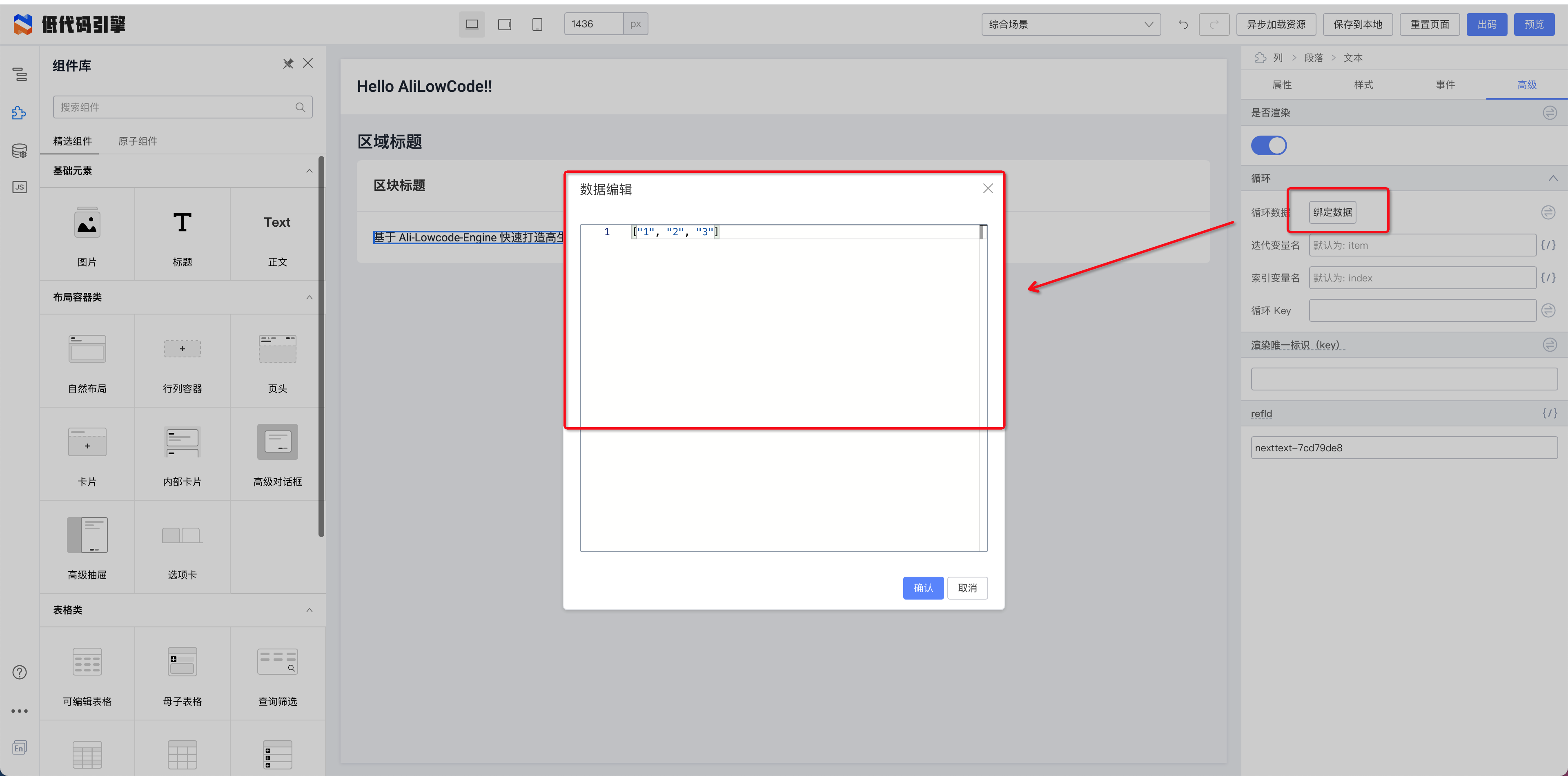
|
||||
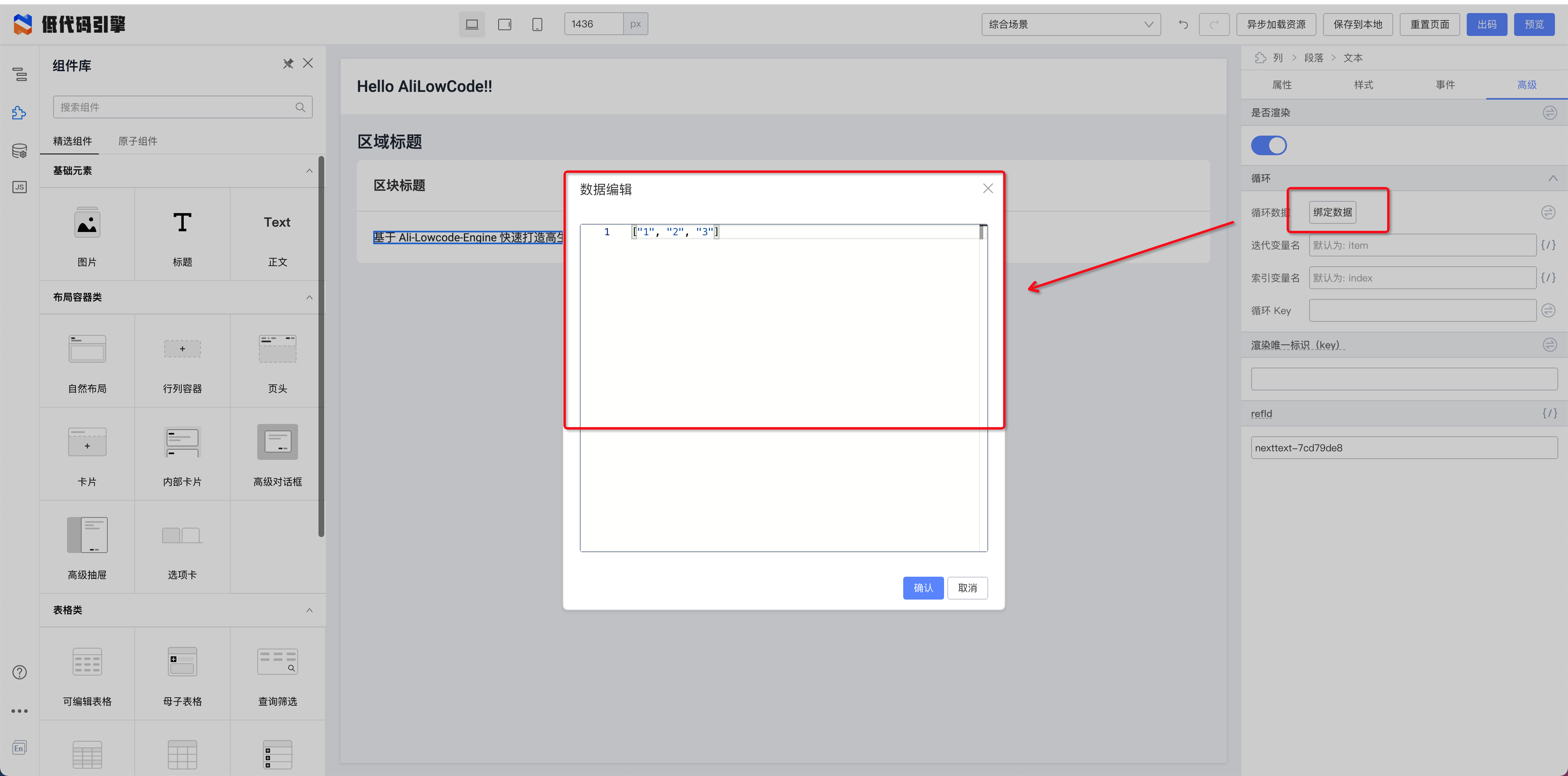
|
||||
|
||||
2.给需要的变量绑定 this.item
|
||||
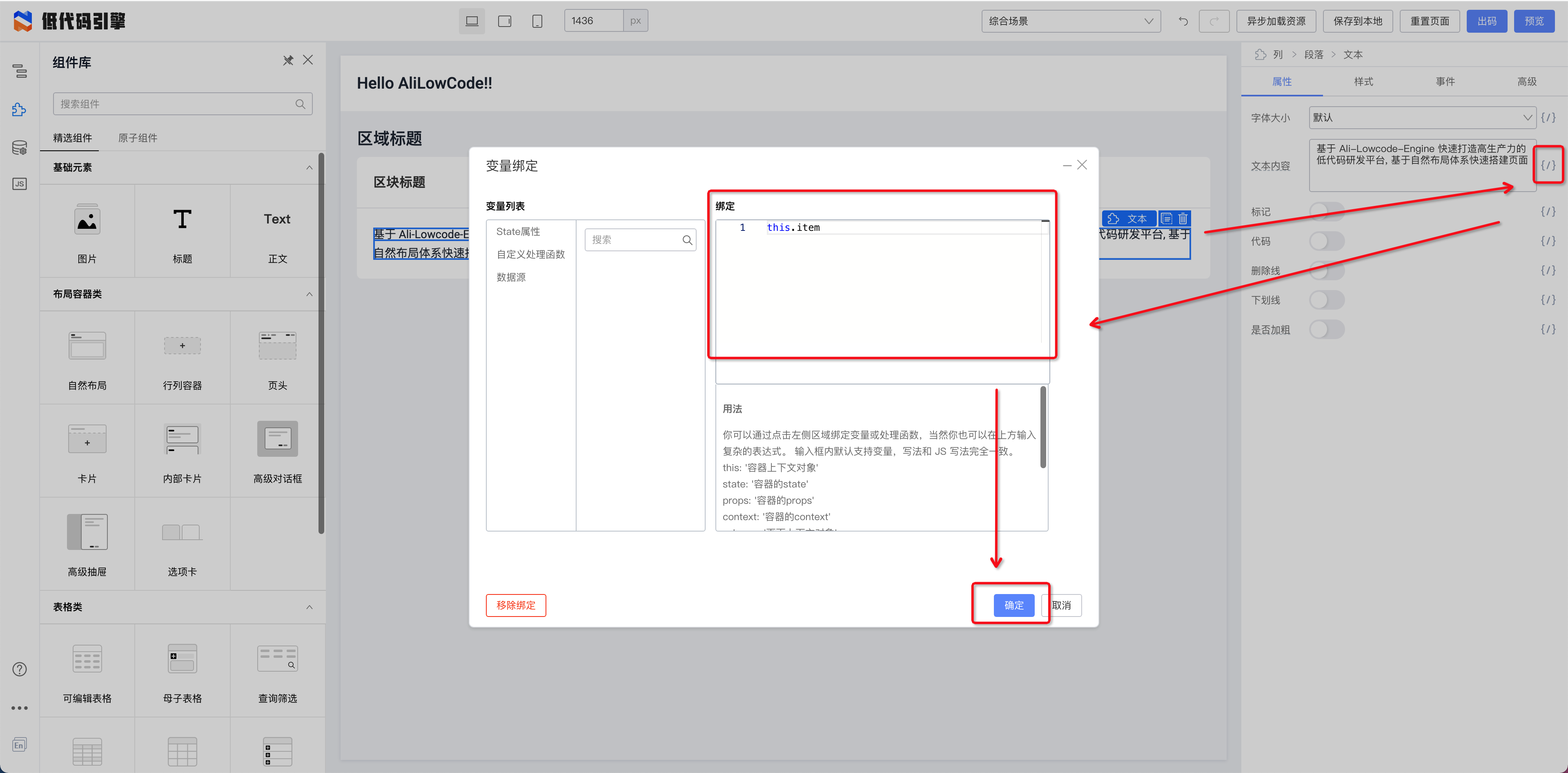
|
||||
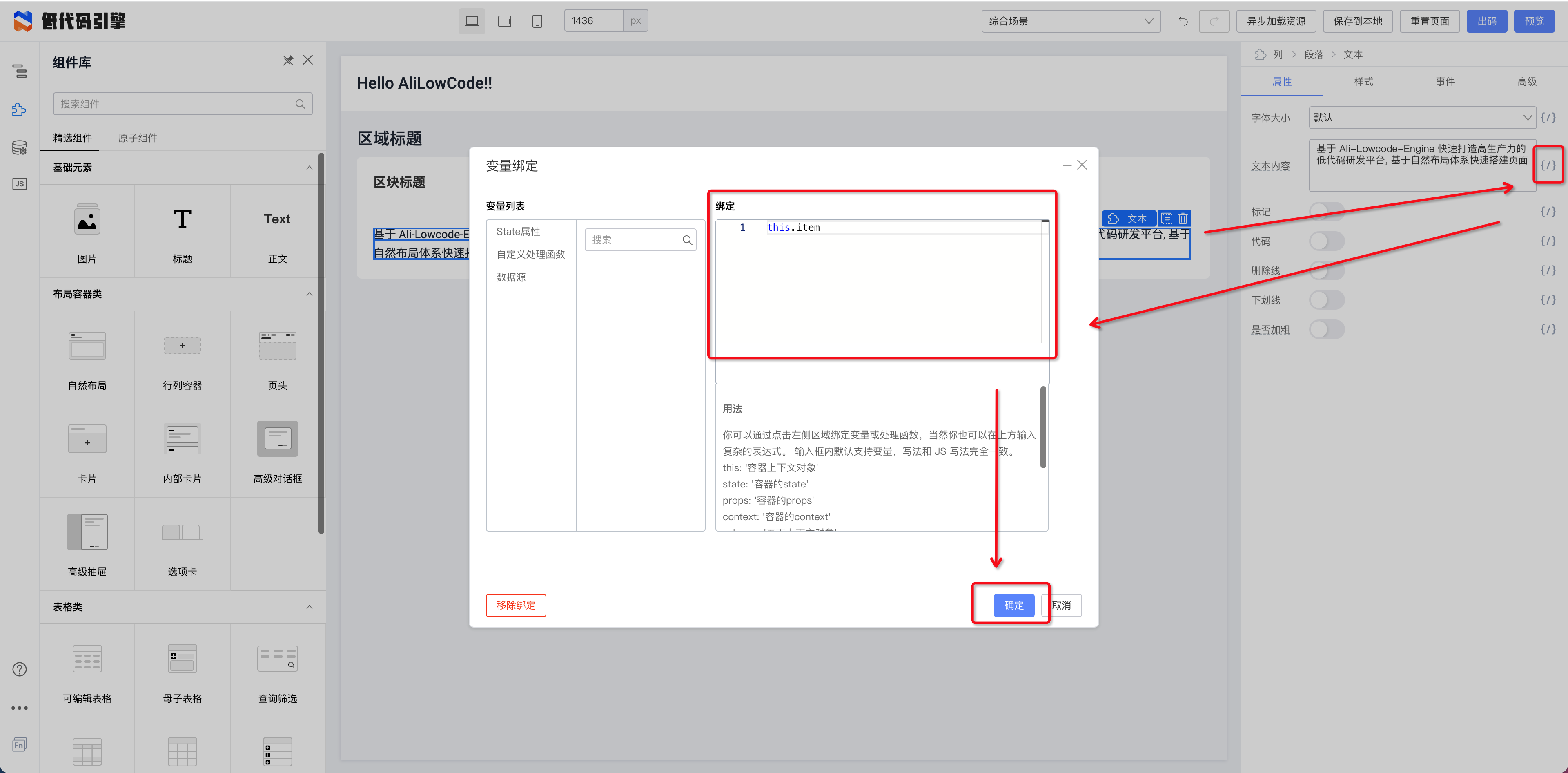
|
||||
|
||||
绑定之后的效果如下:
|
||||

|
||||
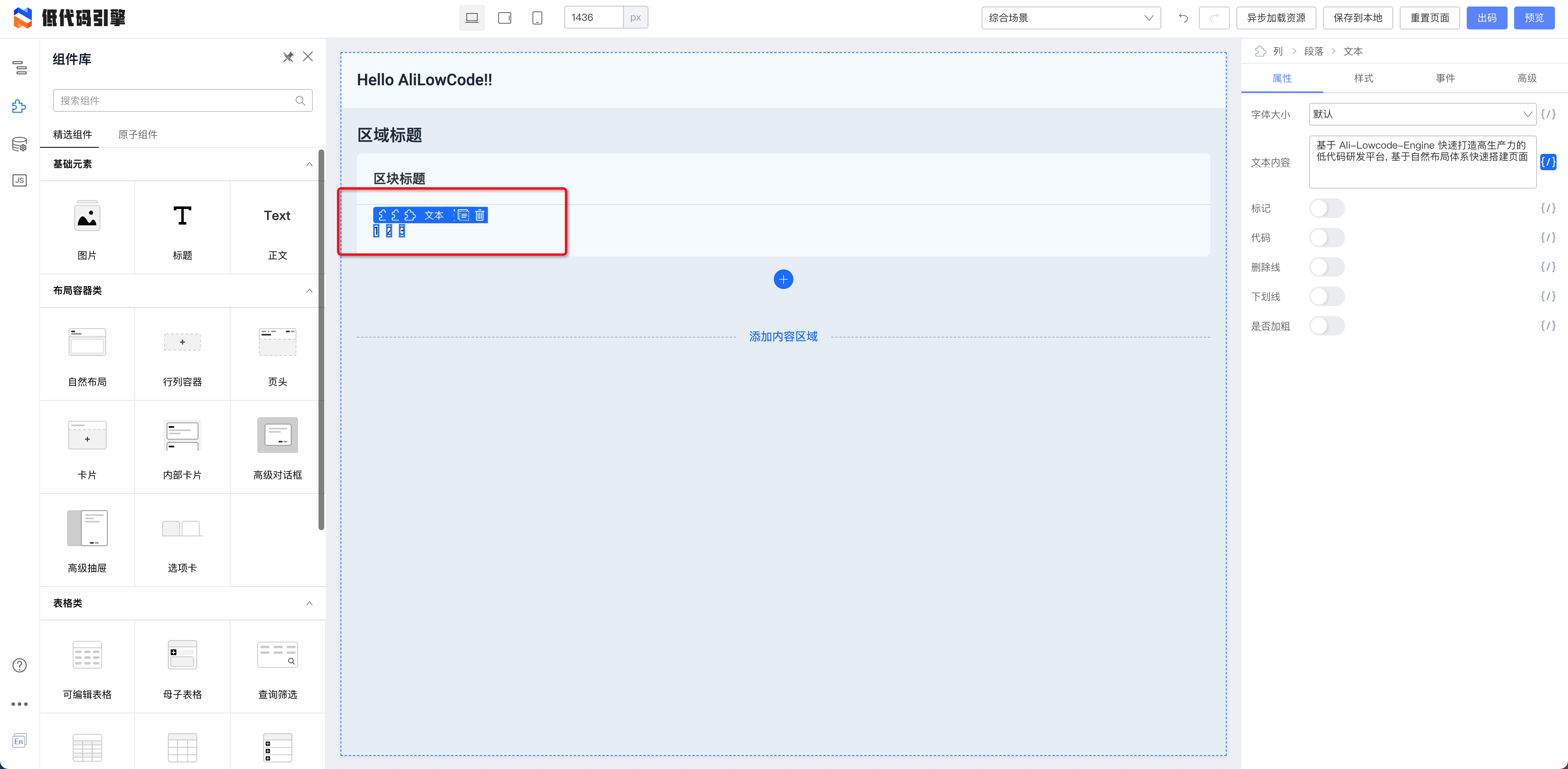
|
||||
|
||||
其中 this.item 的 item 是可以配置的。配置不同的 key 可以方便在多层循环中使用不同层级的循环 item 值。
|
||||
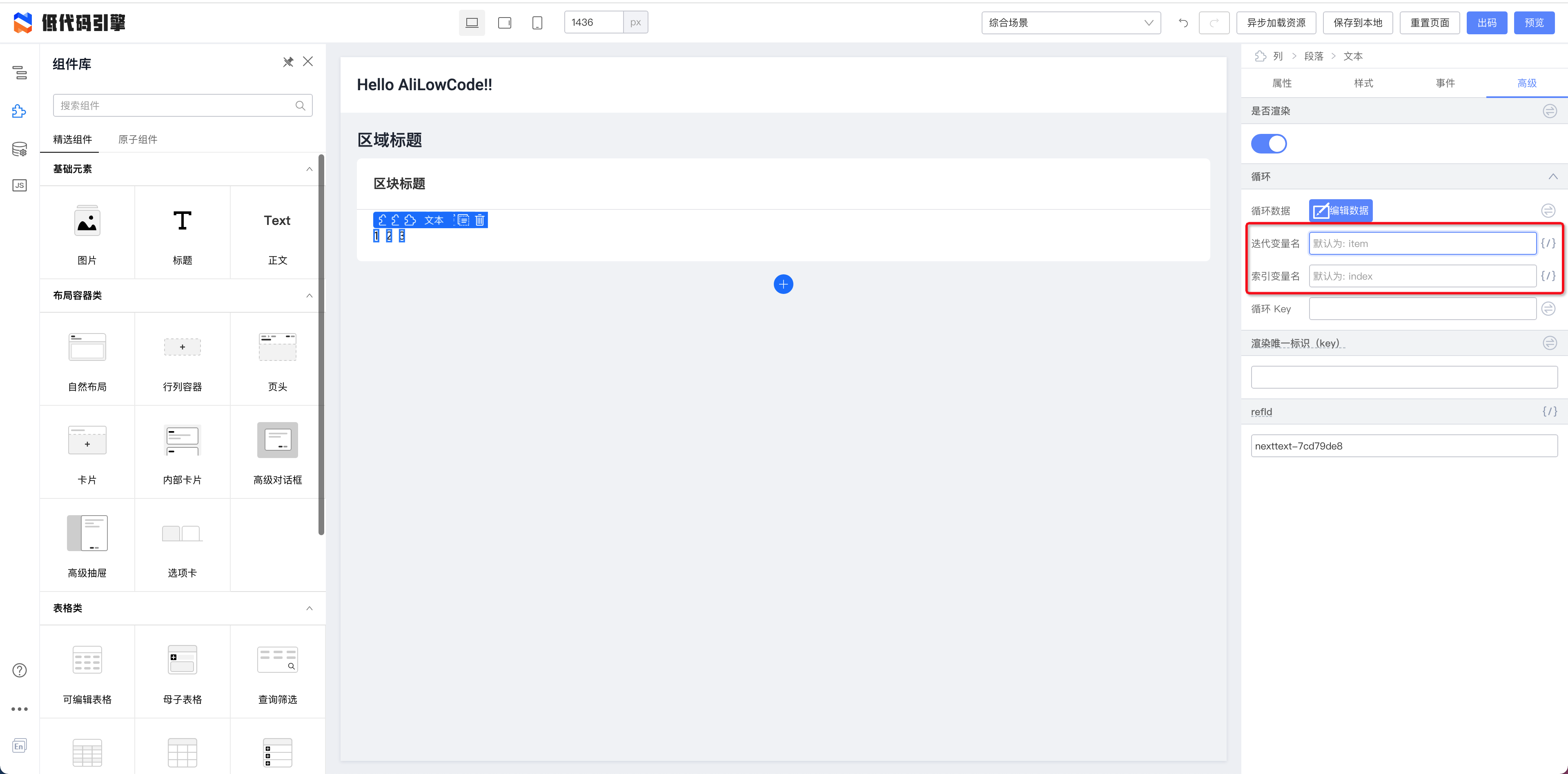
|
||||
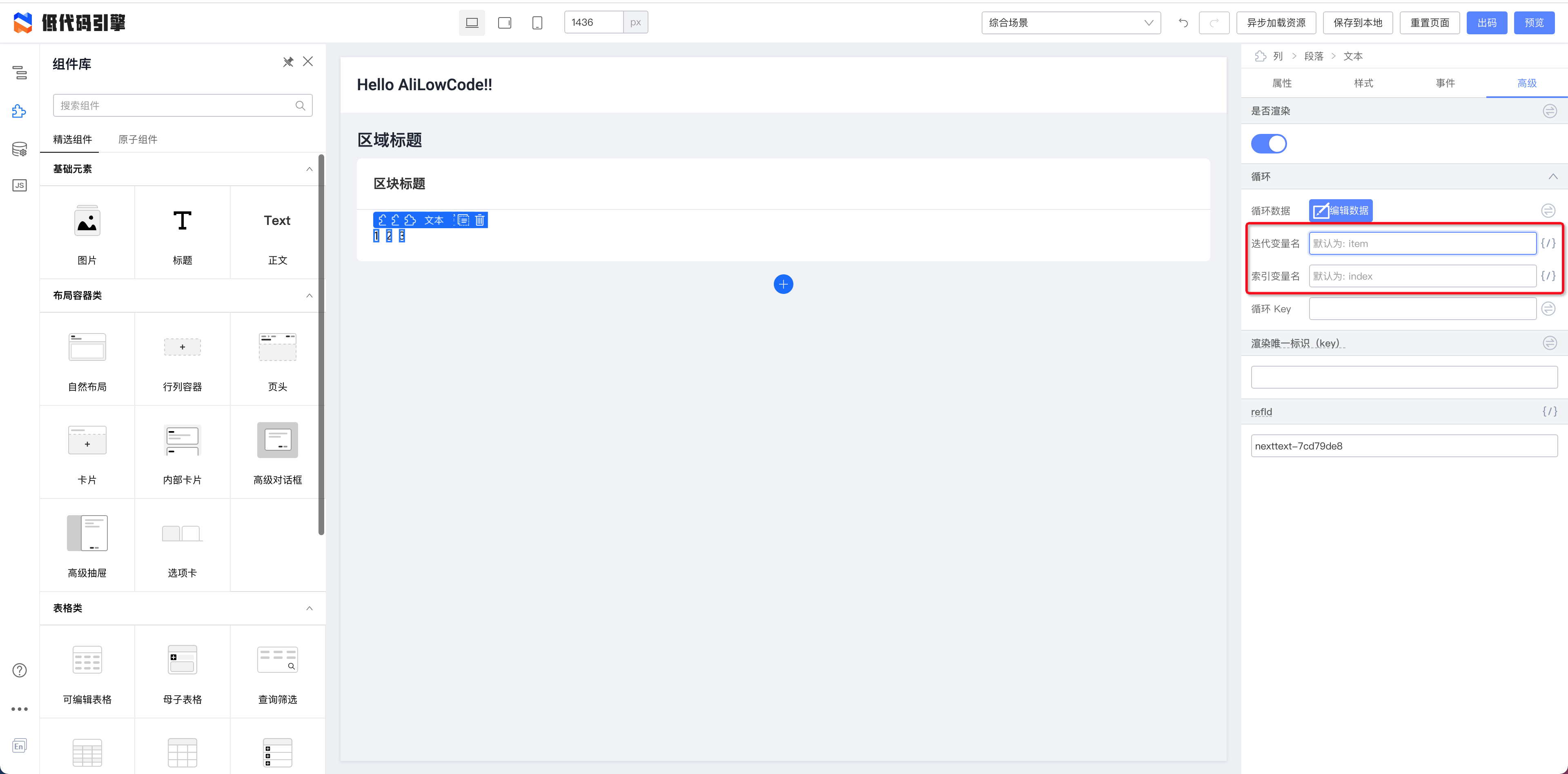
|
||||
|
||||
this.index 是当前循环的索引值。
|
||||
|
||||
3.在事件绑定函数中使用
|
||||
|
||||
在事件绑定函数中使用扩展参数设置
|
||||
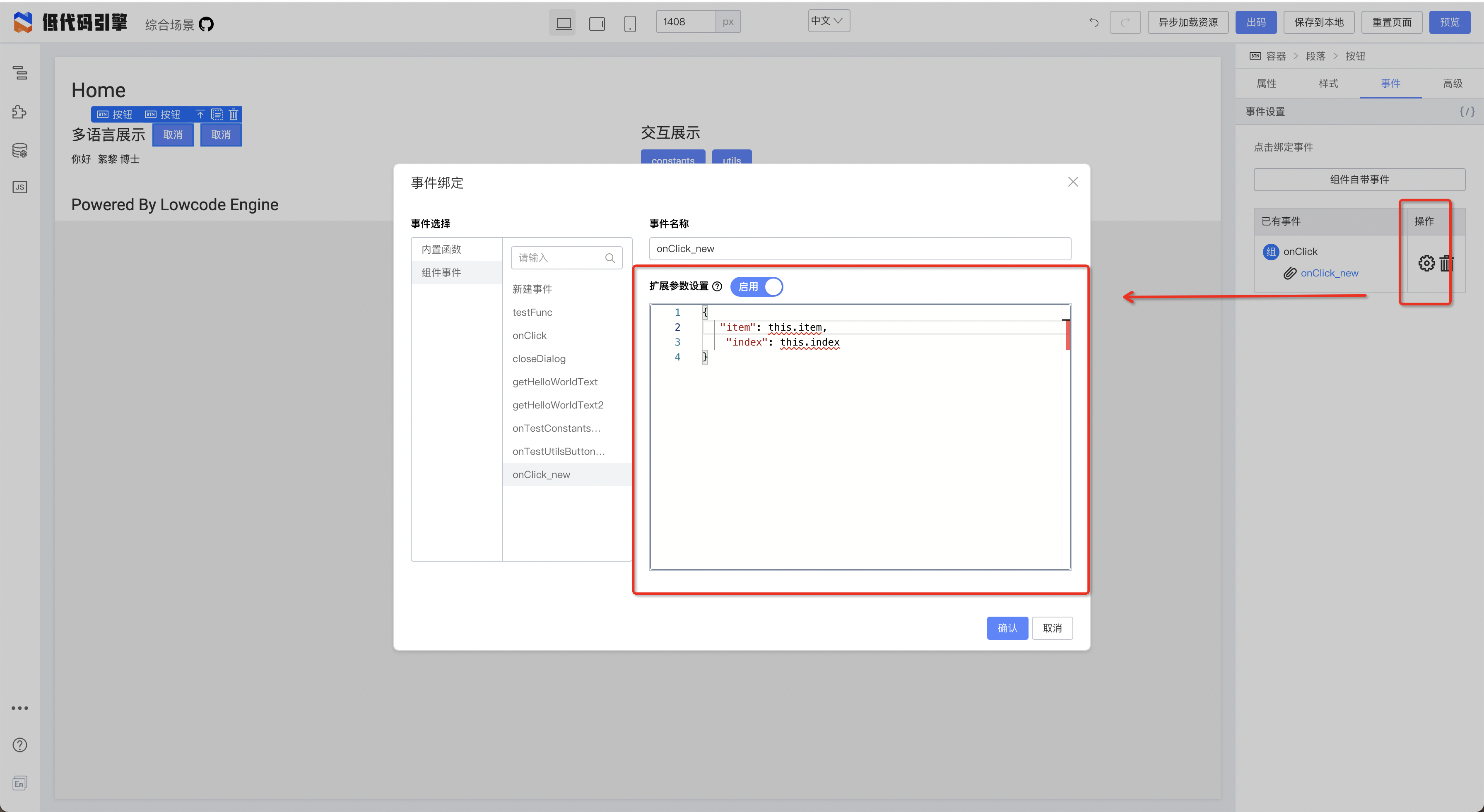
|
||||
|
||||
绑定之后在函数中使用
|
||||
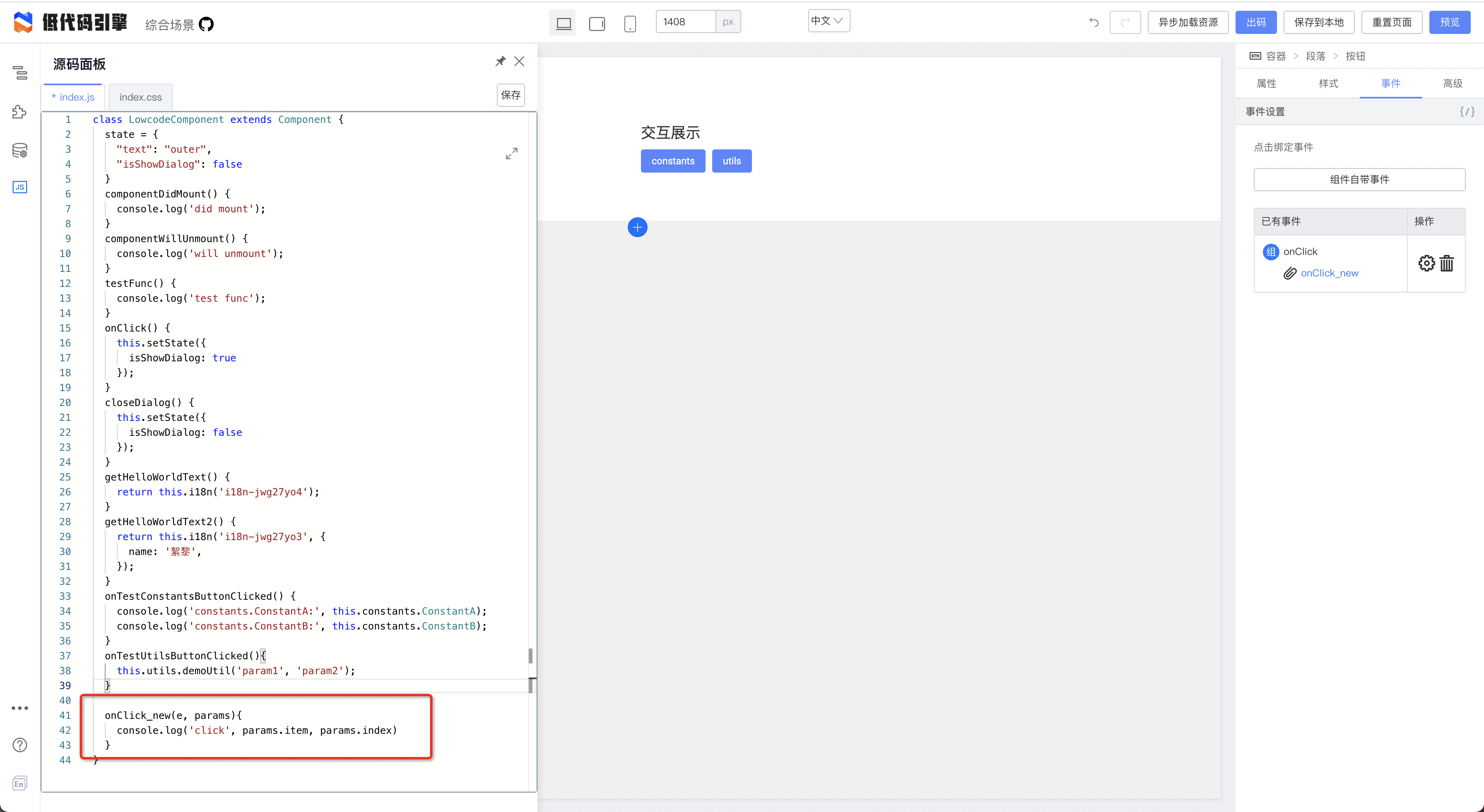
|
||||
|
||||
按钮点击效果
|
||||
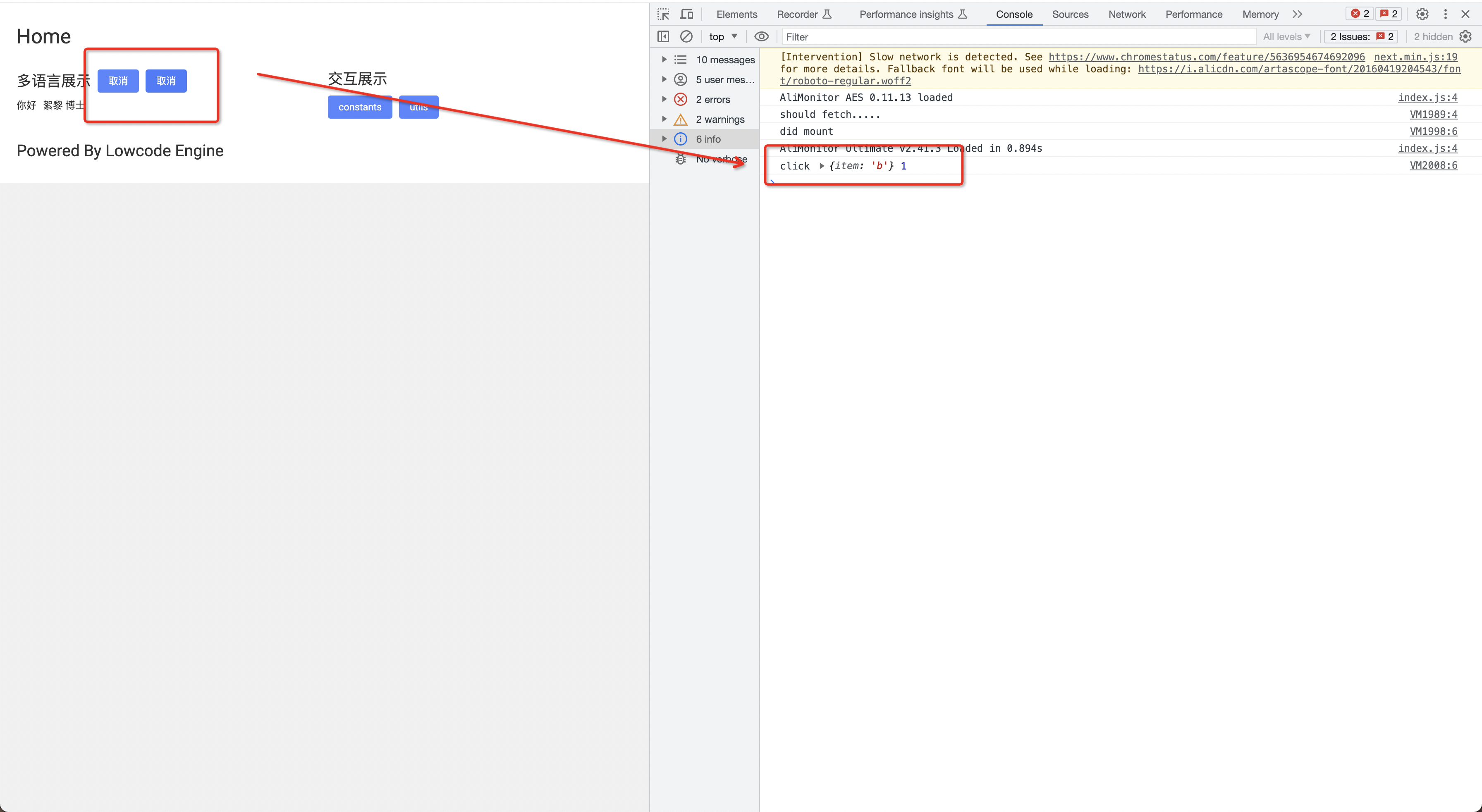
|
||||
|
||||
@ -3,78 +3,78 @@ title: 1. 试用低代码引擎 Demo
|
||||
sidebar_position: 0
|
||||
---
|
||||
低代码编辑器中的区块主要包含这些功能点:
|
||||
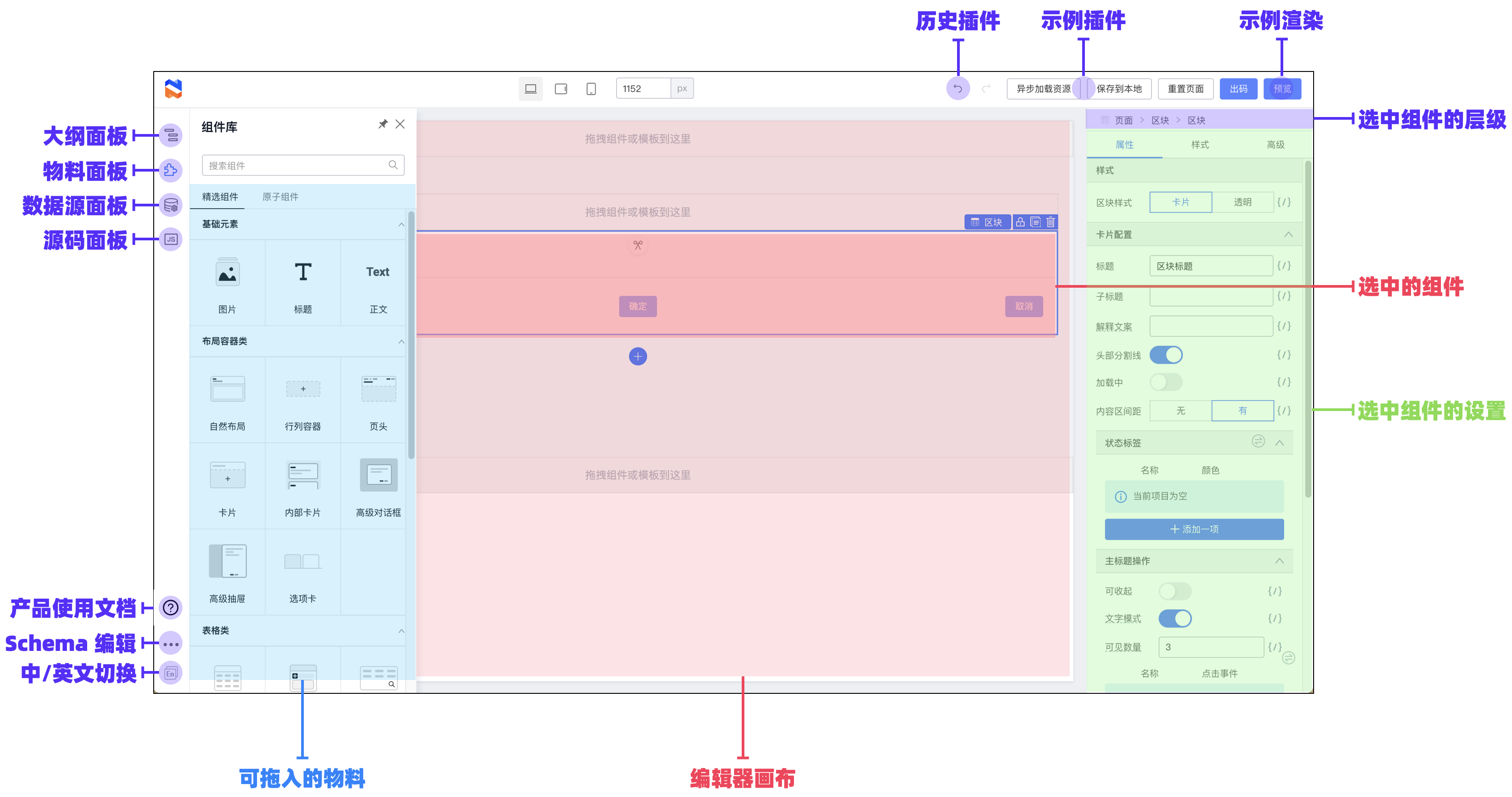
|
||||
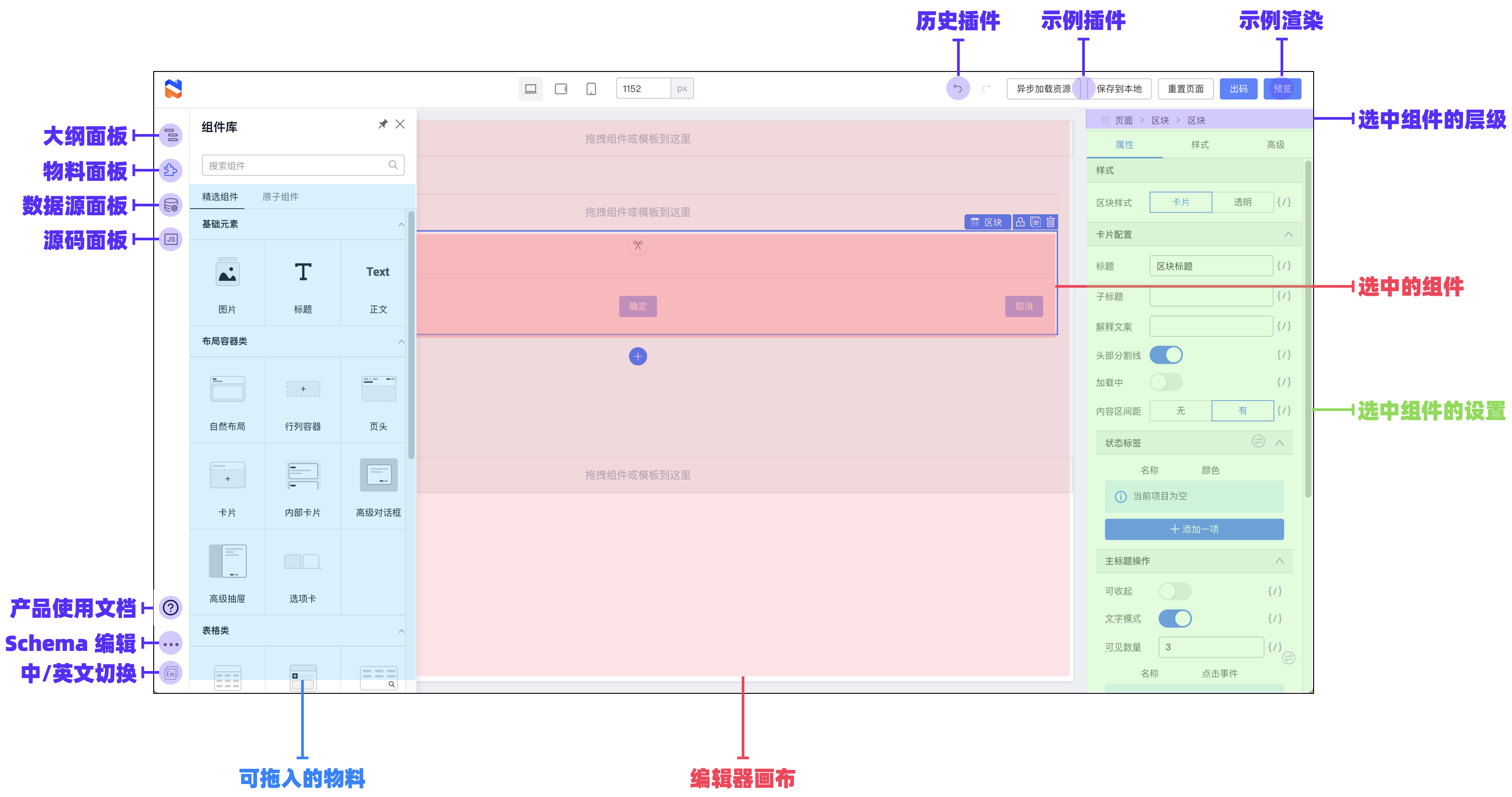
|
||||
|
||||
## 分区块功能介绍
|
||||
### 左侧:面板与操作区
|
||||
#### 物料面板
|
||||
可以查找组件,并在此拖动组件到编辑器画布中
|
||||

|
||||
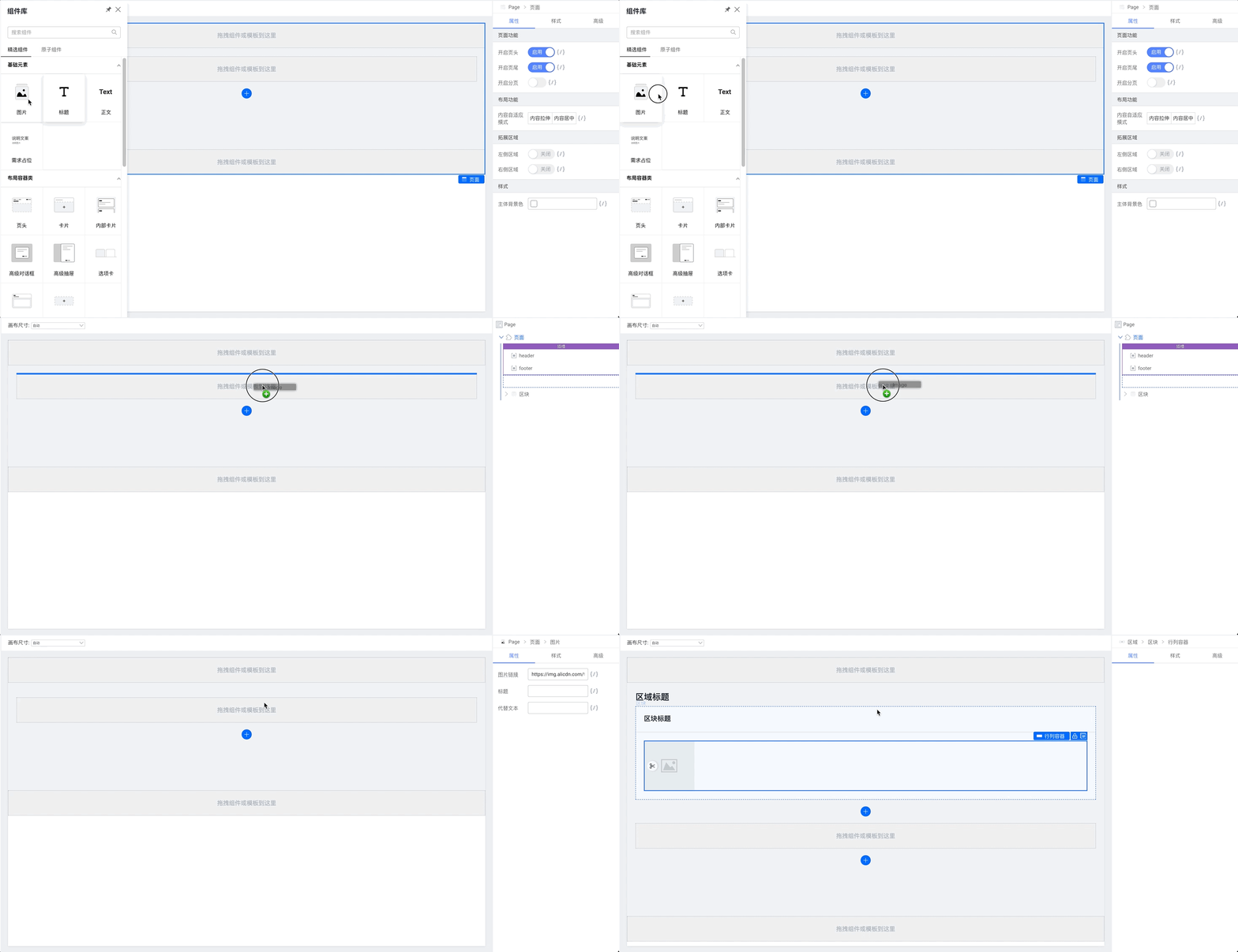
|
||||
|
||||
#### 大纲面板
|
||||
可以调整页面内的组件树结构:
|
||||
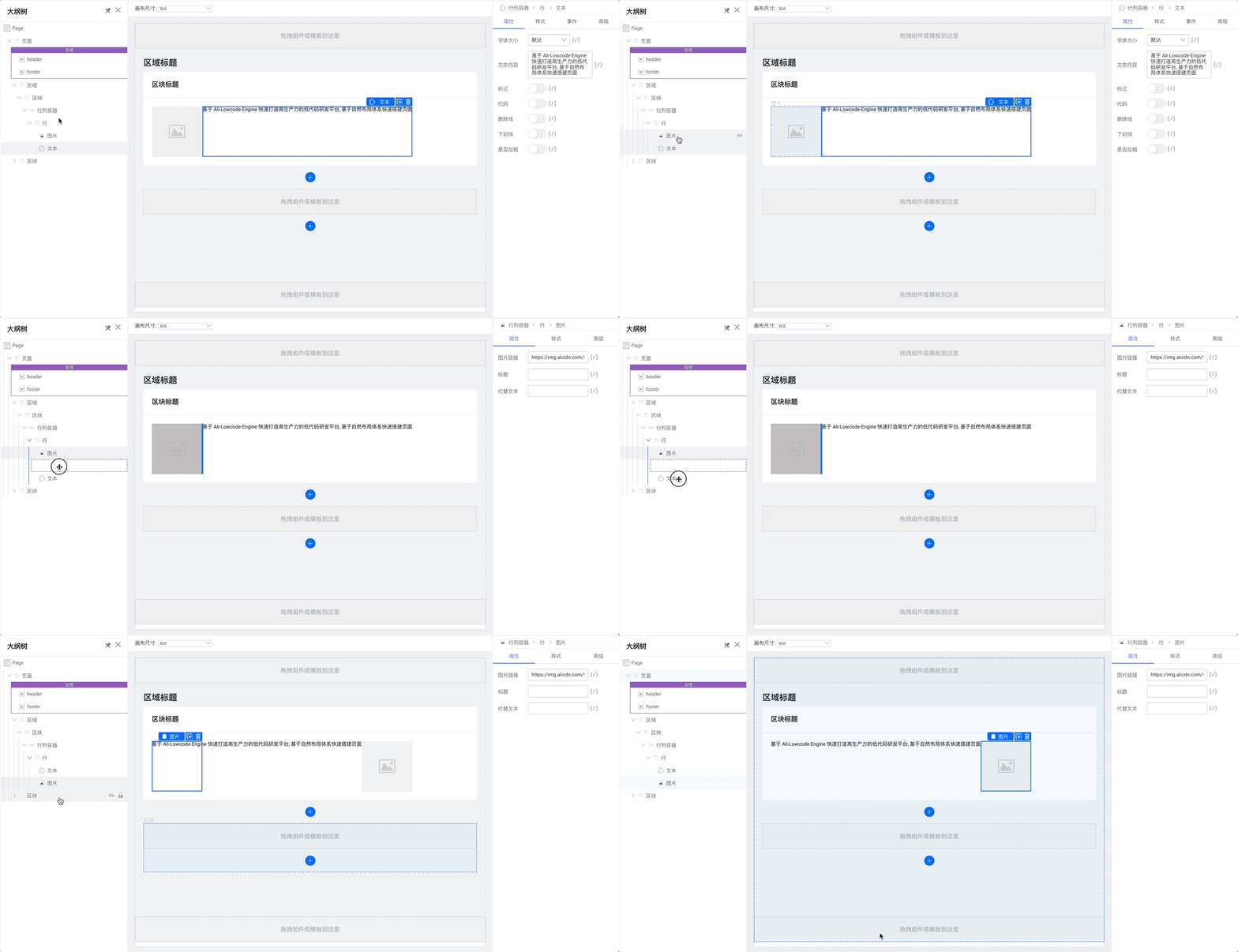
|
||||
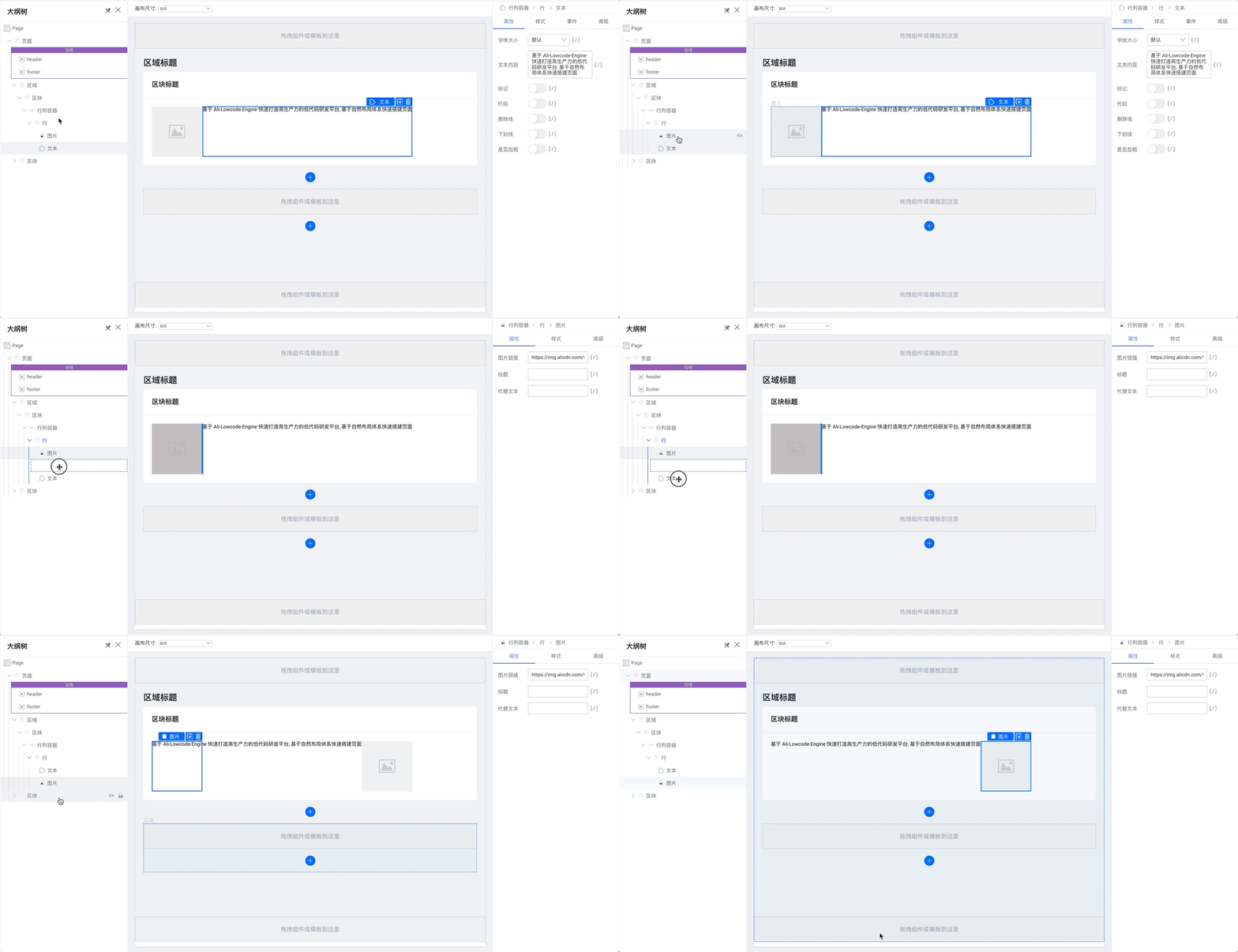
|
||||
可以在这里打开或者关闭模态浮层的展现:
|
||||
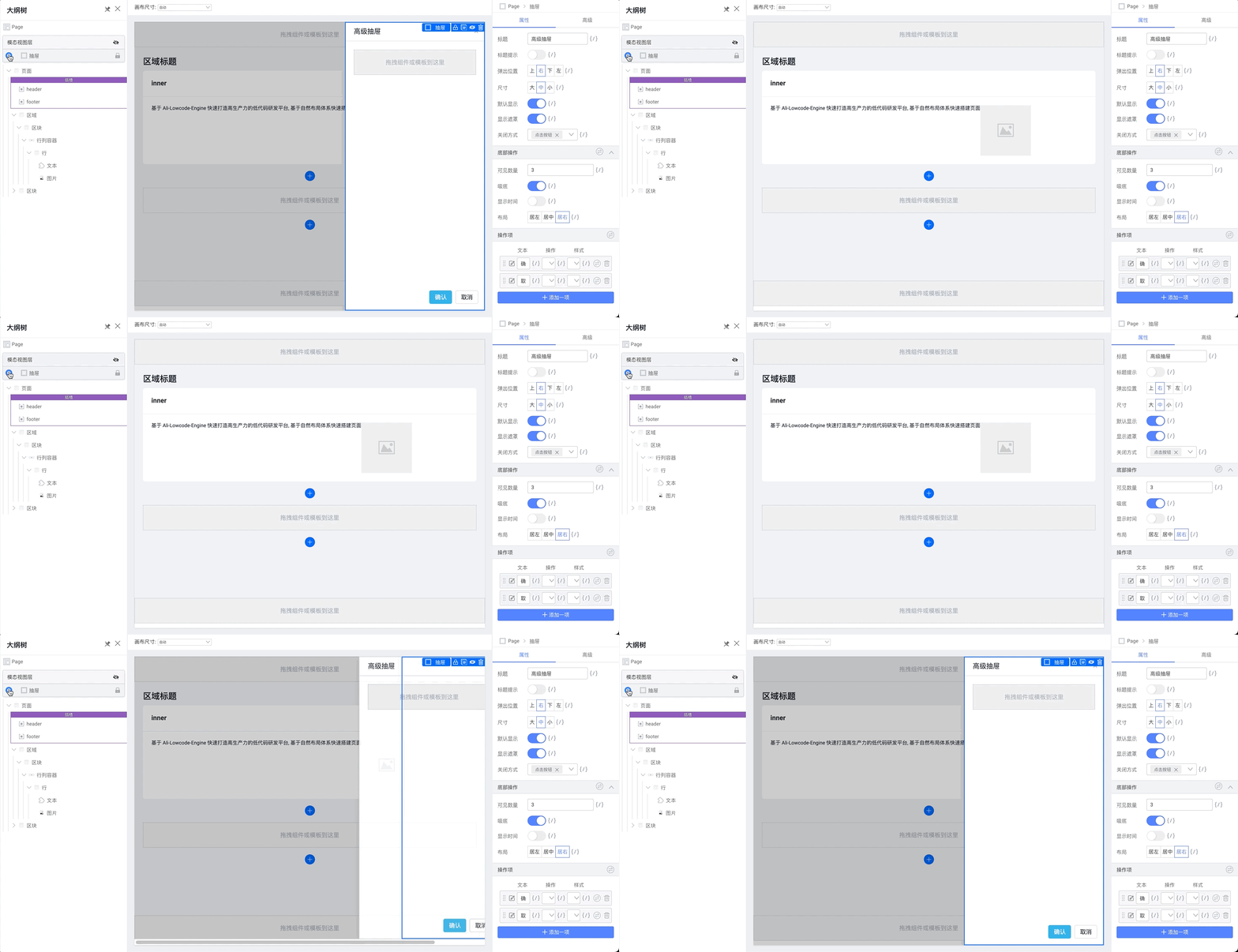
|
||||
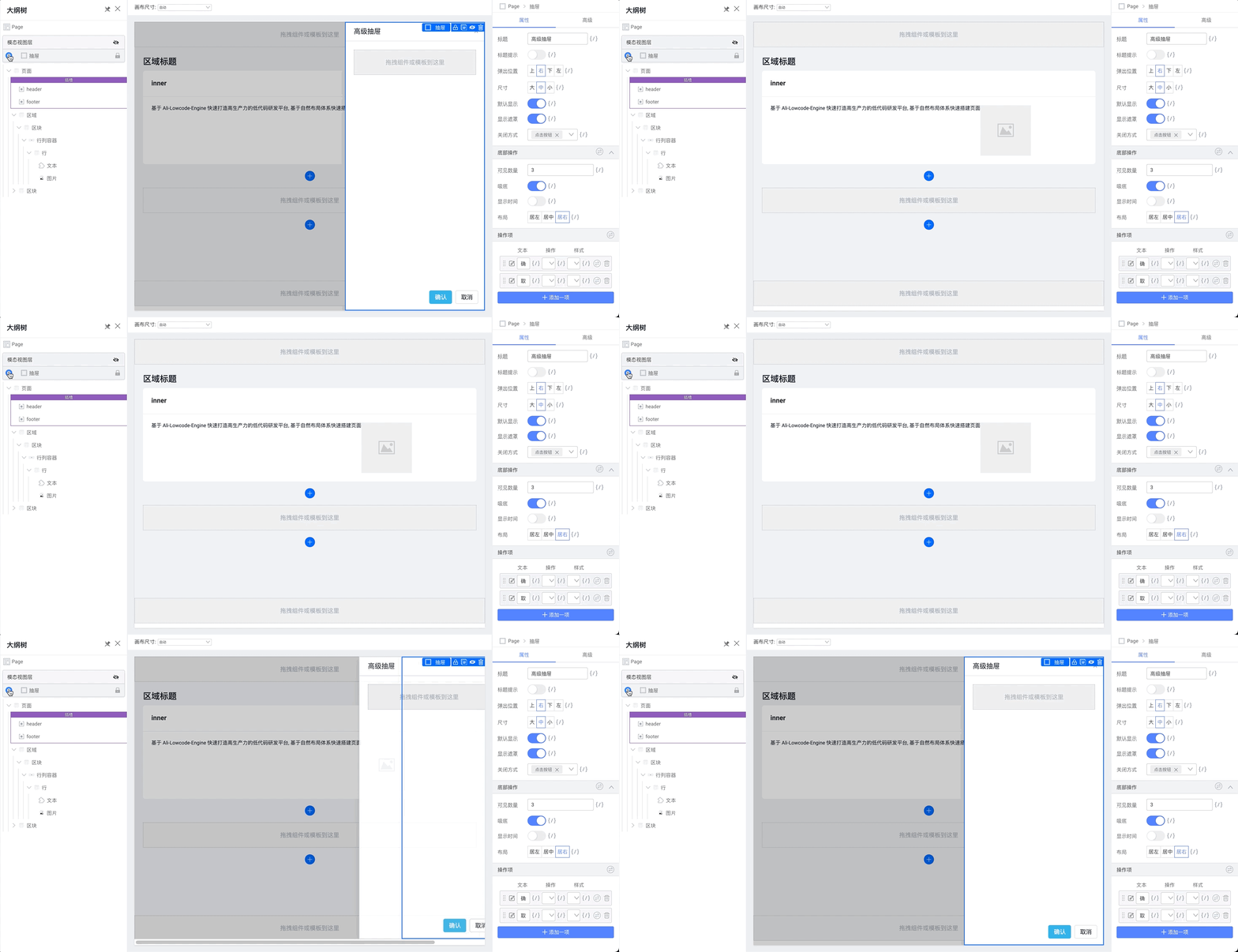
|
||||
|
||||
|
||||
#### 源码面板
|
||||
可以编辑页面级别的 JavaScript 代码和 CSS 配置
|
||||
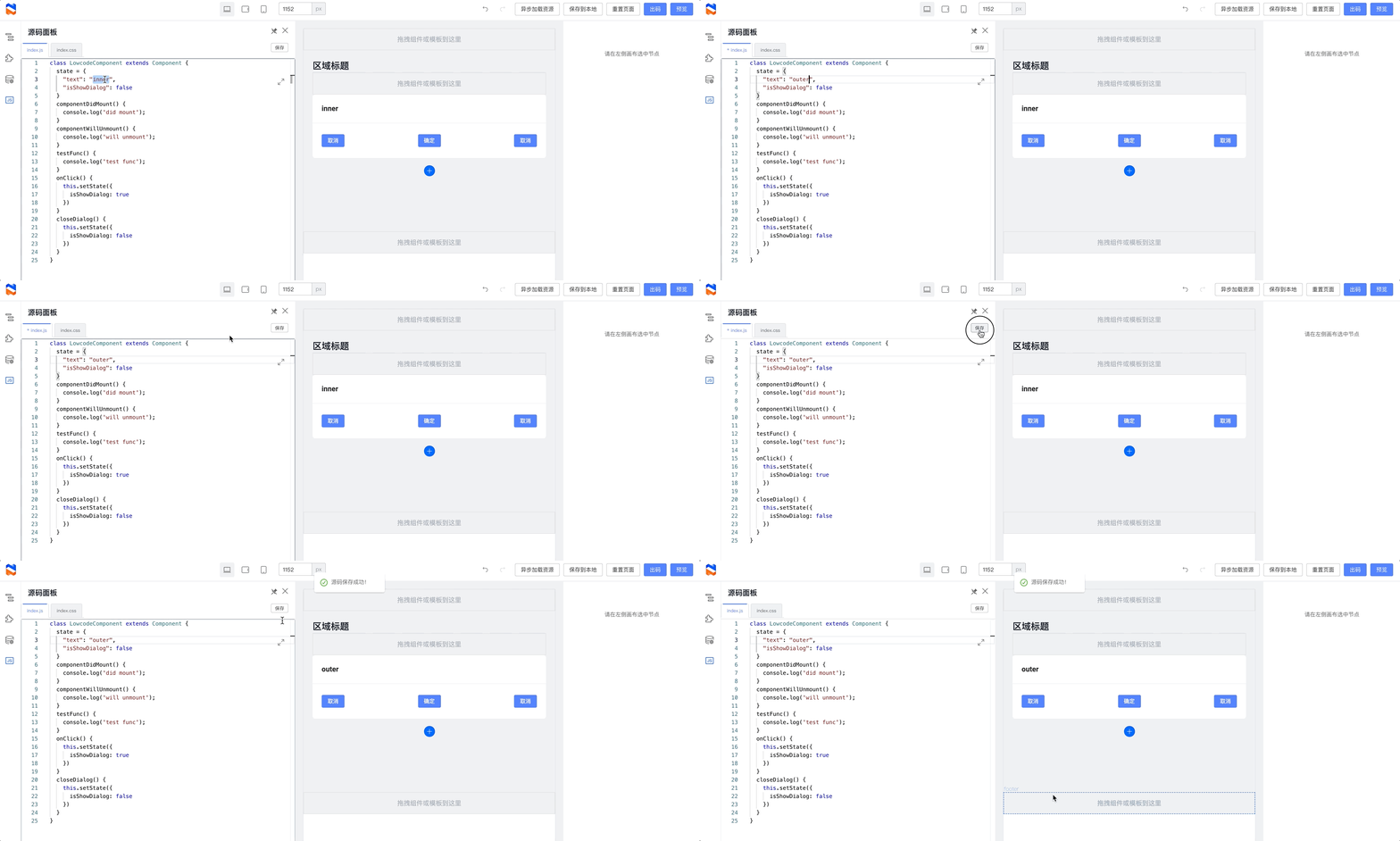
|
||||
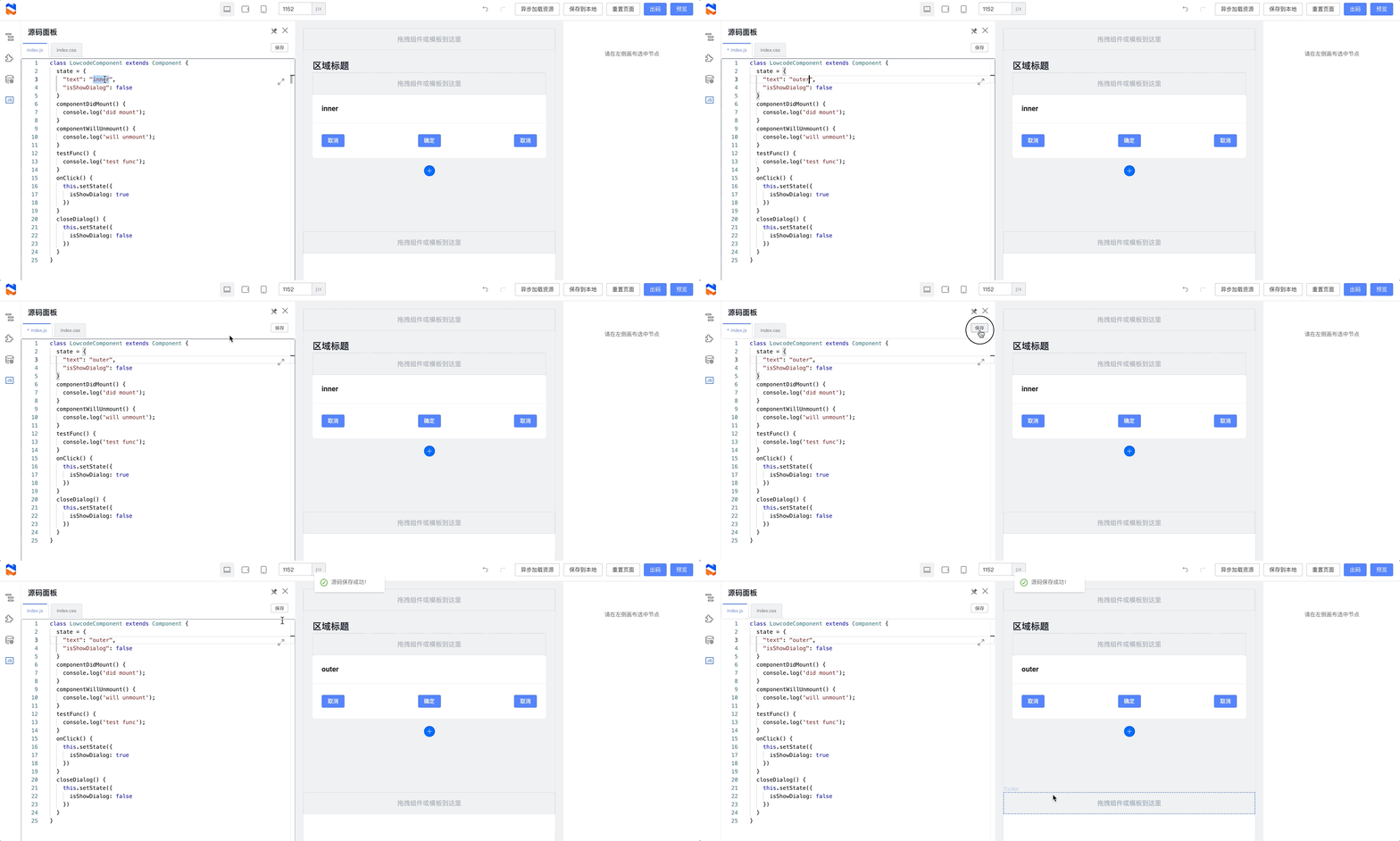
|
||||
|
||||
#### Schema 编辑
|
||||
【开发者专属】可以编辑页面的底层 Schema 数据。
|
||||
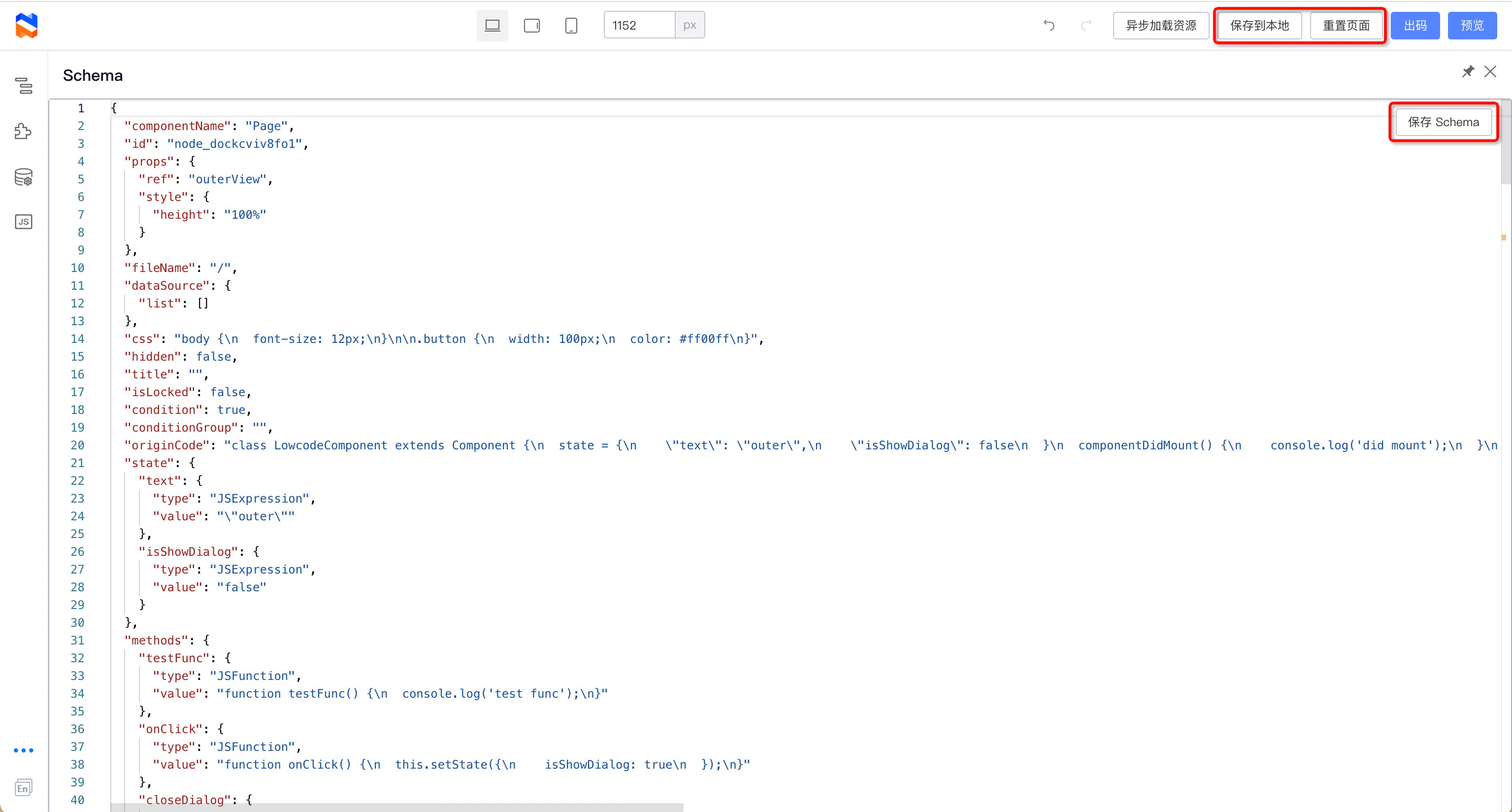
|
||||
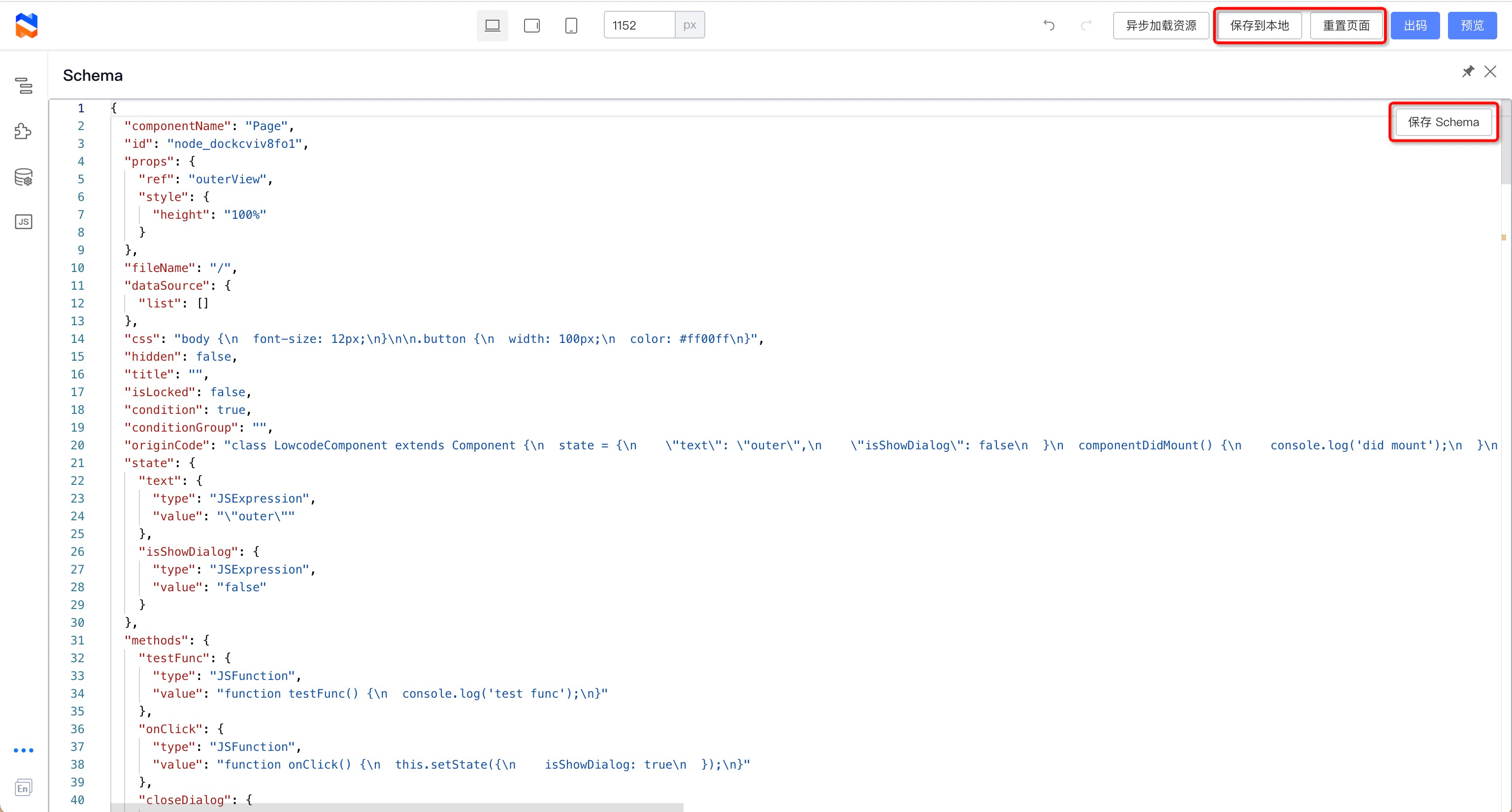
|
||||
搭配顶部操作区的“保存到本地”和“重置页面”功能,可以实验各种 schema 对低代码页面的改变。
|
||||
|
||||
它们操作的数据关系是:
|
||||
|
||||
- 页面中的 Schema 数据:保存在低代码引擎中的 Schema,点击 Schema 面板中的“保存 Schema”时将修改引擎中的值,此外低代码引擎中的所有操作都可能修改到 Schema
|
||||
- 页面中的 Schema 数据:保存在低代码引擎中的 Schema,点击 Schema 面板中的“保存 Schema” 时将修改引擎中的值,此外低代码引擎中的所有操作都可能修改到 Schema
|
||||
- localStorage 数据:由“保存到本地”保存到 localStorage 中,页面初始化时将读取,预览页面时也会读取
|
||||
- 默认 Schema:保存在 Demo 项目中的默认 Schema(`public/schema.json`),初始化页面时如果不存在 localStorage 数据即会读取,点击“重置页面”时,也会读取
|
||||
|
||||
#### 中英文切换
|
||||
可以切换编辑器的语言;注:需要组件配置配合。
|
||||
|
||||
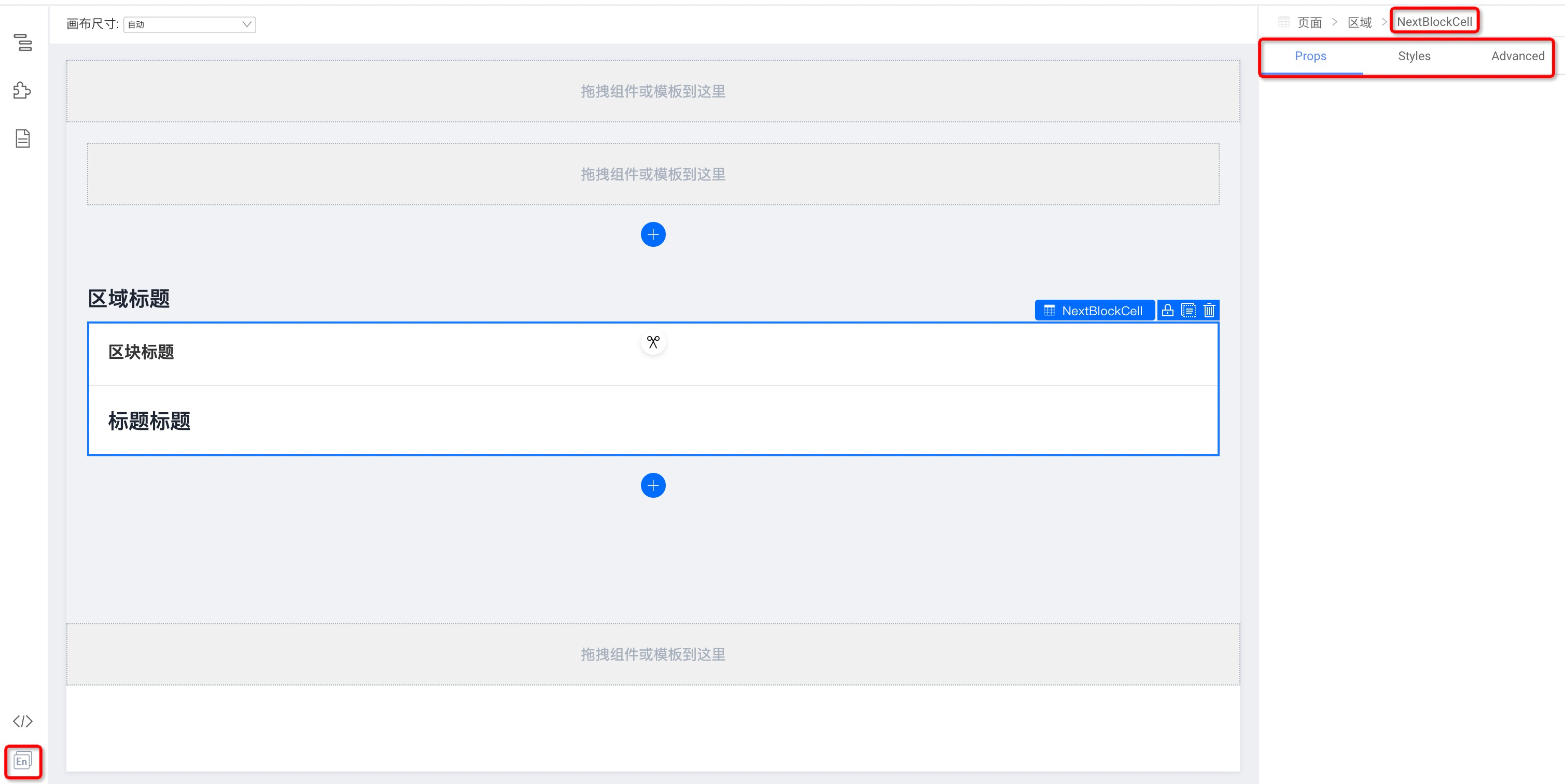
|
||||
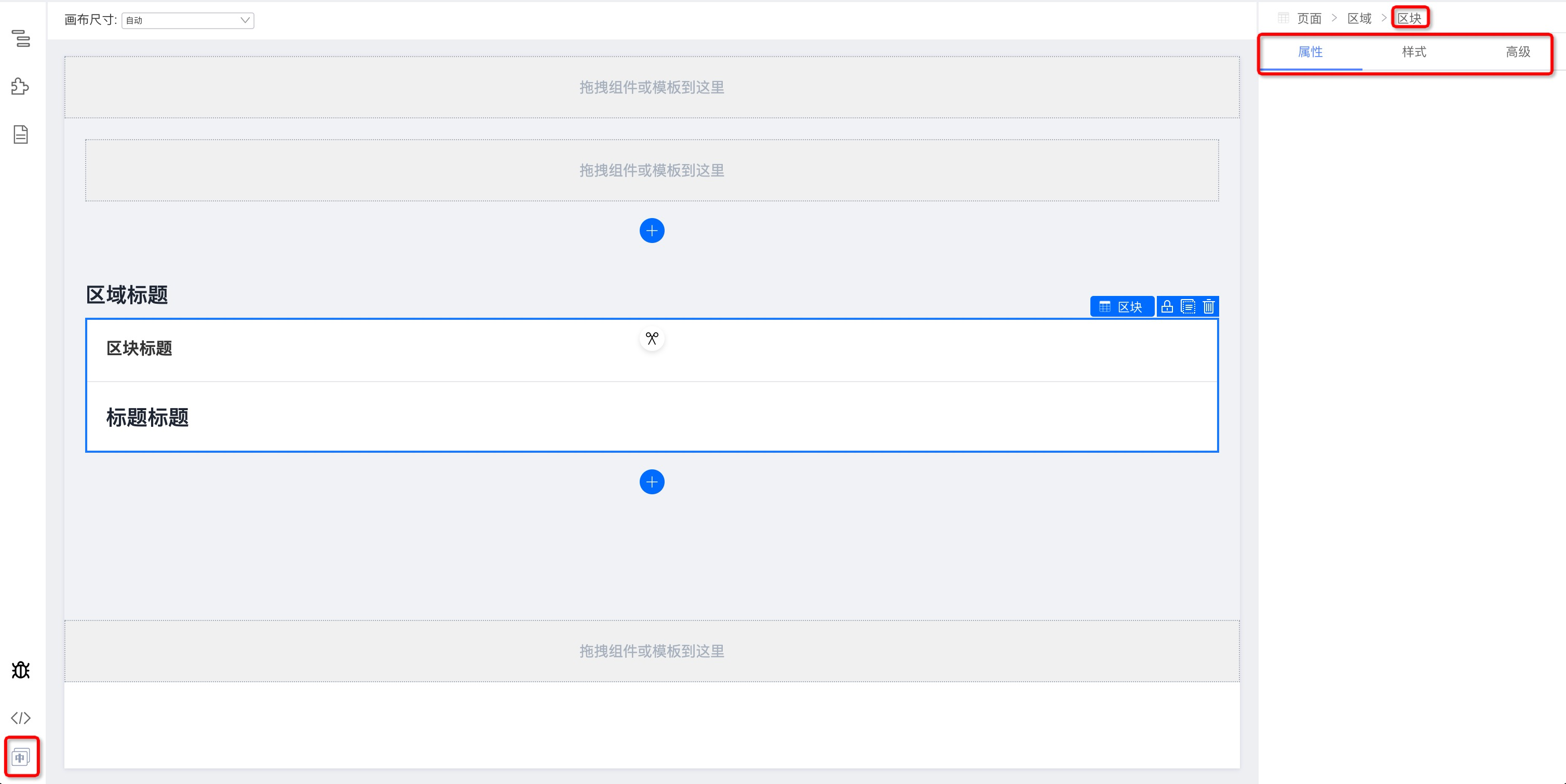
|
||||
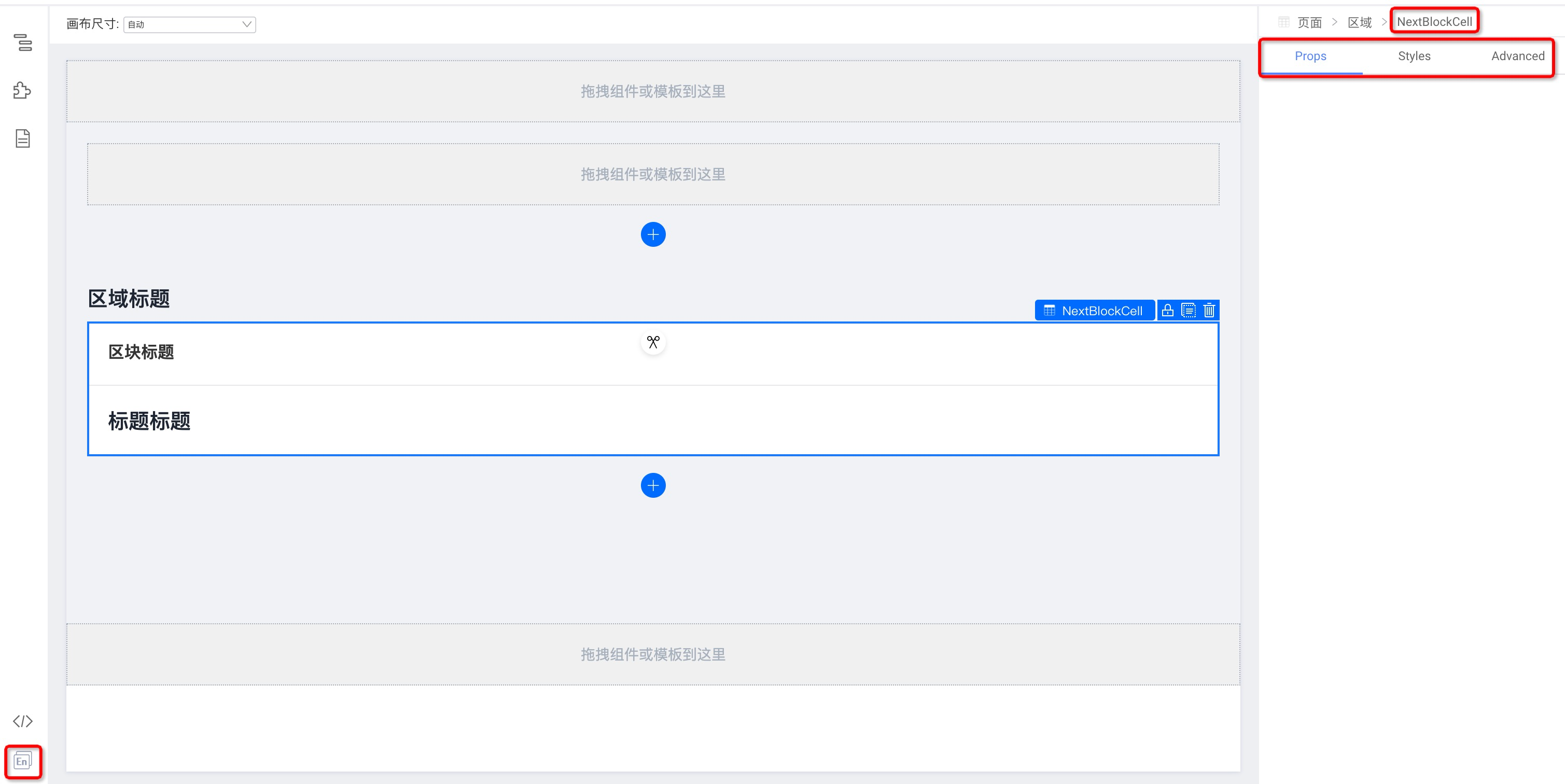
|
||||
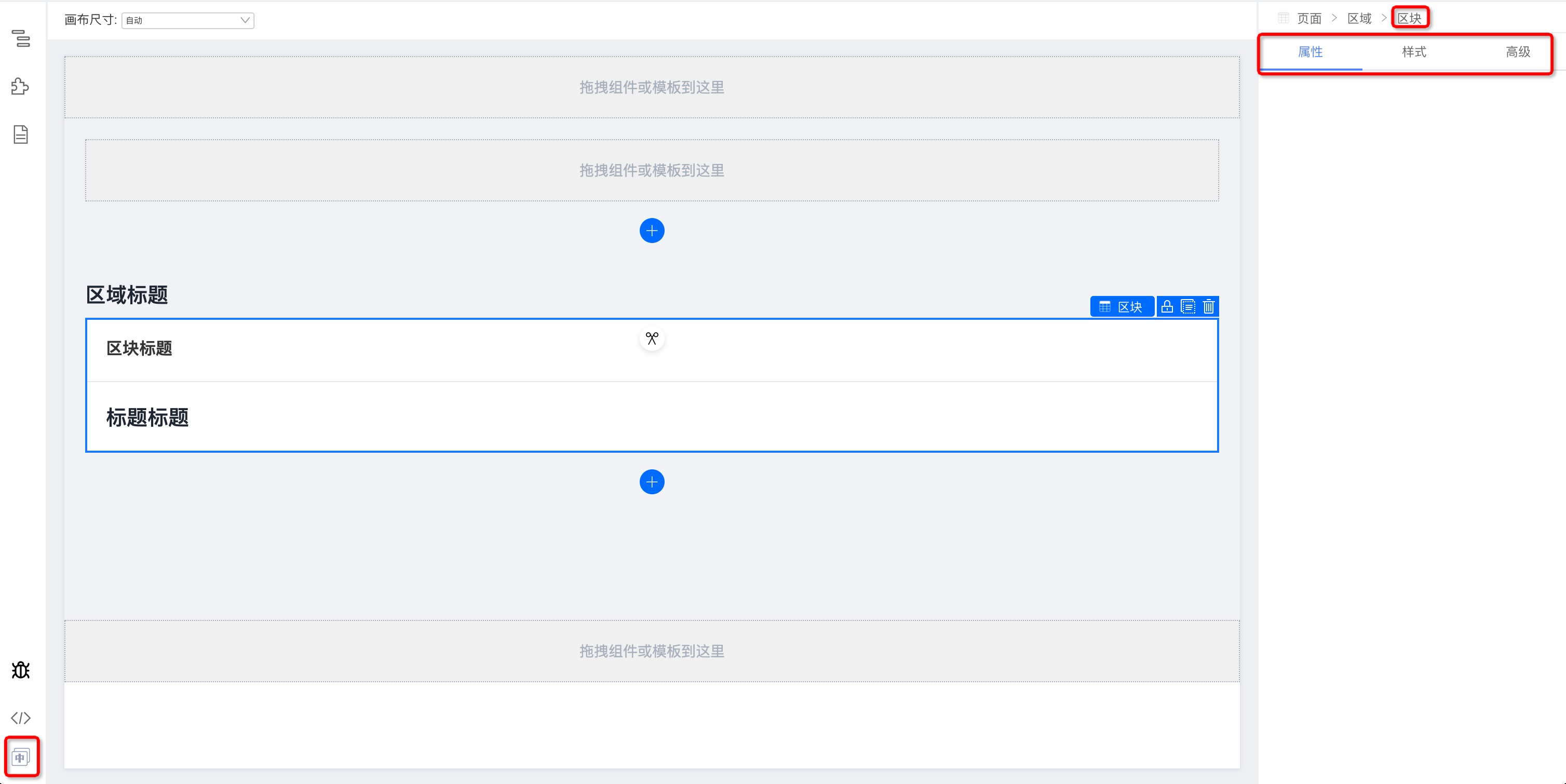
|
||||
## 中部:可视化页面编辑画布区域
|
||||
|
||||
点击组件在右侧面板中能够显示出对应组件的属性配置选项
|
||||
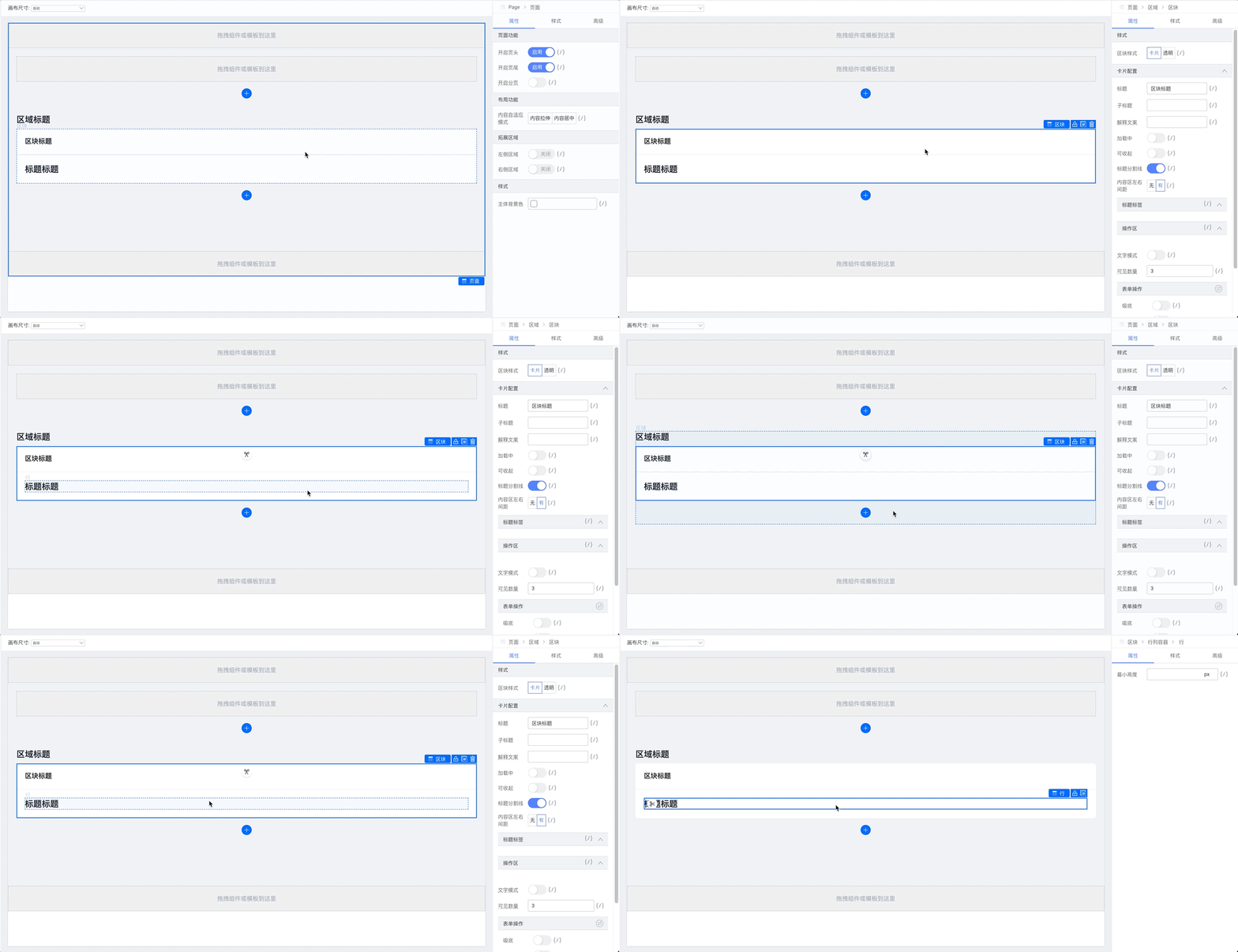
|
||||
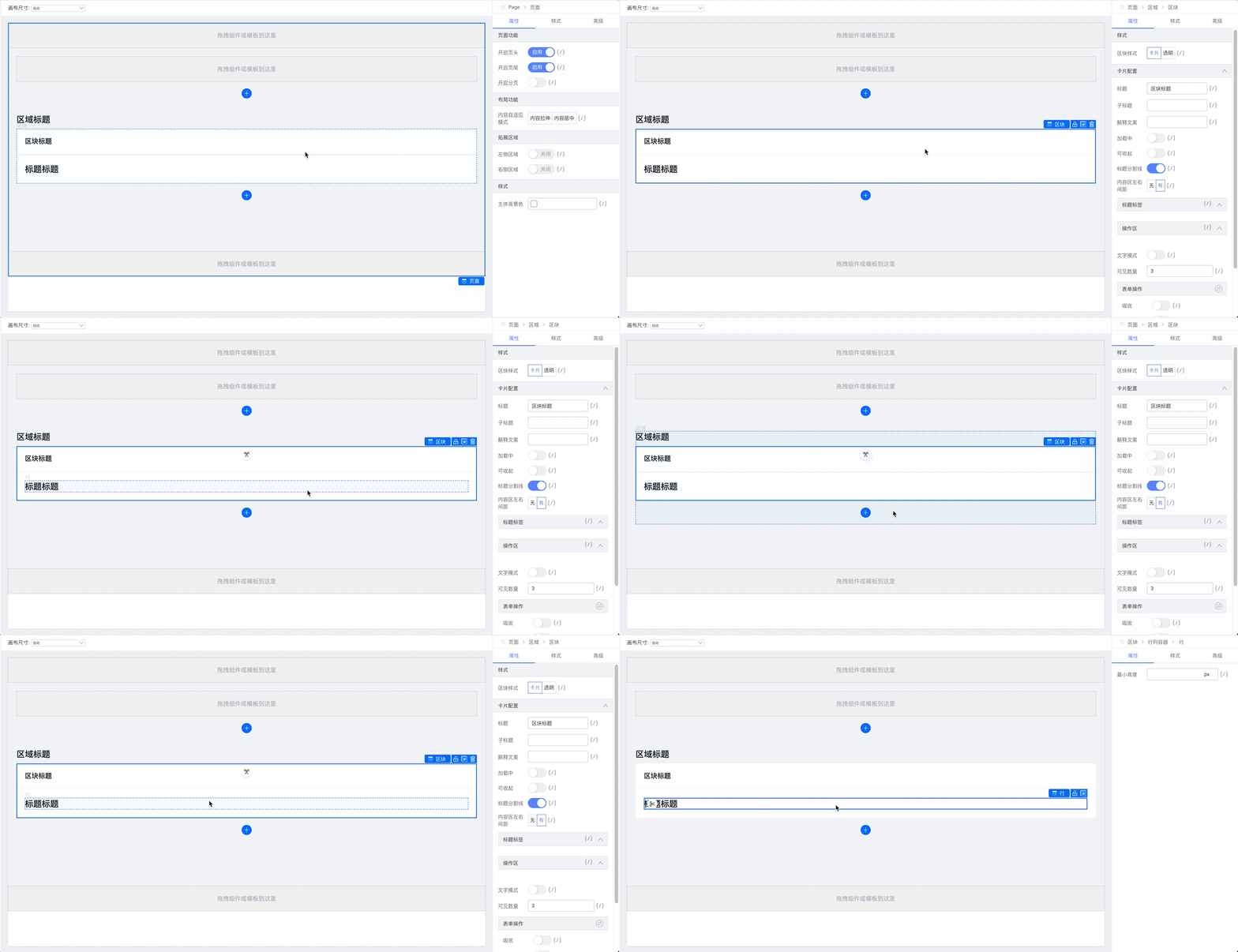
|
||||
|
||||
拖拽修改组件的排列顺序
|
||||
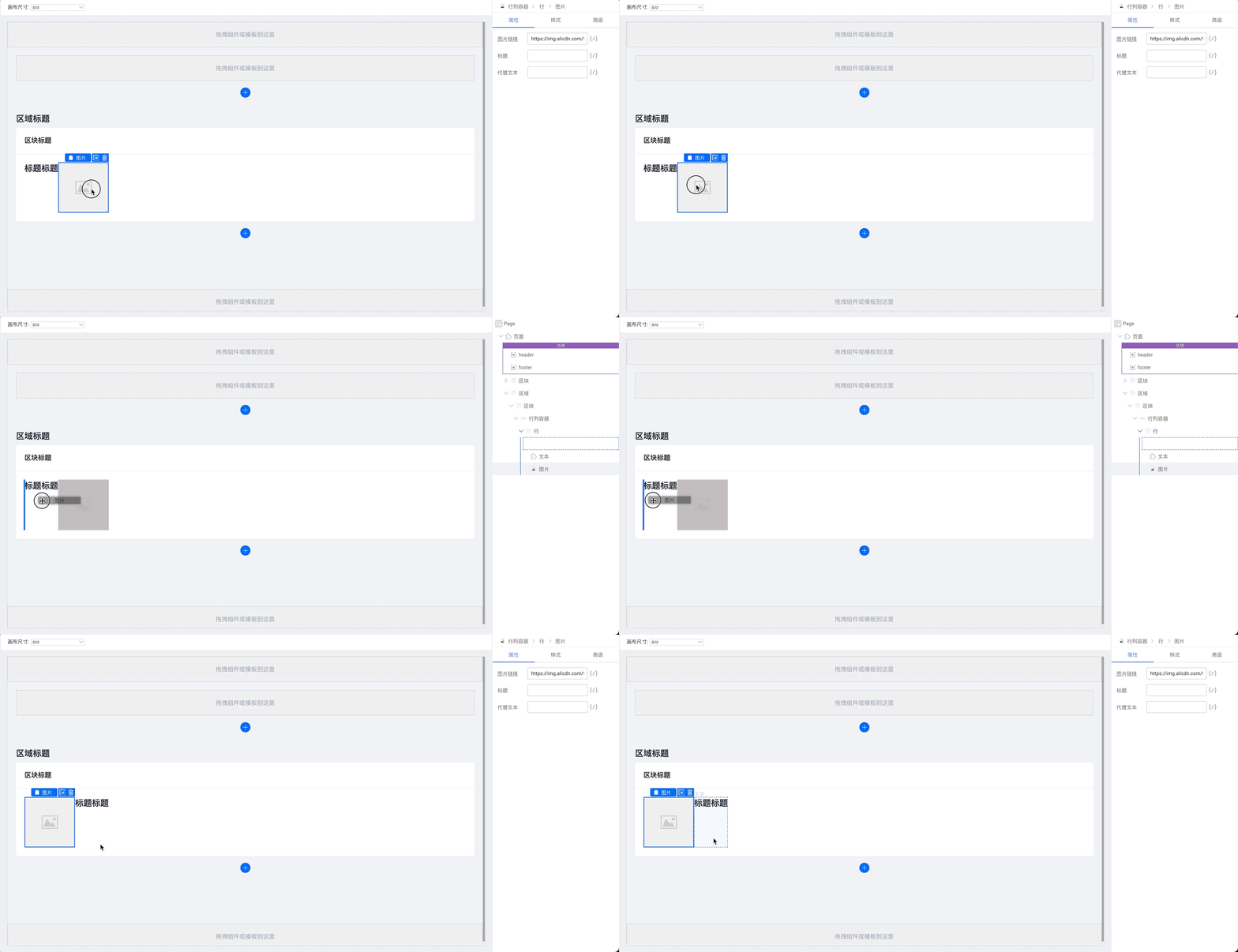
|
||||
|
||||
|
||||
将组件拖拽到容器类型的组件中,注意拖拽时会在右侧提示当前的组件树。
|
||||
|
||||
|
||||
|
||||
## 右侧:组件级别配置
|
||||
|
||||
### 选中的组件
|
||||
从页面开始一直到当前选中的组件位置,点击对应的名称可以切换到对应的组件上。
|
||||
|
||||
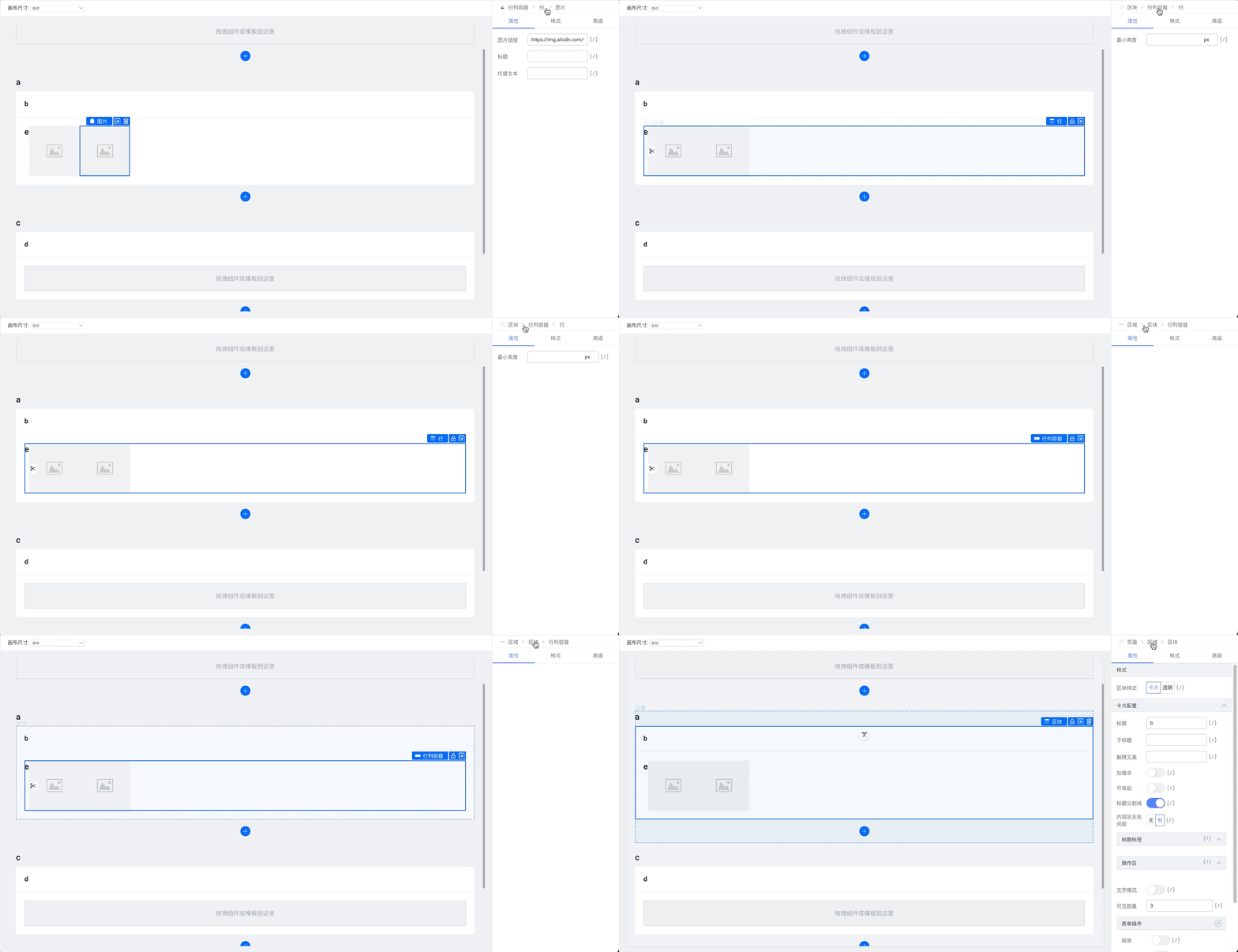
|
||||
|
||||
### 选中组件的配置
|
||||
当前组件的大类目选项,根据组件类型不同,包含如下子类目:
|
||||
|
||||
#### 属性
|
||||
组件的基础属性值设置
|
||||

|
||||
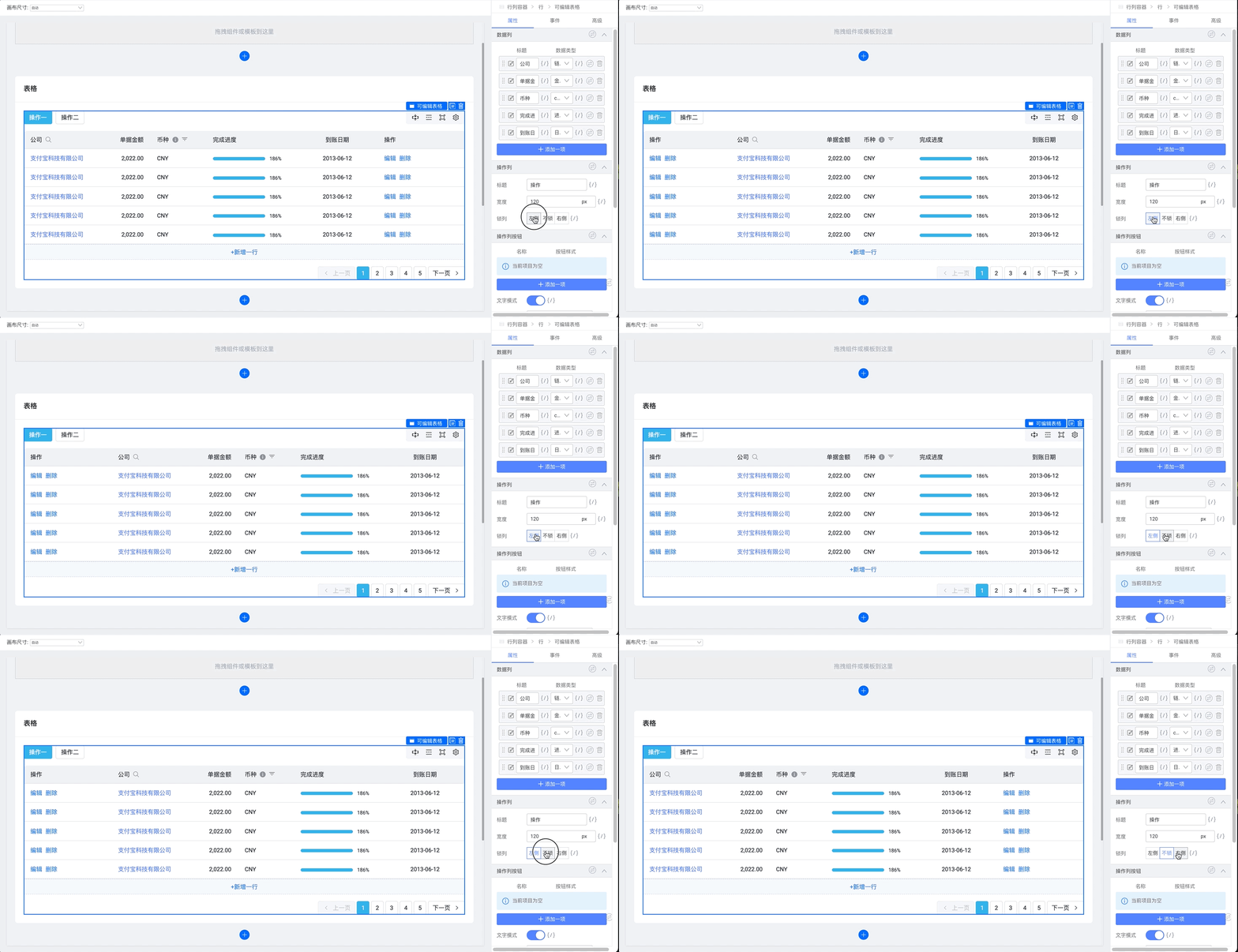
|
||||
|
||||
#### 样式
|
||||
组件的样式配置,如文字:
|
||||

|
||||
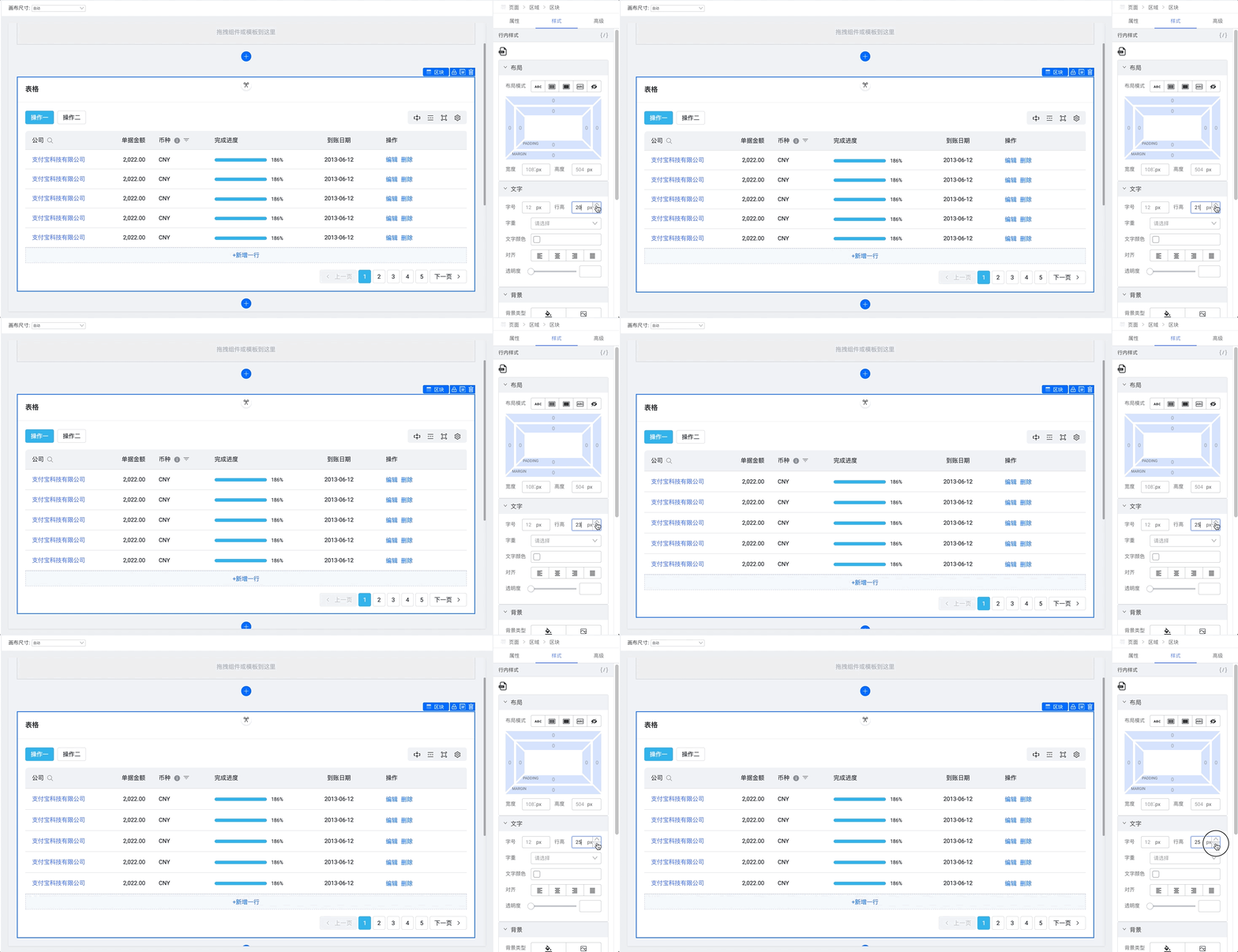
|
||||
|
||||
#### 事件
|
||||
绑定组件对外暴露的事件。
|
||||

|
||||
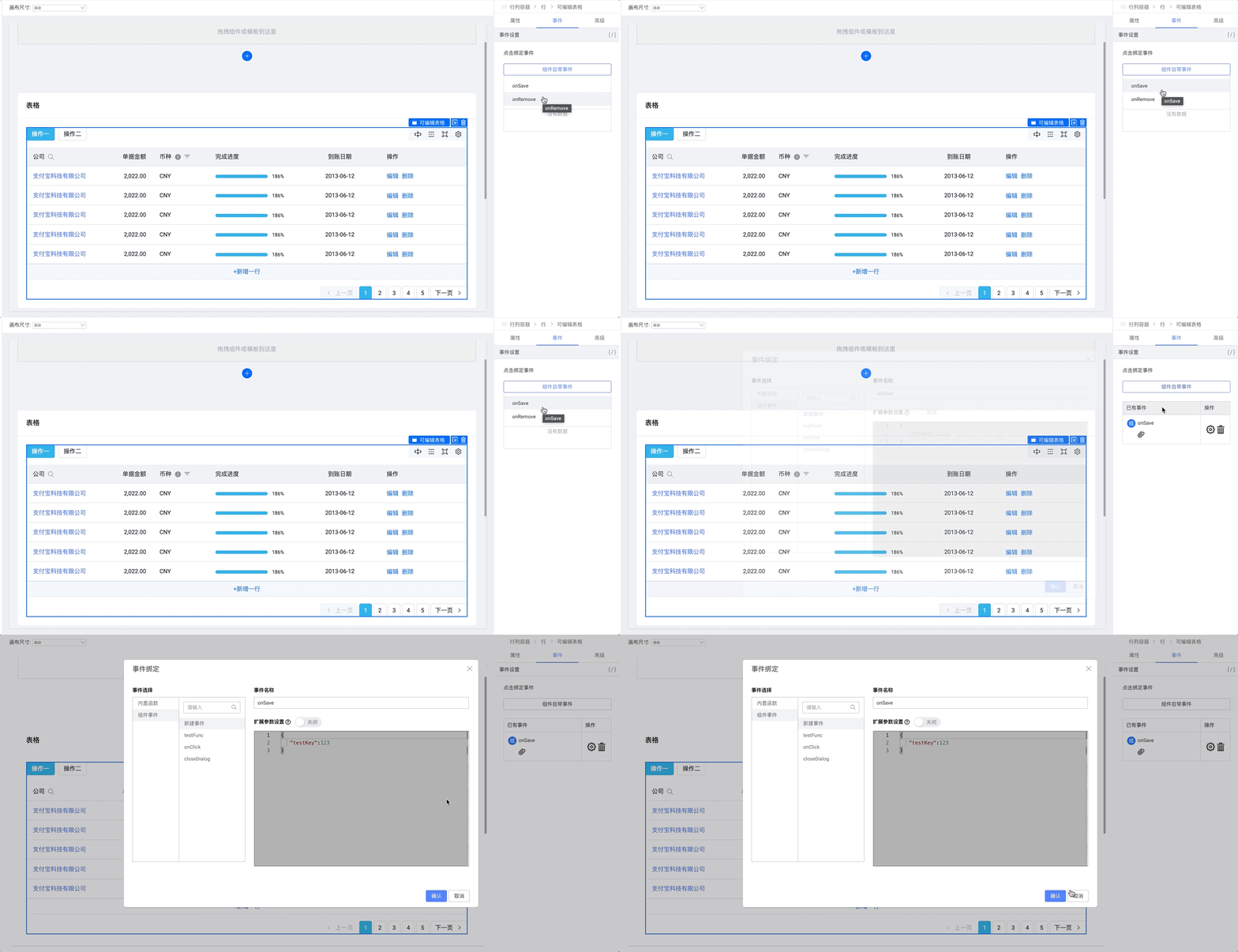
|
||||
|
||||
#### 高级
|
||||
循环、条件渲染与 key 设置。
|
||||
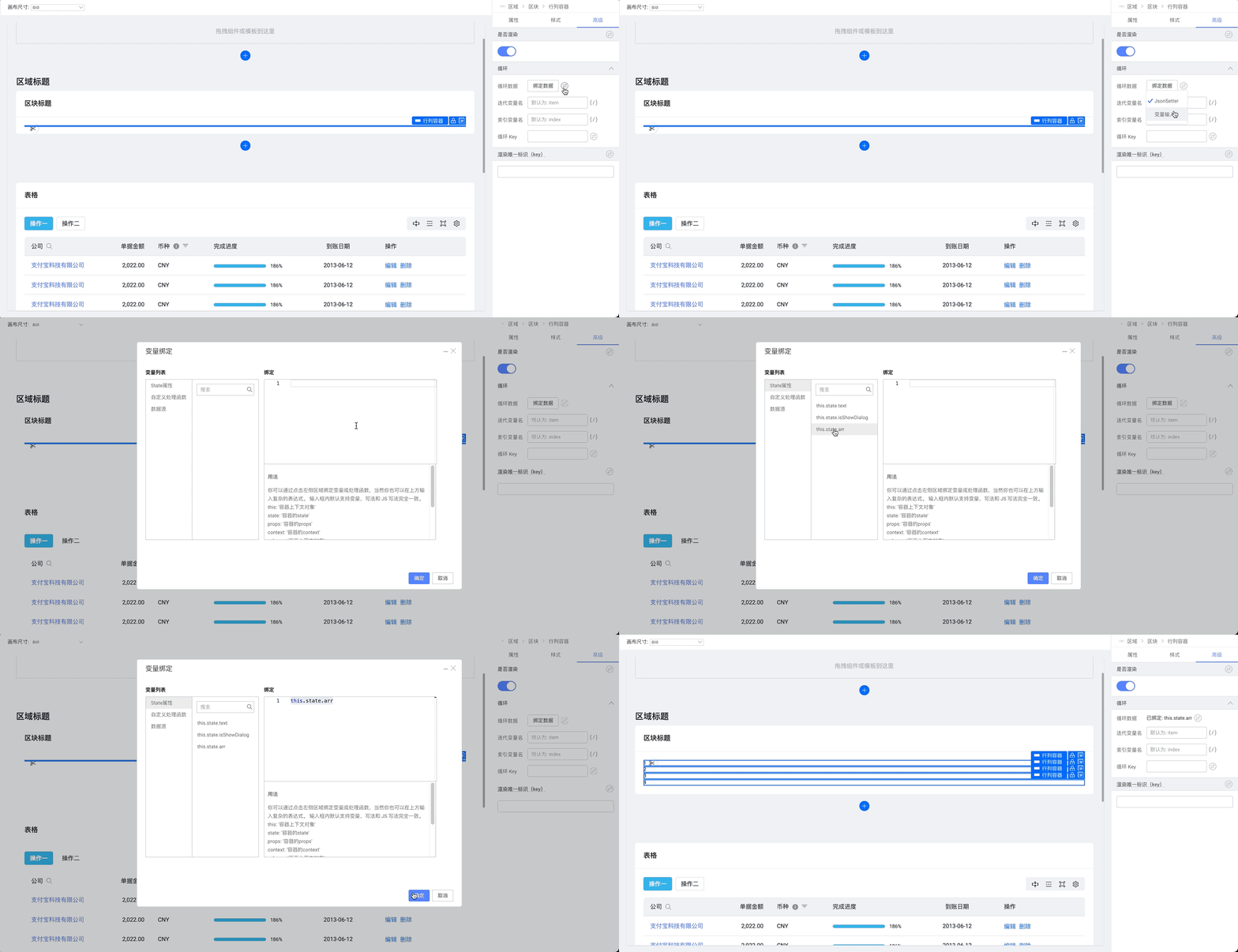
|
||||
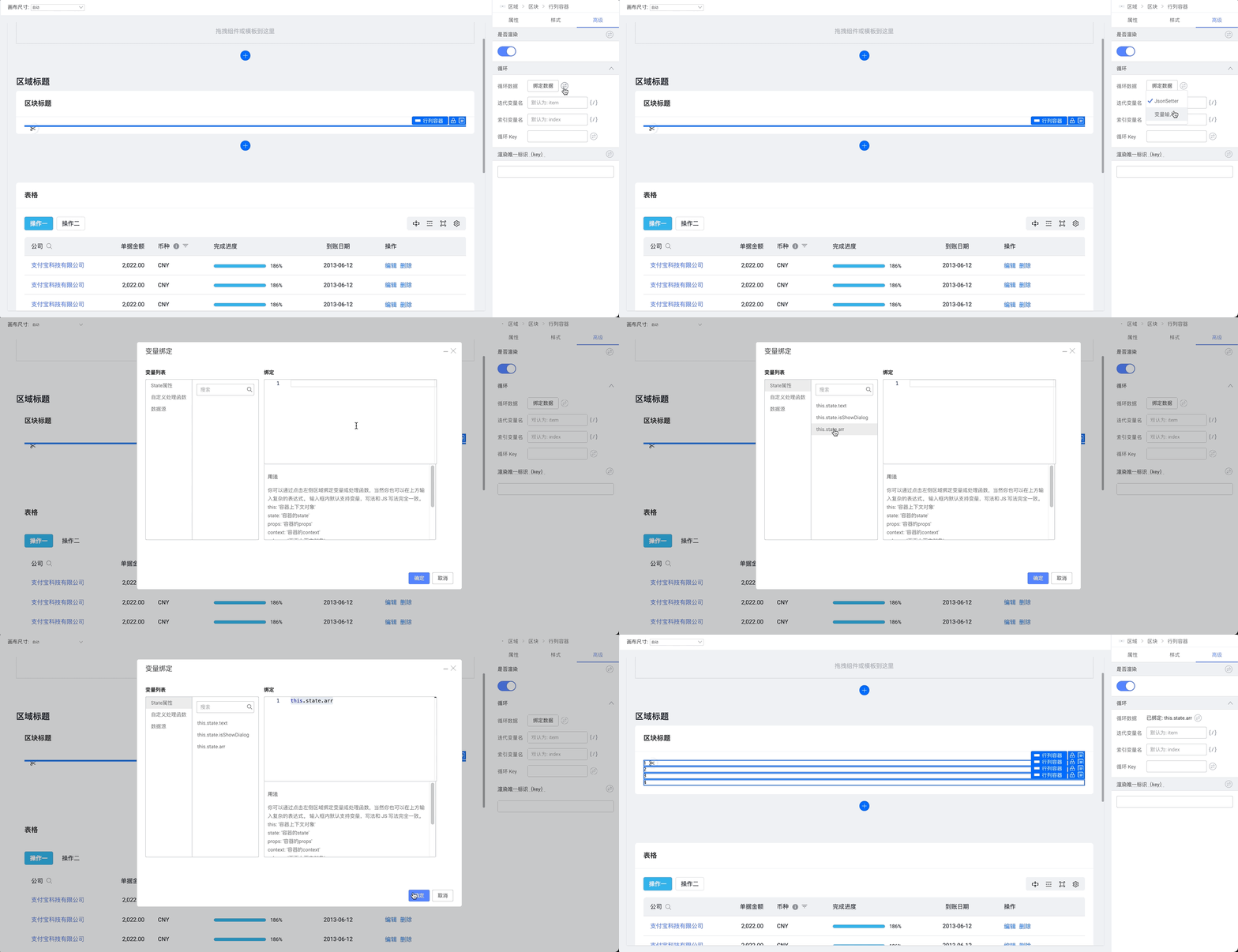
|
||||
|
||||
## 顶部:操作区
|
||||
|
||||
### 撤回和重做
|
||||

|
||||
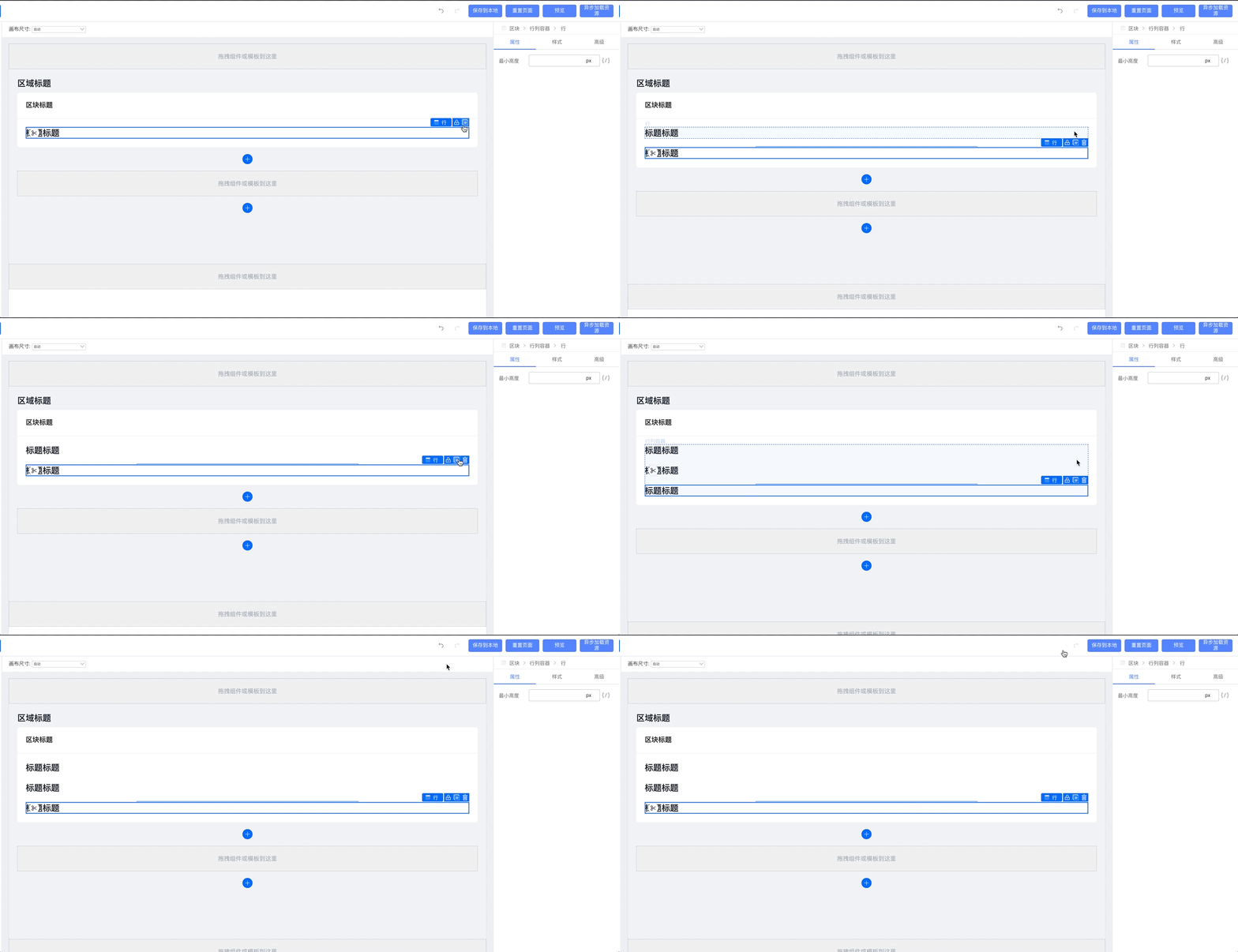
|
||||
|
||||
@ -2,30 +2,28 @@
|
||||
title: 3. 如何通过按钮展示/隐藏弹窗
|
||||
sidebar_position: 1
|
||||
---
|
||||
> 说明:这个方式依赖低代码弹窗组件是否对外保留了相关的 API,不同的物料支持的方式不一样,这里只针对综合场景的弹窗物料。
|
||||
### 1.拖拽一个按钮
|
||||
|
||||
## 1.拖拽一个按钮
|
||||
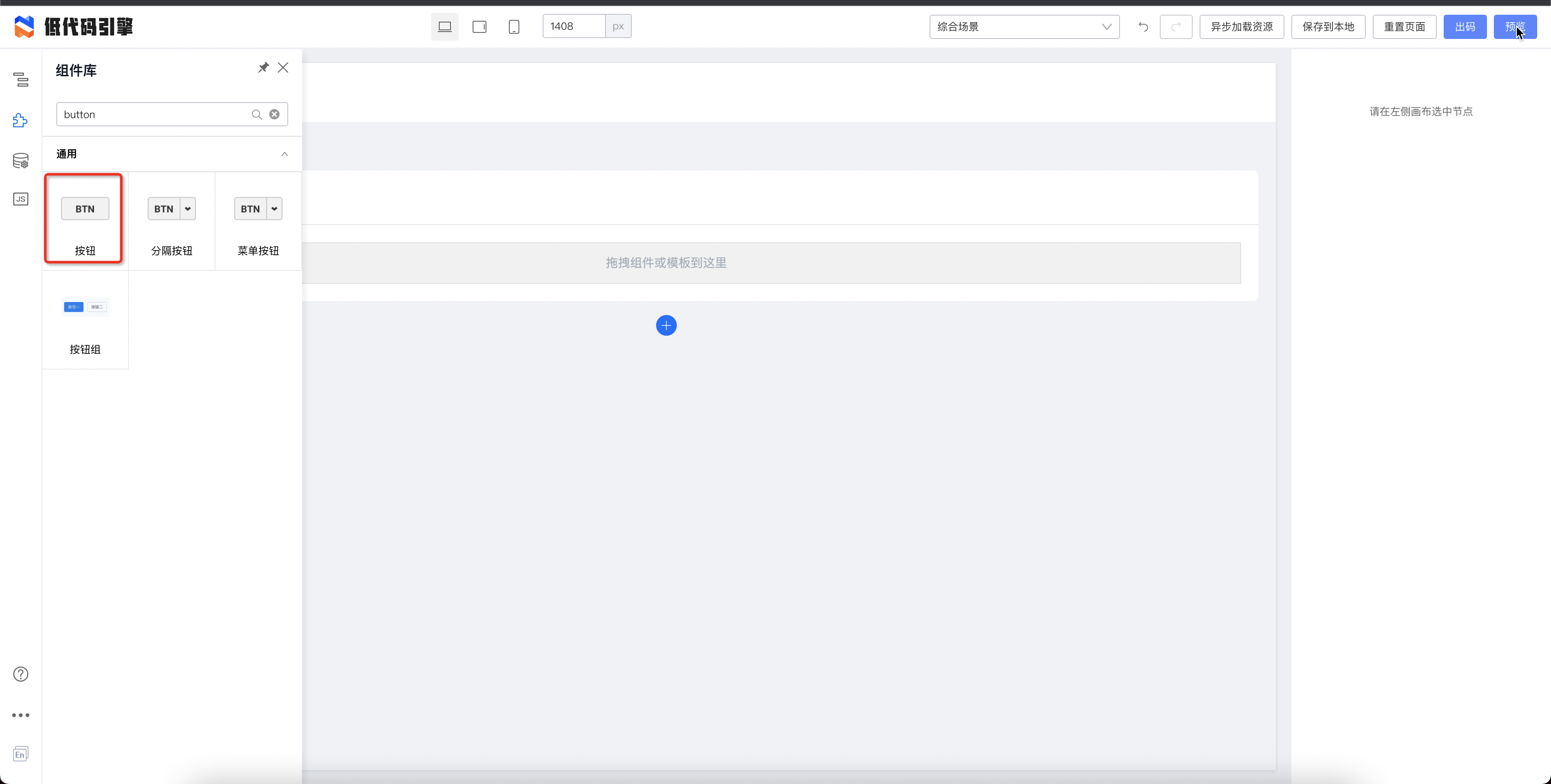
|
||||
### 2.拖拽一个弹窗
|
||||
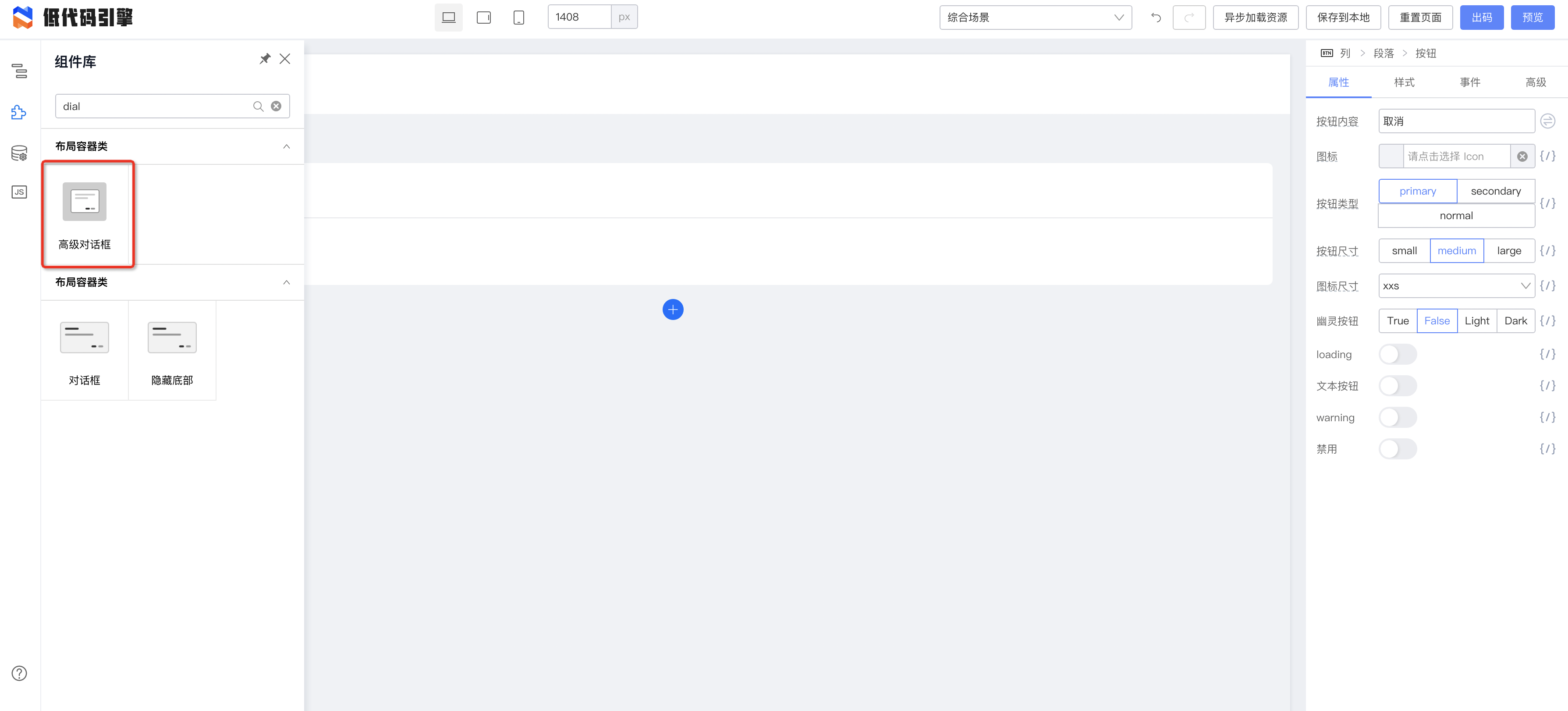
|
||||
|
||||

|
||||
## 2.拖拽一个弹窗
|
||||
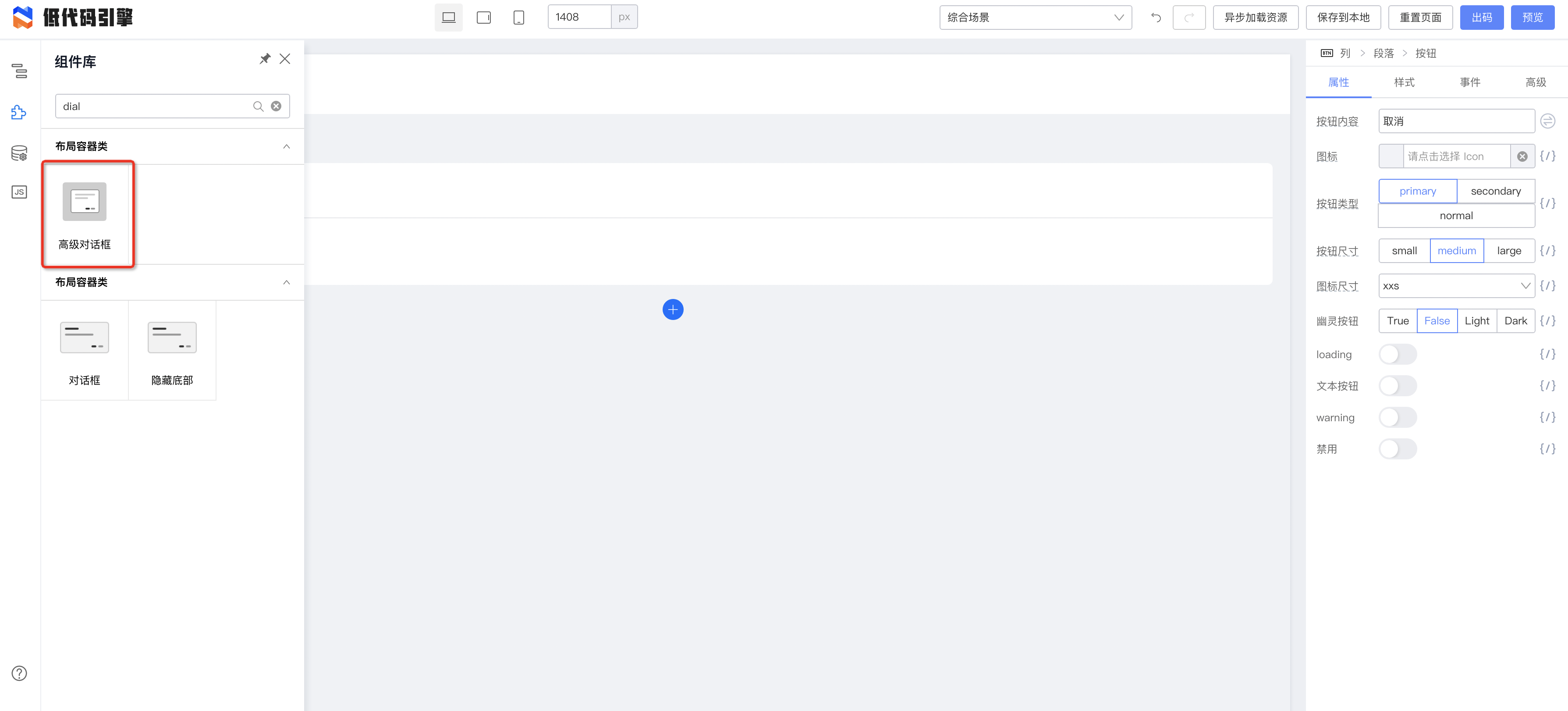
|
||||
|
||||
## 3.查看弹窗 refId
|
||||

|
||||
### 3.查看弹窗 refId
|
||||
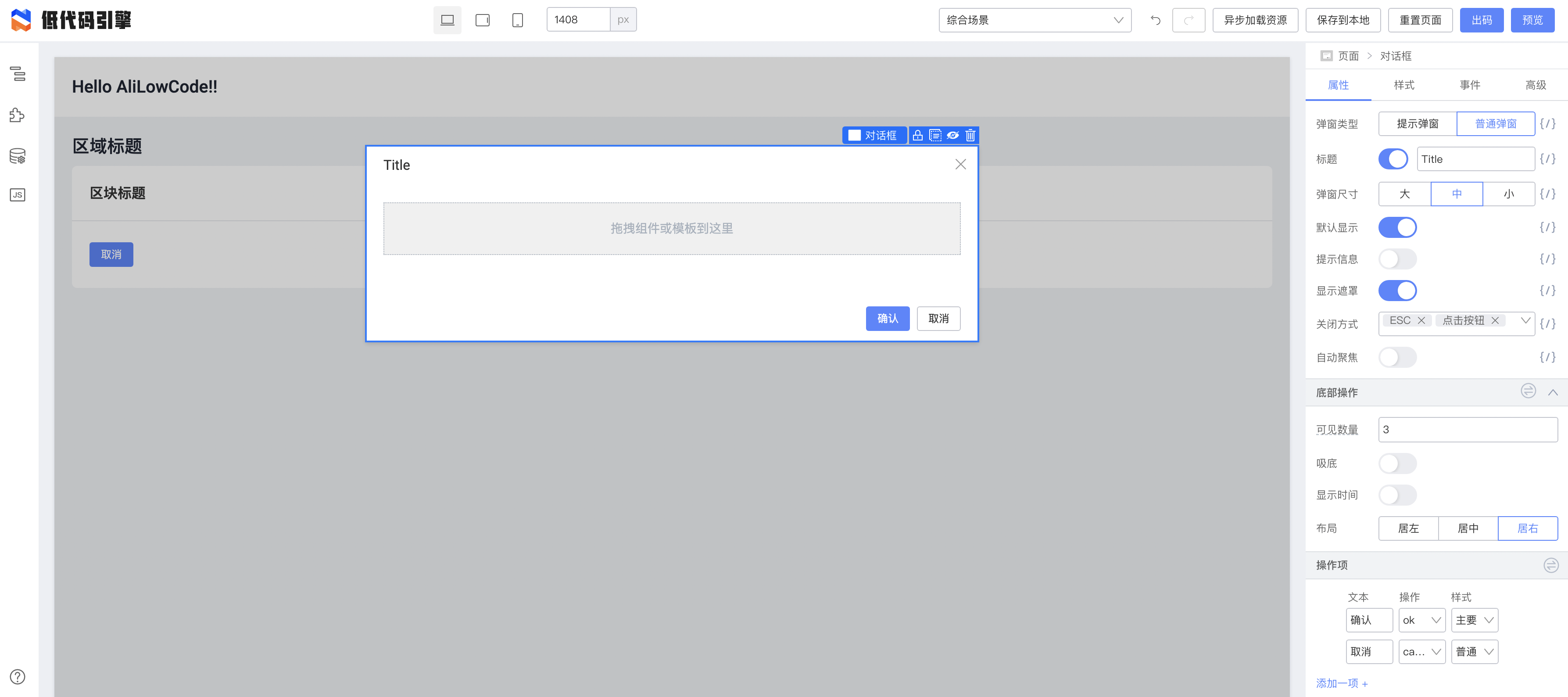
|
||||
|
||||
- 点击弹窗
|
||||
- 点击右侧面板中的高级
|
||||
- 找到 refId
|
||||
|
||||

|
||||
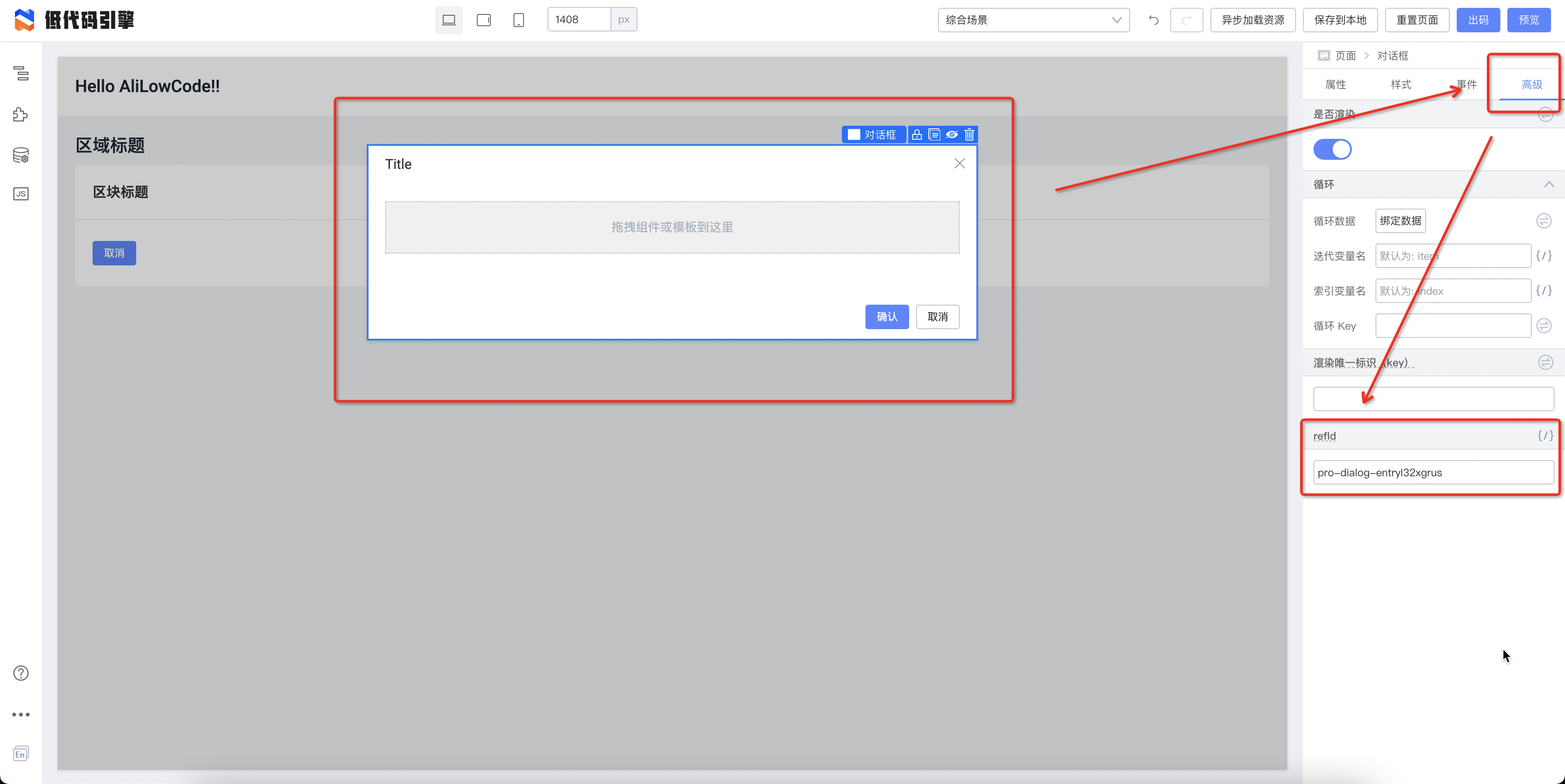
|
||||
|
||||
这里我们的 refId 是 "pro-dialog-entryl32xgrus"
|
||||
## 4.隐藏弹窗
|
||||
### 4.隐藏弹窗
|
||||
点击工具栏的隐藏小图标,将弹窗在画布中隐藏
|
||||
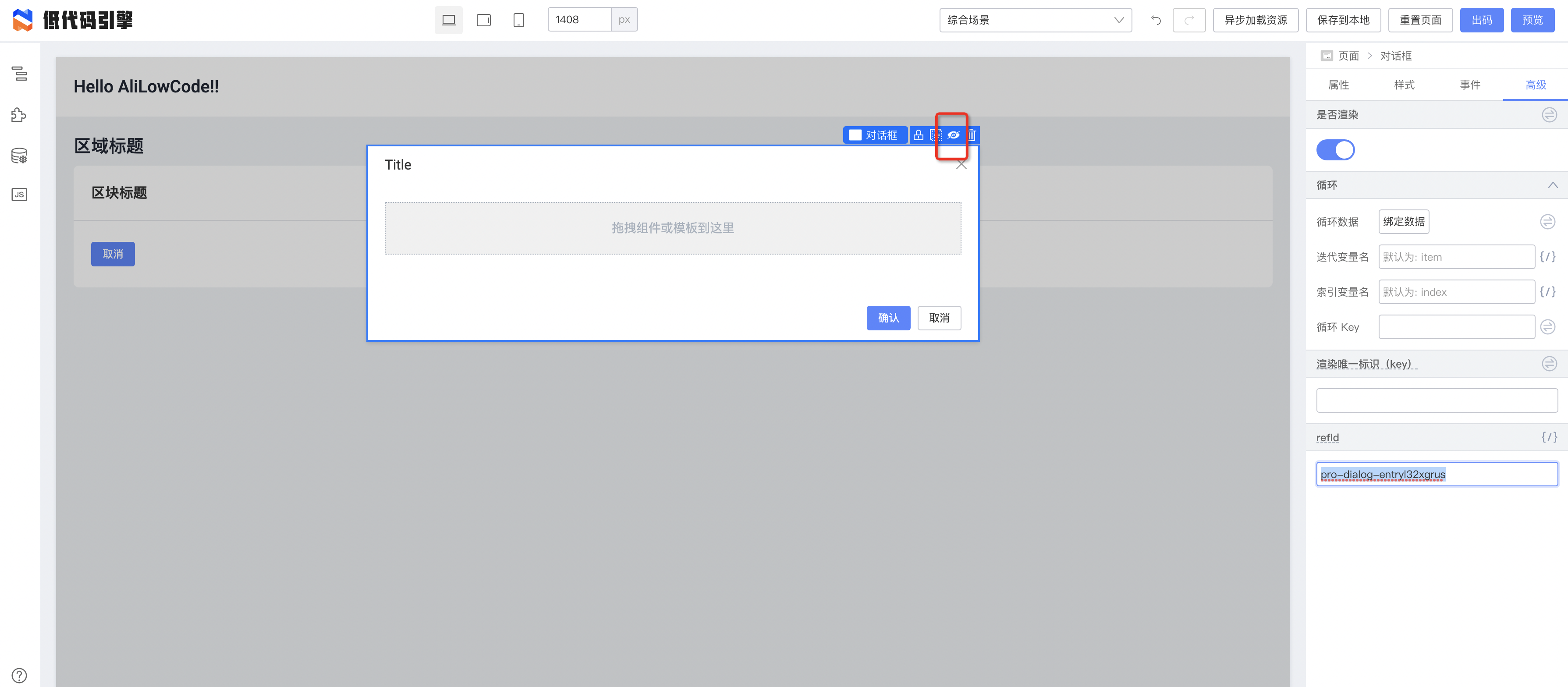
|
||||
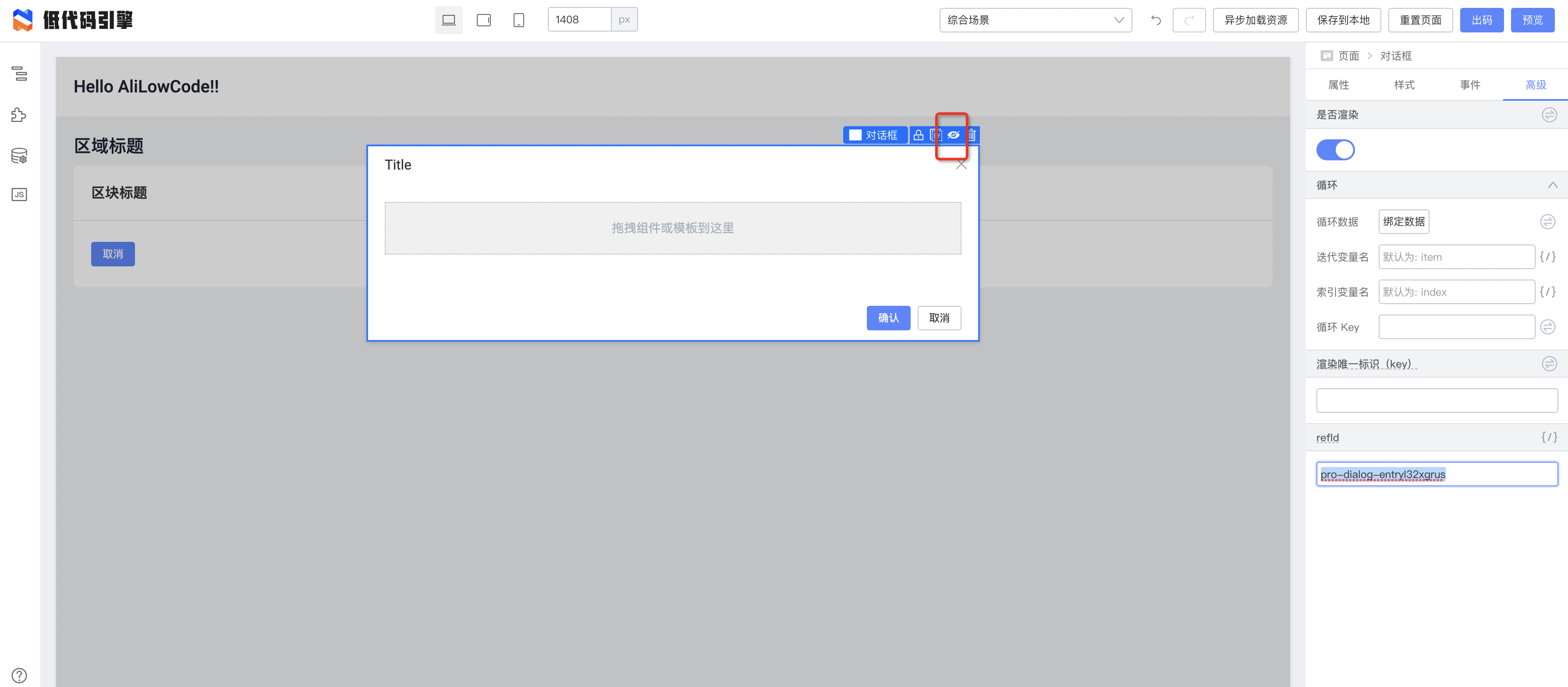
|
||||
|
||||
## 5.按钮绑定事件
|
||||
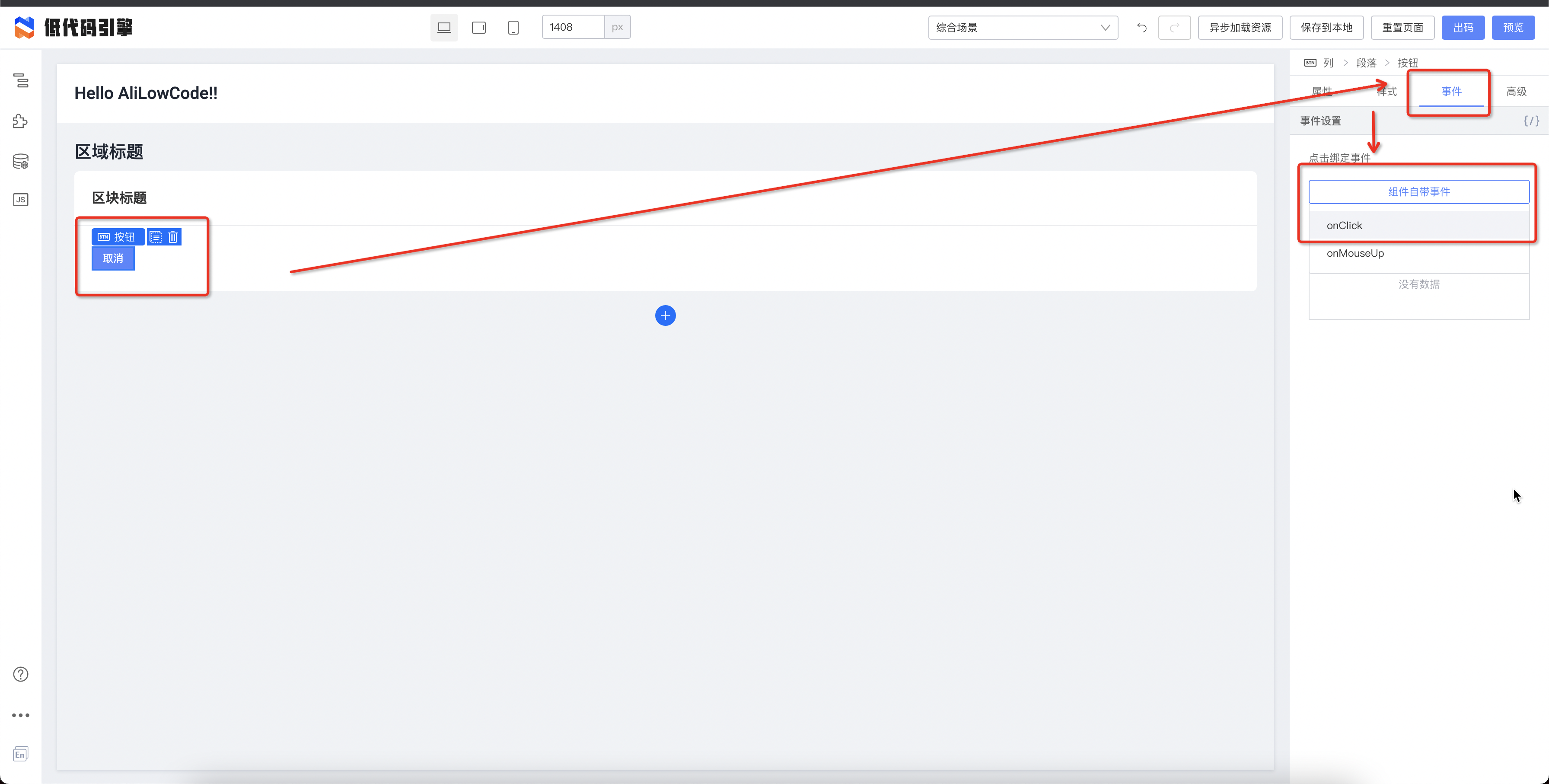
|
||||
### 5.按钮绑定事件
|
||||
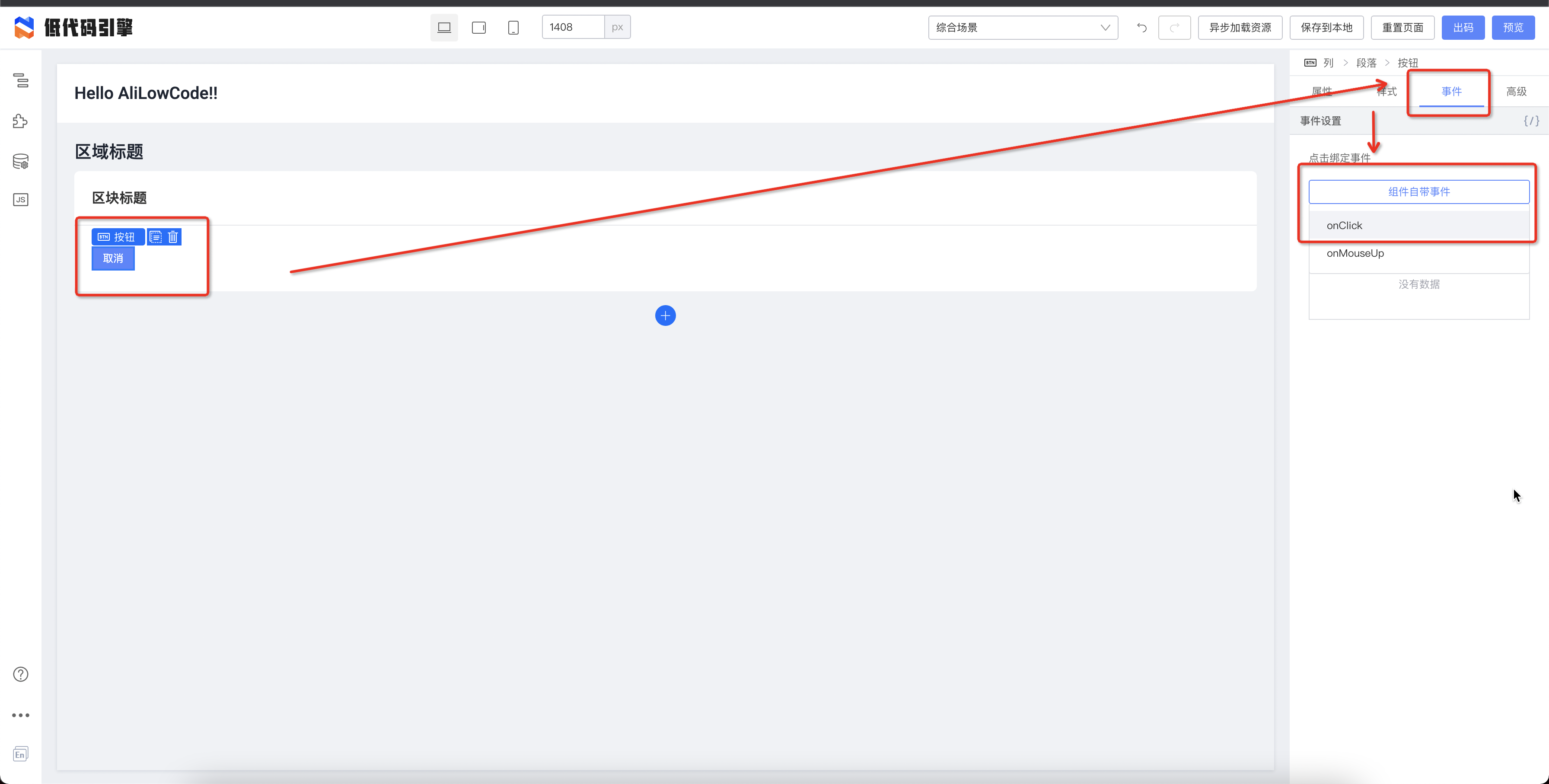
|
||||
|
||||
**通过下面的代码即可打开弹窗**
|
||||
|
||||
|
||||
@ -2,33 +2,30 @@
|
||||
title: 2. 如何制作表格
|
||||
sidebar_position: 0
|
||||
---
|
||||
## 步骤详解
|
||||
### 拖入组件
|
||||
|
||||
# 步骤详解
|
||||
## 拖入组件
|
||||
一个常见的表格页面会包含查询框、表格和分页按钮。这些都在 Fusion UI 中进行了相应的封装,我们可以在左侧组件面板处找到他们。
|
||||
|
||||
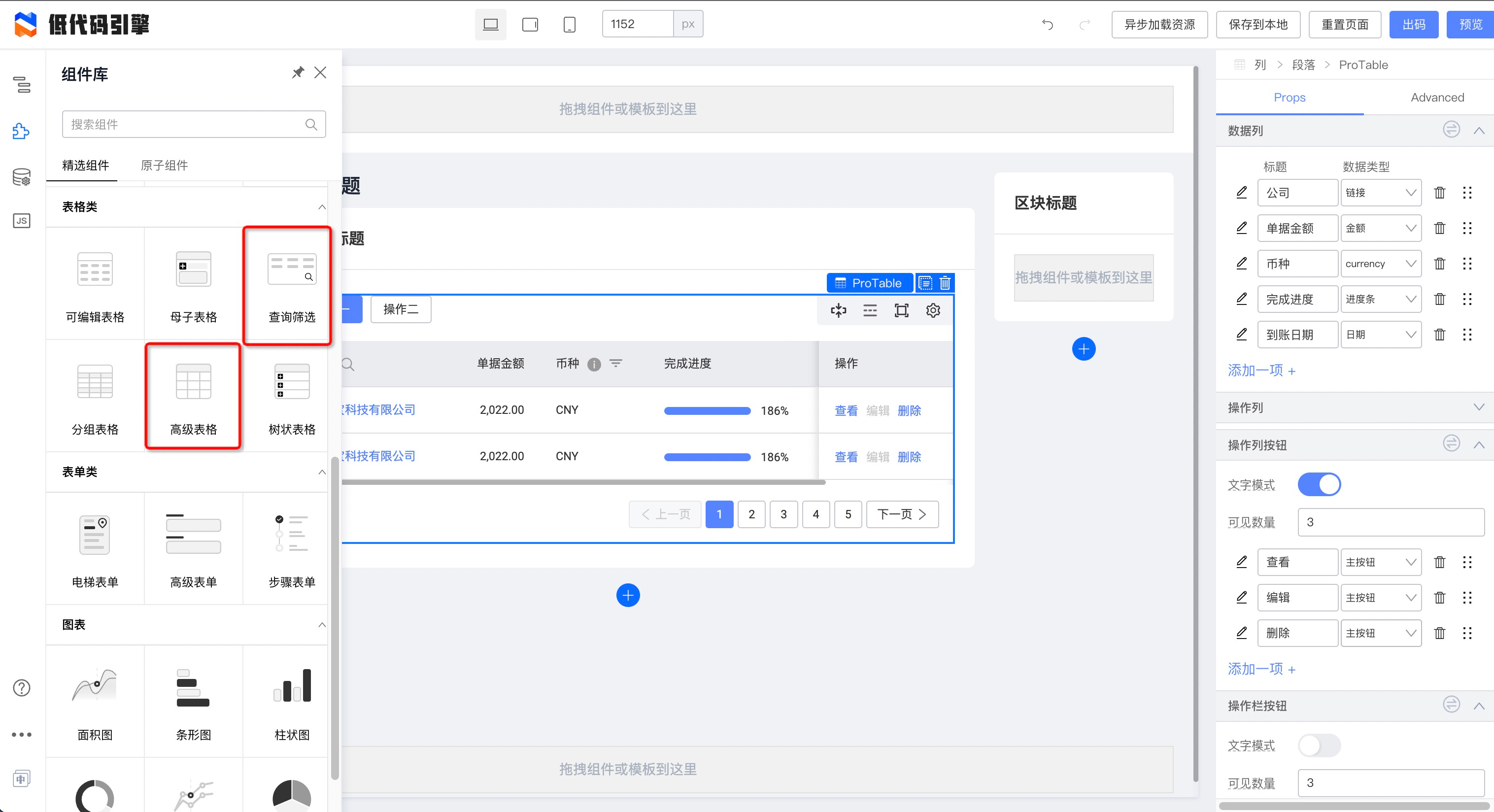
|
||||
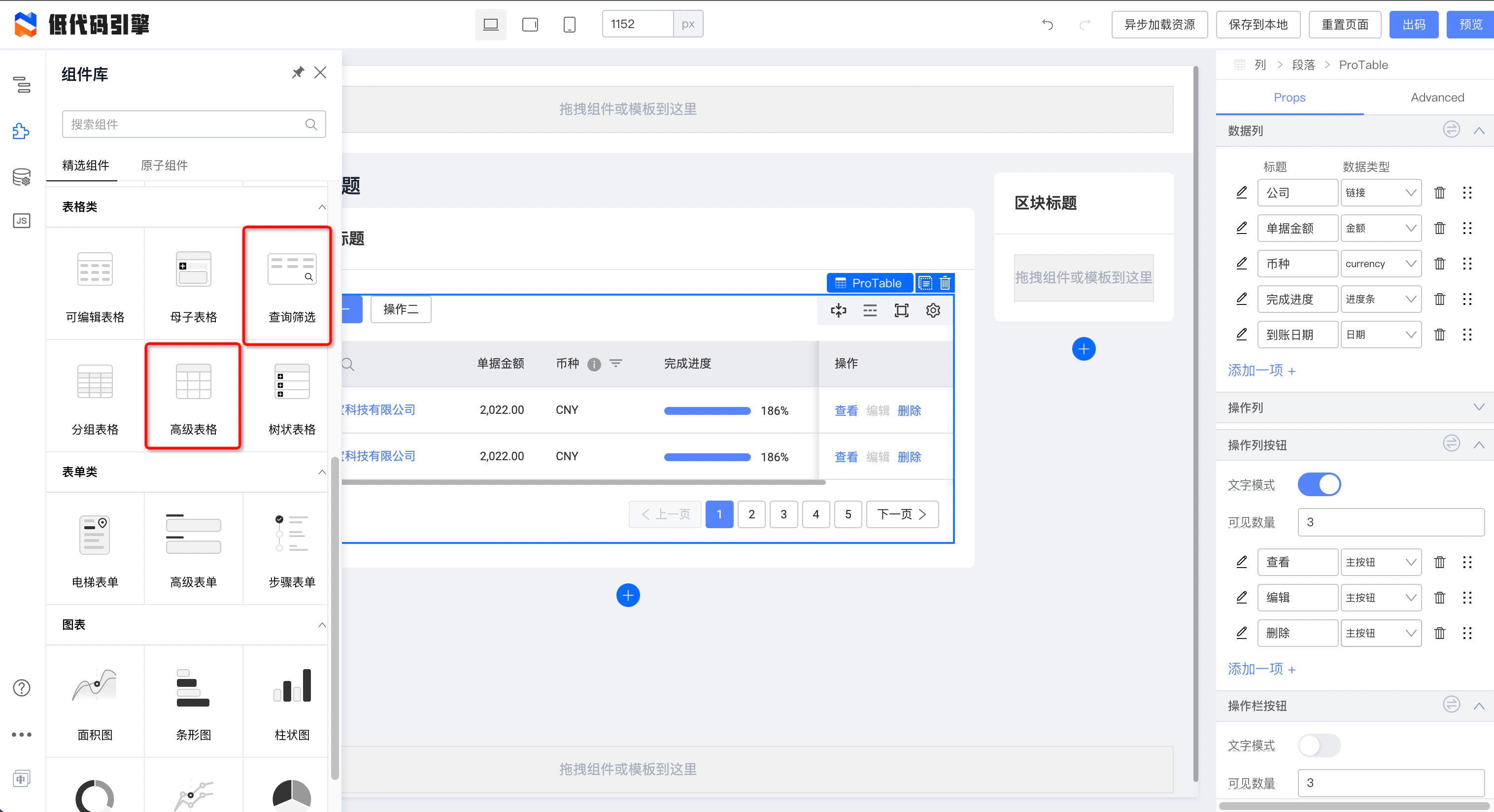
|
||||
|
||||
将他们拖到画布之中:
|
||||

|
||||
### 配置组件
|
||||
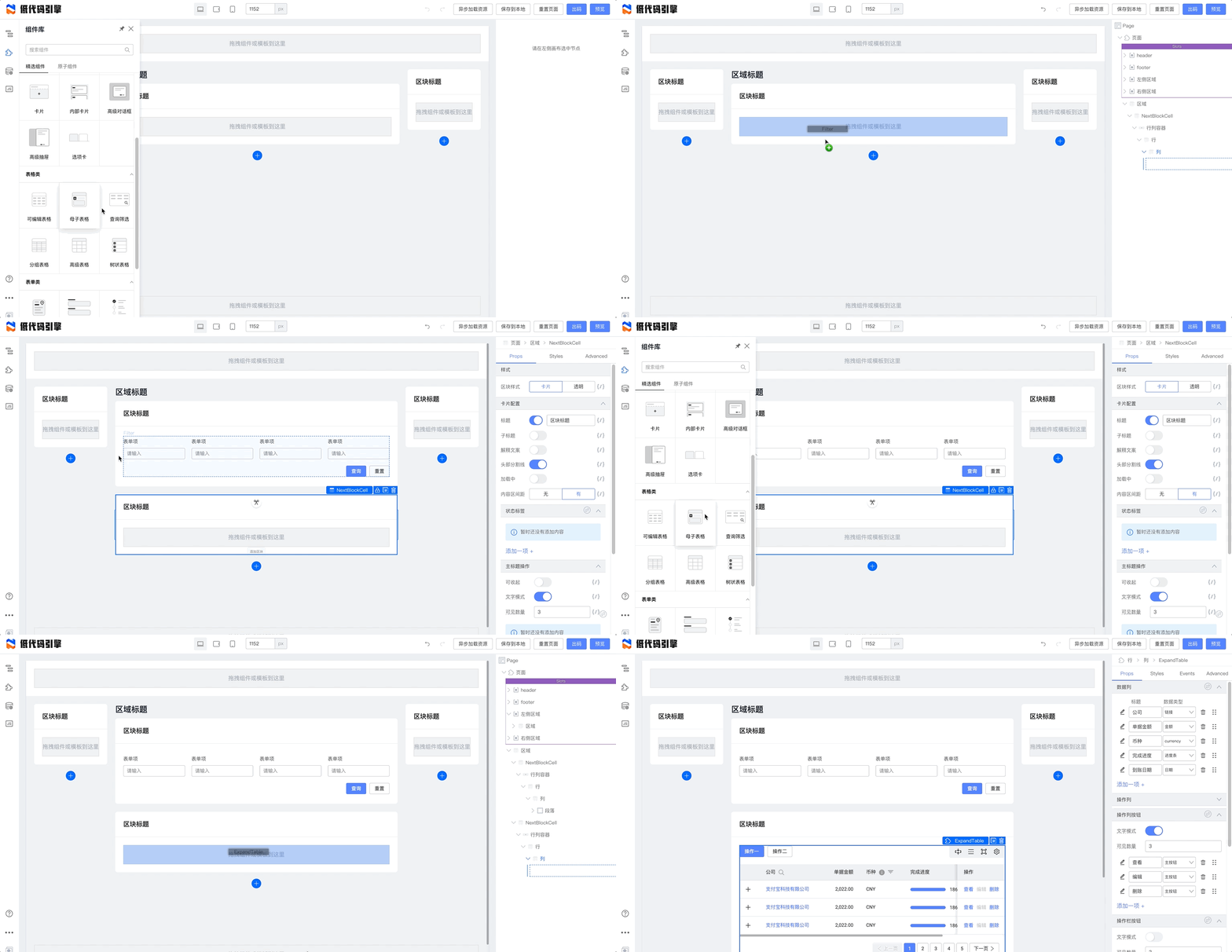
|
||||
## 配置组件
|
||||
|
||||
选中刚拖入的“查询筛选”组件,您可以配置此组件:
|
||||
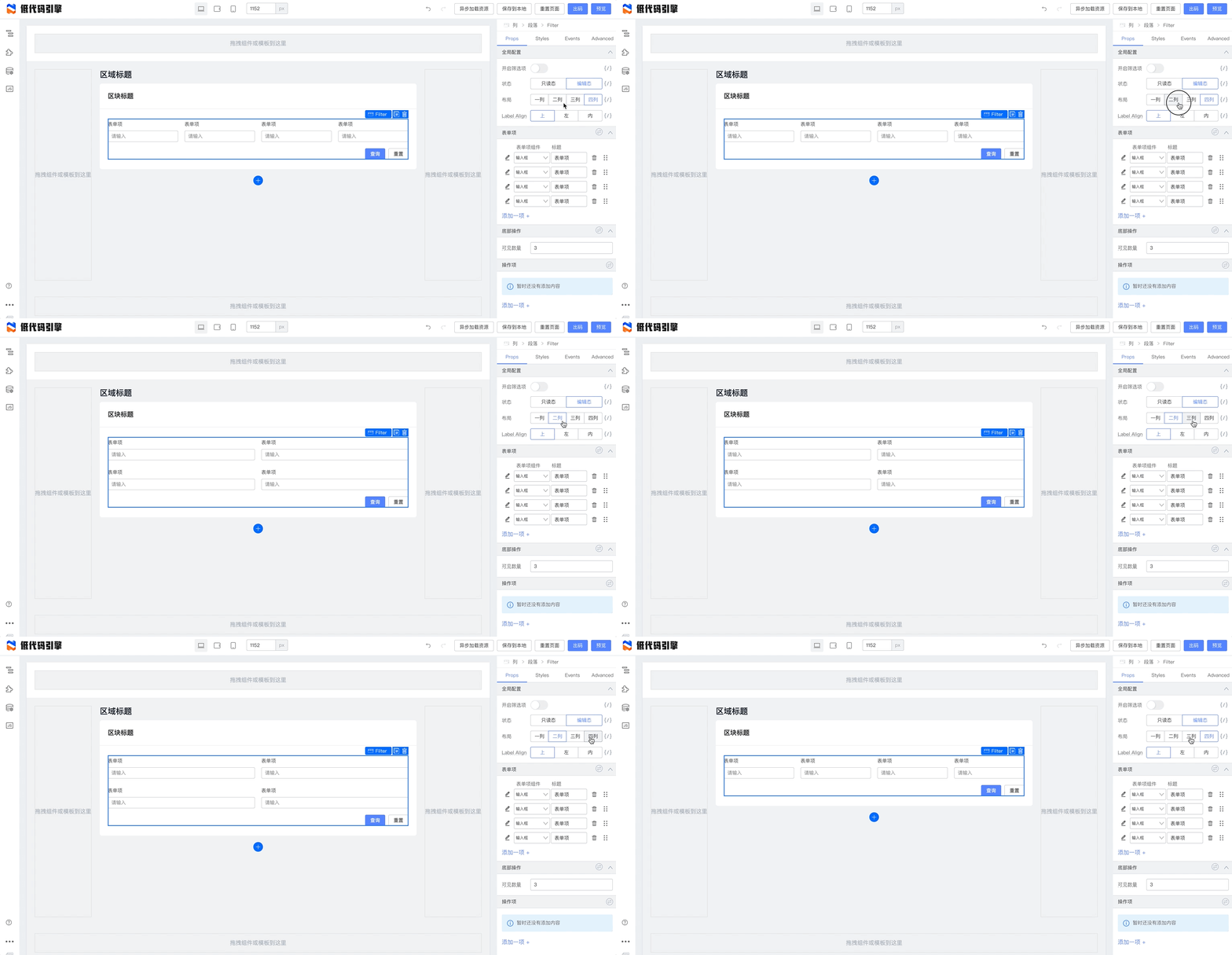
|
||||
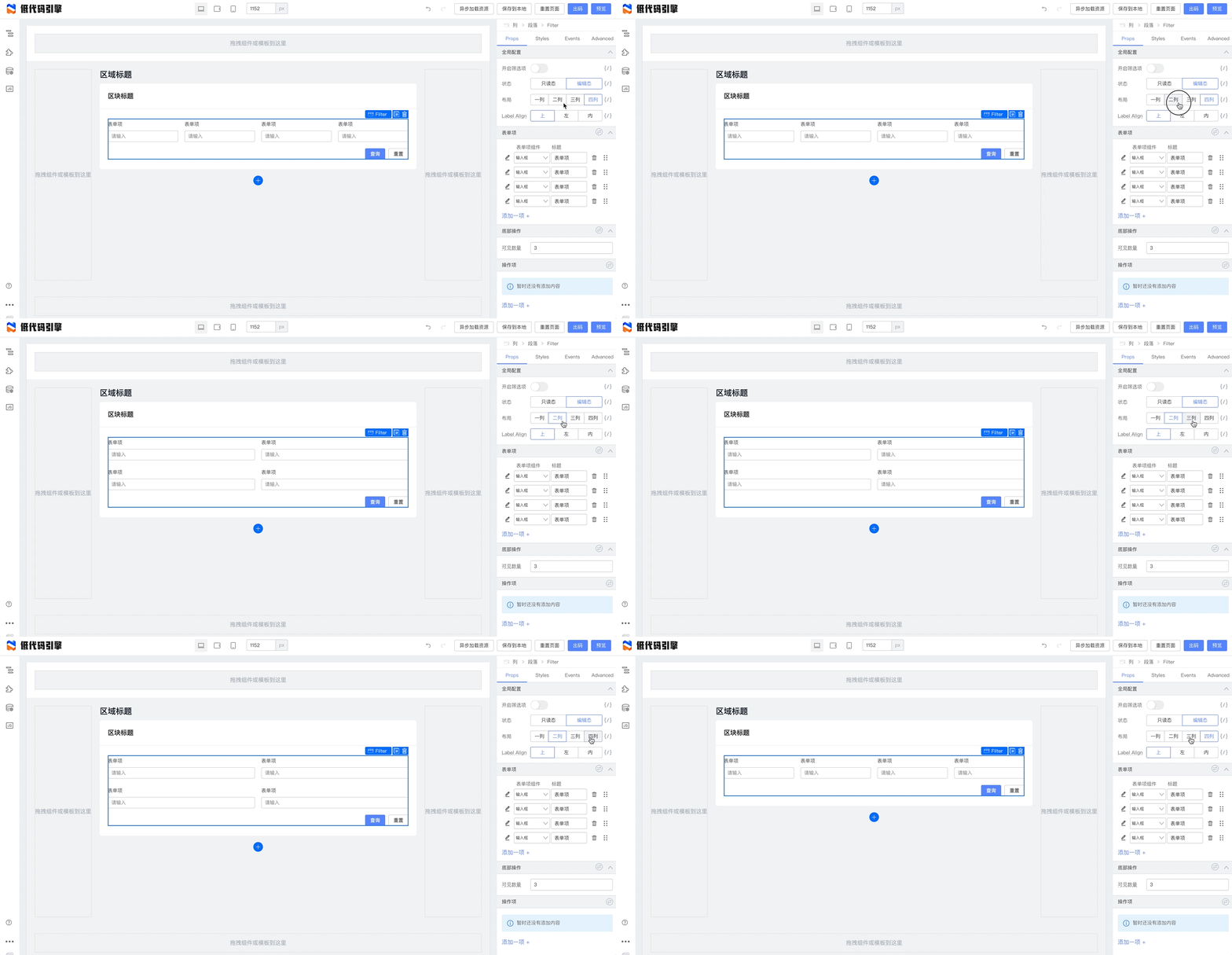
|
||||
|
||||
对于形如 Array 的配置项目,我们可以增删项目、修改常用项、修改顺序。
|
||||
|
||||
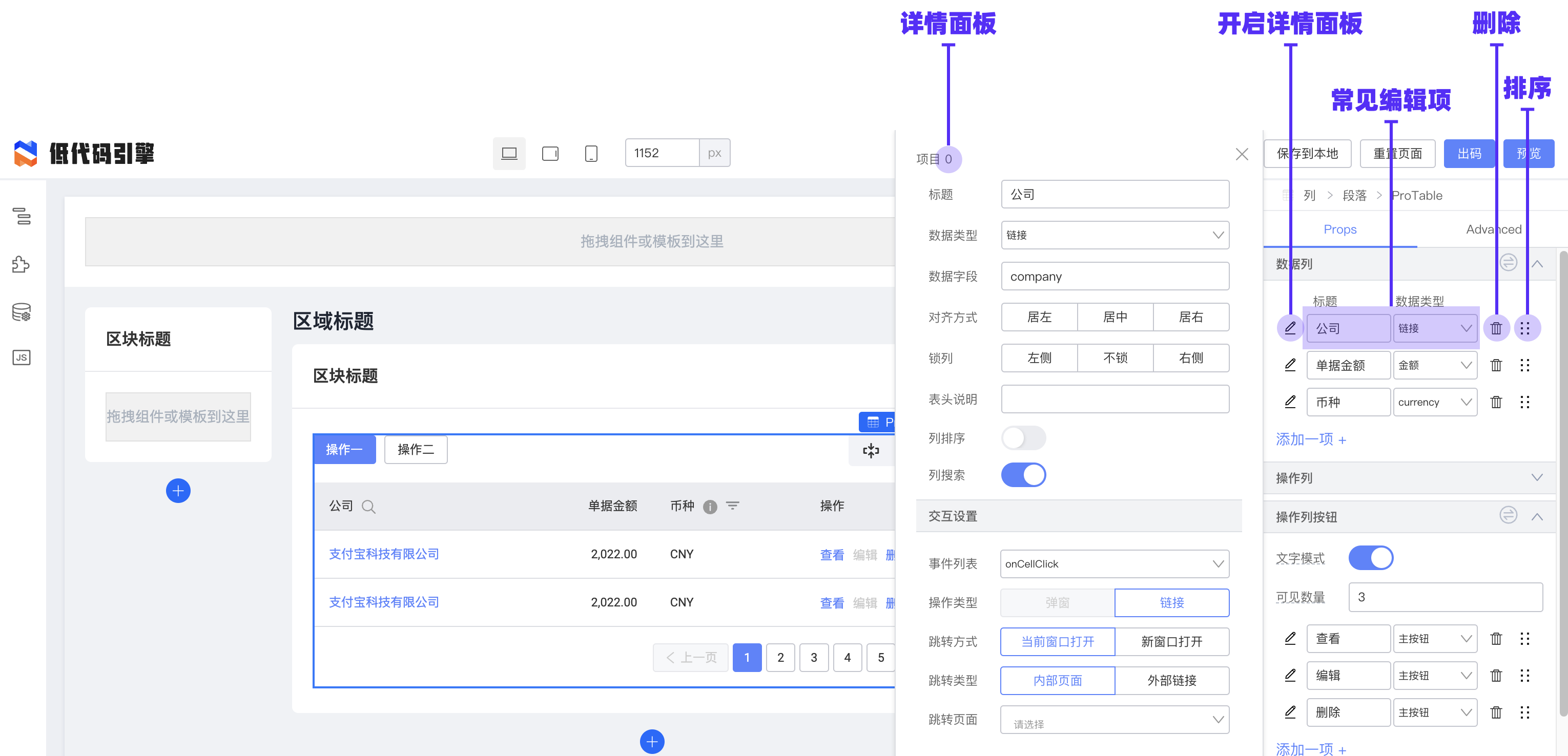
|
||||
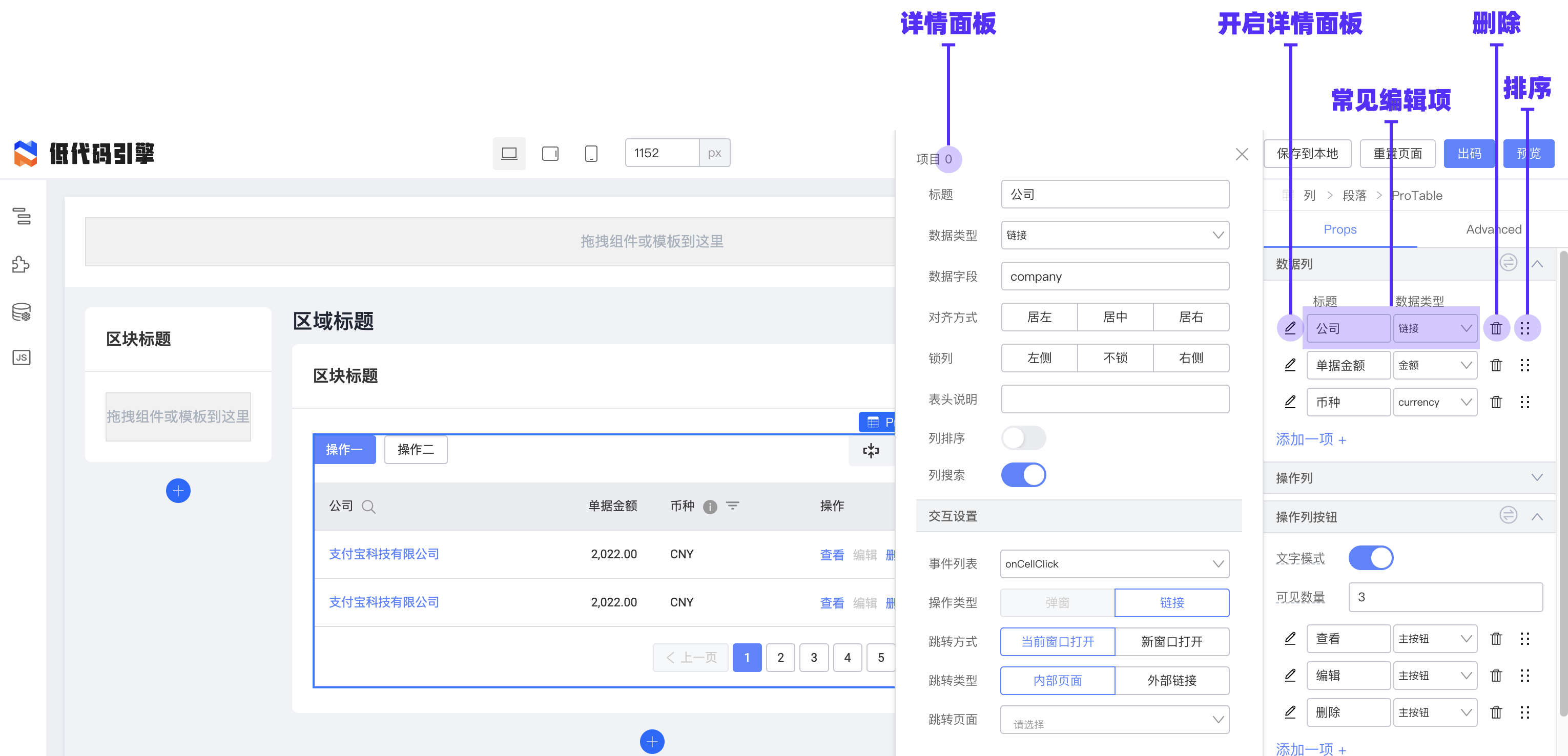
|
||||
|
||||
掌握组件配置功能,我们就可以完成一个常用的查询框的配置:
|
||||
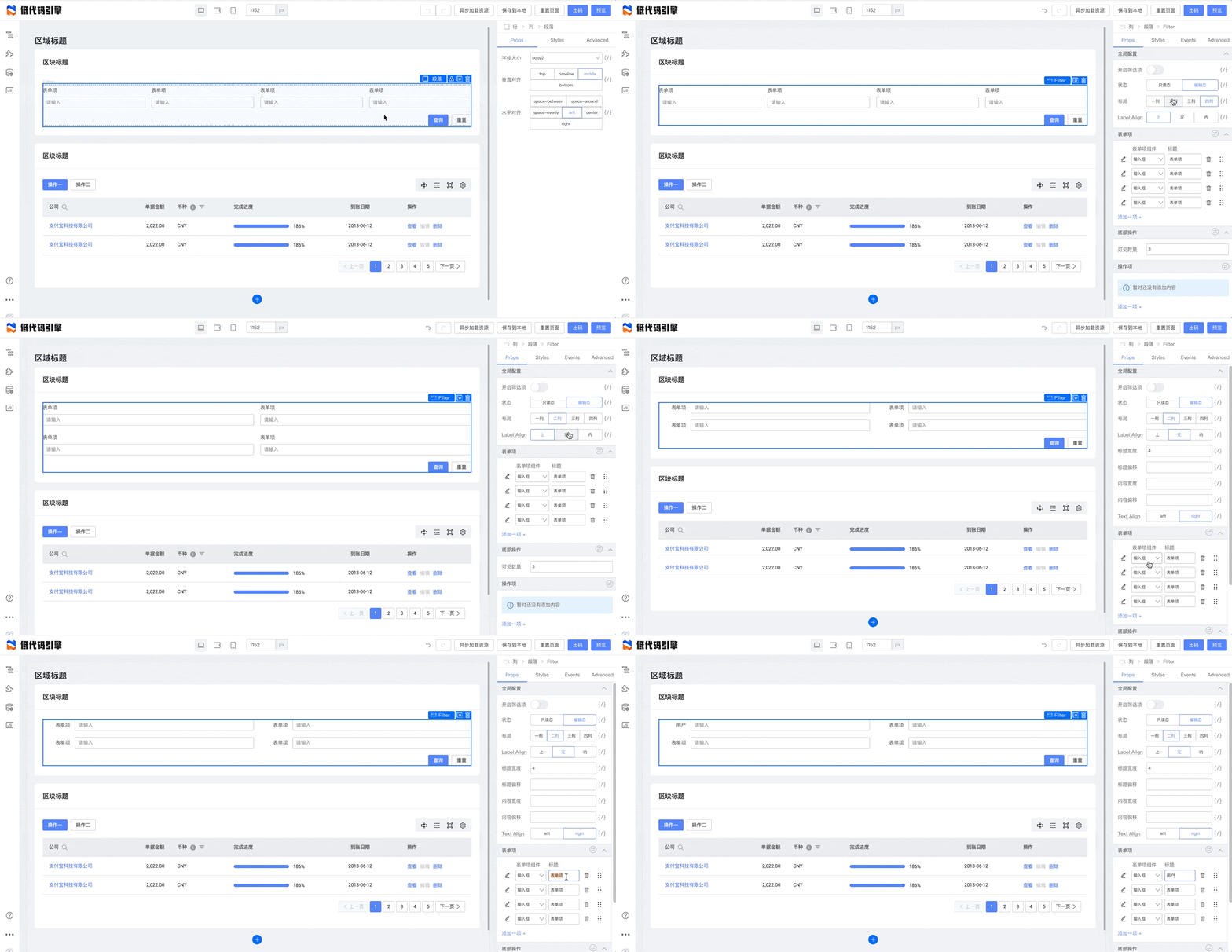
|
||||
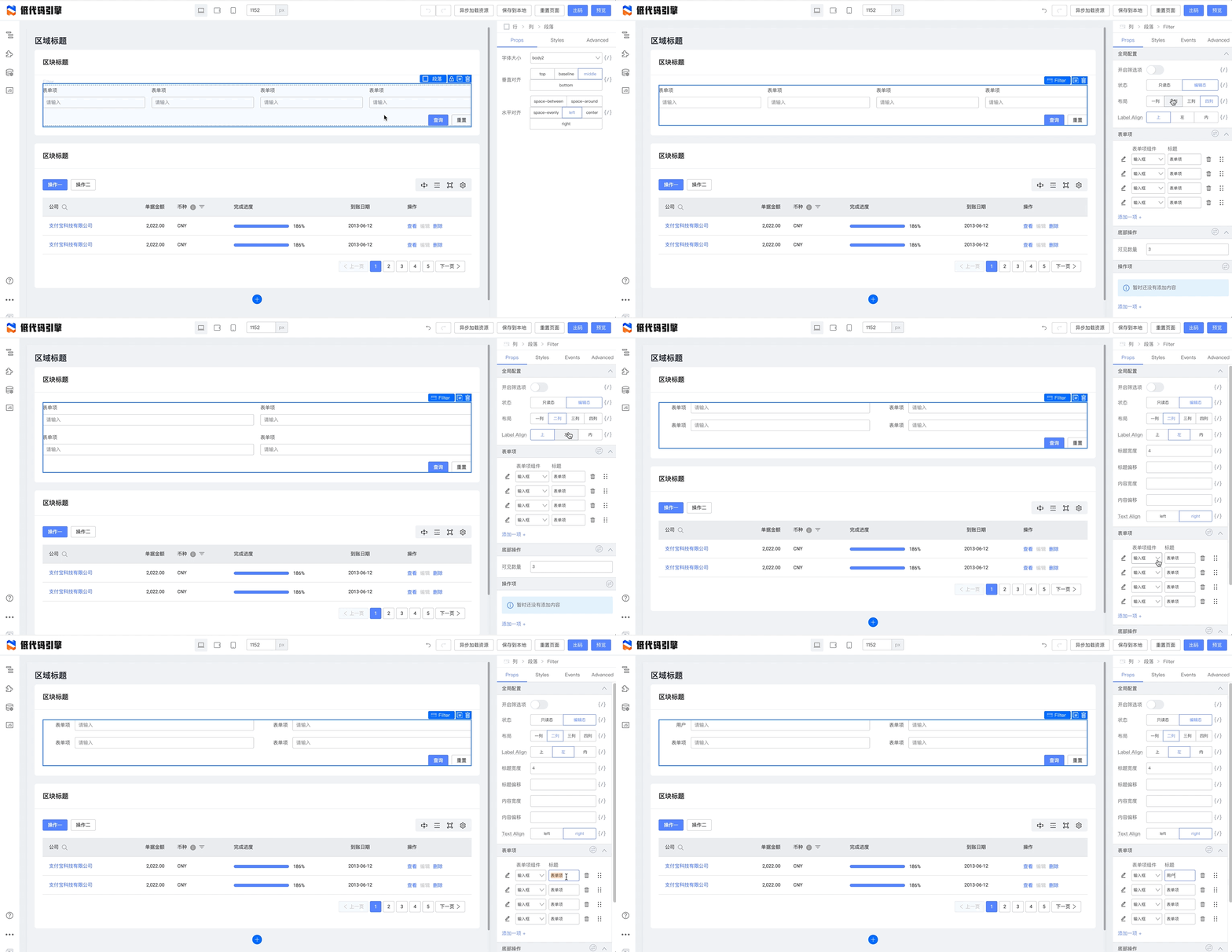
|
||||
|
||||
### 绑定数据
|
||||
## 绑定数据
|
||||
|
||||
低代码场景下,我们需要绑定动态的数据。通过左侧的源码编辑面板,我们可以创建动态数据和它的相关处理函数:
|
||||
|
||||
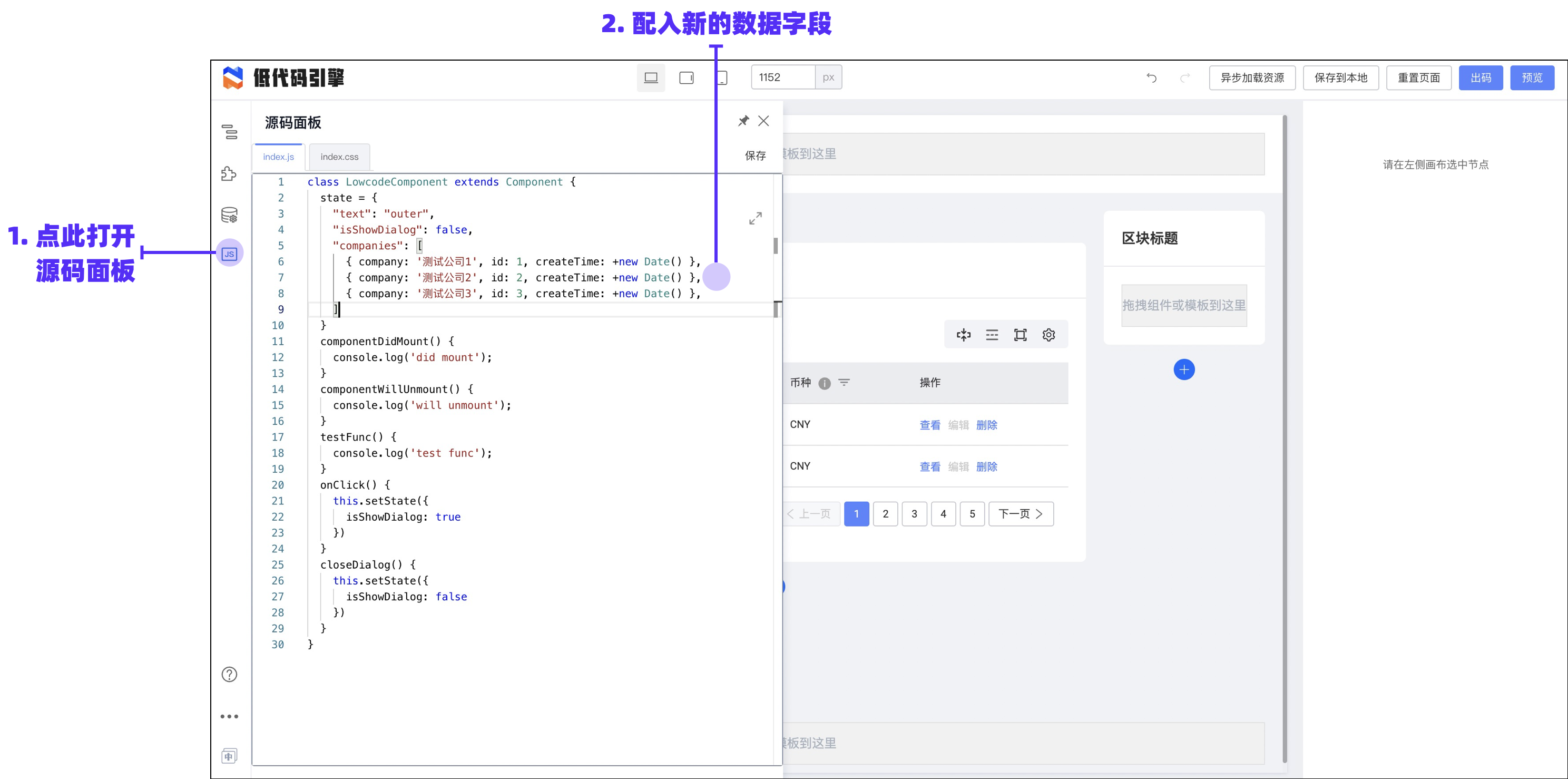
|
||||
|
||||
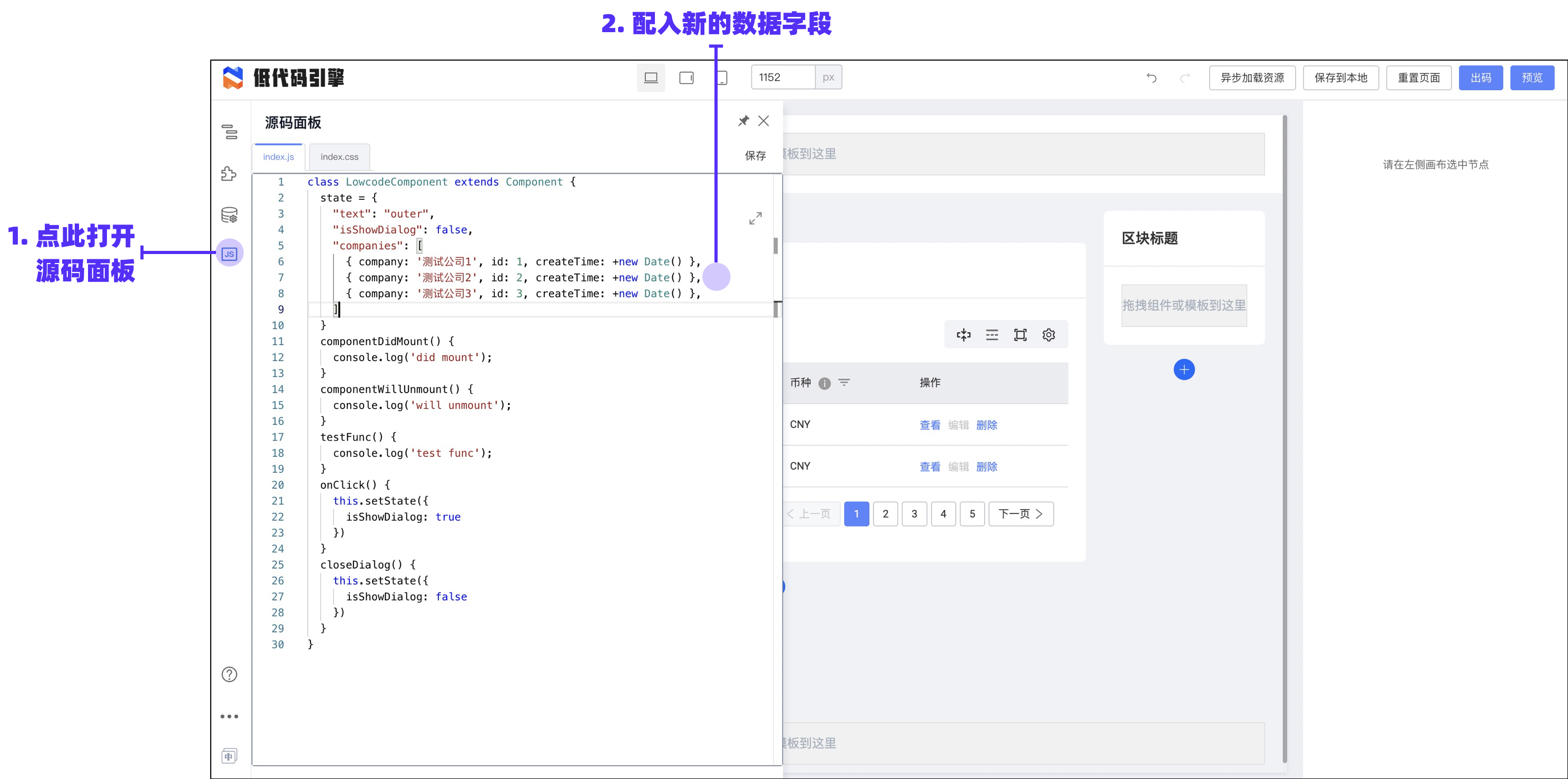
|
||||
如图,我们配入如下自定义值进 state 里:
|
||||
```json
|
||||
"companies": [
|
||||
@ -38,25 +35,18 @@ sidebar_position: 0
|
||||
]
|
||||
```
|
||||
定义动态数据以后,我们需要绑定它到组件的属性中,我们找到相关属性的配置:
|
||||
|
||||
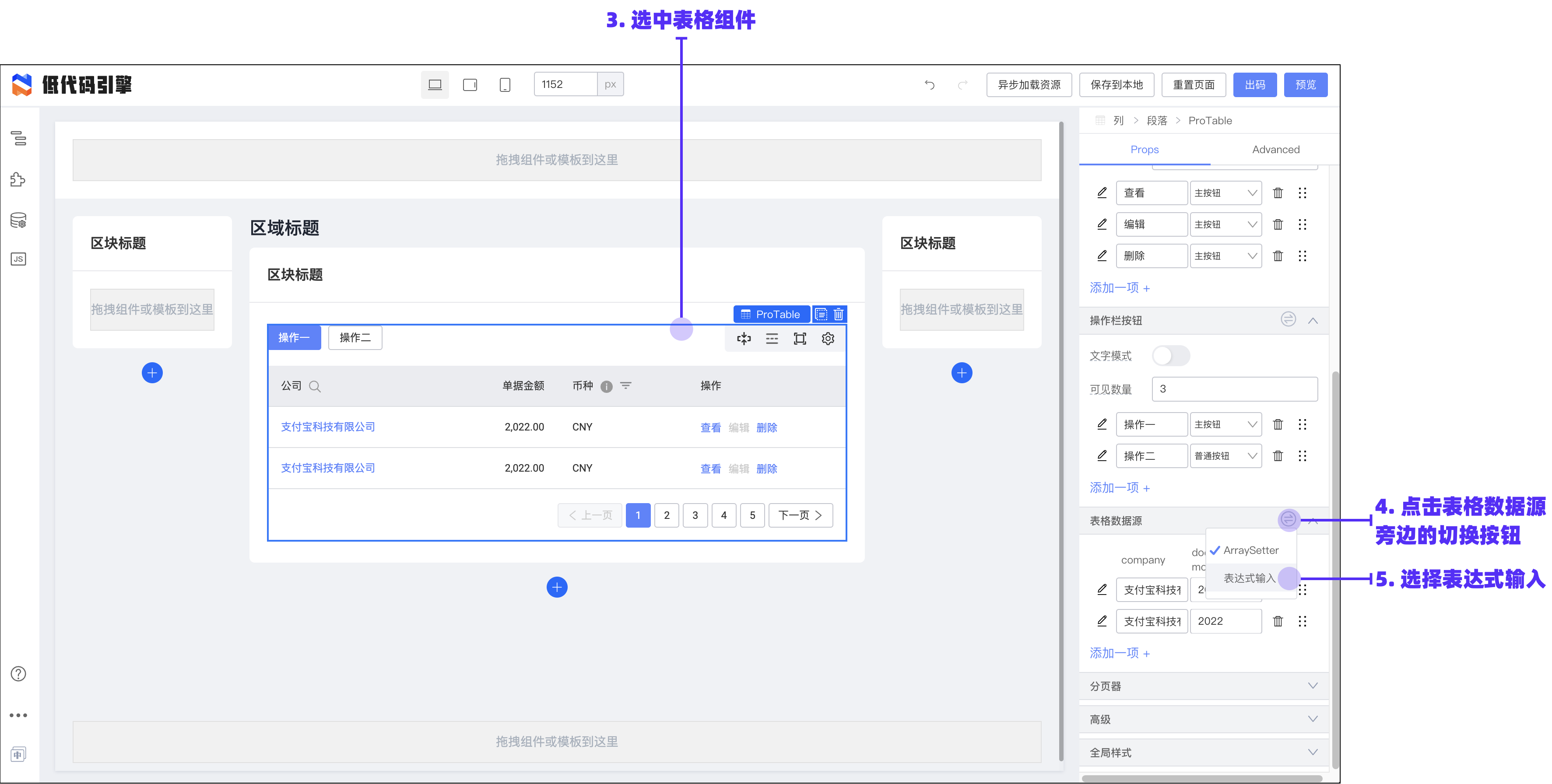
|
||||
|
||||
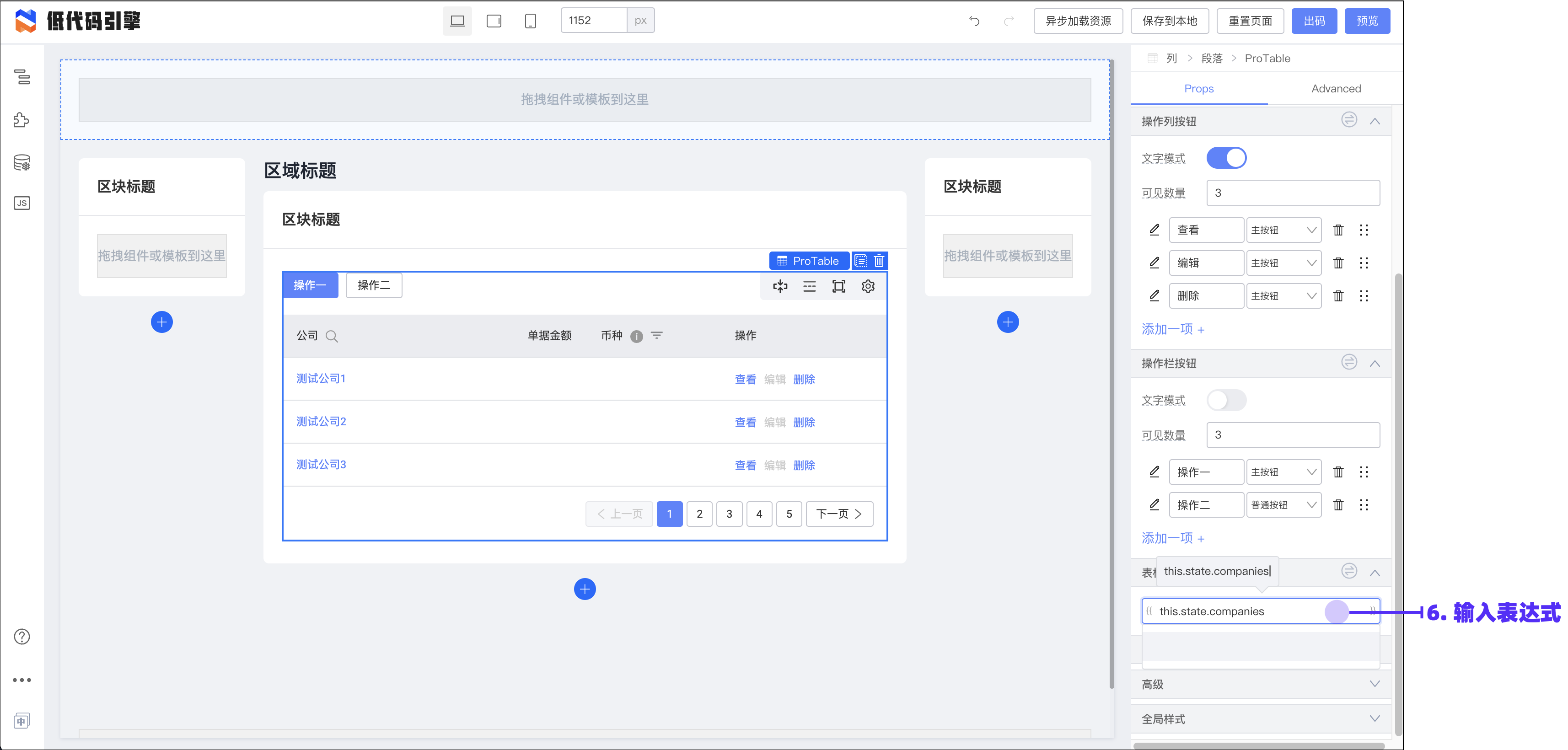
|
||||
|
||||
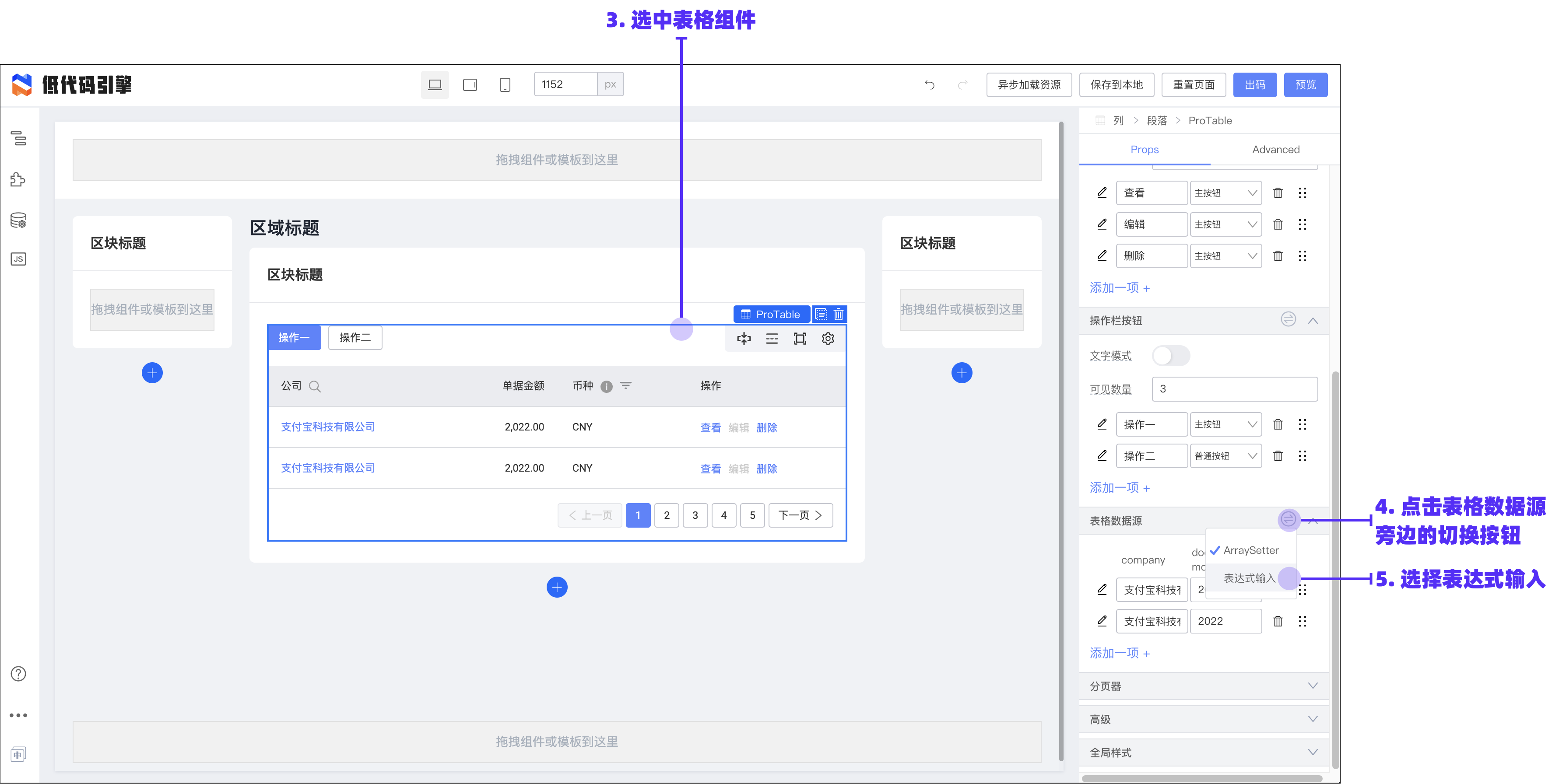
|
||||
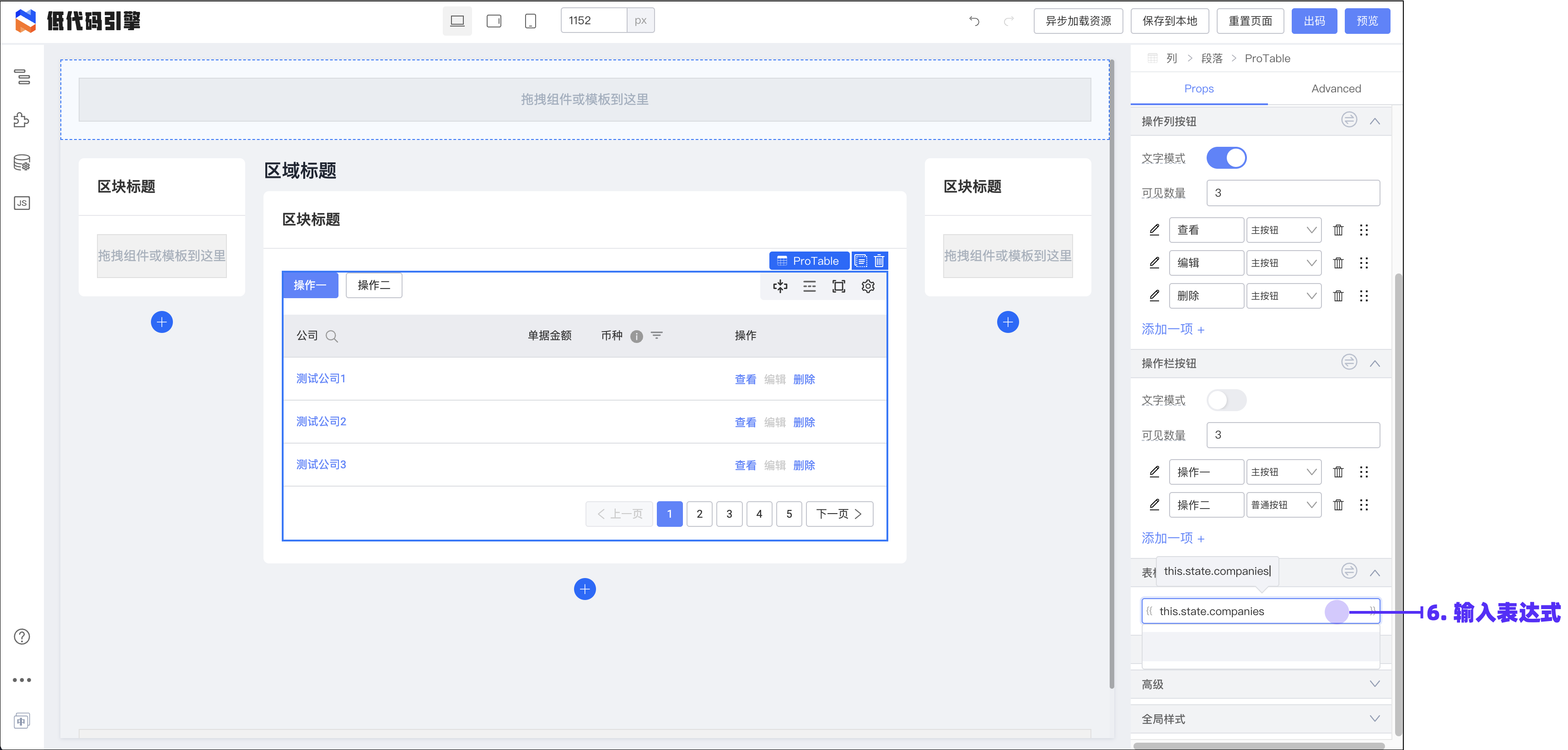
|
||||
如图,输入表达式:
|
||||
|
||||
```javascript
|
||||
```json
|
||||
this.state.companies
|
||||
```
|
||||
|
||||
再结合上一节的“配置组件”操作,我们已经可以把表格的主体配置出来了:
|
||||
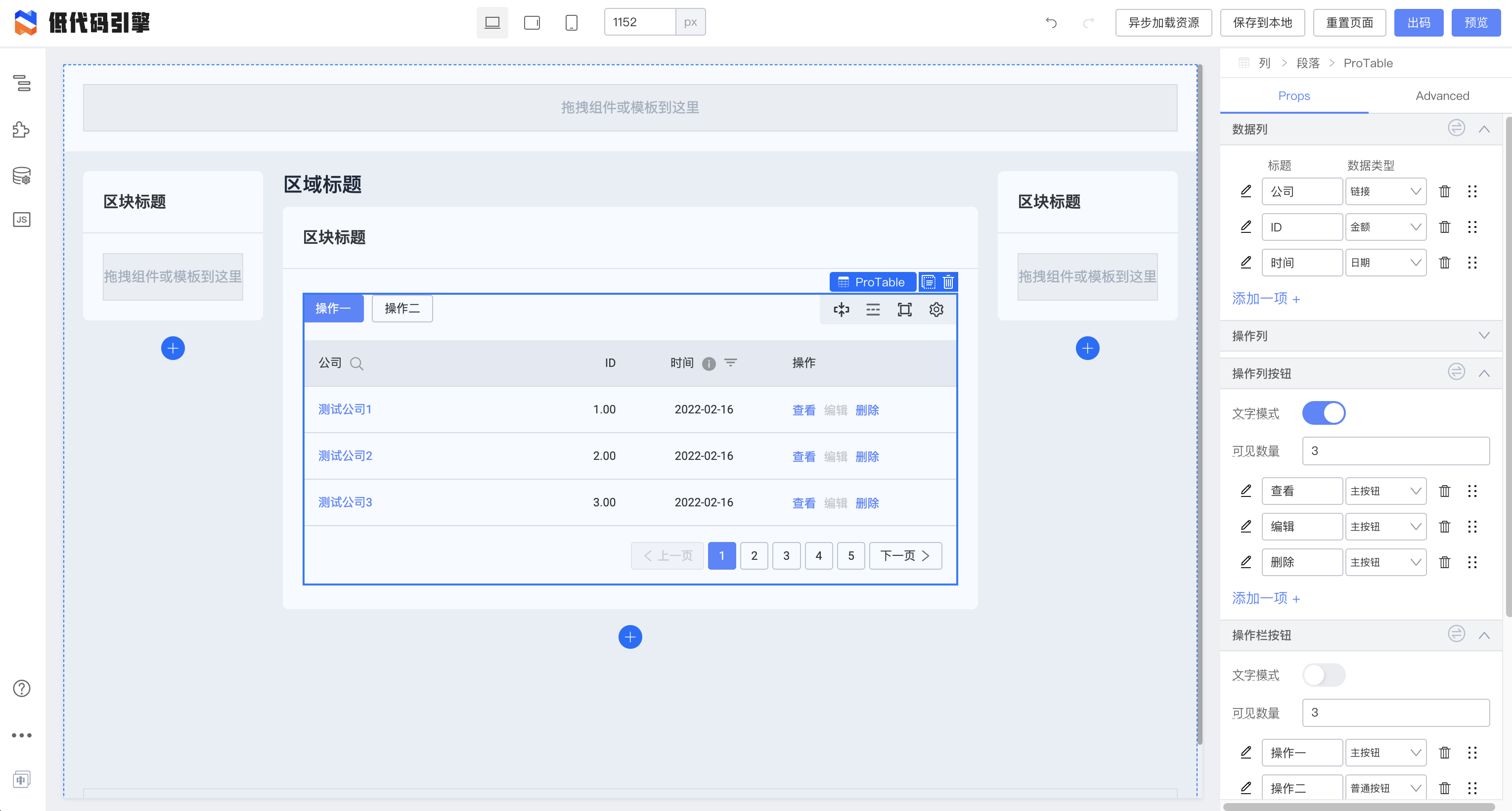
|
||||
|
||||
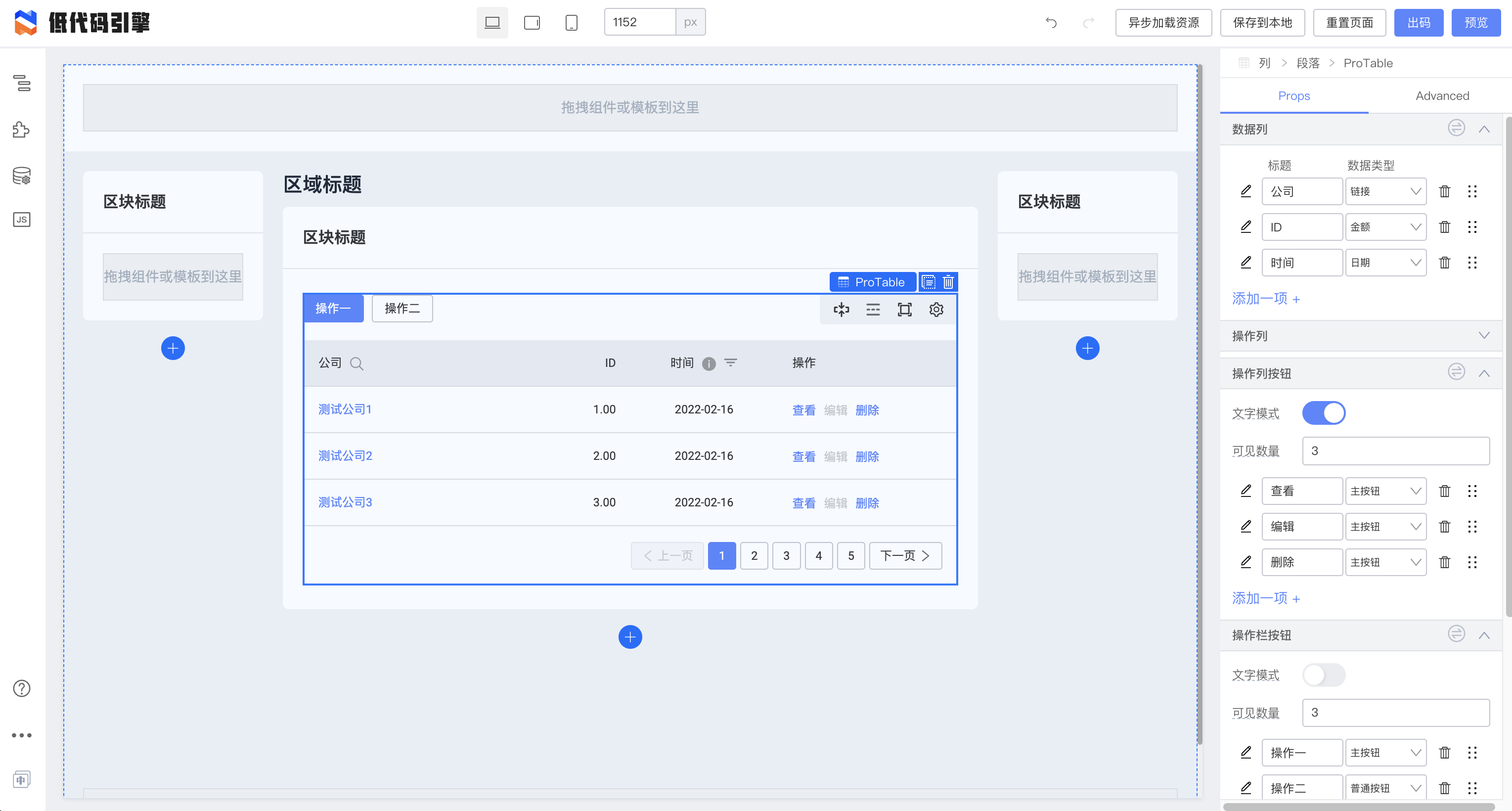
|
||||
|
||||
### 动态请求
|
||||
## 动态请求
|
||||
|
||||
我们进入代码区块,使用生命周期方法来完成动态数据的请求。假设提供数据的接口是:[http://rap2api.taobao.org/app/mock/250089/testCompanies](http://rap2api.taobao.org/app/mock/250089/testCompanies),那么,我们可以在源码面板进行如下配置:
|
||||
|
||||
```typescript
|
||||
class LowcodeComponent extends Component {
|
||||
state = {
|
||||
@ -64,9 +54,9 @@ class LowcodeComponent extends Component {
|
||||
"isShowDialog": false,
|
||||
"loading": false,
|
||||
"companies": [
|
||||
{ company: '测试公司 1', id: 1, createTime: +new Date() },
|
||||
{ company: '测试公司 2', id: 2, createTime: +new Date() },
|
||||
{ company: '测试公司 3', id: 3, createTime: +new Date() },
|
||||
{ company: '测试公司1', id: 1, createTime: +new Date() },
|
||||
{ company: '测试公司2', id: 2, createTime: +new Date() },
|
||||
{ company: '测试公司3', id: 3, createTime: +new Date() },
|
||||
]
|
||||
}
|
||||
componentDidMount() {
|
||||
@ -85,52 +75,42 @@ class LowcodeComponent extends Component {
|
||||
}
|
||||
}
|
||||
```
|
||||
|
||||
在 `componentDidMount` 生命周期,将请求接口并设置 loading 和数据字段。
|
||||
|
||||
点击保存或叉关闭源码面板后,我们可以看到代码已经生效了:
|
||||
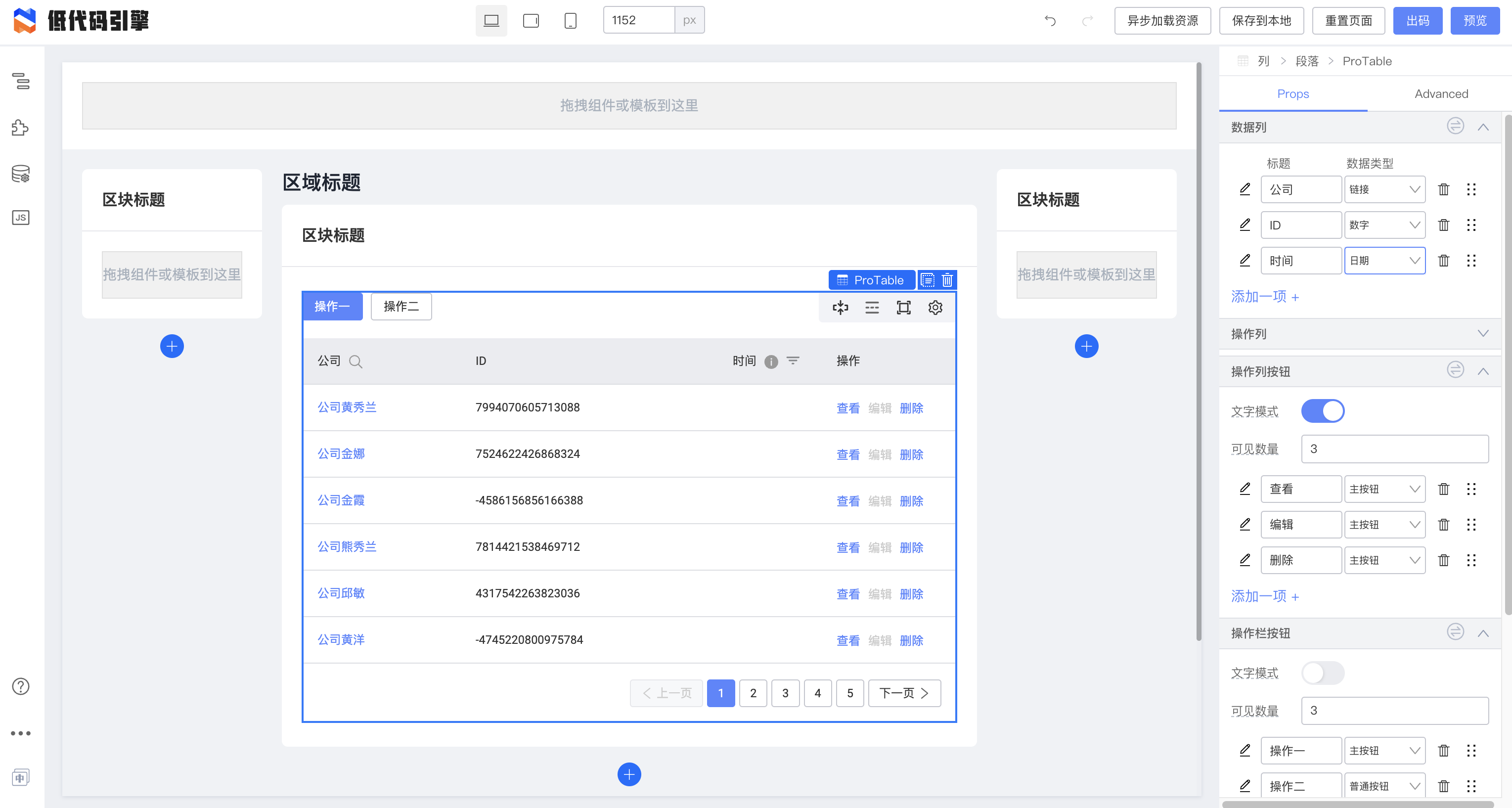
|
||||
|
||||
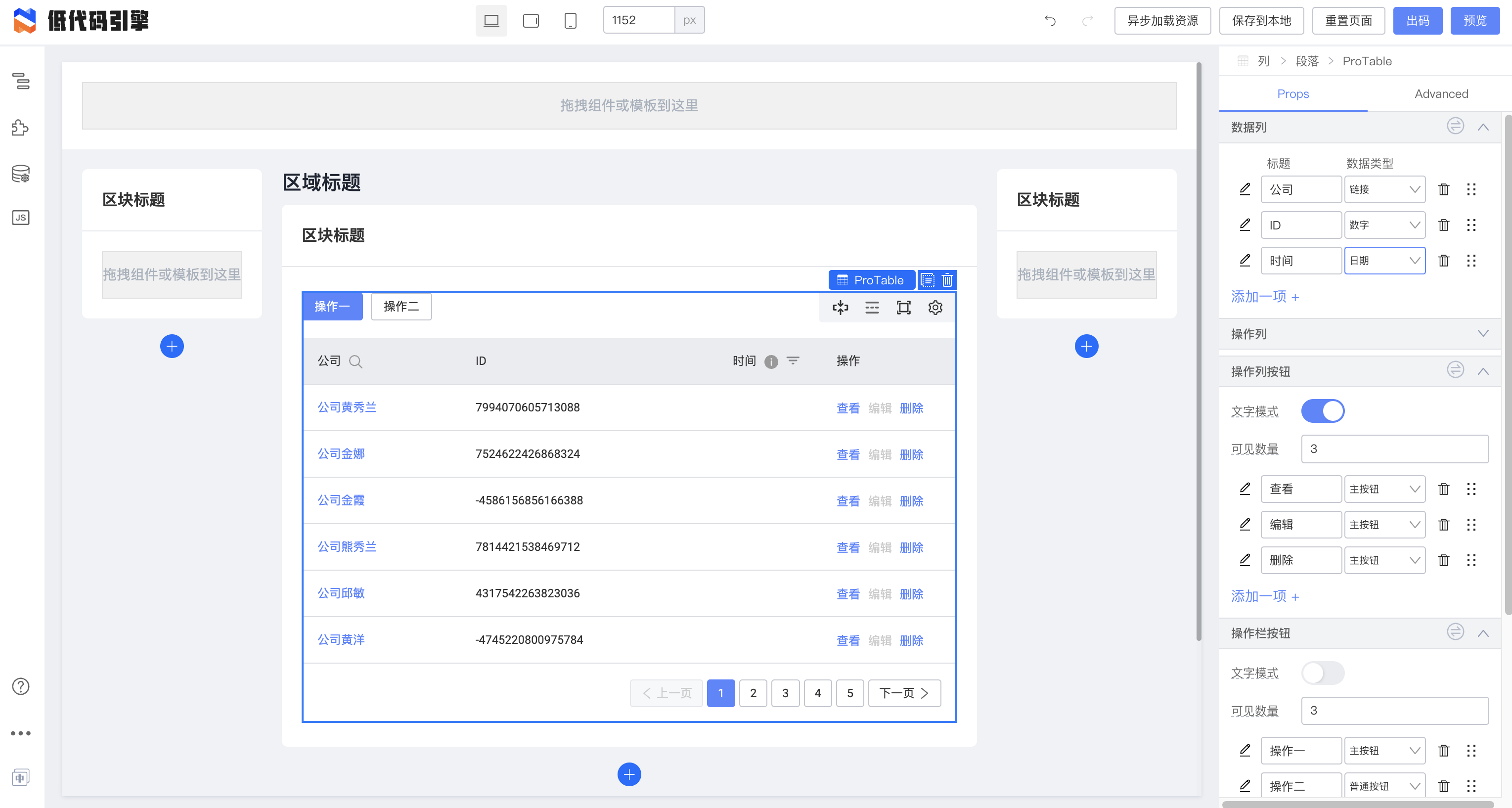
|
||||
|
||||
### 配置插槽
|
||||
## 配置插槽
|
||||
|
||||
我们可以用绑定数据的方法把 loading 绑在加载指示上:
|
||||
|
||||
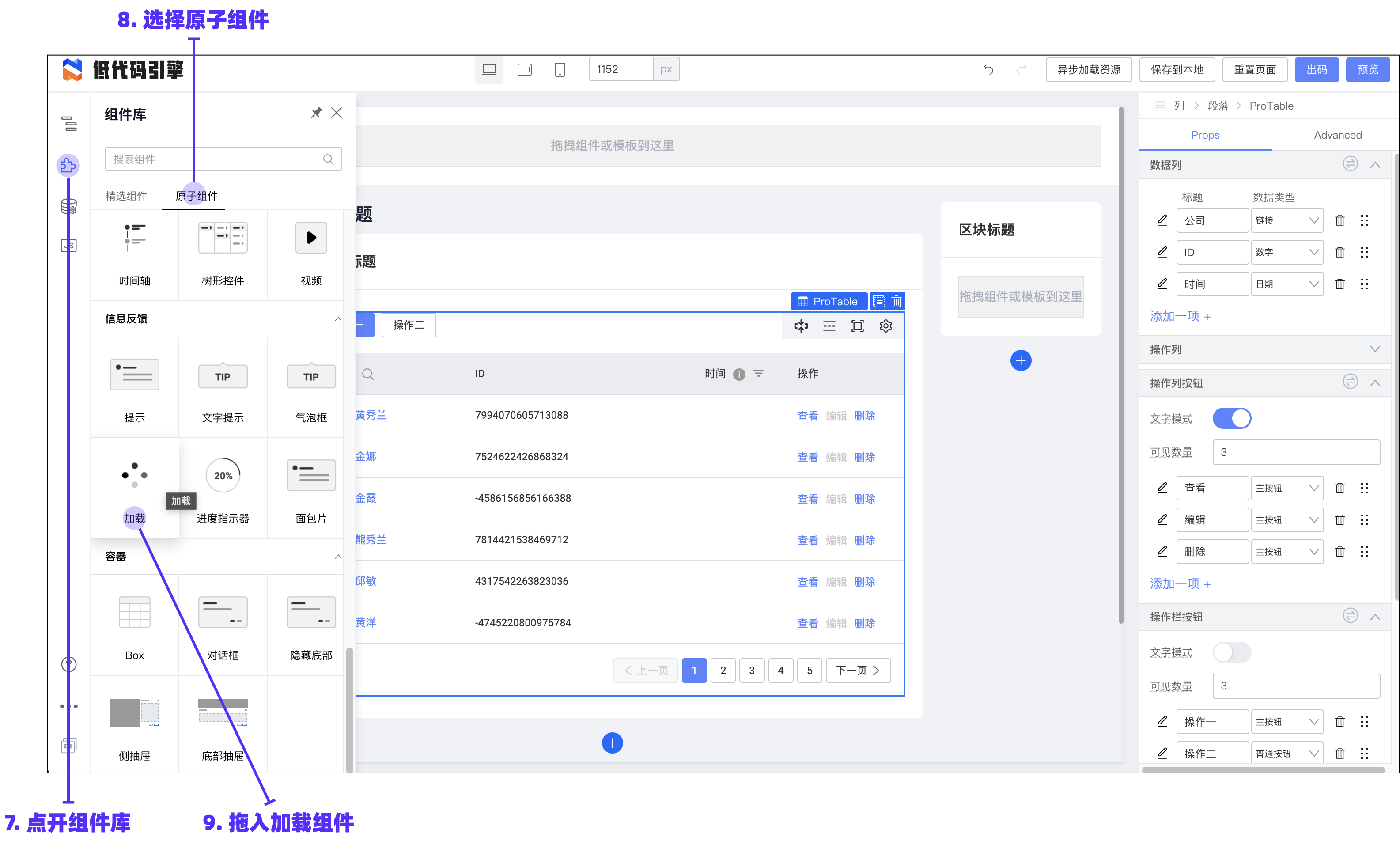
|
||||
|
||||
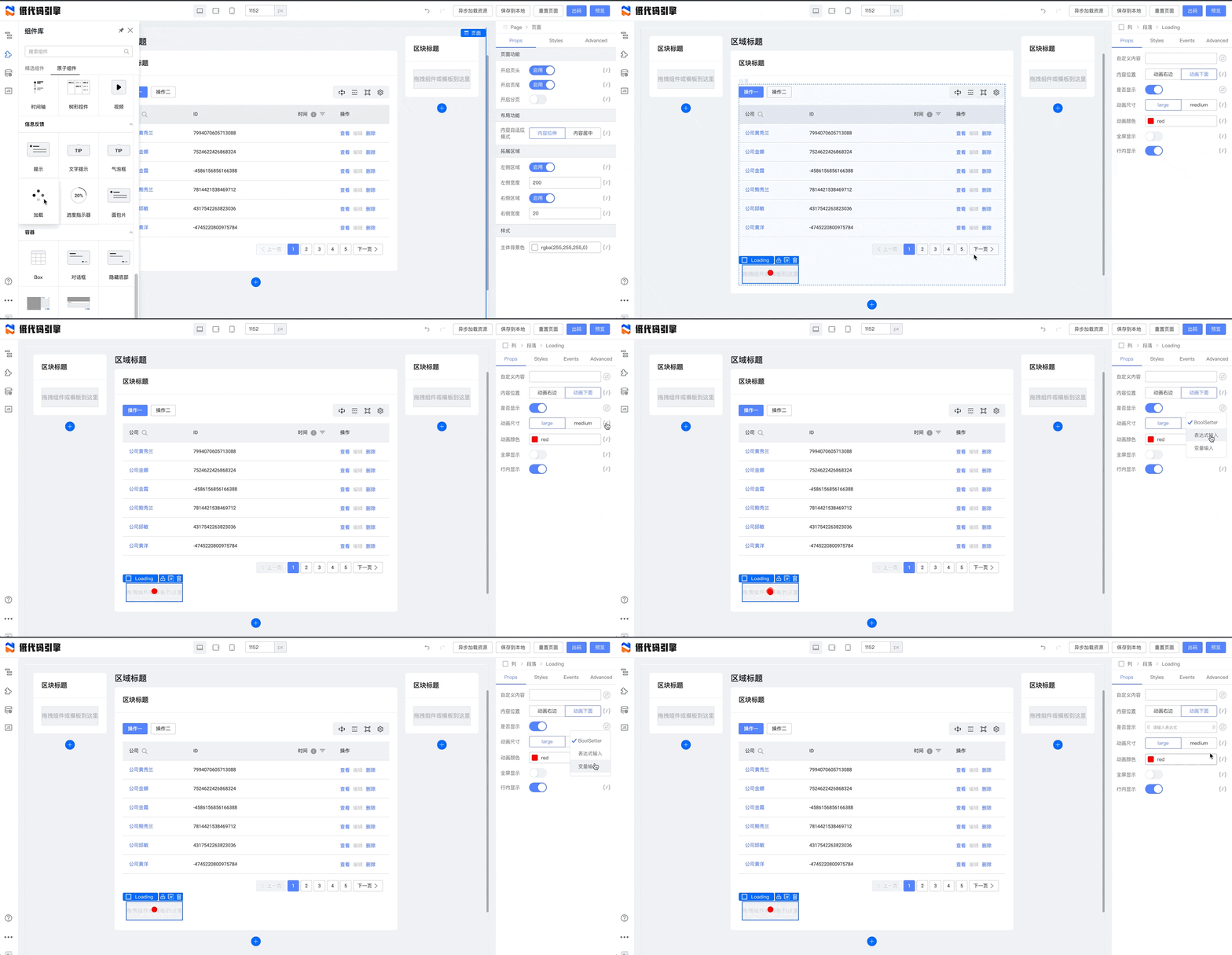
|
||||
|
||||
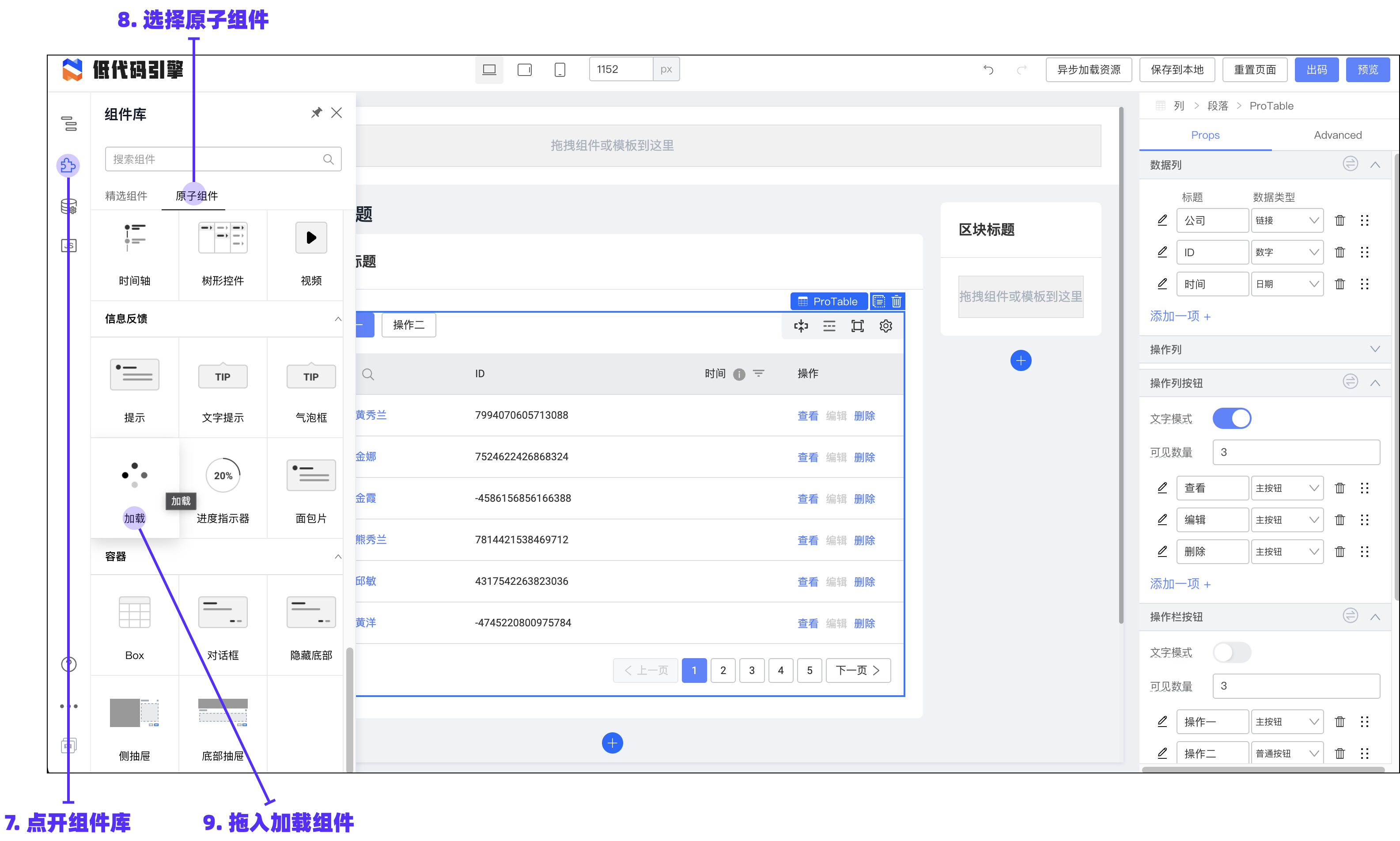
|
||||
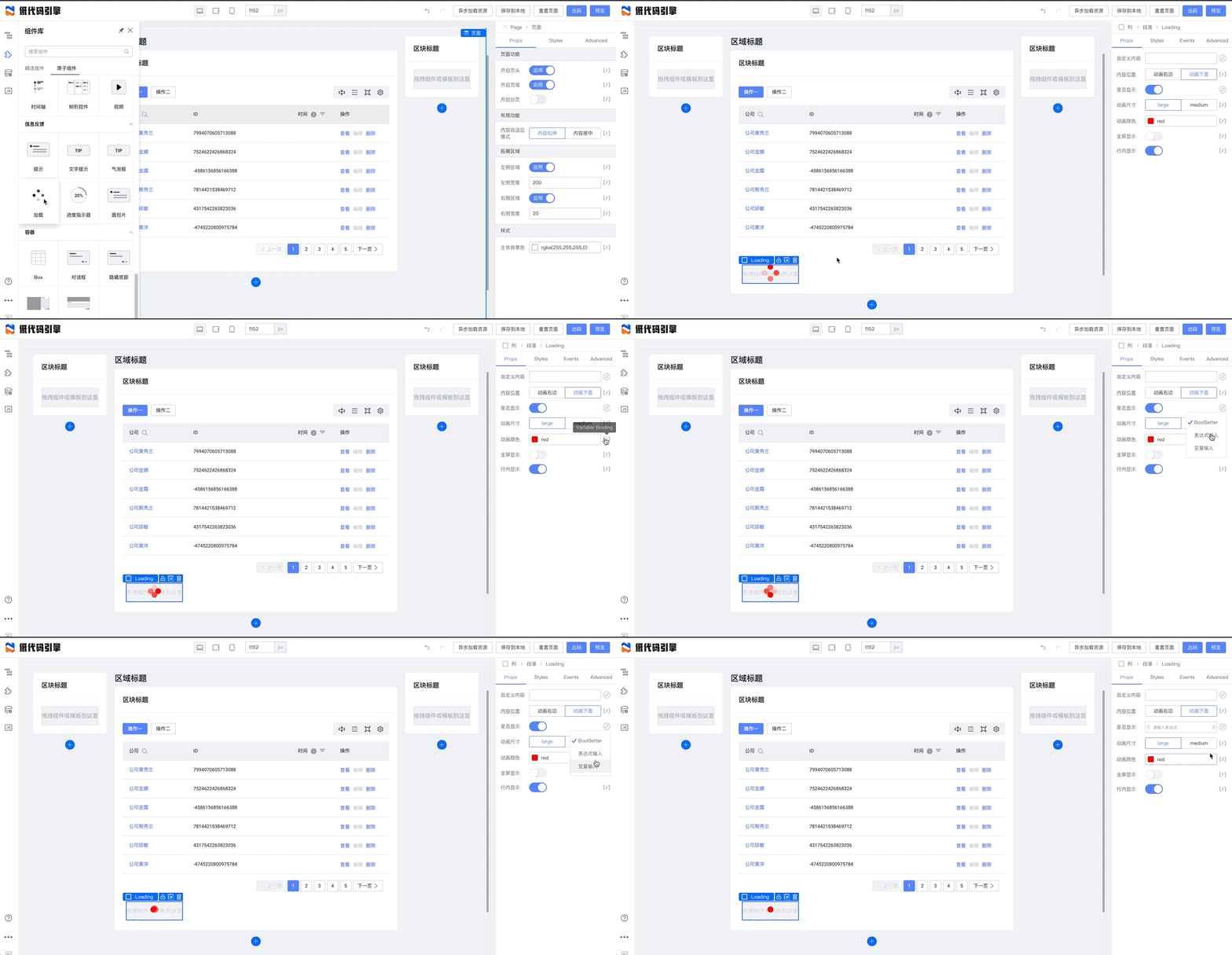
|
||||
将 Loading 的“是否显示”字段绑定 `this.state.loading` 后,我们可以看到,这里暴露了一个插槽。插槽是可以任意扩展的预设部分,我们可以把其他的部分拖进插槽:
|
||||
|
||||
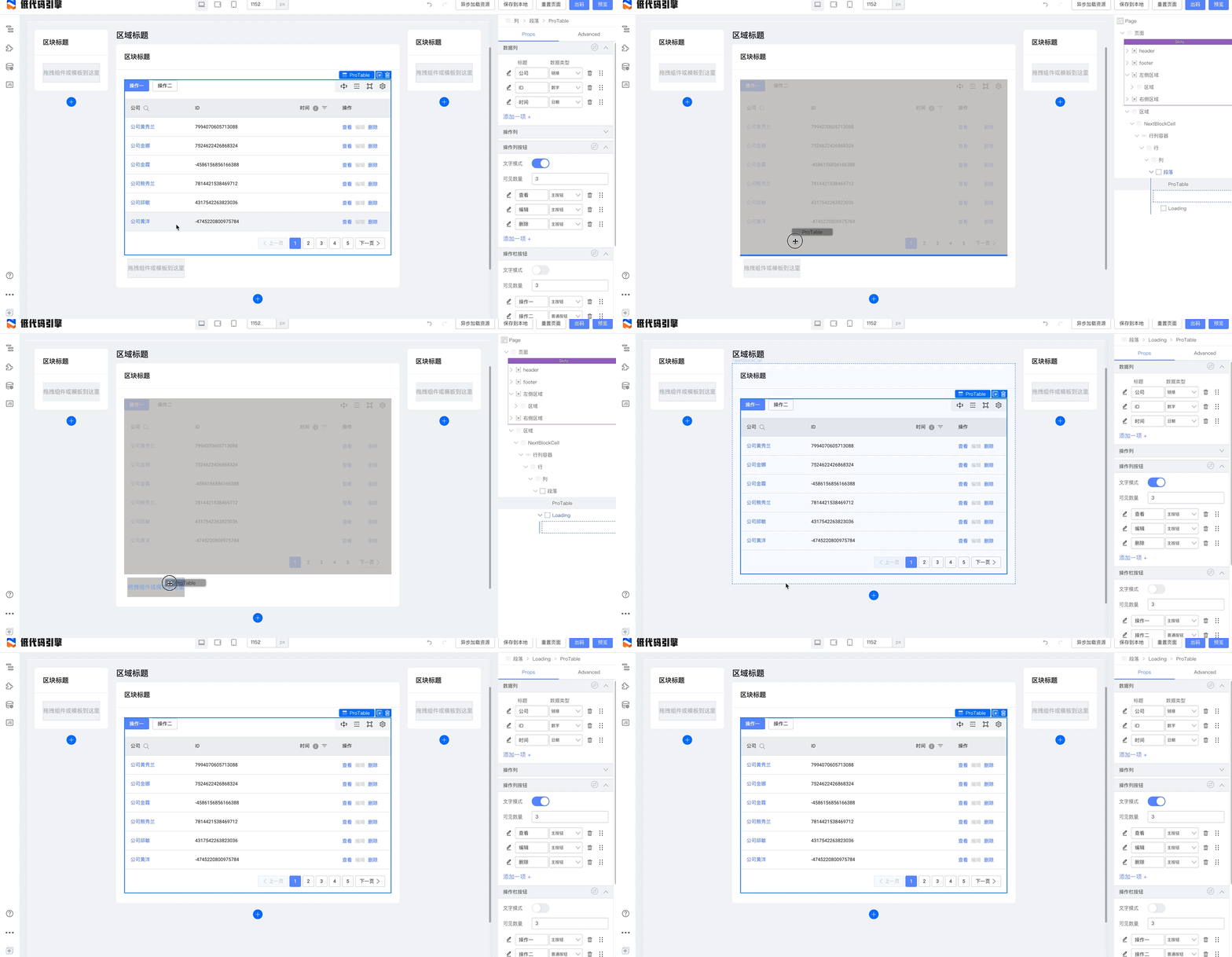
|
||||
|
||||
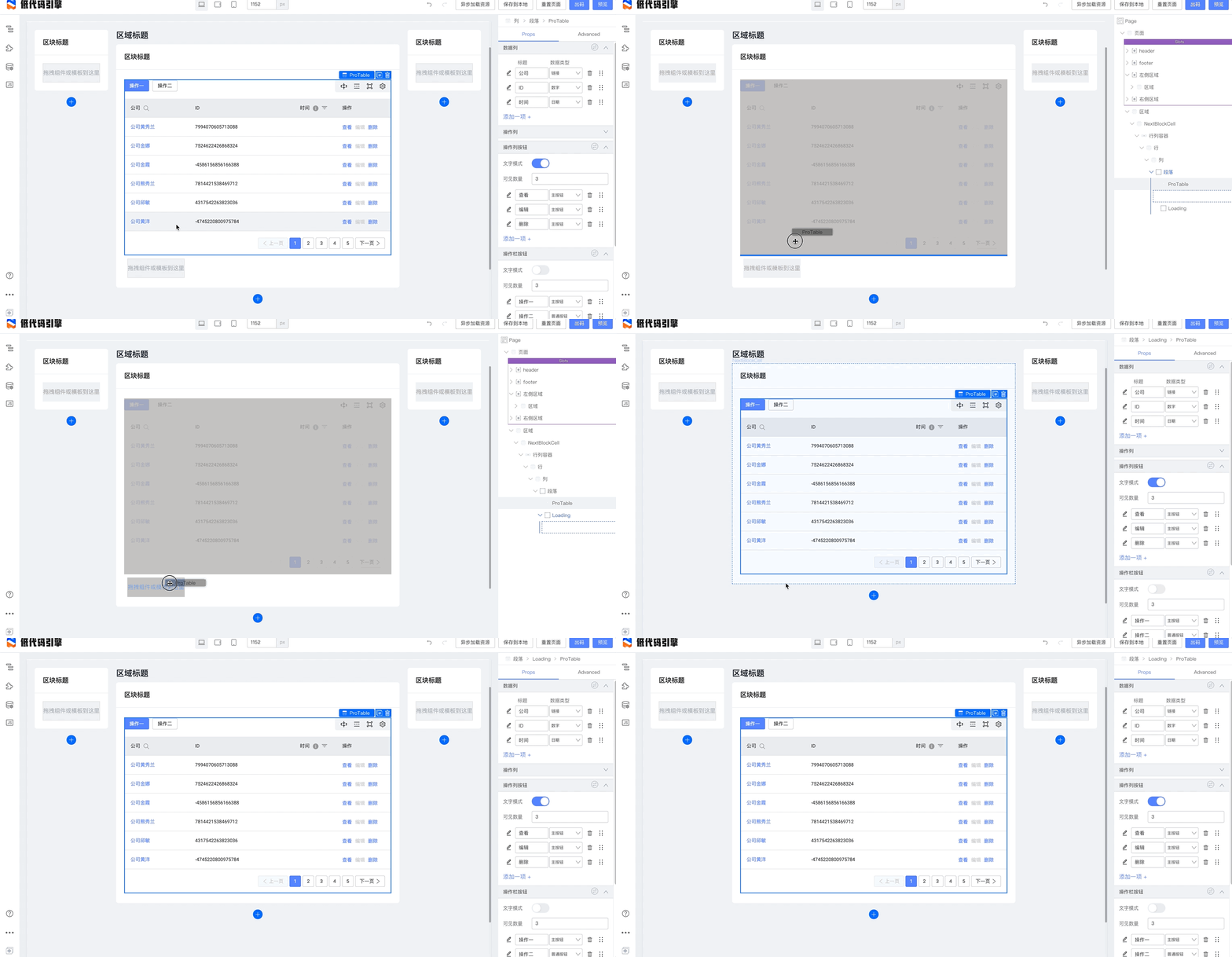
|
||||
点击右上角的预览,我们能够看到完整的动态请求效果了:
|
||||
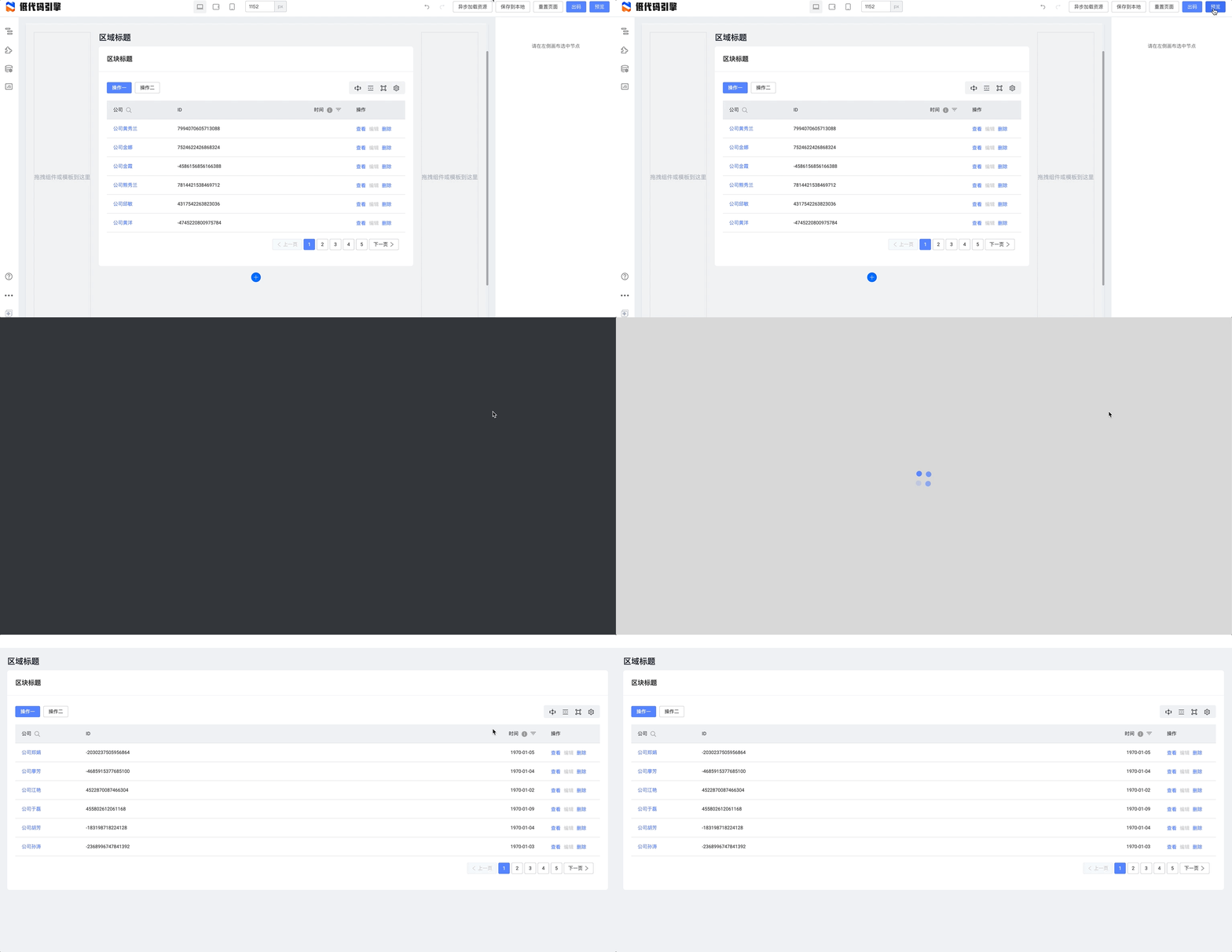
|
||||
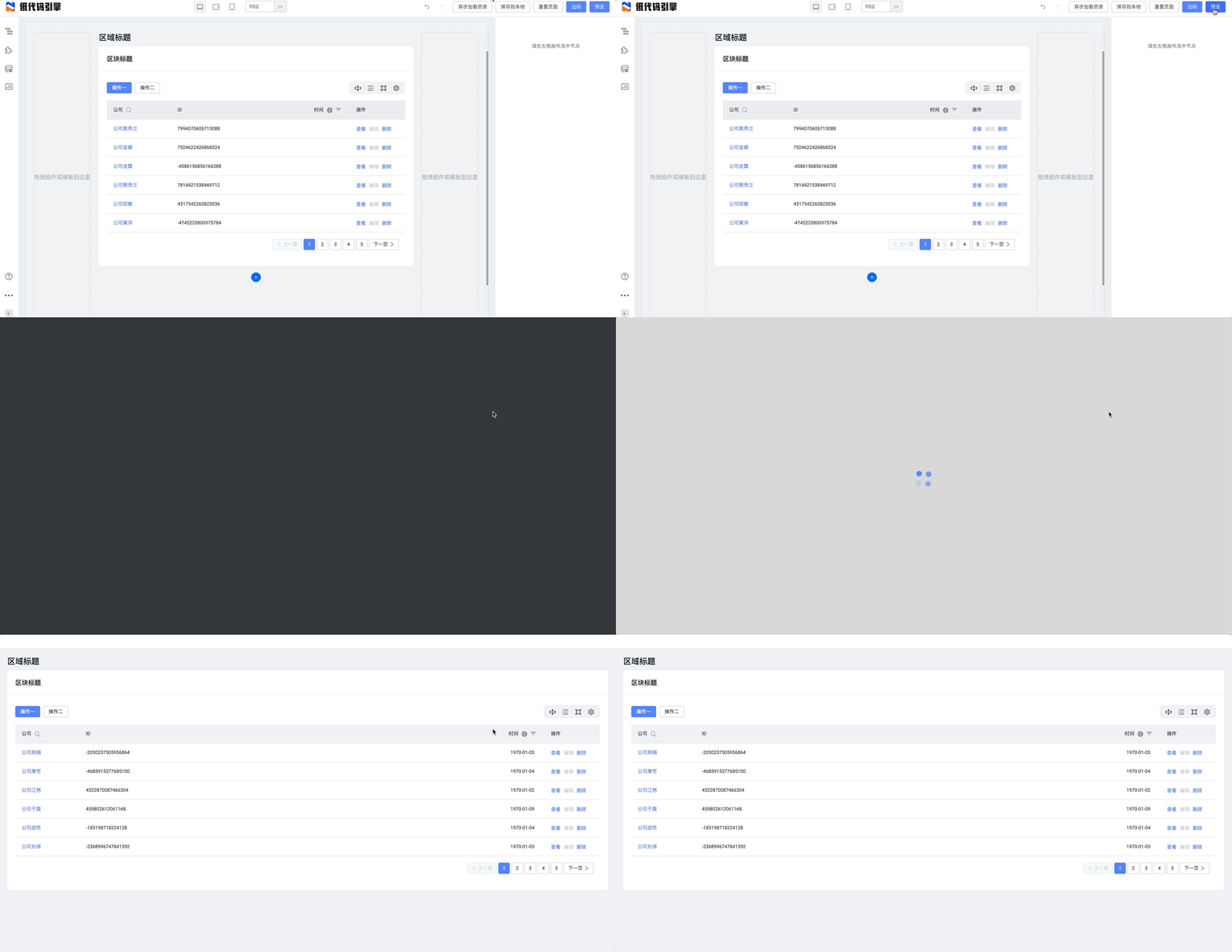
|
||||
|
||||
### 列挂钩浮层
|
||||
## 列挂钩浮层
|
||||
|
||||
为了能够让表格里的操作挂钩浮层,我们先拖入一个浮层:
|
||||
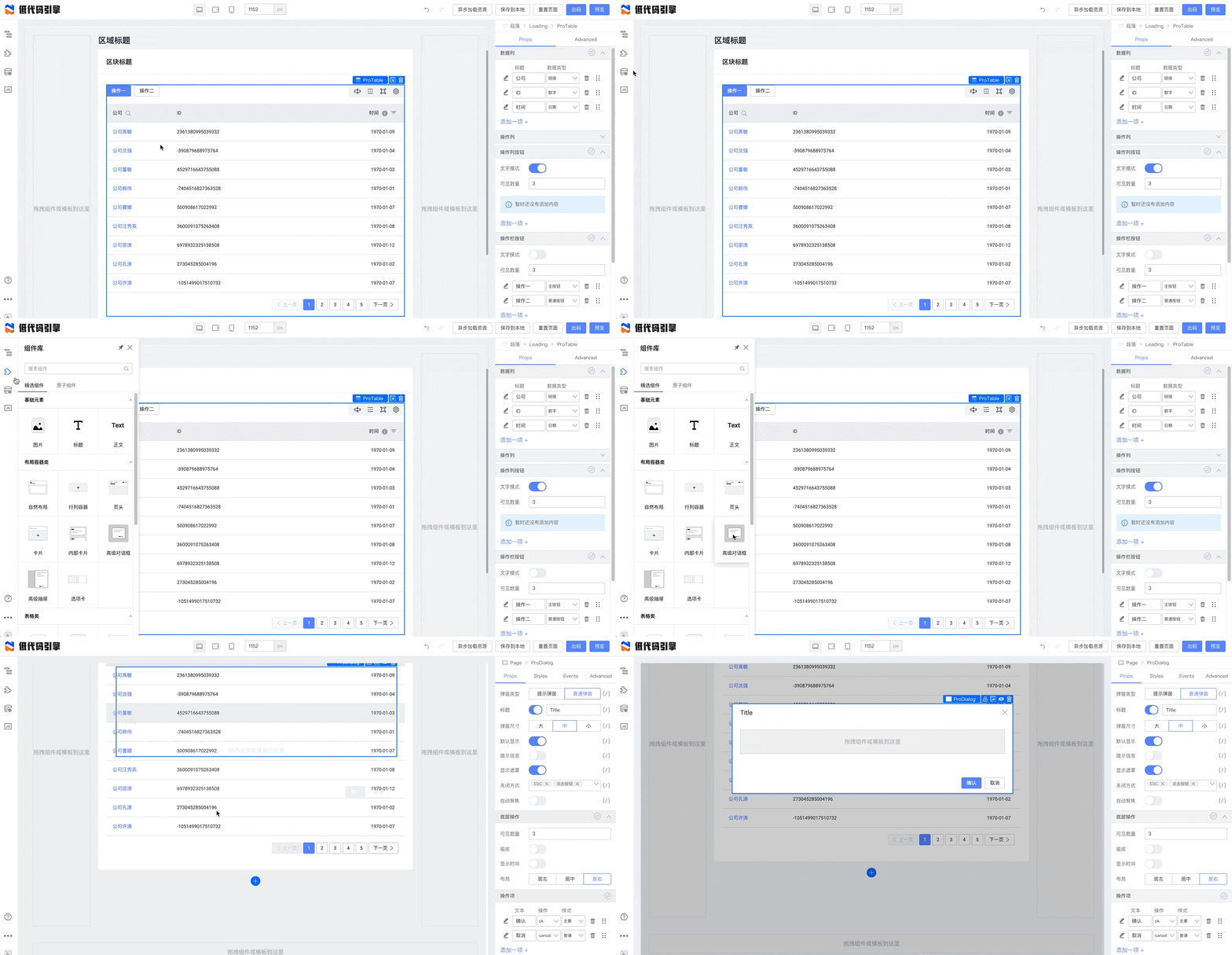
|
||||
|
||||
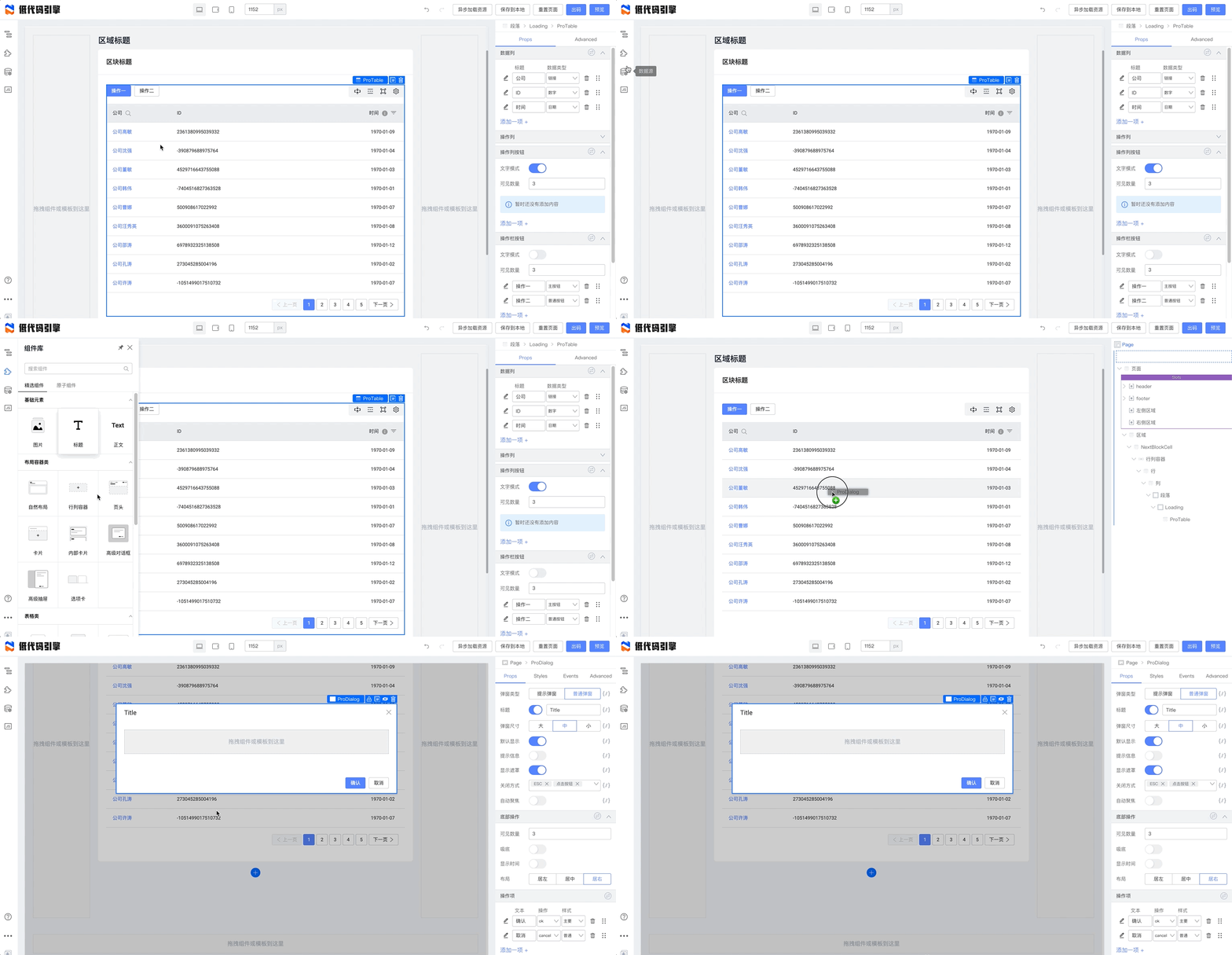
|
||||
使用大纲树能够临时显示和隐藏此浮层:
|
||||
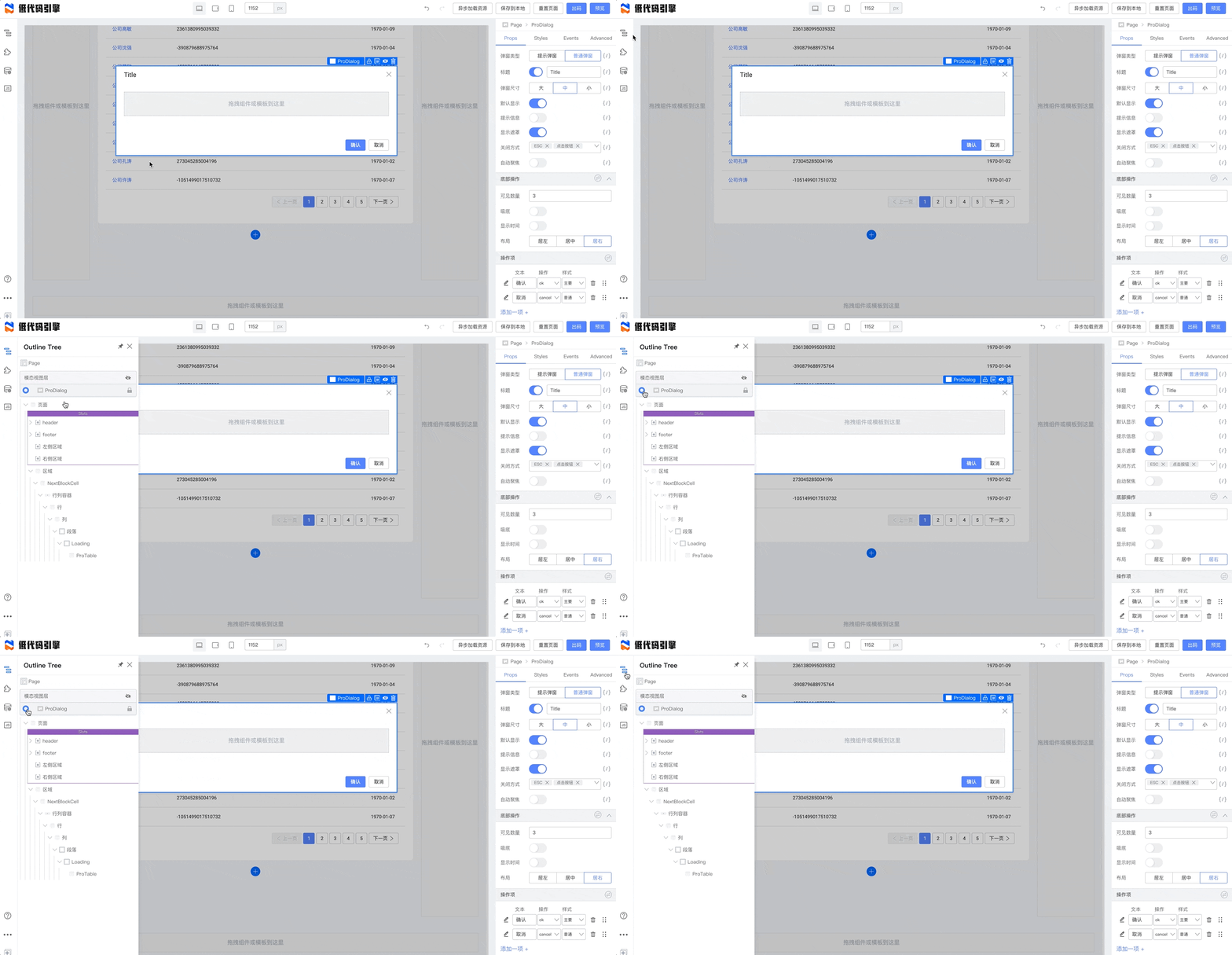
|
||||
|
||||
我们给表格增加一个数据列:
|
||||

|
||||
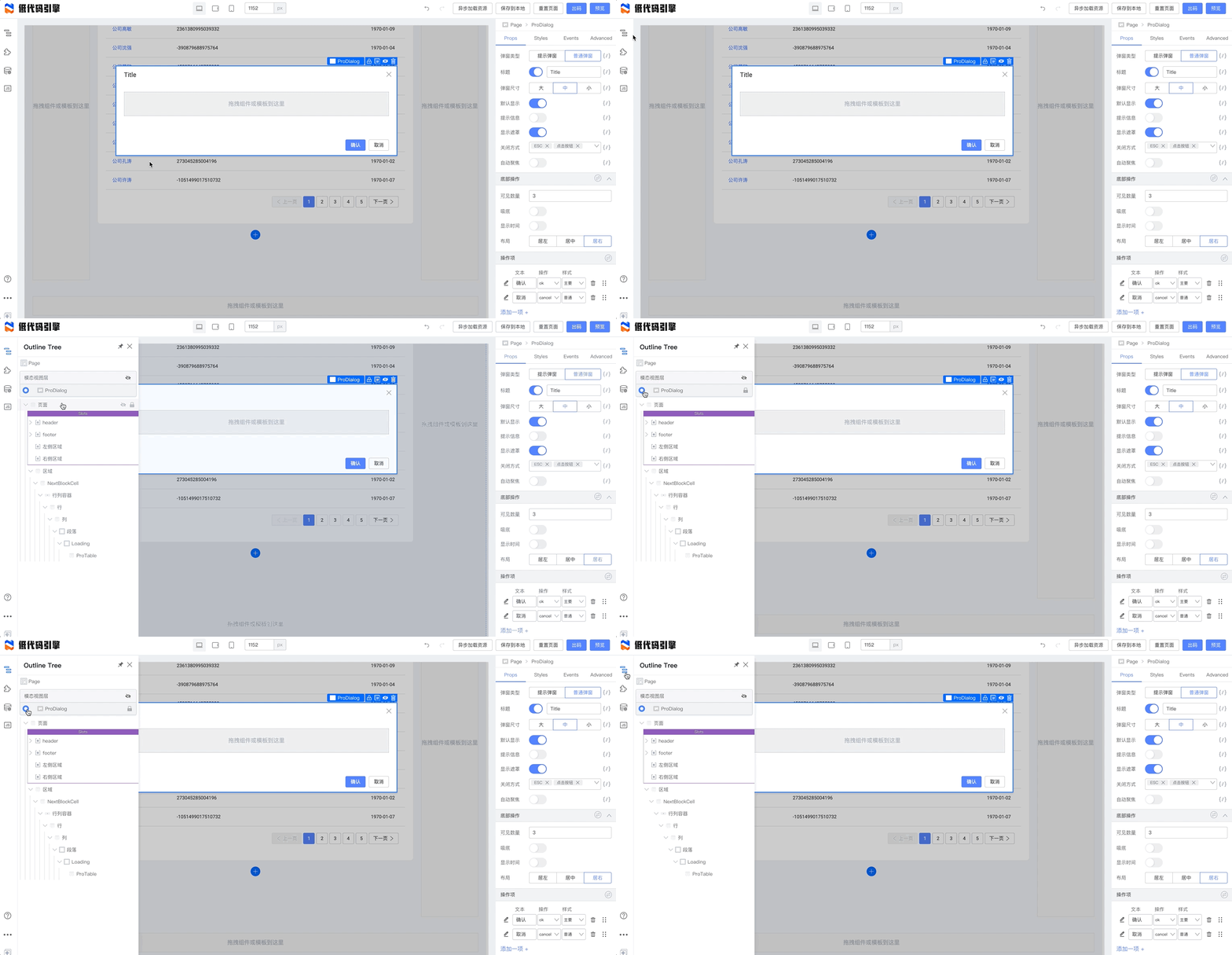
|
||||
我们给表格增加一个数据列:
|
||||
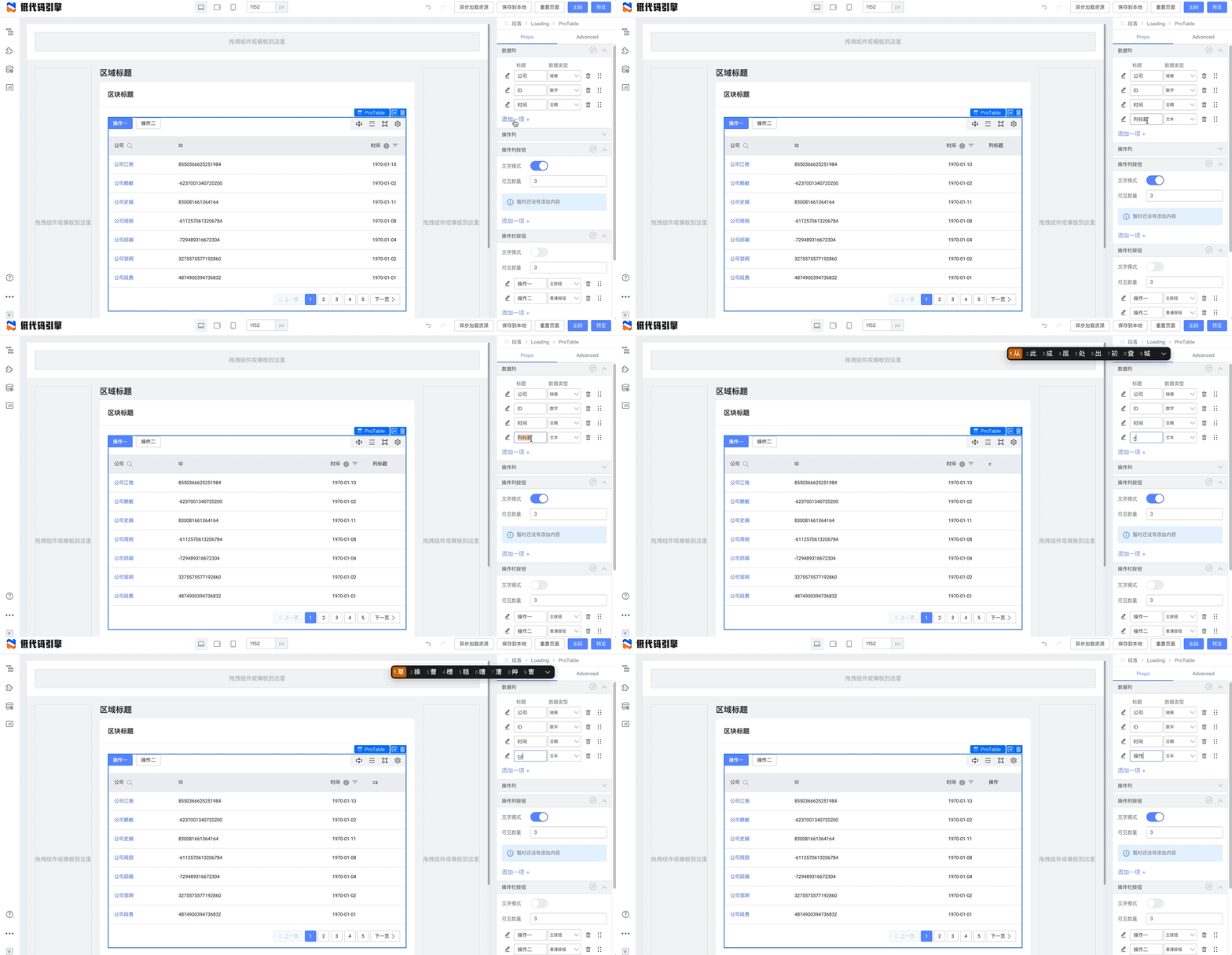
|
||||
|
||||
然后配置它的行为为“弹窗”:
|
||||
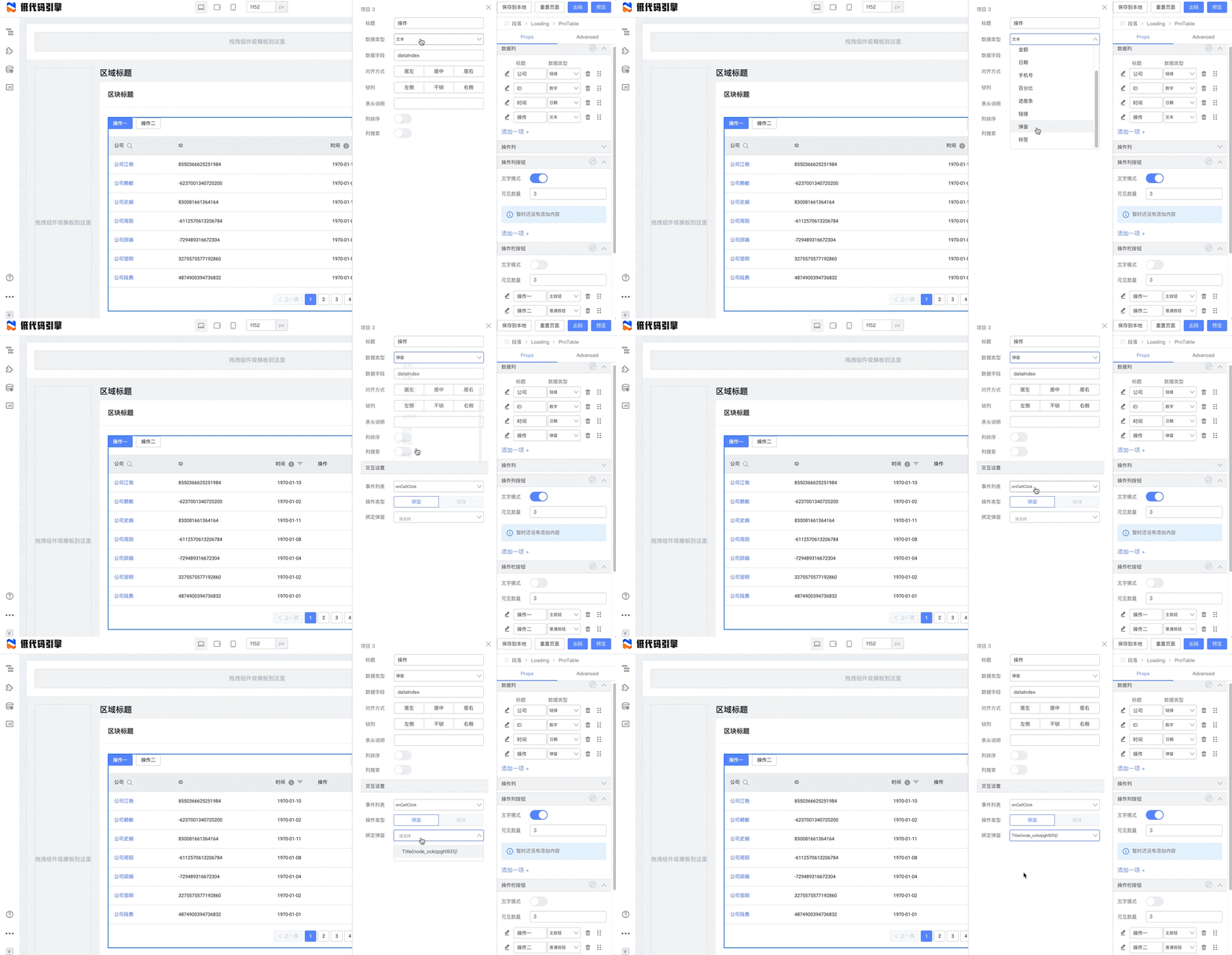
|
||||
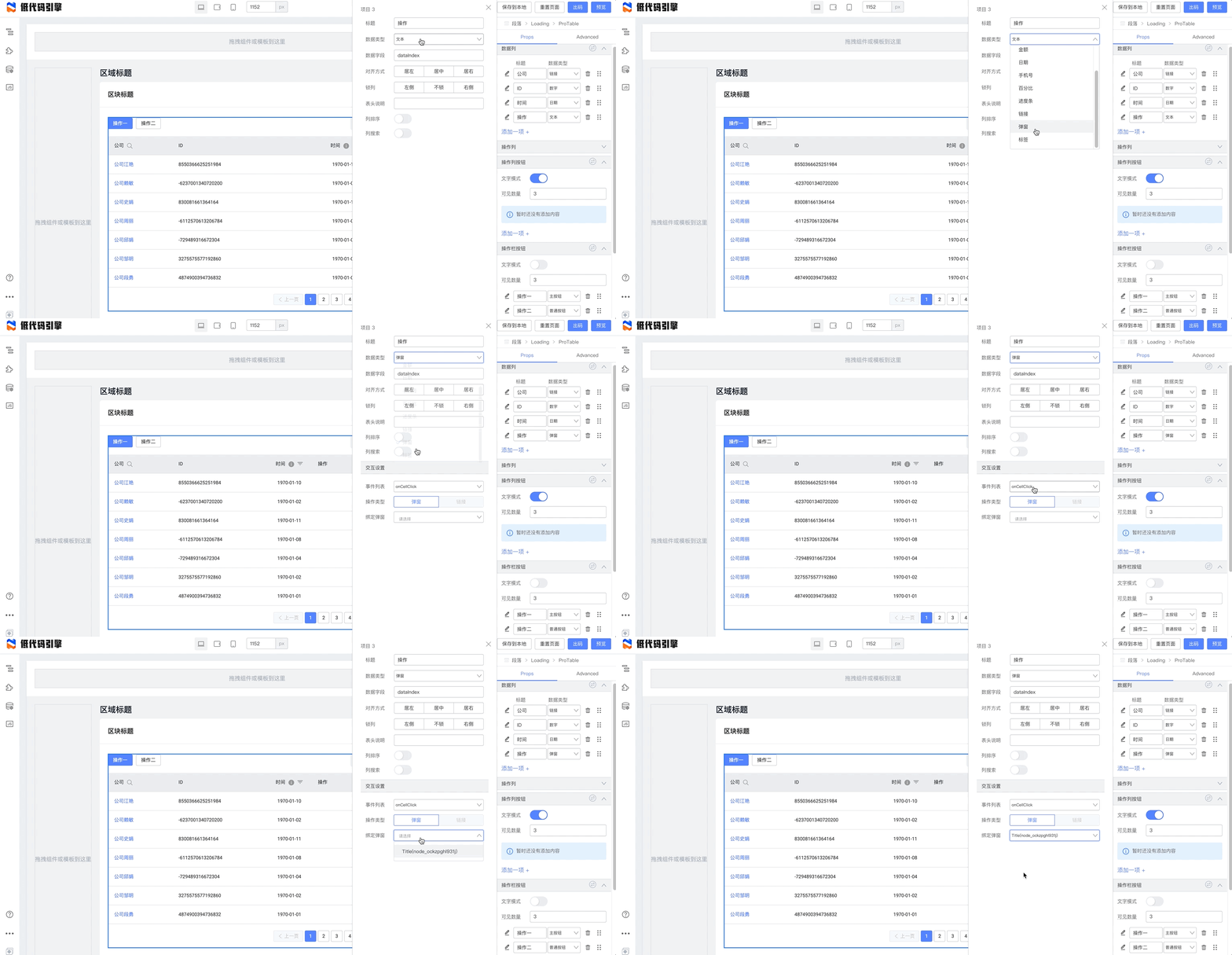
|
||||
|
||||
实现的效果如下:
|
||||

|
||||
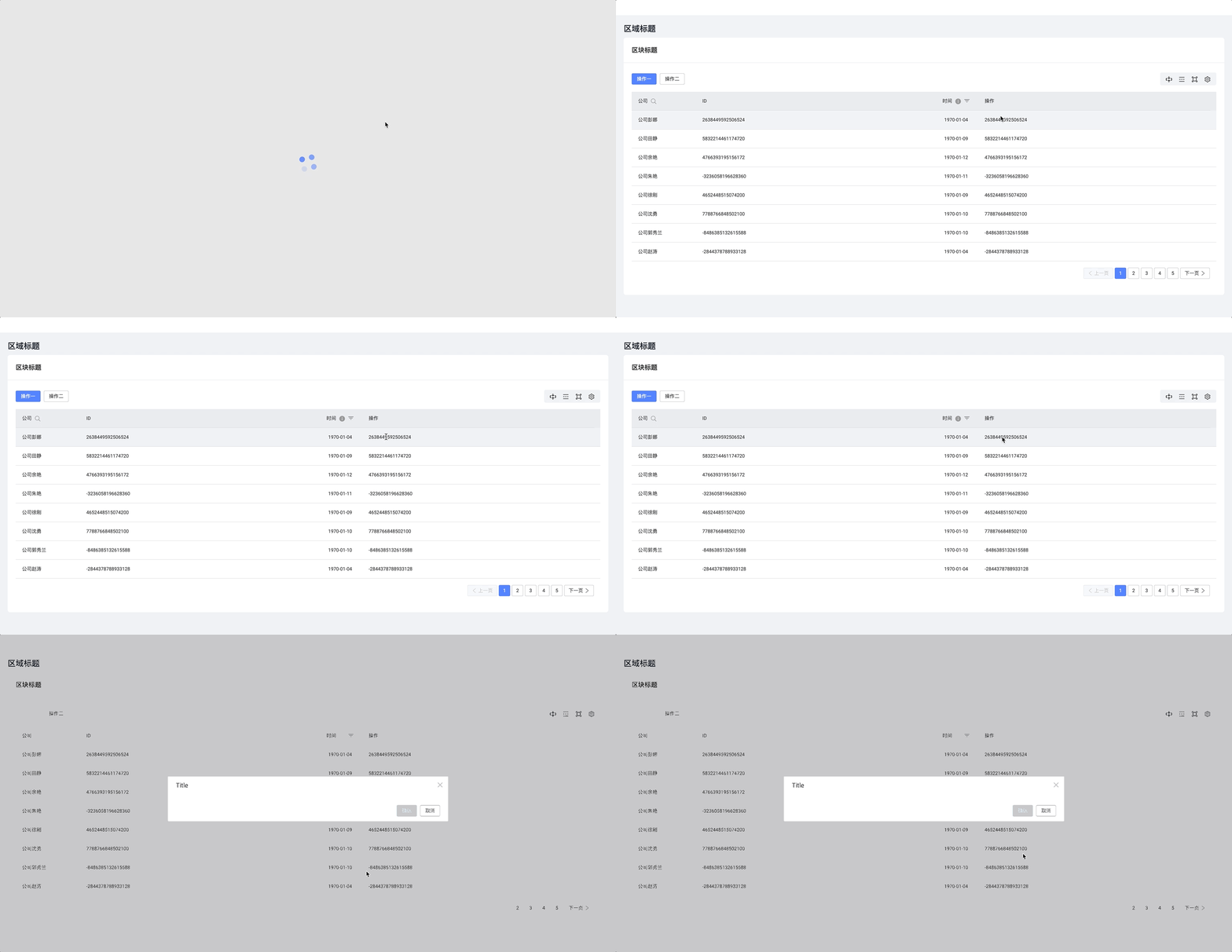
|
||||
|
||||
### 事件回调
|
||||
## 事件回调
|
||||
|
||||
上述功能点中,我们是把操作行为绑定在数据列上的,这一节我们绑定到操作列中。在操作列按钮处,点击下方的“添加一项”:
|
||||
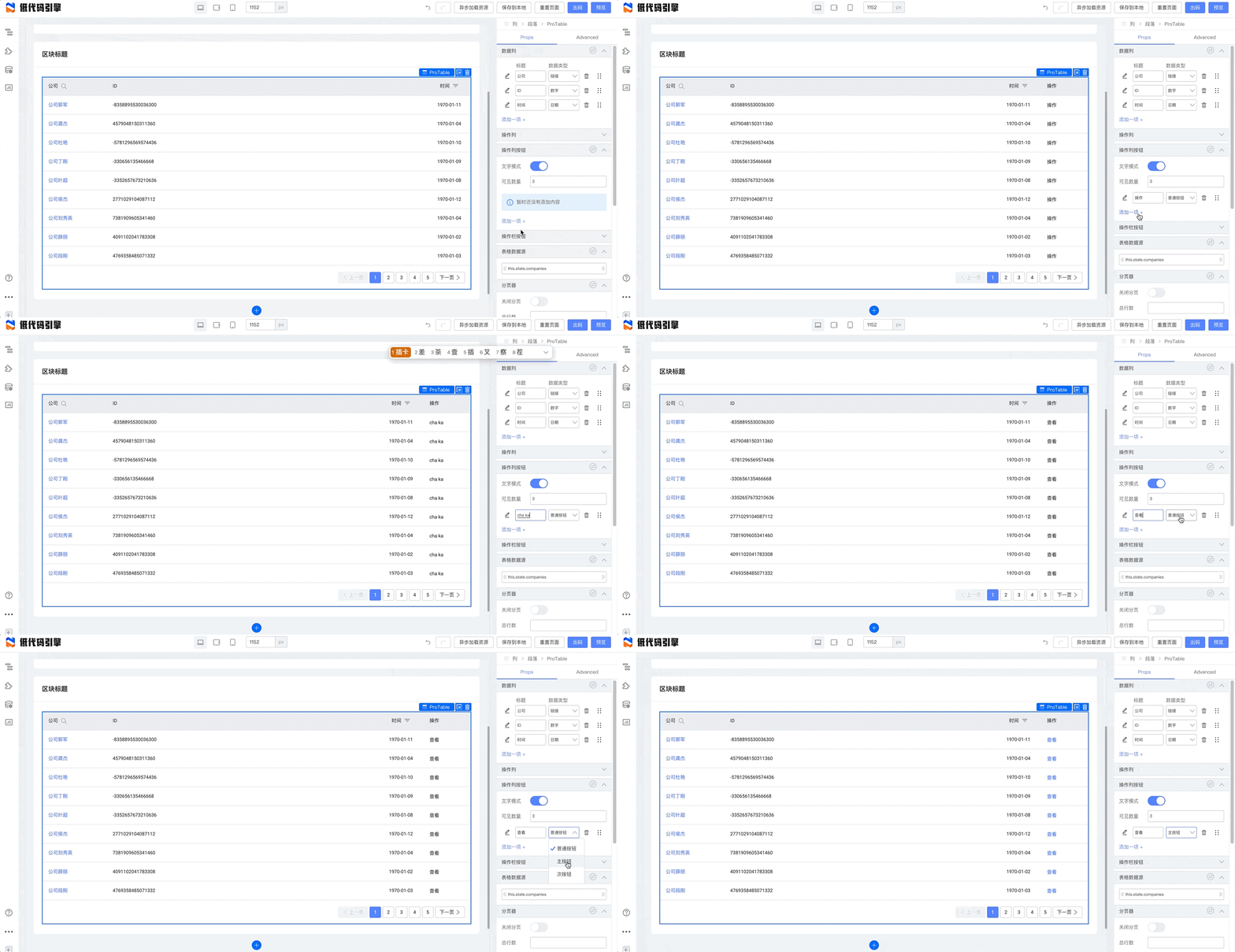
|
||||
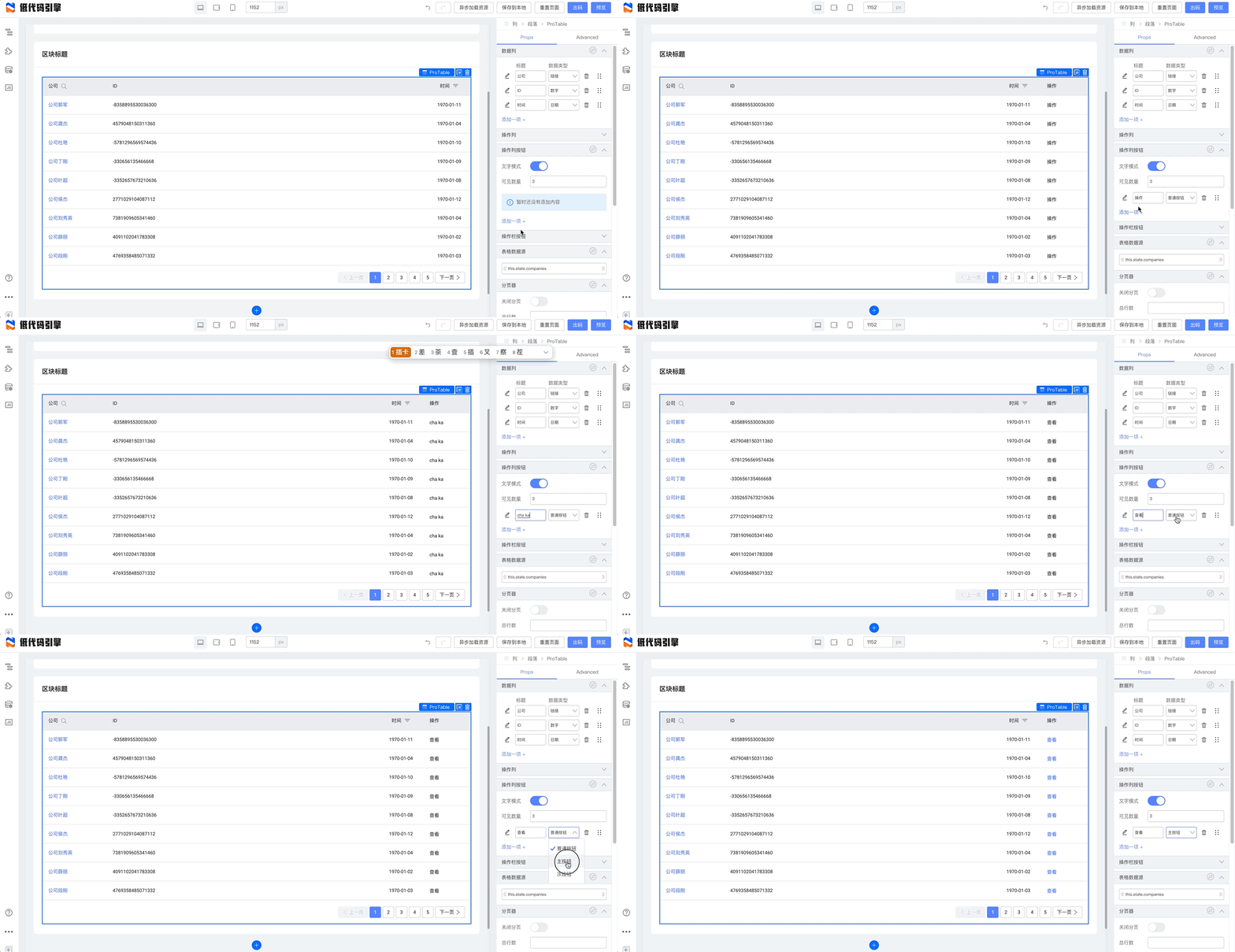
|
||||
|
||||
点击左侧的详情按钮,配置它的事件回调:
|
||||
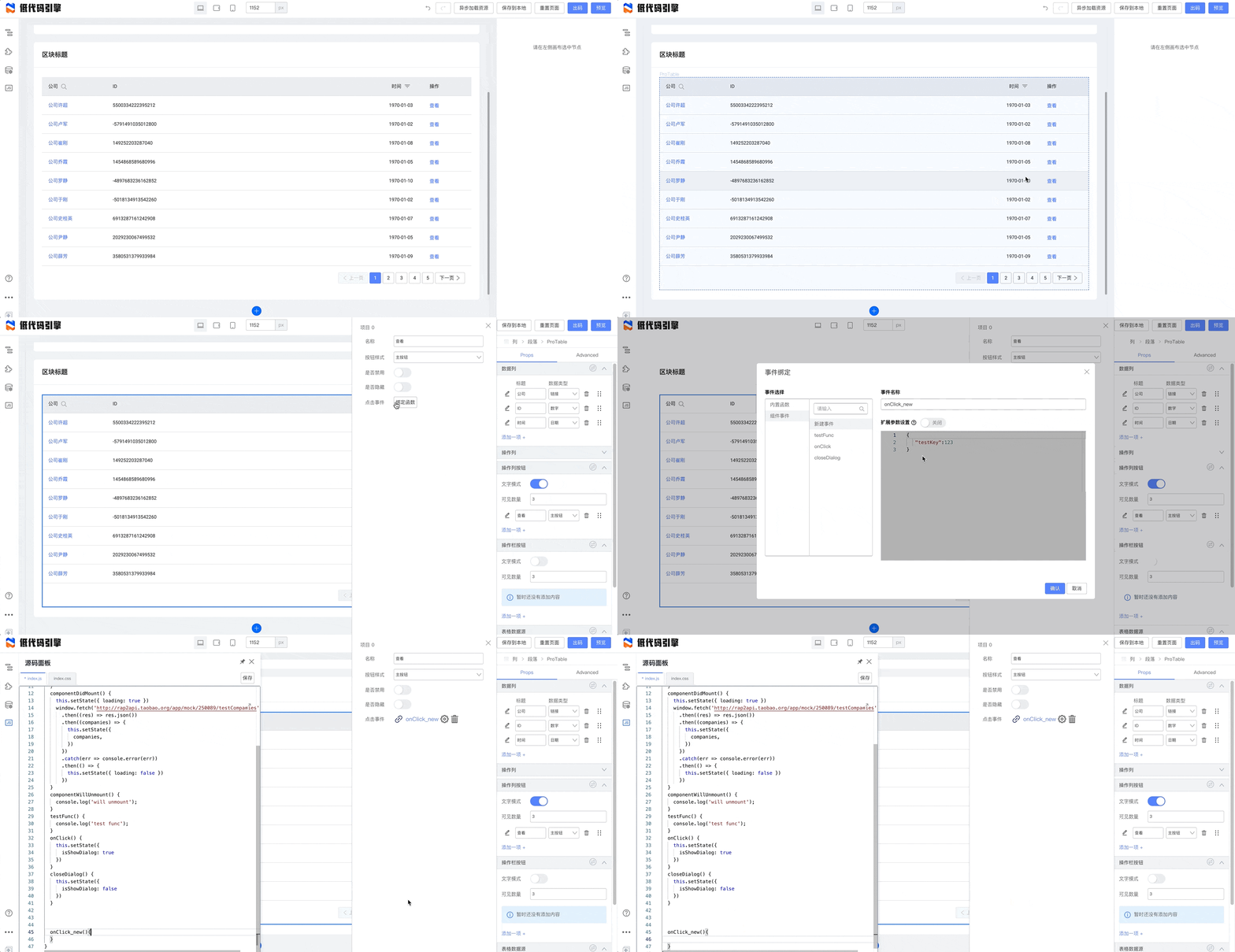
|
||||
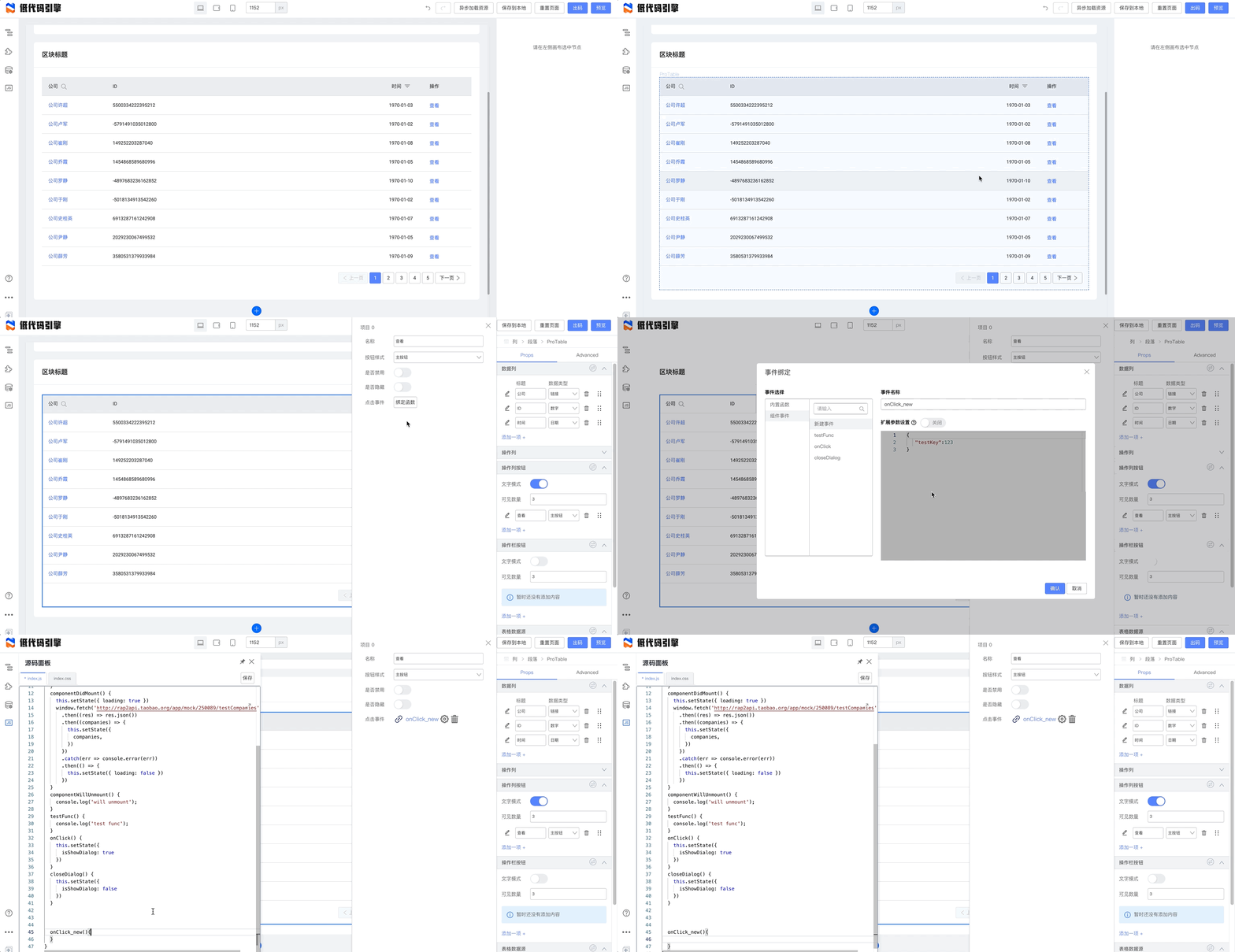
|
||||
|
||||
代码侧,我们配置这个回调函数:
|
||||
```javascript
|
||||
@ -139,10 +119,10 @@ onClick_new(e, { rowKey, rowIndex, rowRecord }){
|
||||
}
|
||||
```
|
||||
保存。预览时我们可以看到效果了:
|
||||
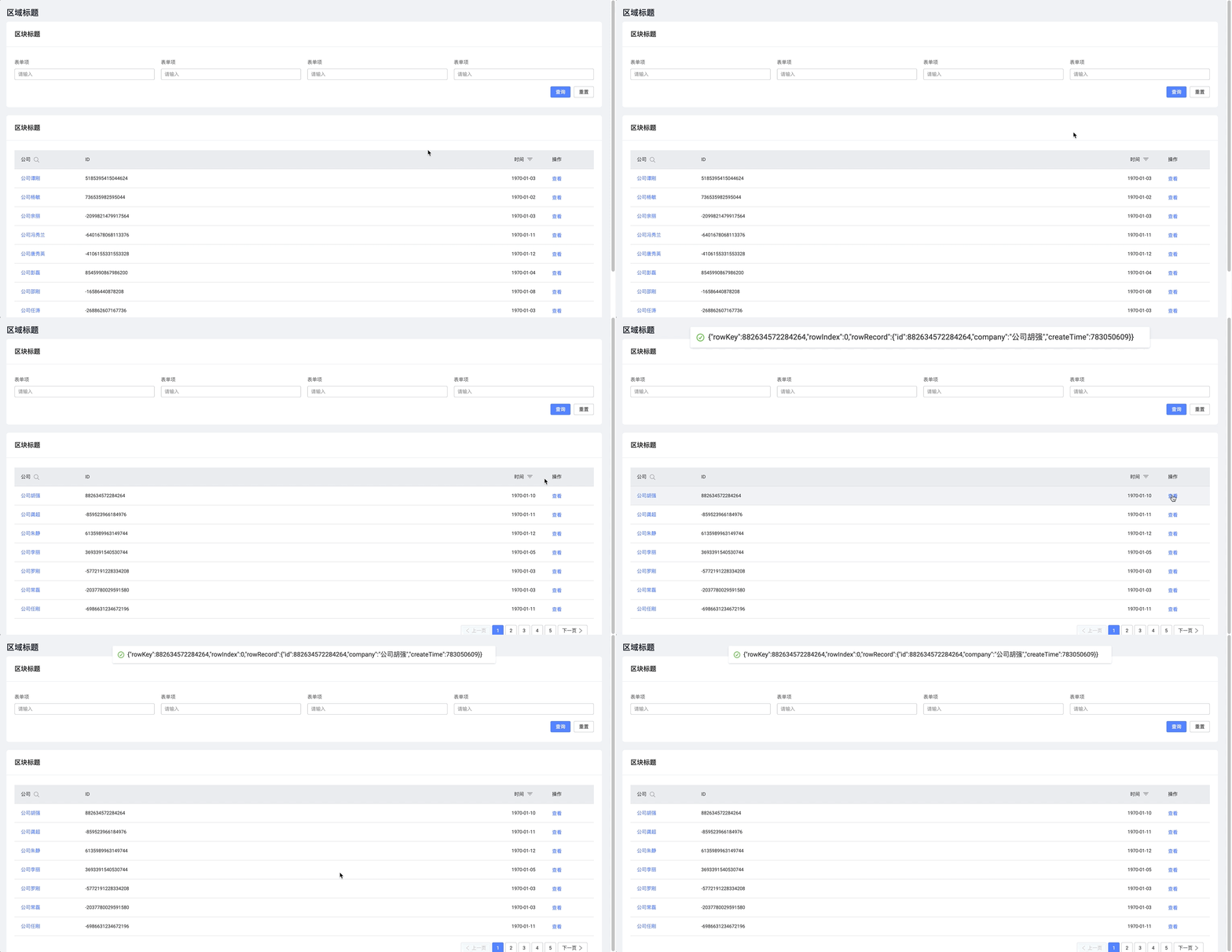
|
||||
## 研究本例的 schema
|
||||
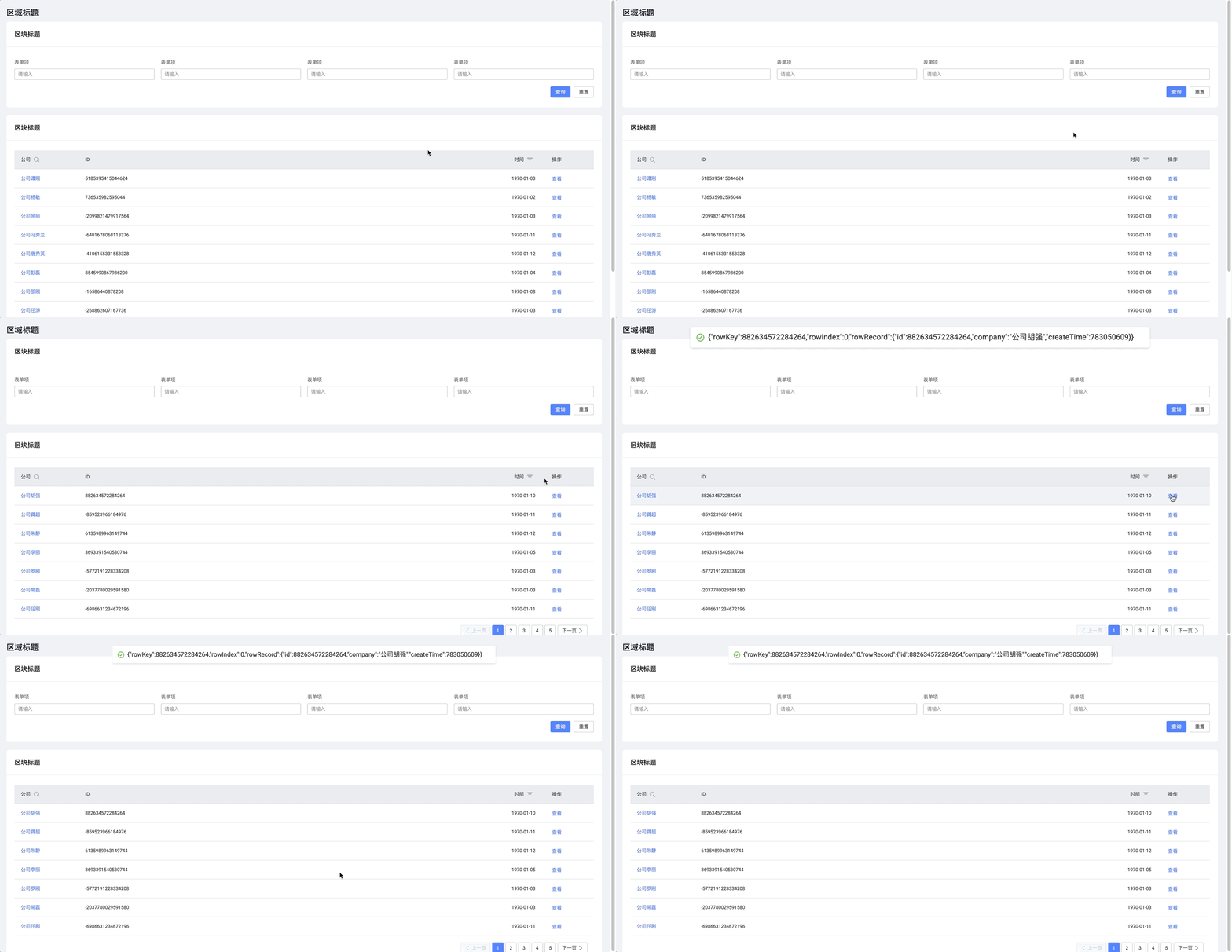
|
||||
# 研究本例的 schema
|
||||
|
||||
我们把本例的 schema 保存在云端,您可以自行下载研究:[https://mo.m.taobao.com/marquex/lowcode-showcase-table](https://mo.m.taobao.com/marquex/lowcode-showcase-table)
|
||||
|
||||
您可以通过左下角的 Schema 面板直接导入本例子的 Schema。
|
||||

|
||||
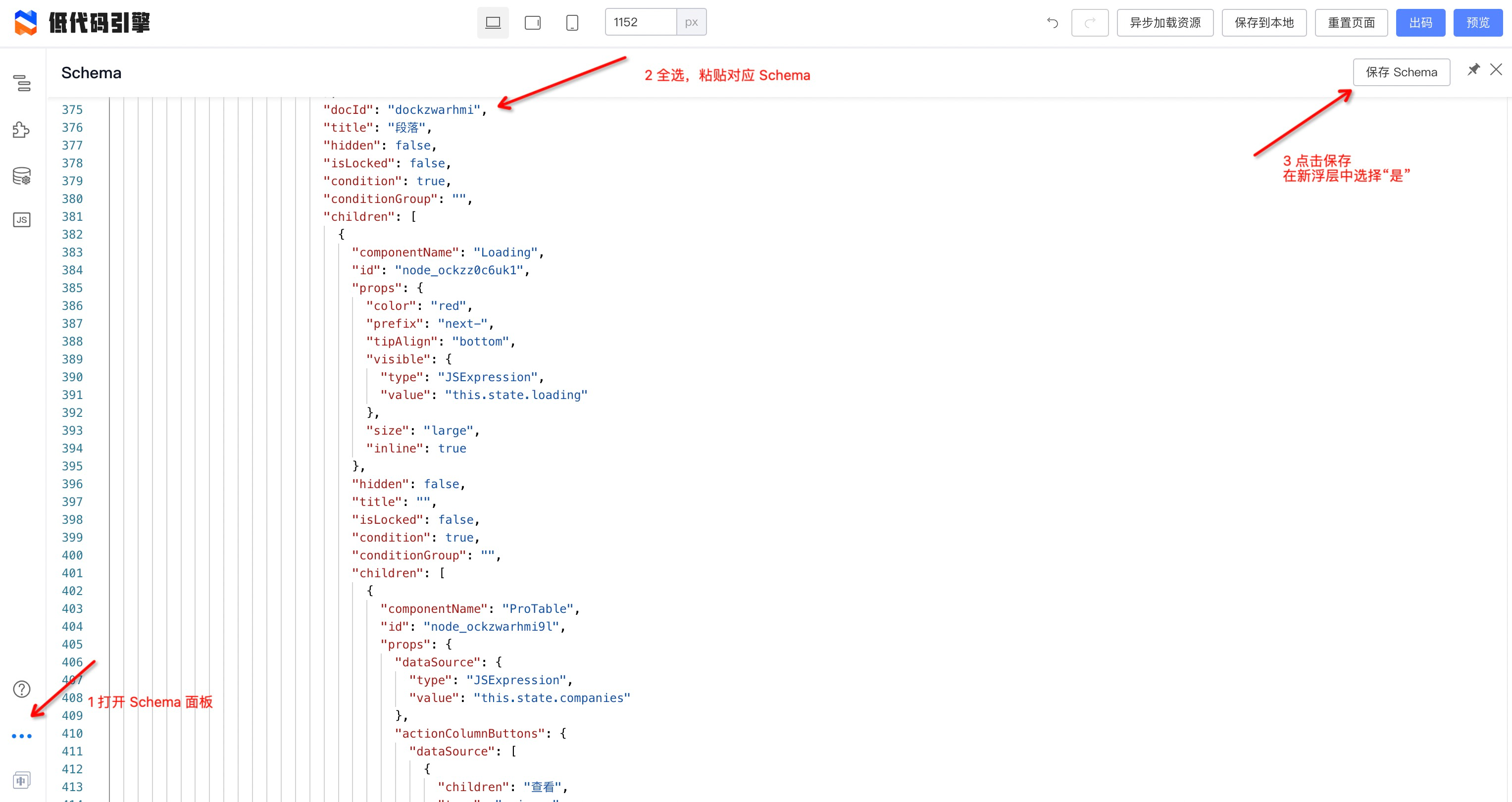
|
||||
|
||||
@ -5,18 +5,18 @@ sidebar_position: 1
|
||||
## 组件操作
|
||||
### 画布操作
|
||||
点击组件在右侧面板中能够显示出对应组件的属性配置选项
|
||||
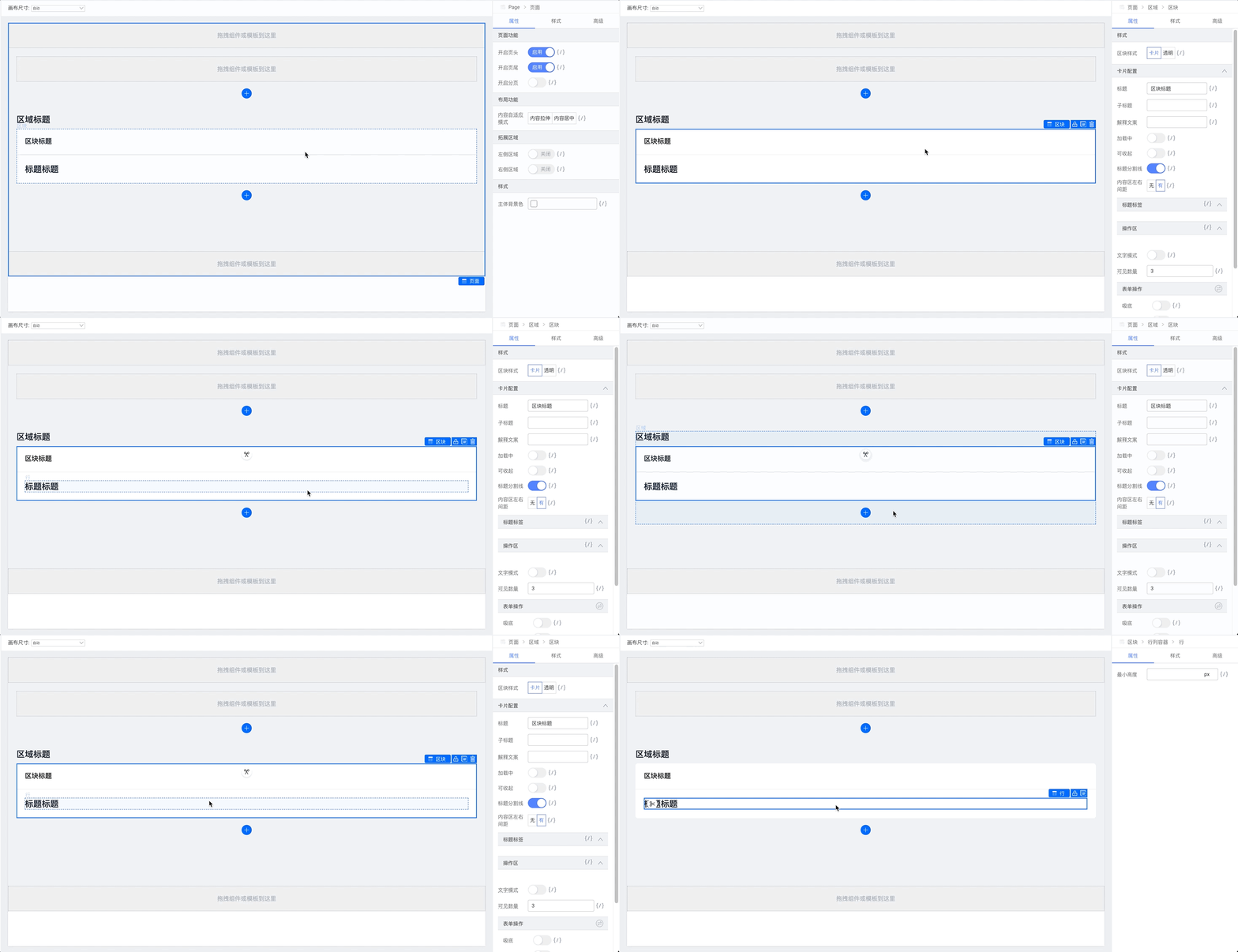
|
||||

|
||||
|
||||
拖拽修改组件的排列顺序
|
||||
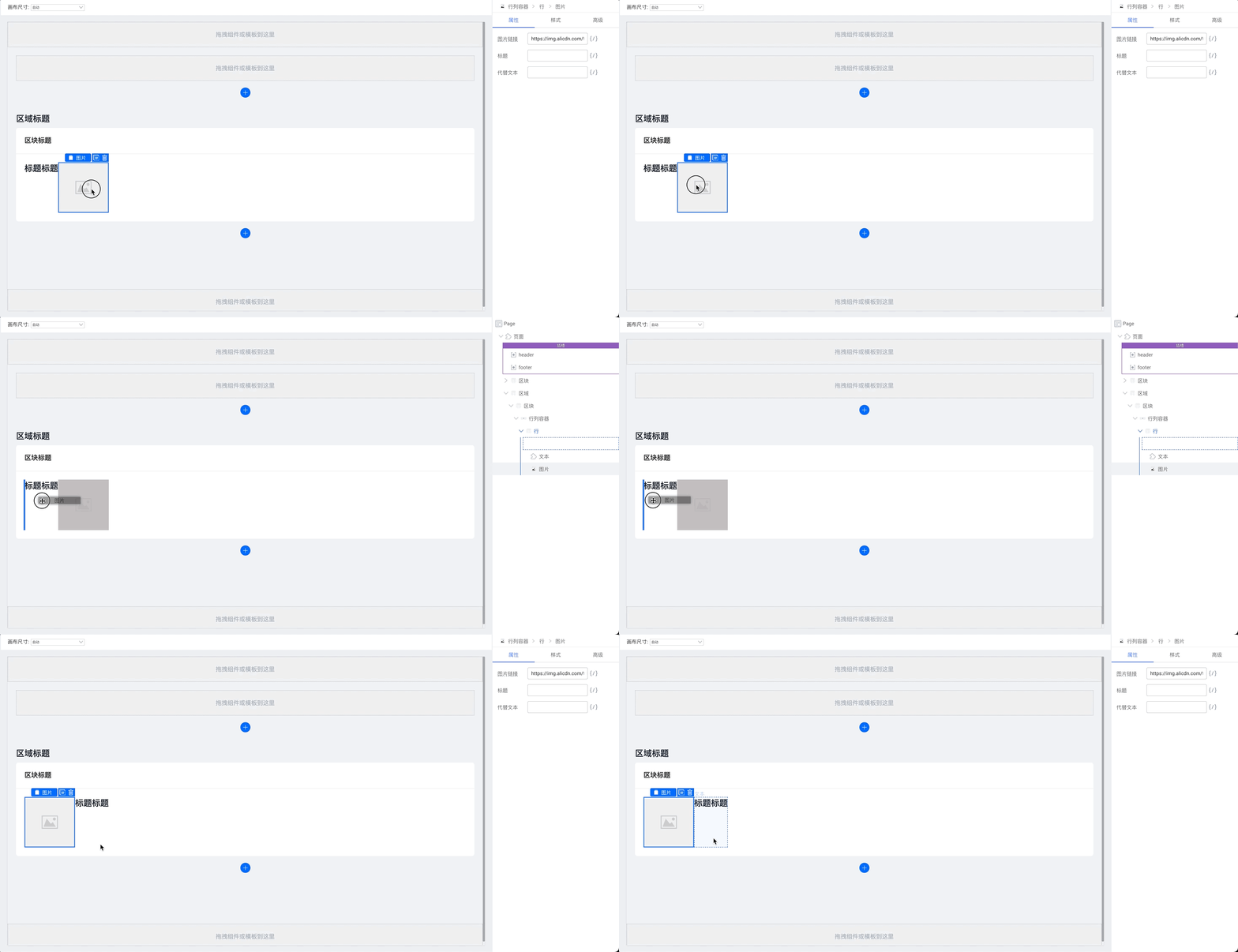
|
||||

|
||||
|
||||
拖拽时会在右侧提示当前的组件树。
|
||||
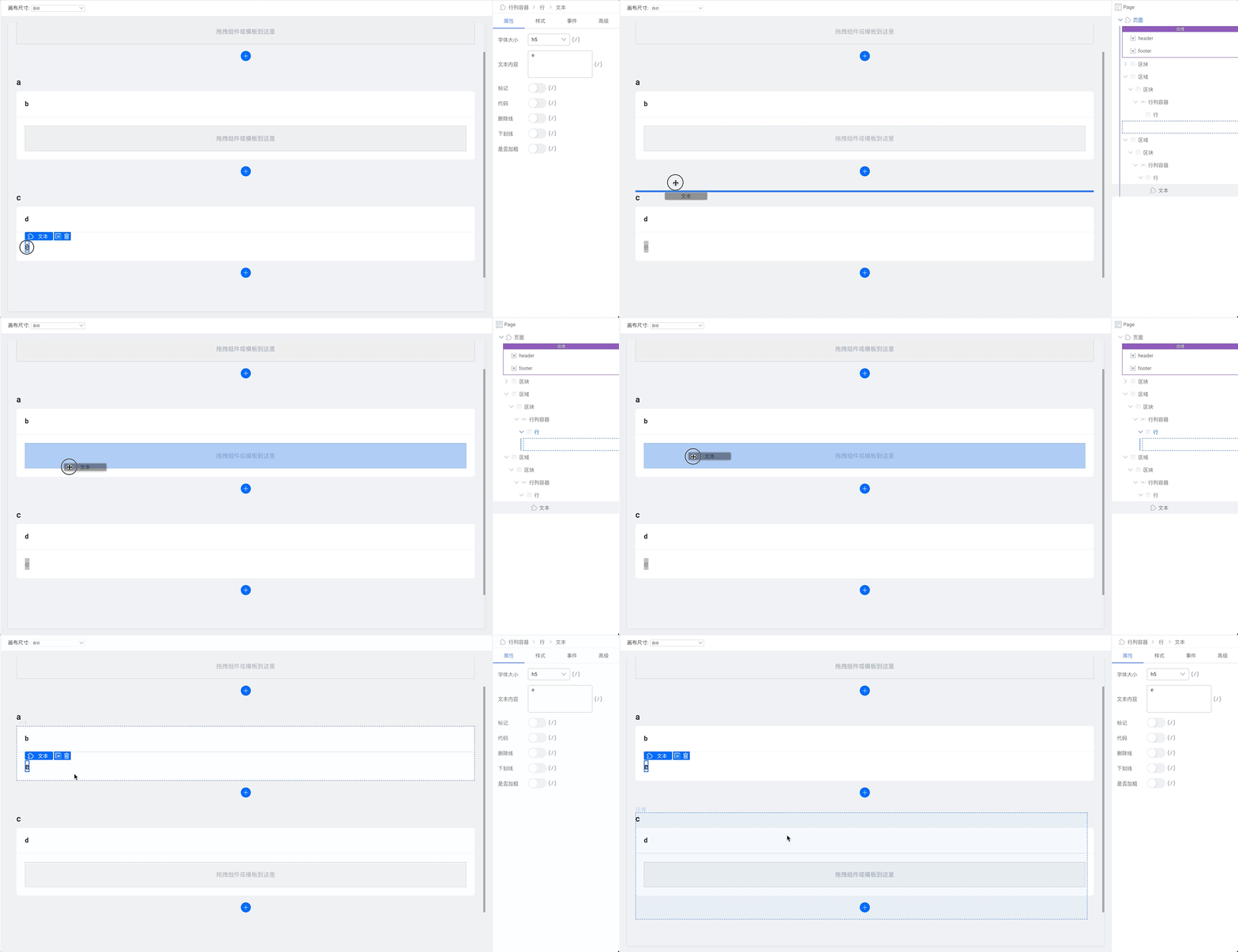
|
||||

|
||||
|
||||
### 组件控制
|
||||
点击组件右上角的复制按钮,或者按下 `ctrl + c` 再按下 `ctrl + v`,可以将其复制;
|
||||
点击组件右上角的删除按钮,或者直接使用 `Delete` 键,可以将其删除。
|
||||
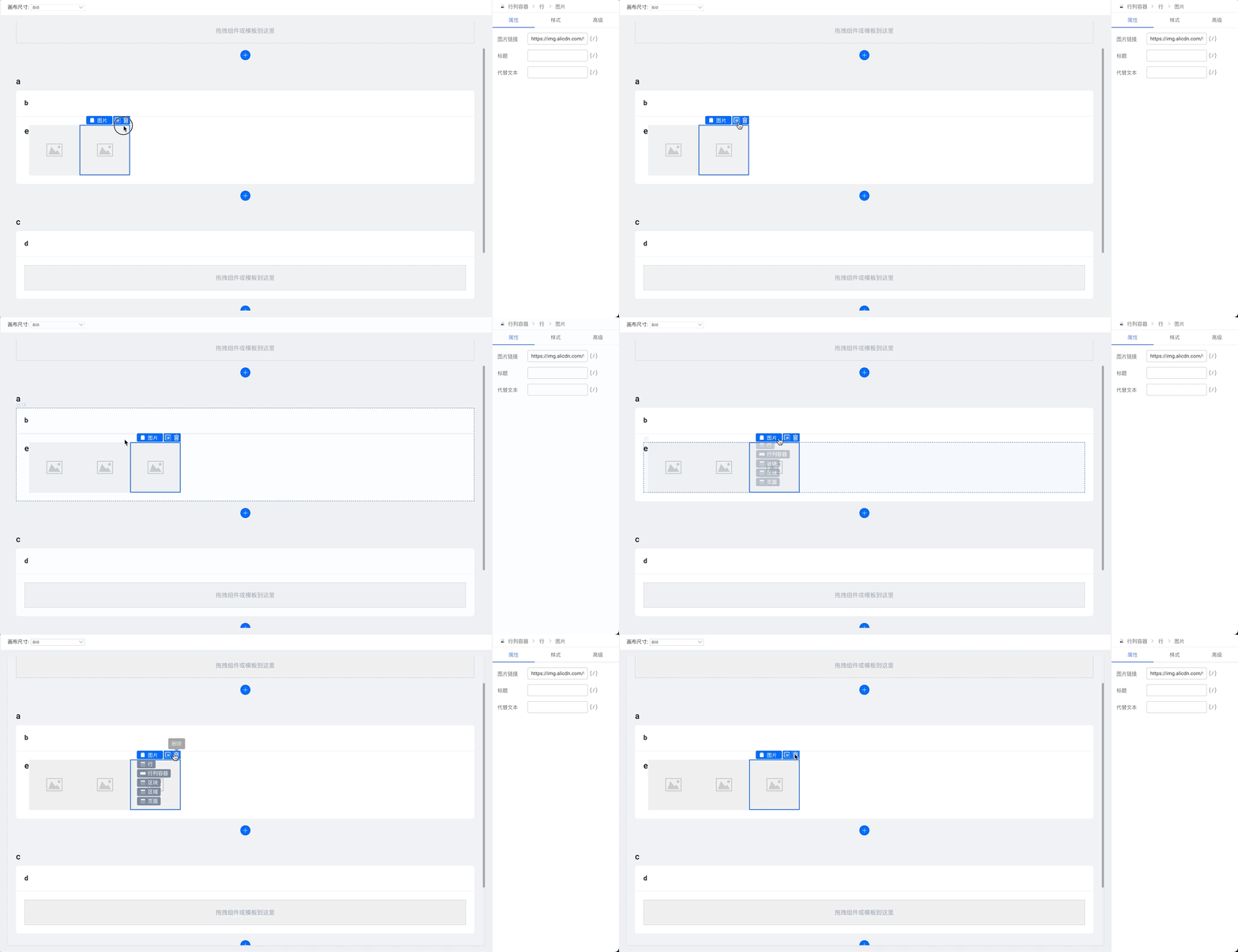
|
||||
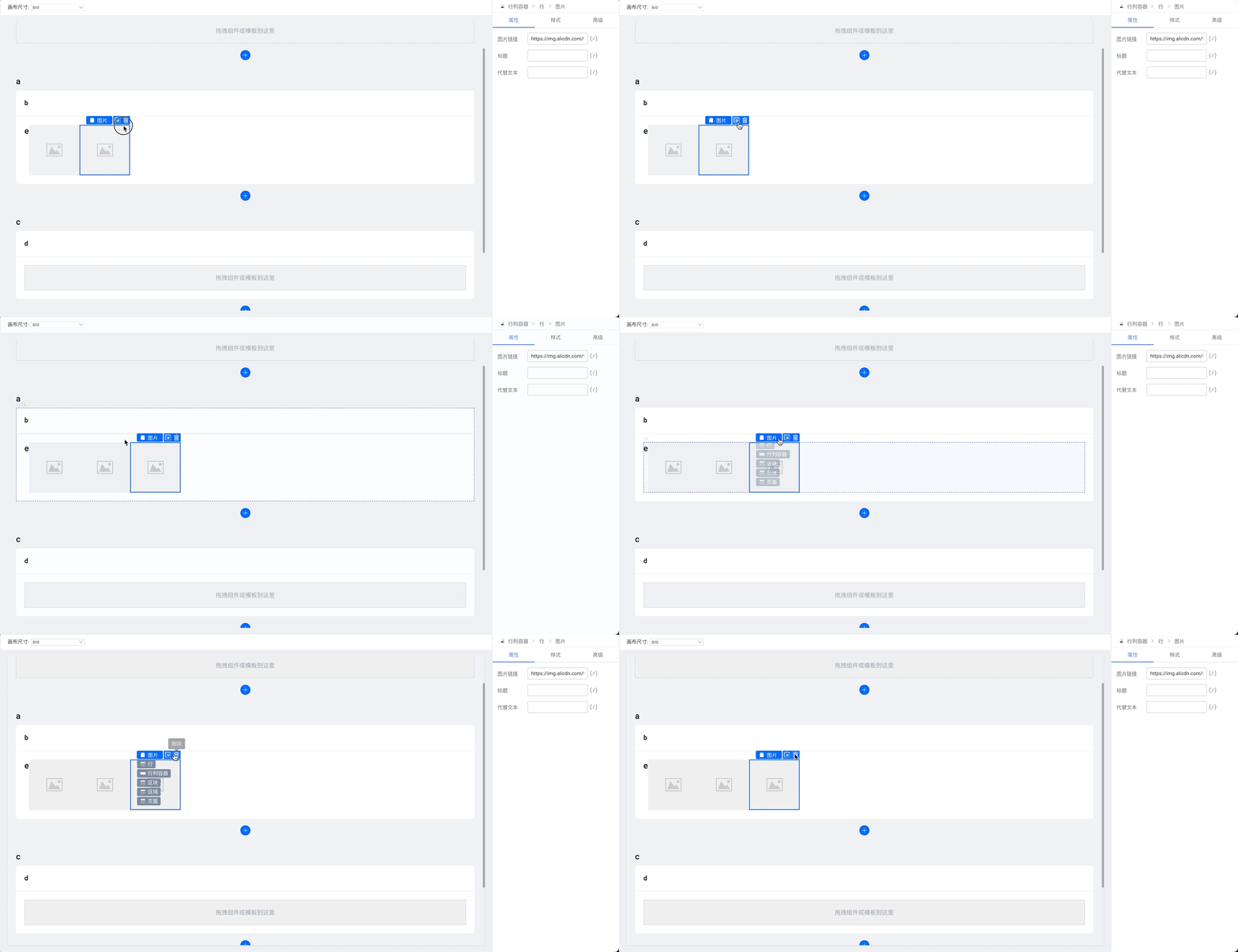
|
||||
|
||||
### 选择组件切换
|
||||
|
||||
@ -28,7 +28,7 @@ sidebar_position: 1
|
||||
- `→` 向右选择组件
|
||||
|
||||
可以 hover 到组件操作辅助区的第一项来选中组件的父级节点:
|
||||
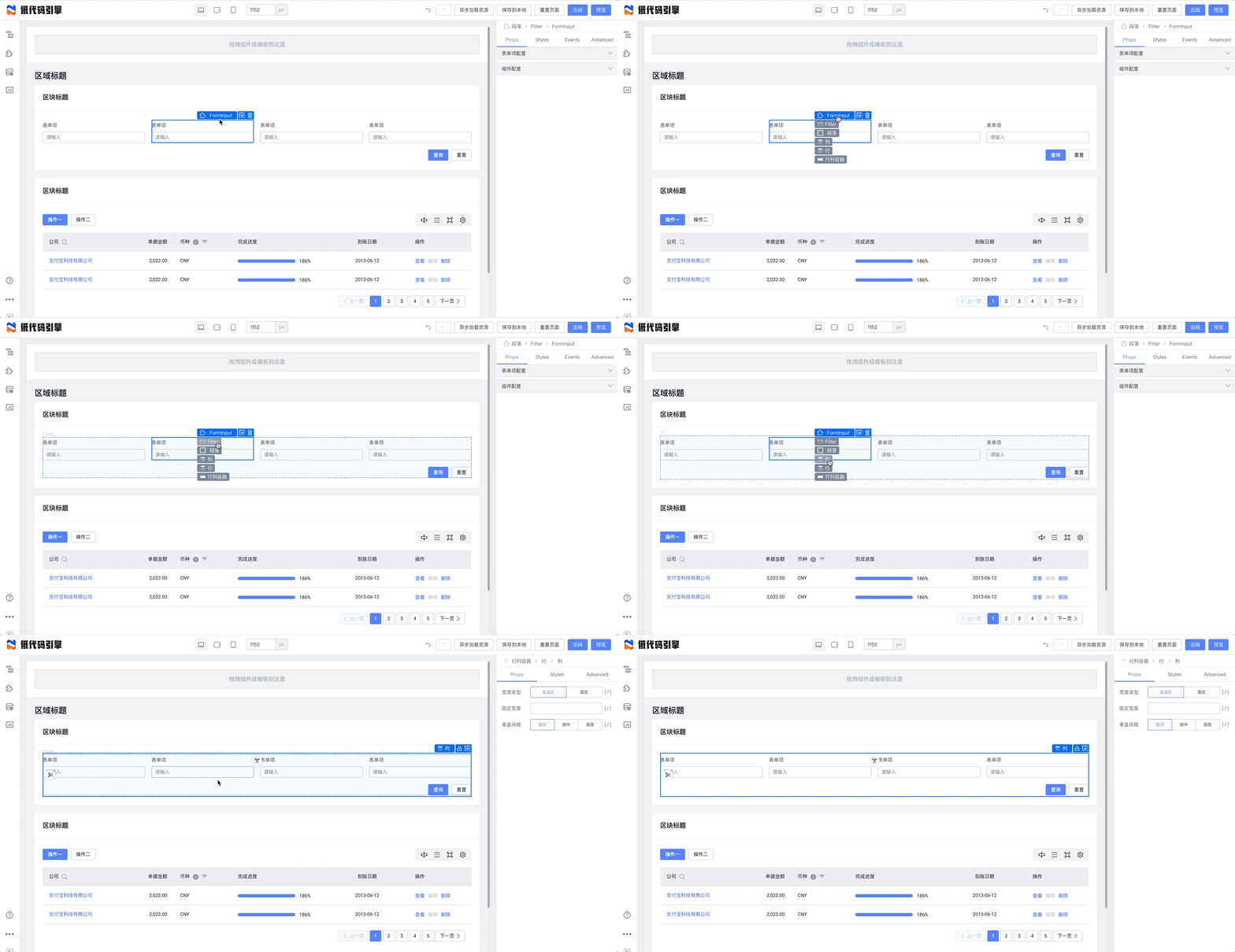
|
||||
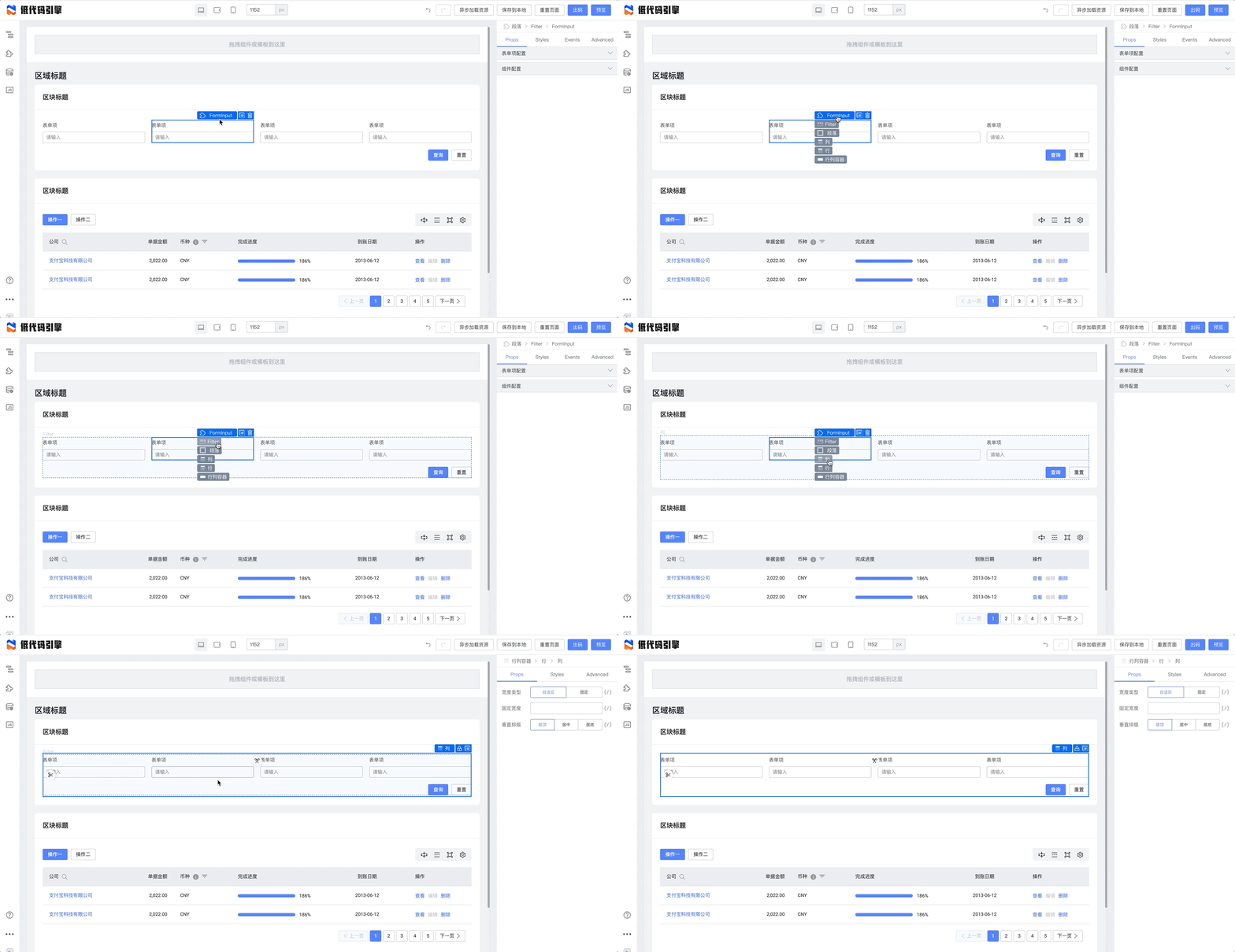
|
||||
|
||||
### 可扩展项简述
|
||||
|
||||
@ -37,12 +37,12 @@ sidebar_position: 1
|
||||
## Slot 区块
|
||||
|
||||
React 中,可以定义一个 prop 选项为 `JSXElement` 或 `(...args) => JSXElement` 的形式,这个形式在低代码画布中,被定义为 Slot,允许往其内部拖入组件,进行符合直觉的操作。
|
||||
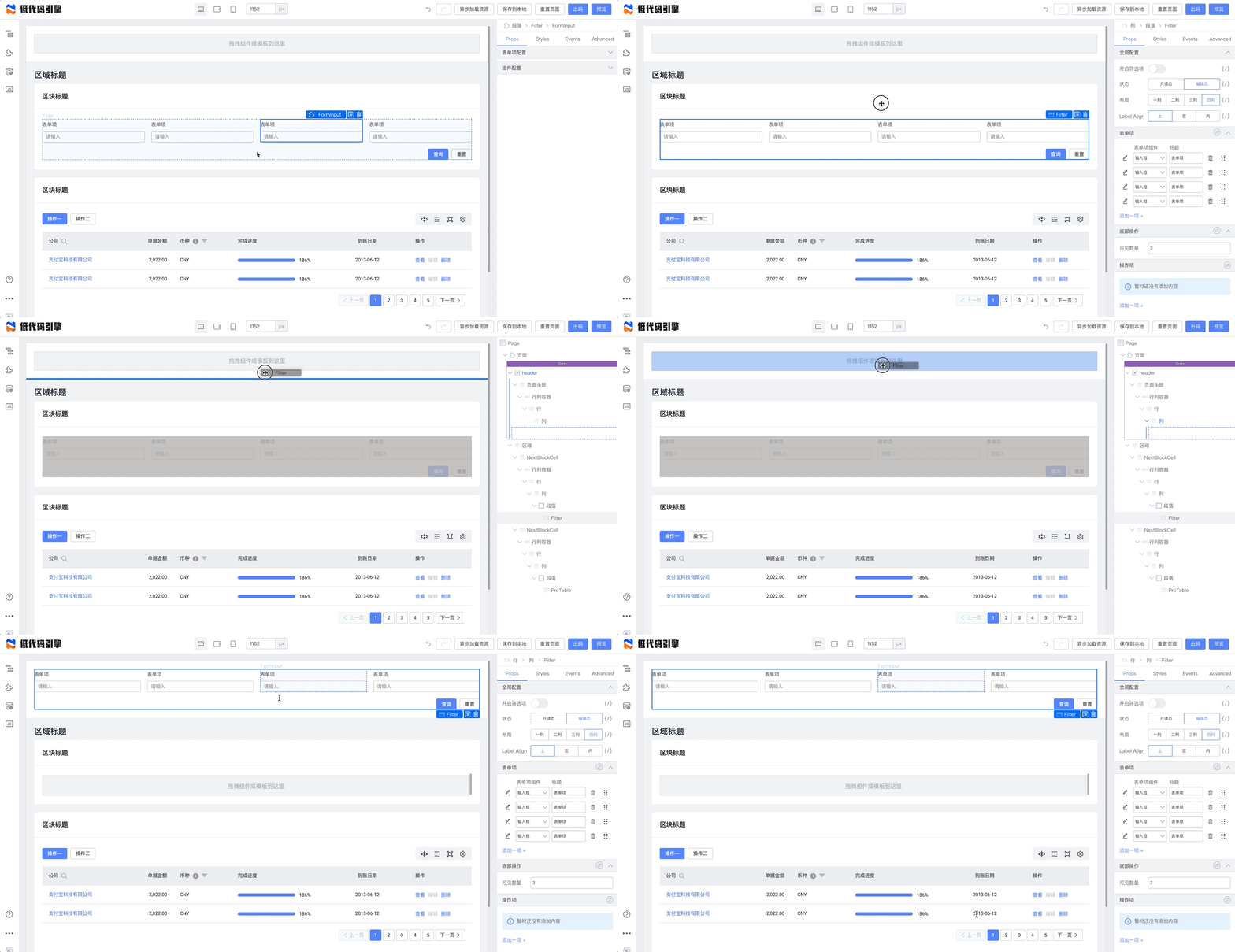
|
||||
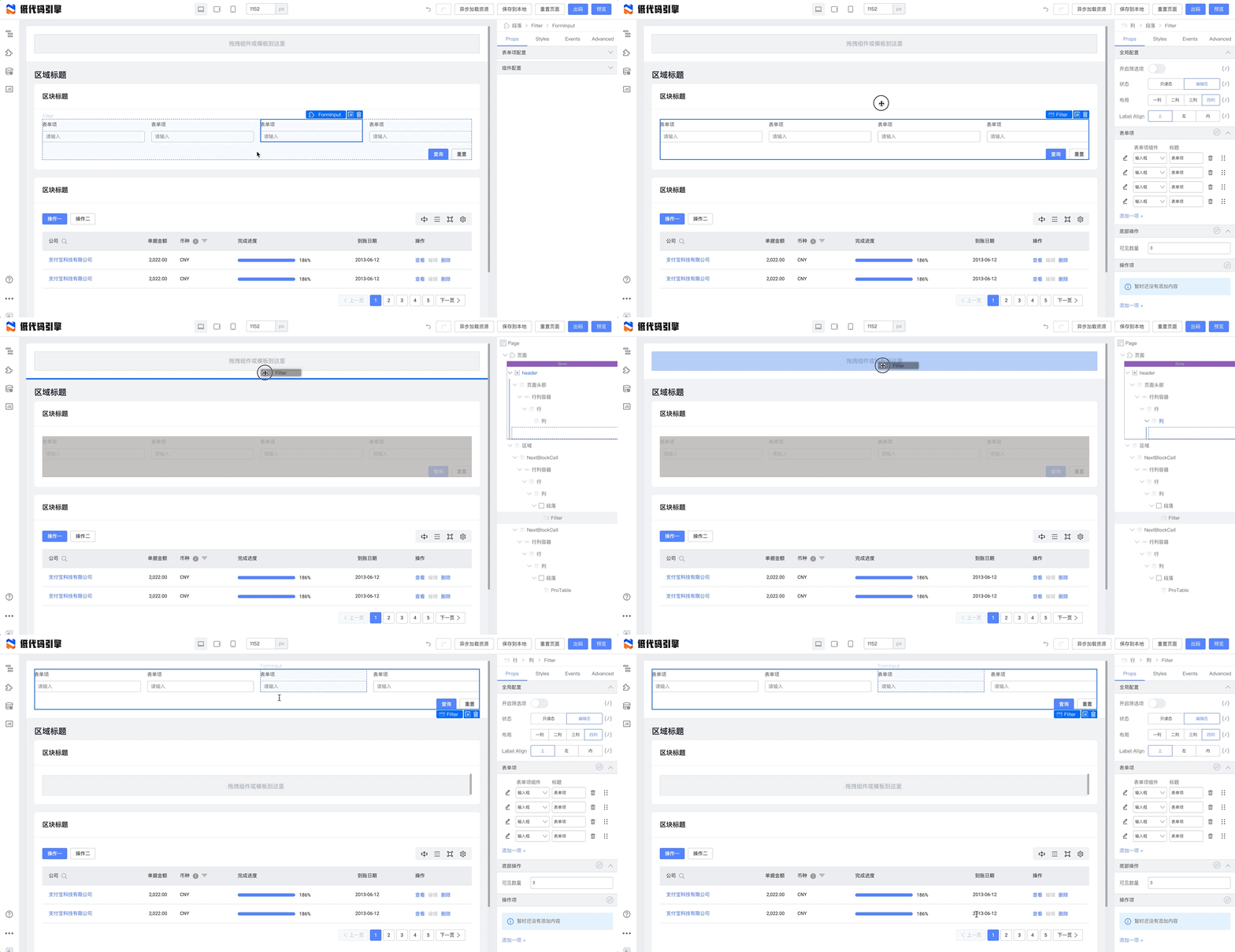
|
||||
|
||||
### 锁定 Slot
|
||||
|
||||
您可以对 Slot 进行锁定操作,锁定后内部内容无法选中;
|
||||
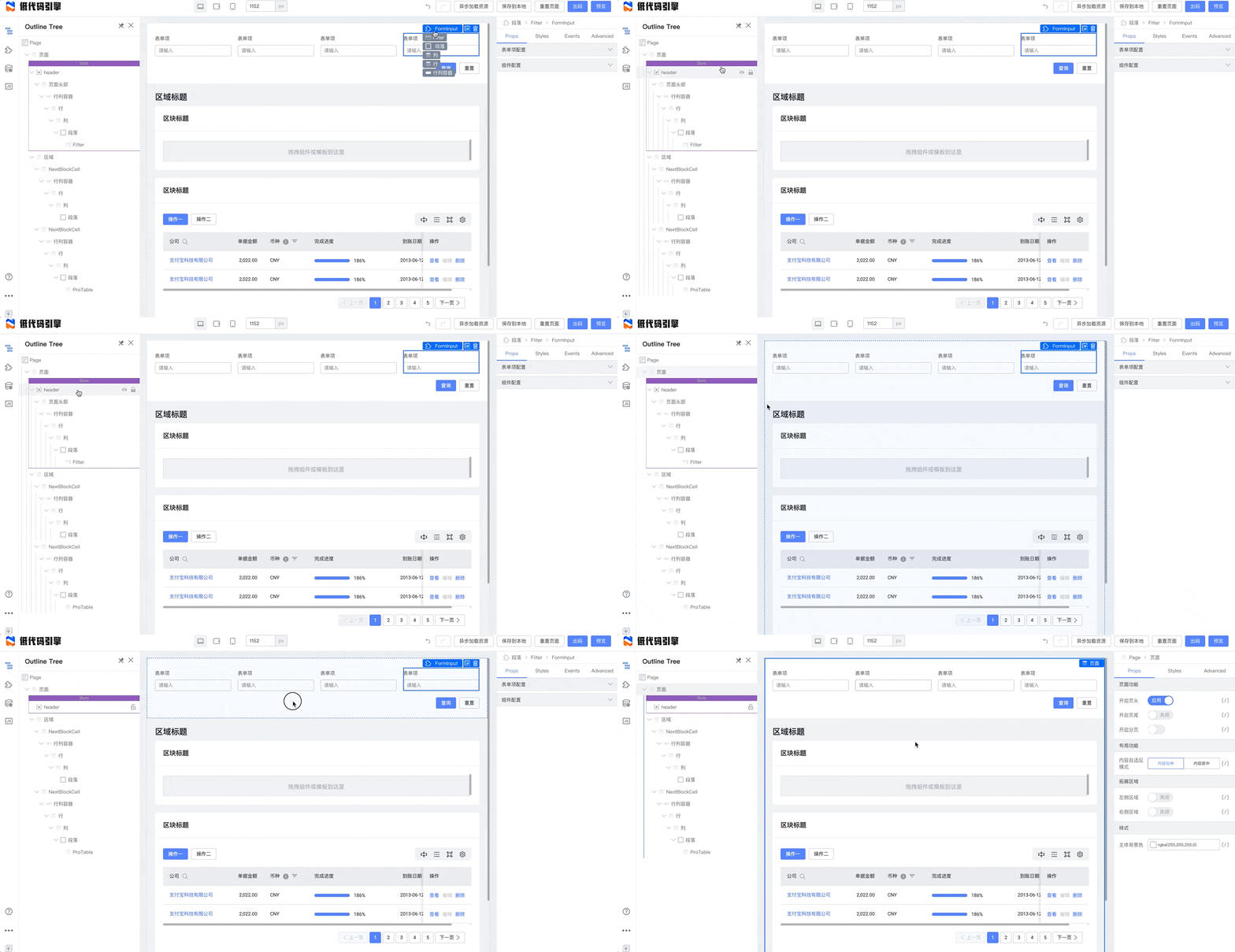
|
||||
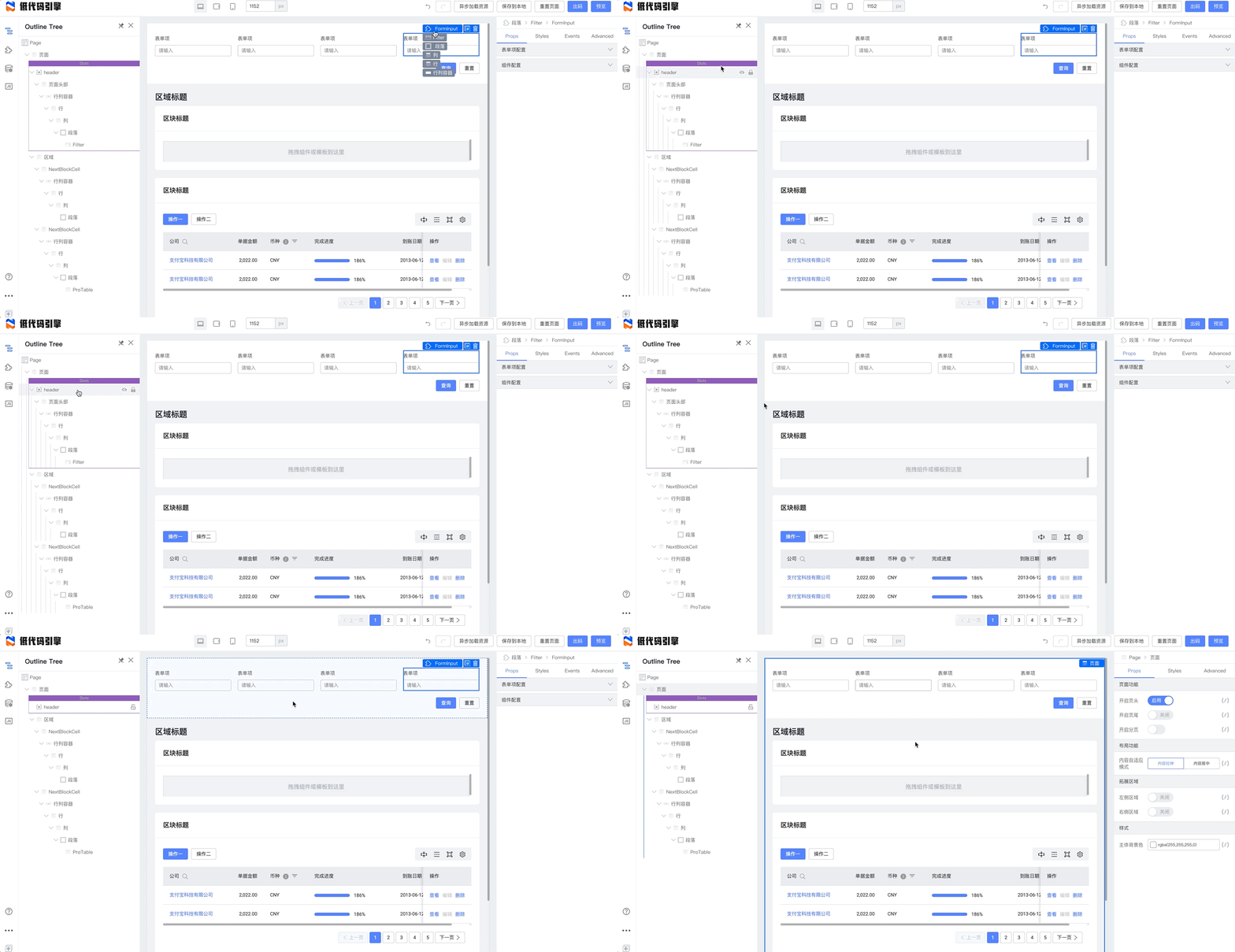
|
||||
|
||||
在组件树可以解除操作。
|
||||
|
||||
@ -54,7 +54,7 @@ React 中,可以定义一个 prop 选项为 `JSXElement` 或 `(...args) => JSX
|
||||
|
||||
- 侵入型:组件编辑态下,会往组件内传入 `__designMode: 'design'`,可以在组件中进行相应处理;
|
||||
|
||||
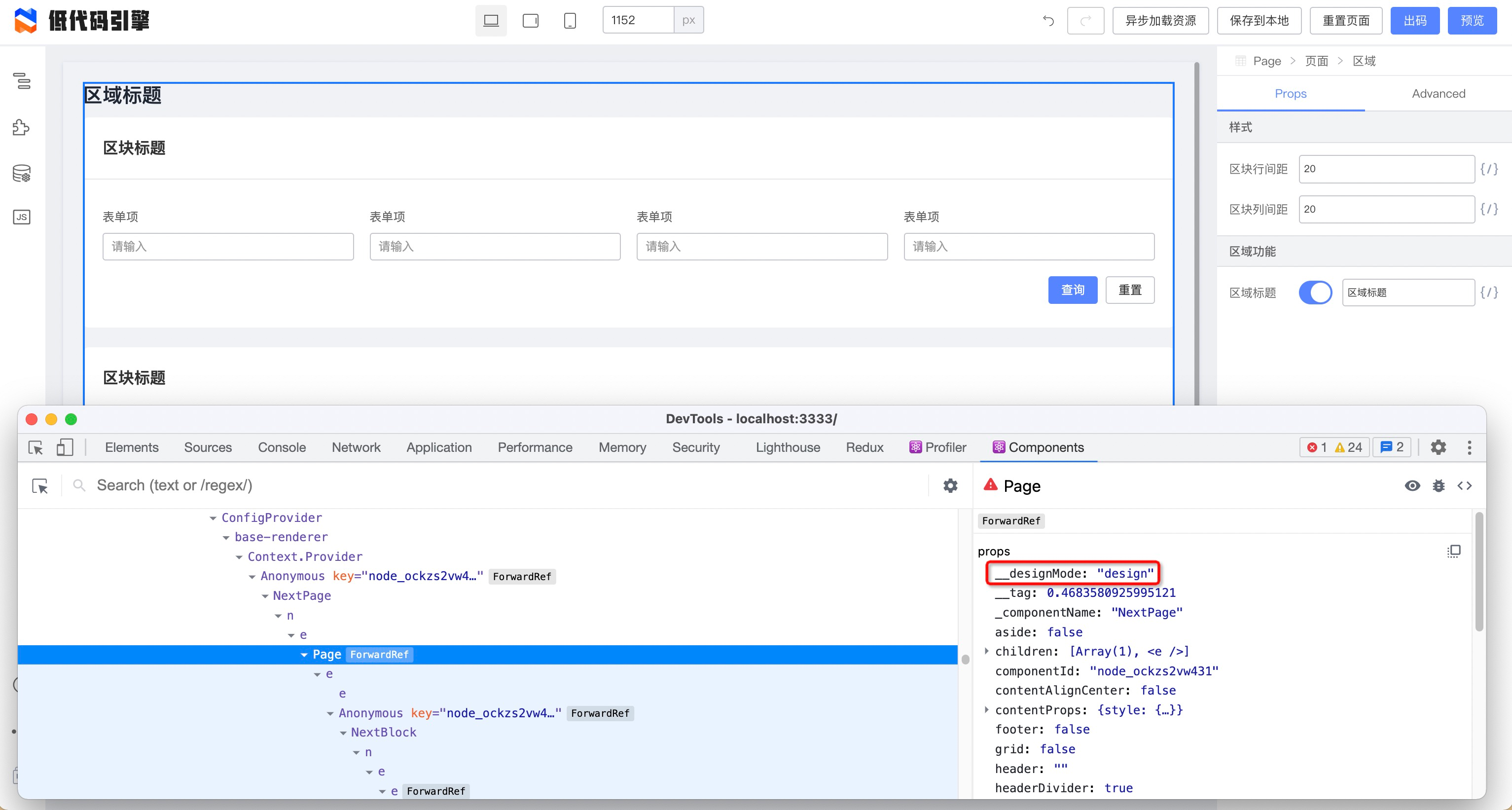
|
||||
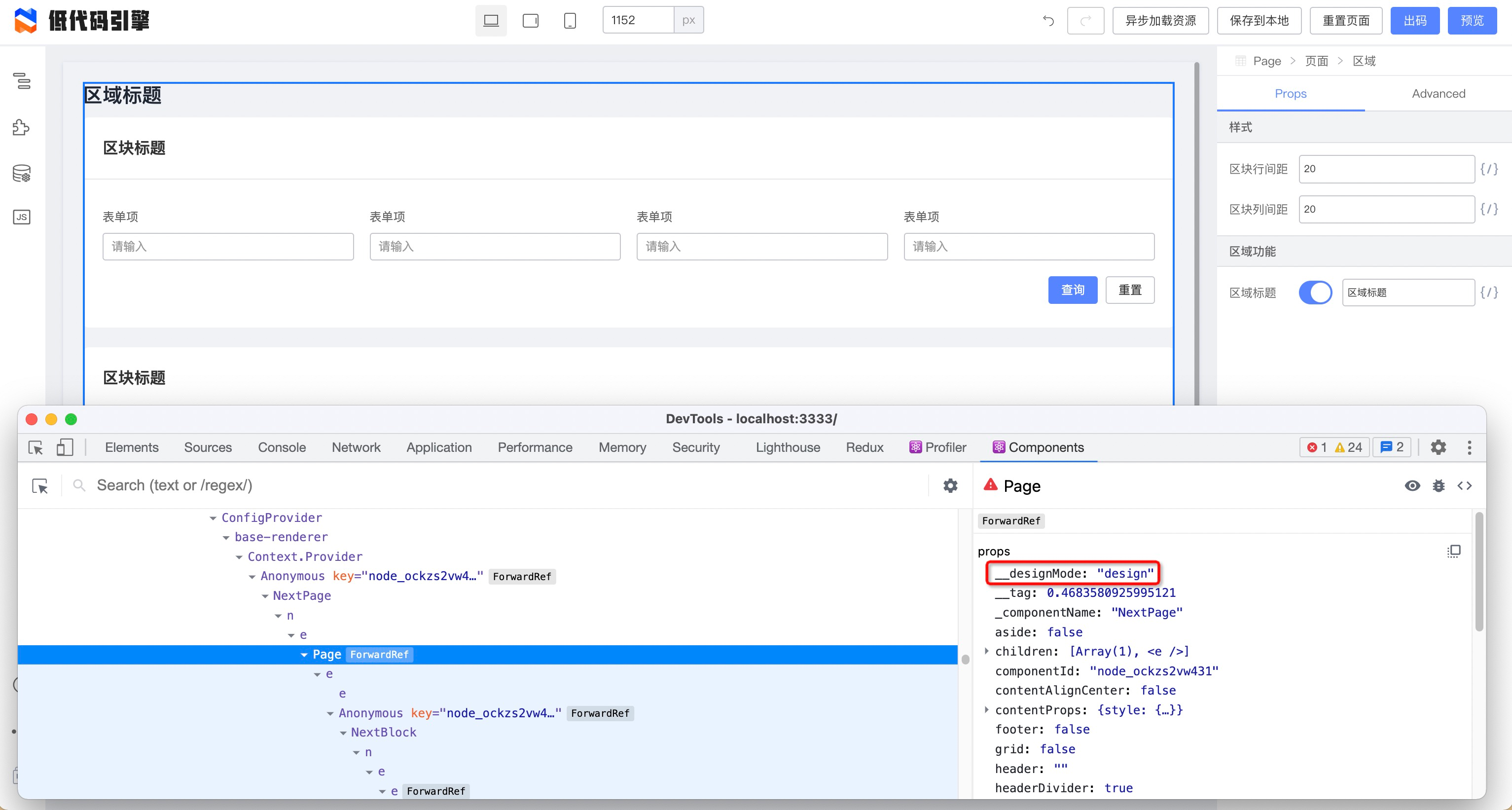
|
||||
|
||||
- 双入口型:通过配置物料的 editUrls,加载专属于编辑态组件的物料。pro-layout 使用的是这种方式
|
||||
```json
|
||||
|
||||
@ -6,7 +6,7 @@ sidebar_position: 3
|
||||
|
||||
## 面板功能拆解
|
||||
|
||||
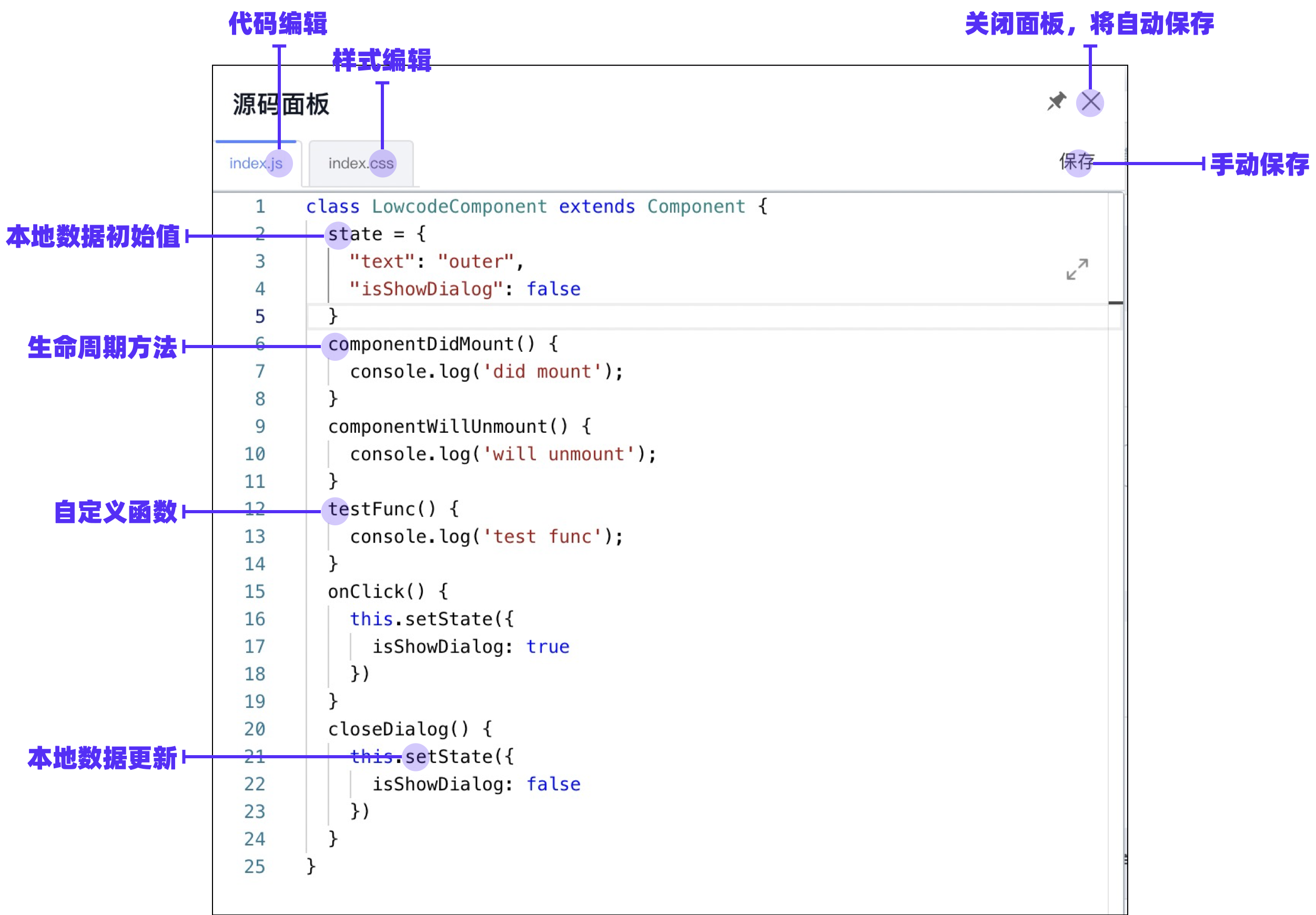
|
||||
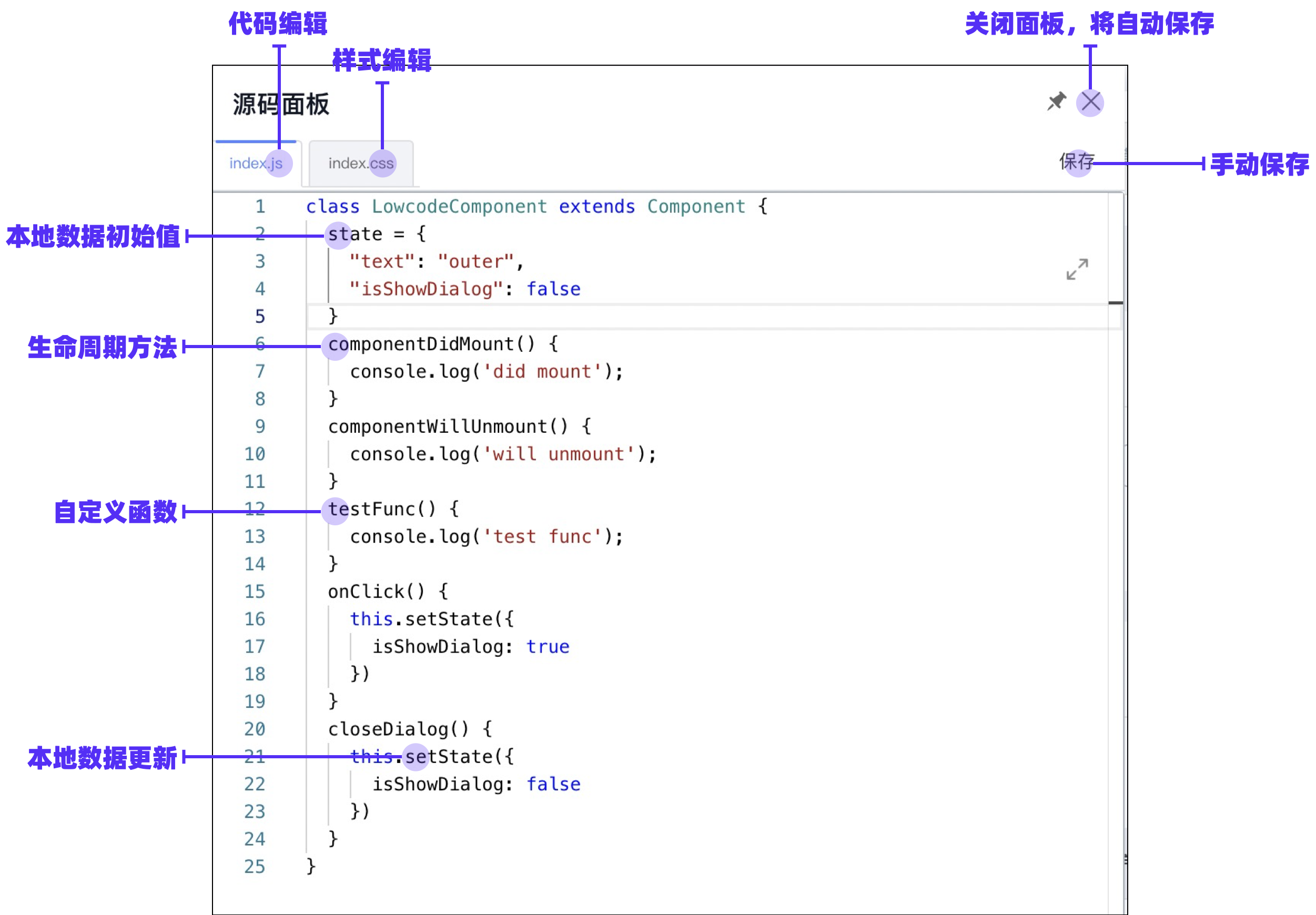
|
||||
|
||||
### 代码编辑面板
|
||||
|
||||
@ -15,8 +15,8 @@ sidebar_position: 3
|
||||
|
||||
| 编译前 | 编译后 |
|
||||
| --- | --- |
|
||||
| 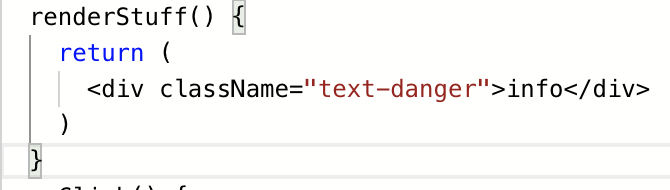 |  |
|
||||
|  |  |
|
||||
| 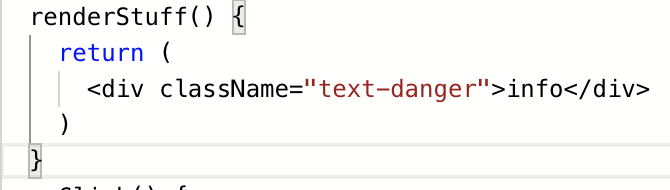 |  |
|
||||
| 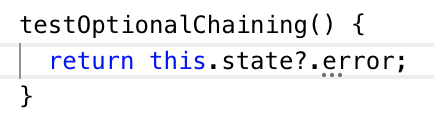 |  |
|
||||
|
||||
|
||||
> 注:因为编译结果会被 `@babel/runtime` 干扰,目前面板不支持 `async await`或 `{ ...arr }` 形态的语法编译。如果您需要此类编译,您可以考虑在读取 schema 中的 `originCode` 之后自己手动通过 babel 编译。
|
||||
@ -28,7 +28,7 @@ sidebar_position: 3
|
||||
```typescript
|
||||
window.Next.Message.success('成功')
|
||||
```
|
||||

|
||||
|
||||
|
||||
#### 局部变量引用
|
||||
|
||||
@ -45,18 +45,21 @@ window.Next.Message.success('成功')
|
||||
|
||||
- 读取:每次打开面板时,都会尝试读取 schema 中的 originCode 字段,如果没有,则从 schema 上的字段还原代码;
|
||||
- 写入:在关闭代码编辑面板(主动点击叉或者点击非代码编辑区块的被动关闭都算)时,将自动写入到 schema 中;您也可以在编辑过程中点击“保存”按钮手动保存;
|
||||
|
||||
| 源码面板中 | Schema 中 |
|
||||
| 源码面板中 | schema 中 |
|
||||
| --- | --- |
|
||||
| 本地数据初始值设置: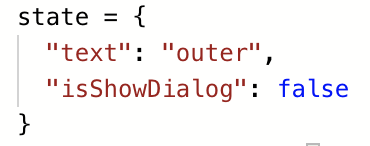 | 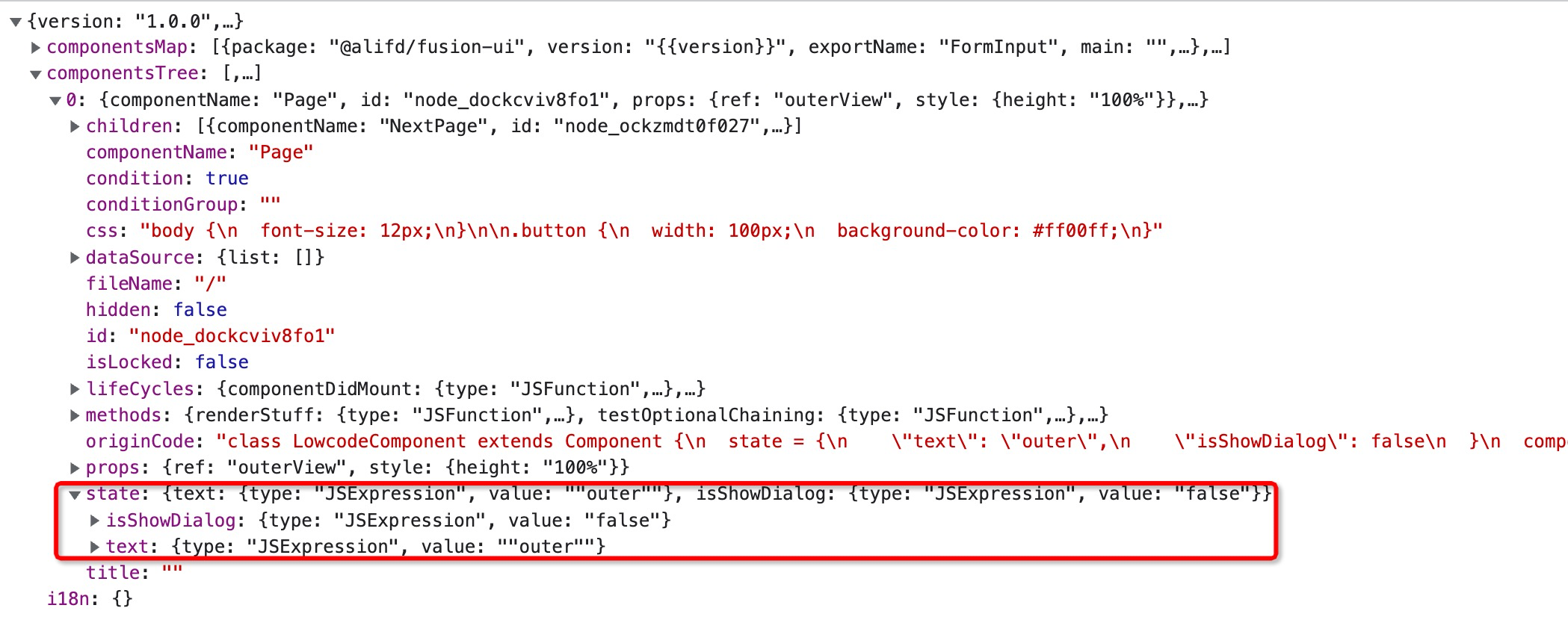 |
|
||||
| 生命周期方法: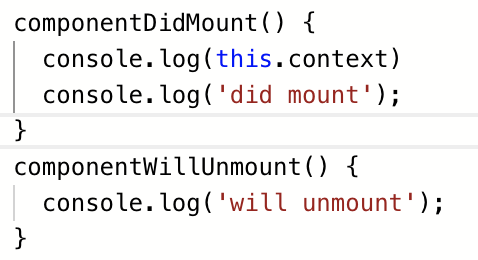 | 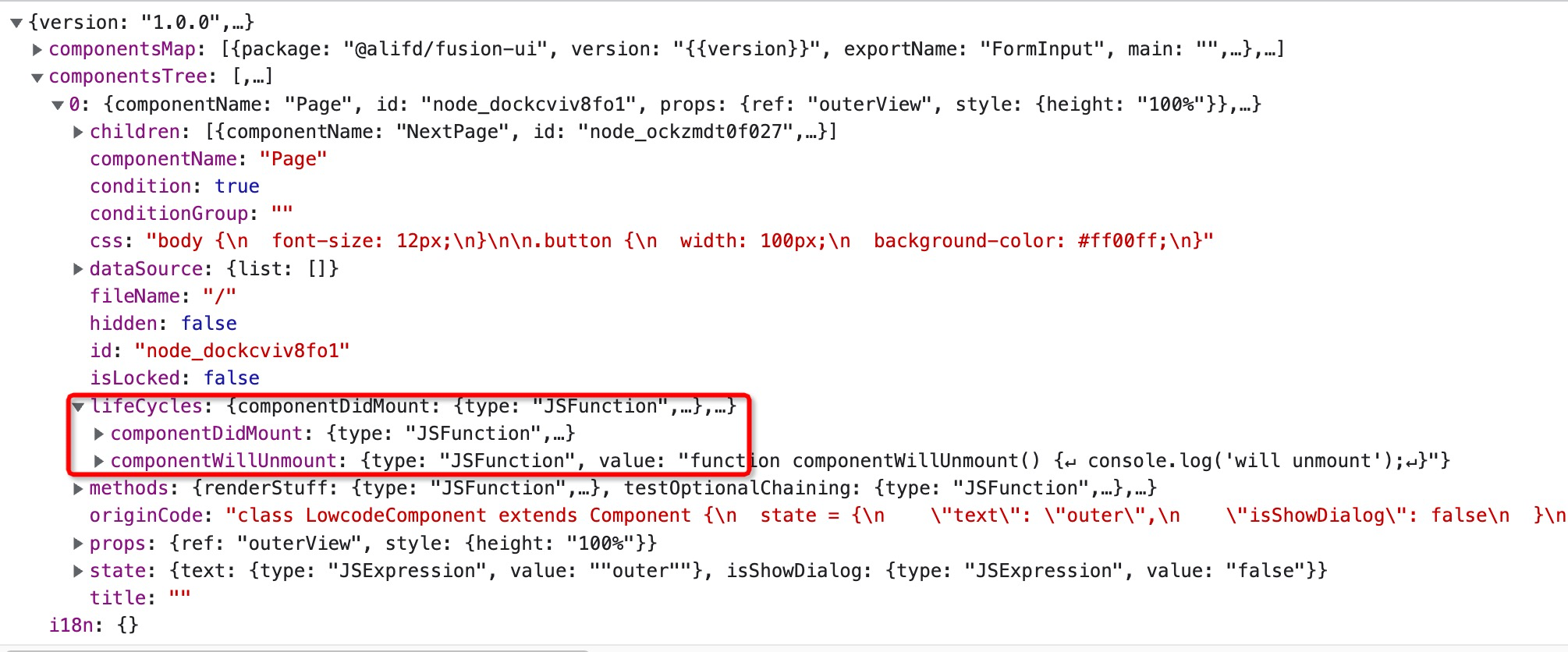 |
|
||||
| 自定义函数: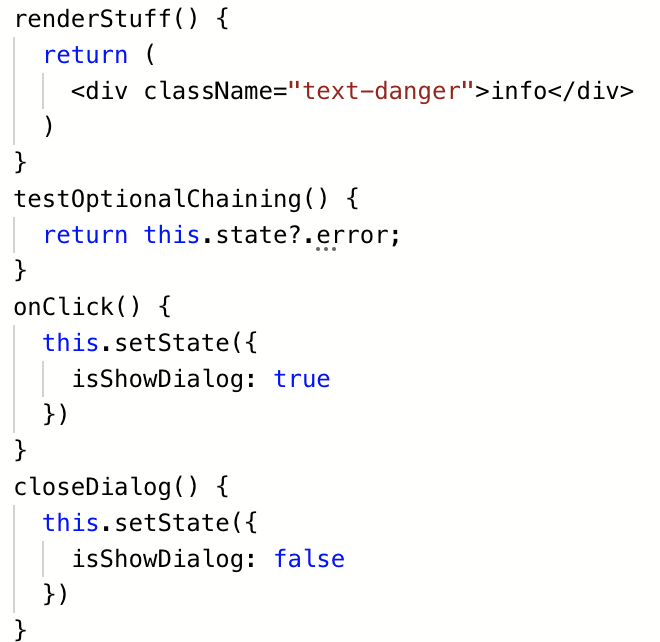 |  |
|
||||
| 编译前全量代码: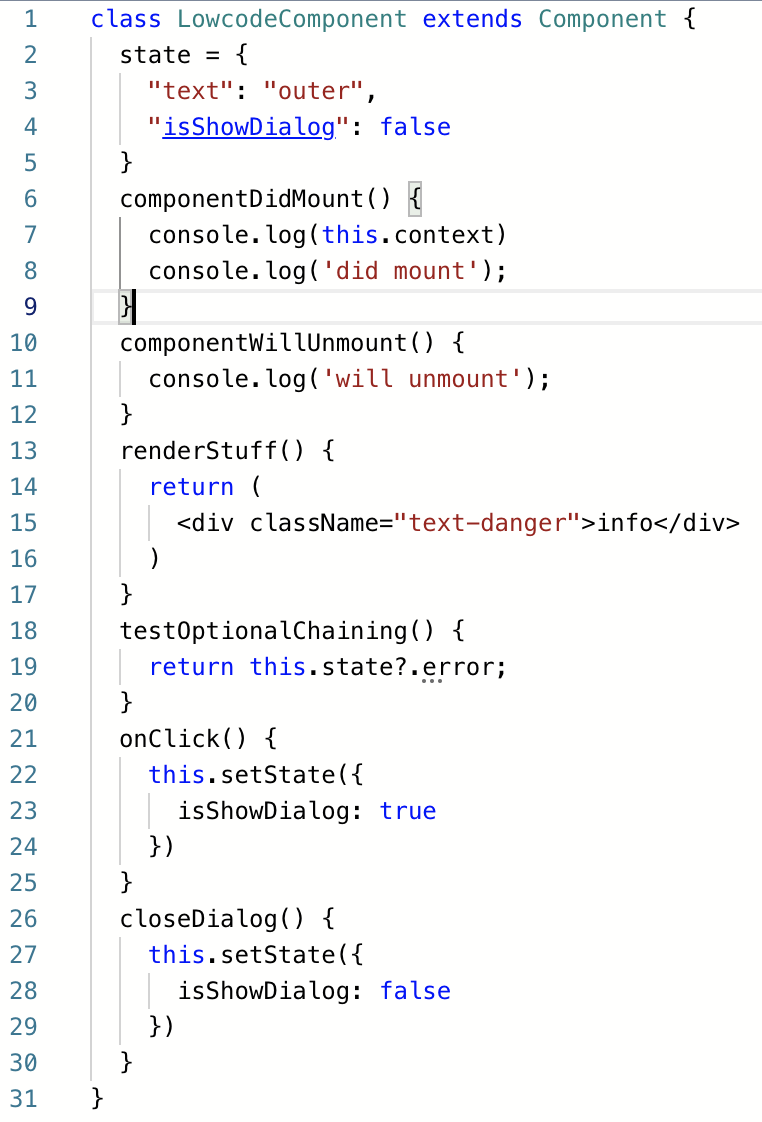 |  |
|
||||
| 本地数据初始值设置:
|
||||
 | 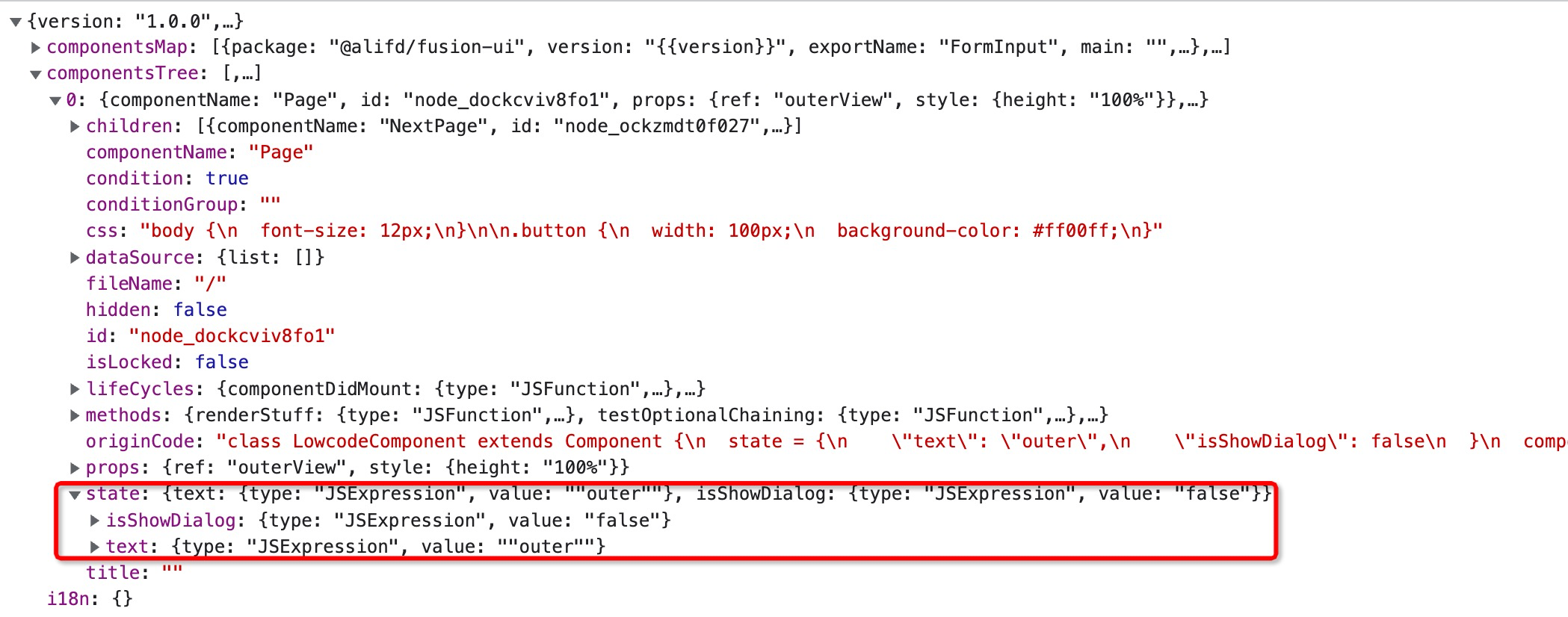 |
|
||||
| 生命周期方法:
|
||||
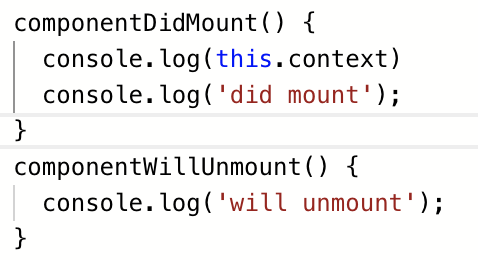 | 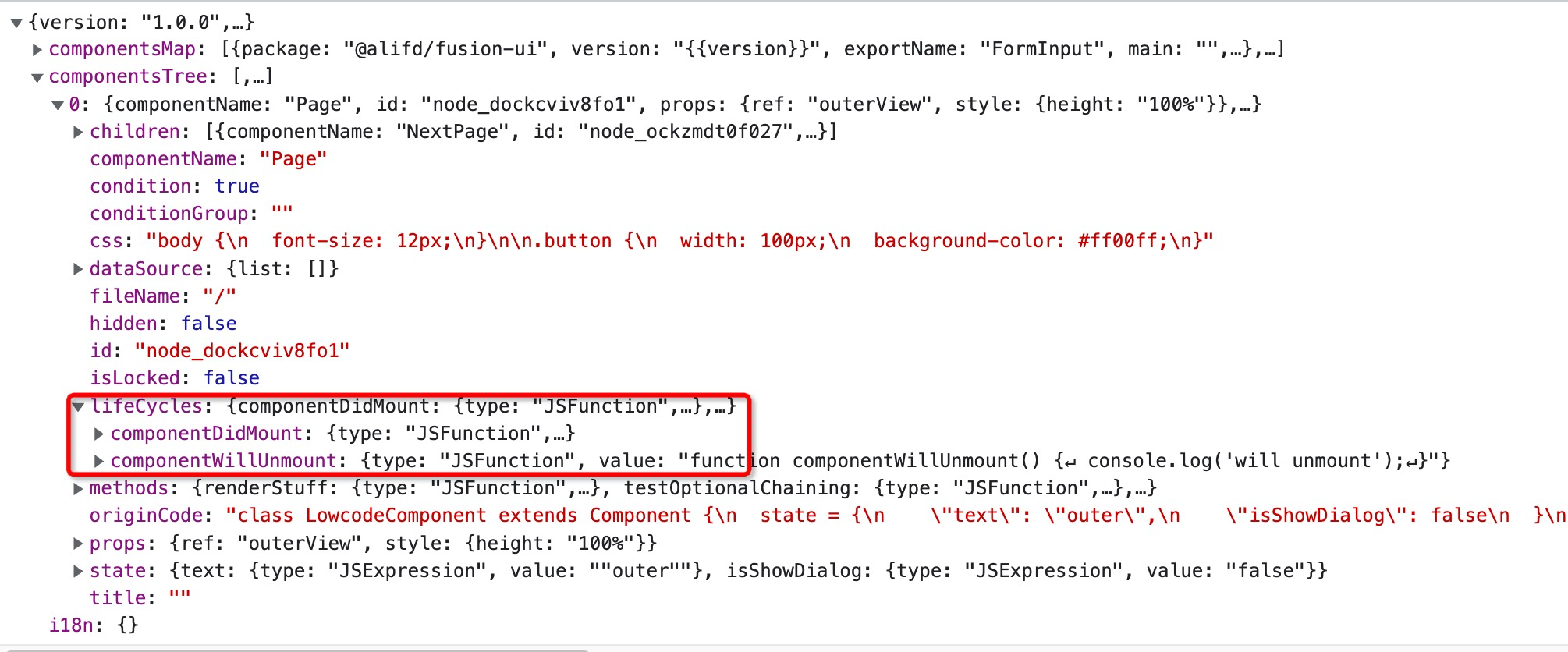 |
|
||||
| 自定义函数:
|
||||
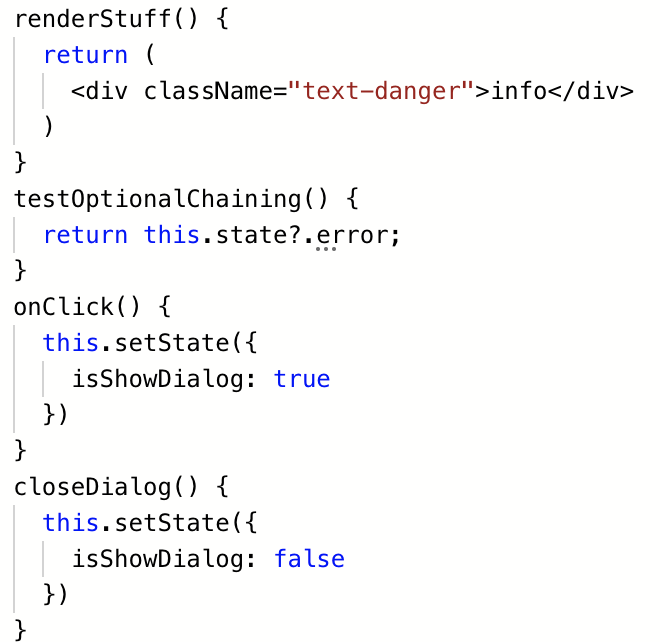 | 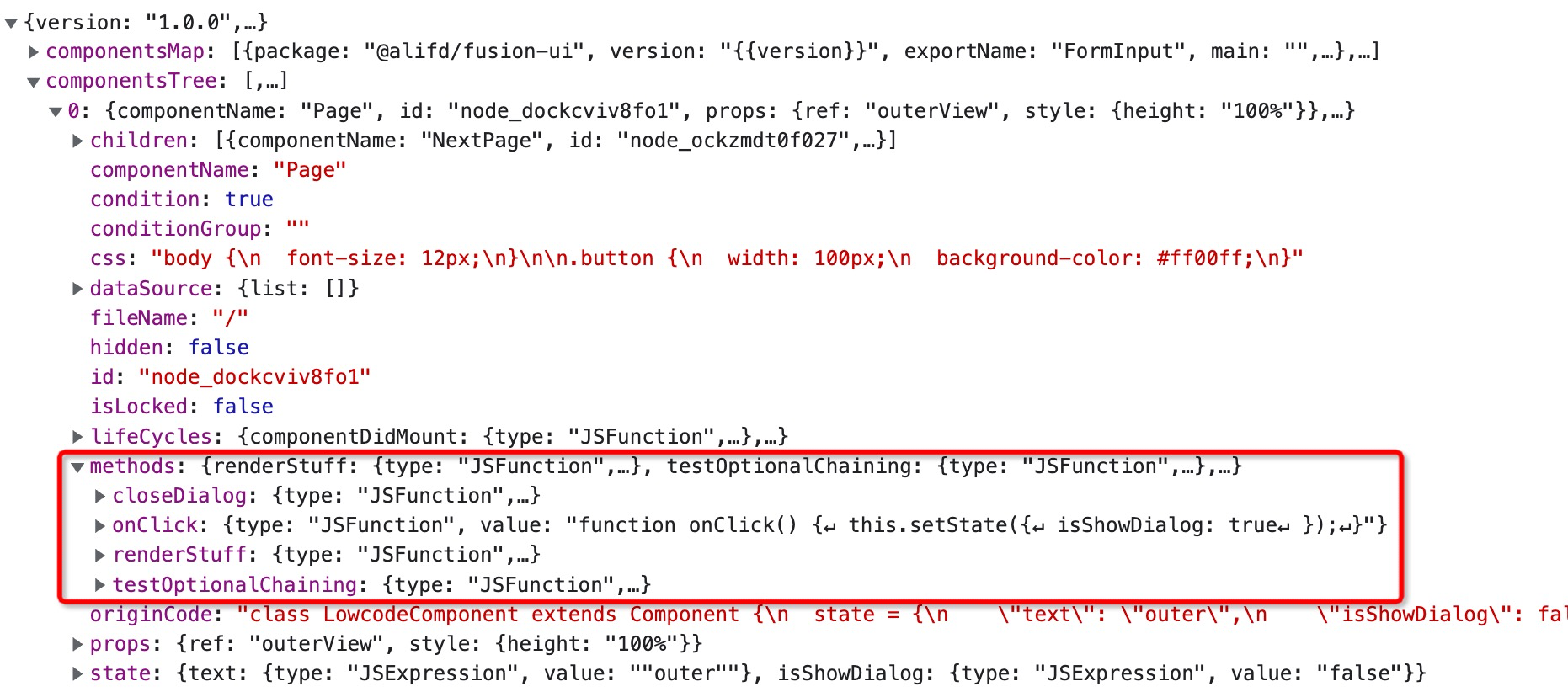 |
|
||||
| 编译前全量代码:
|
||||
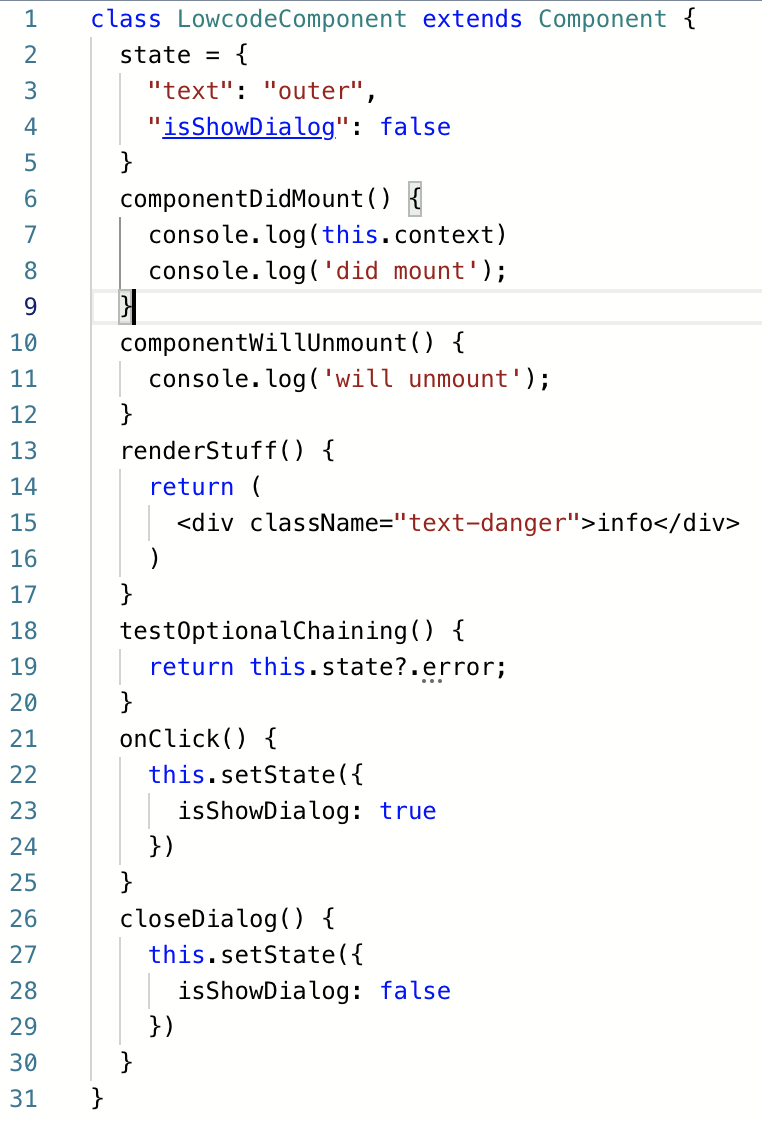 | 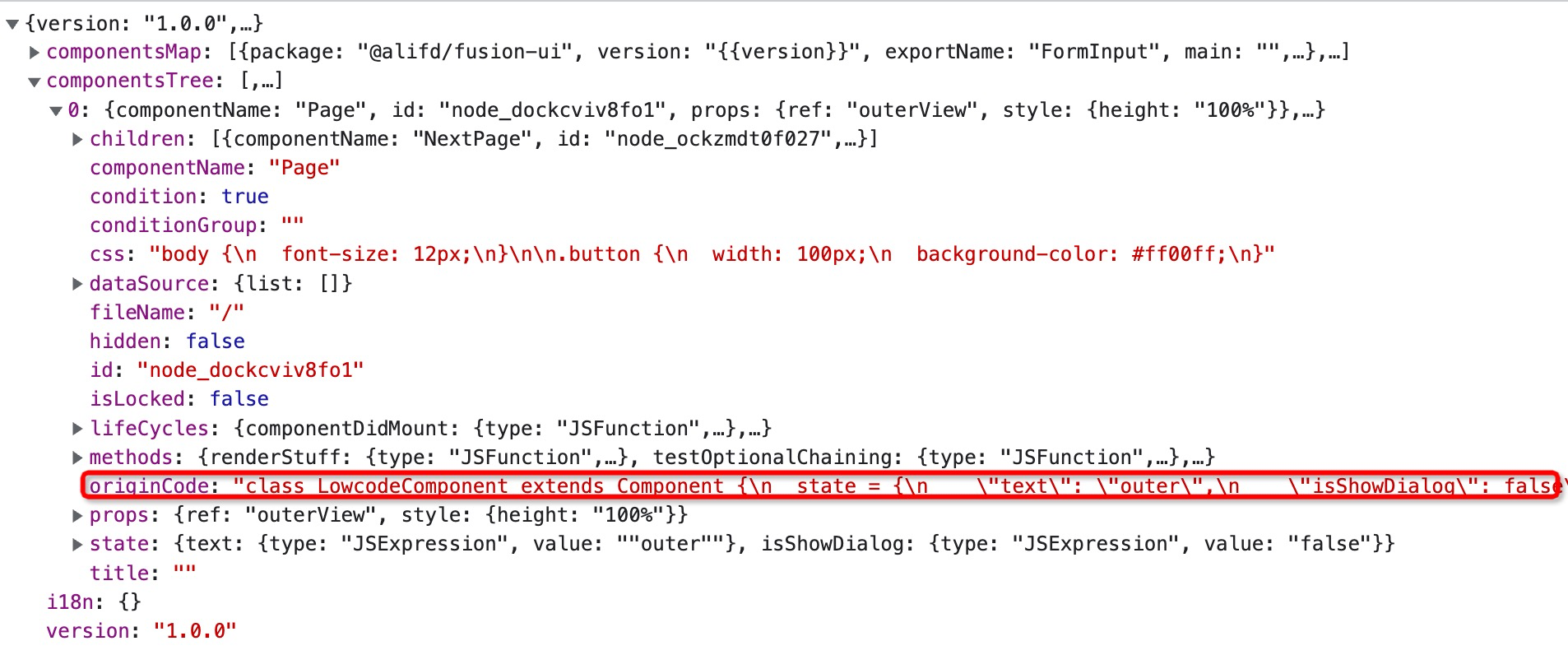 |
|
||||
|
||||
|
||||
- 异常处理:如果代码解析失败,它将无法被正常保存到 schema 中,此时编辑器会弹层提示:
|
||||
|
||||

|
||||
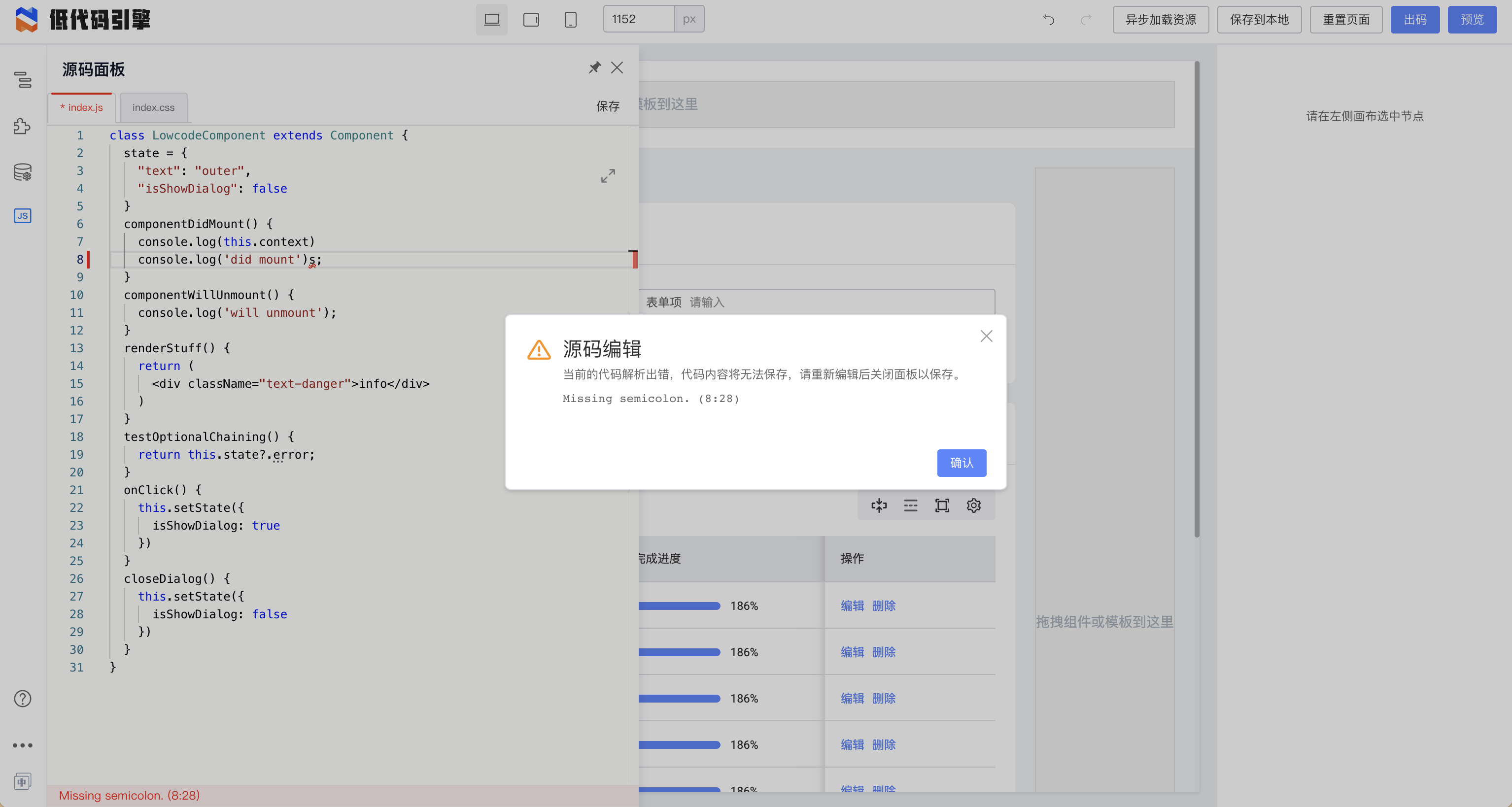
|
||||
|
||||
### 样式编辑面板
|
||||
|
||||
@ -64,7 +67,7 @@ window.Next.Message.success('成功')
|
||||
|
||||
| 源码面板中 | Schema 中 |
|
||||
| --- | --- |
|
||||
|  |  |
|
||||
| 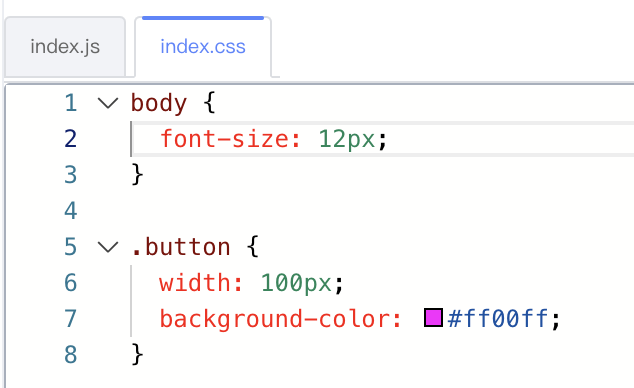 | 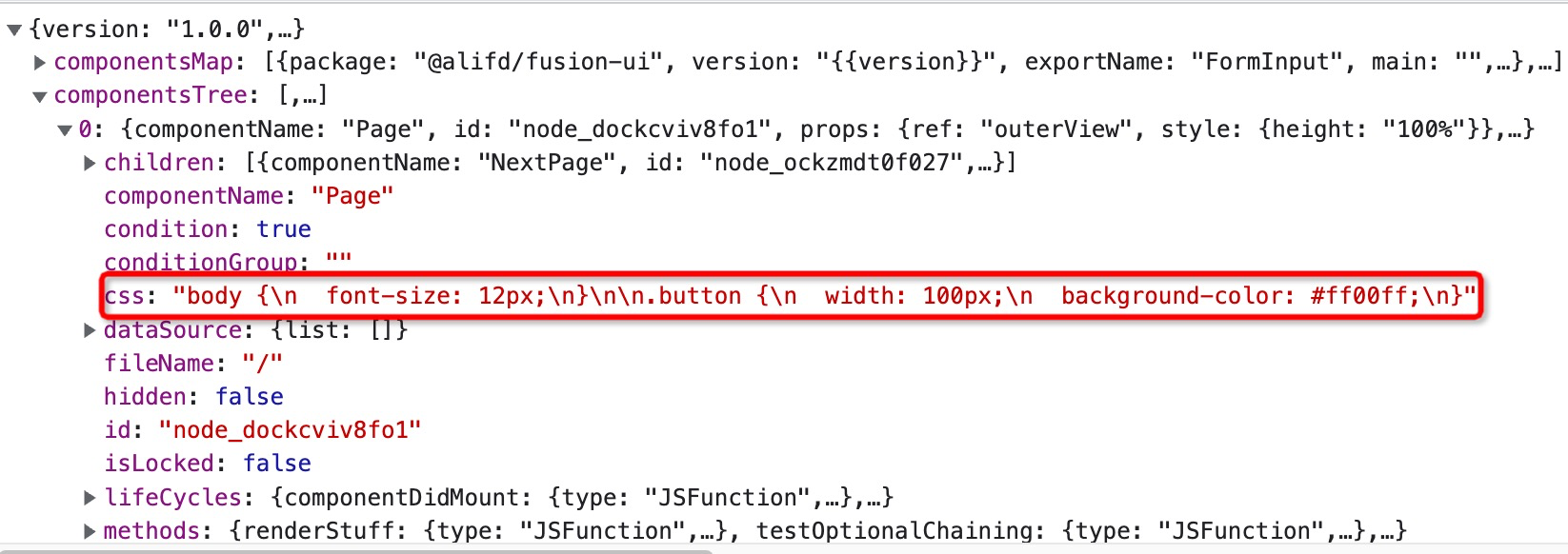 |
|
||||
|
||||
|
||||
## 对接代码
|
||||
@ -89,8 +92,8 @@ window.Next.Message.success('成功')
|
||||
通常书写代码是为了对接低代码配置中的“变量绑定”、“事件回调”、“条件判断”和“循环”部分的。
|
||||
|
||||
#### 变量绑定
|
||||
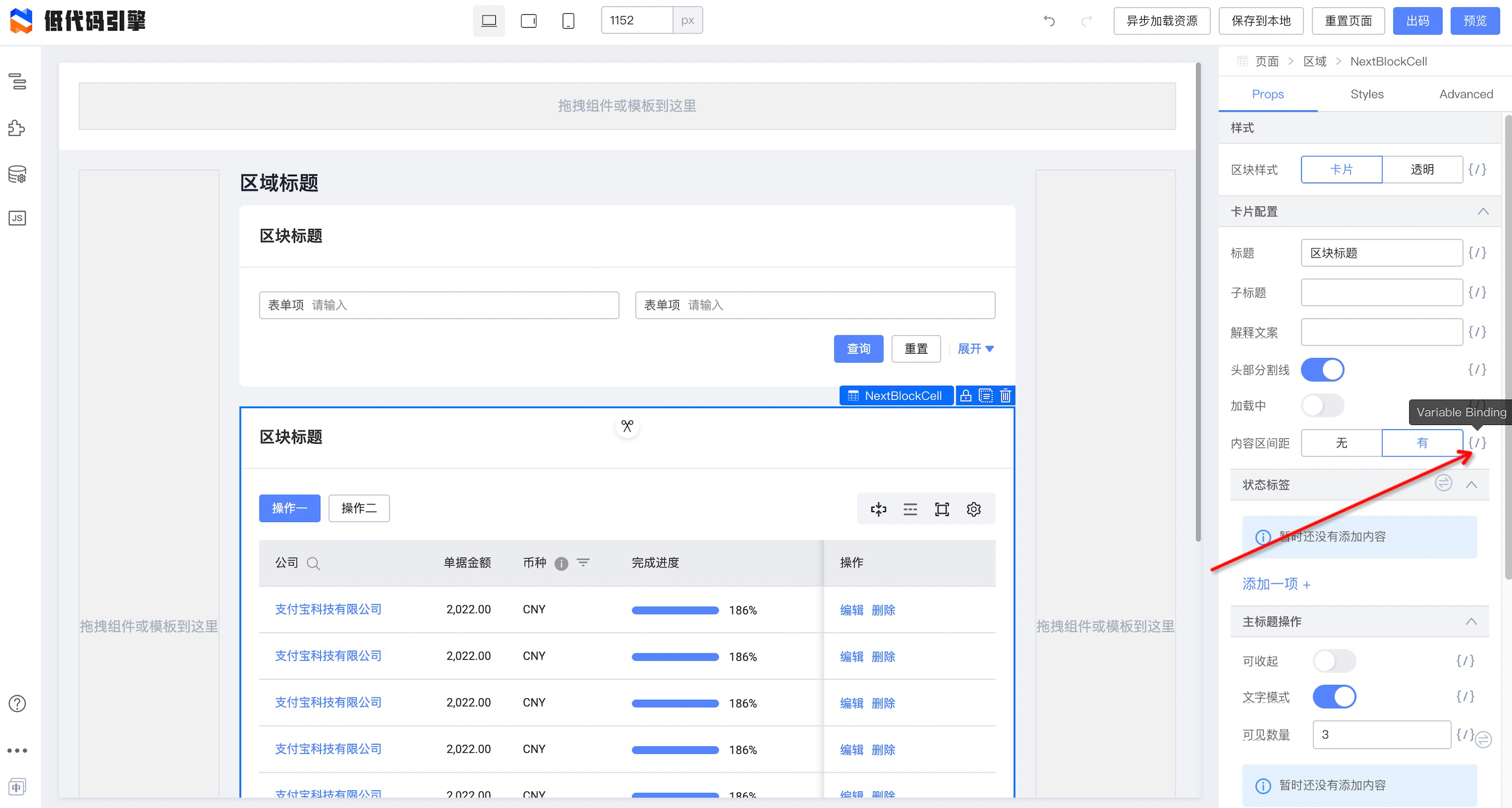
|
||||
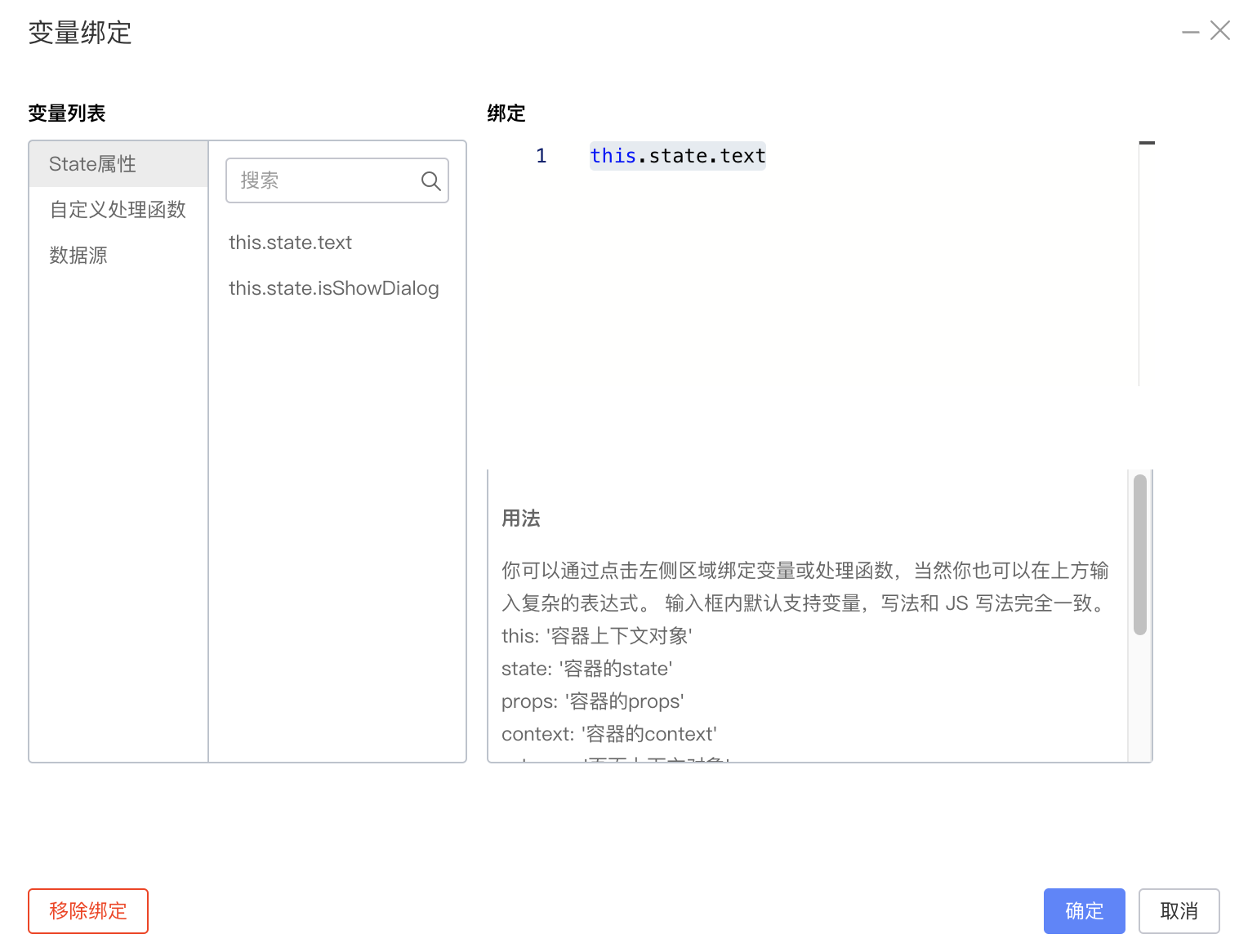
|
||||
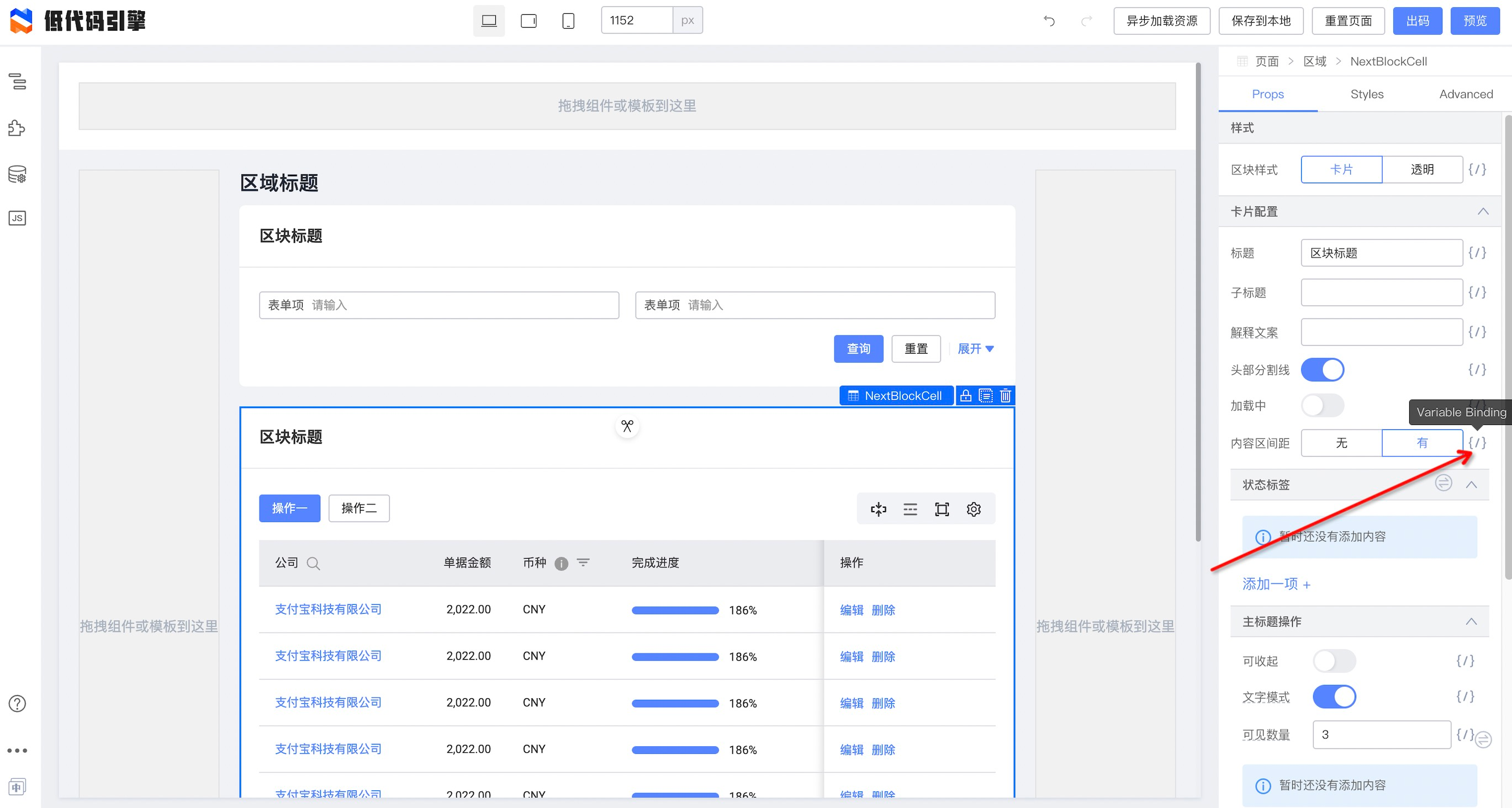
|
||||
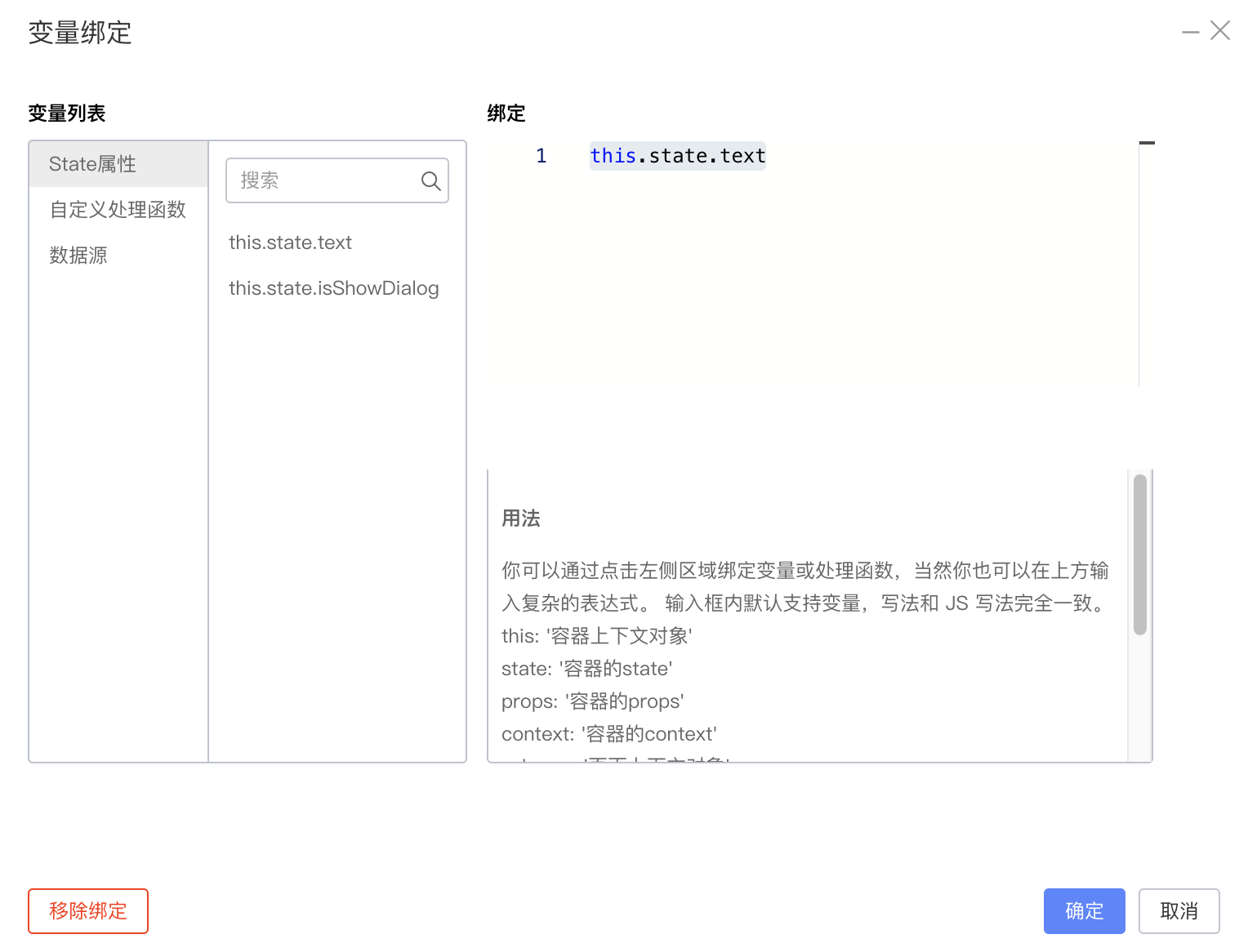
|
||||
```json
|
||||
{
|
||||
"componentName": "NextBlockCell",
|
||||
@ -107,8 +110,8 @@ window.Next.Message.success('成功')
|
||||
|
||||
|
||||
#### 事件回调
|
||||
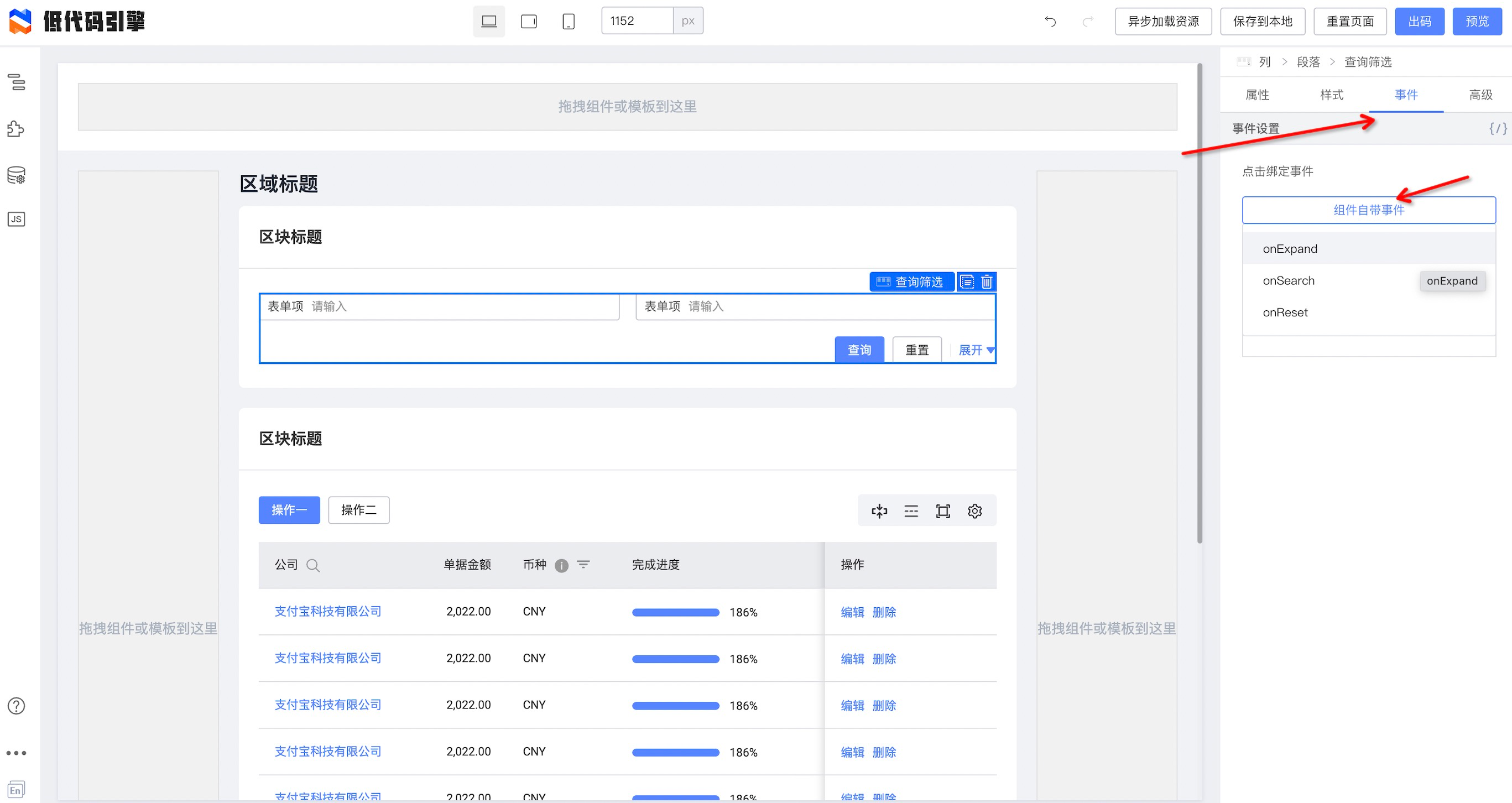
|
||||
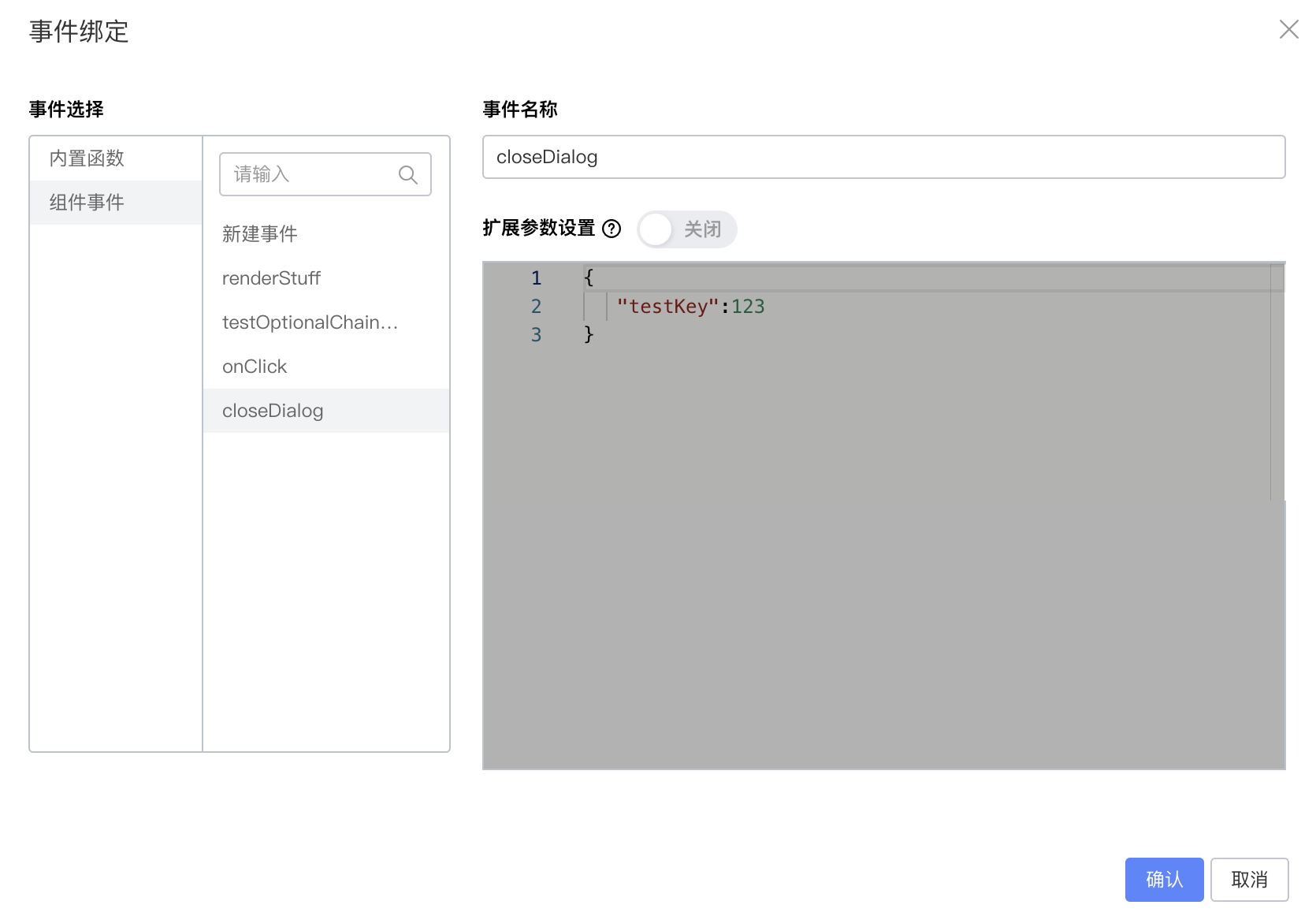
|
||||
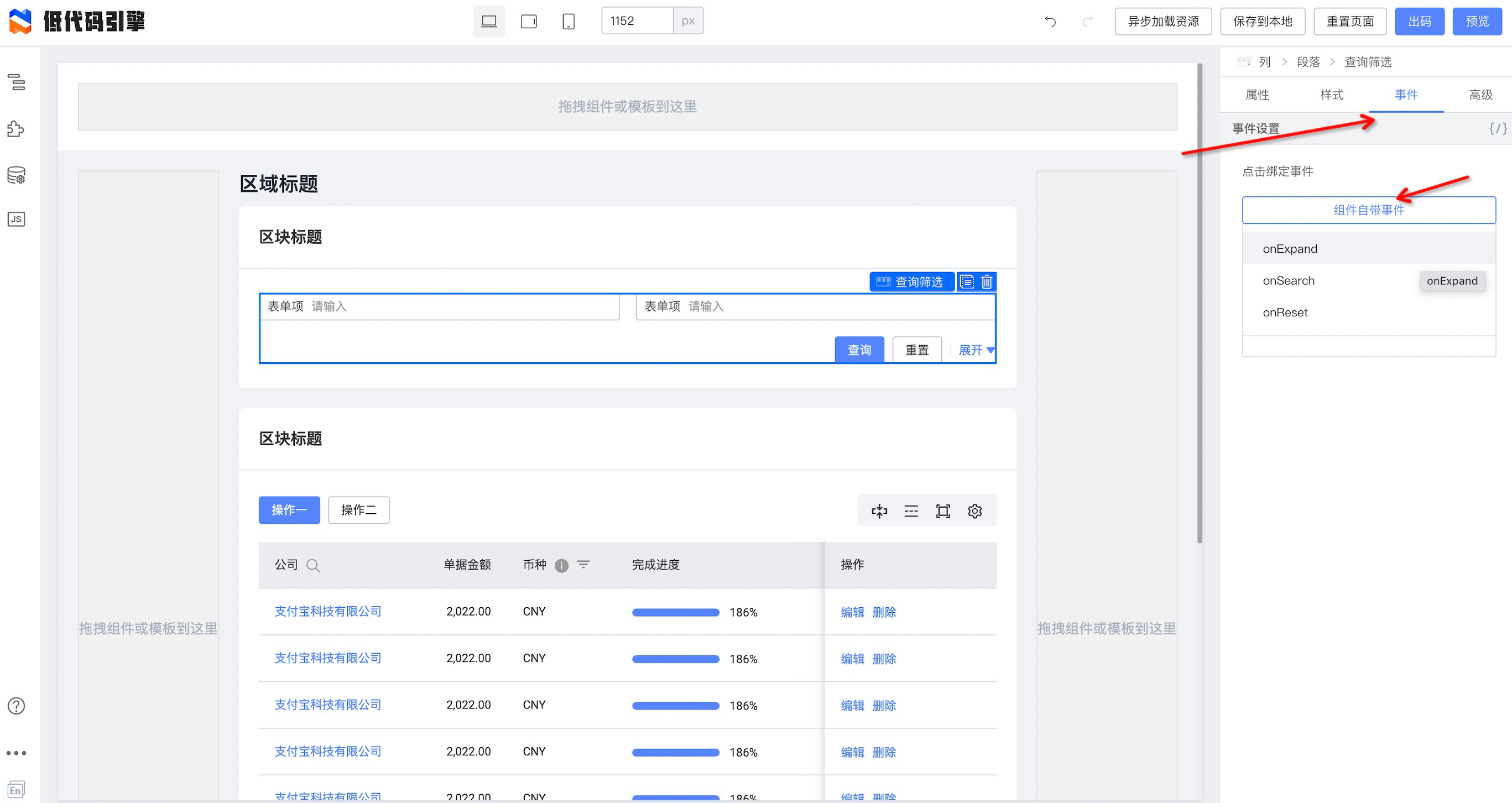
|
||||
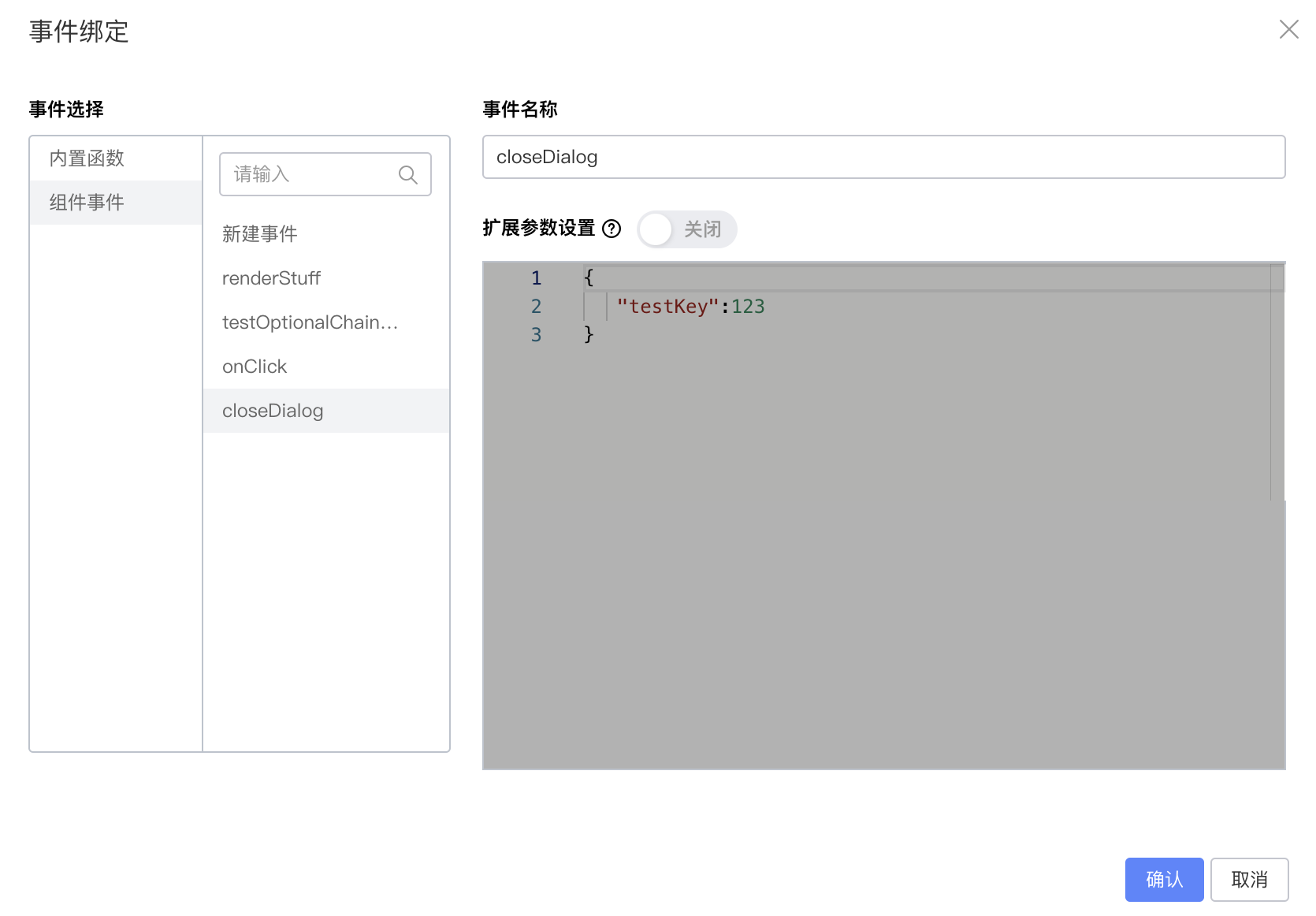
|
||||
```json
|
||||
{
|
||||
"componentName": "Filter",
|
||||
@ -132,8 +135,8 @@ window.Next.Message.success('成功')
|
||||
```
|
||||
|
||||
#### 条件判断
|
||||

|
||||
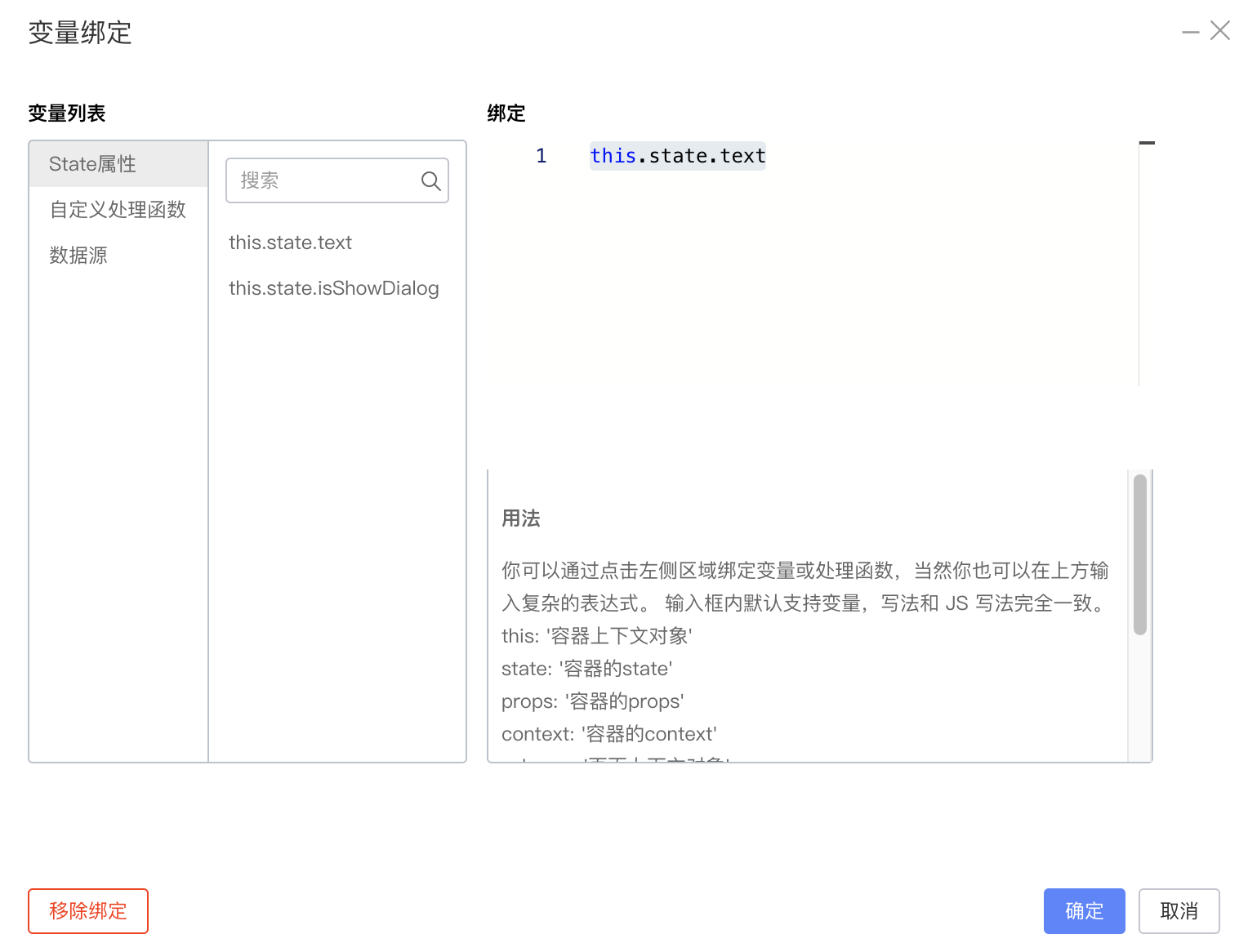
|
||||
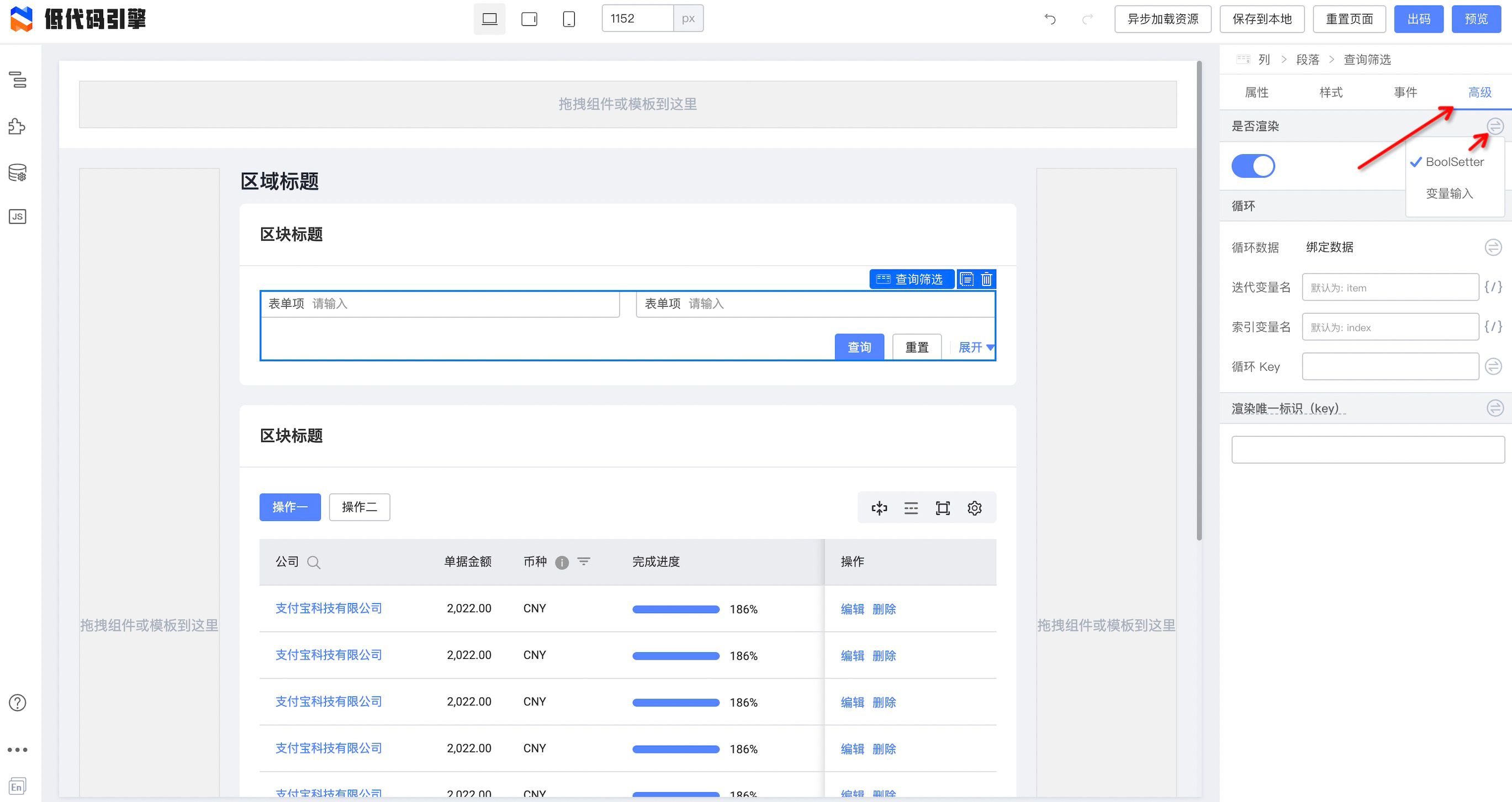
|
||||

|
||||
```json
|
||||
{
|
||||
"componentName": "Filter",
|
||||
@ -147,8 +150,8 @@ window.Next.Message.success('成功')
|
||||
```
|
||||
|
||||
#### 循环
|
||||
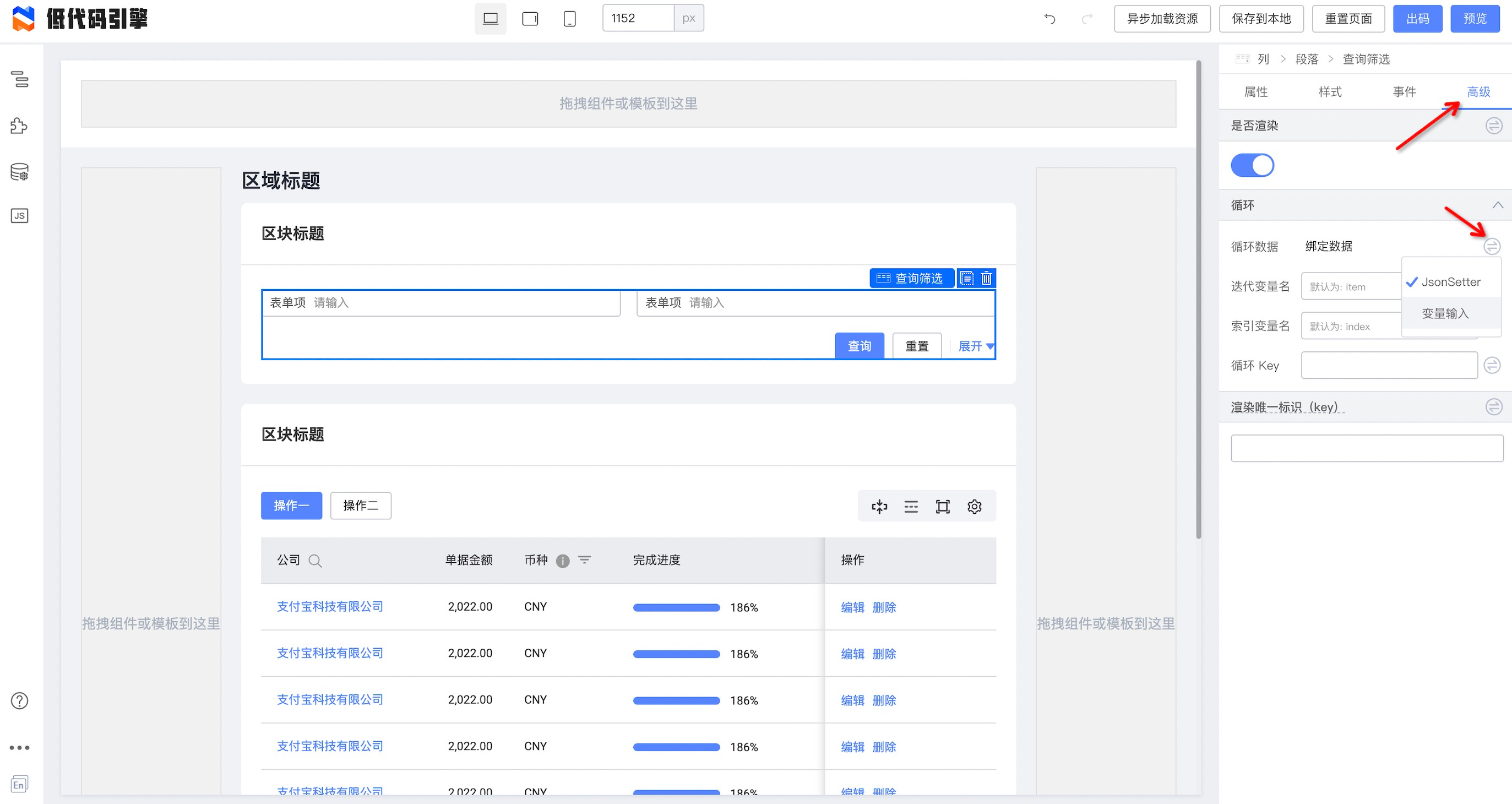
|
||||
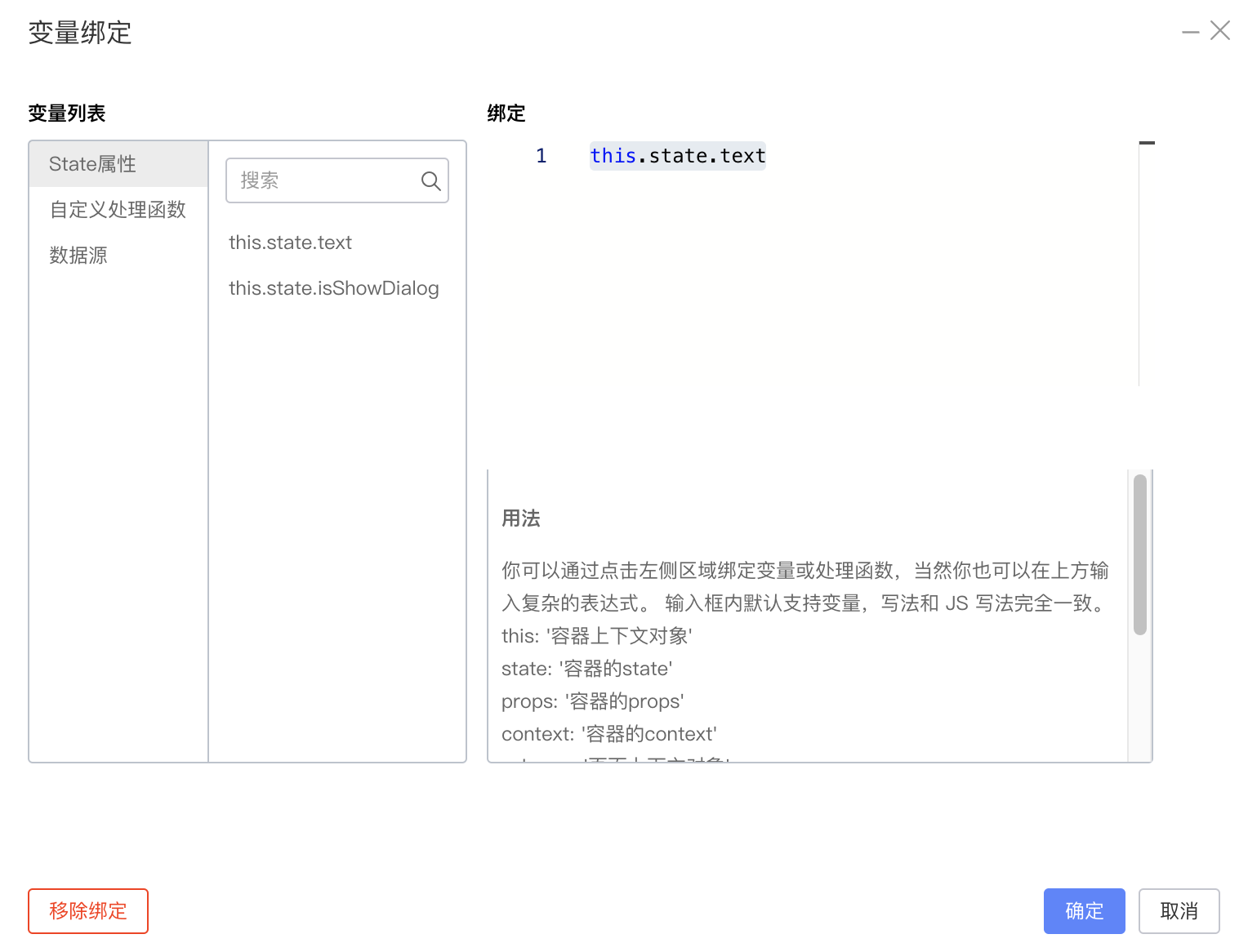
|
||||
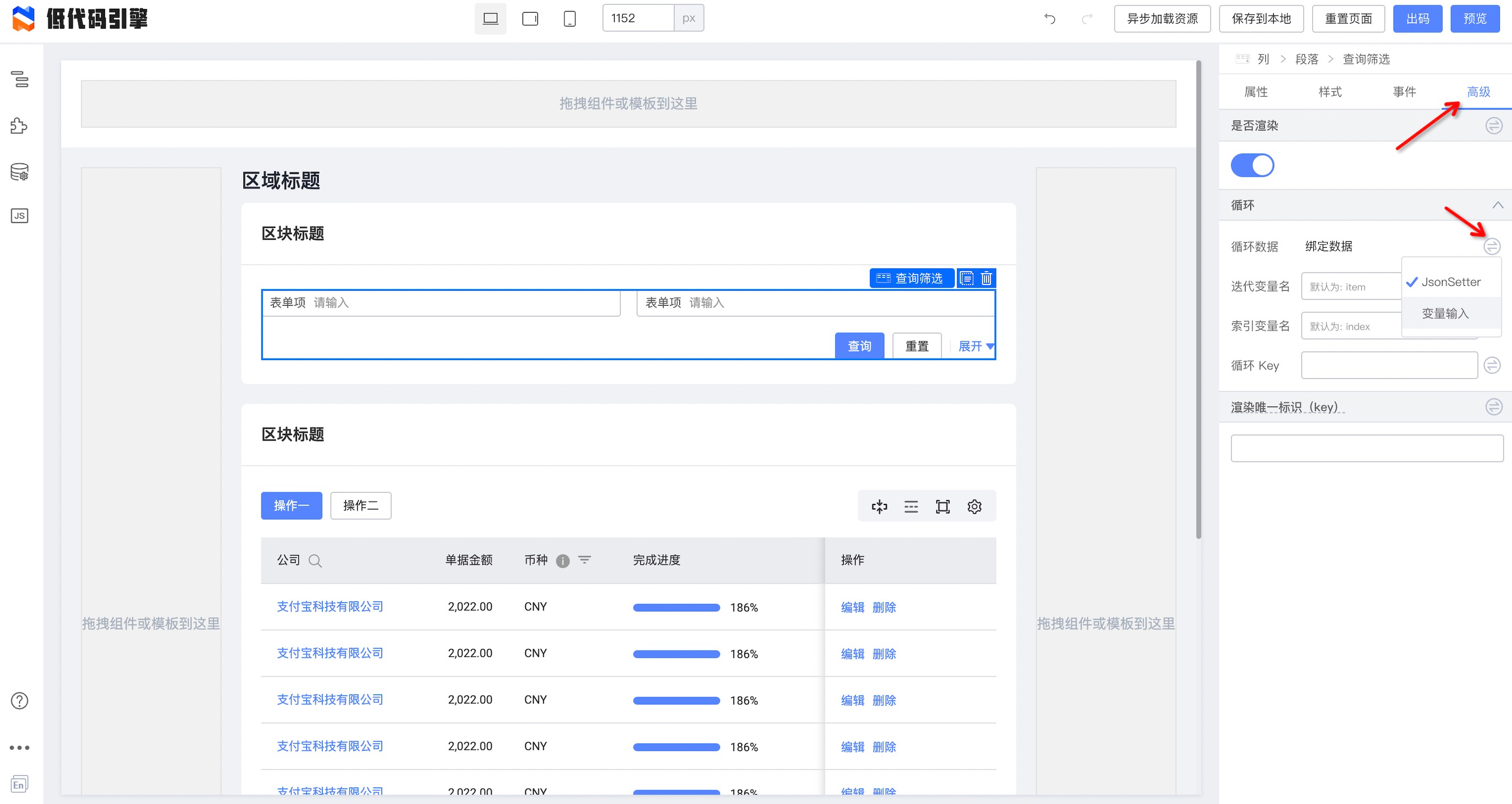
|
||||

|
||||
```json
|
||||
{
|
||||
"componentName": "Filter",
|
||||
|
||||
@ -3,9 +3,8 @@ title: 4. 组件面板详解
|
||||
sidebar_position: 0
|
||||
---
|
||||
## 概述
|
||||
组件面板顾名思义就是承载组件的面板,组件面板会获取并解析传入给低代码引擎的资产包数据 (数据结构[点此查看](https://lowcode-engine.cn/assets)),得到需要被展示的组件列表,并根据分类、排序规则对组件进行排列,同时也提供了搜索功能。
|
||||
|
||||
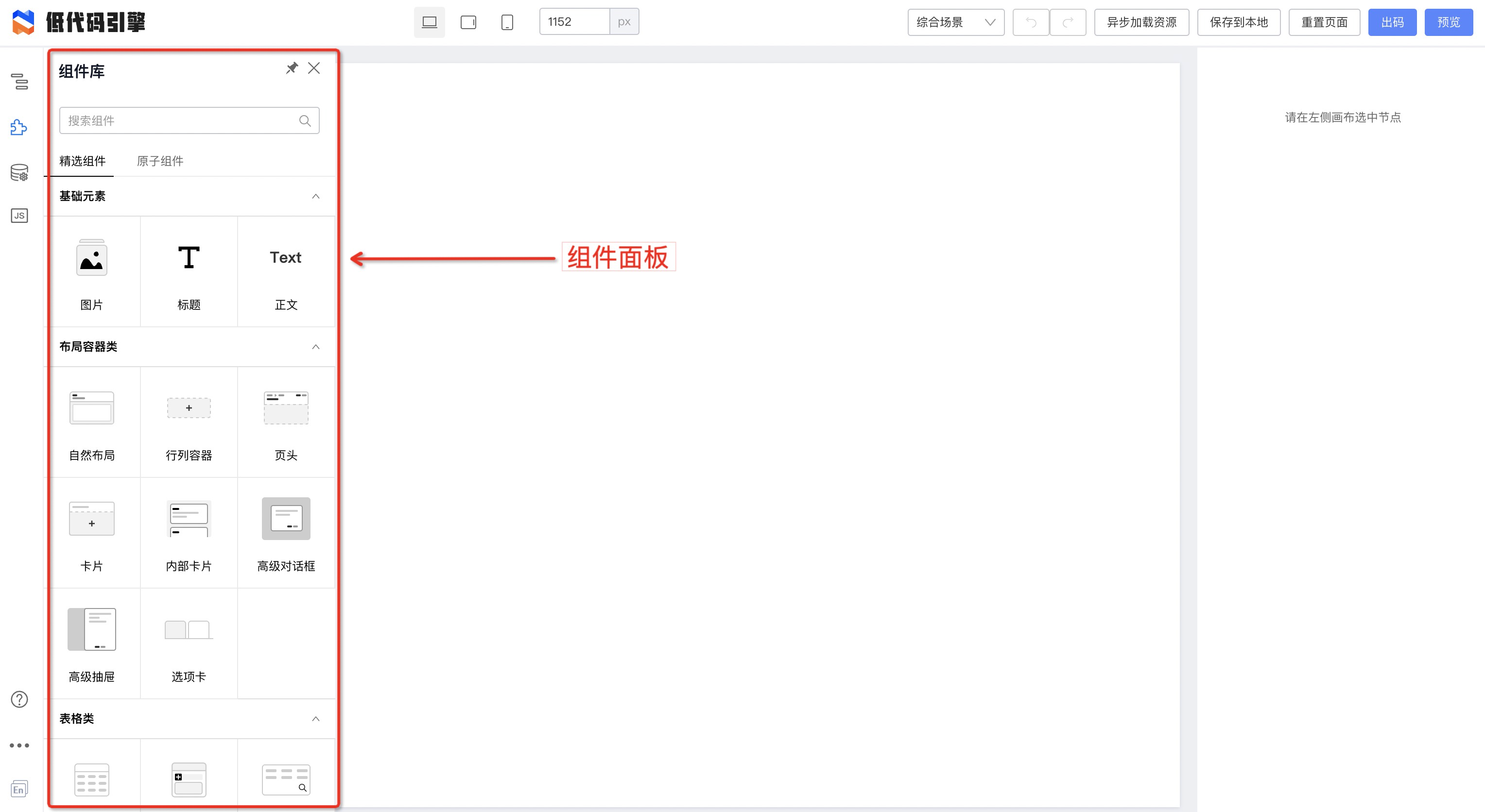
|
||||
组件面板顾名思义就是承载组件的面板,组件面板会获取并解析传入给低代码引擎的资产包数据(数据结构[点此查看](https://lowcode-engine.cn/assets)),得到需要被展示的组件列表,并根据分类、排序规则对组件进行排列,同时也提供了搜索功能。
|
||||

|
||||
## 组件信息
|
||||
组件面板承载的组件信息有:
|
||||
|
||||
@ -19,7 +18,7 @@ sidebar_position: 0
|
||||
|
||||
其中标题和截图是我们能够看到的,schema 片段则是拖拽到设计器时会自动插入页面 schema 中,面板会根据分组、分类来对组件进行排列;
|
||||
这些组件信息均通过资产包数据获取,字段对应关系如下图所示:
|
||||
|
||||
|
||||
## 组件分组、分类排序
|
||||
组件面板会把相同分组的组件放在同一个 tab 下,相同分类的组件放在同一个 collapse 中,同时也支持对 tab 和 collapse 进行排序;
|
||||
由于是整体性的排序,组件自身的信息无法决定此排序,因此在资产包数据根节点新增了 sort 字段用于指定分组和分类的排序,具体定义在[《低代码引擎资产包协议规范》](https://lowcode-engine.cn/assets)2.4 sort 章节;
|
||||
|
||||
@ -3,16 +3,14 @@ title: 8. 数据源面板详解
|
||||
sidebar_position: 4
|
||||
---
|
||||
## 🪚 概述
|
||||
数据源面板主要负责管理低代码中远程数据源内容,通过可视化编辑的方式操作低代码协议中的数据源 Schema,配合 [数据源引擎](/site/docs/guide/design/datasourceEngine) 即可实现低代码中数据源的生产和消费;
|
||||
|
||||
|
||||
|
||||
数据源面板主要负责管理低代码中远程数据源内容,通过可视化编辑的方式操作低代码协议中的数据源Schema,配合 [数据源引擎](https://www.yuque.com/lce/doc/datasource-engine) 即可实现低代码中数据源的生产和消费;
|
||||
|
||||
数据源面板
|
||||
## ❓如何使用
|
||||
> 面板内包含了数据源创建、删除、编辑、排序、导入导出、复制以及搜索等能力,内置支持了 `fecth` & `JSONP`两种常用远程请求类型;
|
||||
|
||||
### 三步创建一个数据源
|
||||

|
||||
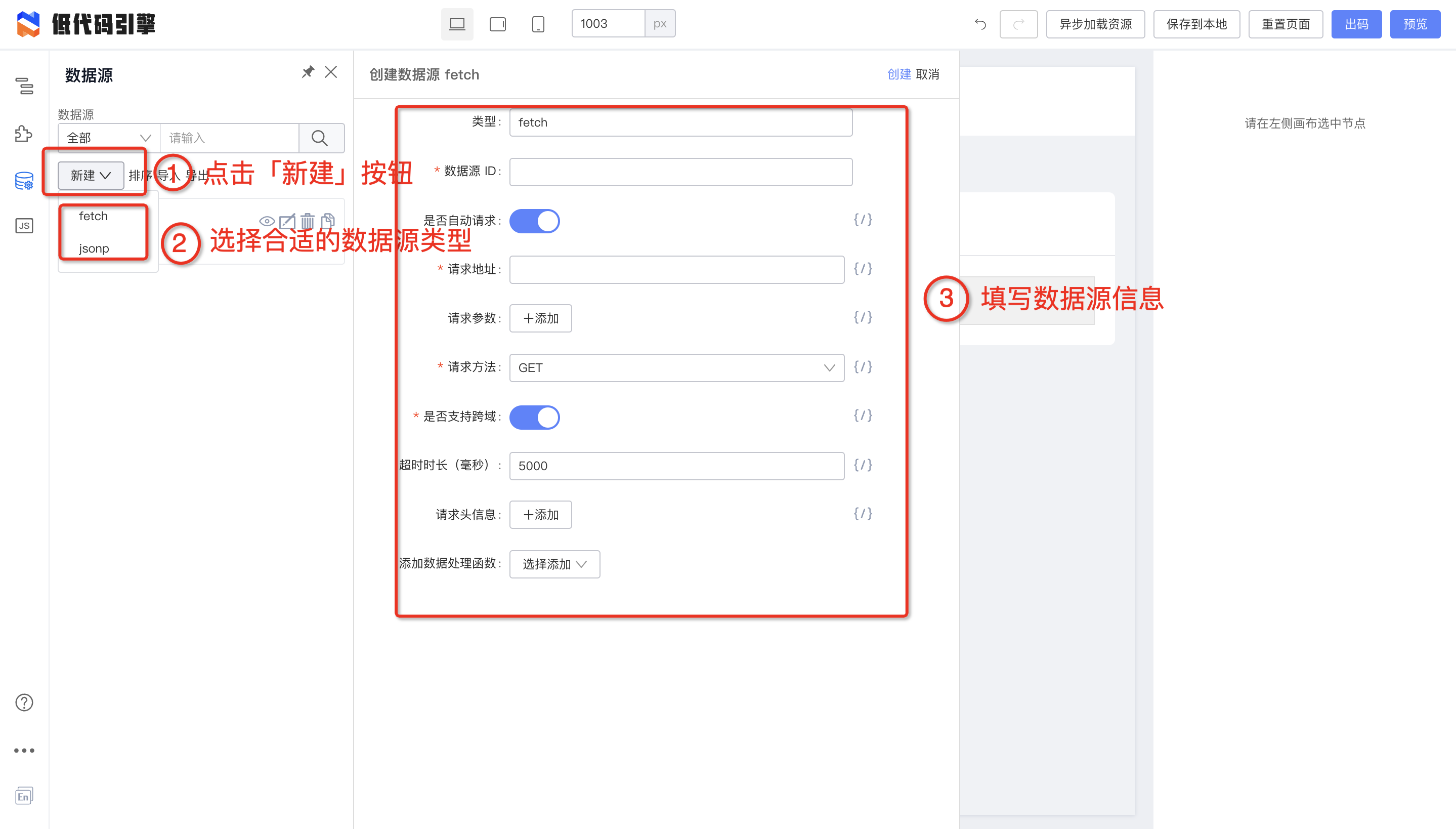
|
||||
三步创建数据源
|
||||
|
||||
### 参数详解
|
||||
@ -26,13 +24,11 @@ TODO
|
||||
### 如何定制数据源
|
||||
#### 定制数据源类型(设计态)
|
||||
#### 定制数据源请求实现(运行态)
|
||||
|
||||
> 当出现以下两种情况的时,我们需要定制数据源请求实现,
|
||||
> - 当你默认提供的 `handler`无法满足你的需求
|
||||
> - 定制了数据源类型,比如 `GraphQL`,需要实现一个对应的 `handler`
|
||||
|
||||
接下来我们来看一个例子,如何实现一个 `handler`
|
||||
|
||||
```javascript
|
||||
import { RuntimeOptionsConfig } from '@alilc/lowcode-datasource-types';
|
||||
|
||||
@ -54,9 +50,9 @@ export function createFetchHandler(config?: Record<string, unknown>) {
|
||||
};
|
||||
}
|
||||
```
|
||||
低代码 fetch-handler 默认实现
|
||||
低代码fetch-handler默认实现
|
||||
|
||||
以上代码是低代码内置的 fetch-handler 默认实现,内部使用了 `universal-request`,假如你们内部使用的 `axios`,你完全重新实现一个;
|
||||
以上代码是低代码内置的fetch-handler默认实现,内部使用了 `universal-request`,假如你们内部使用的 `axios`,你完全重新实现一个;
|
||||
```javascript
|
||||
import axios from 'axios';
|
||||
export function createAxiosFetchHandler(config?: Record<string, unknown>) {
|
||||
@ -75,10 +71,10 @@ export function createAxiosFetchHandler(config?: Record<string, unknown>) {
|
||||
}
|
||||
```
|
||||
|
||||
##### 注册到 render
|
||||
完成一个 Handler 后你可以通过以下方式接入到 render 或者出码中使用
|
||||
##### 注册到render
|
||||
完成一个Handler后你可以通过以下方式接入到render或者出码中使用
|
||||
|
||||
###### 渲染 Render
|
||||
###### 渲染Render
|
||||
```tsx
|
||||
import React, { memo } from 'react';
|
||||
import ReactRenderer from '@alilc/lowcode-react-renderer';
|
||||
@ -99,11 +95,11 @@ const SamplePreview = memo(() => {
|
||||
});
|
||||
```
|
||||
###### 出码
|
||||
> 目前自定义只能通过重新定义类型来完成,接下来我们会给出码添加 requestHandlersMap 映射能力;如有需求请联系 荣彬 (github-id:xingmolu)
|
||||
> 目前自定义只能通过重新定义类型来完成,接下来我们会给出码添加requestHandlersMap映射能力;如有需求请联系 荣彬(github-id:xingmolu)
|
||||
|
||||
|
||||
### 设计态启用数据源引擎
|
||||
> 默认情况下设计态没有开启数据源引擎,我们可以在设计器 init 的时候来传递`requstHandlersMap`来开启;具体代码如下:
|
||||
> 默认情况下设计态没有开启数据源引擎,我们可以在设计器init的时候来传递`requstHandlersMap`来开启;具体代码如下:
|
||||
|
||||
```javascript
|
||||
import { init, plugins } from '@alilc/lowcode-engine';
|
||||
@ -143,12 +139,12 @@ const preference = new Map();
|
||||
| isInit | 是否为初始数据 | Boolean | ✅ | true | 值为 true 时,将在组件初始化渲染时自动发送当前数据请求 |
|
||||
| isSync | 是否需要串行执行 | Boolean | ✅ | false | 值为 true 时,当前请求将被串行执行 |
|
||||
| type | 数据请求类型 | String | - | fetch | 支持四种类型:fetch/mtop/jsonp/custom |
|
||||
| shouldFetch | 本次请求是否可以正常请求 | (options: ComponentDataSourceItemOptions) => boolean | - | () => true | function 参数参考 [ComponentDataSourceItemOptions 对象描述](/site/docs/specs/lowcode-spec#2315-componentdatasourceitemoptions-对象描述) |
|
||||
| shouldFetch | 本次请求是否可以正常请求 | (options: ComponentDataSourceItemOptions) => boolean | - | () => true | function 参数参考 [ComponentDataSourceItemOptions 对象描述](https://lowcode-engine.cn/lowcode#2315-componentdatasourceitemoptions-%E5%AF%B9%E8%B1%A1%E6%8F%8F%E8%BF%B0) |
|
||||
| willFetch | 单个数据结果请求参数处理函数 | Function | - | options => options | 只接受一个参数(options),返回值作为请求的 options,当处理异常时,使用原 options。也可以返回一个 Promise,resolve 的值作为请求的 options,reject 时,使用原 options |
|
||||
| requestHandler | 自定义扩展的外部请求处理器 | Function | - | - | 仅 type=‘custom’时生效 |
|
||||
| dataHandler | request 成功后的回调函数 | Function | - | response => response.data | 参数:请求成功后 promise 的 value 值 |
|
||||
| errorHandler | request 失败后的回调函数 | Function | - | - | 参数:请求出错 promise 的 error 内容 |
|
||||
| options {} | 请求参数 | **ComponentDataSourceItemOptions**| - | - | 每种请求类型对应不同参数,详见见 [ComponentDataSourceItemOptions 对象描述](/site/docs/specs/lowcode-spec#2315-componentdatasourceitemoptions-对象描述) |
|
||||
| requestHandler | 自定义扩展的外部请求处理器 | Function | - | - | 仅 type=‘custom’ 时生效 |
|
||||
| dataHandler | request 成功后的回调函数 | Function | - | response => response.data | 参数: 请求成功后 promise 的 value 值 |
|
||||
| errorHandler | request 失败后的回调函数 | Function | - | - | 参数: 请求出错 promise 的 error 内容 |
|
||||
| options {} | 请求参数 | **ComponentDataSourceItemOptions** | - | - | 每种请求类型对应不同参数, 详见 [ComponentDataSourceItemOptions 对象描述](https://lowcode-engine.cn/lowcode#2315-componentdatasourceitemoptions-%E5%AF%B9%E8%B1%A1%E6%8F%8F%E8%BF%B0) |
|
||||
|
||||
### 运行时实现层:数据源引擎设计
|
||||
[数据源引擎设计](/site/docs/guide/design/datasourceEngine)
|
||||
[https://www.yuque.com/lce/doc/datasource-engine](https://www.yuque.com/lce/doc/datasource-engine)
|
||||
|
||||
@ -5,7 +5,7 @@ sidebar_position: 2
|
||||
# 设置器介绍
|
||||
## 展示区域
|
||||
设置器,又称为 Setter,主要展示在编辑器的右边区域,如下图:
|
||||

|
||||
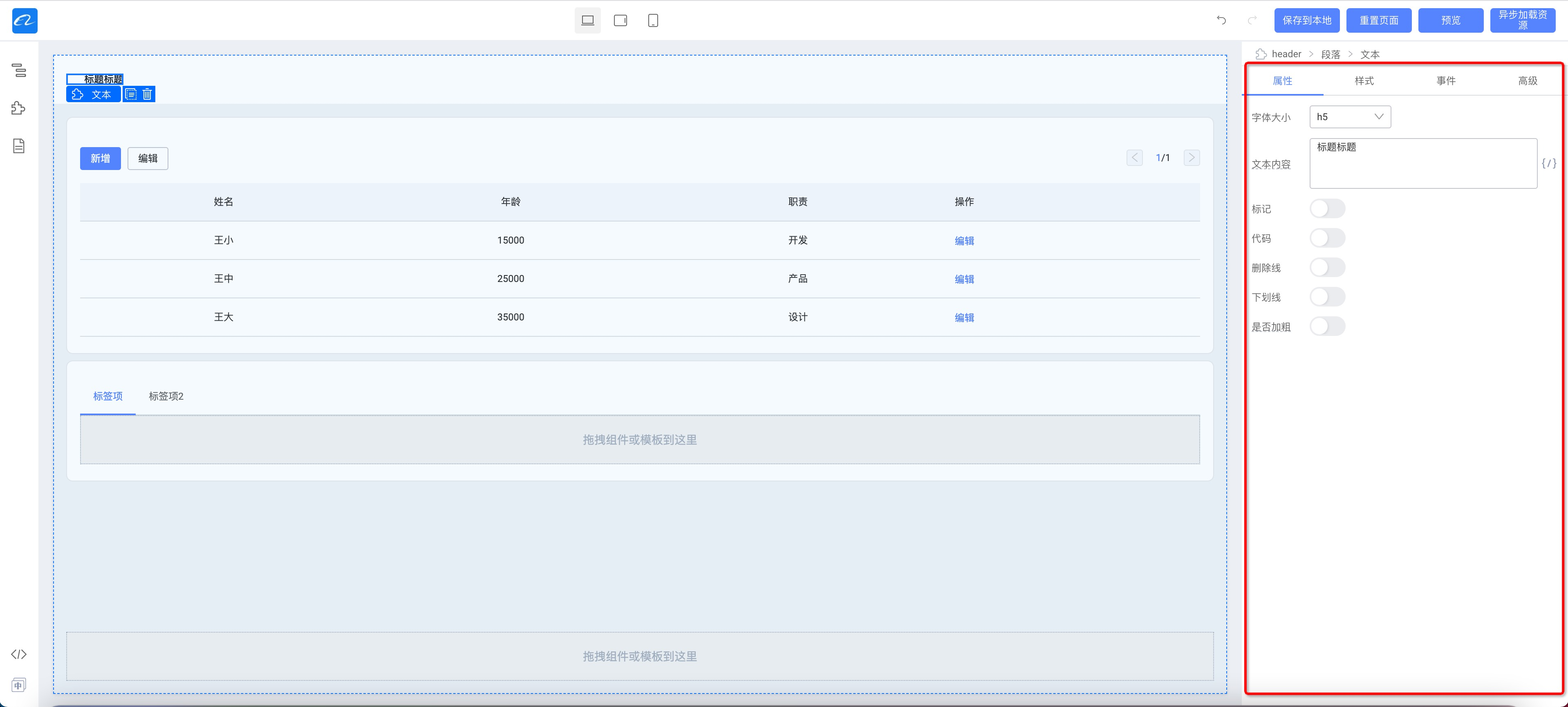
|
||||
其中包含 属性、样式、事件、高级
|
||||
|
||||
- 属性:展示该物料常规的属性
|
||||
@ -18,7 +18,7 @@ sidebar_position: 2
|
||||
## 设置器
|
||||
上述区域中是有多项设置器的,对于一个组件来说,每一项配置都对应一个设置器,比如我们的配置是一个文本,我们需要的是文本设置器,我们需要配置的是数字,我们需要的就是数字设置器。
|
||||
下图中的标题和按钮类型配置就分别是文本设置器和下拉框设置器。
|
||||
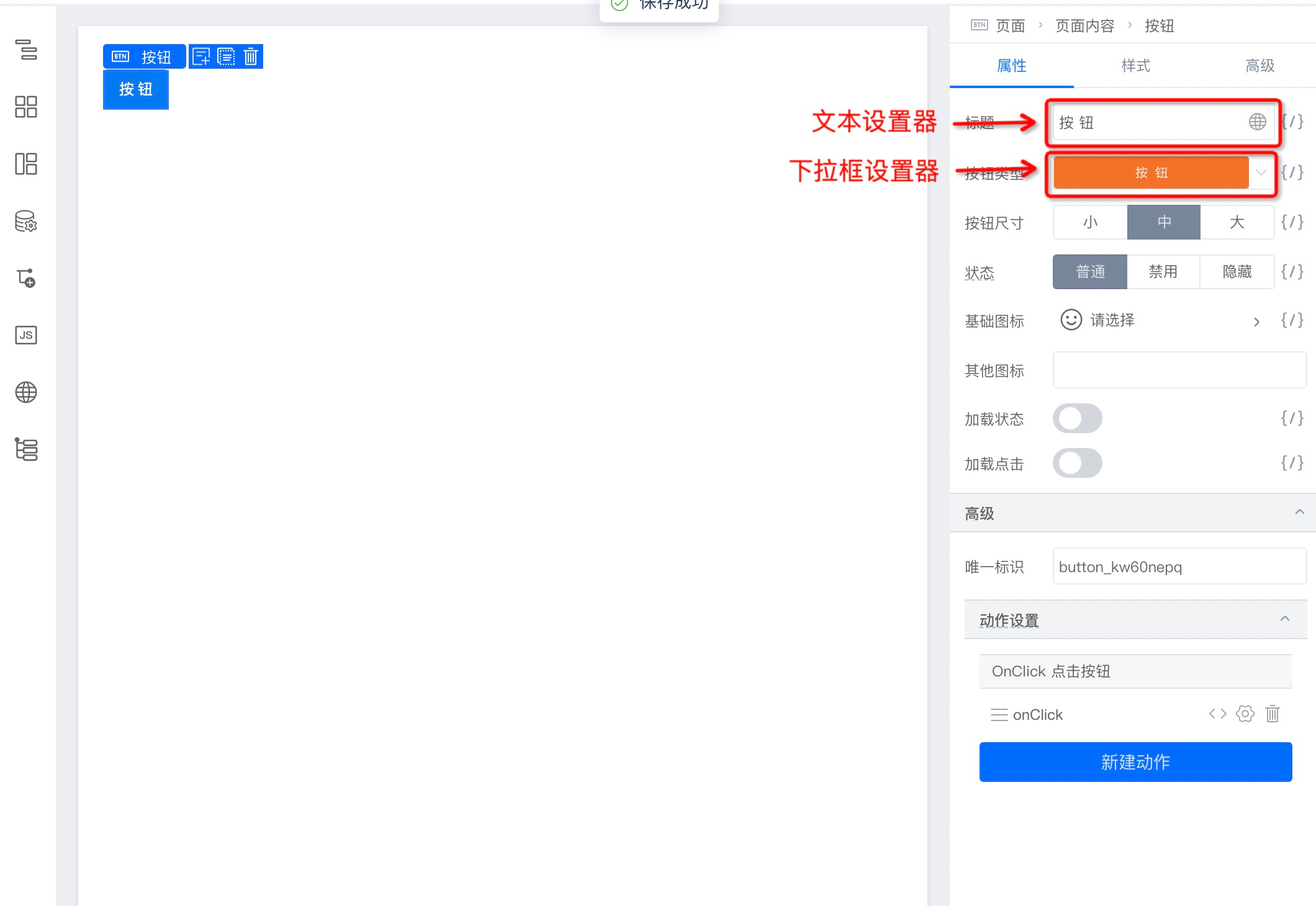
|
||||
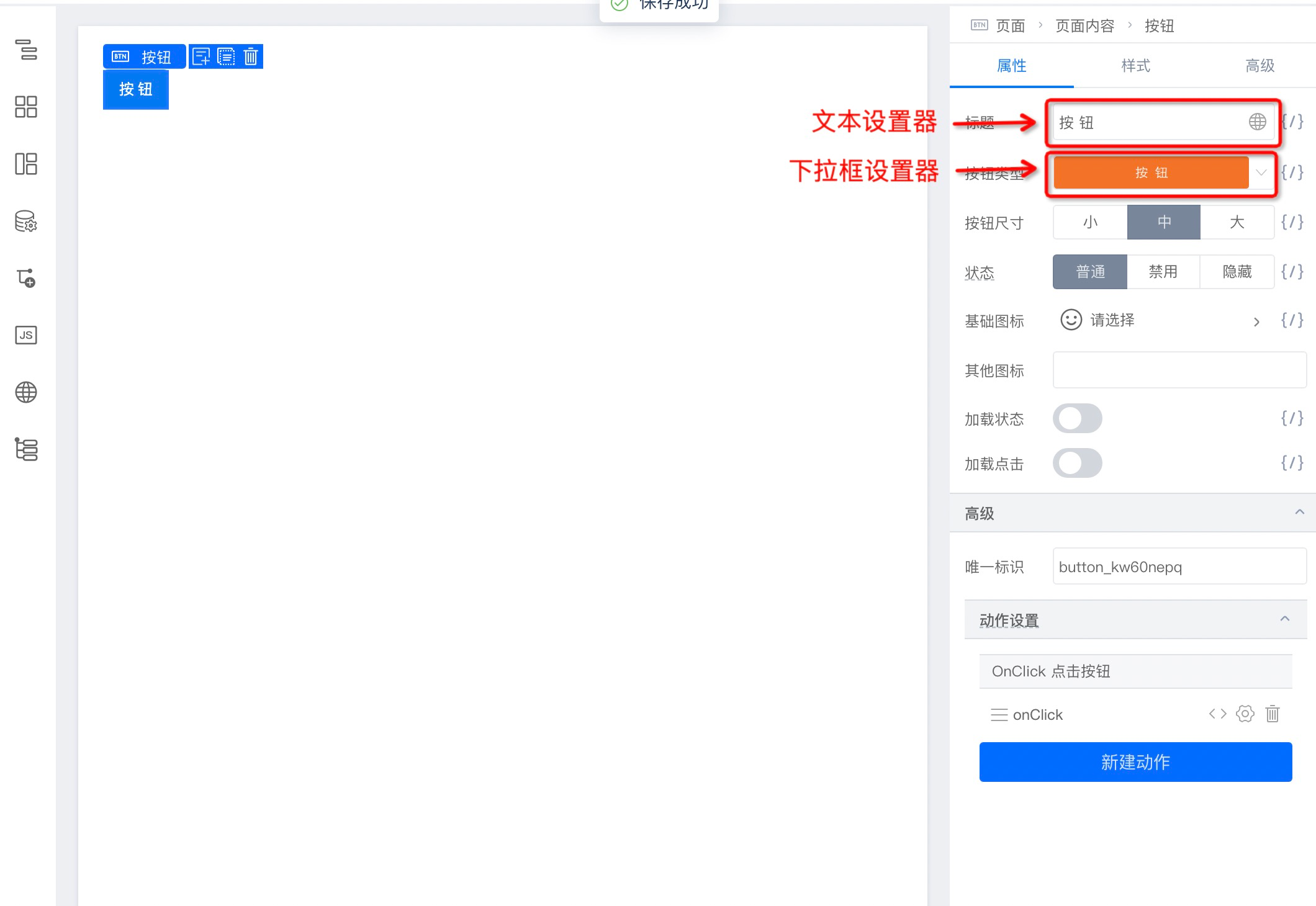
|
||||
我们提供了常用的设置器作为内置设置器,也提供了定制能力帮助大家开发特定需求的设置器。
|
||||
# 内置设置器
|
||||
| **预置 Setter** | **用途** |
|
||||
@ -28,23 +28,23 @@ sidebar_position: 2
|
||||
| BoolSetter | 布尔型数据设置器, |
|
||||
| SelectSetter | 枚举型数据设置器,采用下拉的形式展现 |
|
||||
| VariableSetter | 变量型数据设置器, |
|
||||
| RadioGroupSetter | 枚举型数据设置器,采用 tab 选择的形式展现 |
|
||||
| RadioGroupSetter | 枚举型数据设置器,采用tab选择的形式展现 |
|
||||
| TextAreaSetter | 长文本型数据设置器,可换行 |
|
||||
| DateSetter | 日期型数据设置器 |
|
||||
| TimePicker | 时间型数据设置器 |
|
||||
| DateYearSetter | 日期型 - 年数据设置器 |
|
||||
| DateMonthSetter | 日期型 - 月数据设置器 |
|
||||
| DateYearSetter | 日期型-年数据设置器 |
|
||||
| DateMonthSetter | 日期型-月数据设置器 |
|
||||
| DateRangeSetter | 日期型数据设置器,可选择时间区间 |
|
||||
| EventsSetter | 事件绑定设置器 |
|
||||
| ColorSetter | 颜色设置器 |
|
||||
| JsonSetter | json 型数据设置器 |
|
||||
| JsonSetter | json型数据设置器 |
|
||||
| StyleSetter | 样式设置器 |
|
||||
| ClassNameSetter | 样式名设置器 |
|
||||
| FunctionSetter | 函数型数据设置器 |
|
||||
| MixedSetter | 混合型数据设置器 |
|
||||
| SlotSetter | 节点型数据设置器 |
|
||||
| ArraySetter | 列表数组行数据设置器 |
|
||||
| ObjectSetter | 对象数据设置器,一般内嵌在 ArraySetter 中 |
|
||||
| ObjectSetter | 对象数据设置器,一般内嵌在ArraySetter中 |
|
||||
|
||||
|
||||
# 设置器定制
|
||||
@ -60,7 +60,7 @@ interface AltStringSetterProps {
|
||||
value: string;
|
||||
// 默认值
|
||||
defaultValue: string;
|
||||
// setter 唯一输出
|
||||
// setter唯一输出
|
||||
onChange: (val: string) => void;
|
||||
// AltStringSetter 特殊配置
|
||||
placeholder: string;
|
||||
@ -73,7 +73,7 @@ export default class AltStringSetter extends React.PureComponent<AltStringSetter
|
||||
}
|
||||
}
|
||||
|
||||
// 声明 Setter 的 title
|
||||
// 声明Setter的title
|
||||
static displayName = 'AltStringSetter';
|
||||
|
||||
render() {
|
||||
@ -95,7 +95,7 @@ export default class AltStringSetter extends React.PureComponent<AltStringSetter
|
||||
import { event } from '@ali/lowcode-engine';
|
||||
|
||||
componentDidMount() {
|
||||
// 这里由于面板上会有多个 setter,这里我用 field.id 来标记 setter 名
|
||||
// 这里由于面板上会有多个setter,这里我用field.id来标记setter名
|
||||
this.emitEventName = `${SETTER_NAME}-${this.props.field.id}`;
|
||||
event.on(`${this.emitEventName}.bindEvent`, this.bindEvent)
|
||||
}
|
||||
@ -105,7 +105,7 @@ bindEvent = (eventName) => {
|
||||
}
|
||||
|
||||
componentWillUnmount() {
|
||||
// setter 是以实例为单位的,每个 setter 注销的时候需要把事件也注销掉,避免事件池过多
|
||||
// setter是以实例为单位的,每个setter注销的时候需要把事件也注销掉,避免事件池过多
|
||||
event.off(`${this.emitEventName}.bindEvent`, this.bindEvent)
|
||||
}
|
||||
```
|
||||
@ -115,7 +115,7 @@ import { event } from '@ali/lowcode-engine';
|
||||
|
||||
bindFunction = () => {
|
||||
const { field, value } = this.props;
|
||||
// 这里展示的和插件进行通信,事件规则是插件名 + 方法
|
||||
// 这里展示的和插件进行通信,事件规则是插件名+方法
|
||||
event.emit('eventBindDialog.openDialog', field.name, this.emitEventName);
|
||||
}
|
||||
```
|
||||
@ -125,9 +125,9 @@ setter 本身只影响其中一个 props 的值,如果需要影响其他组件
|
||||
bindFunction = () => {
|
||||
const { field, value } = this.props;
|
||||
const propsField = field.parent;
|
||||
// 获取同级其他属性 showJump 的值
|
||||
// 获取同级其他属性showJump的值
|
||||
const otherValue = propsField.getPropValue('showJump');
|
||||
// set 同级其他属性 showJump 的值
|
||||
// set同级其他属性showJump的值
|
||||
propsField.setPropValue('showJump', false);
|
||||
}
|
||||
```
|
||||
|
||||
@ -6,28 +6,28 @@ tags: [FAQ]
|
||||
渲染唯一标识(key)和 React 中组件的 key 属性的原理是一致的,都是为了在渲染场景或者组件切换的场景中唯一标识一个组件。
|
||||
|
||||
你可以在组件右侧配置面板的「高级」中看到此配置项,该配置项一般配合「是否渲染」和「循环」功能使用。
|
||||

|
||||
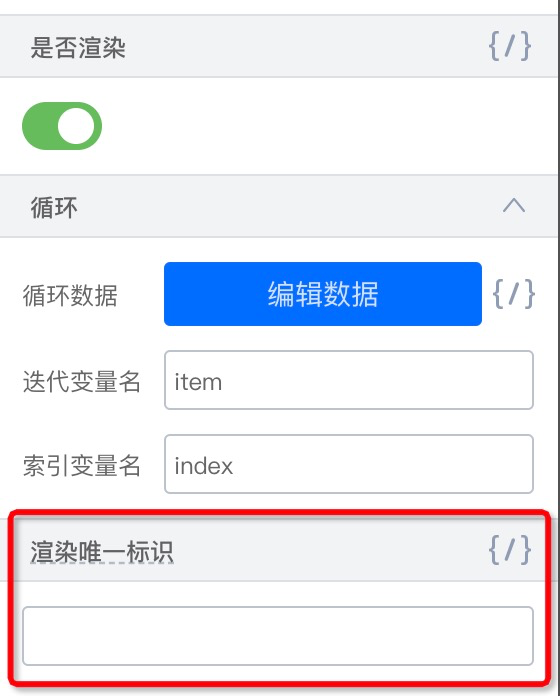
|
||||
|
||||
## 以下场景必需设置「渲染唯一标识」
|
||||
#### 场景一:同类组件切换
|
||||
以下场景中,当「爱好」选择「游戏」时显示「最喜欢的游戏」,选择「运动」时显示「最喜欢的运动」
|
||||
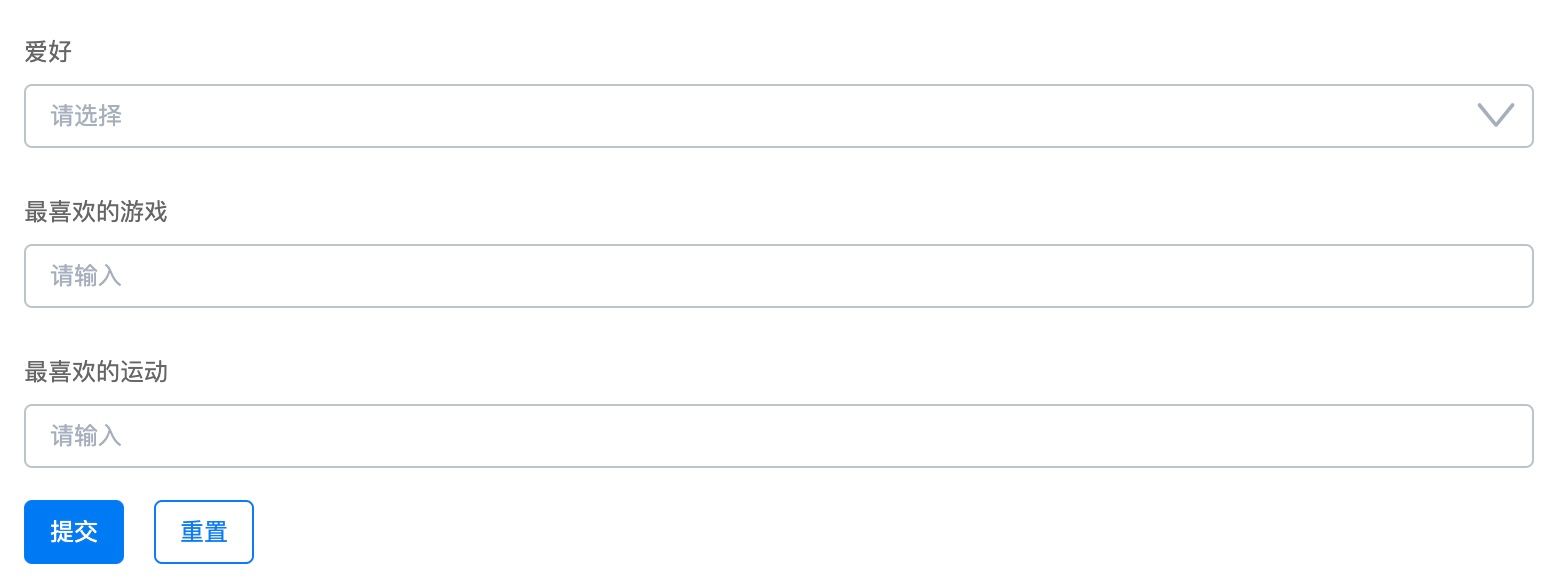
|
||||
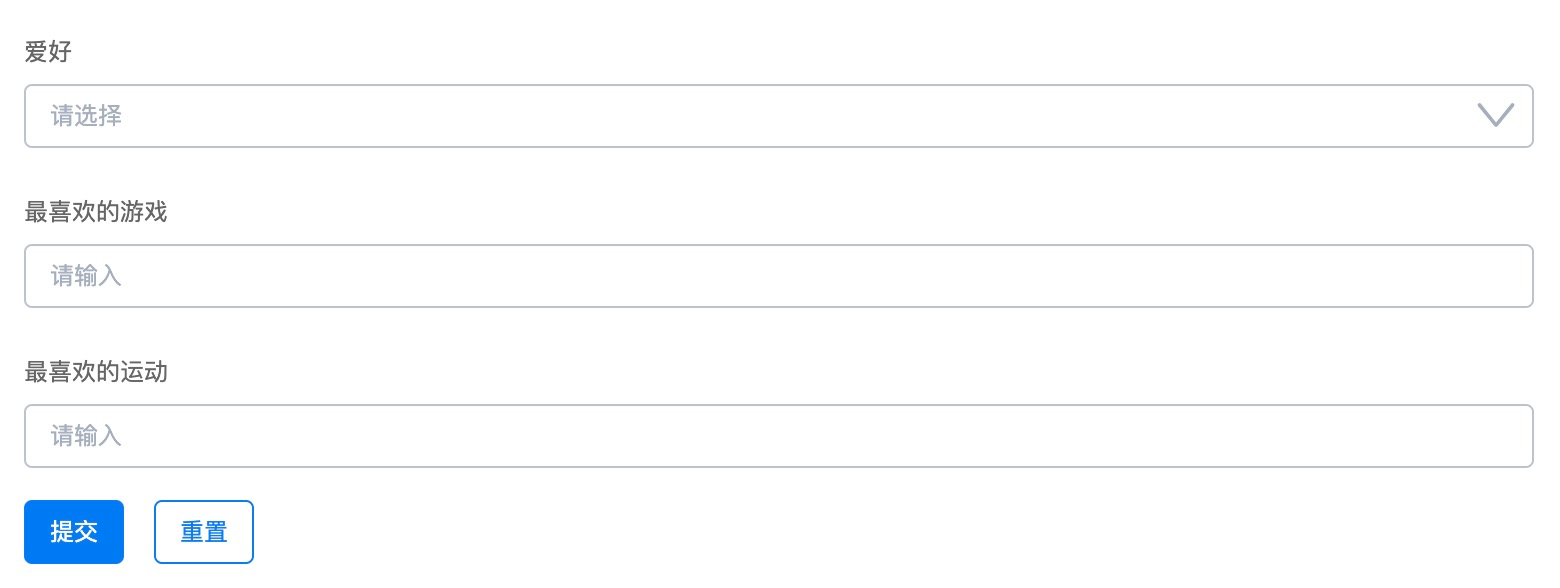
|
||||
|
||||
配置方式如下:
|
||||
|
||||
1. 增加变量数据源:hobby
|
||||
2. 「最喜欢的游戏」表单标识设置为 game,「是否渲染」绑定变量「state.hobby === '游戏'」
|
||||
|
||||
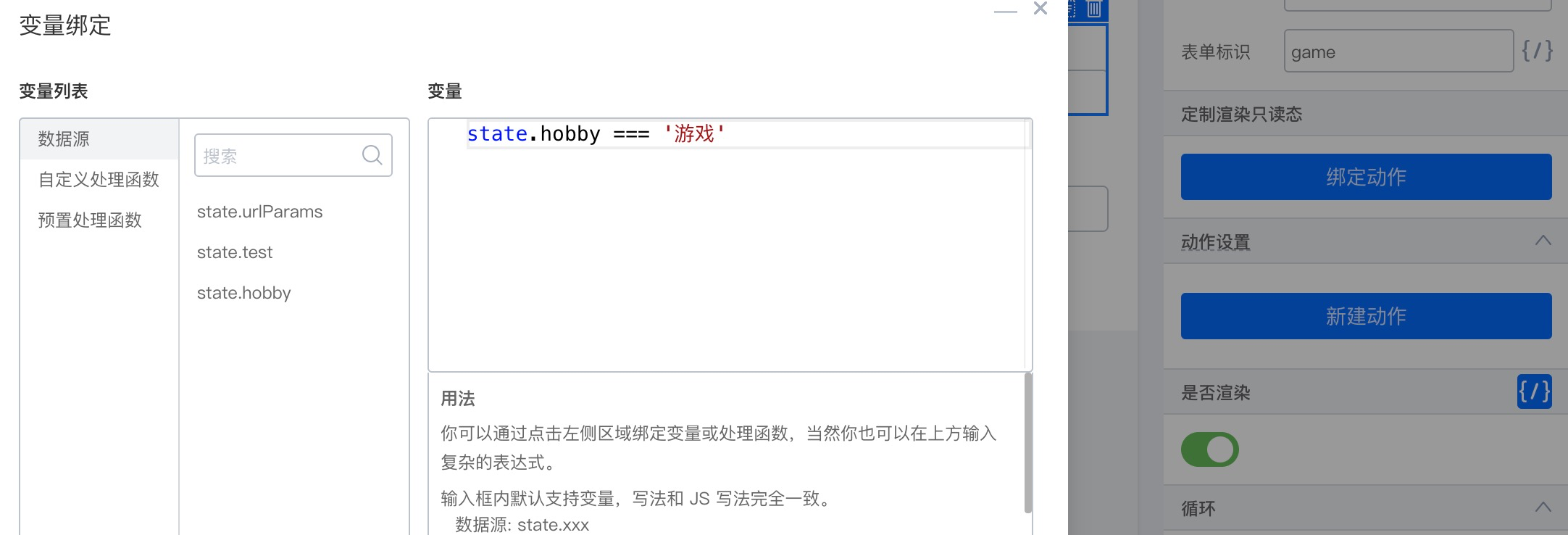
|
||||
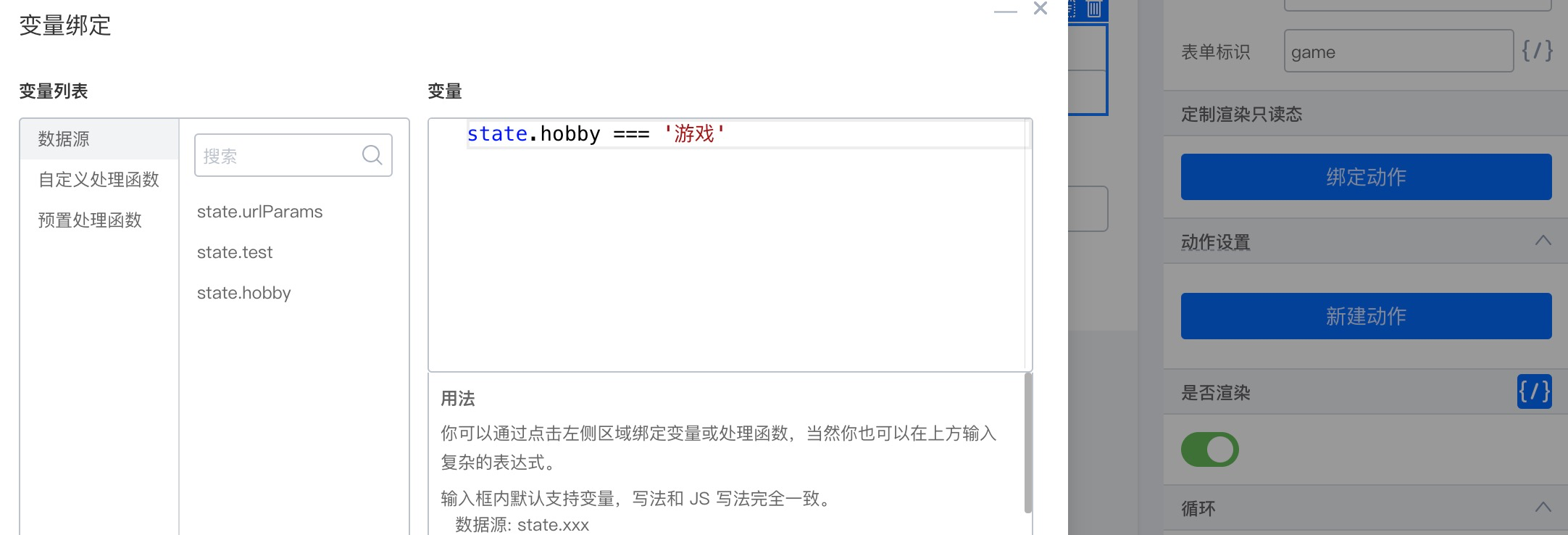
|
||||
|
||||
3. 「最喜欢的运动」表单标识设置为 sport,「是否渲染」绑定变量「state.hobby === '运动'」
|
||||
4. 「爱好」设置 onChange 动作
|
||||
|
||||
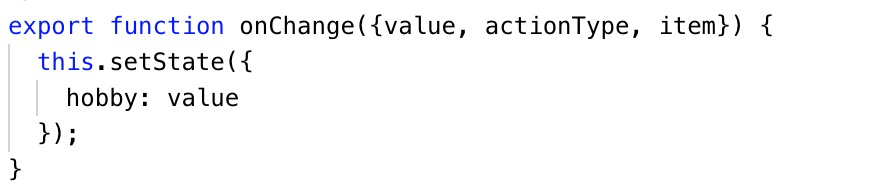
|
||||
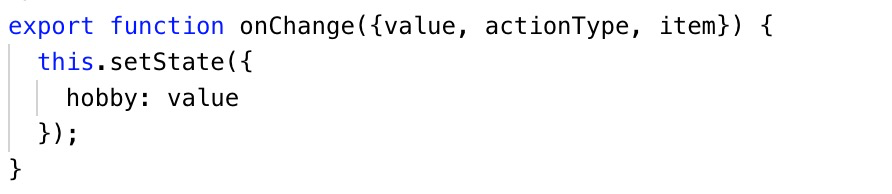
|
||||
|
||||
5. 「提交」按钮绑定 onClick 动作
|
||||
|
||||

|
||||

|
||||
|
||||
按以上配置(不配置渲染唯一标识),确实可以实现切换爱好时下方的文本框切换,但在提交数据时会发现,即使选择了「运动」,提交的时候 sport 字段是「最喜欢的游戏」的值。
|
||||
|
||||
|
||||
@ -6,15 +6,15 @@ tags: [FAQ]
|
||||
背景:
|
||||
|
||||
- [Antd Table 下 button 点击事件怎么拿到行数据?](https://github.com/alibaba/lowcode-engine/issues/341)
|
||||
## 方式 1
|
||||

|
||||
## 方式1
|
||||
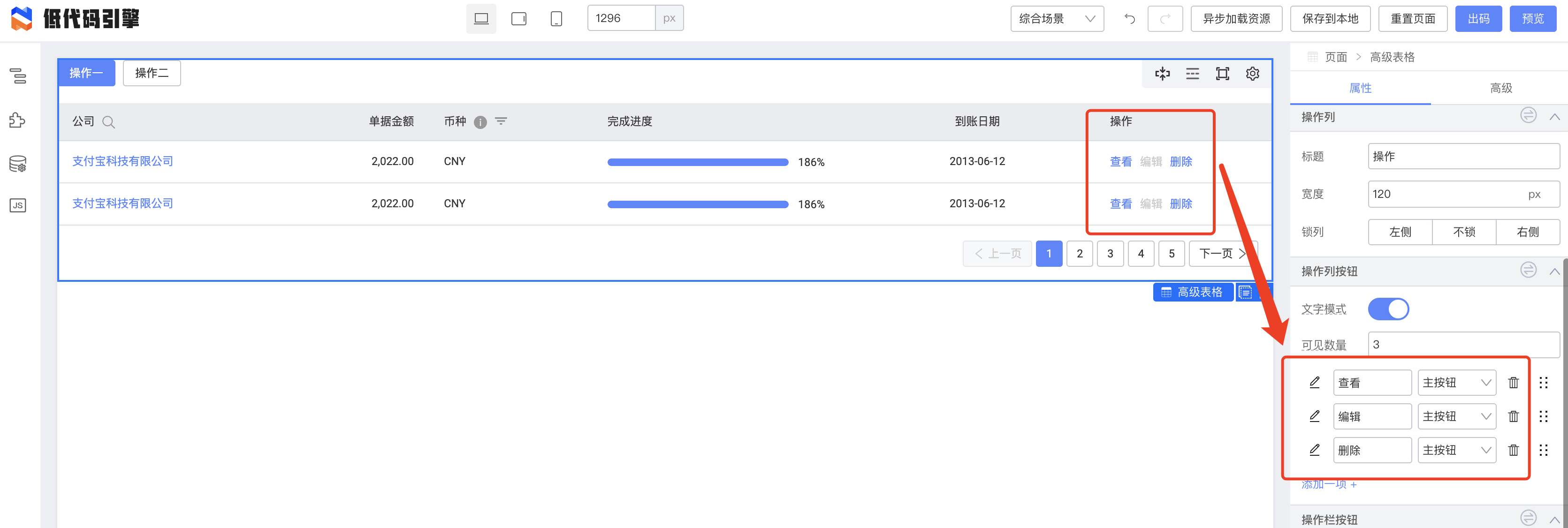
|
||||
|
||||
参考 fusion protable,将操作列直接耦合 button 组件,因为 col.render 函数能拿到 行数据 record,那么 pro-table 组件封装的时候,就可以在渲染操作列按钮的时候,将 col.render 参数透传给 button 组件
|
||||
参考 fusion protable , 将操作列直接耦合 button 组件,因为 col.render 函数能拿到 行数据record,那么 pro-table 组件封装的时候,就可以在渲染操作列按钮的时候,将 col.render 参数透传给 button 组件
|
||||
|
||||
## 方式 2
|
||||
## 方式2
|
||||
slot + 扩展参数
|
||||
|
||||
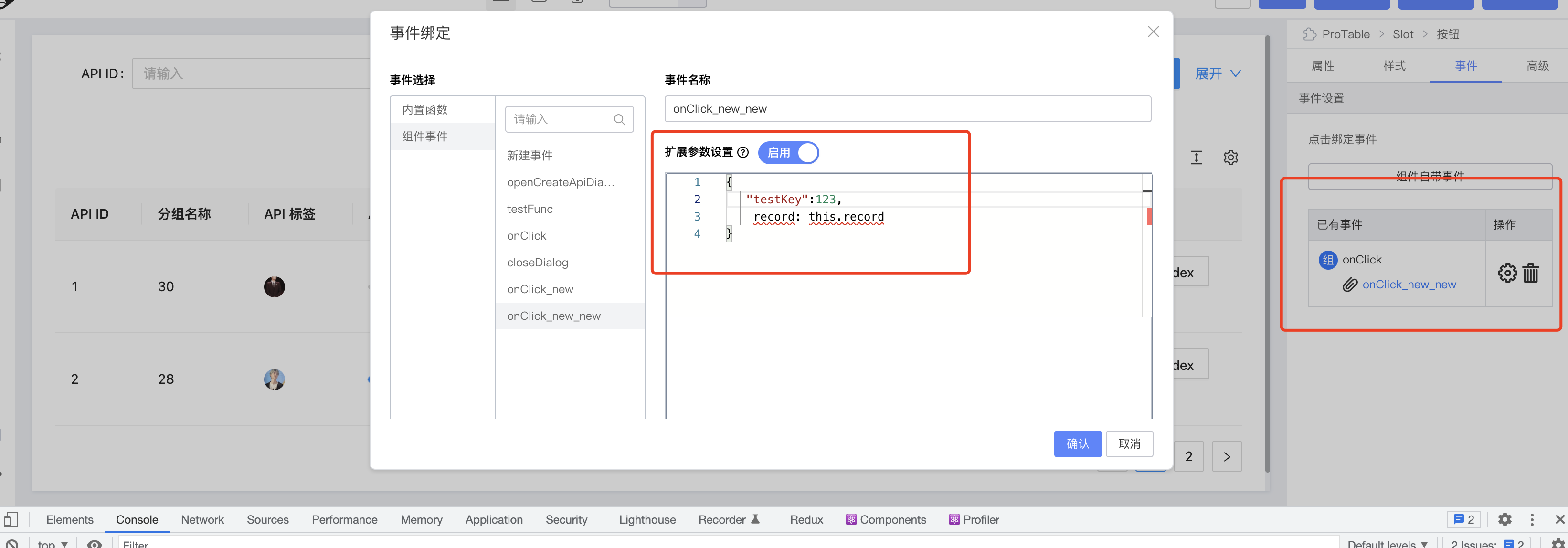
|
||||
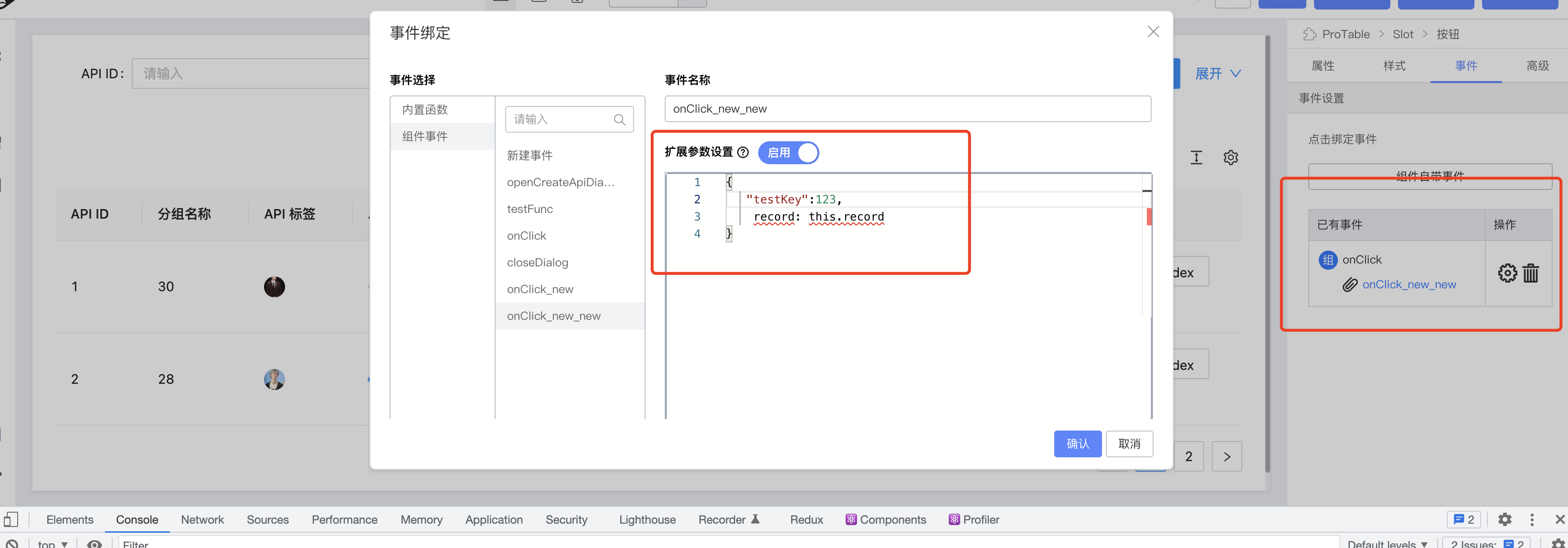
|
||||
|
||||
将扩展参数写成:
|
||||
```json
|
||||
|
||||
@ -5,19 +5,19 @@ tags: [FAQ]
|
||||
---
|
||||
## 设计器
|
||||
### 通过引擎 API 配置
|
||||
[API-init](/site/docs/api/init)
|
||||
[https://www.yuque.com/lce/doc/dffghx](https://www.yuque.com/lce/doc/dffghx)
|
||||
|
||||
### 通过资产包
|
||||
|
||||
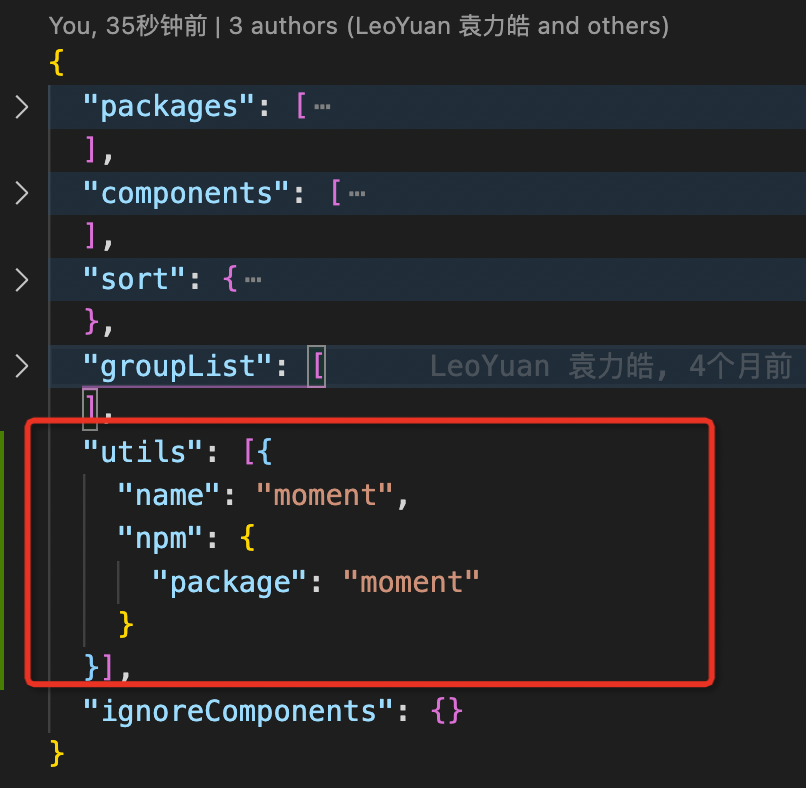
|
||||
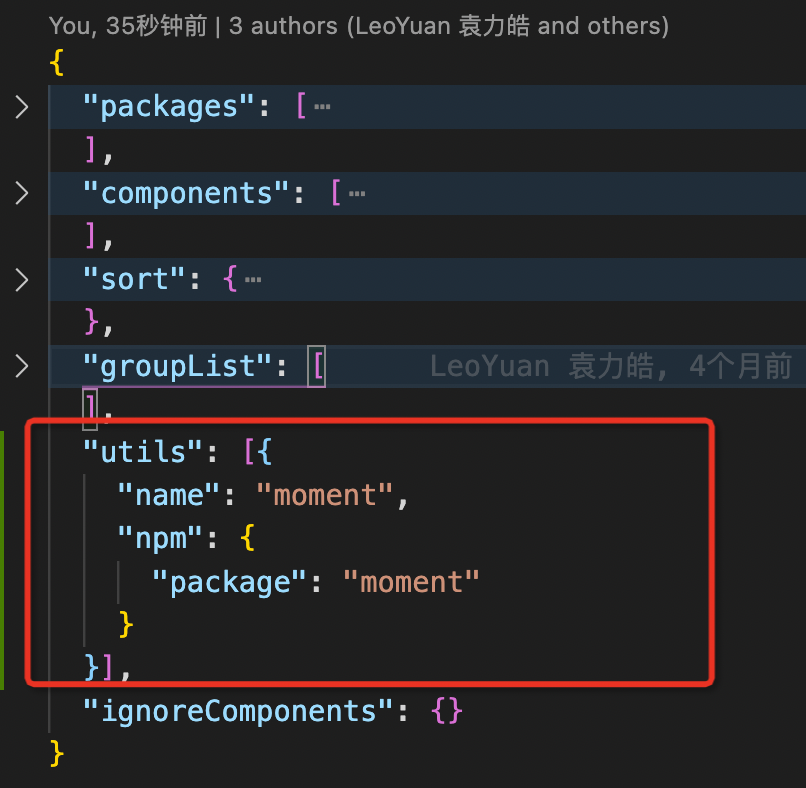
|
||||
|
||||
就可以在引擎代码中访问到 moment
|
||||
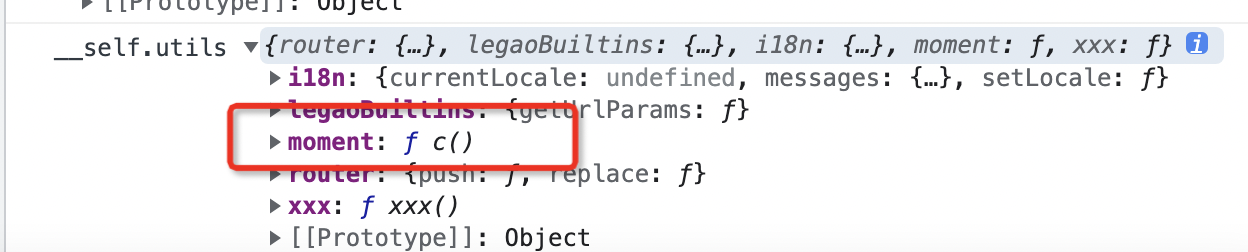
|
||||
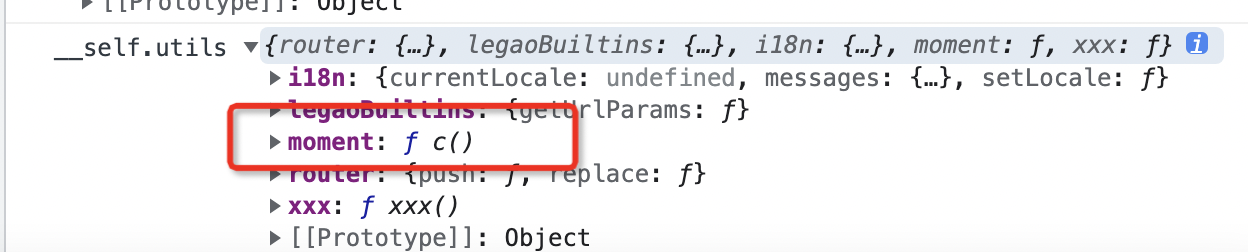
|
||||
|
||||
PS:需要在 packages 中有相关的资源配置,例如:
|
||||
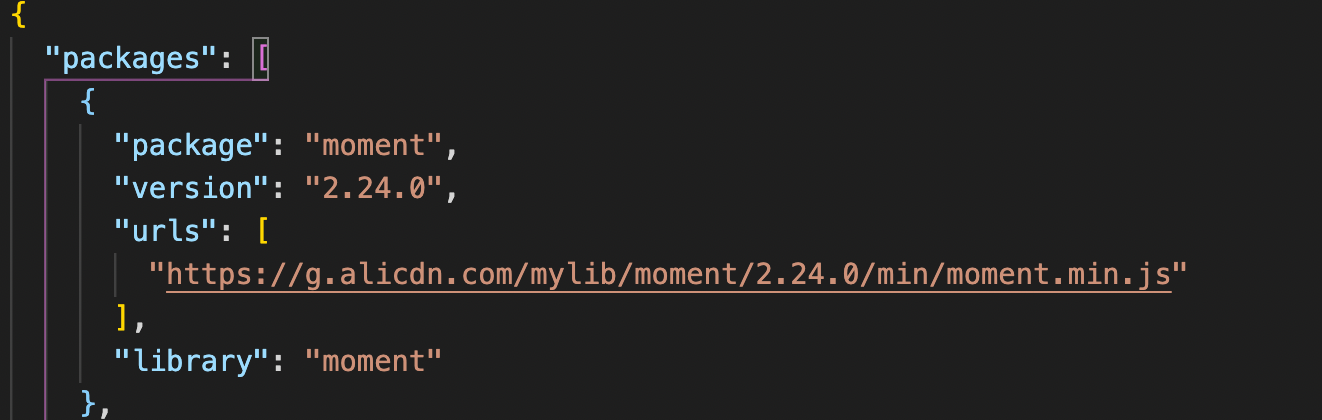
|
||||
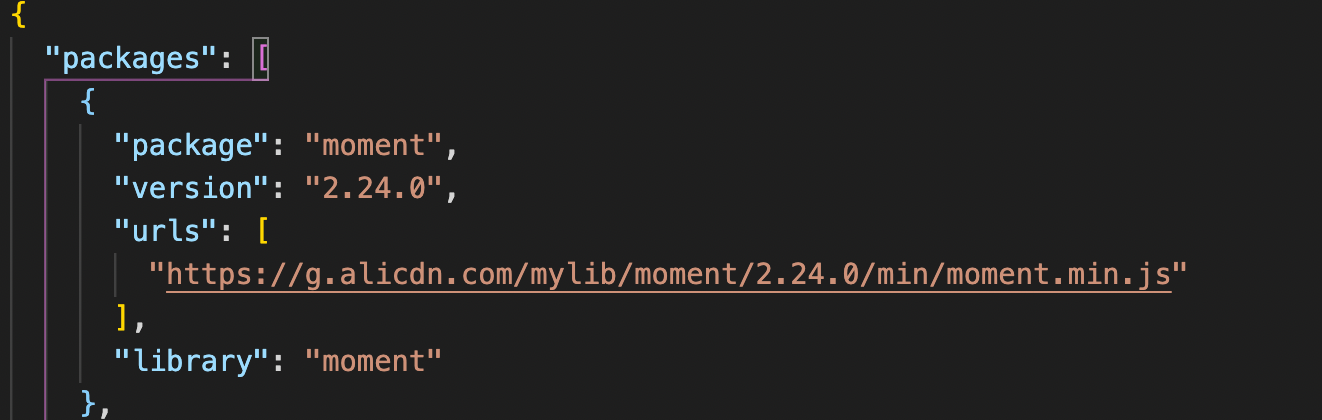
|
||||
|
||||
否则在画布中可能会访问不到对应的资源。
|
||||
|
||||
## 预览态
|
||||
[参考资料](/site/docs/guide/expand/runtime/renderer#apphelper)
|
||||
参考:[https://www.yuque.com/lce/doc/nhilce#appHelper](https://www.yuque.com/lce/doc/nhilce#appHelper)
|
||||
|
||||
@ -3,4 +3,4 @@ title: 如何通过 API 手动调用数据源请求
|
||||
sidebar_position: 6
|
||||
tags: [FAQ]
|
||||
---
|
||||
参考:[DataSource API](/site/docs/demoUsage/appendix/api)
|
||||
参考:[https://www.yuque.com/lce/doc/erckcn](https://www.yuque.com/lce/doc/erckcn)
|
||||
@ -1,9 +1,9 @@
|
||||
---
|
||||
title: 设置面板中的高级 tab 如何配置
|
||||
title: 设置面板中的高级tab如何配置
|
||||
sidebar_position: 7
|
||||
tags: [FAQ]
|
||||
---
|
||||

|
||||
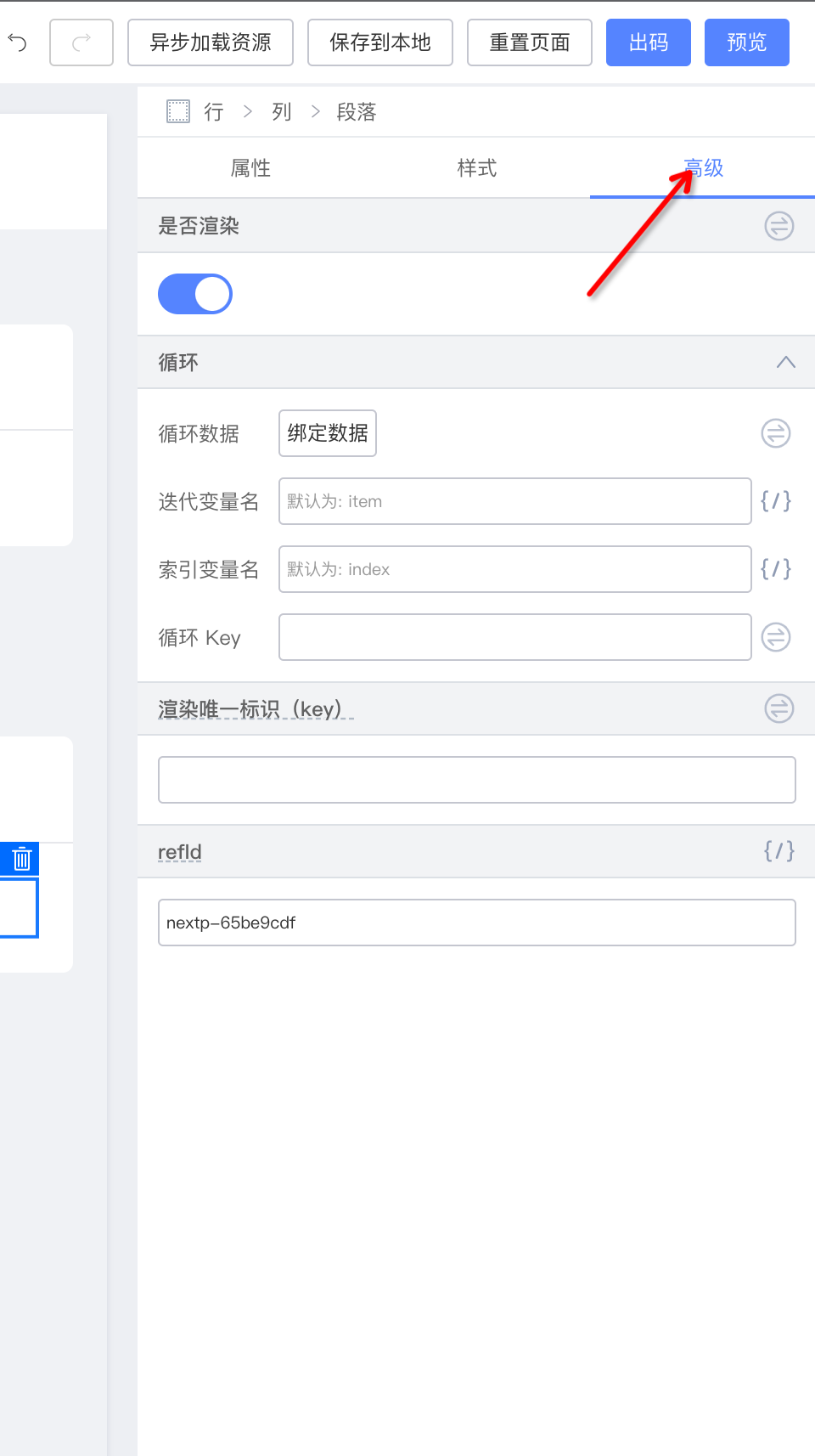
|
||||
|
||||
默认这个 tab 下的内容为引擎内置,如需要定制,可以使用以下 API
|
||||
[https://lowcode-engine.cn/site/docs/api/material#物料元数据管道函数](https://lowcode-engine.cn/site/docs/api/material#物料元数据管道函数)
|
||||
默认这个tab下的内容为引擎内置,如需要定制,可以使用以下API
|
||||
[https://lowcode-engine.cn/docV2/mu7lml#lIK37](https://lowcode-engine.cn/docV2/mu7lml#lIK37)
|
||||
|
||||
@ -1,7 +1,7 @@
|
||||
---
|
||||
title: 某某 npm 包对应的源码在哪里?
|
||||
title: 某某npm包对应的源码在哪里?
|
||||
sidebar_position: 8
|
||||
tags: [FAQ]
|
||||
---
|
||||
|
||||
详见 [NPM 包对应源码位置汇总](/site/docs/guide/appendix/npms)
|
||||
详见 [NPM包对应源码位置汇总](https://www.yuque.com/lce/doc/ngm44i)
|
||||
@ -9,7 +9,7 @@ tags: [FAQ]
|
||||
|
||||
**解决方案**
|
||||
LowCodeEngine 升级到 1.0.8
|
||||
> 相关 PR:[https://github.com/alibaba/lowcode-engine/pull/383](https://github.com/alibaba/lowcode-engine/pull/383)
|
||||
> 相关PR:[https://github.com/alibaba/lowcode-engine/pull/383](https://github.com/alibaba/lowcode-engine/pull/383)
|
||||
|
||||
|
||||
## 编辑态,snippets 和注入组件不对应
|
||||
@ -19,7 +19,7 @@ AliLowCodeEngine.material.componentsMap
|
||||
```
|
||||
查看物料配置是否正常。
|
||||
|
||||

|
||||
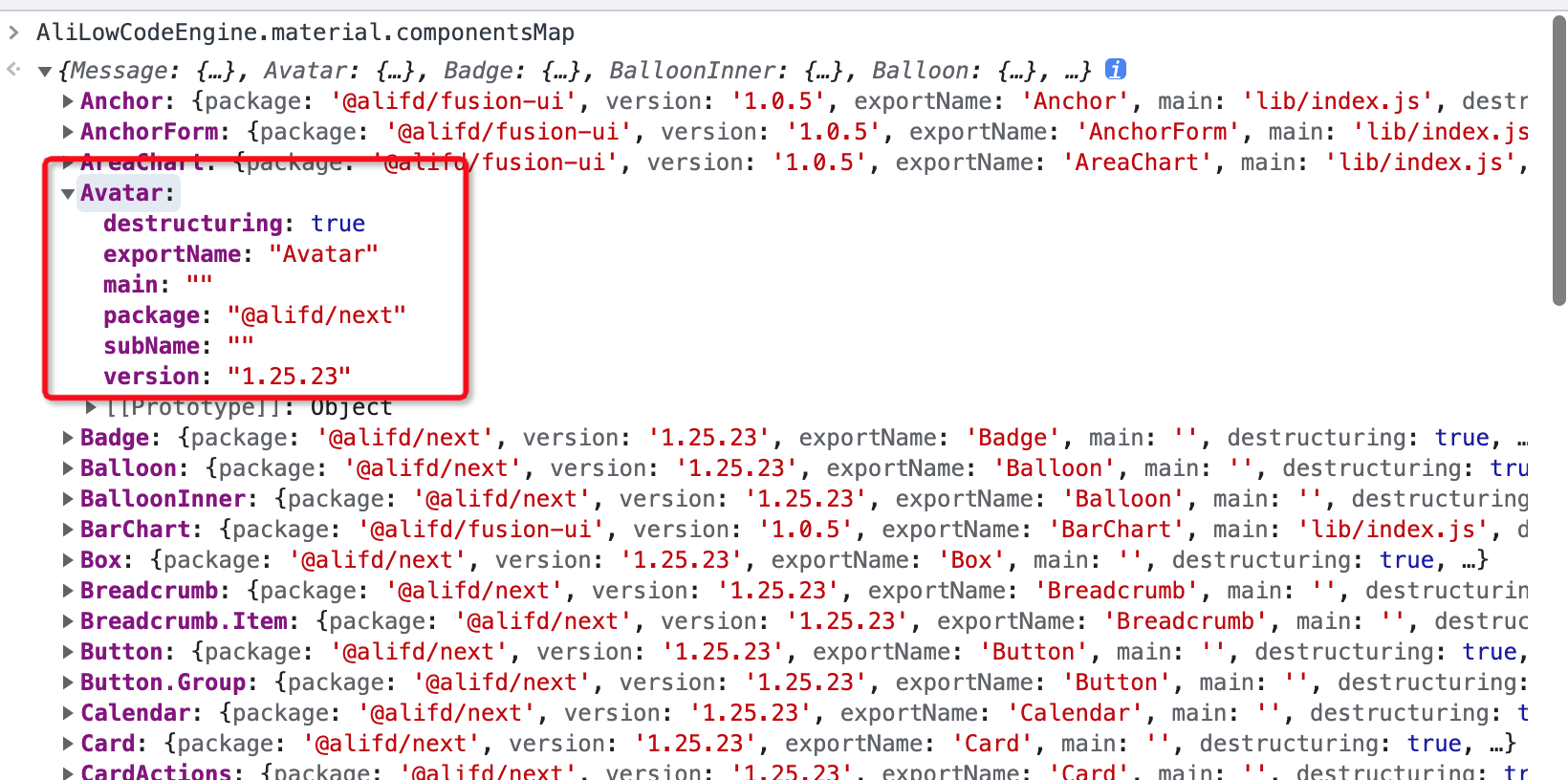
|
||||
|
||||
如果正常继续。
|
||||
LowCodeEngine 需要升级到 1.0.10
|
||||
@ -28,28 +28,6 @@ AliLowCodeEngine.project.simulator.renderer.components
|
||||
```
|
||||
看看对应的物料是否存在,如果不存在,排查物料问题。
|
||||
|
||||
如果不正常,查看资产包配置,其中资产包中的 `components` 和 `material.componentsMap` 生成有关系。
|
||||
|
||||
例如,物料配置信息在 @alilc/lowcode-materials 包里面,即需要在 components 中加上下面的代码
|
||||
|
||||
```javascript
|
||||
"components": [{
|
||||
"exportName": "AlilcLowcodeMaterialsMeta",
|
||||
"npm": {
|
||||
"package": "@alilc/lowcode-materials"
|
||||
},
|
||||
"url": "https://alifd.alicdn.com/npm/@alilc/lowcode-materials@1.0.7/build/lowcode/meta.js",
|
||||
"urls": {
|
||||
"default": "https://alifd.alicdn.com/npm/@alilc/lowcode-materials@1.0.7/build/lowcode/meta.js",
|
||||
"design": "https://alifd.alicdn.com/npm/@alilc/lowcode-materials@1.0.7/build/lowcode/meta.design.js"
|
||||
}
|
||||
}]
|
||||
```
|
||||
|
||||
`material.componentsMap` 不存在相关的组件信息,原因有两个:
|
||||
- 没有添加对应的物料到 components 字段中
|
||||
- components 配置不正确,需要查看 url 是否正常加载,查看 exportName 是否配置正确,即 `window.${exportName}` 是否存在。
|
||||
|
||||
2.选中组件,在控制台中输入
|
||||
```json
|
||||
AliLowCodeEngine.project.currentDocument.selection.getNodes()[0].exportSchema('render')
|
||||
|
||||
@ -15,4 +15,4 @@ AliLowCodeEngine.skeleton.add({
|
||||
});
|
||||
```
|
||||
这里设置 index 为负数,可以将其调整到第一的位置。
|
||||
|
||||
|
||||
|
||||
@ -5,8 +5,7 @@ tags: [FAQ]
|
||||
---
|
||||
## 简单场景
|
||||
可以利用 props.__designMode
|
||||
|
||||

|
||||
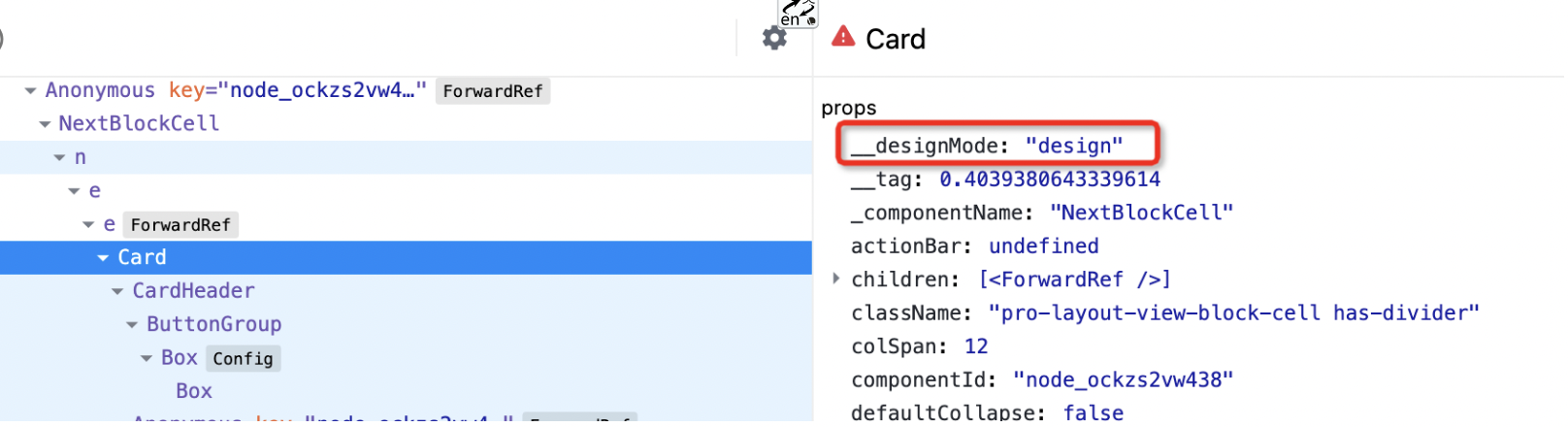
|
||||
|
||||
设计态中,__designMode 值为 "design"
|
||||
|
||||
@ -14,13 +13,11 @@ tags: [FAQ]
|
||||
|
||||
## 复杂场景
|
||||
在资产包里定义 editUrls
|
||||
|
||||
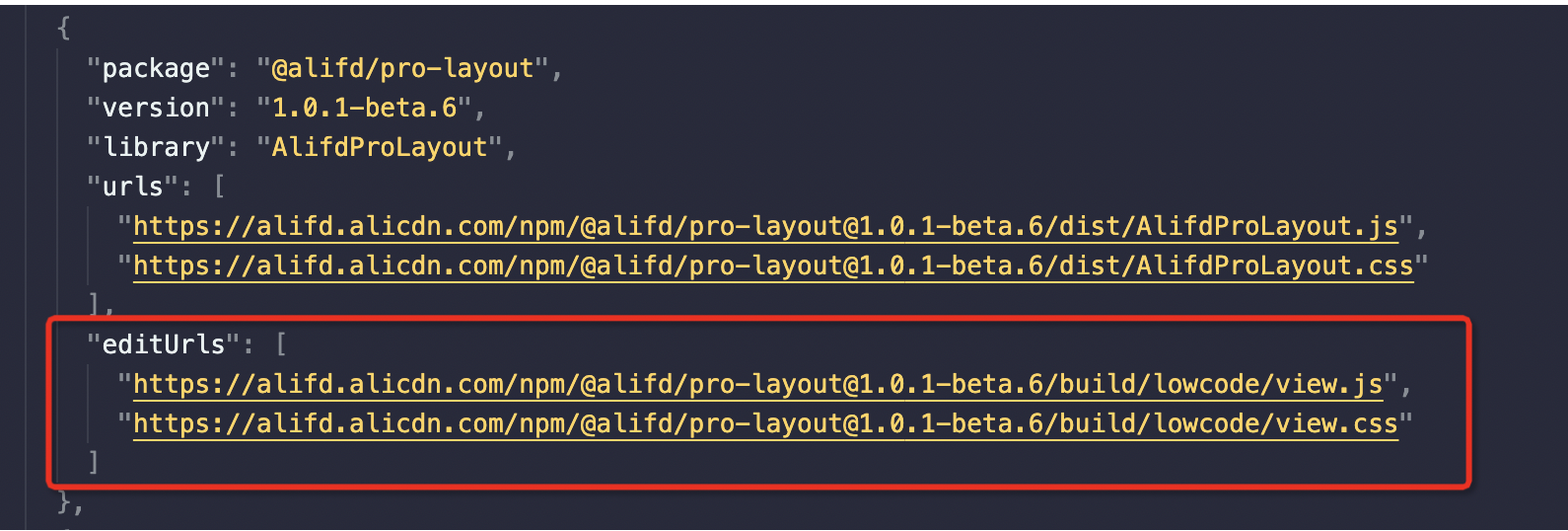
|
||||
|
||||
|
||||
### editUrls
|
||||
在 lowcode/xx/ 下新建一个 view.tsx
|
||||
|
||||

|
||||
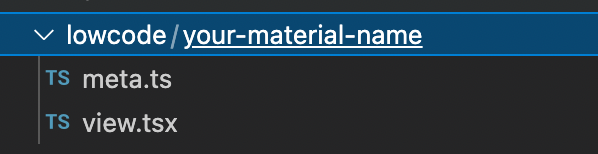
|
||||
|
||||
再执行
|
||||
```json
|
||||
@ -29,4 +26,4 @@ npm run lowcode:build
|
||||
|
||||
之后,build/lowcode 目录下既有 view.js,可作为 editUrls 配置在资产包中。
|
||||
|
||||
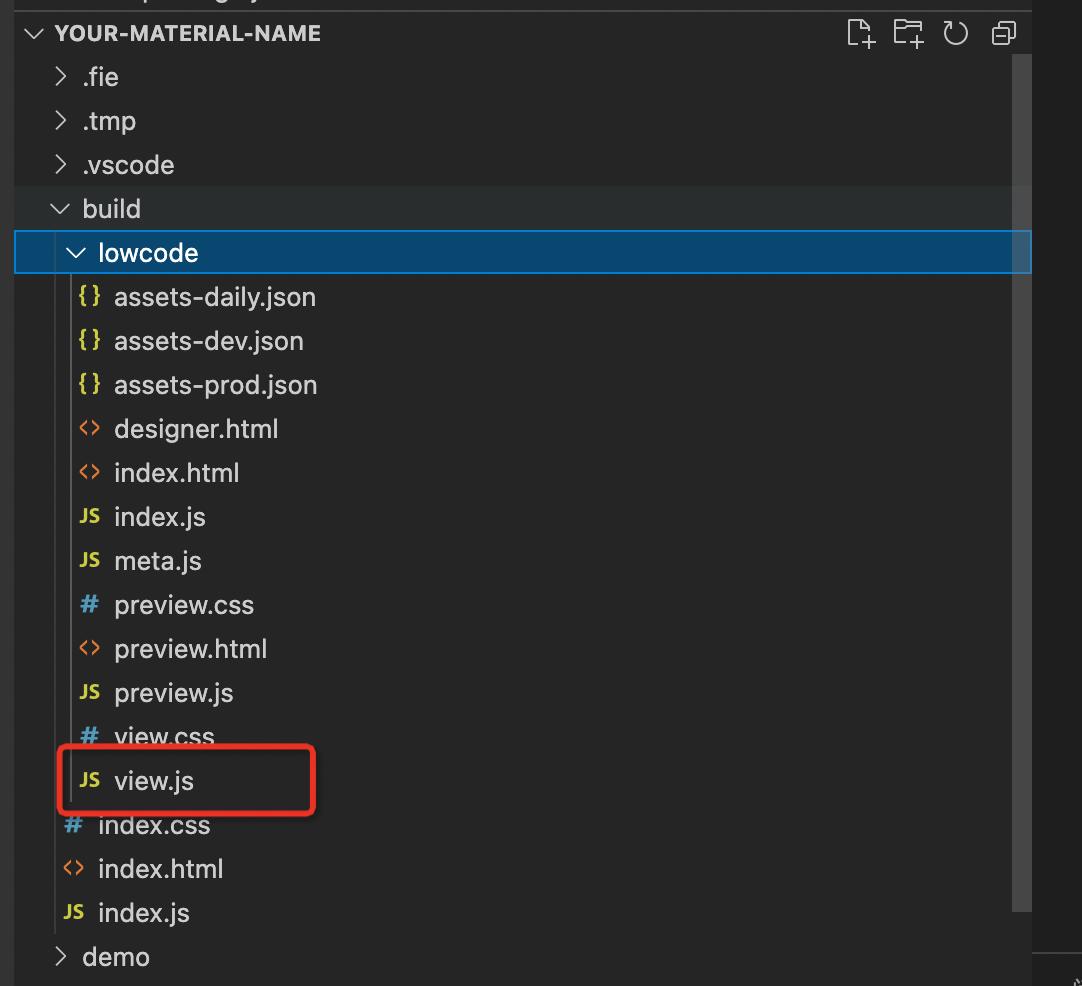
|
||||
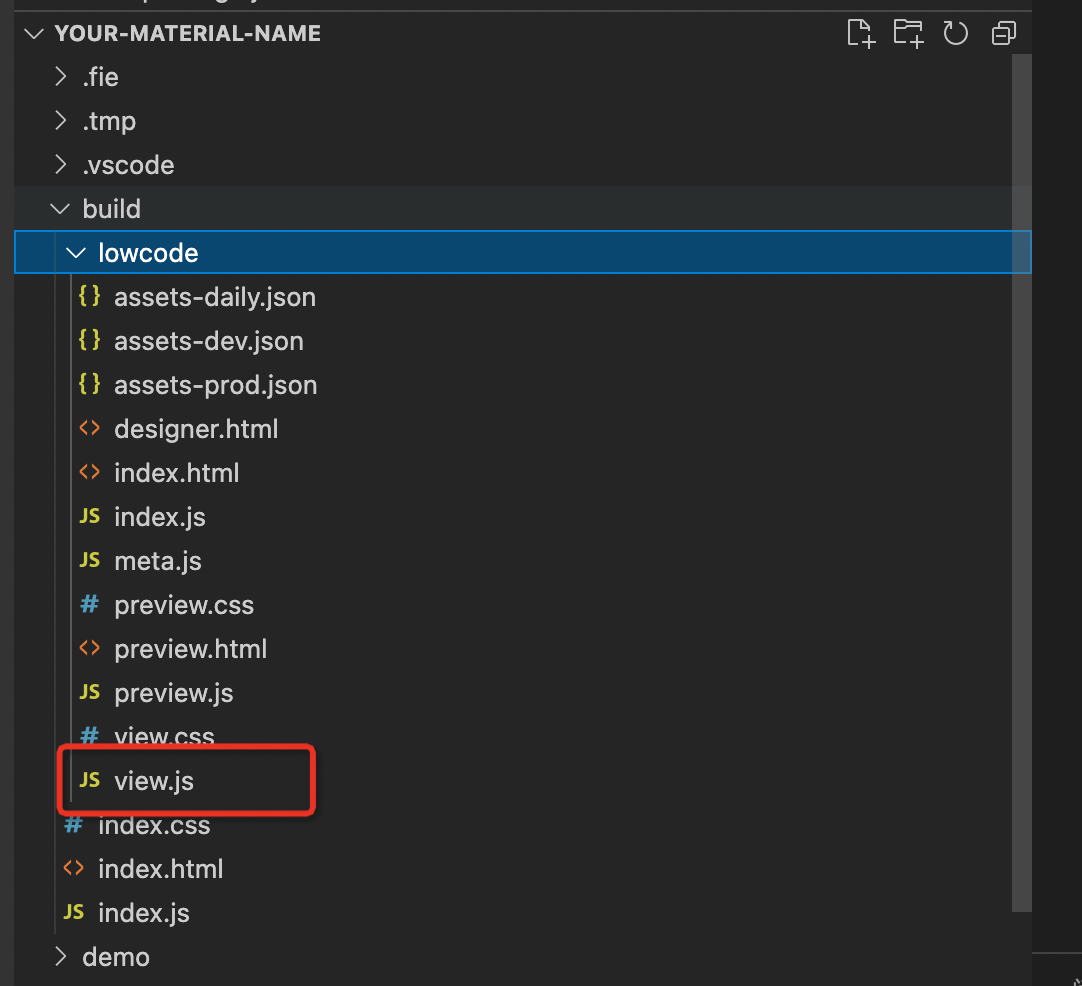
|
||||
|
||||
@ -61,7 +61,7 @@ condition: () => false,
|
||||
|
||||
### 配置没有生效
|
||||
查看组件中的 schema,对应的配置是否已经正确设置。
|
||||

|
||||
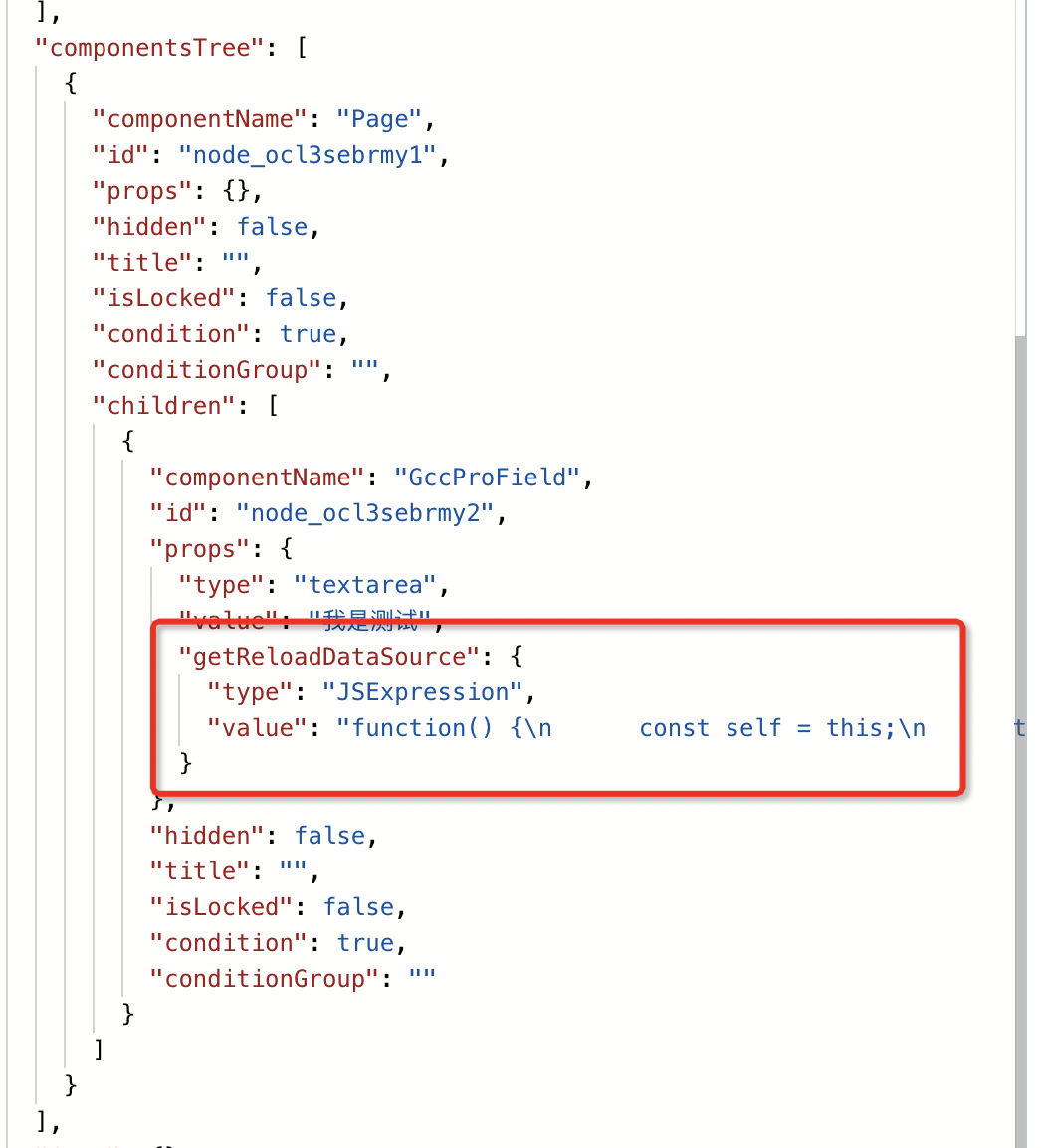
|
||||
|
||||
没有正确设置上可能的原因是
|
||||
1.snippets 中没有默认值
|
||||
@ -87,4 +87,4 @@ const snippets: Snippet[] = [
|
||||
```
|
||||
|
||||
### 如何全局生效
|
||||
通过 [registerMetadataTransducer API](/site/docs/api/material#registermetadatatransducer) 来修改元数据信息,注意如果有 snippets 相关配置也需要修改相关的配置。
|
||||
通过 [https://www.yuque.com/lce/doc/mu7lml#LRXhp](https://www.yuque.com/lce/doc/mu7lml#LRXhp) 来修改元数据信息,注意如果有 snippets 相关配置也需要修改相关的配置。
|
||||
|
||||
@ -4,34 +4,15 @@ sidebar_position: 13
|
||||
tags: [FAQ]
|
||||
---
|
||||
## 注意
|
||||
弹窗的正确弹出方式请参考:[如何通过按钮展示/隐藏弹窗](/site/docs/demoUsage/makeStuff/dialog)
|
||||
弹窗的正确弹出方式请参考:[https://www.yuque.com/lce/usage/ozsg2m](https://www.yuque.com/lce/usage/ozsg2m)
|
||||
## 问题原因
|
||||
由于 hidden 属性,导致 Modal 组件在预览的时候不渲染,也就无法获取到实例。
|
||||
## 处理方式
|
||||
### 【推荐】升级到 Engine Verison 1.0.11 以上
|
||||
### 新增 save propsReducer
|
||||
|
||||
通过新增 Save 态的 propsReducer,将 hidden props 去掉。可以参考下面的代码:
|
||||
|
||||
```typescript
|
||||
import { project } from '@alilc/lowcode-engine';
|
||||
import { IPublicEnumTransformStage } from '@alilc/lowcode-types';
|
||||
|
||||
export const deleteHiddenTransducer = (ctx: any) => {
|
||||
return {
|
||||
name: 'deleteHiddenTransducer',
|
||||
async init() {
|
||||
project.addPropsTransducer((props: any): any => {
|
||||
delete props.hidden;
|
||||
return props;
|
||||
}, IPublicEnumTransformStage.Save);
|
||||
},
|
||||
};
|
||||
}
|
||||
|
||||
deleteHiddenTransducer.pluginName = 'deleteHiddenTransducer';
|
||||
|
||||
```
|
||||
通过新增 Save 态的 propsReducer,将 hidden props 去掉。
|
||||
参考:
|
||||
[https://github.com/alibaba/lowcode-demo/blob/main/src/sample-plugins/delete-hidden-transducer/index.ts](https://github.com/alibaba/lowcode-demo/blob/main/src/sample-plugins/delete-hidden-transducer/index.ts)
|
||||
|
||||
### 导出 schema 使用 Save 态
|
||||
```typescript
|
||||
|
||||
@ -12,7 +12,7 @@ tags: [FAQ]
|
||||
在项目的 externals 配置里加[一行配置](https://github.com/alibaba/lowcode-demo/blob/f8afad0df3190565caccc0a1dfd750dbf84c680f/build.json#L16)
|
||||
|
||||
## 其他项目
|
||||
[相关文档](/site/docs/guide/create/useEditor#引入-umd-包资源)
|
||||
[相关文档](https://lowcode-engine.cn/docV2/start-with-lce#OMRA2)
|
||||
### webpack
|
||||
[https://webpack.docschina.org/configuration/externals/](https://webpack.docschina.org/configuration/externals/)
|
||||
|
||||
|
||||
@ -3,5 +3,5 @@ title: 已有组件如何快速接入引擎
|
||||
sidebar_position: 15
|
||||
tags: [FAQ]
|
||||
---
|
||||
你可以通过在线工具「Parts 造物」生产物料描述协议,然后使用到你的项目中去。
|
||||
文档地址:[利用 Parts 造物快速使用 react 组件](/site/docs/guide/expand/editor/parts/partsIntro)
|
||||
你可以通过在线工具 「Parts造物」生产物料描述协议,然后使用到你的项目中去。
|
||||
文档地址:[https://www.yuque.com/lce/xhk5hf/qa9pbx](https://www.yuque.com/lce/xhk5hf/qa9pbx)
|
||||
|
||||
@ -7,7 +7,7 @@ tags: [FAQ]
|
||||
需要在资产包中检查是否有下列代码:
|
||||
```typescript
|
||||
{
|
||||
"title": "fusion 组件库",
|
||||
"title": "fusion组件库",
|
||||
"package": "@alifd/next",
|
||||
"version": "1.23.0",
|
||||
"urls": [
|
||||
|
||||
@ -5,6 +5,6 @@ tags: [FAQ]
|
||||
---
|
||||
低代码引擎在架构上是和具体语言无关的,通过一定的扩展和插件是可以生成 Vue 页面代码的。
|
||||
如果只是用现有的基于 React 的 fusion 物料来搭建,只是在最终出码的时候生成 Vue 页面代码,那您需要准备一套和 fusion 兼容的 vue 物料,并定制个出码方案,将[下面的一些出码插件](https://github.com/alibaba/lowcode-engine/blob/main/modules/code-generator/src/solutions/icejs.ts)替换成生成 Vue 框架的即可:
|
||||
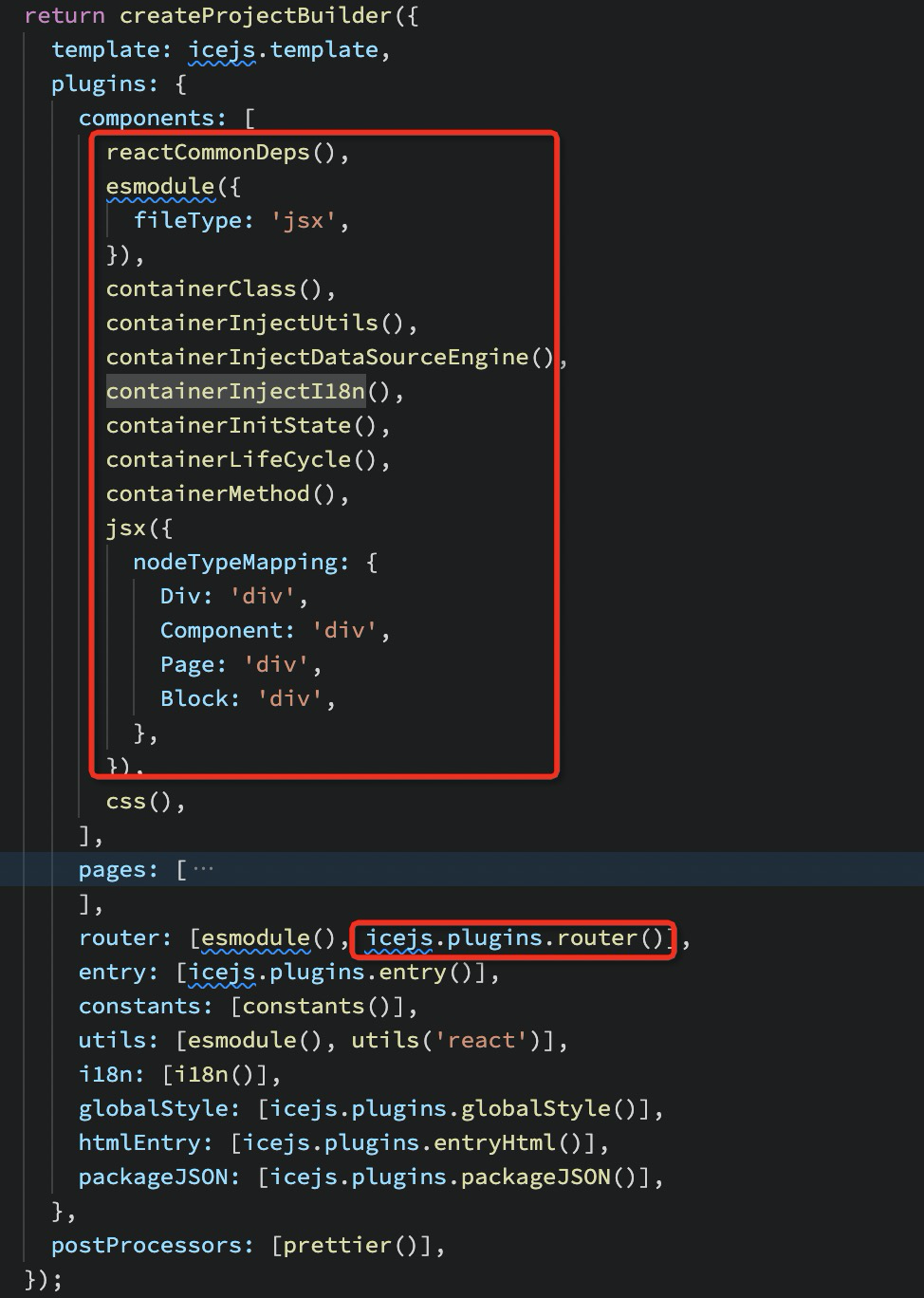
|
||||
详细定制方案可以参考下[《自定义出码》](/site/docs/guide/expand/runtime/codeGeneration#5自定义出码)。
|
||||
如果您希望在搭建的时候也使用 Vue 的物料,则还需要扩展定制入料、画布和渲染器等模块,详细方案请参考下[《扩展低代码编辑器》](/site/docs/guide/expand/editor/summary)
|
||||
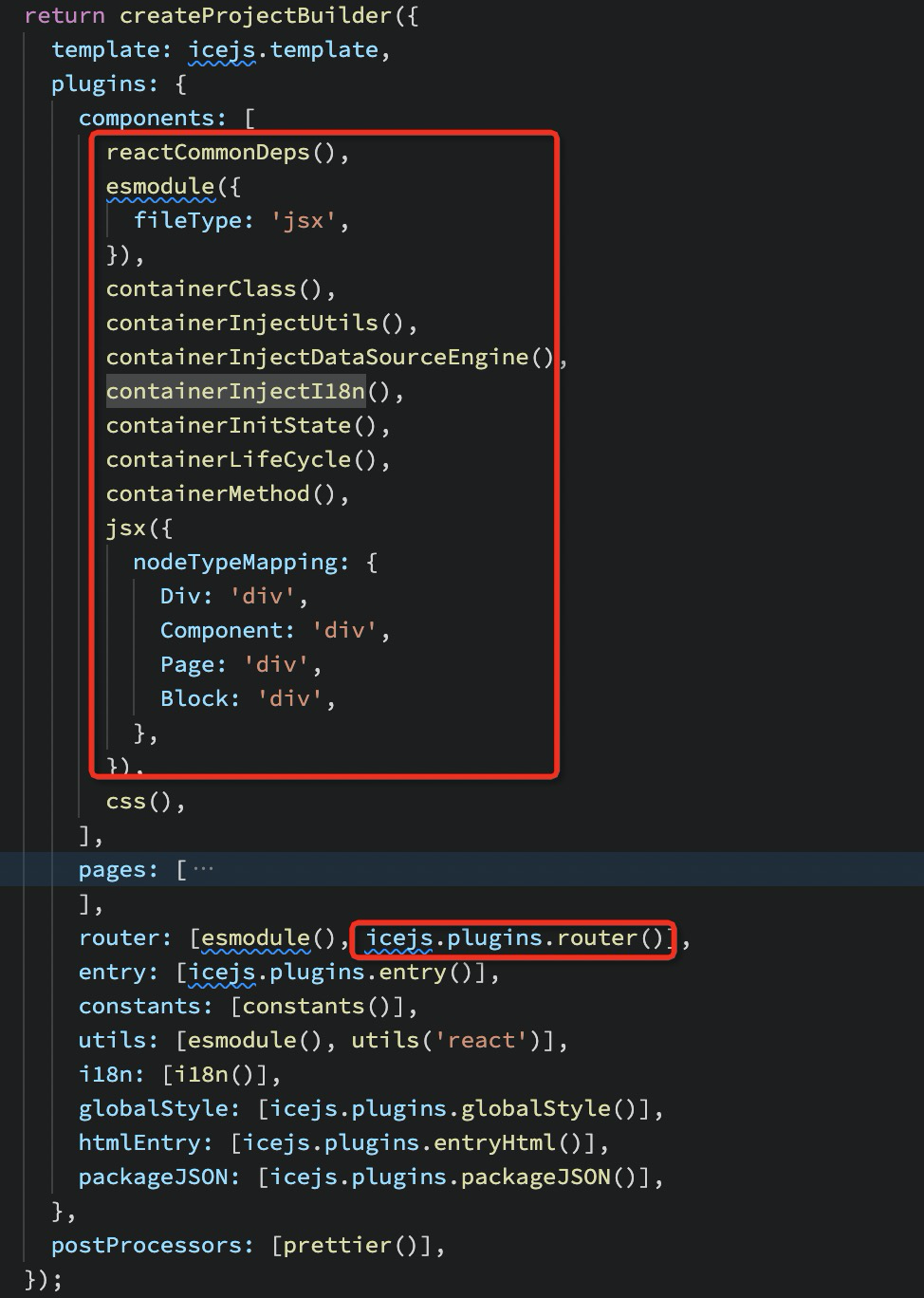
|
||||
详细定制方案可以参考下[《自定义出码》](https://lowcode-engine.cn/docV2/cplfv0#857ba793)。
|
||||
如果您希望在搭建的时候也使用 Vue 的物料,则还需要扩展定制入料、画布和渲染器等模块,详细方案请参考下[《扩展低代码编辑器》](https://lowcode-engine.cn/docV2/srdo3s)
|
||||
|
||||
@ -5,7 +5,7 @@ tags: [FAQ]
|
||||
---
|
||||
如果您是自己配置的引擎打包,那么可能会遇到这个问题。
|
||||
|
||||
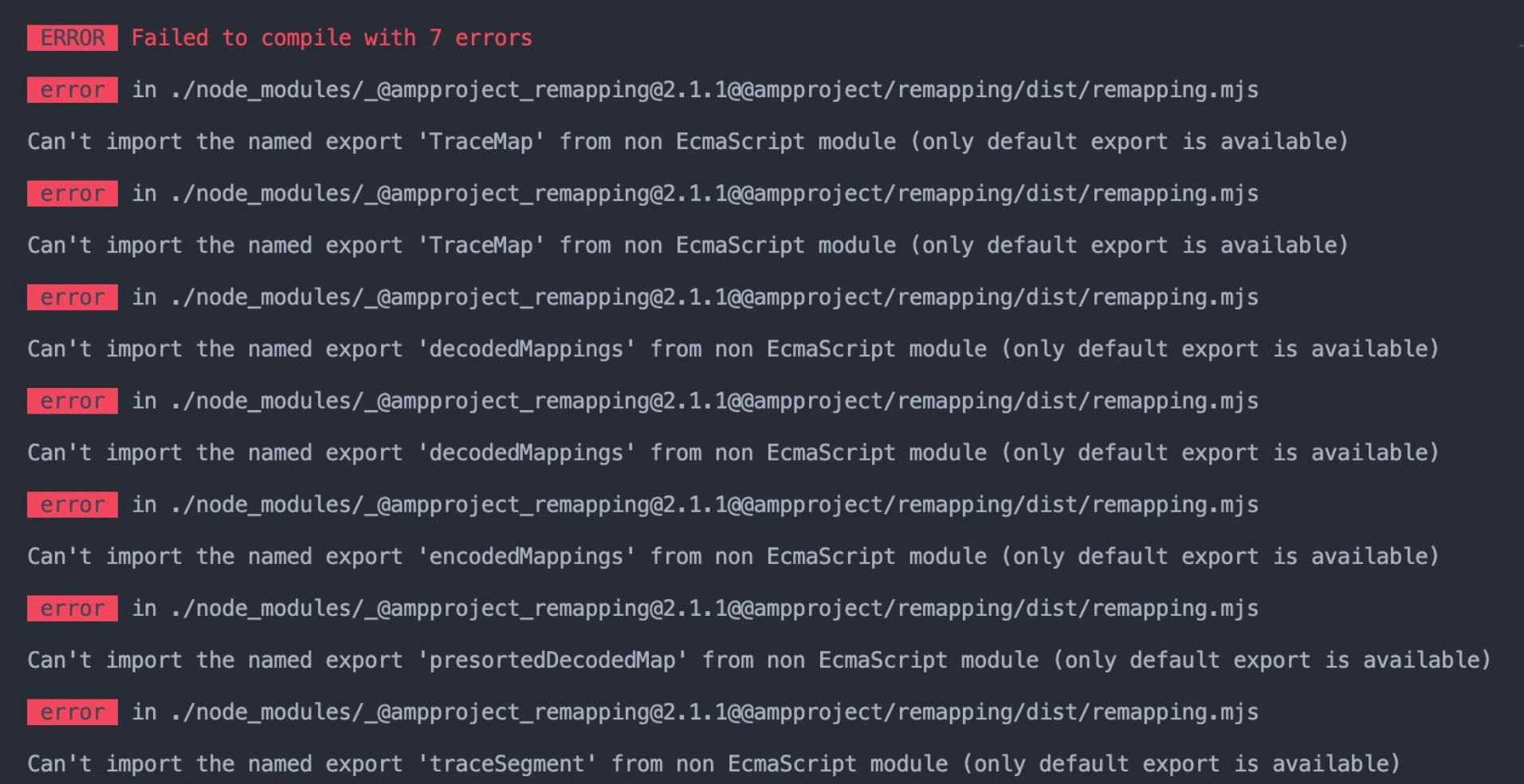
|
||||
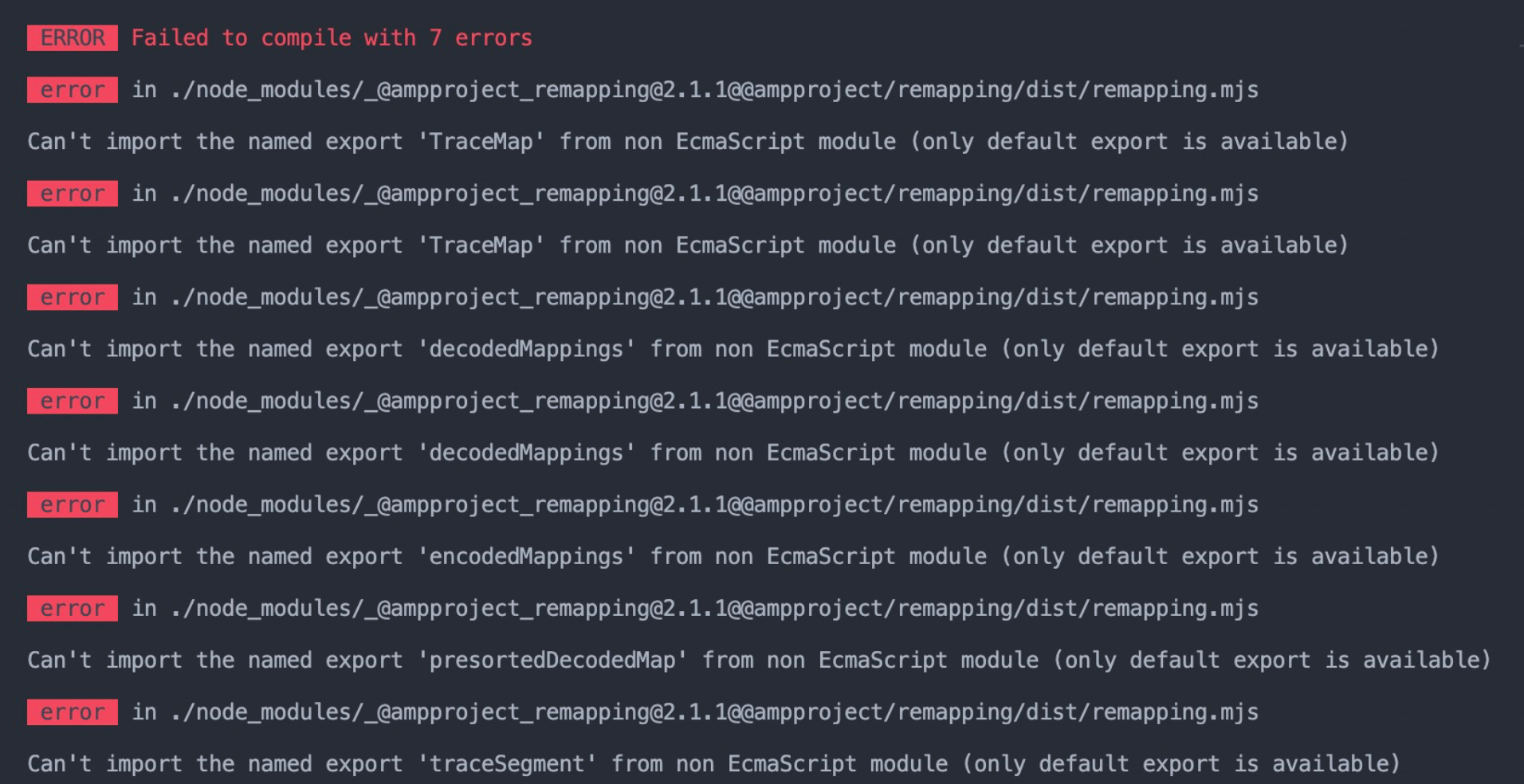
|
||||
|
||||
问题的根源是 code-editor 插件运行时直接依赖了 babel 来完成 jsx 编译,babel 从 7.17.0 开始依赖了使用 ESM 编写的 @ampproject/remapping@2.1.0。如果打包工具无法正确处理 ESM,则可能报错。
|
||||
|
||||
|
||||
@ -1,18 +0,0 @@
|
||||
---
|
||||
title: 提交 PR 时,明明签署过 CLA,仍被提示需要签署
|
||||
sidebar_position: 21
|
||||
tags: [FAQ]
|
||||
---
|
||||
## 问题原因
|
||||
|
||||
原因是:git commit 时,本地 git config 配置的 email 与 github 账号的 email 不一致,导致未被识别出来,检查方式
|
||||
|
||||
```bash
|
||||
git config user.email
|
||||
```
|
||||
|
||||
## 解决办法
|
||||
|
||||
如何配置,可参考 [is-it-possible-to-have-different-git-configuration-for-different-projects](https://stackoverflow.com/questions/8801729/is-it-possible-to-have-different-git-configuration-for-different-projects)
|
||||
|
||||
配置好正确的 email 之后,已提交的代码需要以新的配置重新提交才可生效。
|
||||
@ -1,18 +0,0 @@
|
||||
---
|
||||
title: 节点无法拖拽到 Page 下
|
||||
sidebar_position: 22
|
||||
tags: [FAQ]
|
||||
---
|
||||
查看 Page 节点的 childWhitelist 配置,如果 Page 配置了 childWhitelist,且当前节点不在白名单下,是无法拖拽的。
|
||||
```typescript
|
||||
AliLowCodeEngine.material.getComponentMeta('Page').getMetadata().configure.component.nestingRule.childWhitelist
|
||||
```
|
||||
|
||||
比如在 [demo](https://lowcode-engine.cn/demo/demo-general/index.html) 中 Page 组件的 childWhitelist 为:['NextPage', 'ProDialog', 'Dialog', 'Drawer'],则只有这些组件可以拖拽到 Page 的 children 下,其他组件均不可以。
|
||||
|
||||
说明:1.0.15 之前 Page 组件的 childWhitelist 限制是失效的,在 1.0.16 版本进行了 bug 修复。
|
||||
|
||||
### 解决办法
|
||||
**方法 1:直接修改 Page 组件的 childWhitelist,比如删除**。
|
||||
|
||||
**方法 2:通过 **[**material.registerMetadataTransducer**](/site/docs/api/material#registermetadatatransducer)** 修改 Page 组件的 childWhitelist(适用于 Page 组件是其他人维护的)**
|
||||
@ -1,31 +0,0 @@
|
||||
---
|
||||
title: Slot组件渲染报错问题
|
||||
sidebar_position: 23
|
||||
tags: [FAQ]
|
||||
---
|
||||
|
||||
## 问题描述
|
||||
在低代码引擎的页面渲染过程中,可能会遇到一个关于Slot组件的报错,提示“Slot找不到”。实际上,在渲染态时不应使用Slot组件。
|
||||
|
||||
## 问题原因
|
||||
低代码引擎渲染分为两个状态:设计态和渲染态。
|
||||
- **设计态**:为了帮助插槽进行可视化设计,引入了Slot组件。
|
||||
- **渲染态**:在此状态下,不需要使用Slot组件。
|
||||
|
||||
这个问题通常是因为在渲染态错误地使用了设计态的schema。
|
||||
|
||||
## 解决方案
|
||||
1. **区分设计态和渲染态**:通过`project.exportSchema(TransformStage.Save)`的参数来区分。
|
||||
- `TransformStage.Save`代表渲染态的schema,其中不包含Slot组件。
|
||||
- 【默认值】`TransformStage.Render`代表设计态的schema,其中包含Slot组件。
|
||||
2. **使用正确的API和参数**:确保在渲染态使用正确的schema,避免引用设计态的Slot组件。
|
||||
3. **处理脏数据问题**:如果问题是由脏数据导致,清除数据并重新拖拽组件以恢复正常。
|
||||
|
||||
## 注意事项
|
||||
- 确保在代码和配置中正确区分设计态和渲染态。
|
||||
- 如果遇到持续的问题,检查是否有脏数据或配置错误,并进行相应的清理和调整。
|
||||
|
||||
## 相关链接
|
||||
- Issue链接:[Issue #1798](https://github.com/alibaba/lowcode-engine/issues/1798)
|
||||
|
||||
---
|
||||
@ -1,133 +0,0 @@
|
||||
---
|
||||
title: workspace 模式常见问题
|
||||
sidebar_position: 23
|
||||
tags: [FAQ]
|
||||
---
|
||||
|
||||
#### 如何判断是否开启了IDE模式?
|
||||
|
||||
- **通过官方API判断**:您可以通过访问 [workspace.isActive](/site/docs/api/workspace#isactive) 来判断当前是否处于IDE模式。这是阿里低代码引擎提供的一个官方API,专门用于确认是否处于集成开发环境。
|
||||
|
||||
|
||||
|
||||
#### 如何使用插件的ctx来做判断在哪个模式下?
|
||||
|
||||
- **插件是否为应用级别**:可以通过 **ctx.isPluginRegisteredInWorkspace** 方法来判断一个插件是否是应用级别的插件。这有助于理解插件在阿里低代码引擎中的作用域和潜在的使用场景。
|
||||
- **插件的注册级别**:您可以使用 **ctx.registerLevel** 属性来判断插件处于哪个级别。插件级别的值包括:
|
||||
- **Default**:默认级别。非 IDE 模式下的值
|
||||
- **Workspace**:应用级别。
|
||||
- **Resource**:资源级别。
|
||||
- **EditorView**:编辑视图级别。 这些级别代表了插件可能的作用域和使用场景,有助于在开发和管理低代码应用时对插件进行更精确的控制和配置。
|
||||
|
||||
|
||||
|
||||
#### 如何在IDE模式下设置资源列表?
|
||||
|
||||
- **设置资源列表API**:在IDE模式下,可以通过访问 [workspace.setResourceList](/site/docs/api/workspace#setresourcelist) 来设置或更新IDE中的资源列表。这确保您在编辑器窗口中打开的资源是最新且可访问的。
|
||||
|
||||
|
||||
|
||||
#### 如何打开视图窗口?
|
||||
|
||||
- **使用推荐的方法**:使用 `openEditorWindow(resource: Resource, sleep?: boolean): Promise<void>;` 来打开视图窗口。这里的 **resource** 参数指的是您要打开的特定资源,可通过 [workspace.resourceList](/site/docs/api/workspace#resourcelist) 获取。
|
||||
- **不推荐使用的过时方法**:有一个过时的方法 `openEditorWindow(resourceName: string, id: string, extra: Object, viewName?: string, sleep?: boolean): Promise<void>;` 也用于打开视图窗口。虽然仍然可用,但官方不推荐使用此方法,并计划在后续版本中废弃,因为它在维护和可扩展性方面存在限制。
|
||||
|
||||
|
||||
|
||||
#### 如何在全局插件中获取视图的上下文?
|
||||
|
||||
- 在阿里低代码引擎的全局插件中获取视图的上下文,可以通过使用 **ProvideViewPluginContext** 函数实现。这个函数来自 **@alilc/lowcode-utils** 库,它使得您的 React 组件能够接收 **pluginContext** 作为 props,进而访问和操作当前视图的状态和属性。
|
||||
|
||||
**步骤**
|
||||
|
||||
**引入依赖**:首先,确保您的插件文件中已经引入了 **ProvideViewPluginContext** 以及其他必要的依赖。
|
||||
|
||||
```
|
||||
import { ProvideViewPluginContext } from '@alilc/lowcode-utils';
|
||||
```
|
||||
|
||||
**定义 React 组件**:创建一个 React 组件,它将使用来自 **ProvideViewPluginContext** 的 **pluginContext**。
|
||||
|
||||
```typescript
|
||||
const MyComponent = (props) => {
|
||||
const { pluginContext } = props;
|
||||
// 组件逻辑
|
||||
return <div>/* 组件内容 */</div>;
|
||||
};
|
||||
```
|
||||
|
||||
**定义全局插件**:定义一个函数,这个函数会在插件被注册时调用。这个函数通常接受一个上下文对象 **ctx**,它提供了对引擎功能的访问。
|
||||
|
||||
```javascript
|
||||
const globalPlugin = (ctx) => {
|
||||
const { skeleton } = ctx;
|
||||
|
||||
skeleton.add({
|
||||
type: 'PanelDock',
|
||||
name: 'datapool',
|
||||
content: ProvideViewPluginContext((props) => {
|
||||
// 组件内容
|
||||
return (
|
||||
<MyComponent {...props} />
|
||||
)
|
||||
}),
|
||||
// 其他配置
|
||||
contentProps: {
|
||||
// 需要提供 pluginContext 作为参数
|
||||
pluginContext: ctx,
|
||||
}
|
||||
});
|
||||
};
|
||||
```
|
||||
|
||||
通过这些步骤,您的全局插件中的 React 组件就能够获取并使用视图的上下文了。这为您在插件中实现更复杂的功能和交互提供了基础。
|
||||
|
||||
|
||||
|
||||
**注意事项**
|
||||
|
||||
- **组件重渲染**:正常情况下,**pluginsContext** 是视图的上下文。当视图切换时,组件会重新渲染。如果需要在组件中处理视图切换导致的重新渲染,可以利用 React 的 **key** 属性。
|
||||
|
||||
**示例代码**
|
||||
|
||||
```typescript
|
||||
ProvideViewPluginContext(props => {
|
||||
return (
|
||||
<DataPoolPane
|
||||
{...props}
|
||||
key={props.pluginContext?.editorWindow?.id}
|
||||
);
|
||||
});
|
||||
```
|
||||
|
||||
通过这种方式,当视图切换时,组件会根据视图的不同进行重新渲染,确保组件状态与当前视图的上下文保持一致。这对于在低代码平台上开发复杂插件和交互功能是非常有用的。
|
||||
|
||||
|
||||
|
||||
#### 如何判断插件是否在 Workspace 模式下注册?
|
||||
|
||||
**使用** **ctx.isPluginRegisteredInWorkspace()** **方法**:
|
||||
|
||||
通过 **ctx.isPluginRegisteredInWorkspace()** 方法,可以判断一个插件是否在 Workspace 级别注册。以下是一个示例代码片段:
|
||||
|
||||
```javascript
|
||||
if (ctx.isPluginRegisteredInWorkspace('pluginName')) {
|
||||
console.log('插件已在 Workspace 模式下注册。');
|
||||
} else {
|
||||
console.log('插件未在 Workspace 模式下注册。');
|
||||
}
|
||||
```
|
||||
|
||||
注意:此方法目前在 beta 版本中,可能会有 TypeScript 提示显示已移除。
|
||||
|
||||
**检查** **ctx.registerLevel** **的值**:
|
||||
|
||||
可以通过比较 **ctx.registerLevel** 的值来判断插件的注册级别。示例代码如下:
|
||||
|
||||
```javascript
|
||||
if (ctx.registerLevel !== IPublicEnumPluginRegisterLevel.Workspace) {
|
||||
console.log('插件未在 Workspace 模式下注册。');
|
||||
} else {
|
||||
console.log('插件已在 Workspace 模式下注册。');
|
||||
}
|
||||
```
|
||||
@ -1,47 +1,7 @@
|
||||
---
|
||||
title: FAQ 概述
|
||||
sidebar_position: -1
|
||||
sidebar_position: 1
|
||||
tags: [FAQ]
|
||||
---
|
||||
|
||||
不定期将社区常见问题及答案维护到此处
|
||||
|
||||
## Demo 使用
|
||||
- [渲染唯一标识(key)](/site/docs/faq/faq002)
|
||||
- [点击事件如何添加参数](/site/docs/faq/faq003)
|
||||
- [如何通过 API 手动调用数据源请求](/site/docs/faq/faq006)
|
||||
|
||||
## 设计器定制
|
||||
- [如何通过 this.utils 使用第三方工具扩展](/site/docs/faq/faq005)
|
||||
- [设置面板中的高级 tab 如何配置](/site/docs/faq/faq007)
|
||||
- [插件面板如何调整位置](/site/docs/faq/faq010)
|
||||
- [workspace 模式常见问题](/site/docs/faq/faq024)
|
||||
|
||||
## 源码和依赖
|
||||
- [某某 npm 包对应的源码在哪里?](/site/docs/faq/faq008)
|
||||
|
||||
## 错误和报错
|
||||
- [物料出现 Component Not Found 相关报错](/site/docs/faq/faq009)
|
||||
- [VERSION_PLACEHOLDER is not defined](/site/docs/faq/faq014)
|
||||
- [Cannot read property 'Icon' of Undefined](/site/docs/faq/faq016)
|
||||
- [windows 下运行低代码引擎源码出现报错](/site/docs/faq/faq019)
|
||||
- [Can't import the named export from non ECMAScript module](/site/docs/faq/faq020)
|
||||
- [Slot组件渲染报错问题](/site/docs/faq/faq023)
|
||||
|
||||
## 物料相关问题
|
||||
- [如何获取物料当前处于编辑态还是渲染态](/site/docs/faq/faq011)
|
||||
- [Procode 物料如何调用数据源方法](/site/docs/faq/faq012)
|
||||
- [已有组件如何快速接入引擎](/site/docs/faq/faq015)
|
||||
- [Modal 类组件 hidden 属性被强制设置 true](/site/docs/faq/faq013)
|
||||
- [最小渲染单元配置](/site/docs/faq/faq004)
|
||||
- [节点无法拖拽到 Page 下](/site/docs/faq/faq022)
|
||||
|
||||
## 其他说明
|
||||
- [vue 画布支持说明](/site/docs/faq/faq017)
|
||||
- [是否可以生成 Vue 页面代码?](/site/docs/faq/faq018)
|
||||
|
||||
## 参与贡献
|
||||
- [提交 PR 时,明明签署过 CLA,仍被提示需要签署](/site/docs/faq/faq021)
|
||||
|
||||
## 相关依赖文档
|
||||
- [build-scripts 的使用文档](/site/docs/faq/faq001)
|
||||
不定期将社区常见问题及答案维护到此处
|
||||
@ -2,4 +2,4 @@
|
||||
title: 名词解释
|
||||
sidebar_position: 0
|
||||
---
|
||||

|
||||
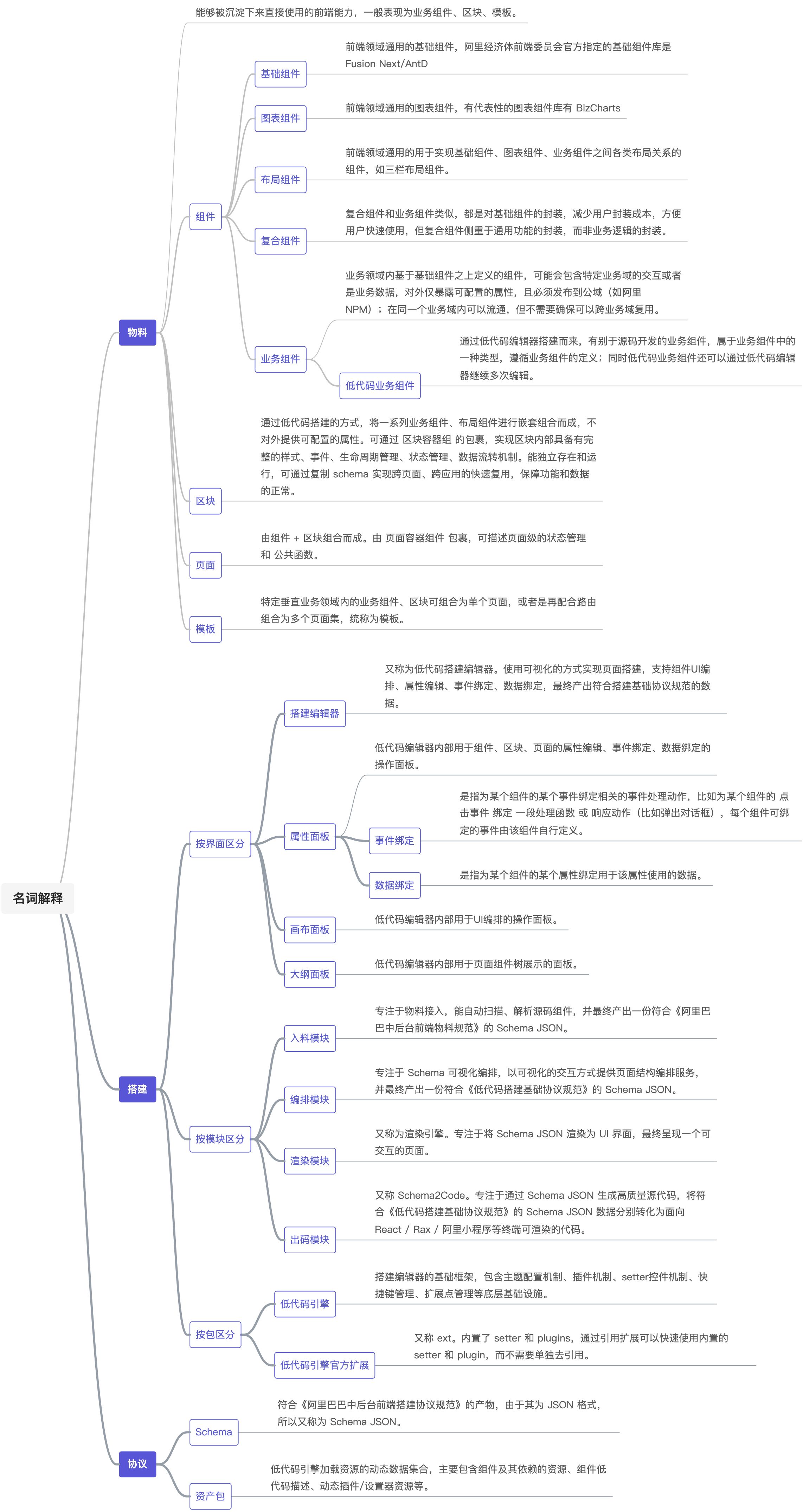
|
||||
|
||||
@ -2,6 +2,6 @@
|
||||
title: 搭建组件协议结构
|
||||
sidebar_position: 1
|
||||
---
|
||||
完整协议[查看](/site/docs/specs/material-spec)
|
||||
完整协议请查看:[http://lowcode-engine.cn/material](http://lowcode-engine.cn/material)
|
||||
|
||||

|
||||
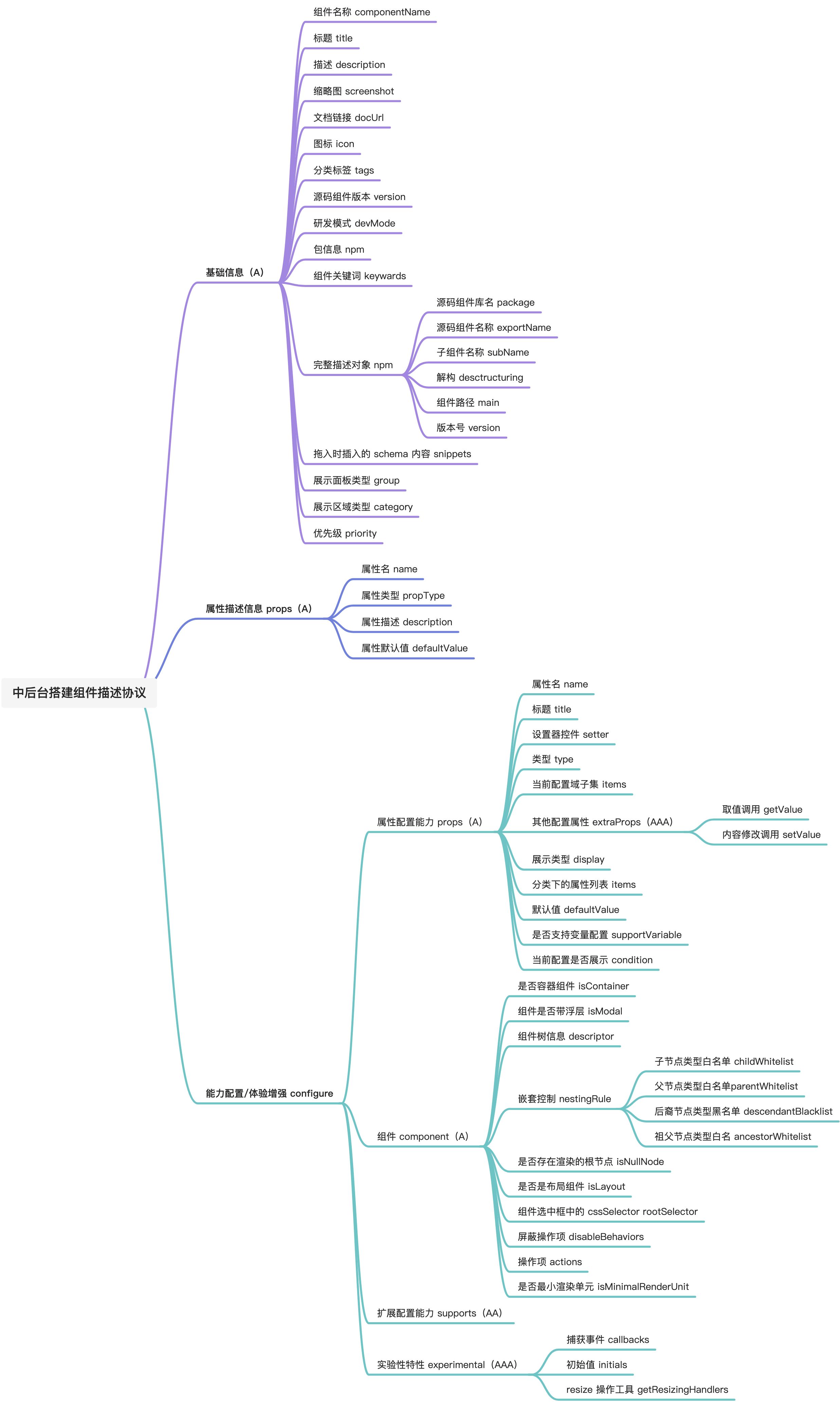
|
||||
|
||||
@ -1,5 +1,5 @@
|
||||
---
|
||||
title: NPM 包对应源码位置汇总
|
||||
title: NPM包对应源码位置汇总
|
||||
sidebar_position: 3
|
||||
---
|
||||
| 包名 | 仓库 | 路径 |
|
||||
@ -12,6 +12,8 @@ sidebar_position: 3
|
||||
| @alilc/lowcode-engine | [https://github.com/alibaba/lowcode-engine](https://github.com/alibaba/lowcode-engine) | packages/engine |
|
||||
| @alilc/lowcode-plugin-designer | [https://github.com/alibaba/lowcode-engine](https://github.com/alibaba/lowcode-engine) | packages/plugin-designer |
|
||||
| @alilc/lowcode-plugin-outline-pane | [https://github.com/alibaba/lowcode-engine](https://github.com/alibaba/lowcode-engine) | packages/plugin-outline-pane |
|
||||
| @alilc/lowcode-rax-renderer | [https://github.com/alibaba/lowcode-engine](https://github.com/alibaba/lowcode-engine) | packages/rax-renderer |
|
||||
| @alilc/lowcode-rax-simulator-renderer | [https://github.com/alibaba/lowcode-engine](https://github.com/alibaba/lowcode-engine) | packages/rax-simulator-renderer |
|
||||
| @alilc/lowcode-react-renderer | [https://github.com/alibaba/lowcode-engine](https://github.com/alibaba/lowcode-engine) | packages/react-renderer |
|
||||
| @alilc/lowcode-react-simulator-renderer | [https://github.com/alibaba/lowcode-engine](https://github.com/alibaba/lowcode-engine) | packages/react-simulator-renderer |
|
||||
| @alilc/lowcode-renderer-core | [https://github.com/alibaba/lowcode-engine](https://github.com/alibaba/lowcode-engine) | packages/renderer-core |
|
||||
@ -42,6 +44,6 @@ sidebar_position: 3
|
||||
| @alifd/fusion-ui | [https://github.com/alibaba/lowcode-materials](https://github.com/alibaba/lowcode-materials) | packages/fusion-ui |
|
||||
| @alilc/lowcode-materials | [https://github.com/alibaba/lowcode-materials](https://github.com/alibaba/lowcode-materials) | packages/fusion-lowcode-materials |
|
||||
| @alilc/antd-lowcode-materials | [https://github.com/alibaba/lowcode-materials](https://github.com/alibaba/lowcode-materials) | packages/antd-lowcode-materials |
|
||||
| @alifd/layout(原 @alifd/pro-layout 升级后的版本) | [https://github.com/alibaba-fusion/layout](https://github.com/alibaba-fusion/layout) | |
|
||||
| | | |
|
||||
| | | |
|
||||
| | | |
|
||||
|
||||
@ -2,7 +2,7 @@
|
||||
title: 低代码仓库列表
|
||||
sidebar_position: 2
|
||||
---
|
||||
## 1. 引擎主包
|
||||
### 1. 引擎主包
|
||||
包含引擎的 4 大模块,入料、编排、渲染和出码。
|
||||
|
||||
仓库地址:[https://github.com/alibaba/lowcode-engine](https://github.com/alibaba/lowcode-engine)
|
||||
@ -15,15 +15,17 @@ sidebar_position: 2
|
||||
5. ignitor
|
||||
6. plugin-designer
|
||||
7. plugin-outline-pane
|
||||
8. react-renderer
|
||||
9. react-simulator-renderer
|
||||
10. renderer-core
|
||||
11. types
|
||||
12. utils
|
||||
13. material-parser
|
||||
14. code-generator
|
||||
8. rax-renderer
|
||||
9. rax-simulator-renderer
|
||||
10. react-renderer
|
||||
11. react-simulator-renderer
|
||||
12. renderer-core
|
||||
13. types
|
||||
14. utils
|
||||
15. material-parser
|
||||
16. code-generator
|
||||
|
||||
## 2. 引擎官方扩展包
|
||||
### 2. 引擎官方扩展包
|
||||
包含了常用的设置器(setter)、跟 setter 绑定的插件等
|
||||
|
||||
仓库地址:[https://github.com/alibaba/lowcode-engine-ext](https://github.com/alibaba/lowcode-engine-ext)
|
||||
@ -54,7 +56,7 @@ sidebar_position: 2
|
||||
- 插件 plugin
|
||||
- plugin-event-bind-dialog 事件绑定浮层
|
||||
- plugin-variable-bind-dialog 变量绑定浮层
|
||||
## 3. 低代码插件
|
||||
### 3. 低代码插件
|
||||
包含了常用的插件等
|
||||
|
||||
仓库地址:[https://github.com/alibaba/lowcode-plugins](https://github.com/alibaba/lowcode-plugins)
|
||||
@ -68,18 +70,18 @@ sidebar_position: 2
|
||||
- plugin-undo-redo 前进/后退功能
|
||||
- plugin-zh-cn 中英文切换功能
|
||||
|
||||
## 4. 引擎 demo
|
||||
### 4. 引擎 demo
|
||||
展示使用引擎编排和渲染等模块以及相应的依赖资源配置基础 demo
|
||||
|
||||
仓库地址:[https://github.com/alibaba/lowcode-demo](https://github.com/alibaba/lowcode-demo)
|
||||
## 5. 工具链包
|
||||
### 5. 工具链包
|
||||
包含生成引擎生态元素(setter、物料、插件)的脚手架,启动脚本,调试插件等
|
||||
|
||||
仓库地址:[https://github.com/alibaba/lowcode-tools](https://github.com/alibaba/lowcode-tools)
|
||||
## 6. 低代码数据源引擎
|
||||
### 6. 低代码数据源引擎
|
||||
负责在渲染&出码两种运行时实现数据源管理,承担低代码搭建数据请求的能力;
|
||||
仓库地址:[https://github.com/alibaba/lowcode-datasource](https://github.com/alibaba/lowcode-datasource)
|
||||
## 7. 基础物料 & 物料描述
|
||||
### 7. 基础物料 & 物料描述
|
||||
仓库地址:[https://github.com/alibaba/lowcode-materials](https://github.com/alibaba/lowcode-materials)
|
||||
## 8. 出码 demo
|
||||
### 8. 出码 demo
|
||||
仓库地址:[https://github.com/alibaba/lowcode-code-generator-demo](https://github.com/alibaba/lowcode-code-generator-demo)
|
||||
|
||||
@ -2,12 +2,12 @@
|
||||
title: ArraySetter
|
||||
---
|
||||
|
||||
## 简介
|
||||
用来展示属性类型为数组的 setter
|
||||
## 展示
|
||||
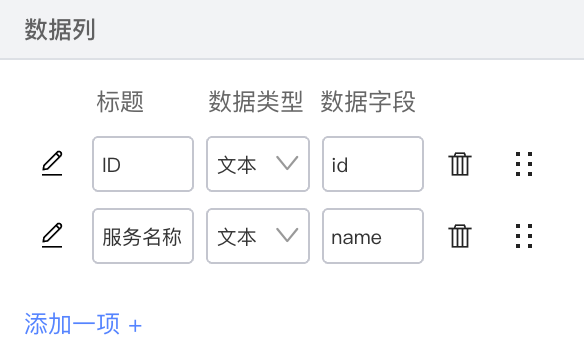
|
||||
## 配置示例
|
||||
```json
|
||||
#### 简介
|
||||
用来展示属性类型为数组的setter
|
||||
#### 展示
|
||||
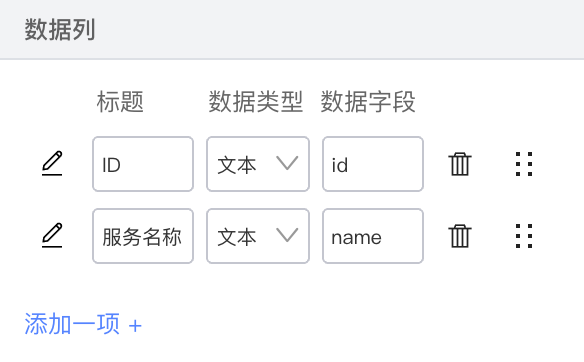
|
||||
#### 配置示例
|
||||
```javascript
|
||||
"setter": {
|
||||
"componentName": "ArraySetter",
|
||||
"props": {
|
||||
@ -18,7 +18,7 @@ title: ArraySetter
|
||||
"items": [{
|
||||
"name": "title",
|
||||
"description": "标题",
|
||||
"setter": "StringSetter"
|
||||
"setter": "StringSetter",
|
||||
},
|
||||
{
|
||||
"name": "callback",
|
||||
@ -32,36 +32,37 @@ title: ArraySetter
|
||||
},
|
||||
"initialValue": {
|
||||
"title": "I am title",
|
||||
"callback": null
|
||||
"callback": null,
|
||||
}
|
||||
}
|
||||
}
|
||||
}
|
||||
```
|
||||
## ArraySetter 配置
|
||||
|
||||
#### ArraySetter 配置
|
||||
| **属性名** | **类型** | **说明** |
|
||||
| --- | --- | --- |
|
||||
| itemSetter | ObjectSetter | ArraySetter 的子节点内容必须用 ObjectSetter 包裹 |
|
||||
|
||||
## itemSetter 配置
|
||||
| itemSetter | ObjectSetter | ArraySetter的子节点内容必须用ObjectSetter包裹 |
|
||||
|
||||
#### itemSetter 配置
|
||||
| **属性名** | **类型** | **说明** |
|
||||
| --- | --- | --- |
|
||||
| componentName | String ||
|
||||
| componentName | String |
|
||||
|
|
||||
| props | | |
|
||||
| initialValue | Object | 新增一项的初始值 |
|
||||
|
||||
## ObjectSetter 配置
|
||||
#### ObjectSetter 配置
|
||||
| **属性名** | **类型** | **说明** |
|
||||
| --- | --- | --- |
|
||||
| descriptor | String | Item 在列表中展示的 item.key 名,需要和 config.items[] 中key对应 默认为 “项目X” 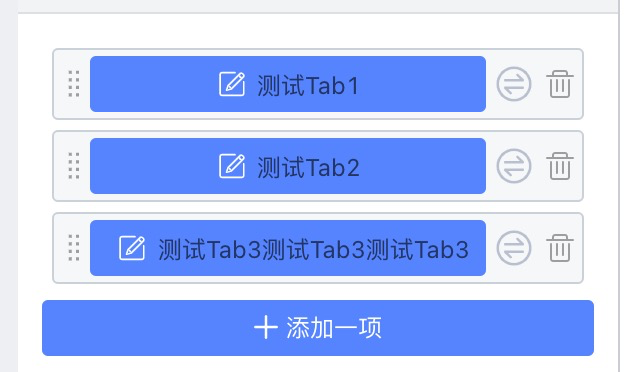 |
|
||||
| descriptor | String | Item在列表中展示的item.key名,需要和 config.items[] 中key对应 默认为 “项目X”
|
||||
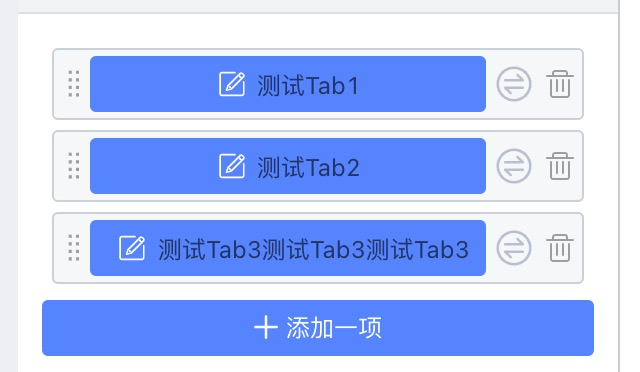 |
|
||||
| config | Object | 配置项 |
|
||||
| config.items | Array | 子属性列表数据 |
|
||||
| config.items[].name | String | 子属性名称 |
|
||||
| config.items[].description | String | 子属性描述 |
|
||||
| config.items[].setter | Object | String | 子属性setter配置 | 子属性setter组件名 |
|
||||
| config.items[].isRequired | Boolean | 子属性是否开启快捷编辑,最多开启4个 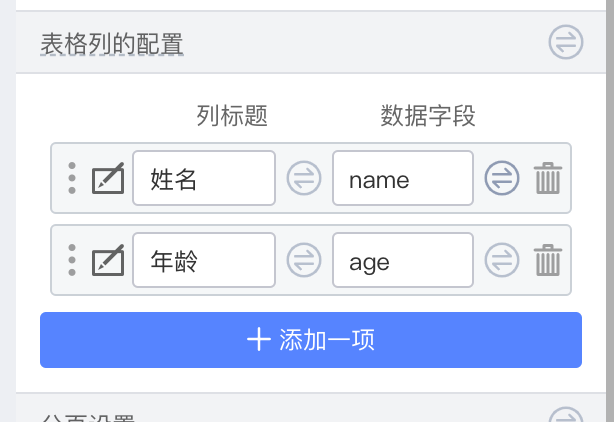 |
|
||||
| config.items[].isRequired | Boolean | 子属性是否开启快捷编辑,最多开启4个
|
||||
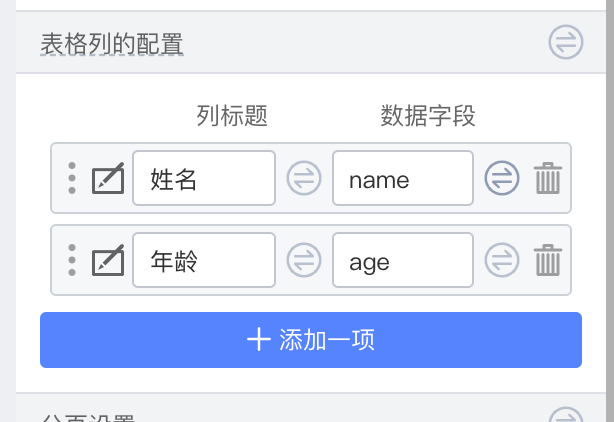 |
|
||||
| config.items[].condition | Boolean | () => Boolean | 是否展示 |
|
||||
| config.items[].getValue | (target, value) => value | 数据获取的 hook,可修改获取数据 |
|
||||
| config.items[].setValue | (target, value) => value | 数据获取的 hook,可修改设置数据 |
|
||||
|
||||
@ -1,18 +1,15 @@
|
||||
---
|
||||
title: BoolSetter
|
||||
---
|
||||
## 简介
|
||||
#### 简介
|
||||
开关选择器
|
||||
## 展示
|
||||
|
||||

|
||||
## setter 配置
|
||||
|
||||
#### 展示
|
||||

|
||||
#### setter 配置
|
||||
| 属性名 | 说明 |
|
||||
| --- | --- |
|
||||
| disabled | 是否可选 |
|
||||
| defaultValue | 默认值 |
|
||||
|
||||
## 返回类型
|
||||
|
||||
#### 返回类型
|
||||
Boolean
|
||||
|
||||
@ -2,15 +2,13 @@
|
||||
title: ColorSetter
|
||||
---
|
||||
用来选择颜色。
|
||||
## 展示
|
||||
<img src="https://img.alicdn.com/imgextra/i4/O1CN01iYKRA920aDn1uhs3M_!!6000000006865-2-tps-590-728.png" width="300"/>
|
||||
|
||||
## setter 配置
|
||||
#### 展示
|
||||
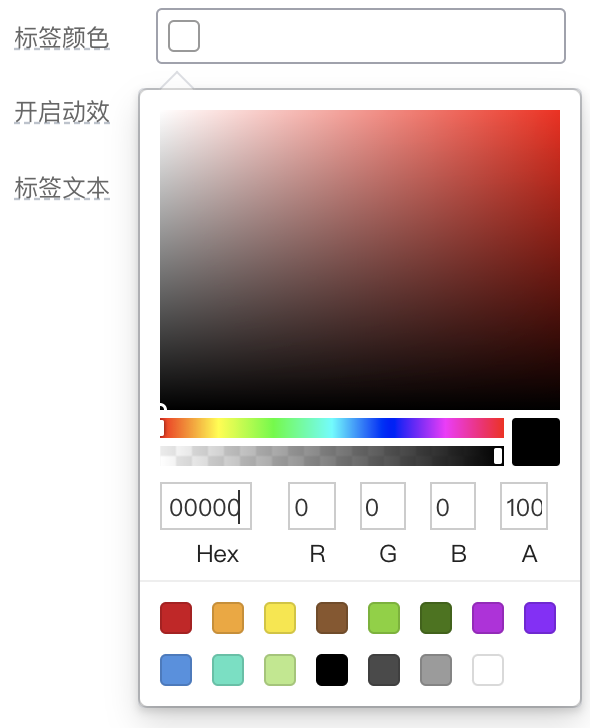
|
||||
#### setter 配置
|
||||
| 属性名 | 说明 |
|
||||
| --- | --- |
|
||||
| defaultValue | 默认值 |
|
||||
|
||||
## 返回类型
|
||||
#### 返回类型
|
||||
String
|
||||
|
||||
会返回 options 中的 value 值
|
||||
会返回options中的value值
|
||||
|
||||
Some files were not shown because too many files have changed in this diff Show More
Loading…
x
Reference in New Issue
Block a user