NarratoAI 😎📽️
一站式 AI 影视解说+自动化剪辑工具🎬🎞️
[//]: # (

)
NarratoAI 是一个自动化影视解说工具,基于LLM实现文案撰写、自动化视频剪辑、配音和字幕生成的一站式流程,助力高效内容创作。
[](https://github.com/linyqh/NarratoAI)

[](https://github.com/linyqh/NarratoAI/blob/main/LICENSE)

[](https://github.com/linyqh/NarratoAI/issues)

[](https://github.com/linyqh/NarratoAI/stargazers)

[](https://discord.gg/WBKChhmZ)

首页

视频审查界面

## 配置要求 📦
- 建议最低 CPU 4核或以上,内存 8G 或以上,显卡非必须
- Windows 10 或 MacOS 11.0 以上系统
## 快速开始 🚀
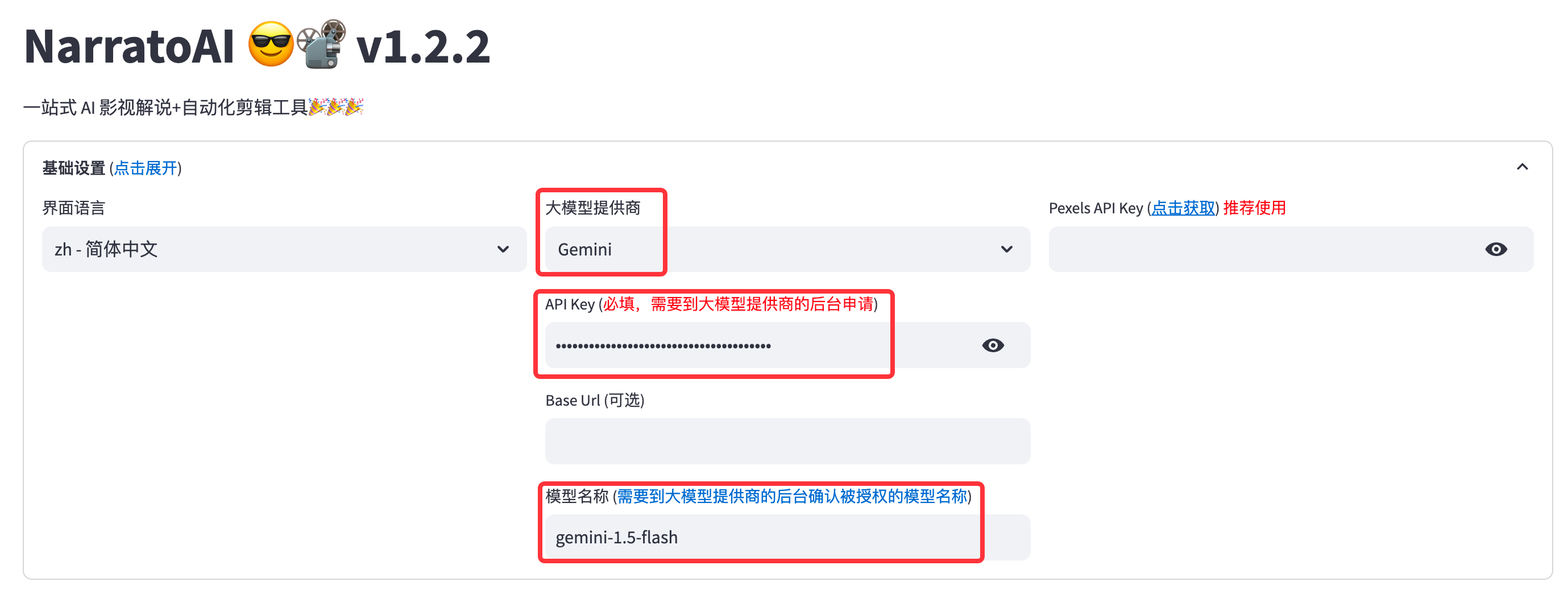
### 申请 Google AI studio 账号
1. 访问 https://aistudio.google.com/app/prompts/new_chat 申请账号
2. 点击 `Get API Key` 申请 API Key
3. 申请的 API Key 填入 `config.example.toml` 文件中的 `gemini_api_key` 配置
### 配置 proxy VPN
> 配置vpn的方法不限,只要能正常访问 Google 网络即可,本文采用的是 chash
1. 记住 clash 服务的端口,一般为 `http://127.0.0.1:7890`
2. 若端口不为 `7890`,请修改 `docker-compose.yml` 文件中的 `VPN_PROXY_URL` 为你的代理地址
```yaml
environment:
- "VPN_PROXY_URL=http://host.docker.internal:7890" # 修改为你的代理端口;host.docker.internal表示物理机的IP
```
3. (可选)或者修改 `config.example.toml` 文件中的 `proxy` 配置
```toml
[proxy]
### Use a proxy to access the Pexels API
### Format: "http://