NarratoAI 😎📽️
An all-in-one AI-powered tool for film commentary and automated video editing.🎬🎞️
📖 English | 简体中文
[//]: # (

)
NarratoAI is an automated video narration tool that provides an all-in-one solution for script writing, automated video editing, voice-over, and subtitle generation, powered by LLM to enhance efficient content creation.
[](https://github.com/linyqh/NarratoAI)
[](https://github.com/linyqh/NarratoAI/blob/main/LICENSE)
[](https://github.com/linyqh/NarratoAI/issues)
[](https://github.com/linyqh/NarratoAI/stargazers)
[](https://discord.gg/ajjy8d3g)
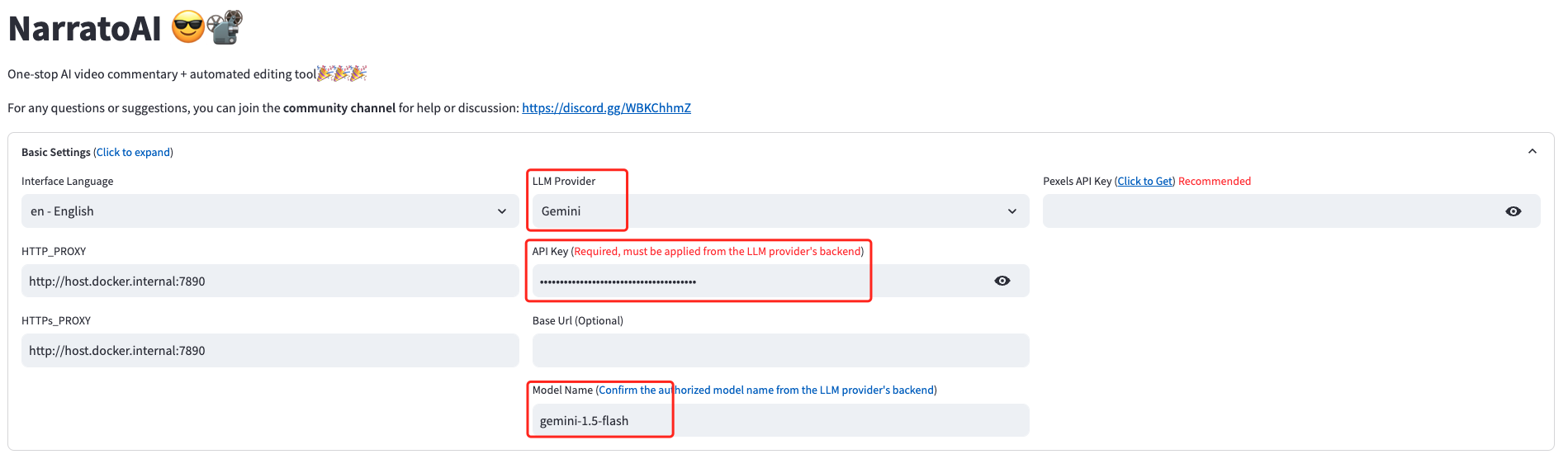
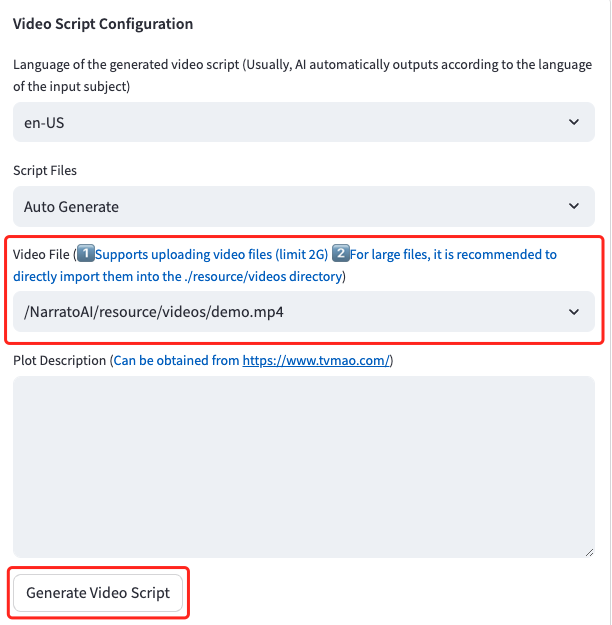
Home
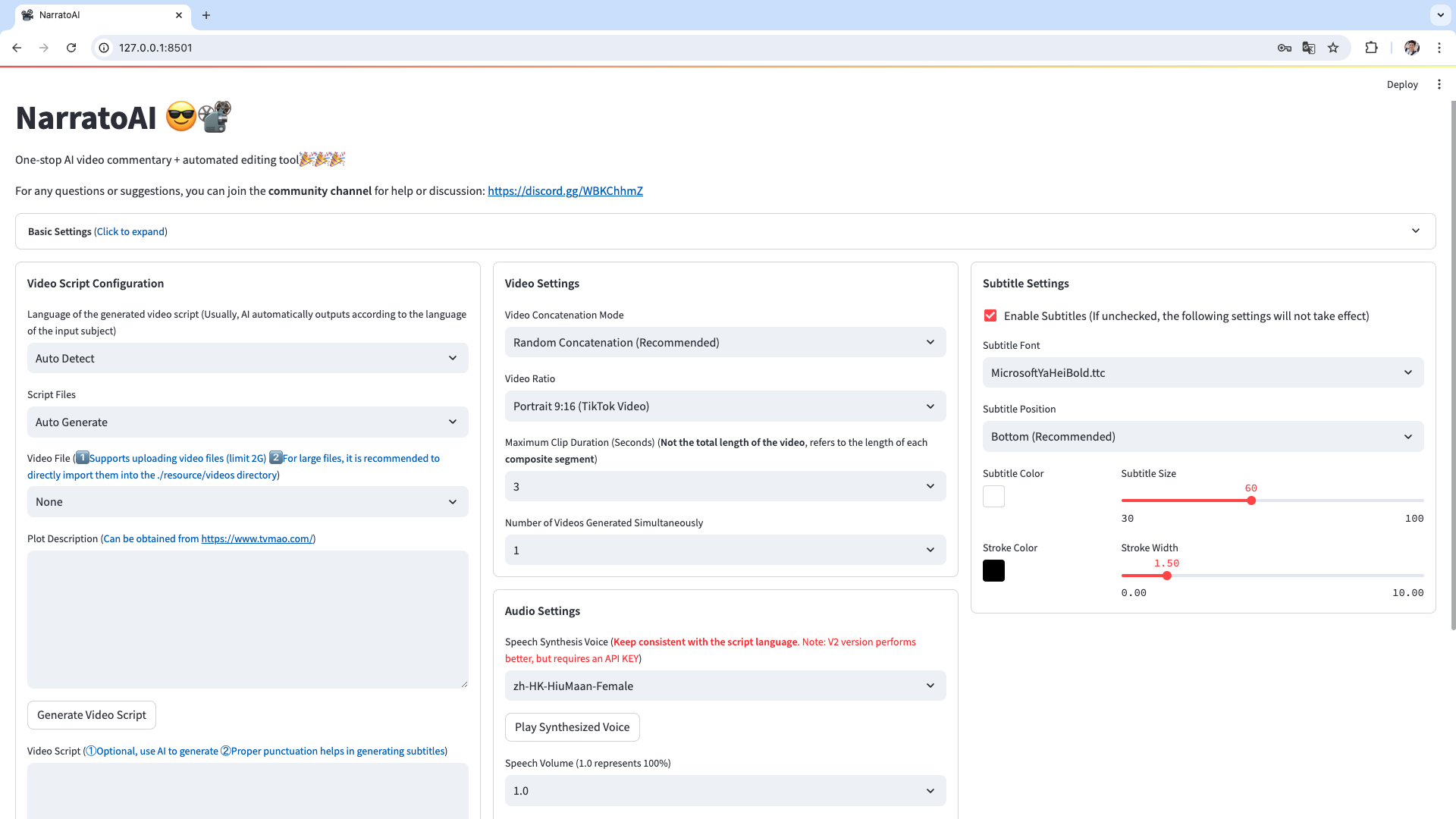
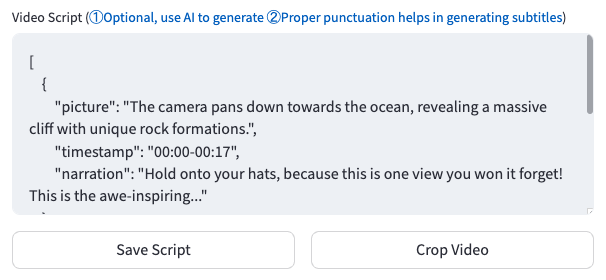
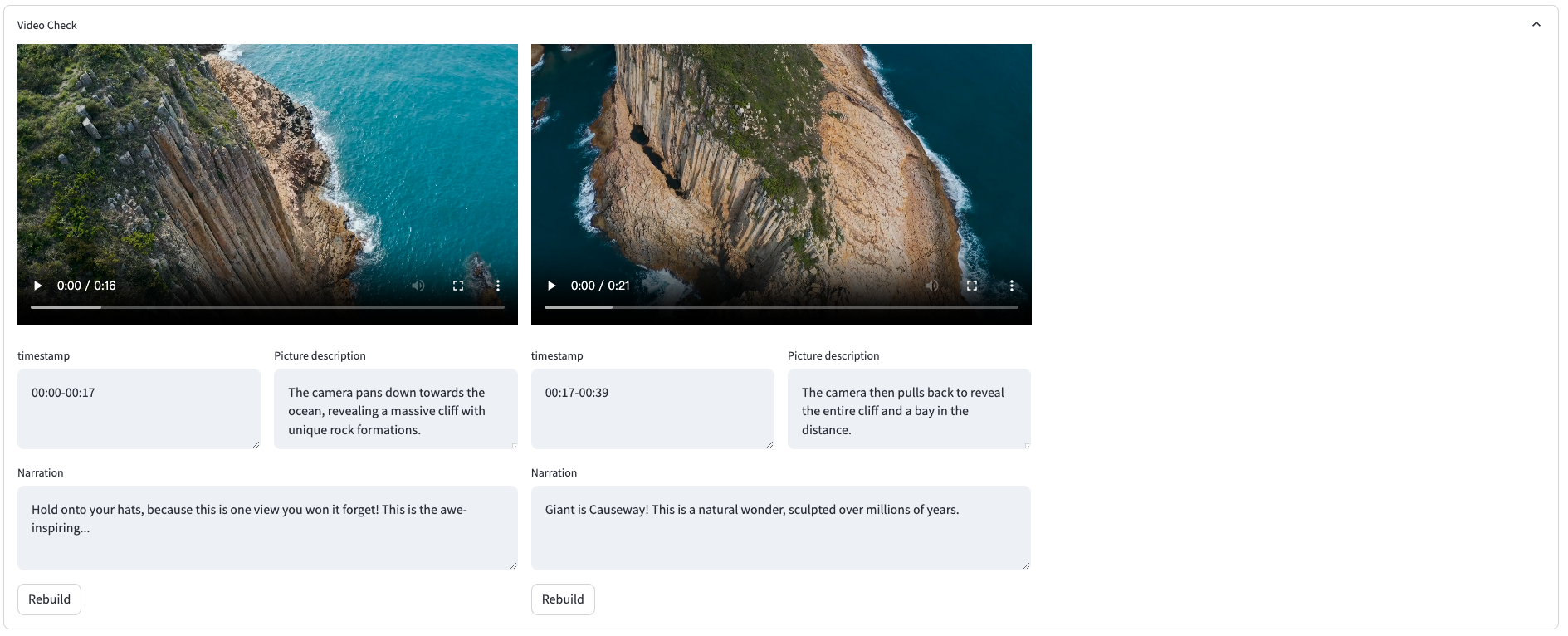
Video Review Interface

## System Requirements 📦
- Recommended minimum: CPU with 4 cores or more, 8GB RAM or more, GPU is not required
- Windows 10 or MacOS 11.0 or above
## Quick Start 🚀
### Apply for Google AI Studio Account
1. Visit https://aistudio.google.com/app/prompts/new_chat to apply for an account.
2. Click `Get API Key` to request an API Key.
3. Enter the obtained API Key into the `gemini_api_key` setting in the `config.example.toml` file.
### Configure Proxy VPN
> The method to configure VPN is not restricted, as long as you can access Google's network. Here, `clash` is used as an example.
1. Note the port of the clash service, usually `http://127.0.0.1:7890`.
2. If the port is not `7890`, modify the `VPN_PROXY_URL` in the `docker-compose.yml` file to your proxy address.
```yaml
environment:
- "VPN_PROXY_URL=http://host.docker.internal:7890" # Change to your proxy port; host.docker.internal represents the IP of the physical machine.
```
3. (Optional) Or modify the `proxy` settings in the `config.example.toml` file.
```toml
[proxy]
### Use a proxy to access the Pexels API
### Format: "http://